English
English 
2026-04-07
Remote control software for one phone to another is a practical cross-device tool that can solve needs such as remote assistance and multi-device management. When choosing such a tool, performance and usability are crucial. OSLink stands out among many remote control software options, distinguishing itself with its solid performance and user-friendly interface. Its core advantages are worth exploring in depth, especially suitable for everyday assistance and cross-device operation scenarios.
Below, we'll teach you how to use OSLink to remotely control another phone.
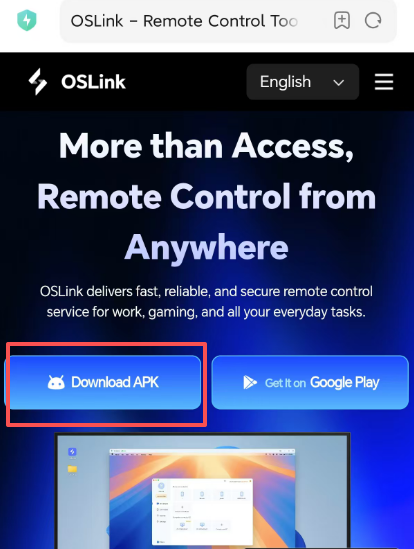
1. First, go to the official website to download the Oslink App (official website: https://www.oslink.io/)
2. Both the controlling and controlled devices must be logged into the same account (this step is mandatory).


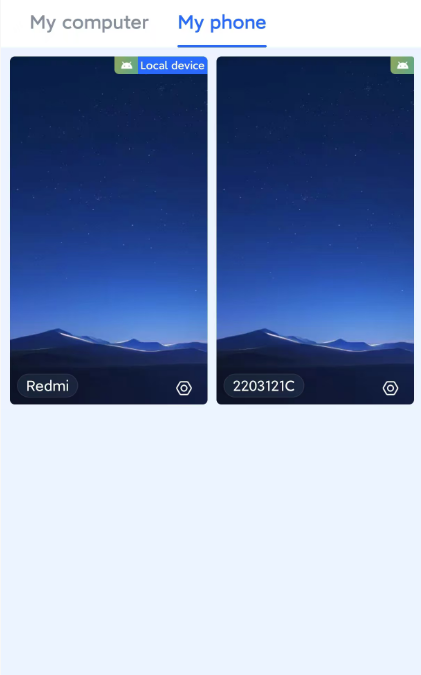
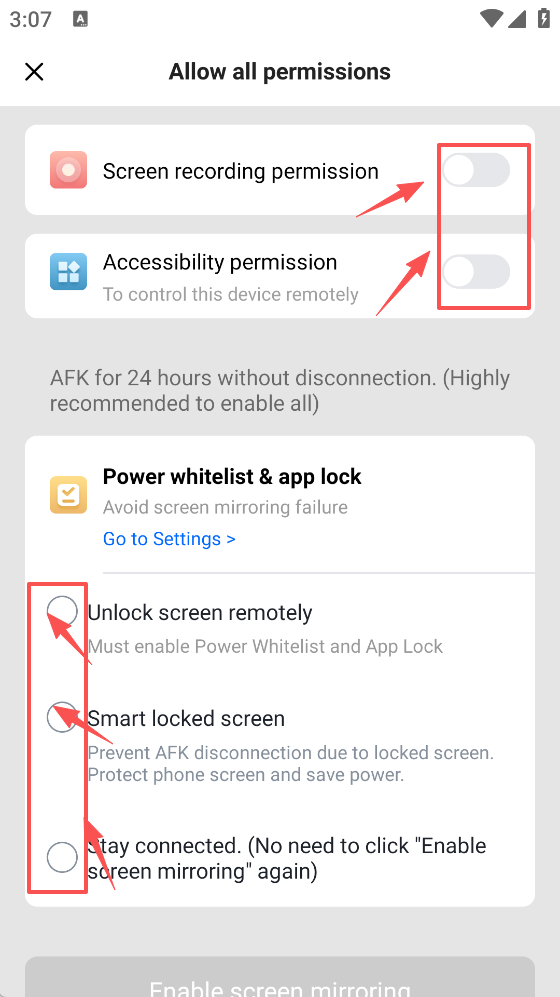
3. Select All Devices - My Phone, and then grant permissions as prompted (it is recommended to enable all battery display permissions to effectively prevent dropped connections).
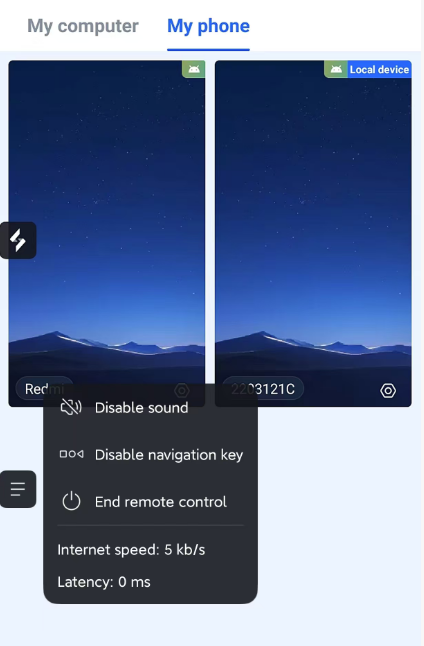
Once the operation is complete, you can remotely control another phone.