English
English 
2026-04-13
Many people struggle with how to operate their phones using a computer, whether in the office or at leisure. After all, typing with a computer keyboard and using a mouse is more precise and efficient than using a phone's touchscreen. To understand how to operate your phone using a computer, choosing the right tool is key. Below, we introduce a reliable tool – oslink. With just a few simple steps, you can achieve stable control of your phone from your computer, and the experience will definitely exceed your expectations.
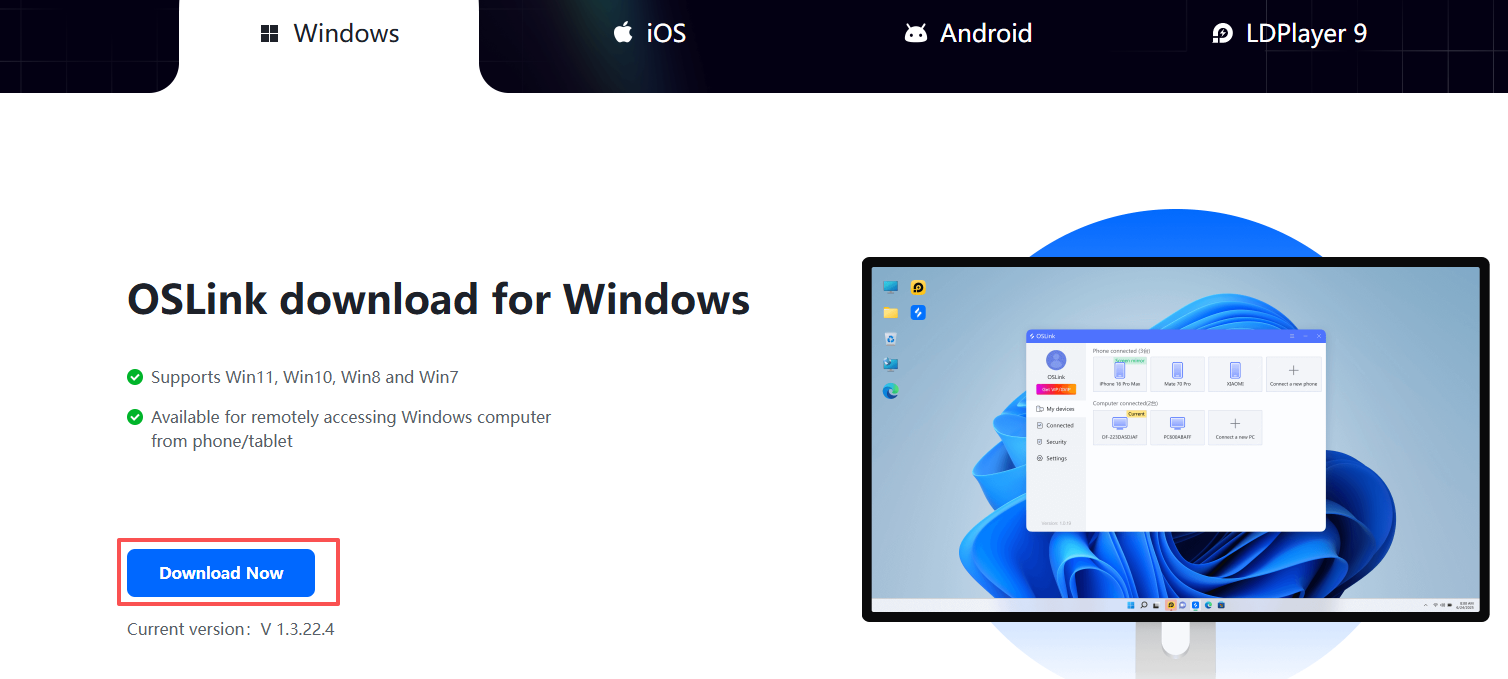
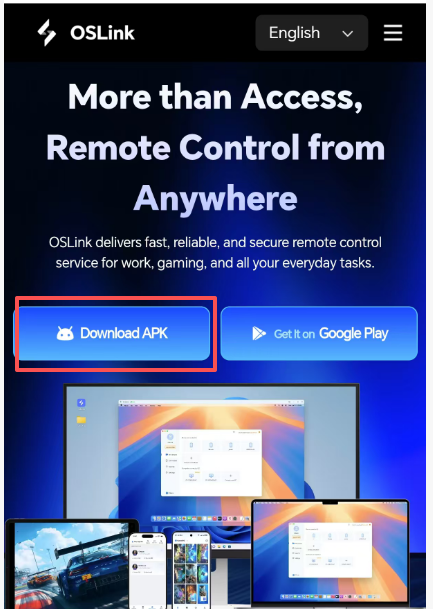
1. First, go to the official website to download the Oslink client.(https://www.oslink.io/)
PC download:
Download on mobile:
2. After downloading, log in to the same account on both your phone and computer (this step is mandatory).

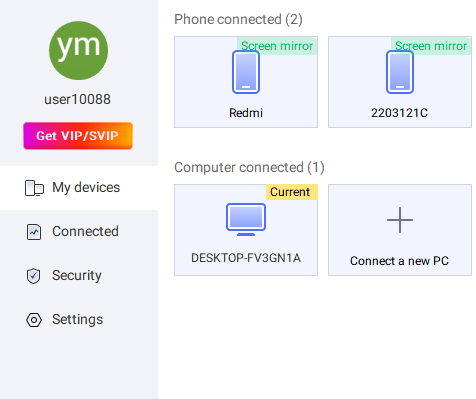
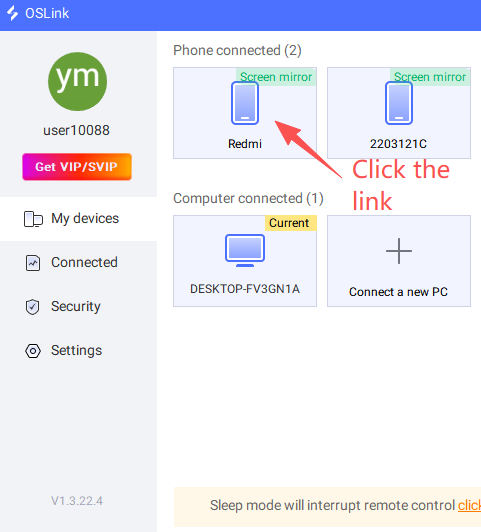
3. On your PC, click on the device displayed below "My Phone" (it will automatically appear if you're logged into the same account; if you don't see the phone, it means you're not logged into the same account) to connect. Then, follow the prompts to grant the necessary remote permissions to connect to your phone.
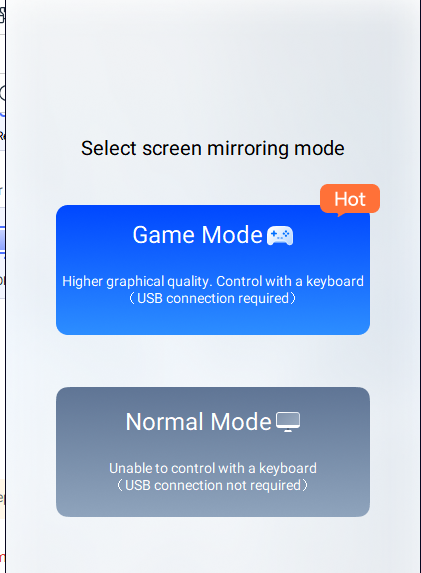
Select the connection mode (Game mode requires game buttons: USB cable connection required; Normal mode is for remote operation of the phone: USB cable connection not required).
Grant permissions as prompted.
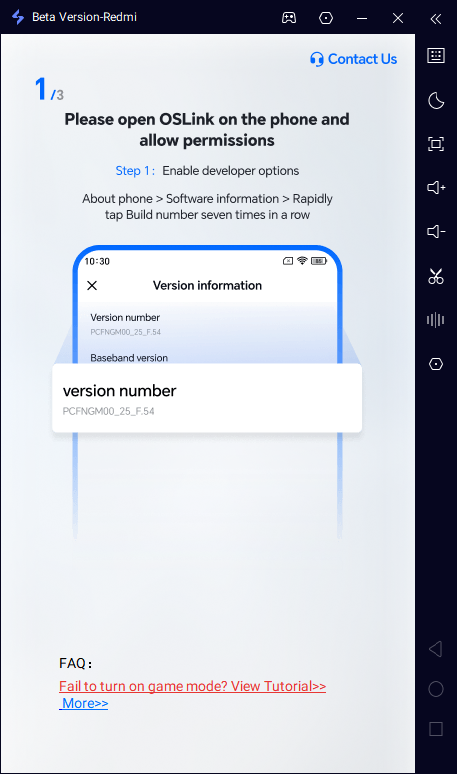
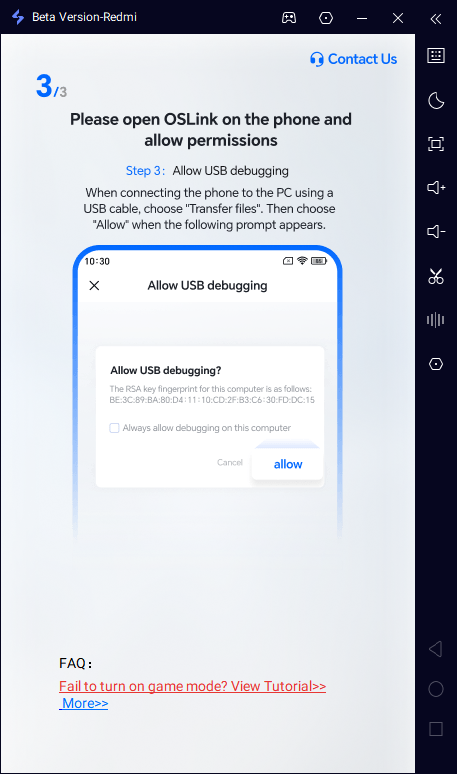
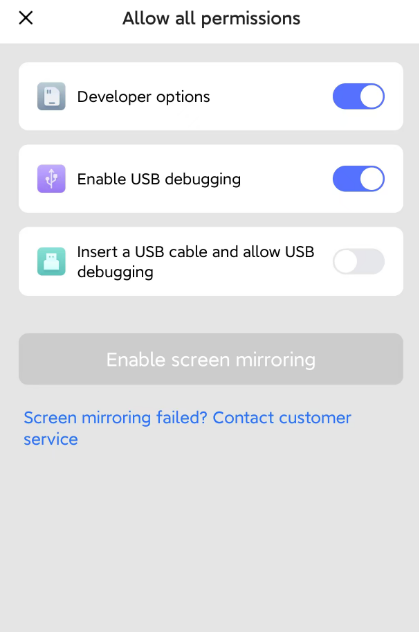
Once the operation is complete, you can remotely control your phone!