English
  Blog Game Guide How to Play Honkai: Nexus Anima on Mobile — Get the Exact PC Gaming Experience on Your Phone
 Boasting exclusive light rendering systems, vivid spirit dynamic effects and seamless open-world maps, Honkai: Nexus Anima stands out among similar PC games for its outstanding visuals. Unfortunately, all core storylines, multiplayer secret realms and gear forging features are only available on the PC client, with no official mobile port released yet. Below is a complete breakdown covering game download & installation, tool pairing & connection, mobile-side optimization and more, a fully replicable operation guide for all players.
Most streaming software comes bundled with redundant plugins and hogs massive memory, leading to frequent crashes and frame drops after long use. OSLink features a lightweight installation package that won’t eat up your device storage. Upon launch, it automatically detects Honkai: Nexus Anima already installed on your PC without requiring you to manually input the game file path. Whether you’re on a home local area network or an outdoor remote network, stable connections are guaranteed. You can breeze through daily dungeons and complete spirit raising quests smoothly even with fragmented spare time.
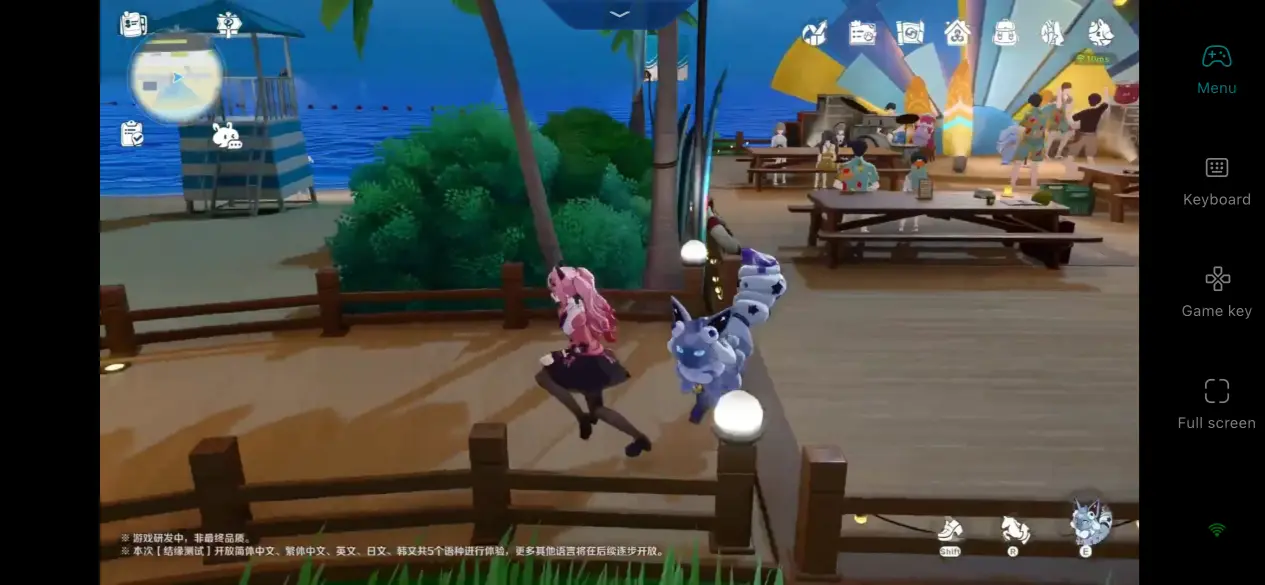
1. Download Honkai: Nexus Anima on PC
Download Channels: You can pre-order and download Honkai: Nexus Anima through official channels. The PC installer file is obtainable from the official website or designated platforms. PC Hardware Requirements: Processor – Intel 11th Gen i5 or equivalent AMD Ryzen 5000 series or higher; GPU – NVIDIA RTX 2060 or AMD RX 5600 XT or better; OS – Windows 10 or newer; RAM – 16GB; Hard Drive – reserve at least 15GB free space. These are recommended specs rather than minimum requirements. Stable visuals during streaming can only be ensured if your hardware meets the standard.
2. Complete OSLink Installation on Both PC and Mobile
PC Side: Head to OSLink’s official website to download the Windows desktop program, install it and log into your account.
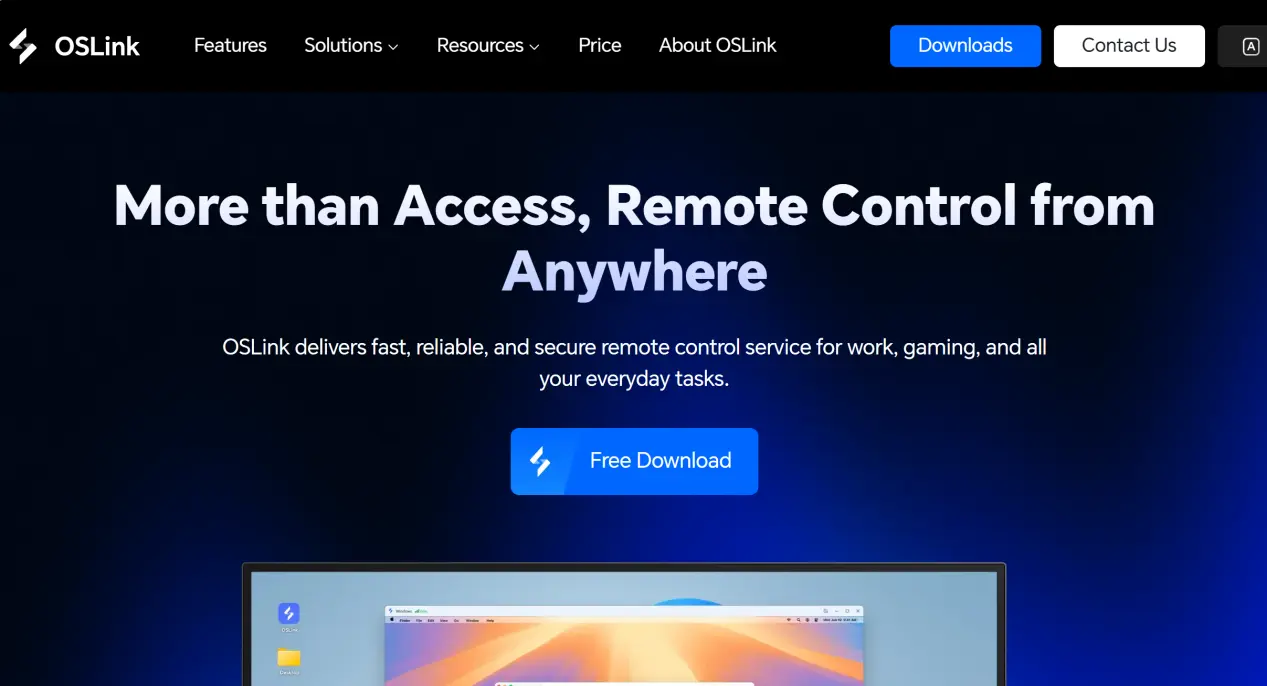
Mobile Side: Search "OSLink" on App Store or Google Play to get the app; you may also download the APK file directly from the official site for installation. Log in with the exact same account you used on PC once installed.
Once both devices finish downloading and log into the matching account, the PC and mobile device will auto-connect to each other.
3. Step-by-Step Mobile Gameplay Walkthrough
Step 1
Launch the game on your computer Open the PC version of Honkai: Nexus Anima normally on your PC and keep the game window running.
Step 2
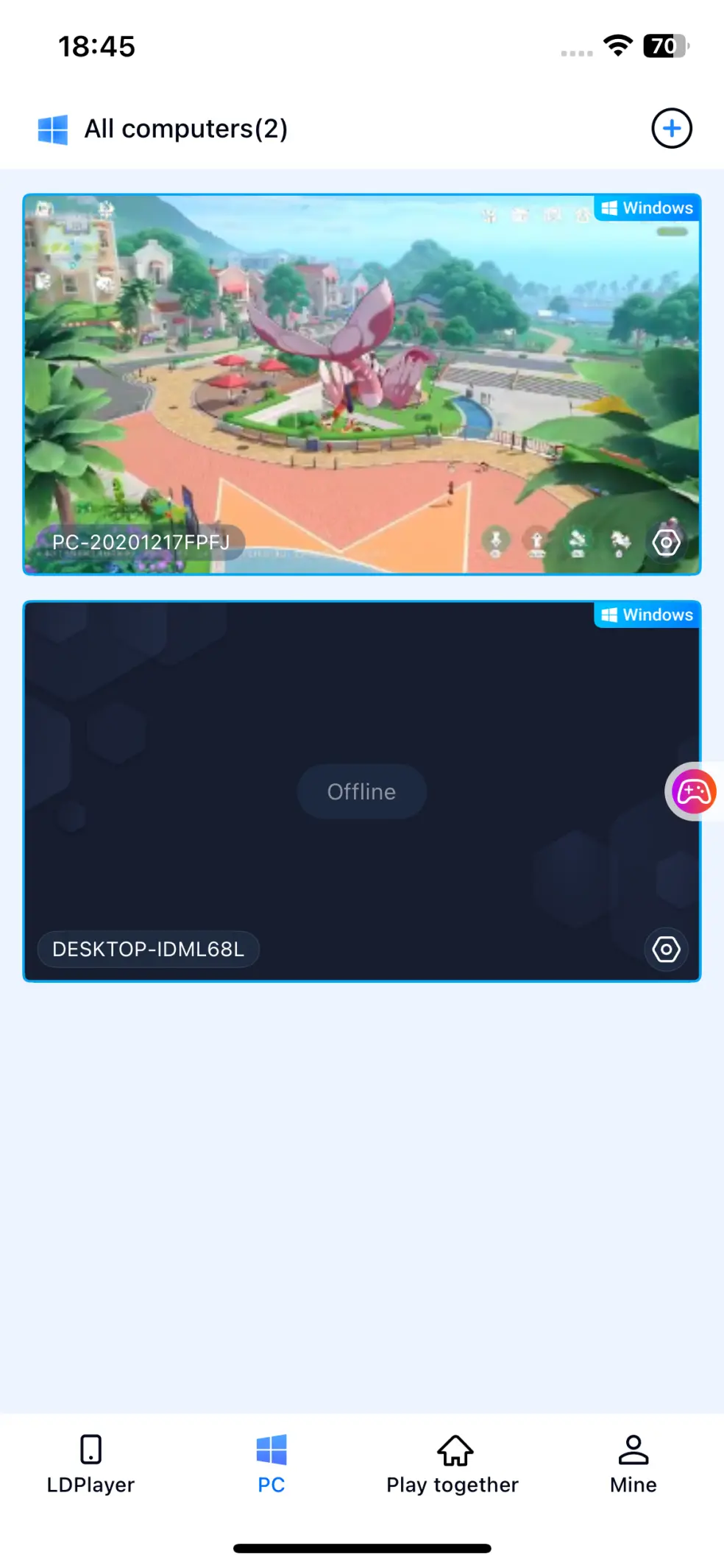
Initiate connection via your phone Fire up the OSLink app on your mobile, pick your PC logged into the same account under "Available Devices". After a successful connection, your phone screen will mirror your PC desktop.
Step 3
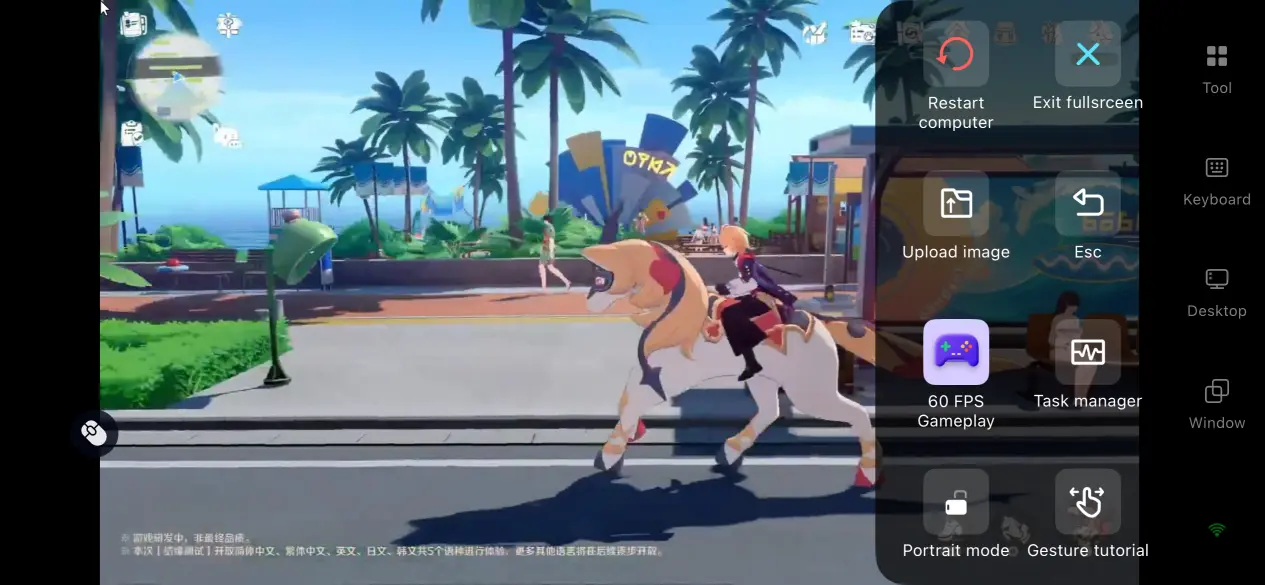
Switch to PC Game Mode Tap the tool icon at the top-right corner of your phone screen and select "60fps PC Gaming" or "60fps Desktop Game Mode". OSLink will instantly switch to a tailored control scheme for easier small-screen operation.
4. Perks of Streaming PC Games on Mobile
Game on the Go with Spare Time
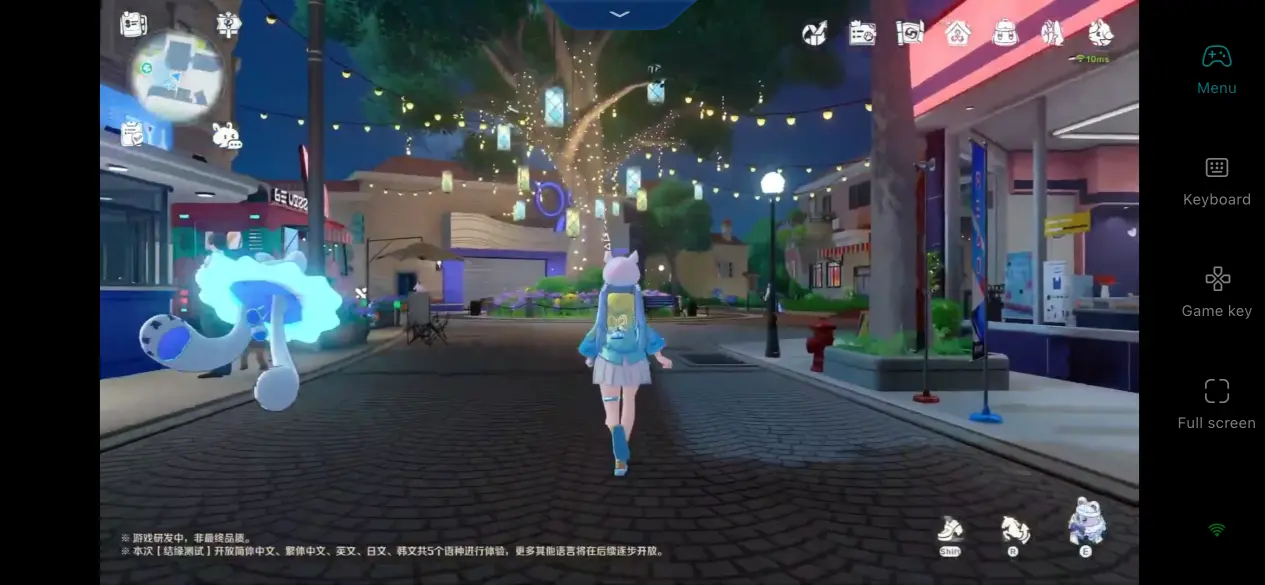
No need to stay glued to your desktop. You can jump into the Spirit Fate world during commutes or lunch breaks. All game progress syncs perfectly with your PC. Clear daily missions during free time, then tackle high-difficulty dungeons back home for flexible time management.
Multiplayer Cross-Device Co-op & Matches
OSLink’s "Play Together" feature lets players create private game lobbies and invite friends to join. Your pals don’t need to sit by a PC — they can hop in instantly via OSLink on their phones for party runs.
Zero Local Storage Occupancy
Since the game runs entirely on your PC via streaming, your phone only needs the lightweight OSLink app installed. Even low-end phones can run this high-graphics title without eating up local storage.
5. Built-In OSLink Feature Breakdown
Visual Quality & Frame Rate Tuning
OSLink offers four visual presets ranging from Smooth to Ultra HD. Stick to Ultra HD if your network is steady, or lower the preset to prioritize consistent frames during network fluctuations. Frame rate options include 30fps and 60fps; 60fps is highly recommended for action gameplay to boost responsiveness. Bitrate can be manually adjusted — crank it up with sufficient bandwidth to reduce image compression artifacts.
Customizable Button Mapping
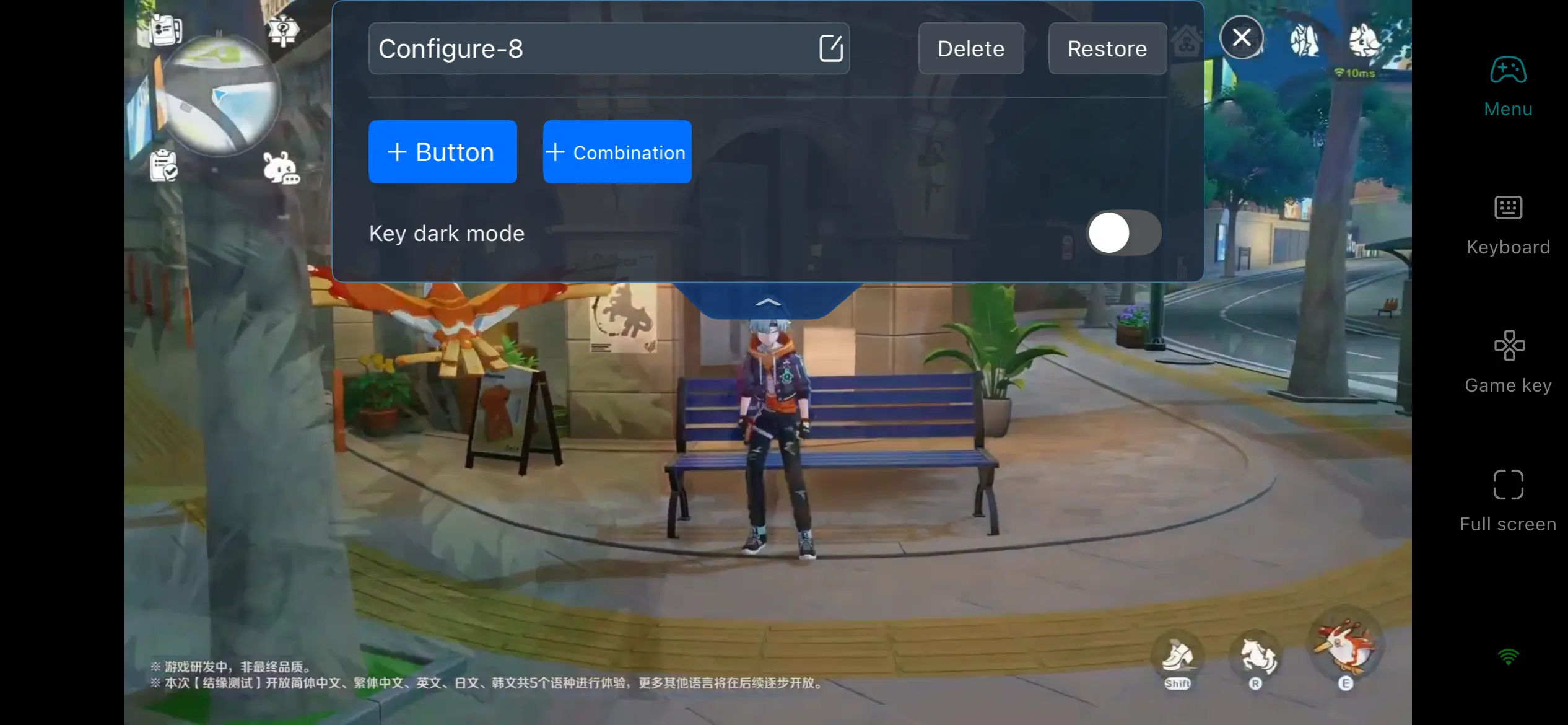
Head to "Game Controls" to add single keys, combo hotkeys or multi-function buttons. Drag controls anywhere on the screen and resize or adjust transparency to your liking. Save separate layouts for different games and load them with one tap when switching titles.
Compatibility with External Peripherals
Pair Bluetooth controllers or external mouse & keyboard directly. Physical gamepads deliver a console-like feel far superior to touchscreen taps for players who prefer physical controls.
Auto-Tap & Macro Recording
The "Auto Click" tool in the toolbar records a sequence of operations and loops them automatically. Perfect for repetitive resource farming and AFK grinding sessions.
6. Frequently Asked Questions
Q: The default OSLink button layout doesn’t fit Honkai: Nexus Anima’s combat system and feels clunky, what should I do?
A: Combat in Honkai: Nexus Anima involves frequent spirit skill casts, position adjustments and bond trigger activations, requiring constant input. Go to "Game Controls" in OSLink and select "Custom Layout" to build a control scheme tailored to your playstyle.
Q: Can I use OSLink’s "Play Together" feature for PvP battles in Honkai: Nexus Anima?
A: Absolutely. Lobbies created via the Play Together function support remote friend access. Your teammates only need OSLink on their phones to join, no PC or local game installation required. This works for both PvP competitive matches and PVE challenge runs.
Q: Does game progress sync between PC and mobile?
A: Fully synced. Log off on PC, then reconnect through OSLink on your phone with the same account to pick up exactly where you left off.
Conclusion
Many players of Honkai: Nexus Anima often have to leave their pets unattended when heading out, and OSLink solves this hassle perfectly. This guide covers every single detail from downloading and installing software to stream optimization. Both new and veteran players can follow this cross-device solution designed for unrestricted play anywhere, be it commuting or traveling. After simple setup, you can log in anytime to look after your Imo companions.
 Download