English
 Sea of Remnants is a open-world sailing survival RPG celebrated for its boundless void ocean maps, shipbuilding mechanics and large-scale player naval skirmishes. Since the title only released a desktop client, countless players have run into a frustrating dilemma: when commuting, traveling for business or waiting in public spaces without a PC handy, they cannot wrap up daily resource gathering or fleet patrol quests on schedule—an issue plaguing most captains. This detailed remote streaming tutorial breaks down how to mirror Sea of Remnants onto your mobile phone, so you can continue your seafaring journey without geographic restrictions. Keep reading for the full setup walkthrough.
OSLink is a streamlined remote streaming tool perfectly optimized for PC game mirroring. It transmits uncompressed, crisp visuals without consuming any local storage space on your mobile device. All graphics rendering and game calculations run entirely on your desktop hardware, meaning even low-end phones can render high-detail ocean scenes smoothly. The pairing and installation process is condensed into a handful of simple steps to quickly establish a stable video transmission link between your computer and mobile device.
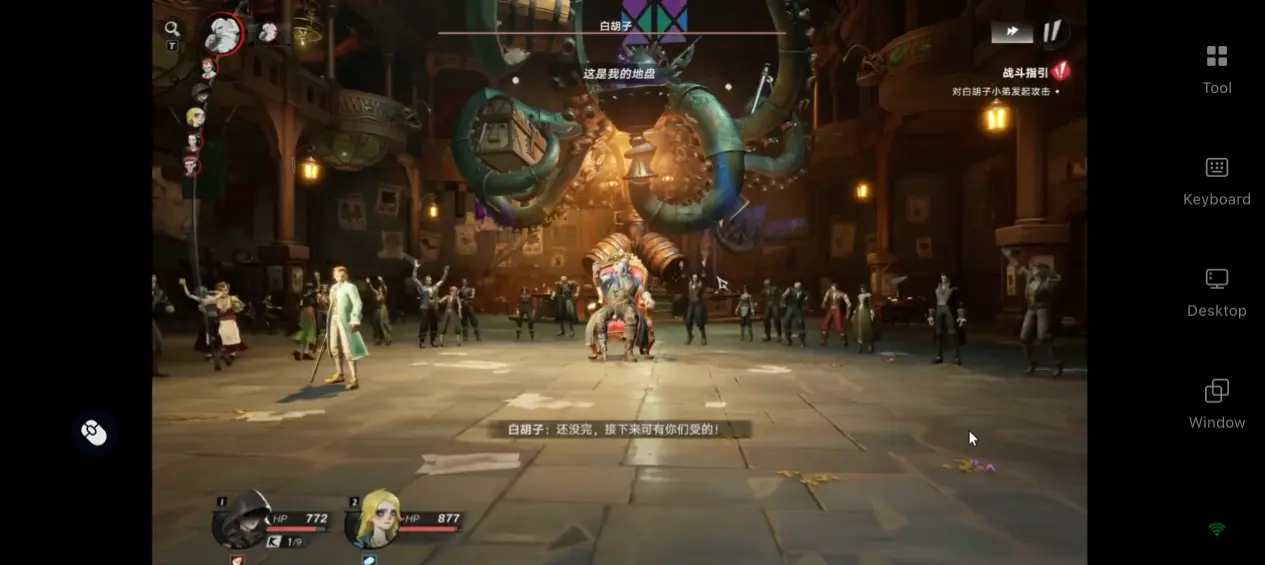
1. PC Preparations for Sea of Remnants
Game Download Channels
Players can obtain the PC version of Sea of Remnants via Steam or official platform. The game installer takes up roughly 60GB of storage, and installation on a solid-state drive (SSD) is highly recommended. Double-check that your hard drive has sufficient free space before starting the installation.
PC Hardware Specifications
Minimum system requirements: Windows 10/11 64-bit operating system, 16GB RAM, GTX 1060 6GB dedicated graphics card, and an SSD with 100GB of free storage. For consistent 60fps smooth sailing gameplay, an RTX 2070 Super or higher GPU paired with a multi-core CPU is recommended, which drastically shortens loading times for multiplayer ocean dungeons. Hard disk drives (HDDs) drastically prolong loading screens when docking at islands or switching ocean zones, so they are not advised for game installation.
2. Full OSLink Installation Guide for PC & Mobile
Install the PC Client
Navigate to OSLink's official website (www.oslink.io) to download and install the Windows desktop client. After launching the software, register an account using your email address or phone number and log in.
Install the Mobile App
Search for “OSLink” on the App Store or Google Play to download the mobile application. Android users may also download the official APK file directly from the website. Once installation finishes, log into the exact same account you used on your desktop.
Once both devices sign into the same account, automatic device pairing completes instantly—no extra network configuration or manual IP address entry required.
3. Step-by-Step Guide to Play Sea of Remnants on Mobile via OSLink
Step 1
Launch the game on your desktop Open Steam or NetEase's game launcher on your PC and boot up Sea of Remnants to reach the main game interface. The game does not need to stay in the foreground; background operation fully supports remote streaming.
Step 2
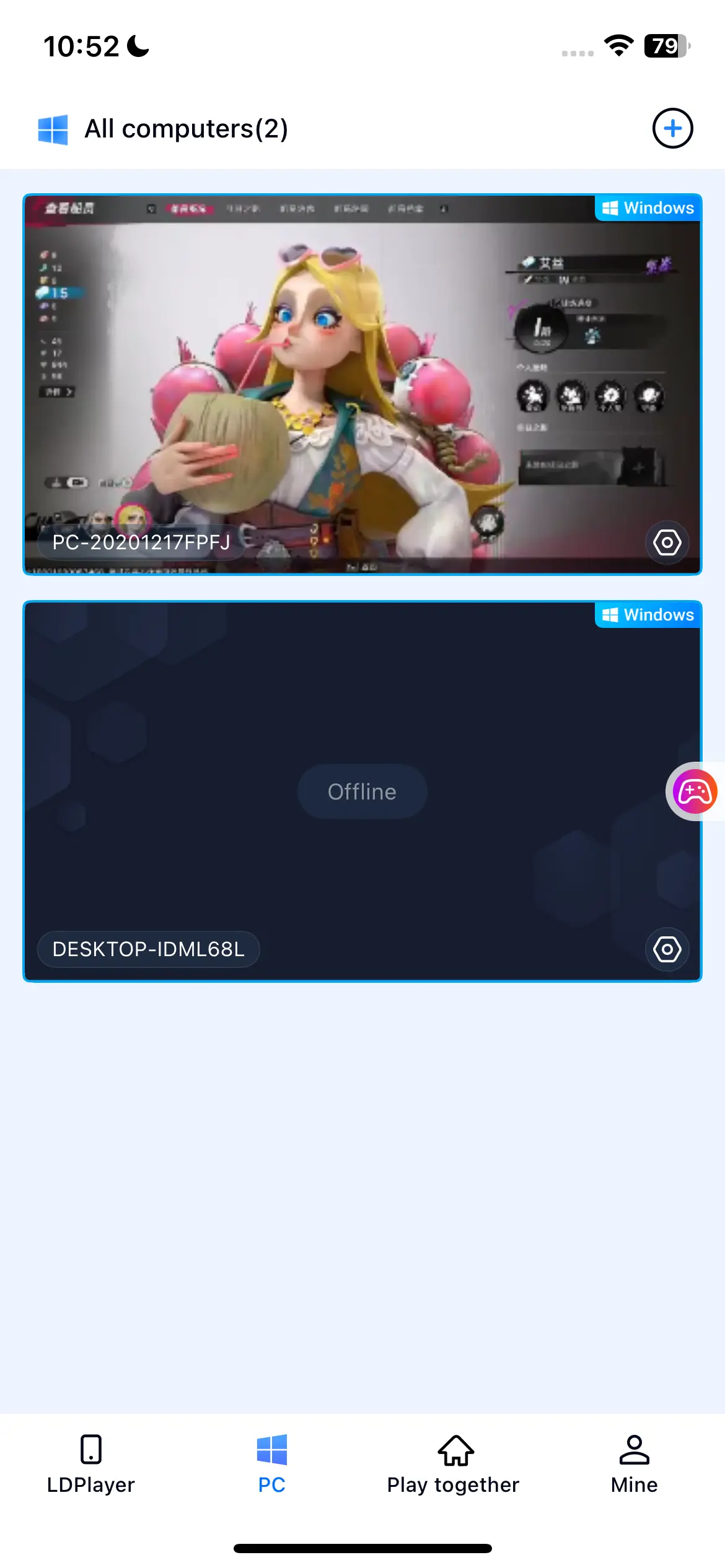
Connect your mobile device to the PC Open the OSLink mobile app, select your paired desktop device from the device list and tap Connect. Your mobile screen will instantly mirror your computer's desktop display.
Step 3
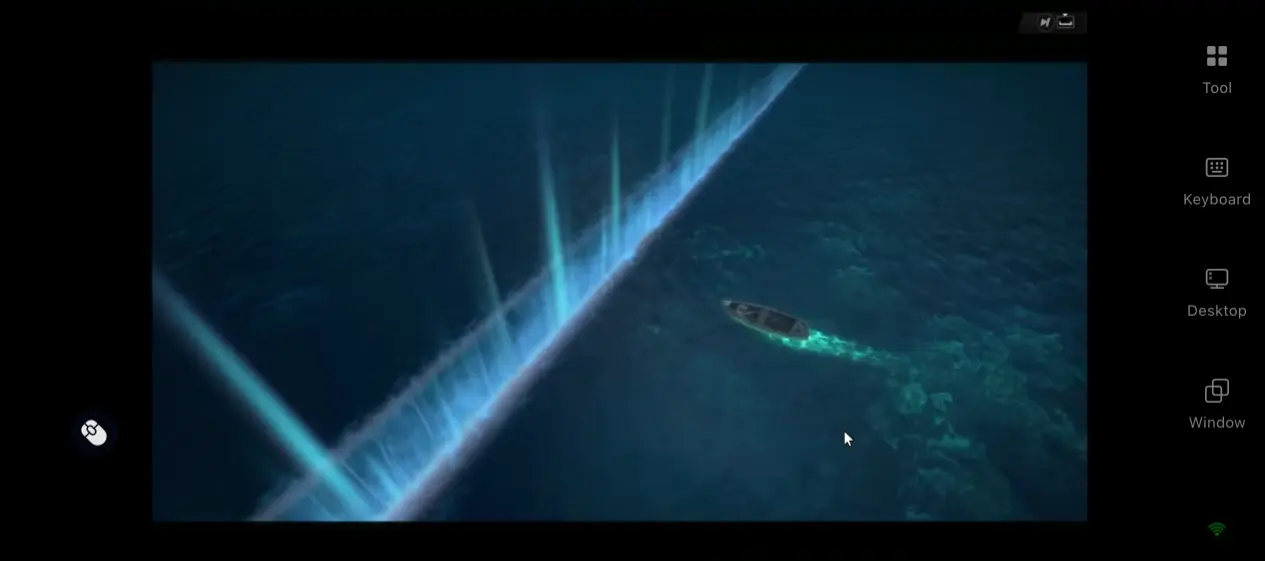
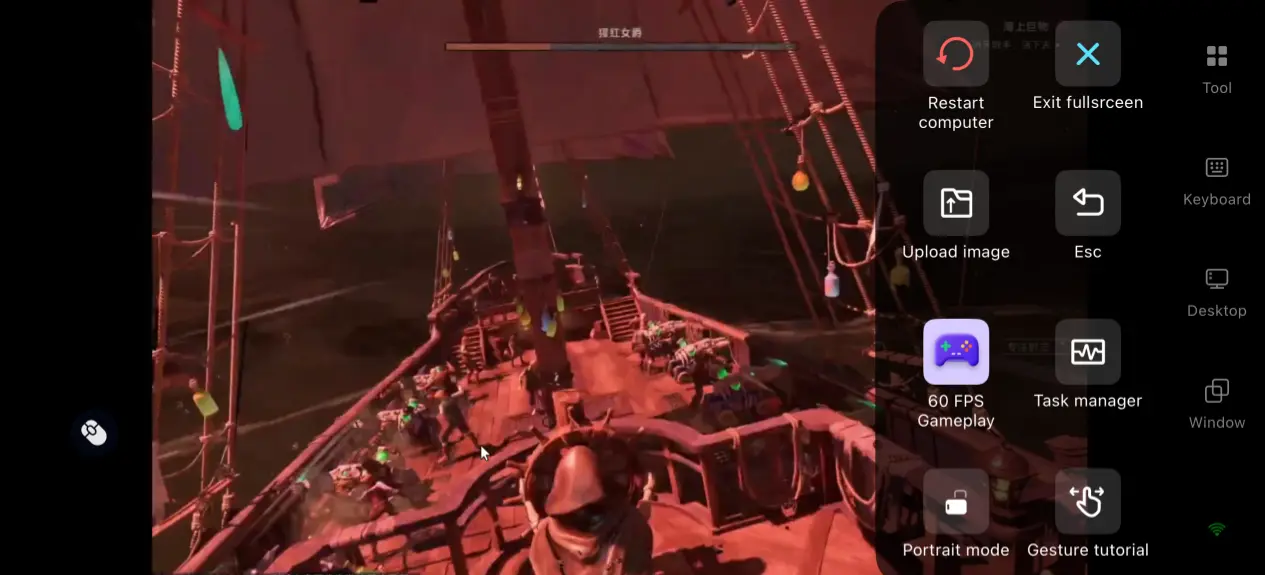
Activate dedicated gaming mode After establishing a stable connection, tap the tool icon on the right side of your screen and select the “60fps PC Gaming” preset. This preset recalibrates all streaming parameters to cut input latency, making it ideal for fast-paced action combat gameplay.
4.Core Advantages of Streaming Sea of Remnants to Mobile
Unrestricted play to resume sailing progress on the move
Pull out your phone during spare time to resume resource salvaging and trade route patrols, instead of being confined to your home desktop. You can clear daily commissions and small island exploration tasks with fragmented free time, preventing your seafaring progression from stalling.
Full cross-device multiplayer lobby compatibility
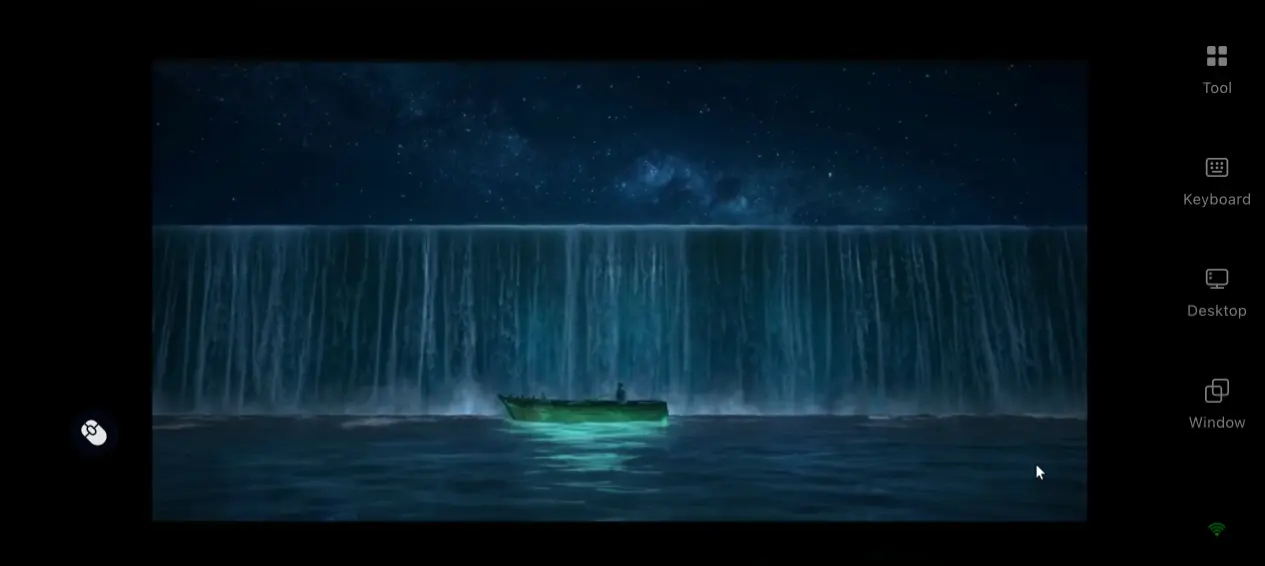
Remote streaming does not disable any multiplayer functions on your PC. You can join your friends' ocean lobbies straight from your mobile device, collaborate on ship construction and team up to fend off pirate raids. All multiplayer mechanics remain identical to the desktop version with zero feature cuts.
Zero local hardware strain on mobile devices
All game rendering and computational workloads are handled by your PC's graphics card and processor. Your phone only receives video feeds and transmits touch input commands—no RAM or storage space will be occupied, and the device will not overheat or throttle performance even after hours of continuous play.
5.Built-In OSLink Auxiliary Functions & Their Use Cases
60fps PC Gaming Mode
This preset is OSLink's proprietary streaming optimization built specifically for action-focused games. Enabling it prioritizes stable frame rates and responsive input feedback, minimizing lag that hinders performance during naval battles and real-time skirmishes. Always confirm this mode is activated before launching the game.
Customizable Virtual Controller Layouts
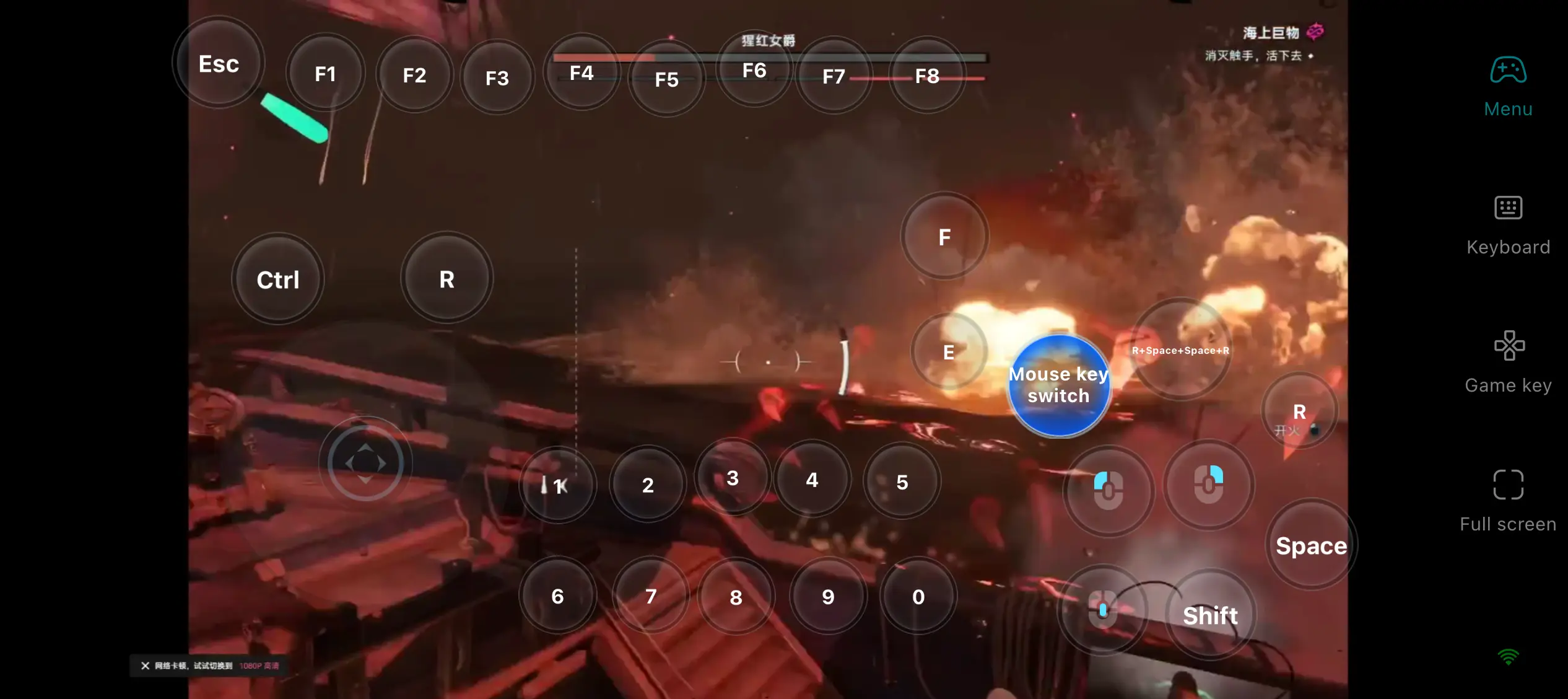
OSLink lets players freely rearrange every on-screen virtual button. Movement joysticks, skill triggers, camera rotation and interaction confirmation prompts can all be mapped to custom positions on your display. You may also adjust button size, placement and transparency as preferred. Bluetooth controllers and wired keyboard-and-mouse setups are fully supported.
One-Tap Game Quick Launch Icons
The OSLink mobile interface features dedicated shortcut icons for all PC games linked to your account. If Sea of Remnants is not running on your desktop, tapping the icon will remotely launch the game automatically, eliminating the hassle of navigating your full desktop screen manually.
Auto-Click & Idle Farming Assistant
OSLink comes equipped with a built-in auto-click tool that records and loops custom sequences of repeated taps. It works perfectly for idle resource farming and repetitive daily quests. Keep your PC powered on, and you can check farming progress anytime from your mobile phone.
6. Frequently Encountered Issues & Troubleshooting
Q: My stream stutters or suffers from high input delay. How can I fix this?
A: First check your PC's CPU and GPU usage rates—overloaded hardware is the primary cause of choppy streaming. Unstable network signals also trigger lag; opt for a 5GHz Wi-Fi connection or USB wired link for stable transmission. Close any background applications on your PC that consume excessive bandwidth.
Q: Can I play Sea of Remnants on iOS?
A: Sea of Remnants has an mobile version. However, with OSLink remote streaming, you can continue playing the PC version on your iPhone or iPad without using your device's storage, anytime and anywhere.
Q: My touch controls stop responding after connecting to the game stream. What should I do?
A: Verify that OSLink has been granted floating window permissions on your mobile device. Reload the pre-configured sailing control preset, then restart both the game and your streaming connection.
Q: What is the maximum number of concurrent users supported by OSLink's multiplayer lobby feature?
A: OSLink's “Play Together” function allows multiple devices to log into a single shared game lobby simultaneously.The upper limit of concurrent connections is determined by your network bandwidth and your desktop's hardware performance.
Conclusion
This guide covers the complete workflow of streaming Sea of Remnants to mobile devices using OSLink, including PC game environment setup, dual-platform tool installation, step-by-step streaming launch procedures, gameplay benefits and comprehensive fault diagnosis solutions, with every process explained in thorough detail. Players eager to experience the open seas of Sea of Remnants anytime, anywhere are advised to keep OSLink running in the background on their desktop at all times. When heading out, you can remotely connect to the game in seconds to efficiently complete daily ocean exploration and resource collection tasks, fully immersing yourself in the game's free-form open-world sailing adventure.
 Download