English
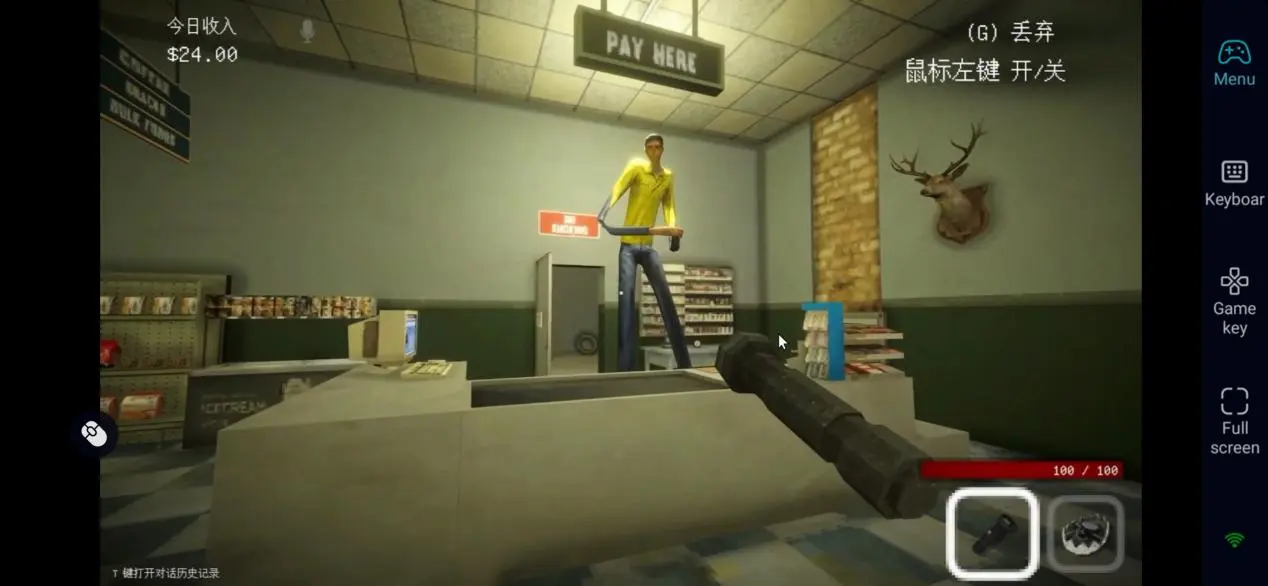
 Co-op multiplayer is the heart of Shift At Midnight. Three players work together at a remote gas station inspired by the 1990s, checking customer identities, setting defensive traps, and surviving attacks from otherworldly creatures disguised as humans. Since every night shift features randomly generated events, no two sessions feel exactly the same. This guide covers a streamlined remote play setup, including how to get the game, install the required software on both PC and mobile, launch multiplayer sessions remotely, and optimize graphics and controls for a smooth mobile experience. Once everything is configured, you can join your friends from virtually anywhere without being tied to your desktop.
If you're looking for a reliable way to enjoy Shift At Midnight on your phone while keeping multiplayer gameplay smooth, OSLink offers a lightweight remote streaming solution that fits the game's first-person horror experience well. All rendering and multiplayer processing stay on your PC, while the client itself uses very few system resources. Even during chaotic moments with multiple monsters attacking at once, gameplay remains responsive. As long as your computer stays online, you can wake it remotely and join your friends' lobby whenever you want without sacrificing stability or convenience.
1. How to Get the Official Version of Shift At Midnight
Official Download Source
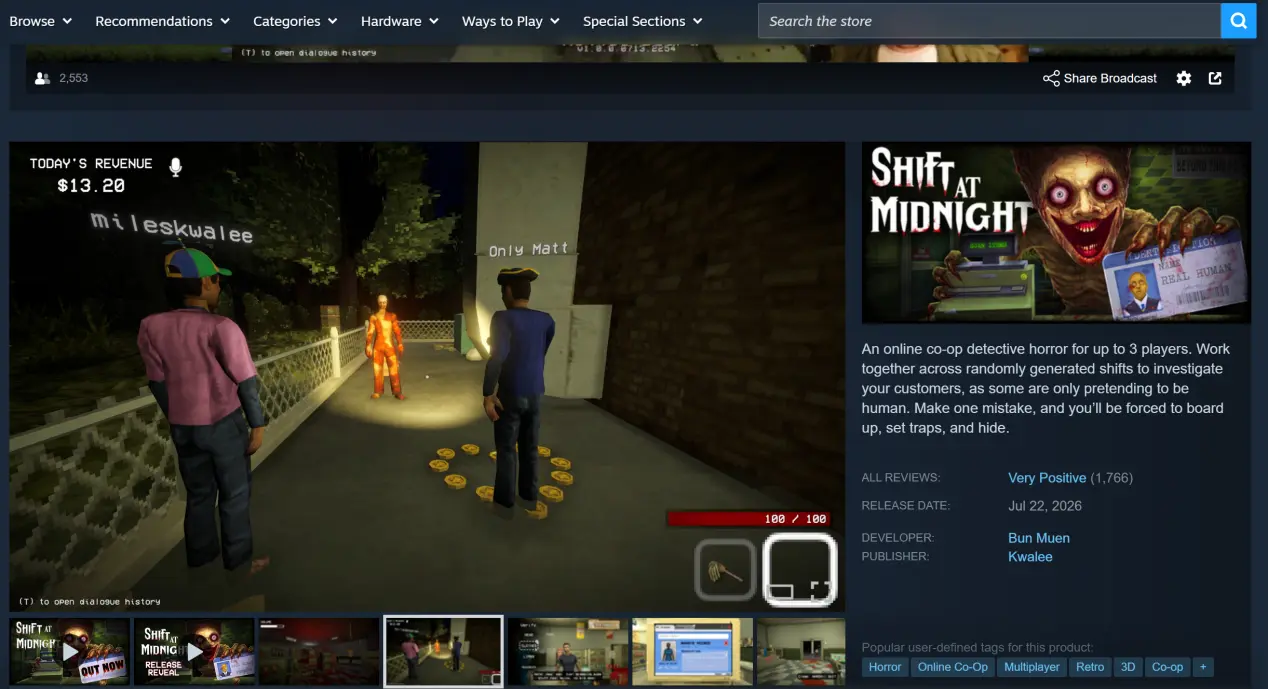
The PC version of Shift At Midnight is officially available only through Steam. There are no other authorized distribution platforms. Open the Steam client, search for the full game title in the Store, purchase the game, and add it to your library before starting the download. The game requires roughly 2 GB of storage space. Installing it on an SSD can noticeably reduce loading times and speed up scene transitions, while traditional HDDs may cause delayed NPC loading or missing trap textures.
2. Installing OSLink on PC and Mobile
Windows Installation
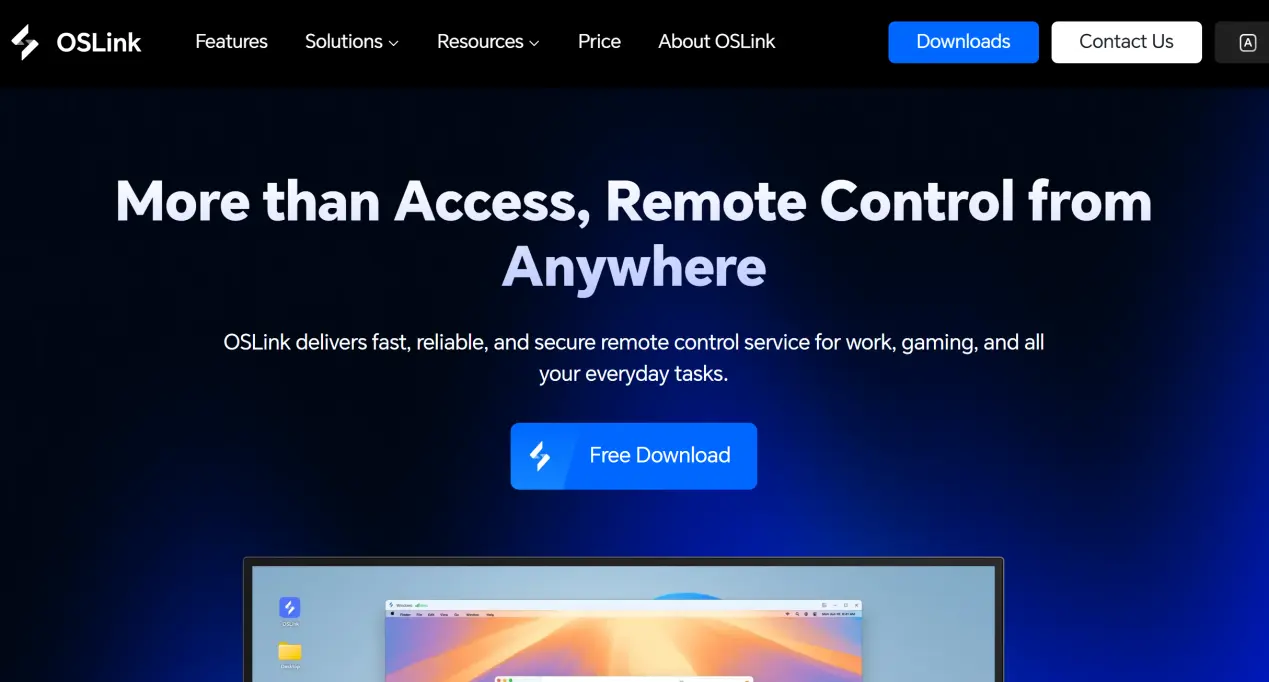
Open your web browser, search for OSLink, and visit the official website. Download the Windows installer, complete the installation, and launch the application. Create an account and sign in, then enable automatic startup. Disable automatic sleep mode and scheduled network disconnects on your PC, keep OSLink running in the background, and make sure the computer remains powered on and connected to the internet so it can accept remote connections at any time.
Mobile Installation
Android users can install OSLink directly from Google Play, while iPhone and iPad users can download it through the App Store.
Sign in using the same account you use on your PC. OSLink will automatically detect computers linked to the same account. Even when connecting over the internet from another location, you won't need to manually enter a pairing code before connecting to your device.
3. Starting a Multiplayer Session from Your Phone
On your PC, complete the setup above, launch Steam, and start Shift At Midnight. Once you're at the main menu, create a multiplayer lobby and wait for your teammates to join. Keep the game window active in the foreground, and do not minimize it.
Open OSLink on your phone. Your linked computer will automatically appear in the device list. Tap the device name to begin streaming your desktop.
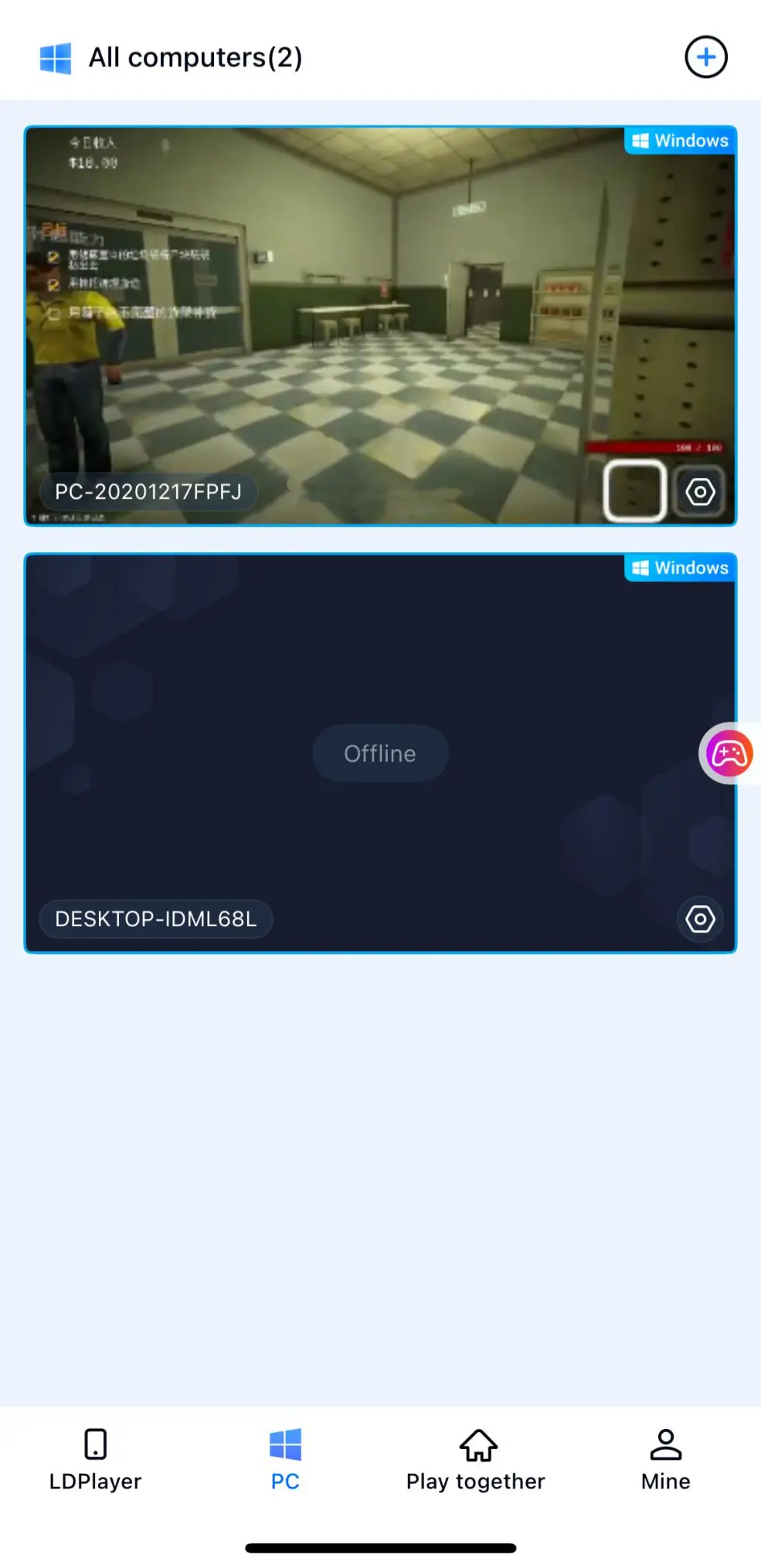
After the stream starts, open the side toolbar and switch to the dedicated game streaming mode. Load the preset control layout designed for survival games and enable full-screen mode for a more comfortable gameplay experience.
4. Why Remote Play on Mobile Makes Sense
Play Together Anytime, Anywhere
As long as your PC stays powered on and connected to the internet, you can access it from virtually any network. If your friends decide to start a late-night session without warning, there's no need to rush back to your desk. Simply connect from your phone and jump straight into the game. Whether you're inspecting suspicious customers or setting up defensive traps, you can stay involved in every co-op encounter and never miss key story moments or random night events.
Use a Shared Room for Multiplayer Sessions
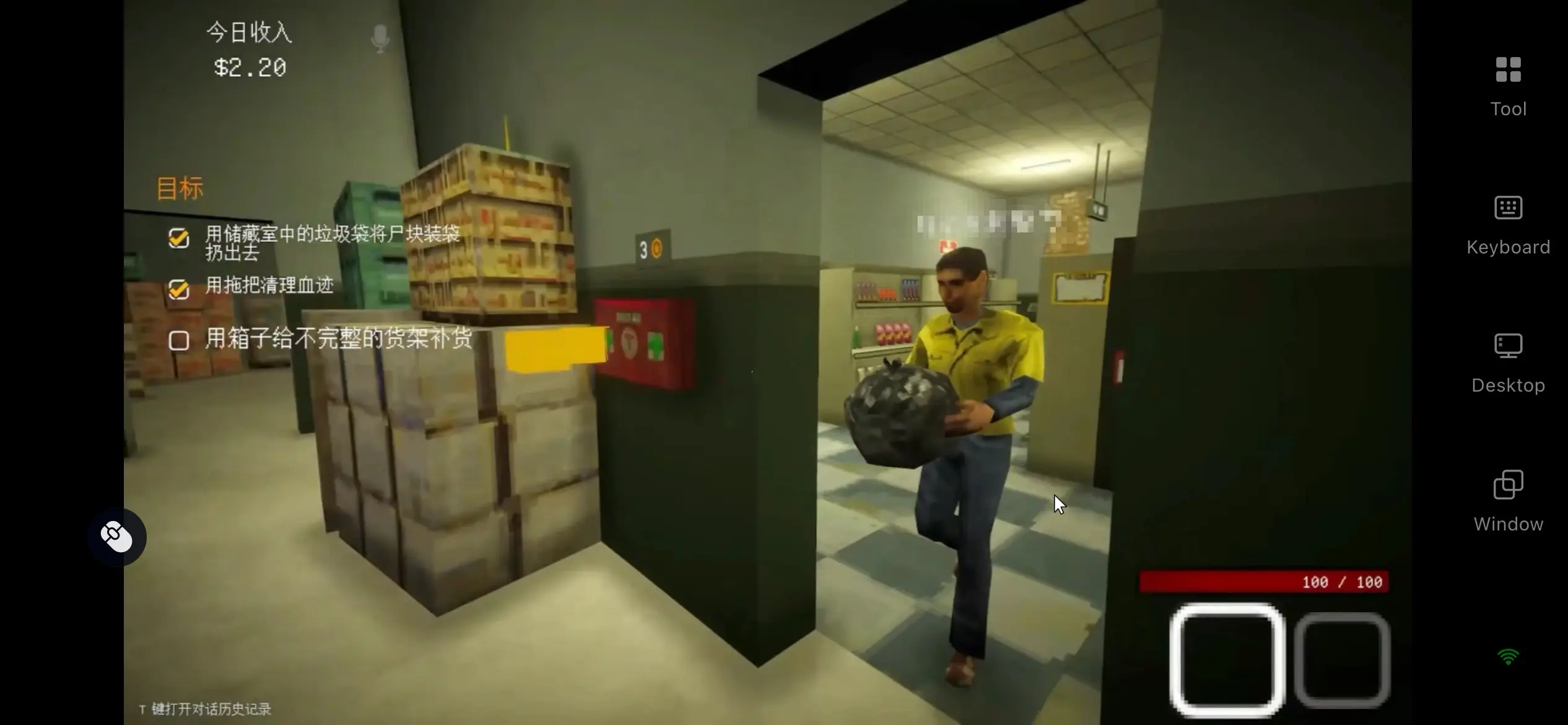
With OSLink's built-in shared room feature, only the host needs to have the full Shift At Midnight client installed on their computer. Other players don't need to purchase or download the game. They can simply enter the room invitation code in the OSLink mobile app to join the session remotely. After creating the room, the host can assign control permissions as needed, making the feature a natural fit for the game's three-player cooperative night watch gameplay.
Broad Peripheral Support for Better Controls
OSLink supports Bluetooth and wired controllers, as well as keyboard and mouse input. Once connected, the controls are automatically mapped for Shift At Midnight, making actions like switching equipment, locking doors, and interacting with teammates feel responsive and accurate. This significantly reduces accidental touches and input delays that are common with touchscreen controls, resulting in a gameplay experience that's much closer to playing directly on your PC.
5. OSLink Features That Improve the Multiplayer Experience
Low-Latency, Stable Game Streaming
OSLink includes a dedicated 60 FPS PC Gaming Mode optimized for fast-paced gameplay and real-time multiplayer interaction. Its streaming encoder minimizes motion blur during rapid camera movement while reducing input latency between your actions and what's displayed on screen. Even when multiple monsters attack your team simultaneously, controls remain responsive enough to keep up with the pace of the game's survival-focused gameplay.
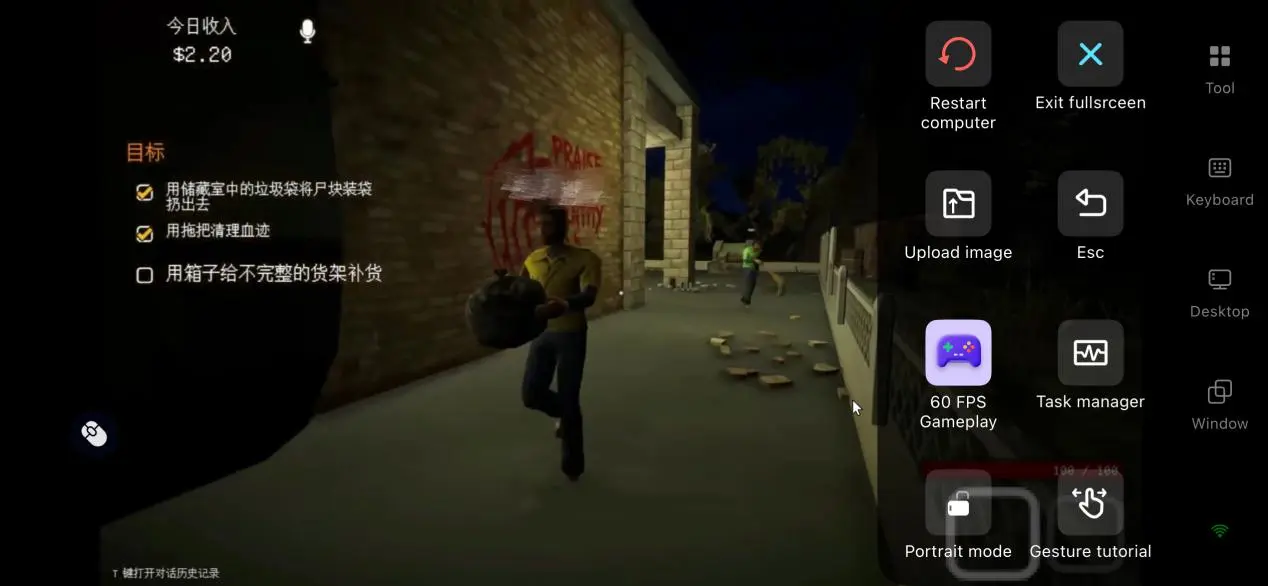
Customizable Touch Control Editor
Players can freely add or remove virtual buttons for questioning customers, closing doors, placing traps, checking identification, and other in-game actions. Button size, transparency, and position can all be adjusted individually. The app also lets you save two separate control layouts, making it easy to switch between solo exploration and multiplayer defense with a single tap while reducing the learning curve for mobile controls.
Adaptive Bitrate Adjustment
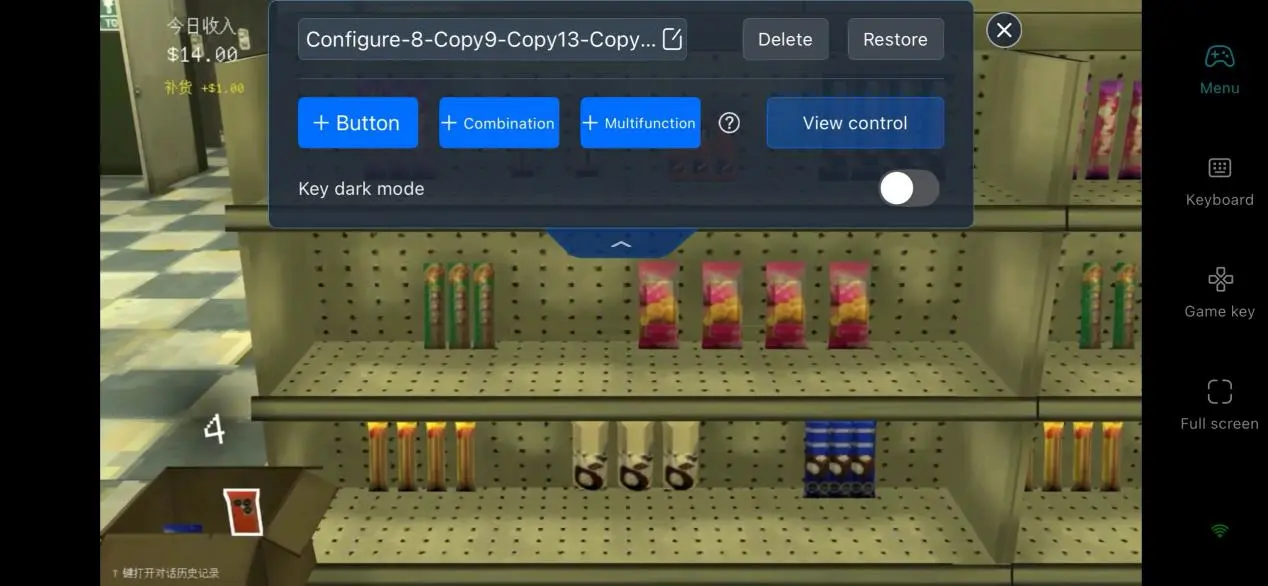
You can manually adjust the streaming bitrate depending on your connection quality. Lower the bitrate while using unstable public networks to maintain smooth gameplay, or increase it on a stable home Wi-Fi network to preserve more of the game's retro visual details. OSLink can also monitor network conditions automatically and adjust streaming quality in real time, balancing image clarity with connection stability.
6. Frequently Asked Questions
Q: When was Shift At Midnight officially released?
A: The full multiplayer version of Shift At Midnight launched on Steam on July 22, 2026, alongside a limited-time launch discount.
Q: What PC specifications are recommended for smooth gameplay?
A: The minimum requirements are a 64-bit Windows 10, a 3 GHz quad-core processor, 8 GB of RAM, an NVIDIA GTX 1060, and 2 GB of available SSD storage. For a more stable three-player multiplayer experience, the recommended setup is Windows 11, a 3.5 GHz six-core processor, 16 GB of dual-channel RAM, and an NVIDIA RTX 3060 for consistently smooth performance at higher graphics settings.
Q: Is the game available on Android or iOS?
A: The official version of Shift At Midnight is currently available on PC via Steam and on Xbox. There is no native Android or iOS version. If you want to join official multiplayer sessions on your phone, remote streaming through OSLink is currently the only available solution.
Conclusion
The biggest appeal of Shift At Midnight comes from its three-player cooperative night watch gameplay, but traditional PC multiplayer often limits where and how you can play. With OSLink's shared room feature, a single host PC can support multiple players connecting remotely at the same time. Whether you're using Android or iOS, you can jump into the action seamlessly without requiring every player to download their own copy of the game, making co-op sessions much easier to organize.
 Download