English
 Developed by Hound13 under the direction of Park Jeong-sik, the original producer of Dragon Nest, DragonSword:Awakening delivers fast-paced, non-target combat, three-player cooperative battles, and a vast open world powered by Unreal Engine 5. Since its release, it has quickly become one of the most talked-about action RPGs on Steam. However, the game is currently available only on PC, with no official native version for Android or iOS.This guide walks you through a lightweight remote play solution designed specifically for DragonSword:Awakening. From downloading the game and setting up both devices to launching the stream and optimizing graphics and controls, every step is covered in detail. Once configured, your mobile device can seamlessly access the full PC experience, making it easy to continue exploring, fighting bosses, and teaming up with friends wherever you are.
If you want to enjoy the game without being tied to your desktop, OSLink offers a streamlined remote streaming solution built for titles like DragonSword:Awakening. The game runs entirely on your PC while your phone simply receives the video feed and sends your control inputs, so the mobile device itself requires very little processing power. OSLink also includes virtual controls tailored for action games, allowing you to freely adjust button placement and transparency to reduce accidental touches while supporting combo attacks, mounted combat, and intense multiplayer encounters.
1. How to Get the Official Version of DragonSword:Awakening
Official Distribution Platform
DragonSword:Awakening is released exclusively on Steam worldwide. There is no standalone launcher, console edition, or native mobile installation package. All legitimate copies must be purchased and downloaded through the Steam Store.
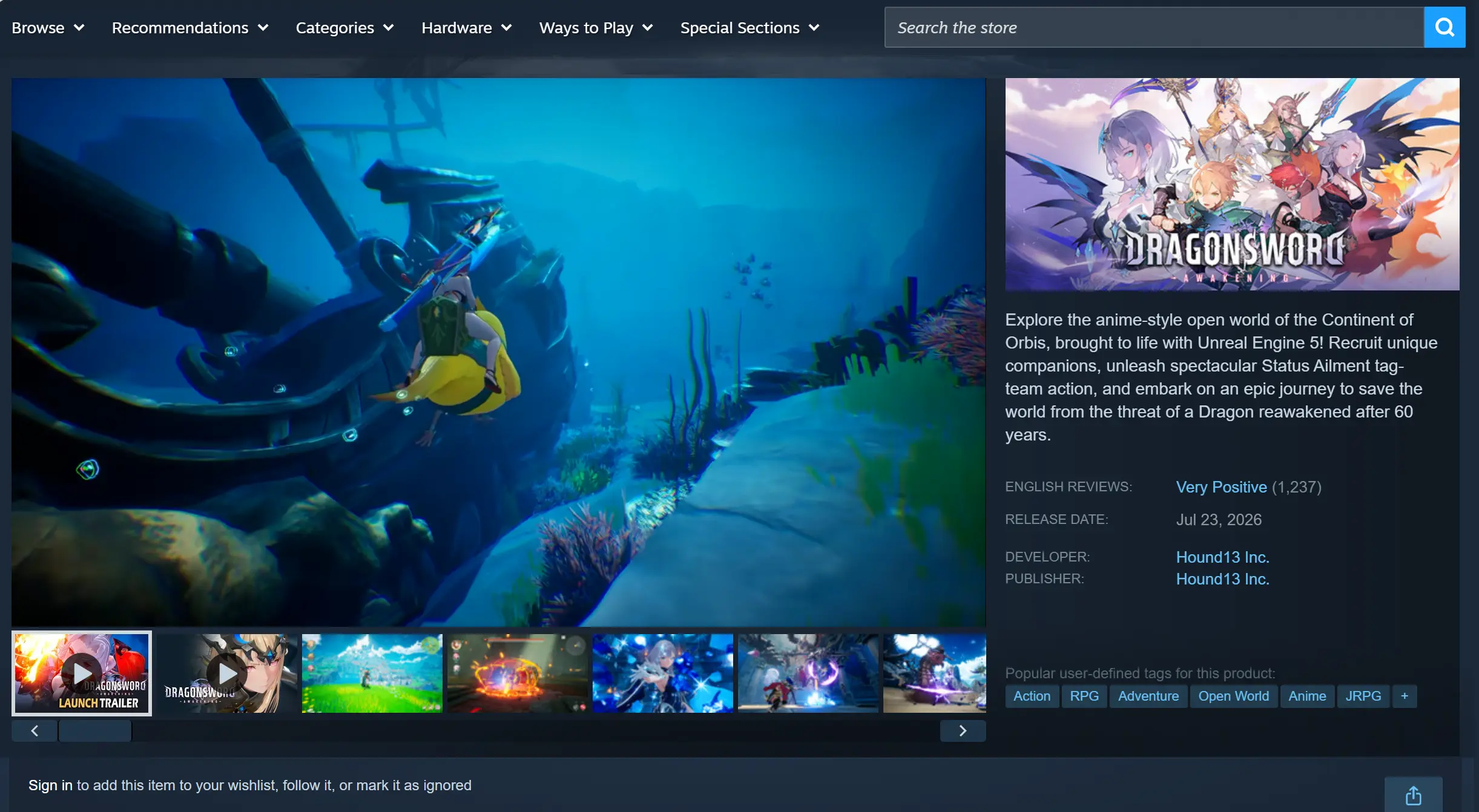
The game uses a one-time purchase model with no pay-to-win mechanics. Optional cosmetic DLC is available, while the full game includes multilingual interface and story support.
Launch the Steam client on your PC and search for DragonSword:Awakening in the Store. After completing your purchase, the game will be added to your library, where you can begin downloading it immediately.
2. Installing OSLink on Both Devices
Install OSLink on Windows
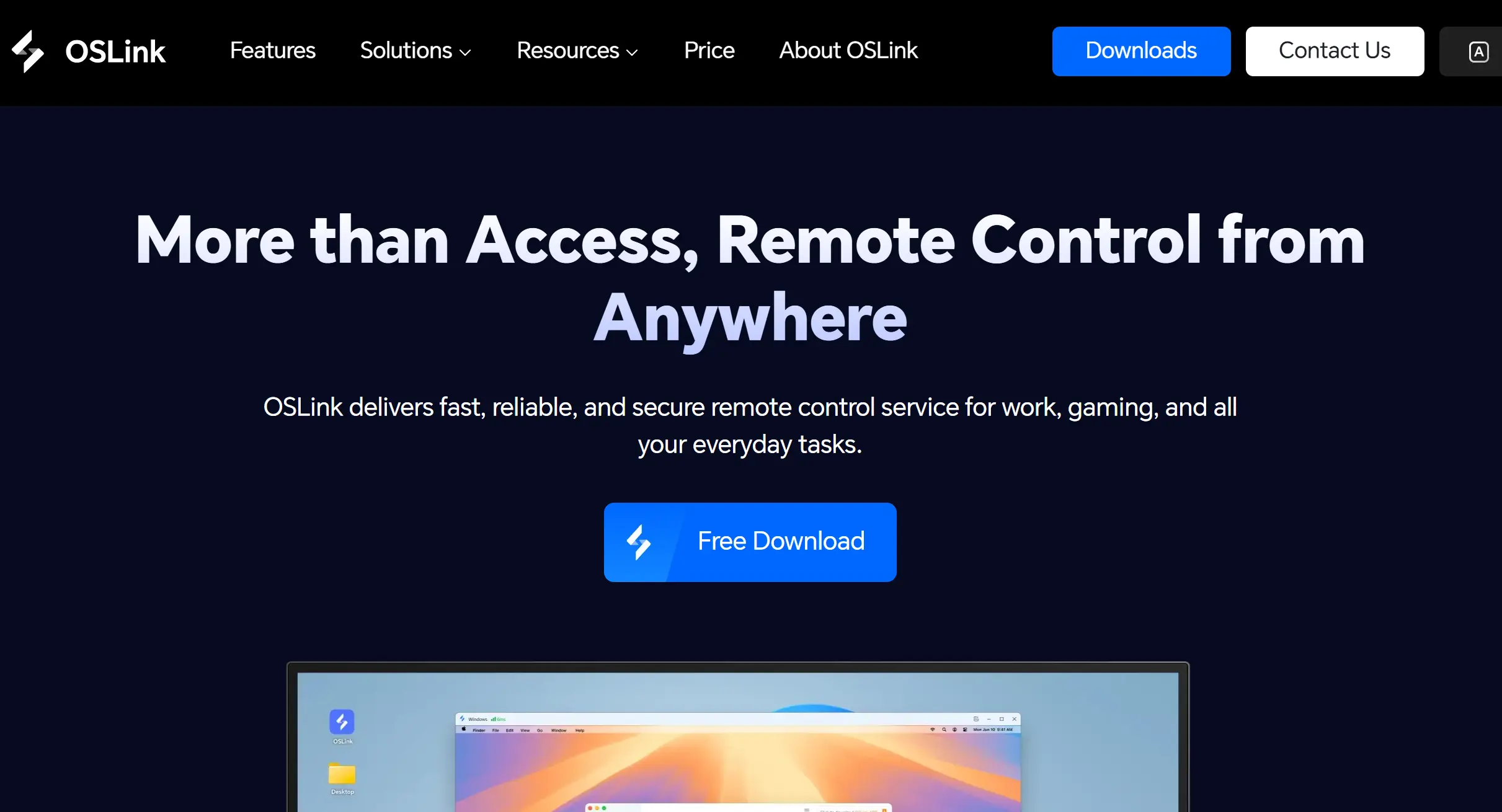
Visit the official OSLink website using your web browser and download the Windows installer. Complete the installation by following the on-screen instructions, then launch the application. Create an OSLink account, sign in, and enable the option to start the program automatically when Windows boots.
Install and Sign In on Your Mobile Device
Android users can install OSLink directly from Google Play.
iPhone and iPad users can download the same application from the App Store.
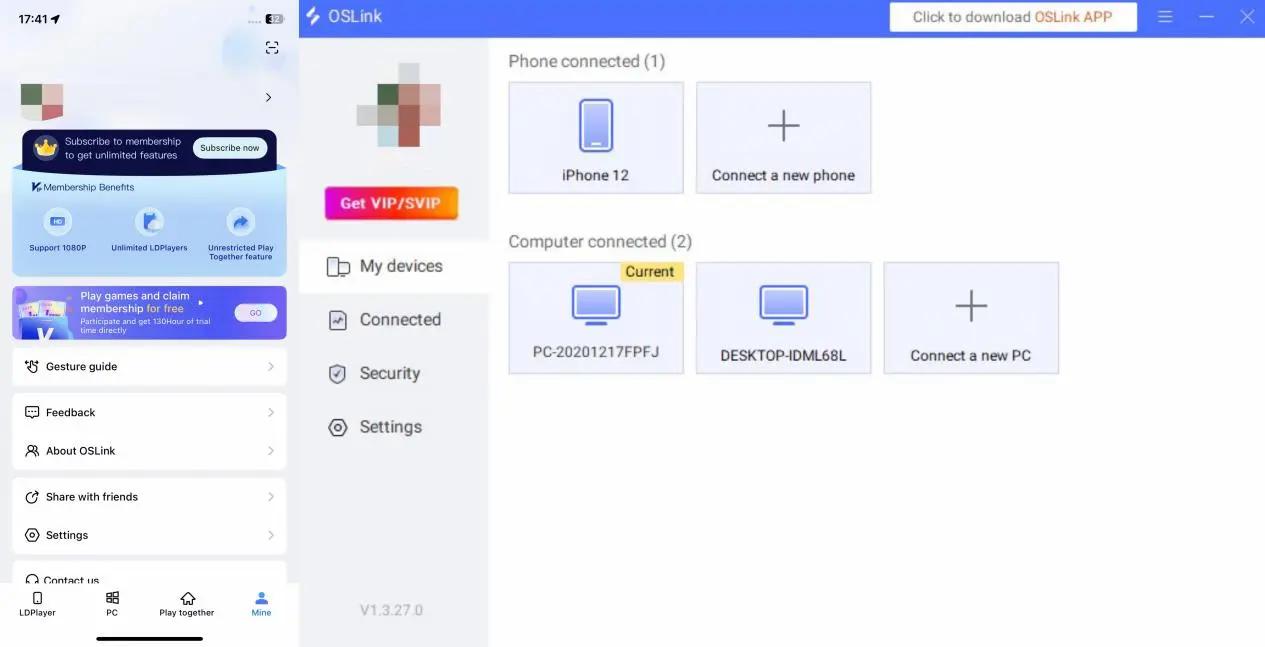
Sign in using the same OSLink account on both your PC and mobile device. After logging in, the app will automatically detect your online computer, eliminating the need for manual pairing.
3. Launching DragonSword:Awakening with OSLink on Your Phone
Keep Steam running on your PC and launch DragonSword:Awakening. Once you reach the main menu, leave the game window active in the foreground. Do not minimize it or leave it running in the background, as this may cause the remote stream to freeze.
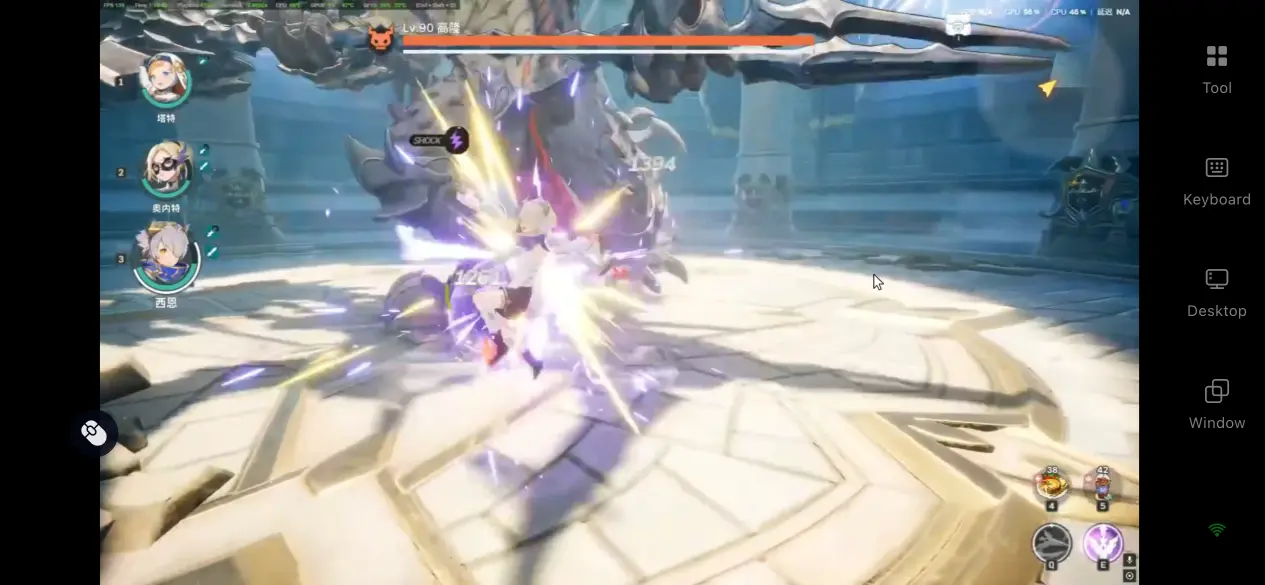
Open the OSLink app on your phone. Your linked Windows PC will appear automatically in the device list. Tap the device name to start the remote connection and wait for the game screen to finish syncing.
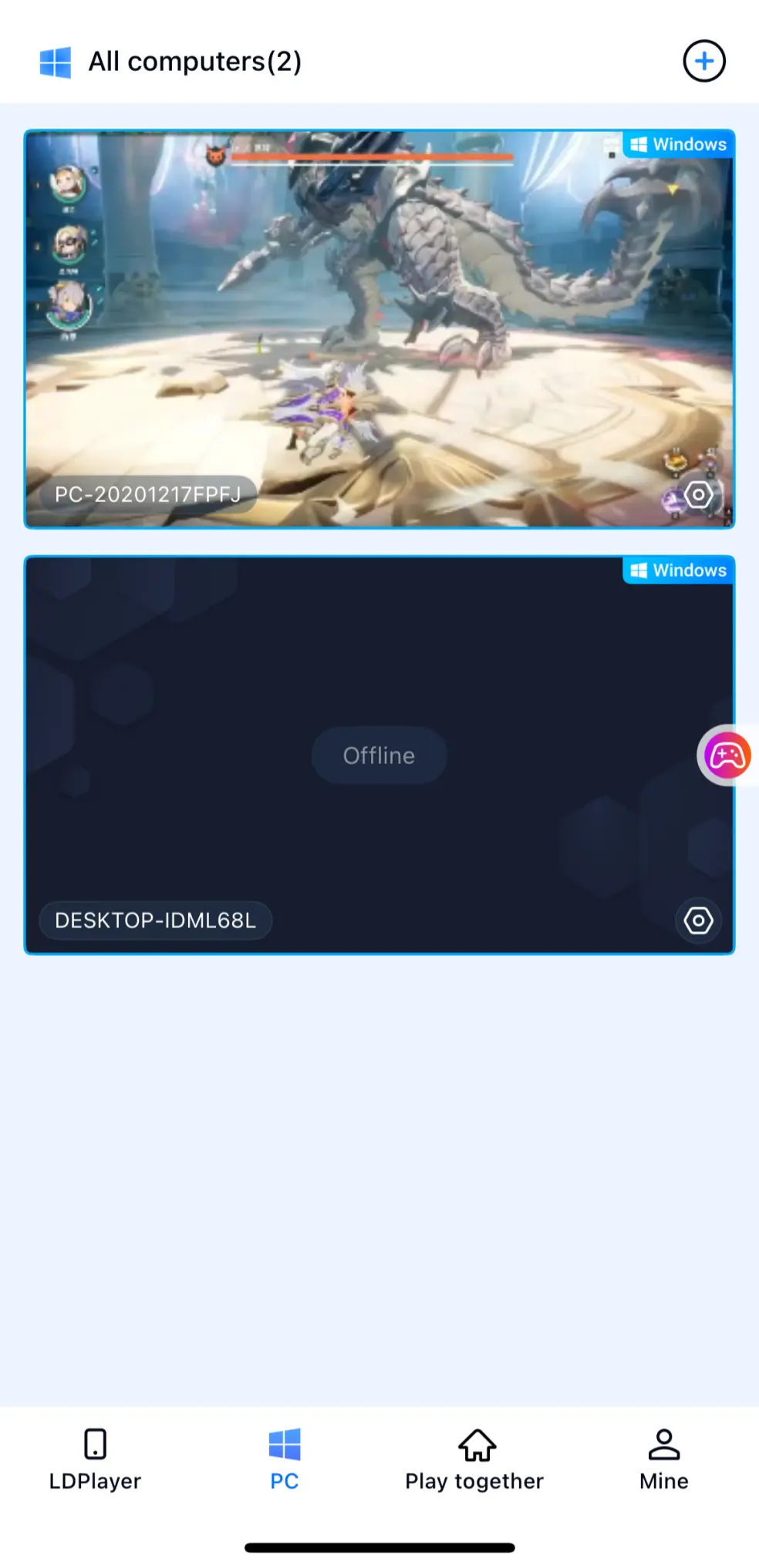
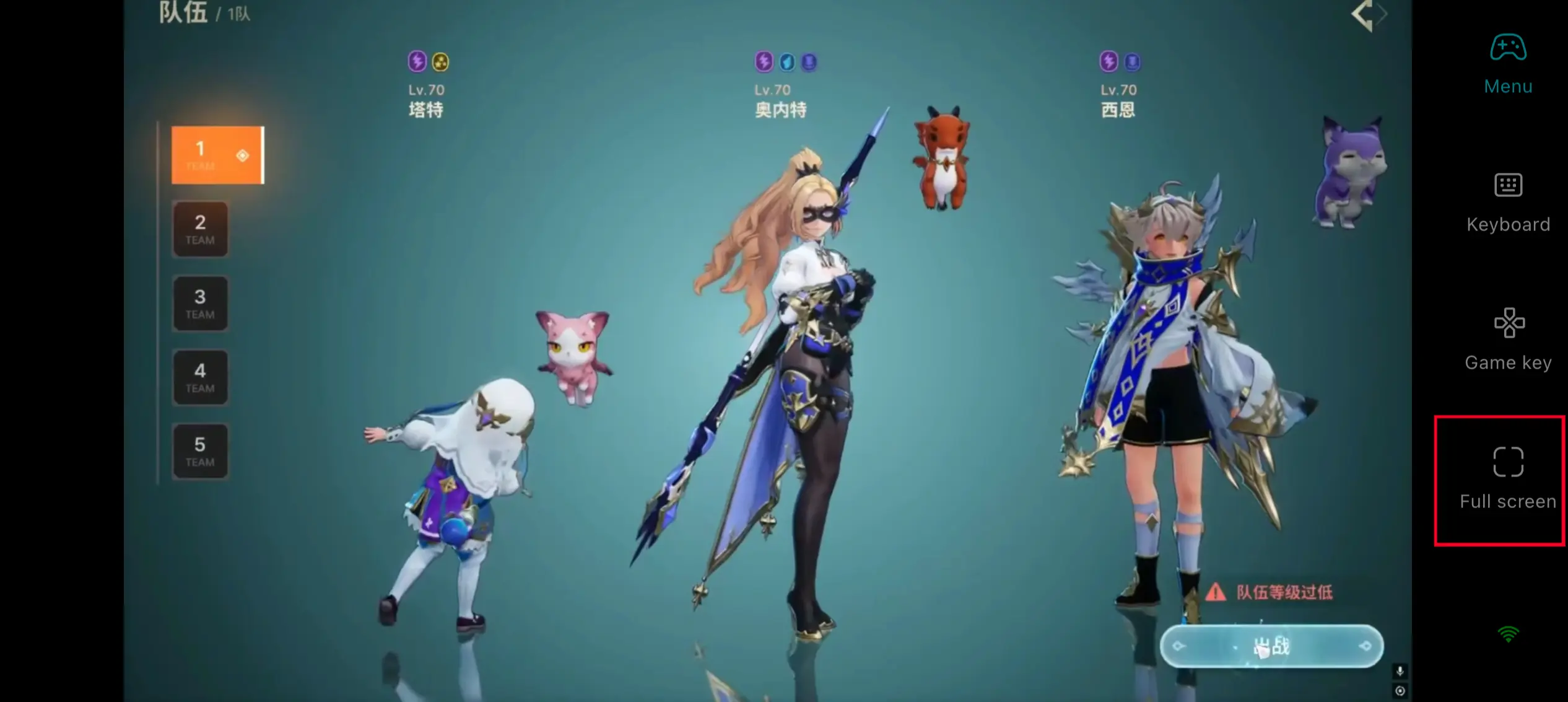
After entering the streaming interface, open the side toolbar and switch to Action Game Mode. Load the preset RPG virtual controller layout, then enable full-screen mode to hide the system interface and maximize your view during combat.
For your first session, test basic movement, skill activation, and party member switching to ensure your inputs respond smoothly. Once everything is working properly, you can freely explore the open world, challenge dungeons, and enjoy multiplayer content from your mobile device.
4. Key Benefits of Playing DragonSword:Awakening Remotely
Continue Your Adventure Anywhere
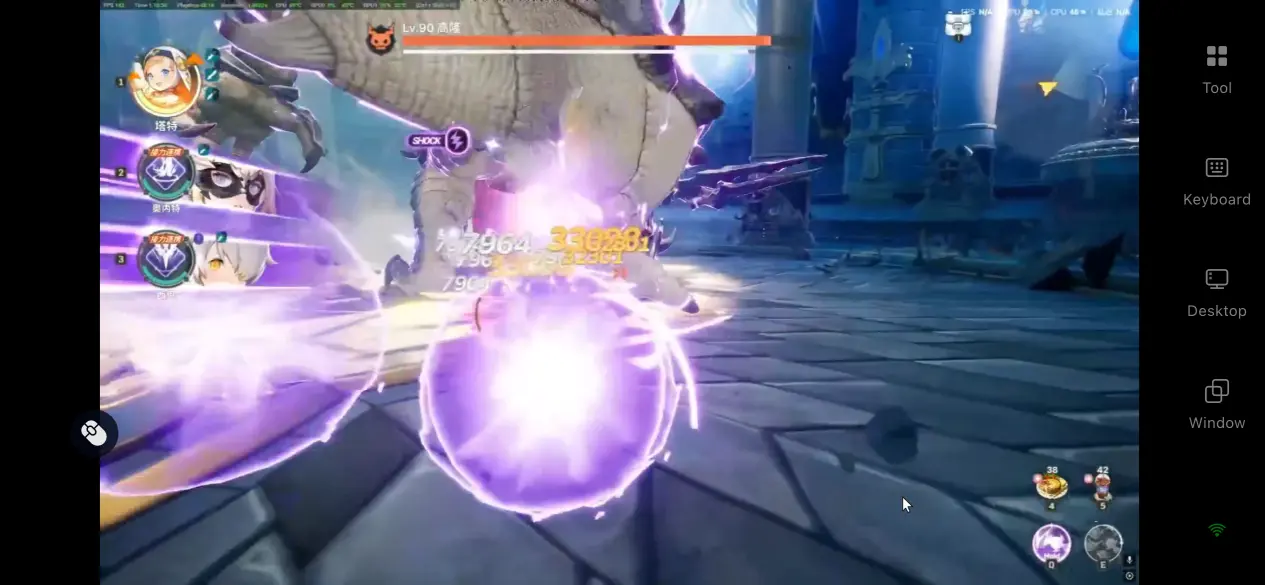
As long as your PC remains powered on and connected to the internet, you can access it from virtually any mobile network. If your friends suddenly decide to challenge a World Dragon or start a new dungeon, you can jump into the party directly from your phone without returning to your computer. Whether you're commuting or taking a short break, it's easy to continue story quests, collect companions across the map, and make meaningful progress whenever you have spare time.
Minimal Hardware Load on Mobile Devices
All rendering, physics calculations, and online processing are handled entirely by your PC. Your phone is responsible only for displaying the video stream and sending control inputs. Since the full game never needs to be installed on your mobile device, even phones with limited storage can stream DragonSword:Awakening smoothly without consuming valuable local space.
5. Why Choose OSLink for DragonSword:Awakening?
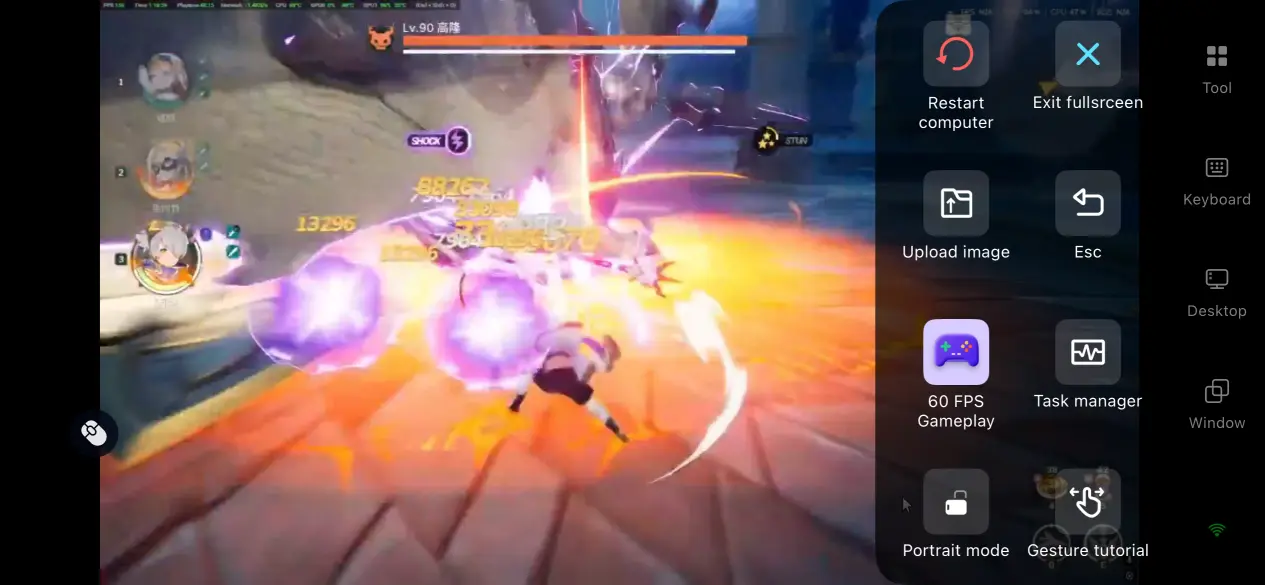
60 FPS Low-Latency Mode for Action Games
OSLink is optimized specifically for fast-paced action gameplay, using an encoding system designed to handle rapid combos and constant camera movement. This significantly reduces motion blur while shortening the delay between your inputs and what appears on screen.
Whether your party is surrounding a giant dragon or chaining coordinated team skills, controls remain responsive and the gameplay stays synchronized, delivering a smooth experience that matches the fast combat style of DragonSword:Awakening.
Adaptive Bitrate That Responds to Your Network
OSLink lets you manually adjust the streaming bitrate to suit different network conditions. Lower the bitrate when you're on an unstable mobile connection to maintain a stable stream, or increase it on a reliable home network to enjoy the detailed lighting, textures, and visual effects created with Unreal Engine 5.
The software also monitors your connection in real time and automatically fine-tunes image quality settings, balancing visual clarity with streaming stability without requiring constant manual adjustments.
Highly Customizable Virtual Controls
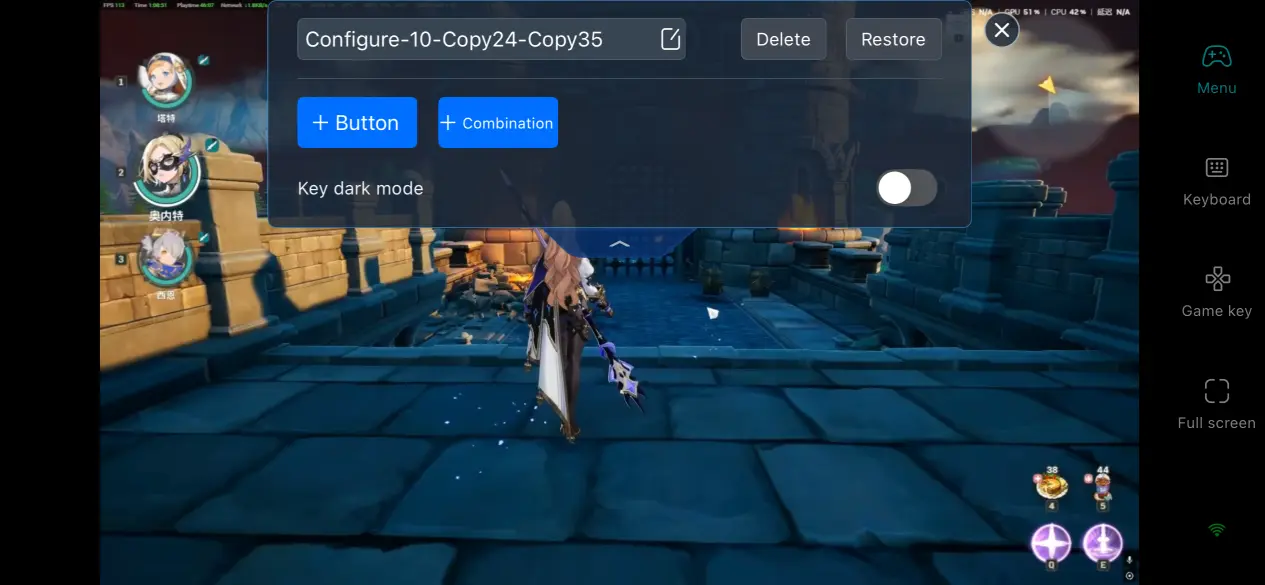
You can freely add or remove virtual buttons for actions such as dodging, switching party members, mounting, using items, and climbing. Every button can be individually resized, repositioned, and adjusted for transparency.
OSLink also supports saving two separate control layouts, allowing you to switch instantly between configurations for solo exploration and multiplayer boss battles while reducing accidental touches during intense combat.
Immersive Full-Screen Gameplay
When Full-Screen Game Mode is enabled, OSLink automatically hides the phone's status bar and its own side toolbar, leaving only your customized virtual controls visible.
This gives you a much wider field of view during combat, making it easier to react to sudden dragon breath attacks, enemy ambushes, and other high-speed encounters without important visuals being blocked by interface elements.
6. Frequently Asked Questions
Q: When will DragonSword:Awakening officially launch?
A: The game will launch worldwide on July 23, 2026, exclusively on Steam. Launch-day promotional offers will be available, and both the complete single-player storyline and three-player cooperative dungeons will be accessible from day one.
Q: What are the PC system requirements for DragonSword:Awakening?
A: The minimum requirements include a 64-bit Windows 10 operating system, an Intel Core i5-9400F quad-core processor, 8 GB of RAM, an NVIDIA GeForce GTX 1660, and 25 GB of SSD storage.
For a smoother multiplayer experience, the recommended specifications are Windows 10 or later, an Intel Core i7-9700F six-core processor, 16 GB of dual-channel memory, and an NVIDIA GeForce RTX 3060, providing stable high frame rates during demanding multiplayer boss encounters.
Q: Can I play DragonSword:Awakening directly on an Android or iPhone?
A: No. The developers have not released native Android or iOS versions, and there is no standalone mobile installation package. If you want to experience the official game on your phone, including multiplayer and solo content, you must stream it remotely from your PC using OSLink. All game data remains stored in your Steam account, and your progress stays fully synchronized with your local PC version.
Conclusion
With OSLink's remote streaming solution, DragonSword:Awakening is no longer limited to your desktop. As long as your PC is online, you can continue your adventure from almost anywhere using your phone. Combined with dedicated image quality optimization and fully customizable controls, OSLink minimizes remote input latency while preserving a smooth gameplay experience, allowing you to team up with friends, clear dungeons, and continue your journey whenever you have free time.
 Download