English
 After the official launch of Hololive Dreams, many players hope to pull their favorite characters quickly. Rerolling manually on a single account wastes plenty of time. You can use LDPlayer to run multiple game instances, paired with OSLink remote control. You can operate multiple accounts from your mobile phone even when you are not in front of your PC, drastically cutting down the time spent on rerolling. Detailed operation steps are listed below.
Players who want to save time on repeated account resets can use LDPlayer with OSLink. Launch multiple Hololive Dreams game windows on your PC simultaneously. Use your mobile device to remotely monitor and operate each account, completing new player tutorials and initial pulls in bulk. In multi-instance mode, you can check pull results across multiple accounts. There is no need to repeatedly create and erase game data for individual accounts, lowering redundant operations and letting you obtain your ideal starting character roster faster.
Starter Reroll Character Recommendations
1. Aki Rosenthal
Card Role: All-Round Support Card
Skill Effect: Boost base score multiplier during performance, extend the judgement window for PERFECT hits. It works well for simple beginner charts and rhythm-dense high-difficulty songs, delivering obvious score gains in early-game progression.
Recommended Players: Newcomers, players chasing stable high scores, those who have not mastered rhythm patterns.

2. Hoshimachi Suisei
Card Role: Long Song Specialized Score Buff Card
Skill Effect: After accumulating a certain number of consecutive hits, activate long-duration score bonus. Extremely high returns for lengthy charts with many segments. It also reduces score loss caused by GREAT judgements. Viable in both early and late game, a versatile core card with high sustainability.
Recommended Players: Players who excel at maintaining combos, love challenging long tracks, aim for leaderboard rankings.
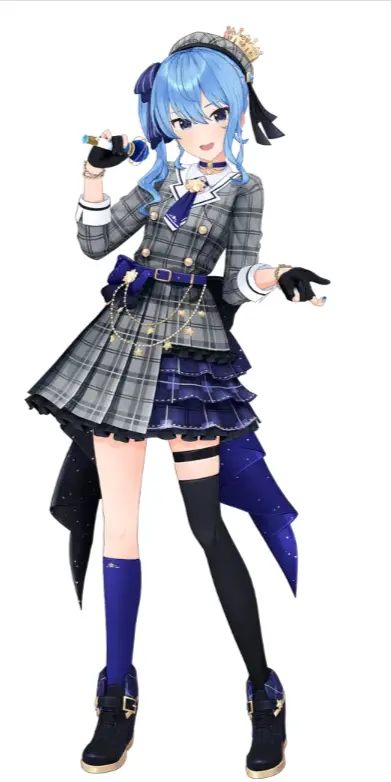
3. Natsuiro Matsuri
Card Role: Combo-Forgiveness Card
Skill Effect: Temporarily prevent combo breaks caused by MISS notes. Mistakes will not fully reset accumulated combos, while slowly building performance gauge. Greatly improves fault tolerance when facing sudden dense notes and fast sliding segments, ideal for practicing high-difficulty charts.
Recommended Players: Players polishing hard charts, users prone to breaking combos from sudden note spawns.

4. Shirakami Fubuki
Card Type: Energy Cycle Support Card
Skill Effect: Achieving a PERFECT judgment increases performance energy gain and accelerates skill rotation speed. It can be combined with various score-enhancing cards to stack multiple buffs. This support card boasts excellent versatility for team building.
Recommended Players: Players who wish to experiment with diverse team compositions and stack multiple buff effects.

5. Ookami Mio
Card Role: Balanced Universal Card
Skill Effect: Expand judgement range for all notes and steadily raise base scores. No complicated activation conditions. It performs stably regardless of song difficulty or genre, works reliably on easy and hard charts, and delivers decent benefits even when used alone.
Recommended Players: Casual players, users who dislike frequent team adjustments, those who experiment with various music styles.
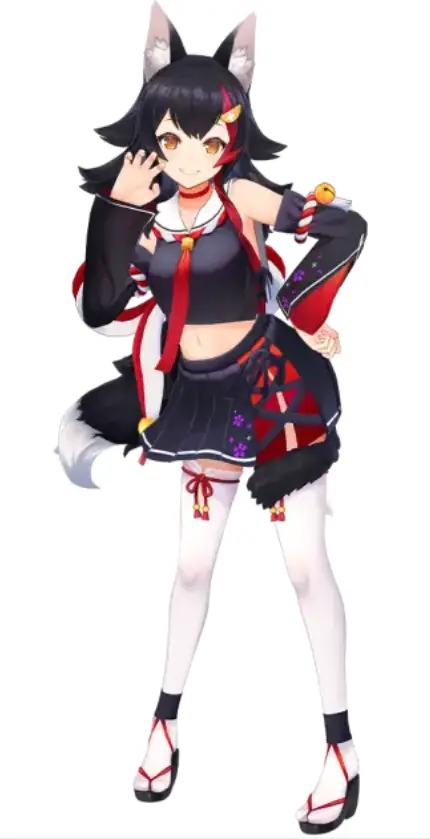
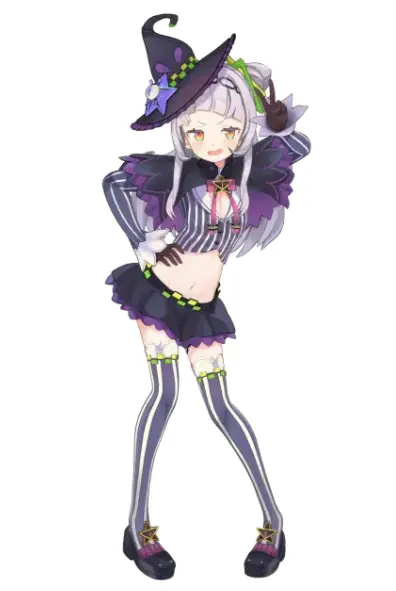
6. Murasaki Shion
Card Role: High-Difficulty Chart Specialized Score Card
Skill Effect: Higher score bonus for songs of greater difficulty. Buffs surge when tackling EXPERT and SPECIAL difficulty charts; gains are limited on low-difficulty tracks. A specialized card better suited for mid-to-late game progression.
Recommended Players: Veterans focusing on high-difficulty charts, players constantly challenging advanced tracks.
.
Software Installation Guide
PC Side
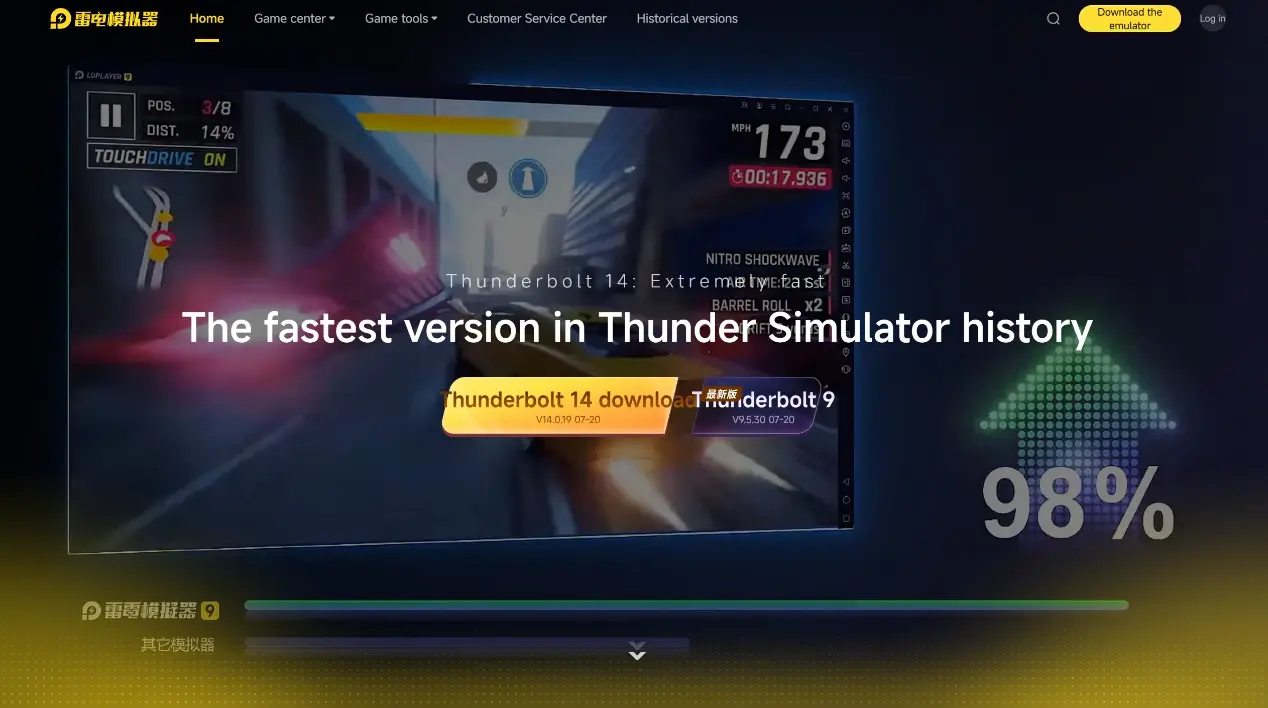
Visit the official LDPlayer website, download the Windows installer. After installation, allocate CPU and memory resources according to your PC hardware specs, and enable the Multi-Instance Manager in advance.
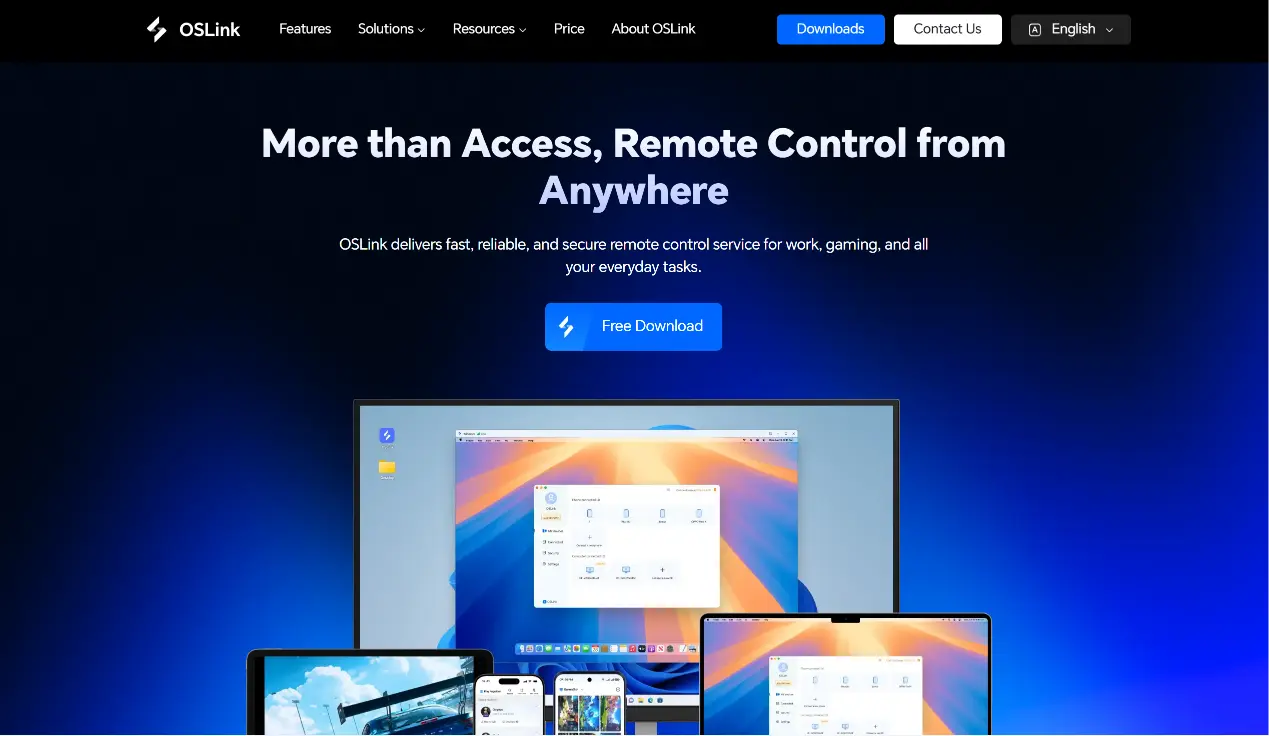
Access the official OSLink website and download the PC client. Register and log in after installation. Keep the program running in the background and disable system auto-background cleanup permissions.
Mobile Side
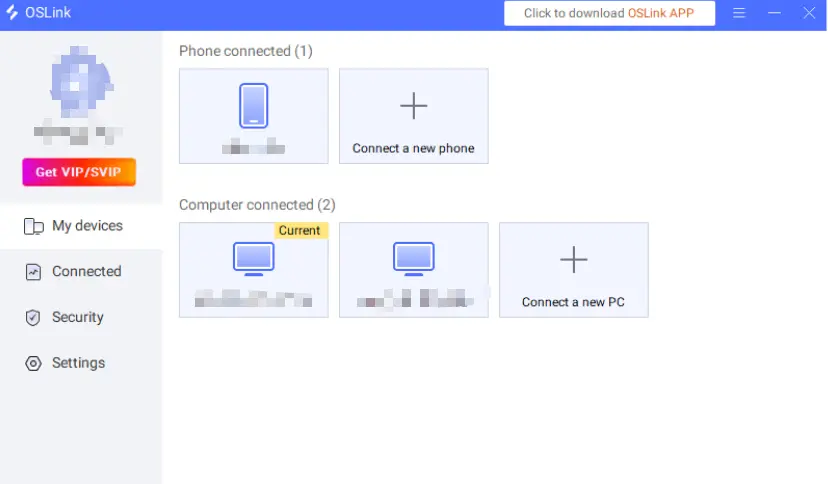
Download the OSLink App from app stores or the official mobile webpage. Log in using the exact same account as your PC client. Enable floating window, auto-start, and background activity permissions to avoid disconnection during remote control.
Install the Game in LDPlayer
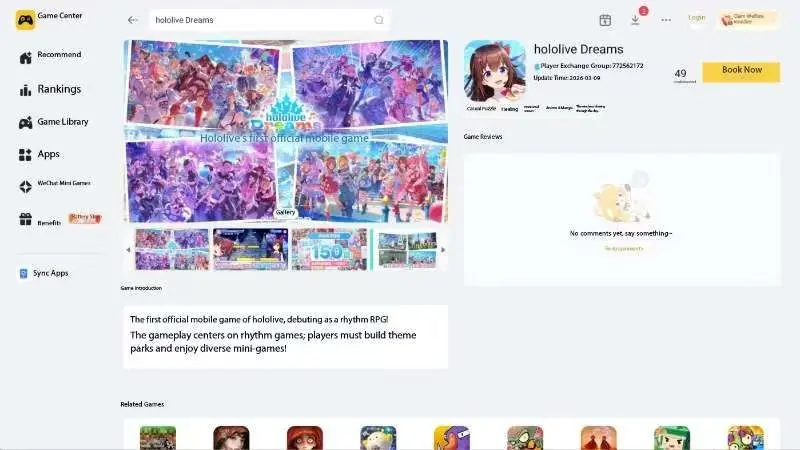
Launch LDPlayer, search for Hololive Dreams from the app store, complete download and wait for full game resource updates.
PC & Mobile Two-End Link Setup
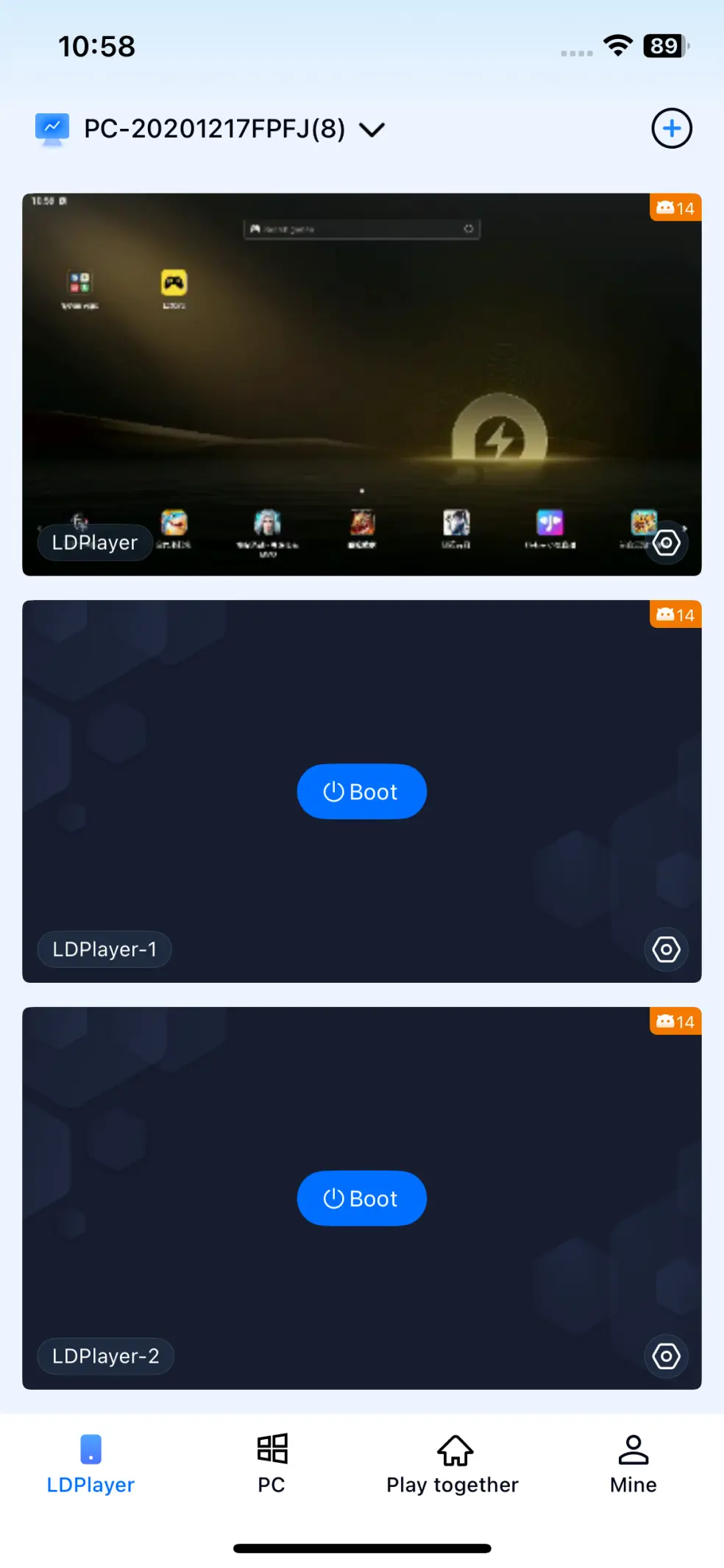
1.Connect your PC and mobile phone to the same stable network. Open OSLink on PC, refresh the device list, send pairing authorization requests to your mobile device.
2.Accept the connection request on your phone. Once paired, you can remotely control all LDPlayer windows running on your computer via mobile.
OSLink Mobile Multi-Instance Reroll Guide
1.Open LDMultiplayer, create multiple emulator windows in batches. Set the same frame rate and resolution for all instances to reduce lag caused by multi-instance operation.
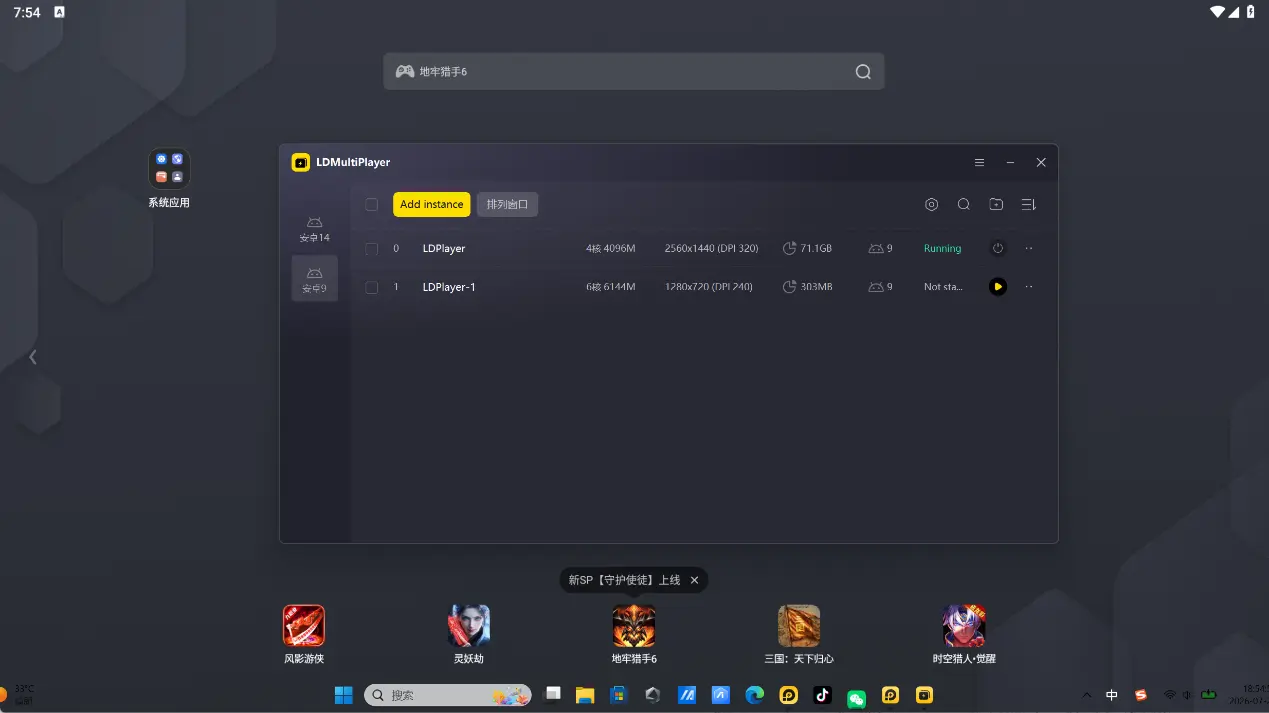
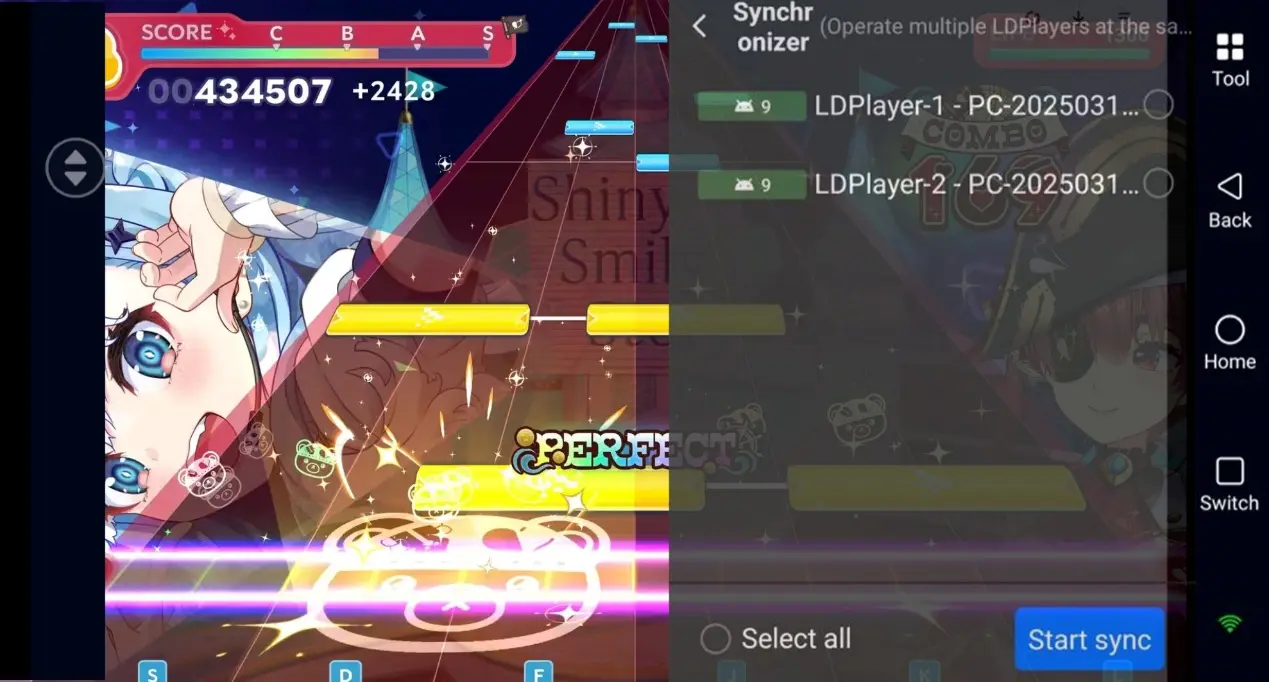
2.Add all emulator windows to the OSLink remote control list. Select each window on your mobile, remotely complete new player tutorials and collect pull resources for initial summons.
3. If you obtain your target character, bind the account immediately. If not, clear game data and switch to the next window to restart pulls.
FAQ
Q: When will Hololive Dreams officially launch? A: The game officially launches on 2026.07.23. Players can install LDPlayer and OSLink for fast rerolling.
Q: Can I run multi-instance solely on PC without OSLink?
A: Manual multi-instance operation works on PC alone, but you have to stay beside your computer to switch windows all the time. Pairing with OSLink enables remote mobile operation outside your home, bringing higher flexibility.
Q: Does multi-instance reroll trigger account risk control?
A: Limit the number of simultaneous emulator windows. Avoid registering massive accounts within a short time. Run rerolls normally; the risk of triggering abnormal anti-cheat monitoring is relatively low.
summary
This is the complete multi-instance reroll tutorial for Hololive Dreams. Install LDPlayer and OSLink on both ends and finish pairing. Create multiple game environments via emulator multi-instance, then use OSLink to remotely repeat summons and filter accounts on mobile. This method frees you from operating only in front of a PC, allowing efficient batch rerolling and drastically cutting down time wasted on repeated account resets.
 Download