English
 Monster Hunter Outlanders is a CAPCOM-licensed open-world hunting action mobile game. Many hunters reroll repeatedly at launch to grab strong starting hunters, weapons and companions. Running the tutorial, claiming rewards, summoning and restarting manually for every account is tedious and time-consuming. This tutorial combines the LDPlayer emulator and OSLink remote control software. You can remotely control PC-based emulators using your mobile device to run bulk rerolling across multiple game instances and reduce repetitive work.
1. Banner Explanation
There are two main banner types at launch: Launch Limited Banner and Standard Permanent Banner.
Launch Limited Banner: Features the rate-up SSR hunters with launch pity protection. This is the target banner for rerolling. Limited units have stronger kits and drastically improve early hunting performance. Use all free launch pulls here.
Permanent Standard Banner: Fixed unit pool without rate-up bonuses. Do NOT spend your starter free pulls here. Save all premium currency for the limited banner.
Note: Finish the new hunter tutorial, claim pre-registration and launch rewards before pulling, and focus all your pulls on the limited rate-up banner.
2. Reroll Character Recommendation
Midori (Longsword): Top DPS at launch with massive burst damage. Great for solo and party hunts. She is your top reroll target. Keep the account if you get her.
Arkaya (Lance): High-survivability shield support. Very party-friendly and forgiving for new players who prefer stable gameplay over raw damage.
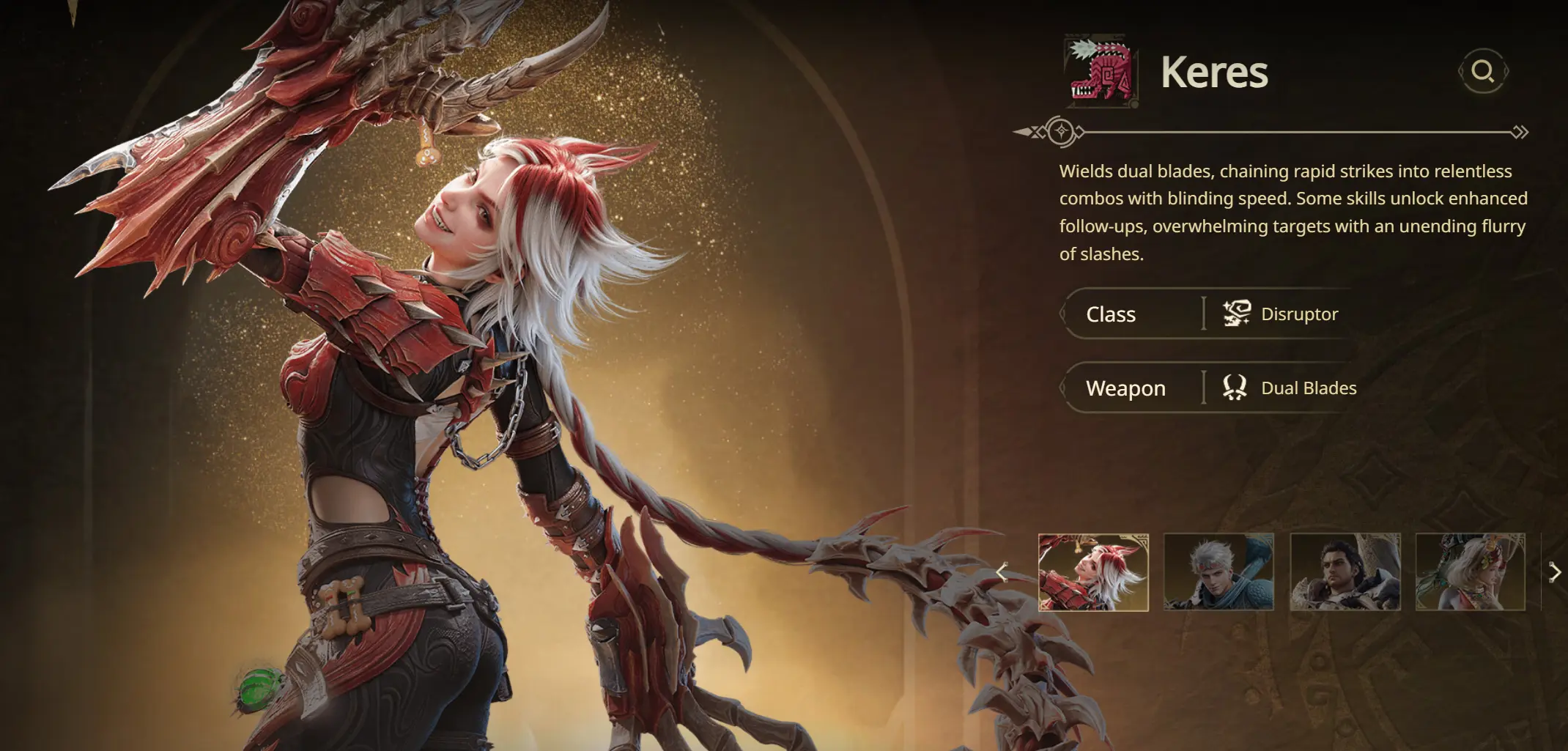
Keres (Dual Blades): Fast combo damage with high mobility, strong single-target pressure against monsters and smooth combat feel.
3. Pre-setup Installation
Download Required Software
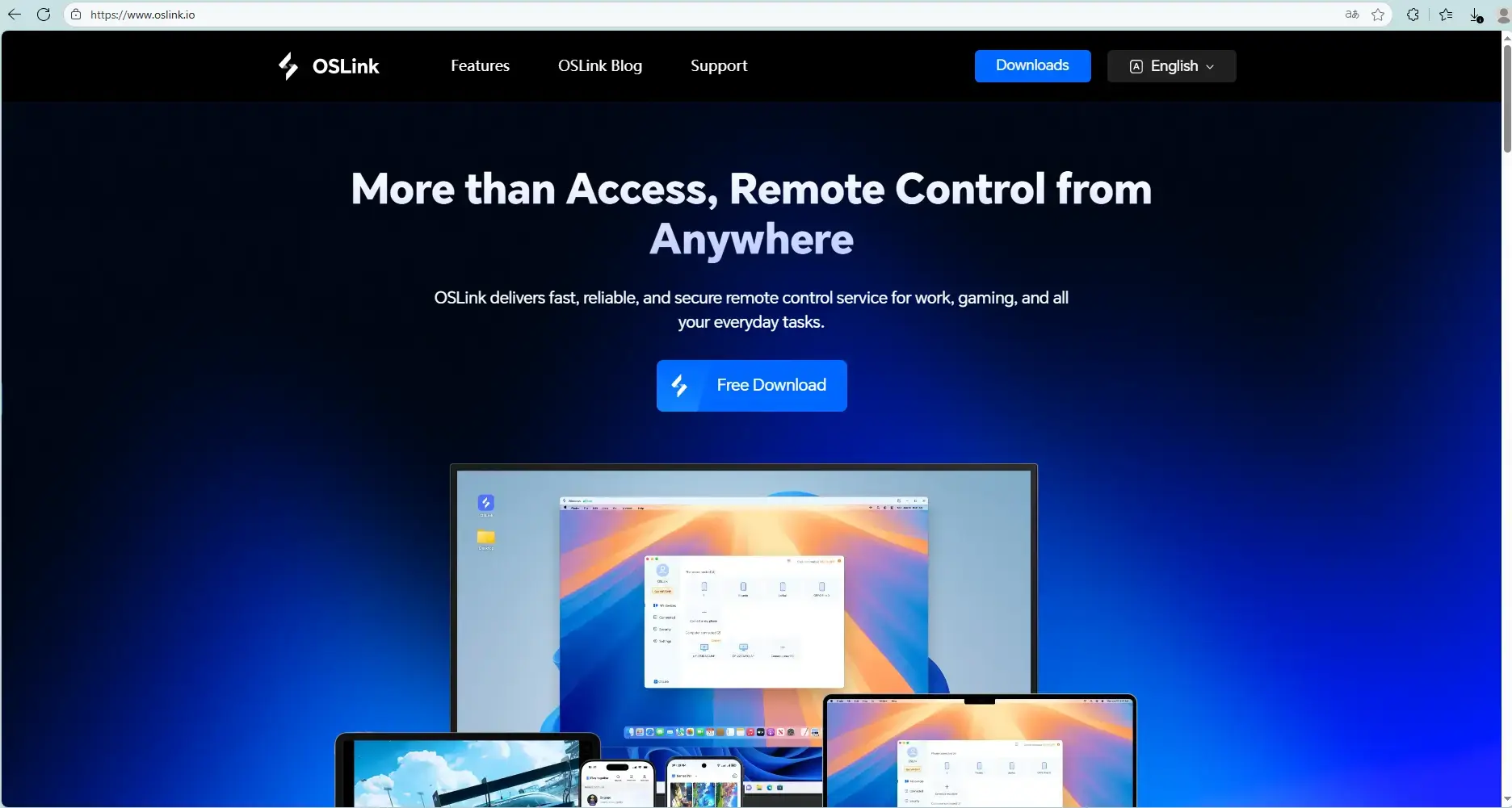
Get OSLink from its official site (https://www.oslink.io) and LDPlayer from (https://www.ldplayer.tw). Install both programs on your PC.
Install Monster Hunter Outlanders
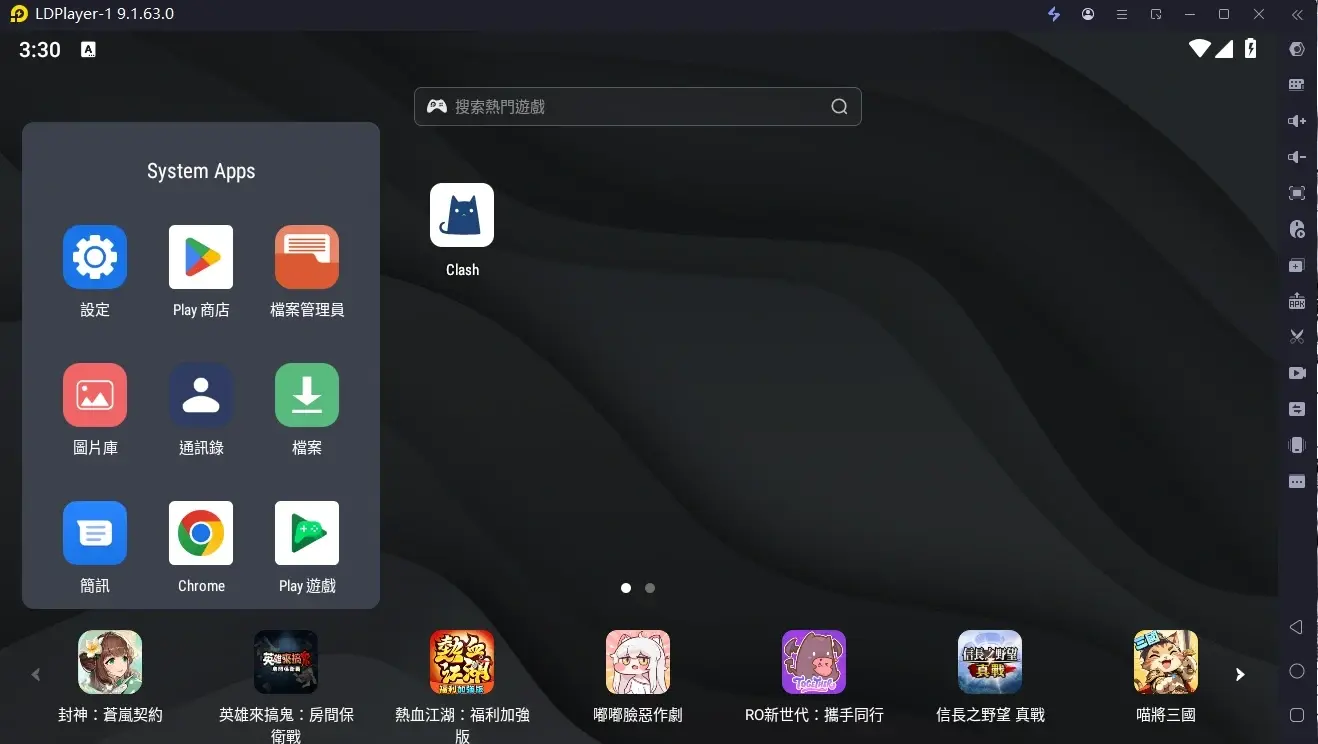
Launch LDPlayer. Download Monster Hunter Outlanders via the emulator's built-in app store or Google Play.
4. Mobile Remote Connection Setup
Install OSLink on Mobile
Download OSLink on iOS from App Store or on Android via Google Play. Android users can also install the APK file directly from the official website.
Complete Device Pairing
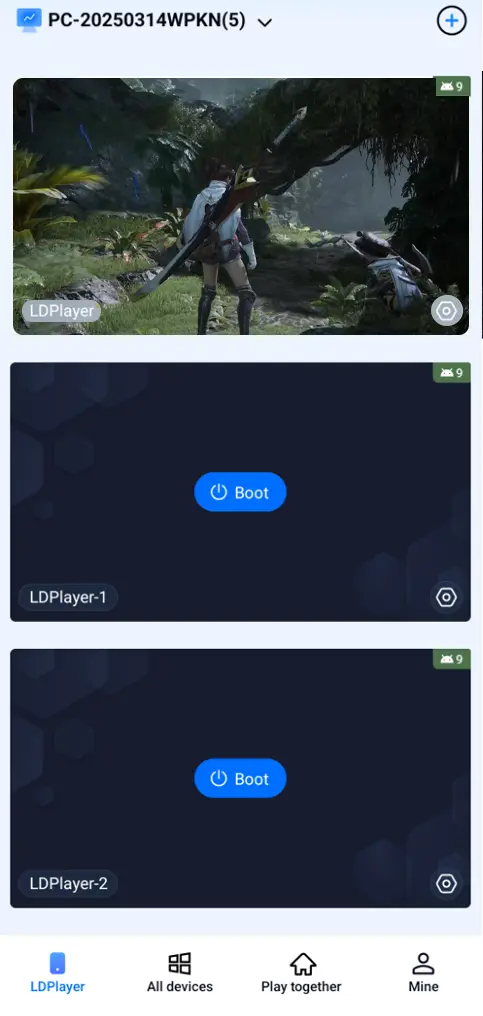
Log into the same OSLink account on your phone and PC. Select your online PC device inside the mobile OSLink app to finish pairing. Once connected, your phone screen displays the emulator feed and enables full in-game control.
Auto Click & Multi-Account Sync for Rerolling
Auto-click workflow for reroll loop: tutorial run → claim launch rewards → summon → reset if target does not drop
Rerolling requires repeating the beginner tutorial, collecting pre-registration and launch gifts, entering the summon banner, and clearing game data to restart when you miss your target pull:
- Connect to your PC emulator using the OSLink mobile app and open Monster Hunter Outlanders.
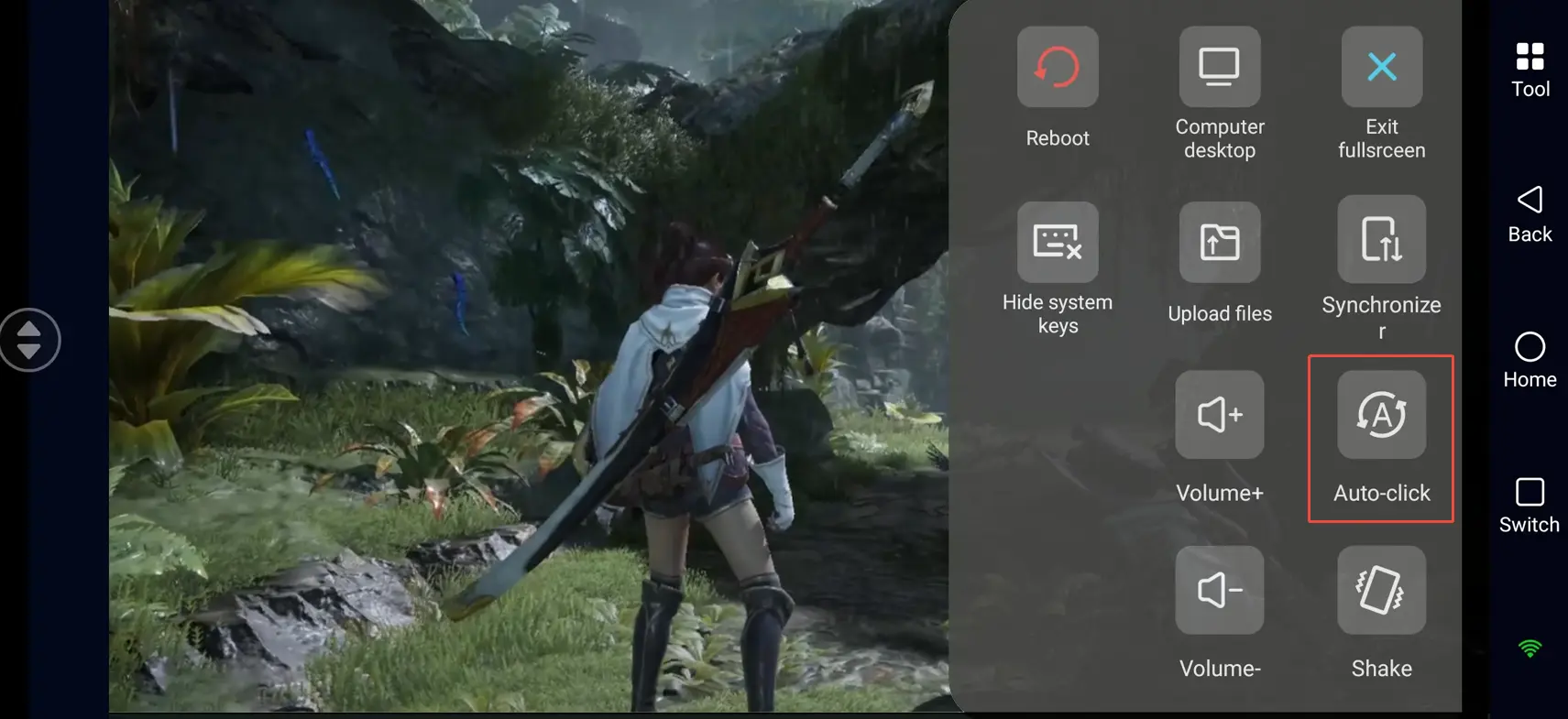
- Open the OSLink auto-click tool. Record a full reroll workflow: skip dialogue, finish tutorial, collect rewards, enter summon page, perform pulls, clear game data and restart when results are unsatisfying.
- Set cycle duration and run counts. Activate the script for unattended repeated rerolling.
Synced Multi-Instance Control for Bulk Reroll
Run many starter accounts at the same time with synchronized input:
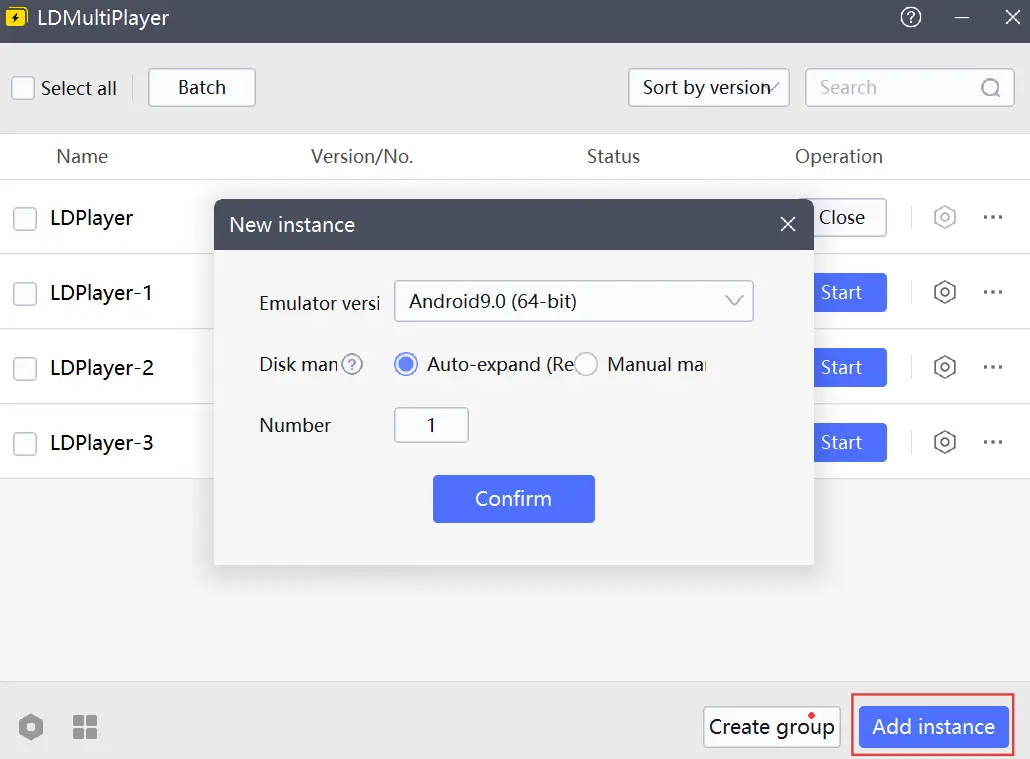
1.Open separate emulator windows in LDPlayer. Each window runs an independent copy of Monster Hunter Outlanders for separate accounts and resets.
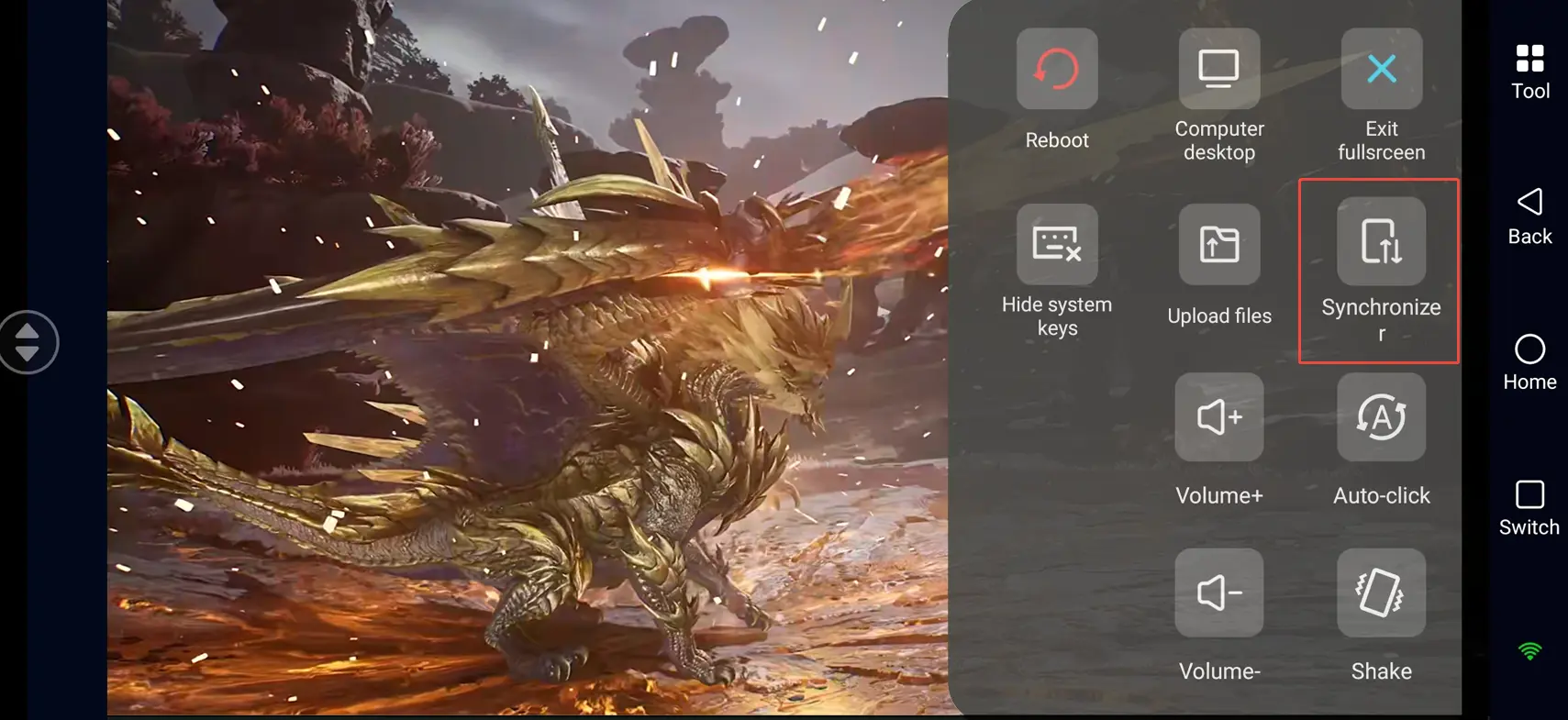
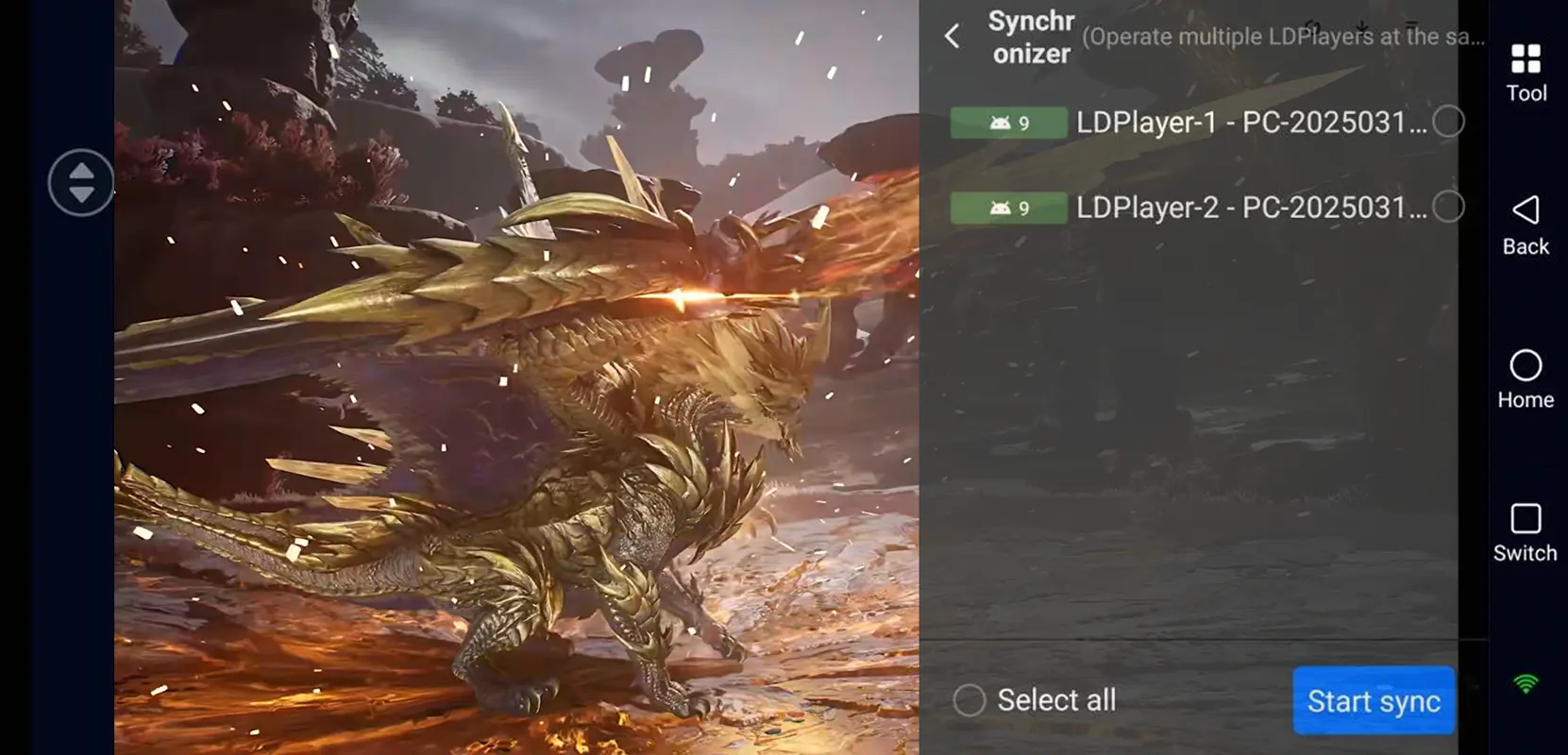
2. Enable the Synchronizer feature in the OSLink mobile app and tick all target emulator instances.
3.Any single tap to skip cutscenes, claim rewards, trigger summons or reset game data applies to all selected emulators. Finish rerolling for multiple accounts in one batch.
Frequently Asked Questions
Q: What is Monster Hunter Outlanders release time?
A: Monster Hunter Outlanders release date is October 29, 2026.
Q: What are the minimum PC requirements for running multiple emulator instances?
A: Minimum specs: 64-bit Windows 7, 4th-gen Intel i3 CPU, 8GB RAM, GTX750Ti GPU, 15GB free storage. Recommended specs: Windows 10/11, Intel i5 or higher CPU, GTX1650 or better GPU for smooth multi-instance performance.
Q: How many Monster Hunter Outlanders instances can one PC run?
A: The game has no official per-device account cap. Instance limit depends on PC hardware. Mid-range PCs with 16GB of RAM can typically run 2–3 instances smoothly. High-end devices with 32GB+ RAM support 5 or more instances. Adjust the number of instances based on CPU and RAM usage to avoid crashes.
Q: Can Android phones run multiple copies of this game natively?
A: Stock Android on most devices does not support isolated dual instances for this game. Built-in app clone functions from some brands may not work properly with Monster Hunter Outlanders. For stable bulk rerolling, LDPlayer + OSLink remote control is recommended.
Q: Can iPhones run multiple game copies directly?
A: Native iOS blocks duplicate app installs on one device. Use OSLink remote access to control PC multi-instance emulators and monitor and manage multiple starter reroll accounts indirectly via iPhone.
Conclusion
Pair LDPlayer with OSLink to remotely access and control multiple Monster Hunter Outlanders instances on your PC anytime. Trigger automated reroll loops remotely during commutes or breaks to farm starter accounts in bulk. Adjust instance numbers based on your PC hardware and follow the game's user agreement for legitimate gameplay.
 Download