English
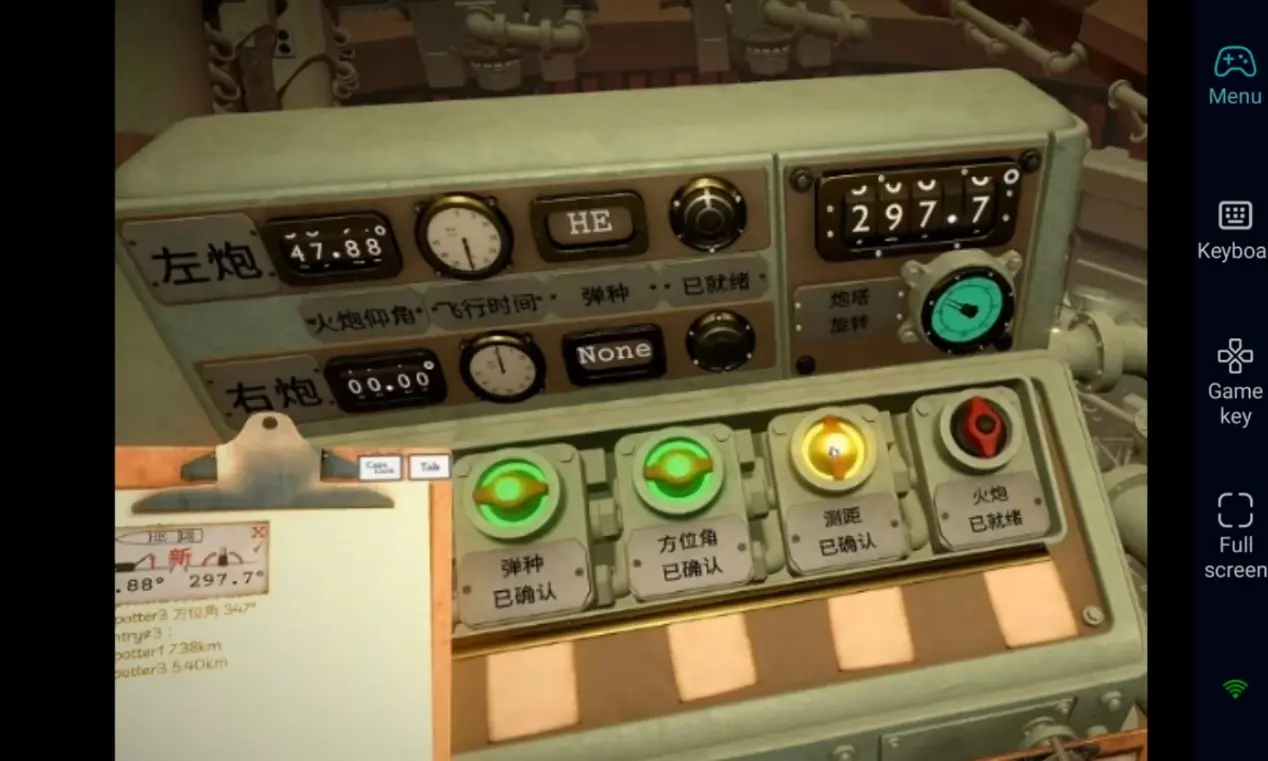
 In IRON NEST: Heavy Turret Simulator, securing your base requires a lot of time managing resource gathering and turret setups. Want to maintain your defences anytime, anywhere? Use the OSLink remote tool to connect via your phone and take charge of Iron Nest's defence whenever you want.
IRON NEST: Heavy Turret Simulator focuses on hardcore turret building and survival simulation, with unusually dense enemy waves. Players need a lot of time to get familiar with the attack range and damage of different turrets. But the game is only available on PC, so you can't continue running your base when away from your computer. OSLink remote tool solves this problem; as long as the computer is on, you can use your phone to remotely connect and control your computer to return to your base and quickly deploy firepower.
Step 1: Download OSLink & Pair Devices
1. PC Client
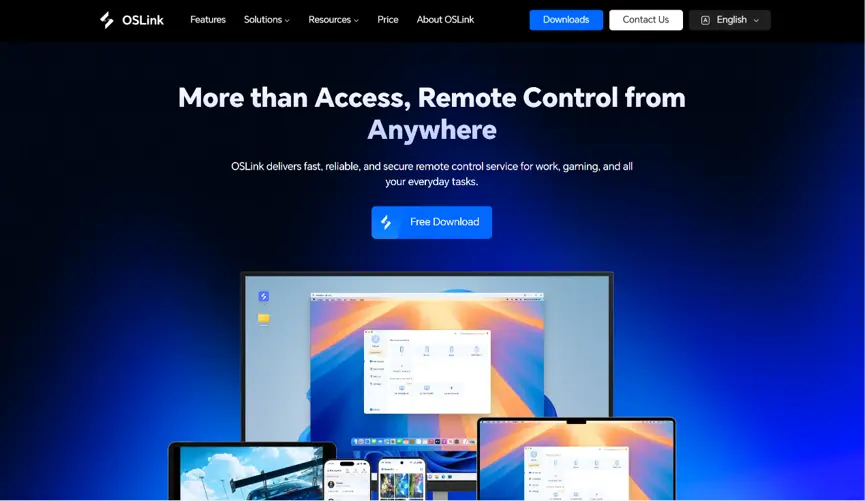
Download and install the PC client from the official OSLink website (https://www.oslink.io) and log into your account. Disable automatic system sleep to prevent unexpected remote connection drops.
2. Mobile Client
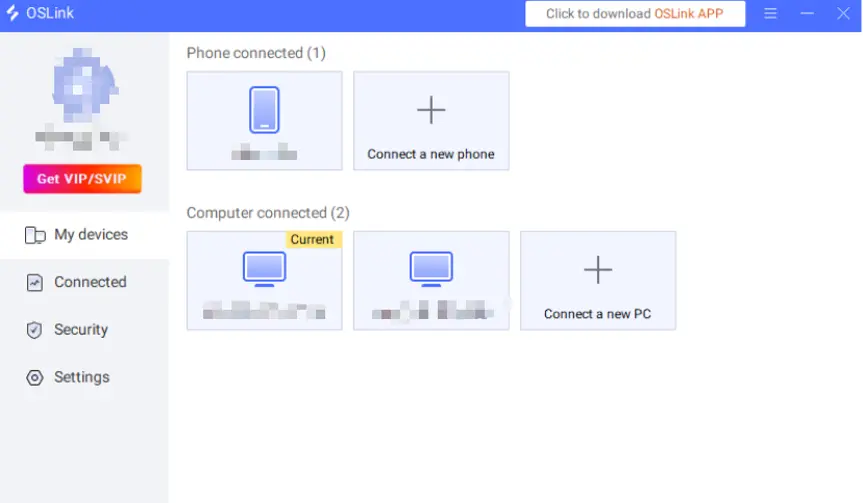
Install the OSLink mobile app from the App Store or Google Play; installation packages are also hosted on the official website. Log in with the same account as your PC to trigger automatic device pairing and stable remote connections.
Step 2: Optimize Control Settings
1. Launch the Game
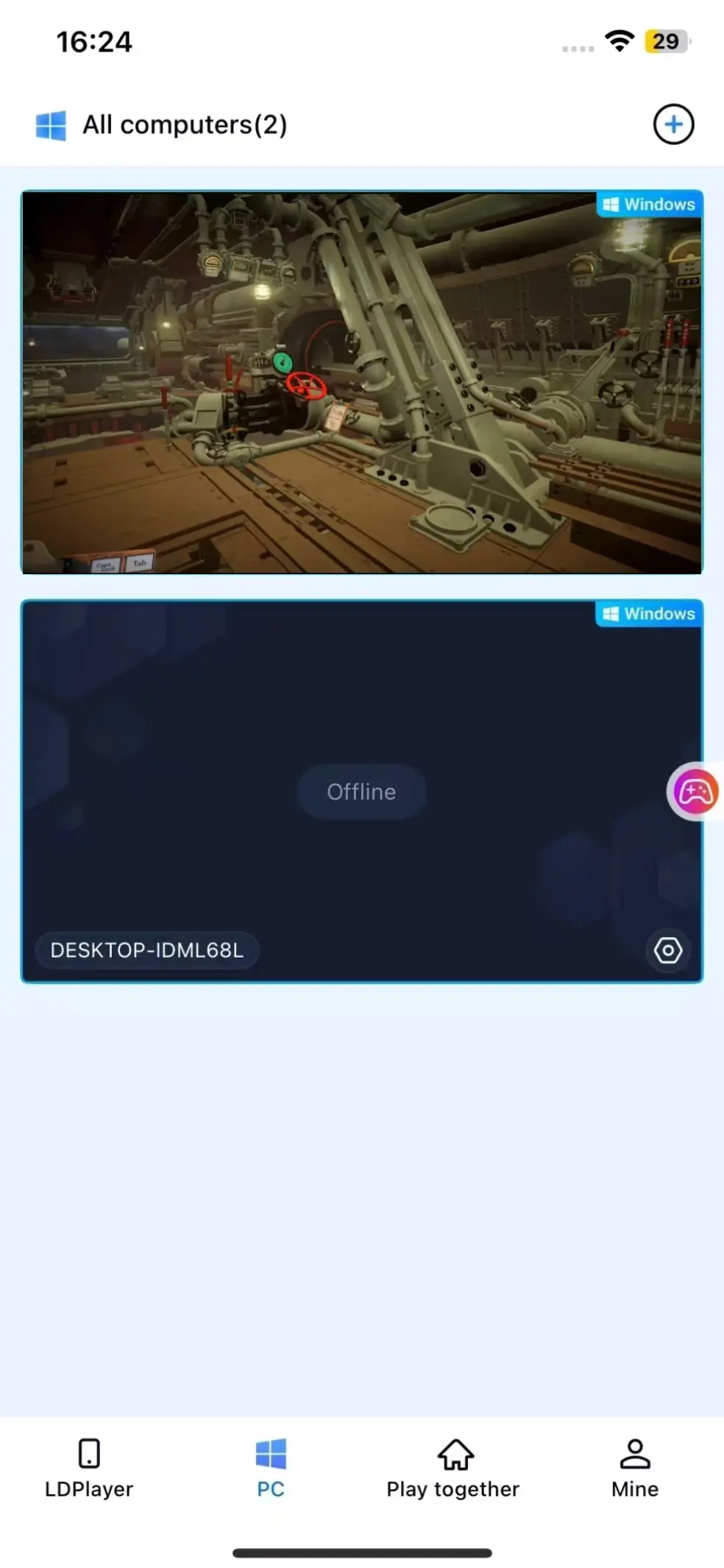
Pre-launch IRON NEST: Heavy Turret Simulator on your PC, or tap the game shortcut within the mobile OSLink app to boot the game remotely in one tap.
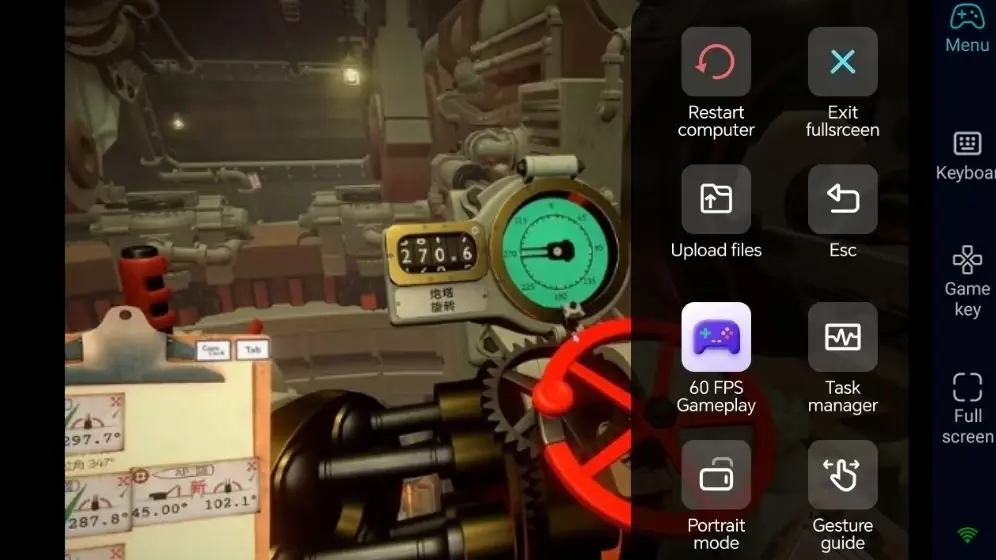
2. Activate 60 FPS PC Gaming Mode
After successfully streaming your PC screen, tap the sidebar toolbox and enable the 60 FPS PC Gaming mode. You can customize virtual touch controls or pair Bluetooth game controllers. For precision turret defense strategy games, Bluetooth controllers drastically improve operation accuracy.
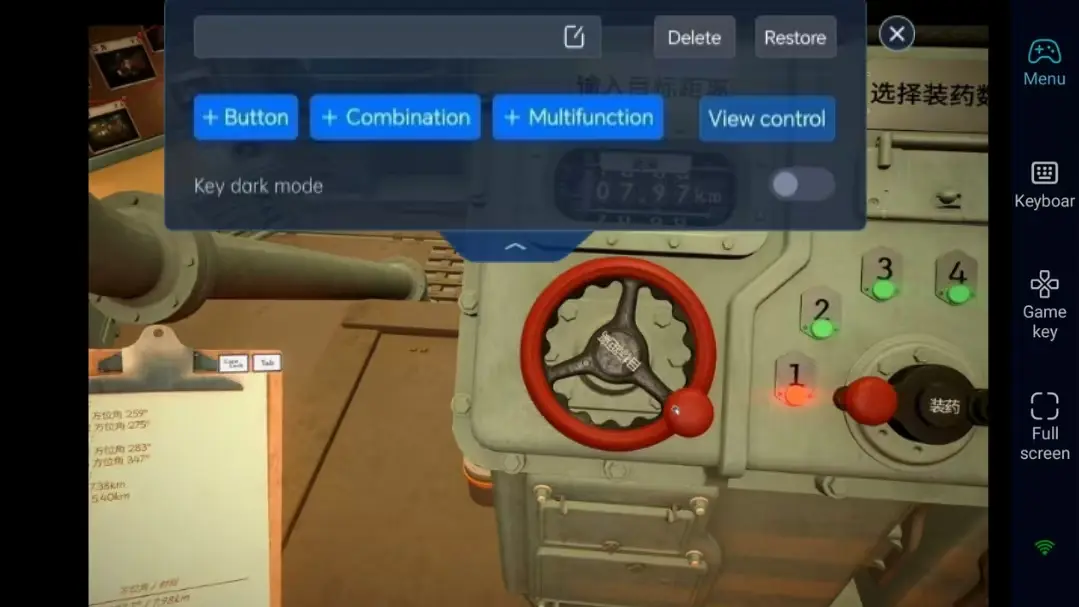
3. Custom Exclusive Hotkeys for Strategy Defense
Adjust view movement, building selection, and turret upgrade button positions to match your base defense and resource management workflow. Freely modify button sizes and transparency to reallocate firepower instantly, making remote control far more intuitive.
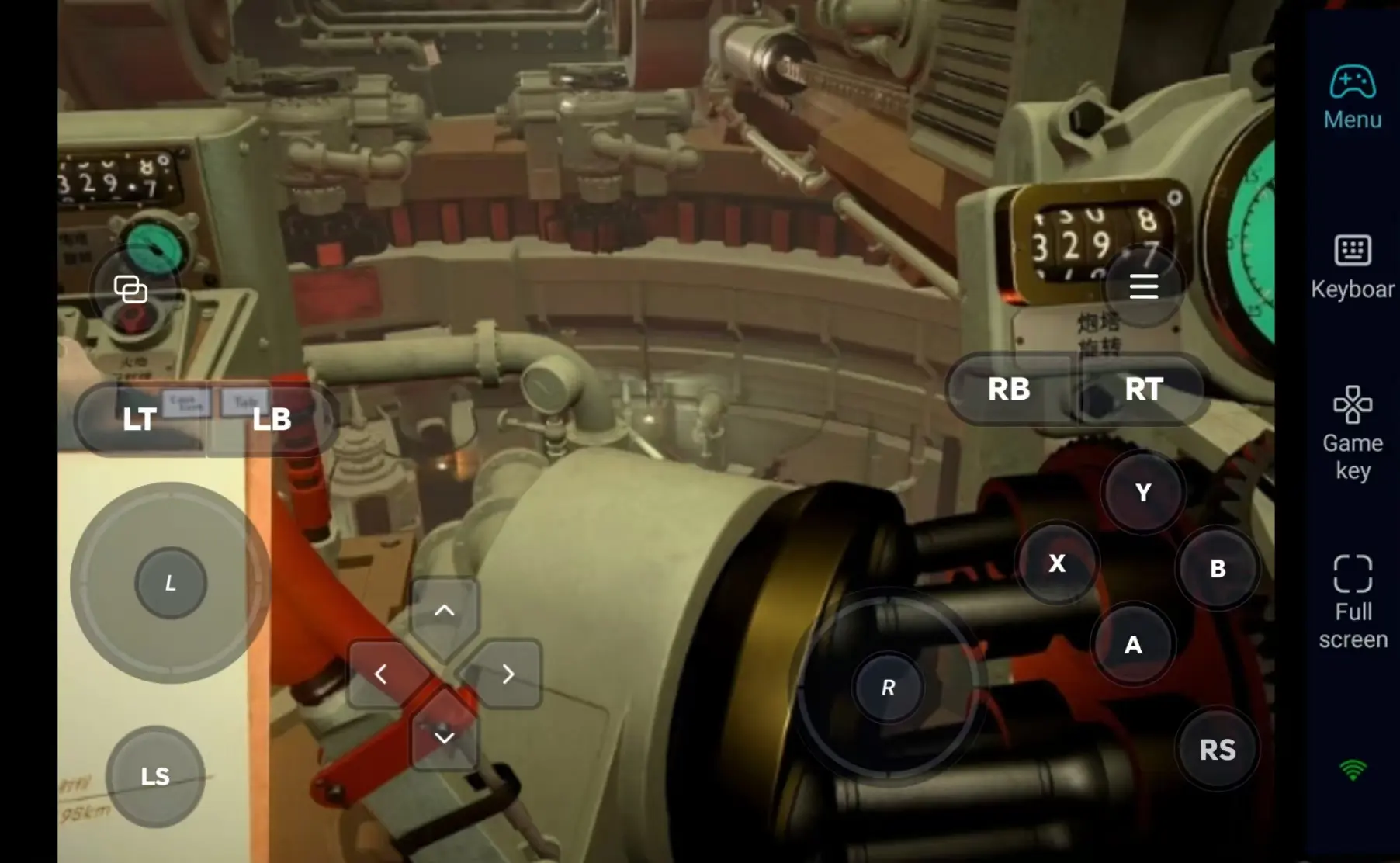
4. Pair External Gamepads
OSLink supports Bluetooth game controllers. Connect an external controller to recreate the authentic PC defense gameplay feel, perfect for fine-tuning turret aiming and precise resource allocation remotely.
Step 3: Activate Defenses Anytime, Experience IRON NEST Survival
Once all settings are configured, your phone or tablet becomes a remote control terminal. Keep your PC powered on, connect via OSLink at any spare moment to jump into levels, gather resources, arrange production lines, or respond to sudden enemy assaults.
Why Choose OSLink to Play IRON NEST: Heavy Turret Simulator?
1. No Location Restrictions–Take Command Anywhere
Make use of your spare time away from home to remotely adjust turret layouts. Seamlessly switch back to your PC screen once you return home. Low-latency streaming delivers ultra-low latency, perfectly handling the fast-paced tension of survival simulation combat.
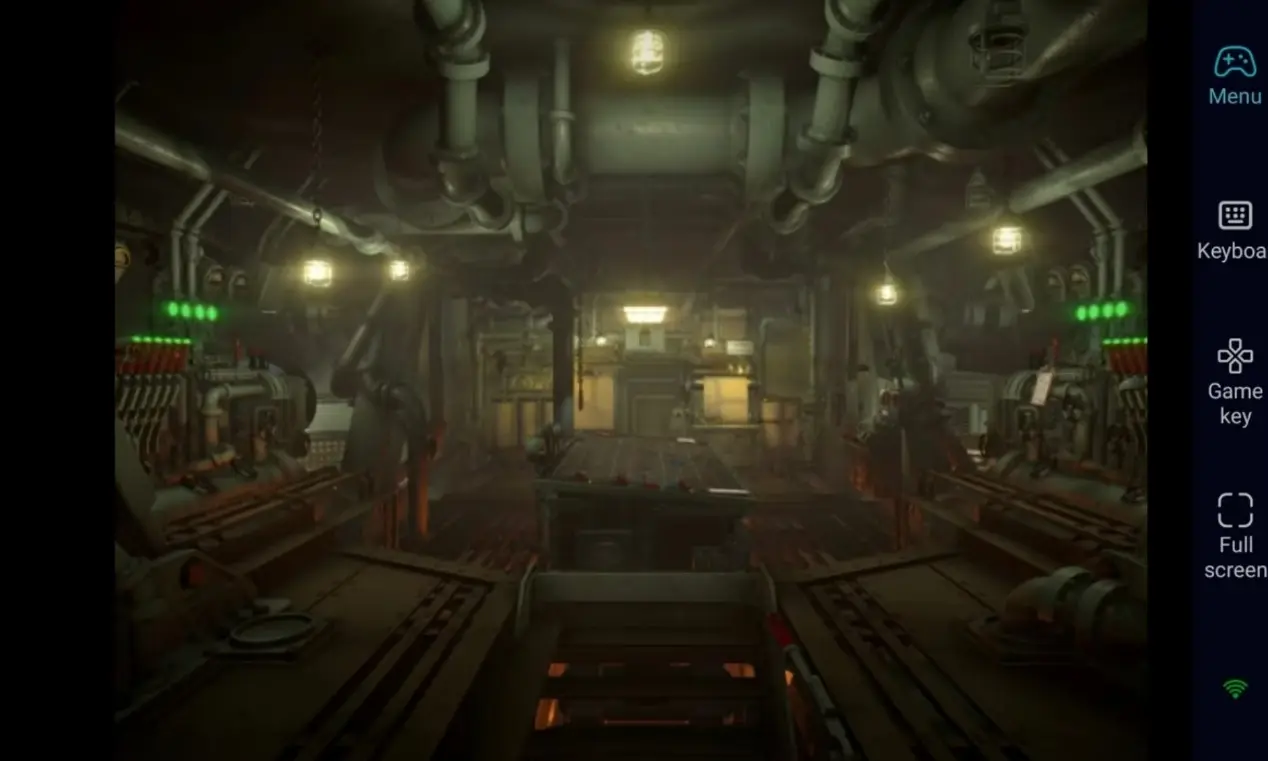
2. 60 FPS Stable Streaming–Authentic Battle Defense Visuals
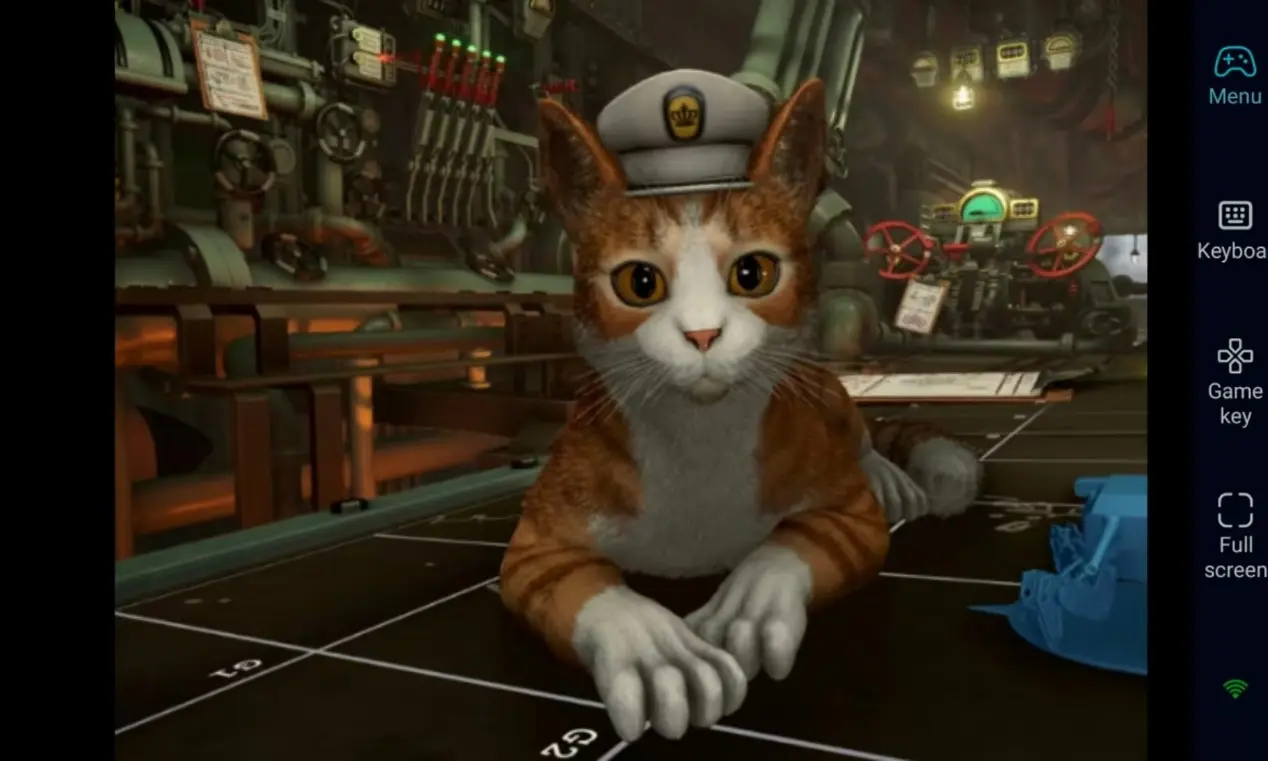
Consistent 60 FPS streaming fully renders subtle turret fire animations and massive enemy wave assaults. Custom virtual touch controls deliver precise view movement, letting you fully immerse yourself in the thrill of repelling massive enemy hordes.
3. Seamless Cross-Device Progress Sync, Local PC Save Files
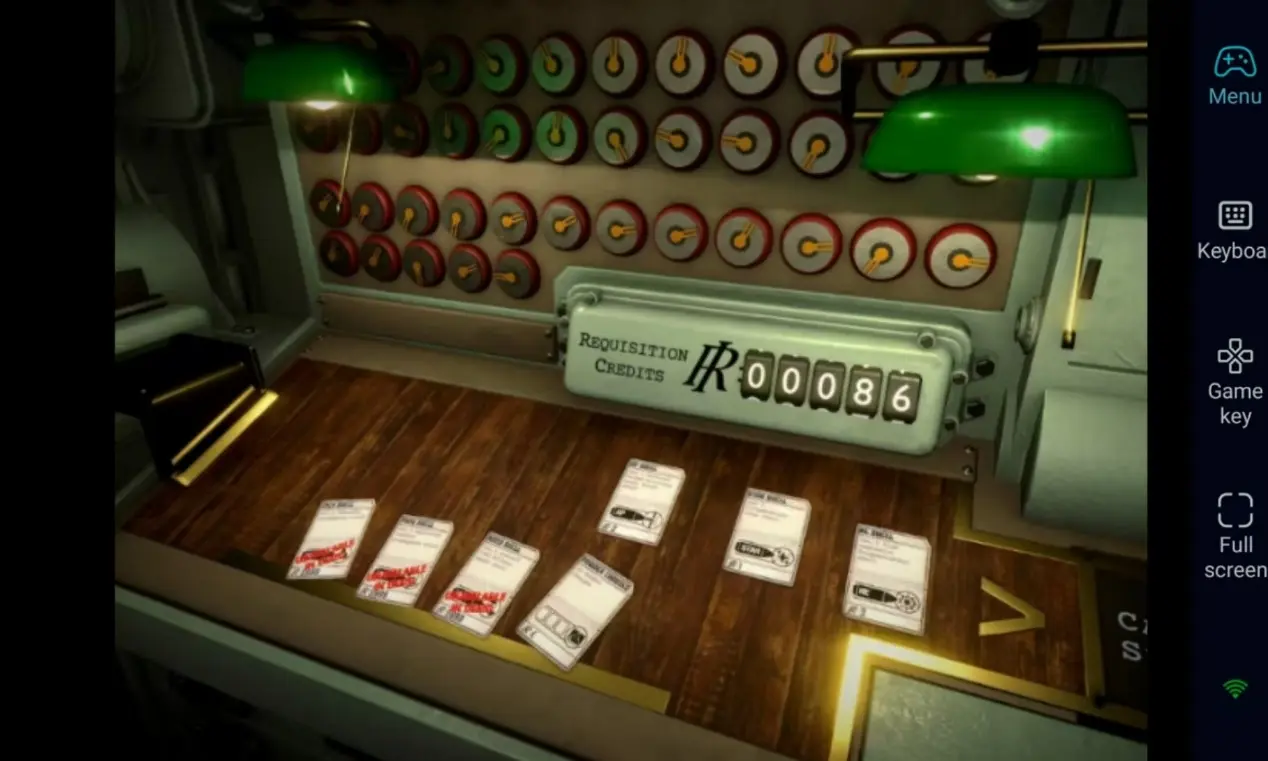
All game saves are stored locally on your PC. Remote mobile operations progress remains consistent with direct PC gameplay. Whether upgrading turrets or researching new tech, you can pick up your base management progress right where you left off at any time.
FAQ–Frequently Asked Questions
Q1: When was IRON NEST: Heavy Turret Simulator released?
A1: The survival simulation game IRON NEST: Heavy Turret Simulator officially released on Steam on August 11, 2026. It is a PC-exclusive title with no native mobile version.
Q2: Will mobile remote controls feel clunky for turret strategy gameplay?
A2: Absolutely not. OSLink lets you customize dedicated hotkeys for building selection, view movement and more, and also supports Bluetooth controllers for precise input. Daily resource management and defense deployment can all be completed smoothly.
Q3: Can I download and play IRON NEST directly on iOS and Android phones?
A3: IRON NEST: Heavy Turret Simulator is a PC-only management simulation game with no official mobile installation package, so you cannot launch the game natively on phones. With OSLink remote streaming, however, both Android and iOS devices can connect to your PC to control the game screen and run remote defense operations at any time.
Conclusion
If you want to keep building and defending your IRON NEST base without interruptions when away from home, OSLink remote streaming is your ideal solution. Leave your computer powered on, connect remotely from your mobile at any time to launch IRON NEST, reallocate resources, and use every spare minute to upgrade turret setups and reinforce your defensive strength.
 Download