English
Kuroko's Basketball: SR is a real-time mobile basketball game based on the Kuroko's Basketball anime. Its core 3v3 matches combine signature moves with positioning and passing. Driving to the basket, shooting from outside, and defending the paint each demand different skills, so your reroll goal should be a player you want to master. This guide walks you through choosing a banner and character, rerolling, and securing your chosen account.
Once you have a target, rerolling means repeating tutorials, claiming rewards, and pulling again. With LDPlayer and the OSLink remote control app, you can manage several game instances on your PC from your phone. Sync inputs while each instance is at the same stage, then check the results separately to cut down on repeated taps.
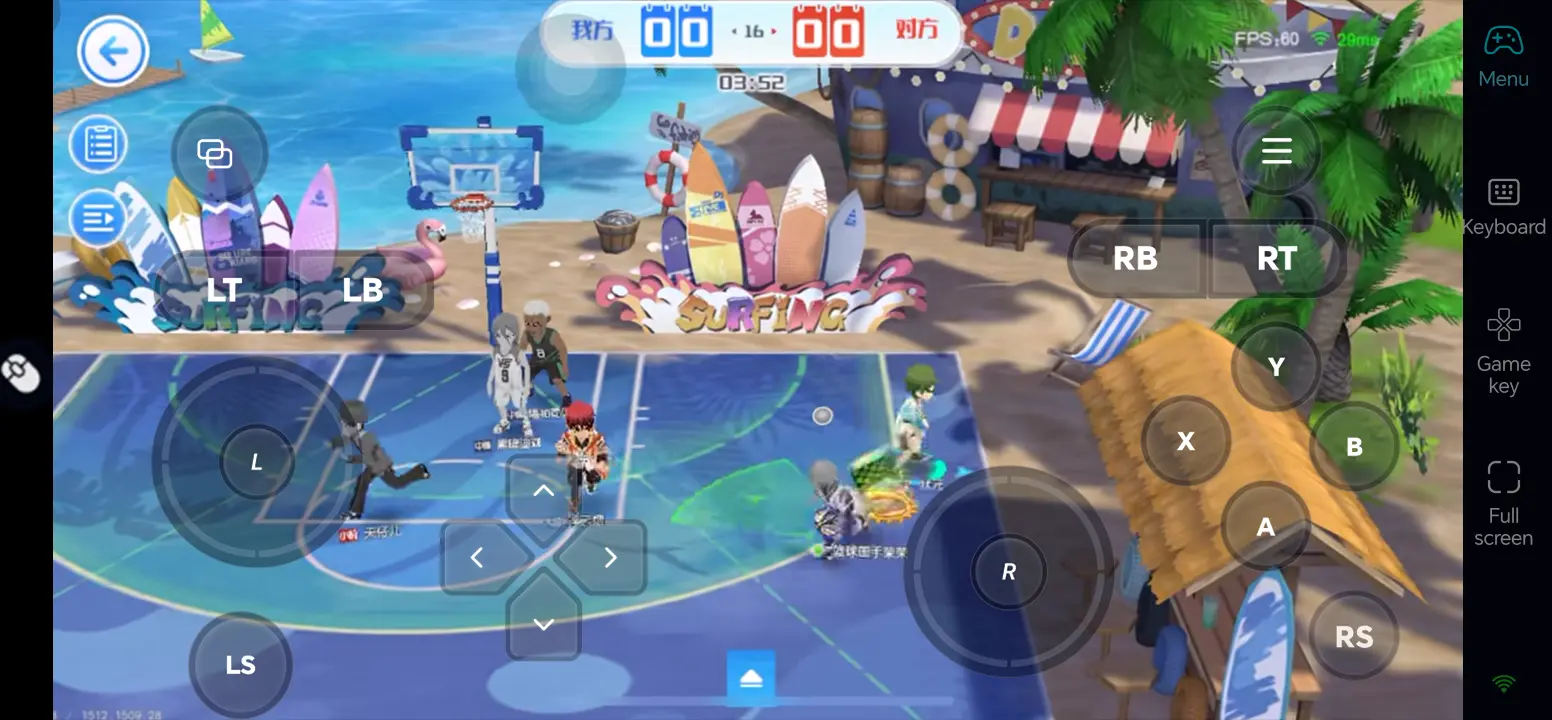
1. Banner Types and How to Use Free Pulls
First, separate recruiting players from collecting upgrade materials. Training items do not unlock a playable character; you need the player card itself. Use free tickets restricted to a specific banner before spending flexible currency such as Diamonds. Do not pull on a banner without your target just to use up your available summons.
|
Banner type |
What It Offers and How to Use It |
|
Rookie Gacha |
Uses rookie tickets to draw from a set pool of player cards and upgrade items, helping fill out your starting roster. Use the free dedicated tickets first. Upgrade materials alone will not unlock your desired player, so there is no need to rush into spending Diamonds on additional pulls. |
|
Target-selection banners |
These banners let you select a player whose pull rate increases when the relevant conditions are met, making them useful for focusing on one main. Set your target before using the appropriate tickets. A rate increase is not a guarantee, and not every unowned character is necessarily selectable. |
|
Limited-time banners |
Offer specific players during an event. Review that version's skills and your team's needs before committing. If your remaining resources cannot reach the banner's guarantee, use free pulls first rather than splitting Diamonds across banners just because they are limited. |
Before rerolling, claim all available mailbox rewards, login bonuses, and beginner mission rewards on each account, then check which tickets can be used on your target banner. Rewards earned over several days are not day-one pulls. If a beginner event guarantees your chosen main, completing it will usually save more time than rerolling.
2. Reroll Targets and When to Stop
Start with a character whose core role you can use effectively, then weigh their reliance on teammates and learning curve. Consider Daiki Aomine if you prefer creating your own scoring opportunities, Shintaro Midorima if you regularly play with teammates who can pass and set screens, or Atsushi Murasakibara for interior defense and rebounding. Ryota Kise suits players willing to study moves and matchups; choose a more straightforward role if you want to get started quickly.
|
Base character (EU pool unconfirmed) |
Reroll Considerations |
|
|
Consider him if you like scoring with the ball in your hands. His varied offense rewards practice with shot and drive timing. He suits players willing to learn his moves; pulling him alone will not win matches. |
|
Ryota Kise |
A pick for players who enjoy copying moves and changing up their approach. Learning his available copied moves and matchups takes time, so he suits players prepared to stick with one character. |
|
Shintaro Midorima |
A good option for players who prefer outside shooting. Practice moving off the ball and shooting off the catch. He benefits from teammates who can screen and pass; long range does not make defense irrelevant. |
|
Atsushi Murasakibara |
Consider him for protecting the paint and securing rebounds. Practice boxing out and timing blocks. He will not solve a team's lack of perimeter scoring. |




When to stop: Keep an account once you have obtained a player you want to main and still have enough resources to upgrade them. Try the character in a trial or practice mode first to check the controls. Do not reroll for advanced variants that are not available yet, and remember that pulling one card is only the start of building a player.
3. Reroll Walkthrough
Software Setup
On PC: Download and install OSLink and LDPlayer from their official websites.
On mobile: Search for OSLink in the App Store or Google Play and install it.
Step-by-Step Instructions
1. Install the EU version of Kuroko's Basketball: SR through Google Play in LDPlayer. Make sure the game launches correctly.
2. Open LDMultiplayer to add instances. Sign in to each with a separate account using a method the game permits, and keep the same resolution and key mappings across instances.
3. Sign in to the same OSLink account on your phone and PC. On your phone, select the emulator window on your online PC to connect. Keep the PC powered on and connected to the internet.
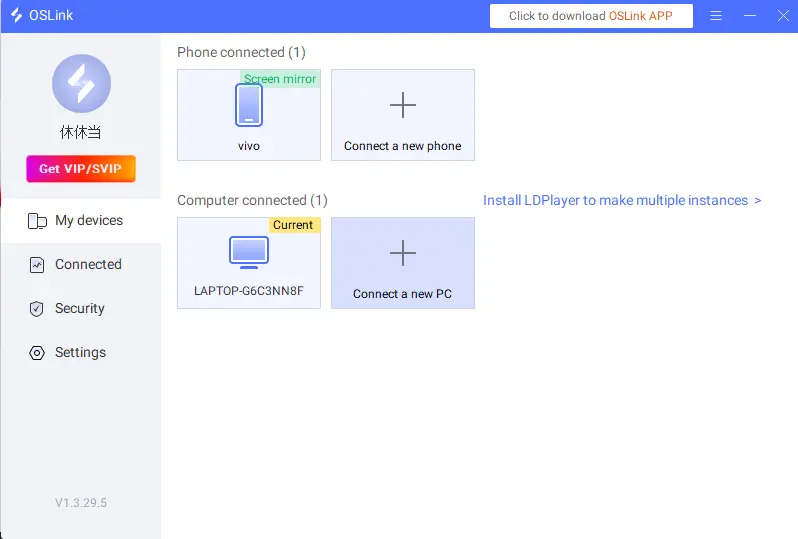
4.Bring each instance to the same screen. In OSLink's right-hand Tools panel, select Synchronizer and check the instances you want to sync. You can then claim rewards and pull across them together. Complete gameplay tutorials manually; pause syncing to resolve different pop-ups or catch up any instance that falls behind.
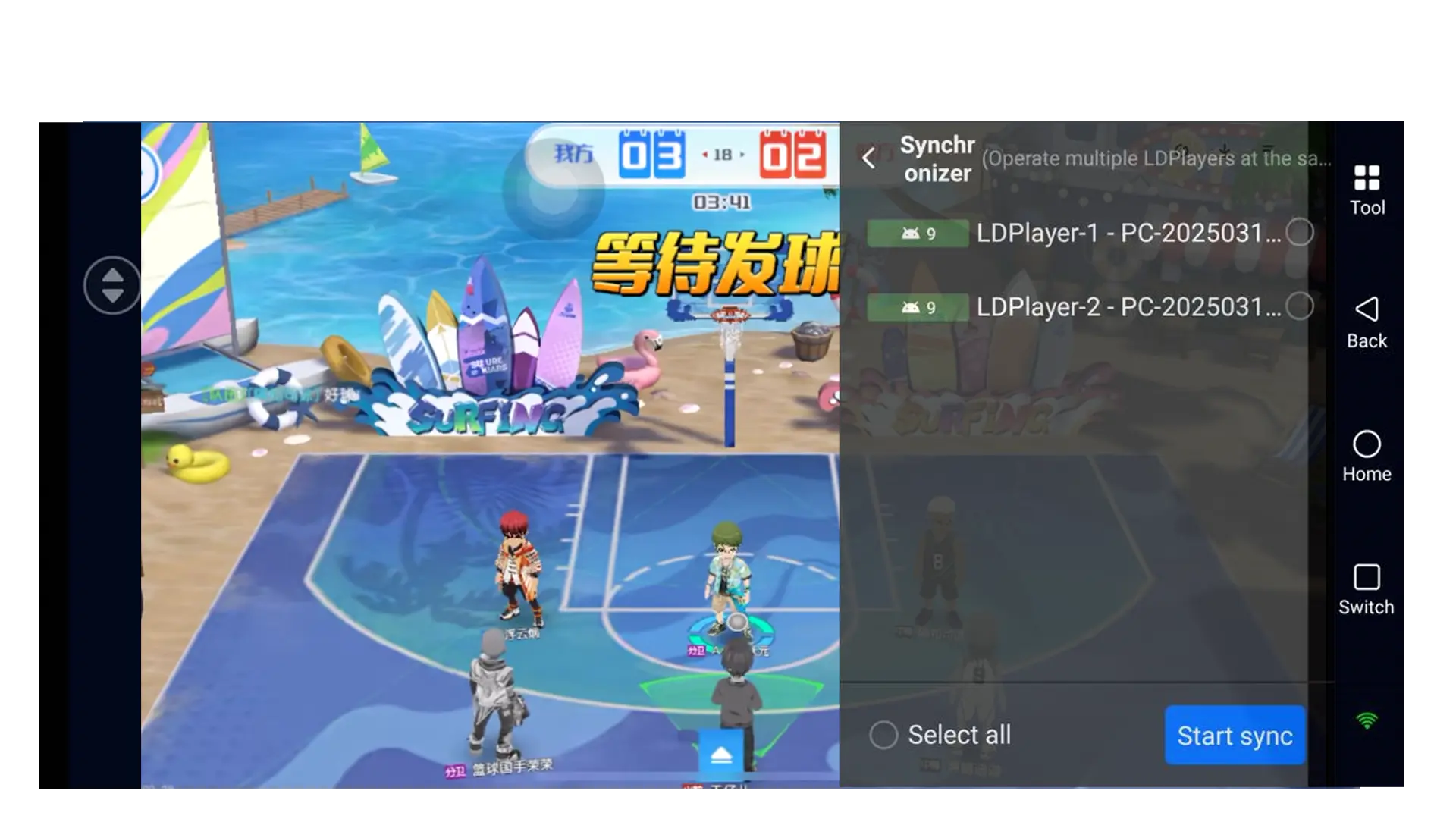
5. Stop syncing after your pulls and compare the results individually. Record the server and player ID for the account you want to keep, link it, test logging back in, and remove it from the sync group.
Conclusion
A good reroll gets you a main who fits your playstyle without wasting resources. Use your free tickets on the appropriate banners, then choose a player based on whether you prefer on-ball scoring, perimeter teamwork, or interior defense. Keep instances aligned while rerolling, compare their results separately, and link the account you want to keep. Stop once you have a player you want to master. Prioritize upgrading your main player, practice shooting, positioning, and defensive timing, then strengthen the rest of your team to improve your performance in matches.
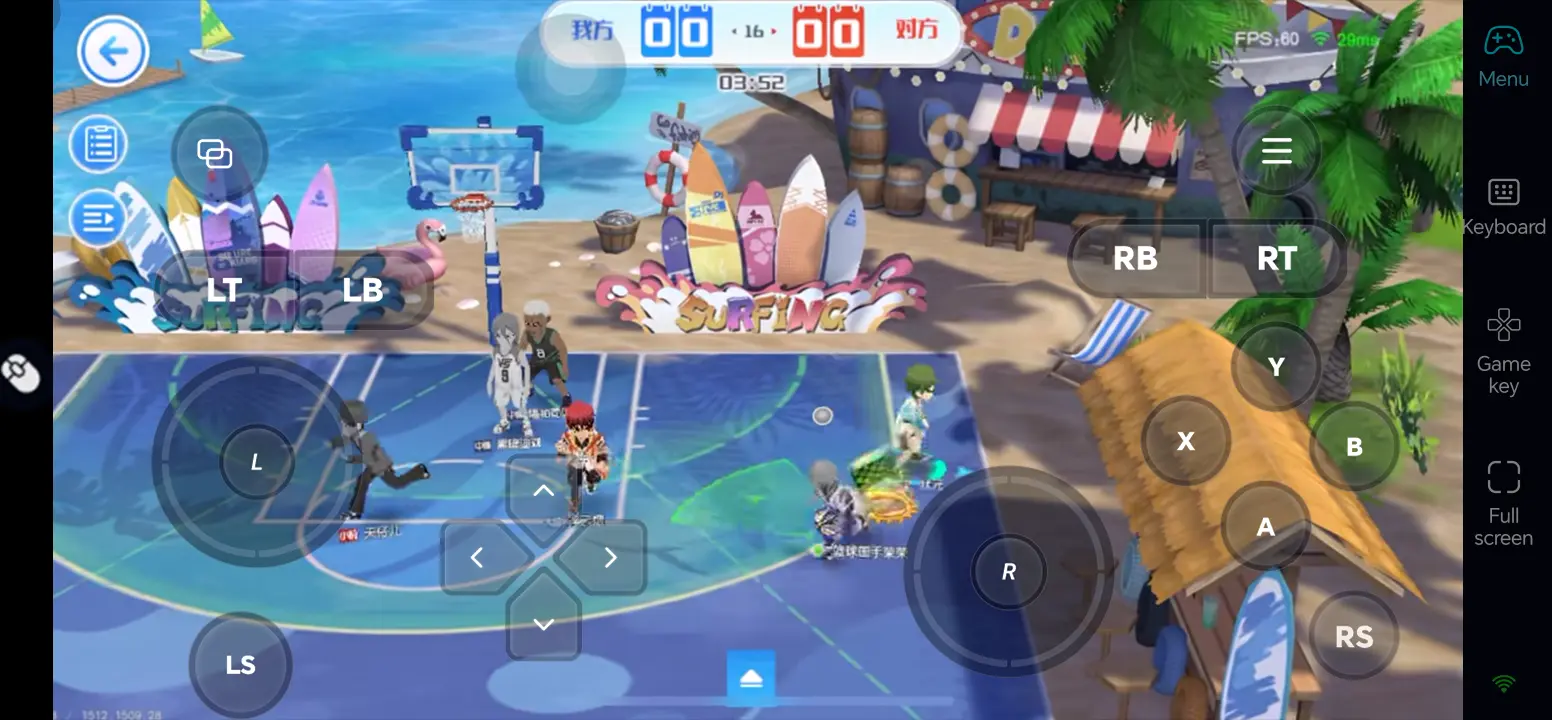
To manage rerolls during short breaks, use OSLink to check the LDPlayer instances running on your PC from your phone. Sync matching screens and handle different results separately. Once you have saved the account you want, put that time back into practice and player development.
 Download