English
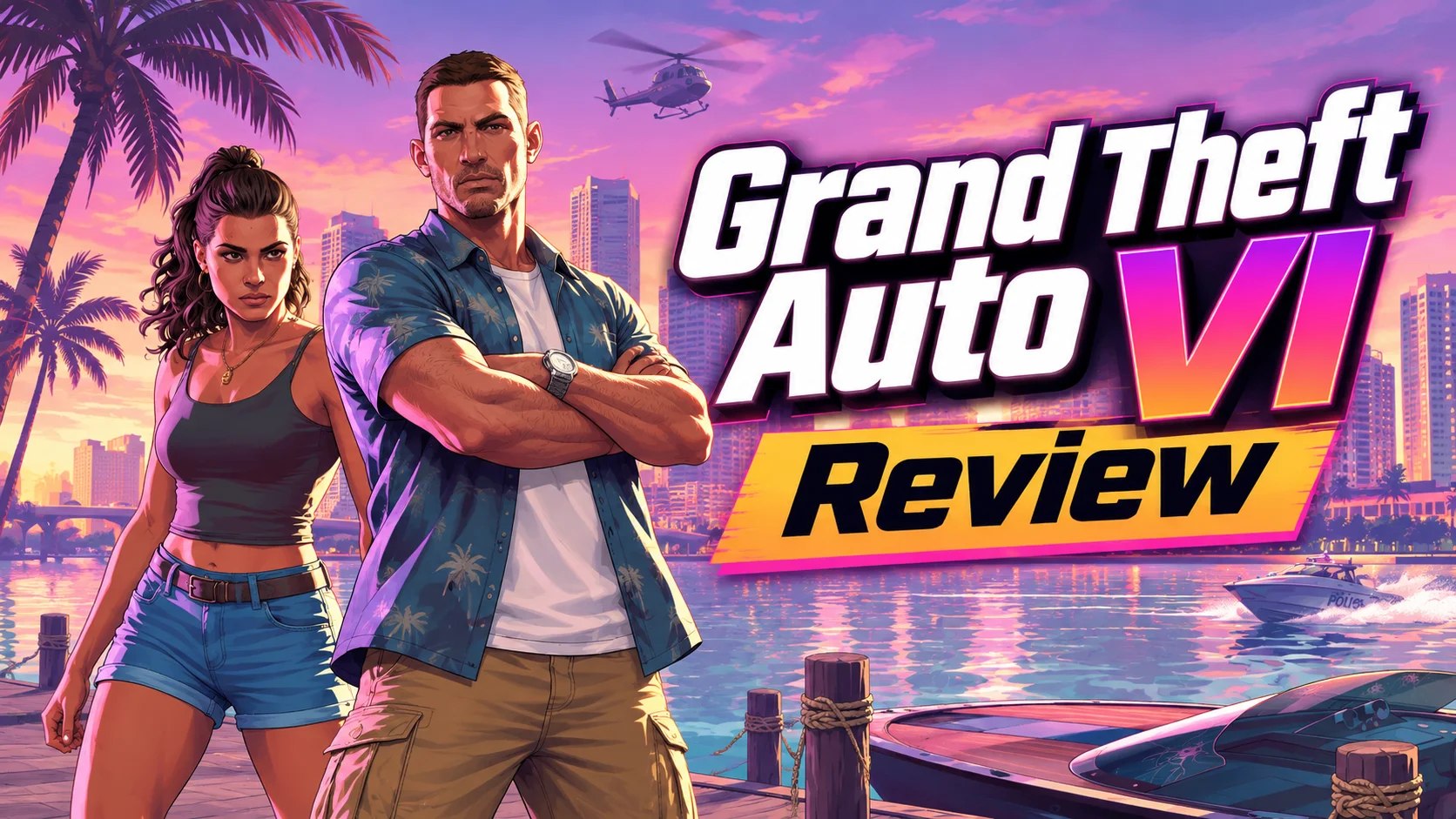
GTA 6 (Grand Theft Auto VI) follows Jason Duval and Lucia Caminos across Leonida, including Vice City. Its open-world exploration, driving, and story missions invite longer sessions.
OSLink can control your own Windows PC from a phone. This guide explains how you will be able to set up GTA 6 PC remote play on your phone once the PC version is released.
How to Get GTA 6
Console Preload and PC Availability
You can preorder GTA 6 from the PlayStation 5 or Xbox Series X|S storefronts, and digital preloading began on November 10, 2026. Rockstar has not announced a PC download, release date, or requirements. Avoid listings that claim the PC edition is available now.
After Rockstar releases a PC edition, install and test that official version locally before following the remote-play steps below.
Prepare OSLink for Future GTA 6 PC Remote Play
Step 1: Install OSLink on Both Devices
Install OSLink on PC
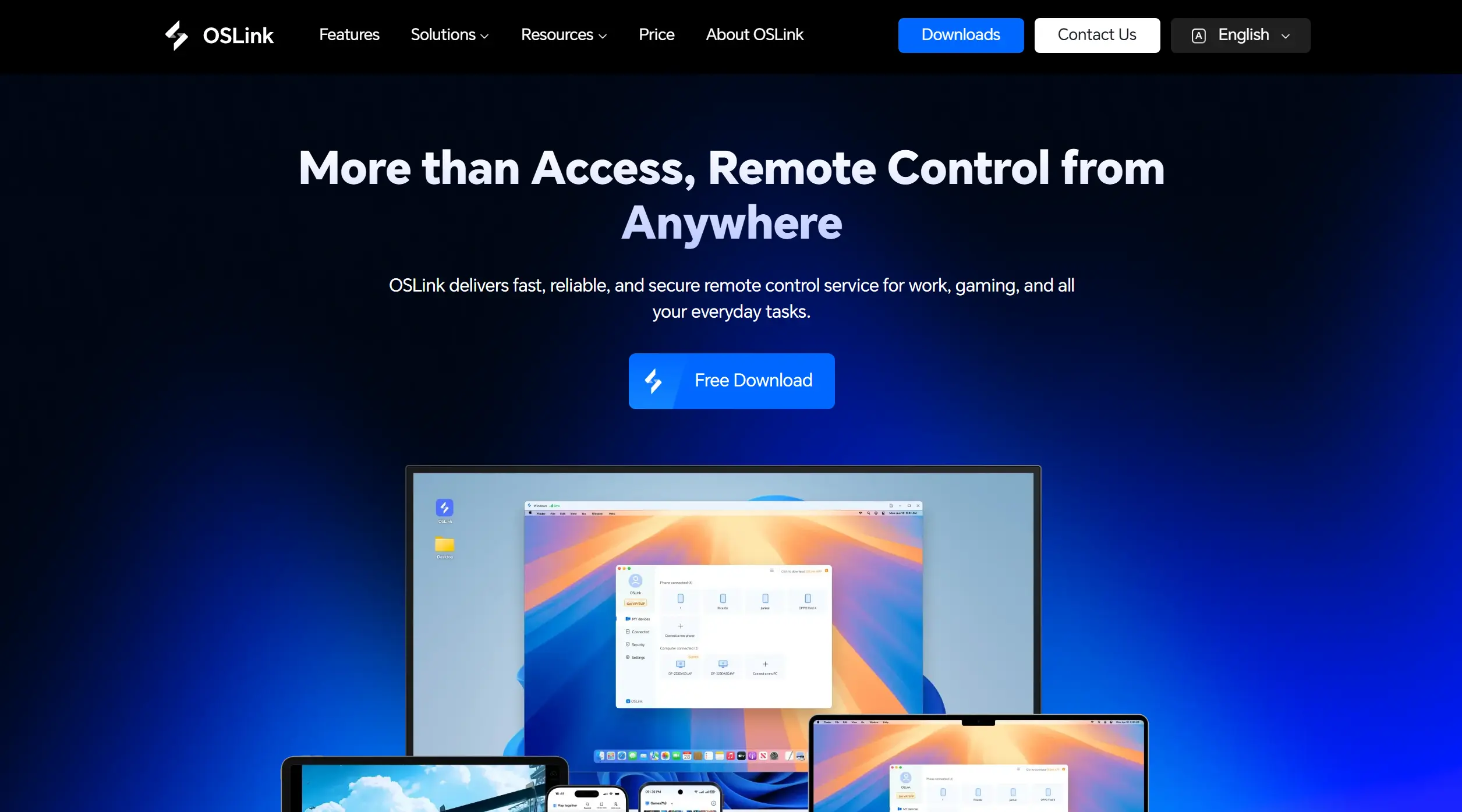
Download the Windows client from the OSLink website and sign in. Keep the host PC powered on, signed in, and connected to the internet. This setup will prepare your devices for GTA 6 PC remote play once the game is released.
Install OSLink on Your Phone
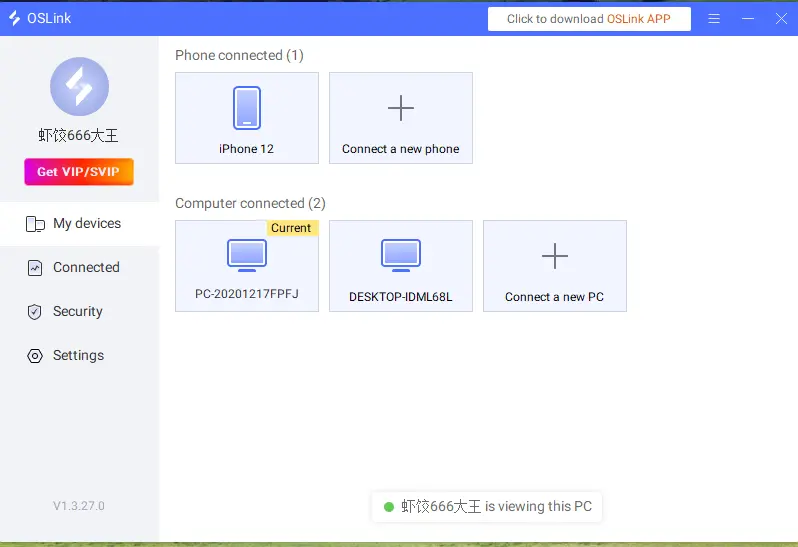
Install OSLink from Google Play on Android or the App Store on iPhone. Sign in with the same account as the PC and select that computer from the device list.
Step 2: Complete Control Setup
1. Launch the Official PC Edition
Once the PC version is released, you will be able to install and launch GTA 6 on your Windows PC. First test graphics, walking, driving, mission interactions, and saving on the PC itself.
2. Pair Devices and Check Input
Open the OSLink remote desktop on your phone. You will be able to test movement, camera controls, driving, the map, and menu navigation. If the picture stutters, check the host PC and connection first.
3. Enable 60 FPS PC Gaming Mode
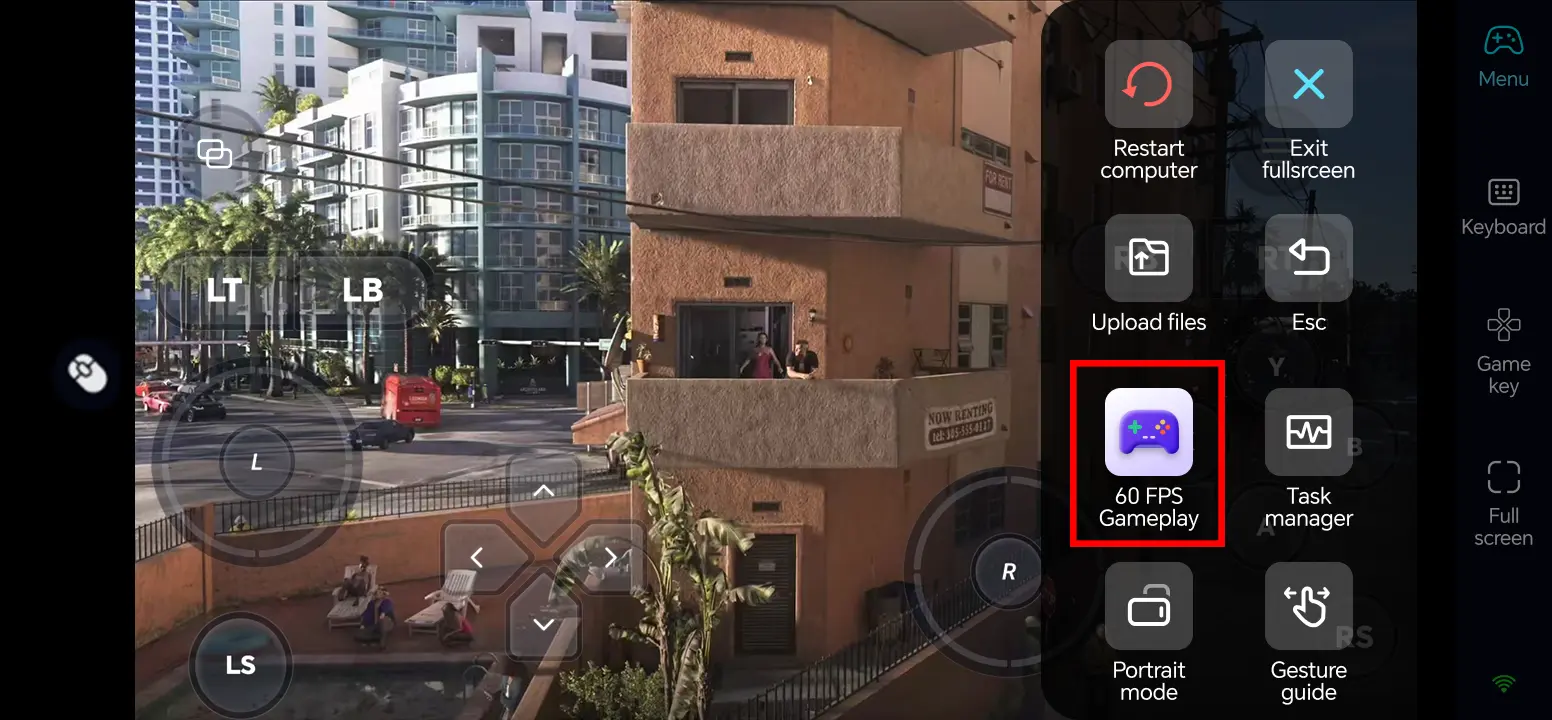
From the remote desktop toolbar, select Tools > Play PC games at 60 frames. This is an OSLink streaming mode, not a promise that GTA 6 will run at 60 FPS; actual performance depends on the future PC edition, hardware, and connection.
4. Customize Touch Controls
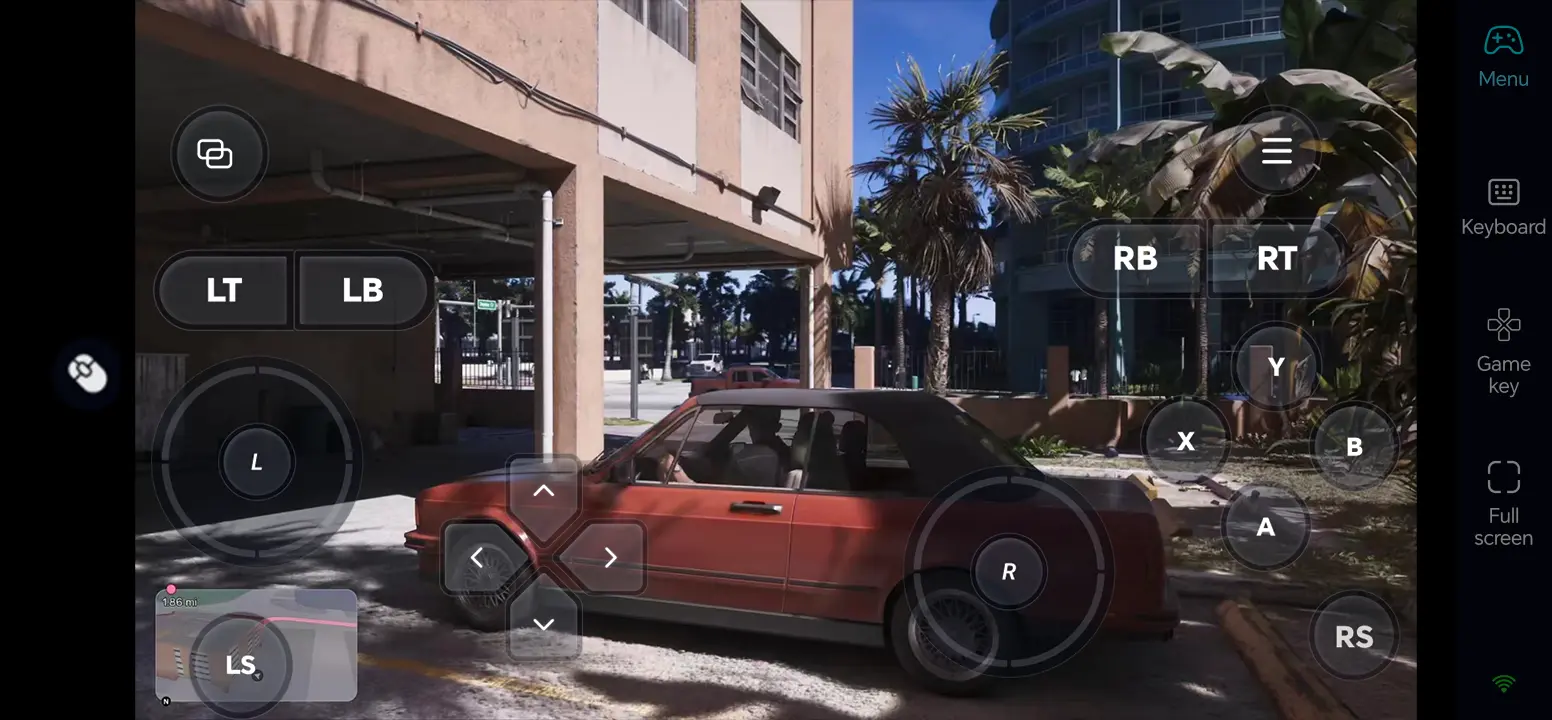
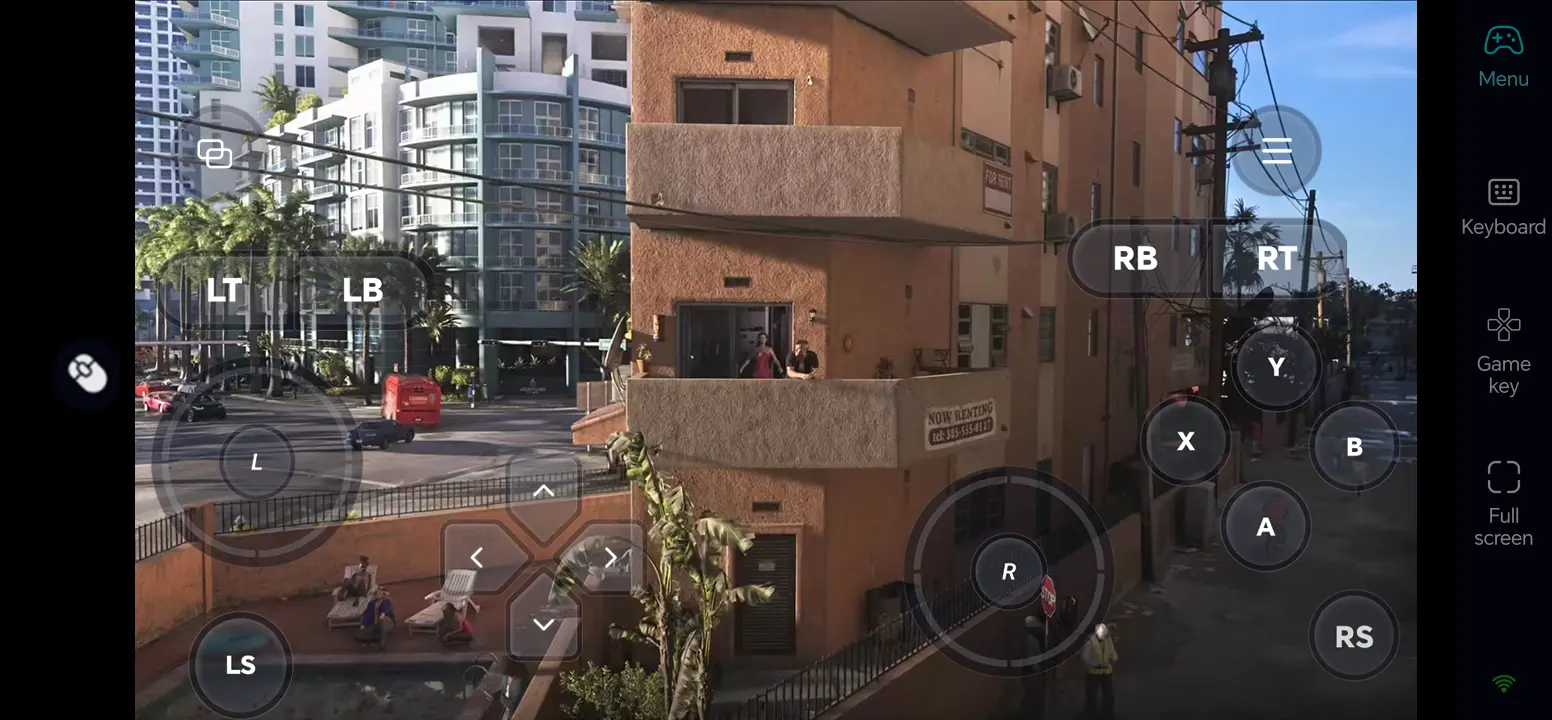
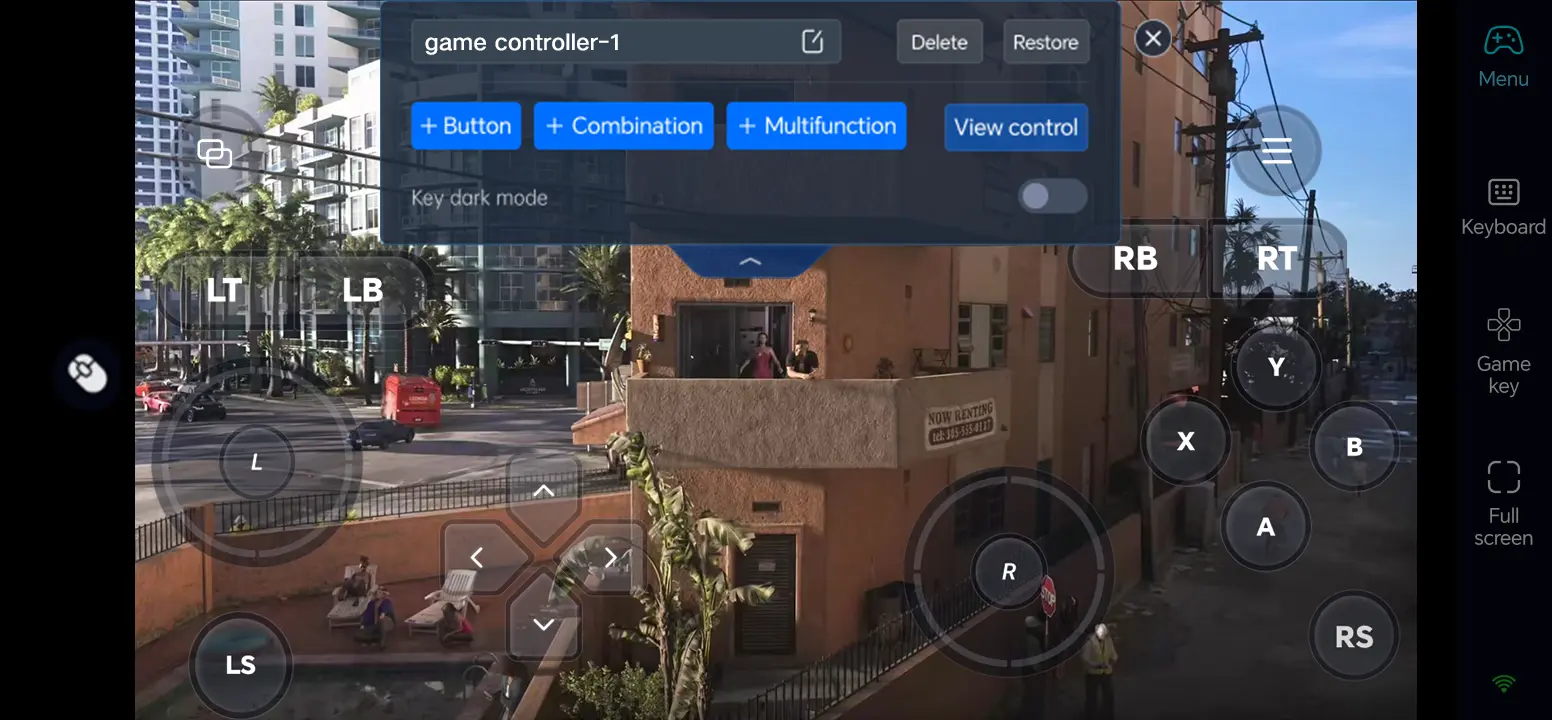
Open Game Button and its edit icon. You will be able to arrange movement, camera, driving, interaction, and map controls without blocking important parts of the screen. Test them in a low-pressure area.
5. Test External Controls
Connect a compatible Bluetooth controller or keyboard and mouse to your phone if you prefer physical controls. Check each binding; support will depend on the future PC edition and your devices.
Three OSLink Benefits for a Future GTA 6 PC Edition
1. Check your PC game while away
Once the PC version is released, you will be able to check your map and missions remotely from your phone.
2. Separate walking and driving controls
A custom layout will allow you to separate exploration and driving controls for a more comfortable mobile experience.
3. Use a controller for familiar movement
A compatible Bluetooth controller may help with navigation and driving; remote responsiveness will still depend on the PC and network.
Frequently Asked Questions
Q1: What is the release date of GTA 6, and what is the GTA 6 PC release date?
GTA 6 is scheduled for release on November 19, 2026, for PlayStation 5 and Xbox Series X|S. An official PC release date has not been announced, but the PC version is expected to launch in the first quarter of 2027.
Q2: Can I play GTA 6 directly on Android?
Once the PC version is released, you will be able to play GTA 6 remotely on Android using OSLink. The game will run on your Windows PC, while your Android phone will provide remote access and controls.
Q3: Can I play GTA 6 directly on iOS?
Once GTA 6 is released on PC, you will be able to use OSLink to access the game remotely from your iPhone. You will also be able to customize touch controls or use compatible external controls.
Q4: How much space and time will GTA 6 take to download?
Rockstar says the console preload may require up to 212 GB of free space, depending on the device. Download time varies with connection and platform.
Q5: Does GTA 6 support cross-platform play?
Rockstar has confirmed a single-player console launch but has not announced cross-platform multiplayer for GTA 6. Do not assume PlayStation, Xbox, or a future PC edition can play together.
Conclusion
Once GTA 6 is released on PC, you will be able to enjoy its open-world adventure remotely on your phone with OSLink. By installing the game on your Windows PC, setting up a remote connection, and customizing your controls, you will be able to explore Vice City, complete missions, and continue your journey wherever you have a stable internet connection.
 Download