English
 To master tactical combat in Duskfade, you need countless trials to test unit positioning and skill combos. Want to plan your battles no matter where you are? OSLink lets you connect to your PC from mobile devices, so you can jump straight into your Duskfade adventure anytime.
Duskfade is a turn-based tactical RPG with rich storytelling and fast-paced combat loops. Players must spend plenty of time learning unit mechanics and team formation strategies. However, the game is only available on PC, so you cannot continue your progress away from your desktop. OSLink solves this limitation: keep your PC powered on, connect remotely from your phone, and take full control of your game for tactical planning sessions.
Step 1: Download OSLink & Pair Devices
1. PC Client
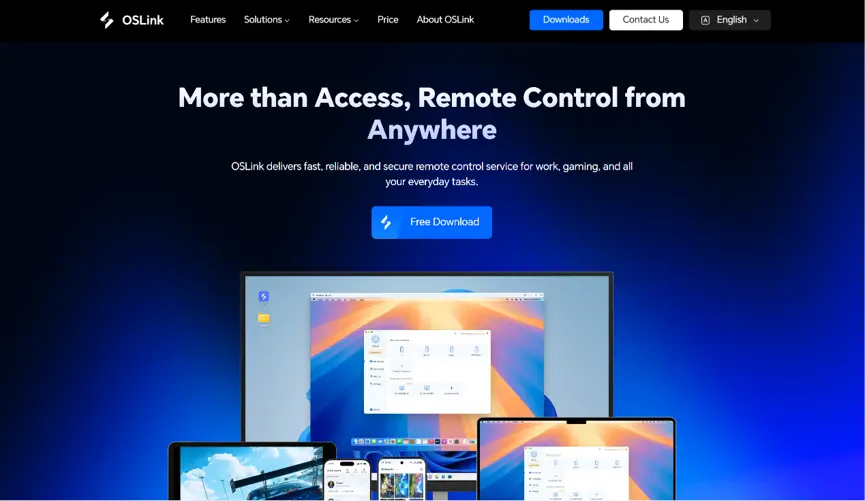
Download and install the PC client from the official OSLink website (https://www.oslink.io) and log into your account. Disable automatic system sleep to prevent unexpected remote connection drops.
2. Mobile Client
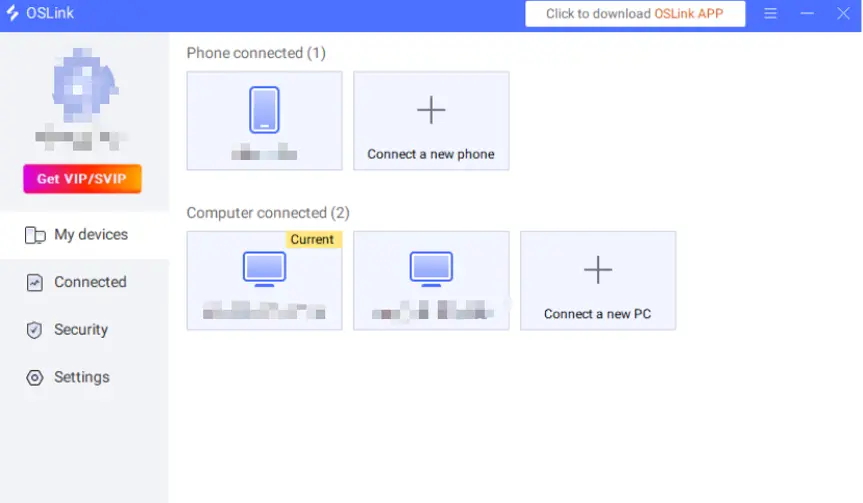
Install the OSLink mobile app from the App Store or Google Play; installation packages are also hosted on the official website. Log in with the same account you use on your PC to trigger automatic device pairing and stable remote connections.
Step 2: Optimize Control Settings
1. Launch the Game
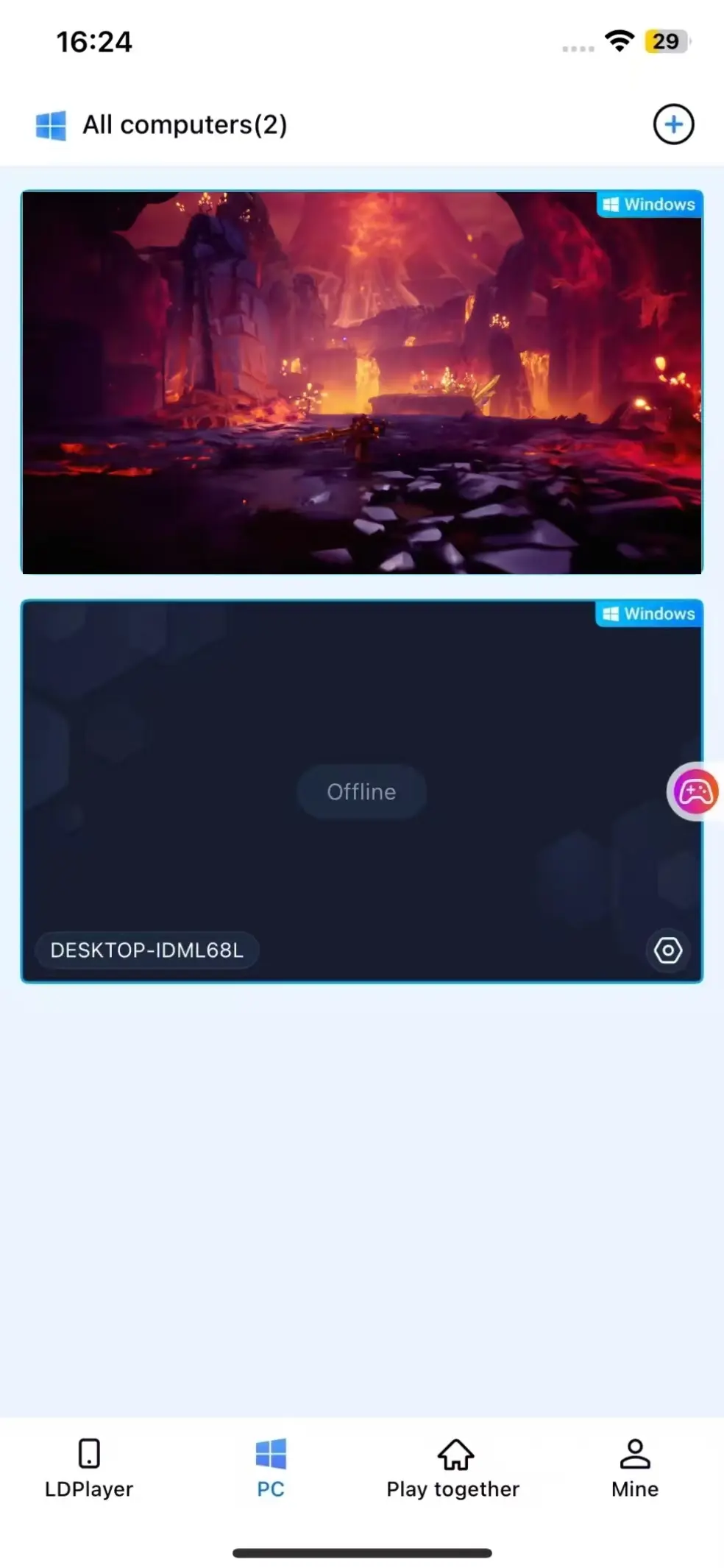
Pre-launch Duskfade on your PC, or tap the game shortcut within the mobile OSLink app to boot the game remotely in one tap.
2. Activate 60FPS PC Gaming Mode
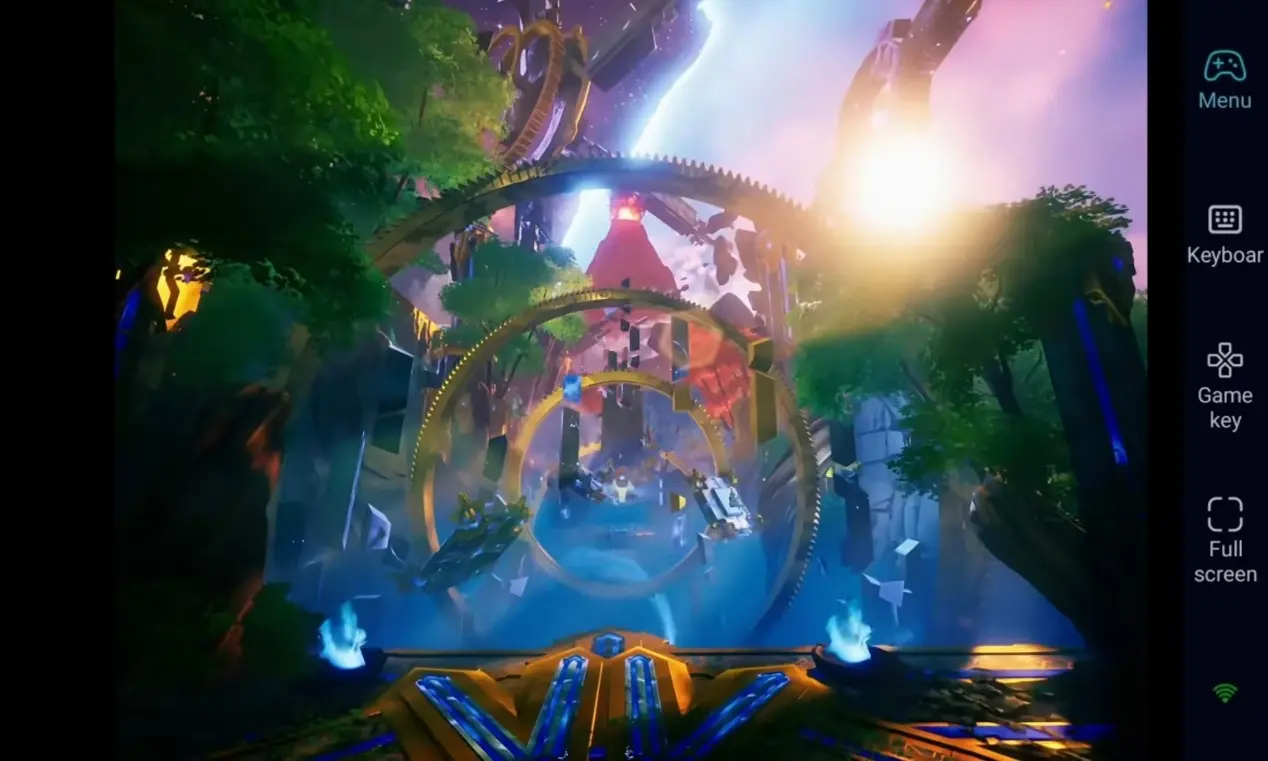
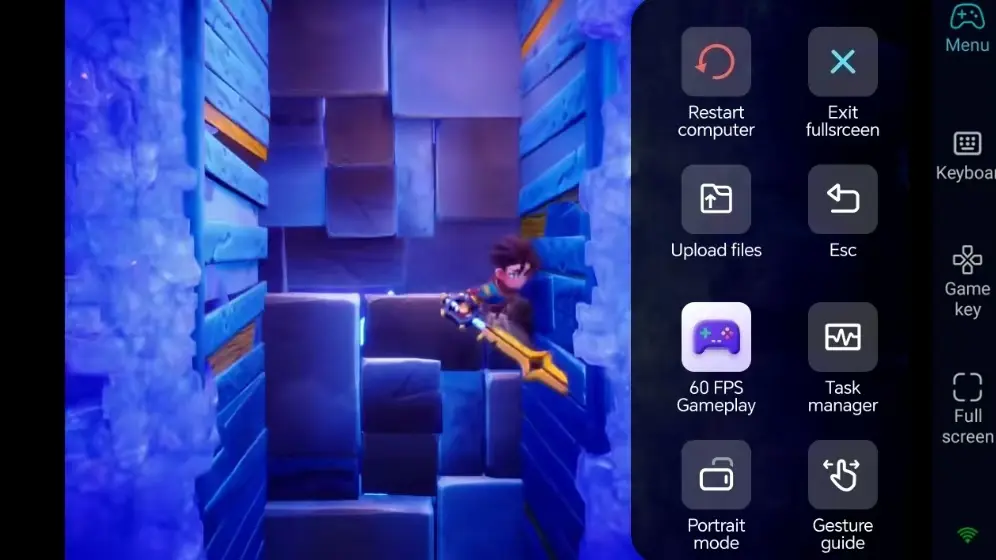
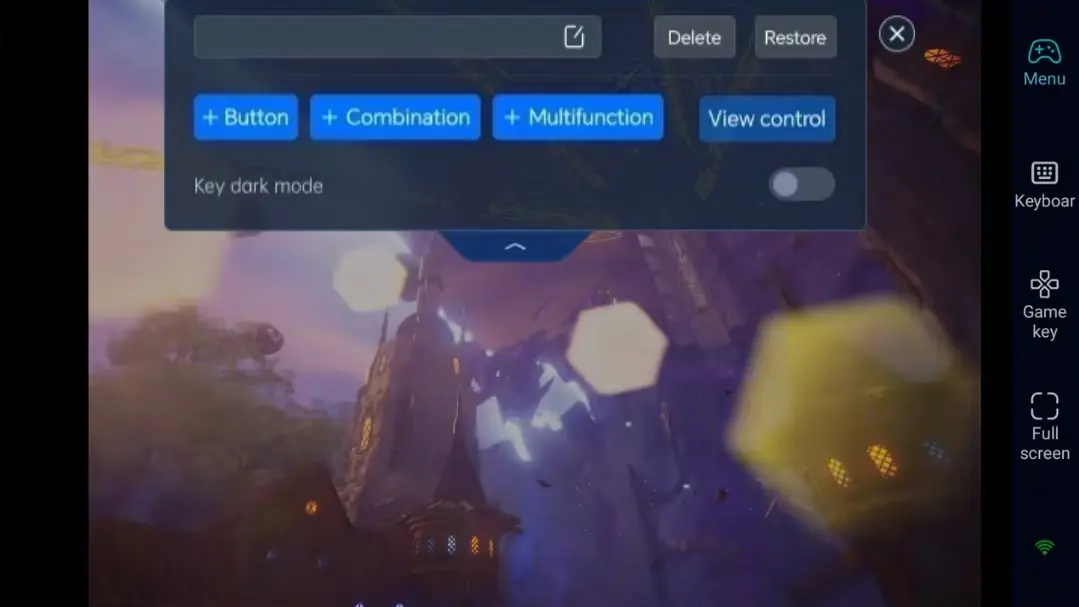
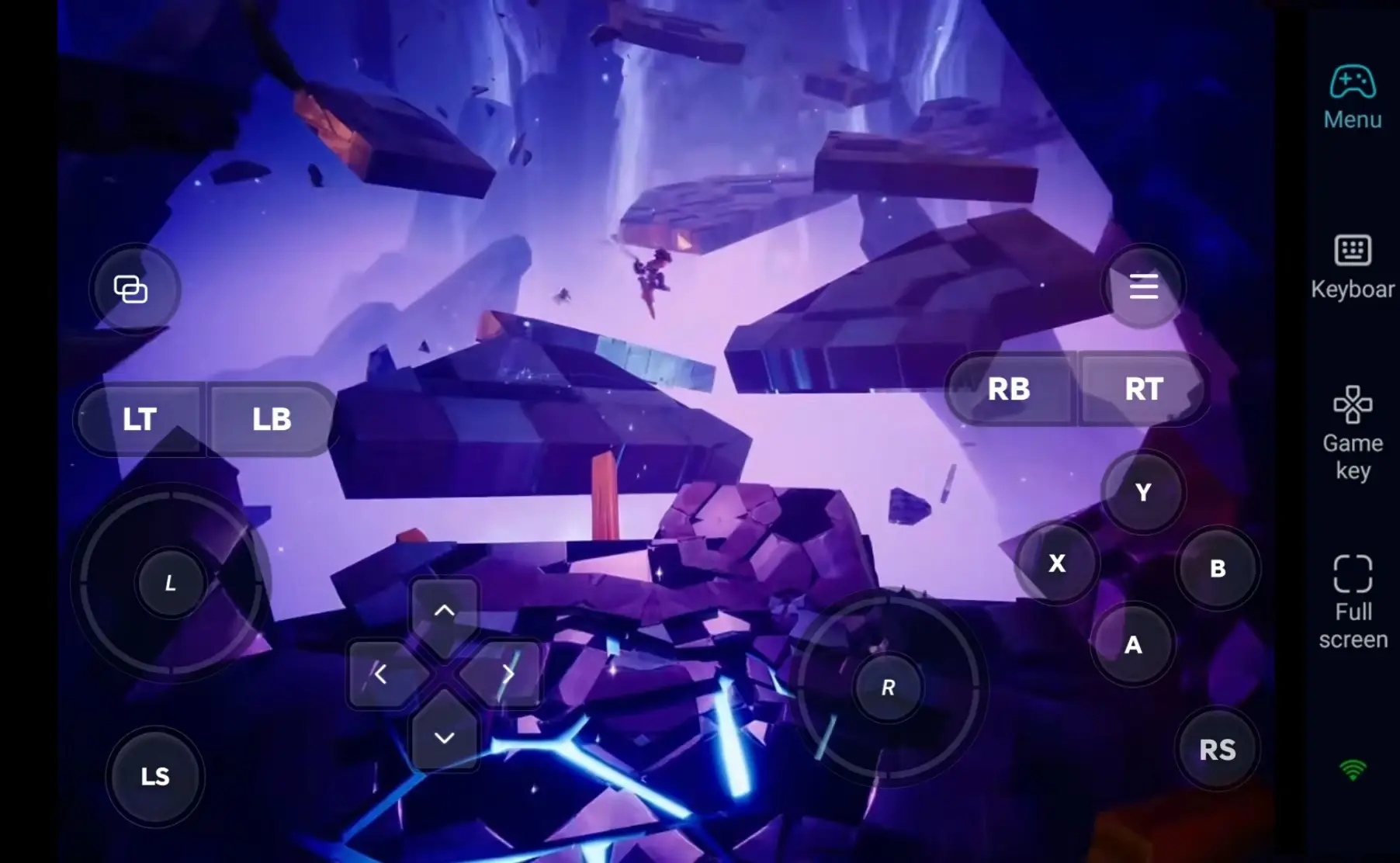
Once screen streaming is active, open the sidebar toolbar and enable the "60FPS PC Gaming" mode. You can use a virtual on-screen touch control layout, or pair a Bluetooth game controller for physical input.
3. Custom Tactical Layout Hotkeys
Adjust camera panning, unit selection, and skill cast button positions based on your tactical formation needs. Freely adjust button size and transparency, and combine your custom layout with 3D camera controls and enemy lock-on for smoother camera movement and more fluid gameplay.
4. Optional Bluetooth Controller Support
OSLink fully supports Bluetooth gamepads. After connecting a controller, the gameplay experience closely mirrors native PC tactical controls — ideal for long sessions of strategic team planning on your remote device.
Step 3: Plan Tactics Anytime, Embark on Your Duskfade Journey
Once all settings are finalized, your phone or tablet acts as a portable remote control hub. As long as your PC stays powered on, you can connect via OSLink at any time. Use spare minutes to clear campaign stages, rework team builds, or test new formation combinations.
Why Choose OSLink for Duskfade?
1. Unrestricted Access — Plan Tactics Wherever You Go
When you’re out and about, use your mobile to access the game map and plan unit positioning. Pick back up exactly where you left off once you return home. Low latency local network streaming delivers stable, responsive controls perfect for tactical turn-based gameplay.
2. 60 fps streaming, bringing dark fantasy strategy game visuals to life
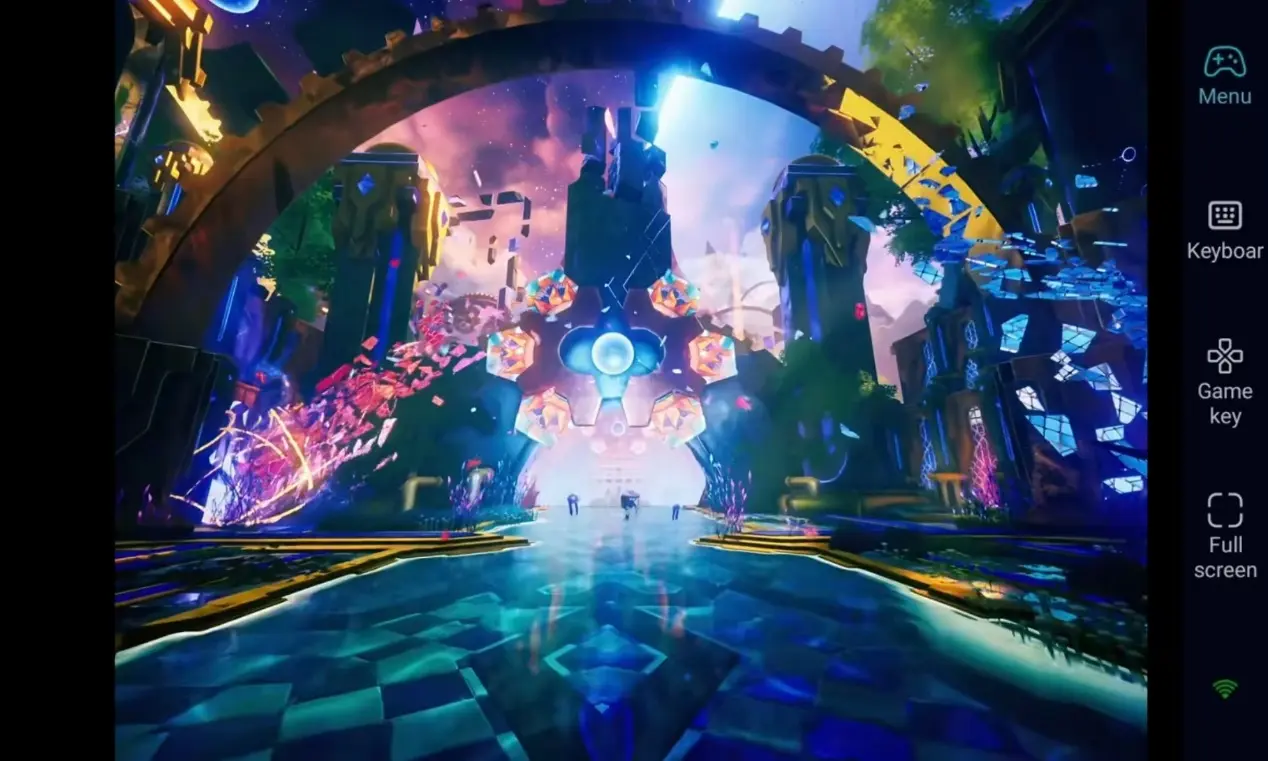
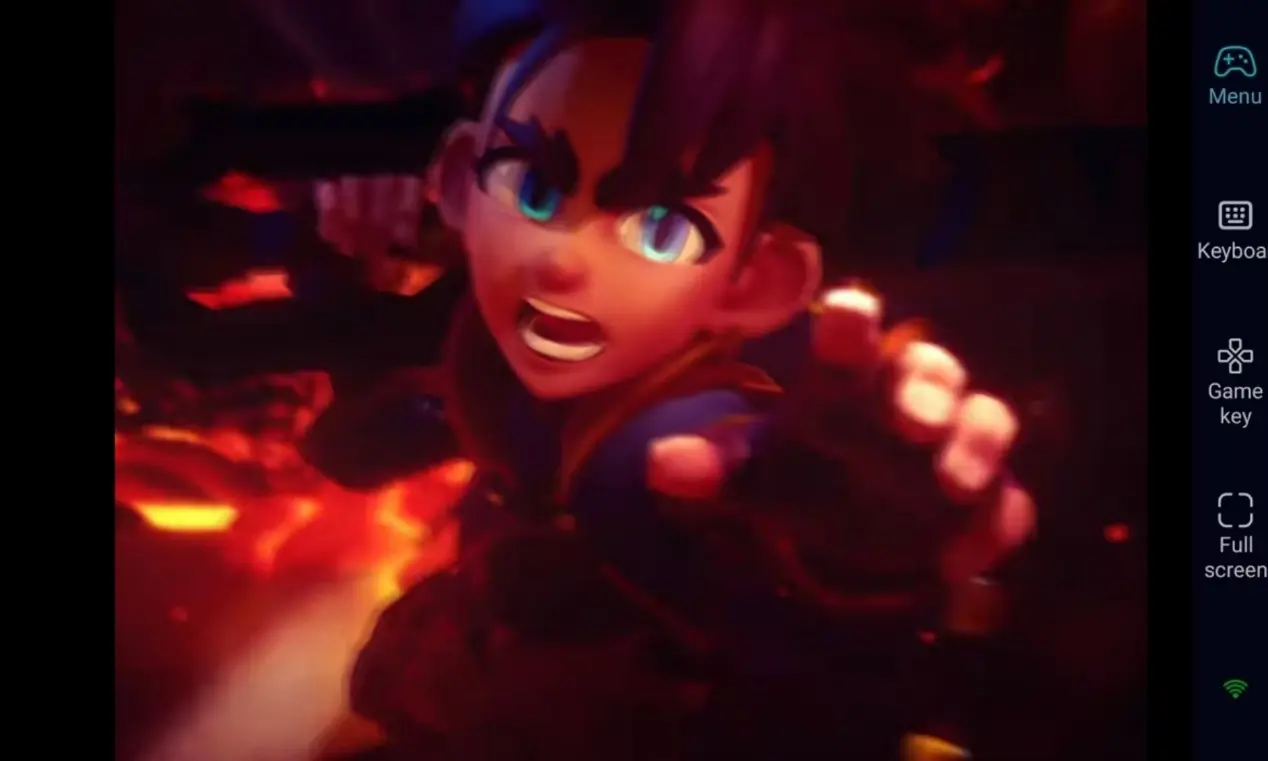
Smooth 60 FPS streaming lets you fully enjoy the atmospheric fantasy scenes and character battle details of Duskfade. Custom virtual buttons make moving the viewpoint more fluid, really immersing you in the turn-based tactical experience.
3. Seamless Cross-Device Progress Sync—All Saves Stored Locally on PC
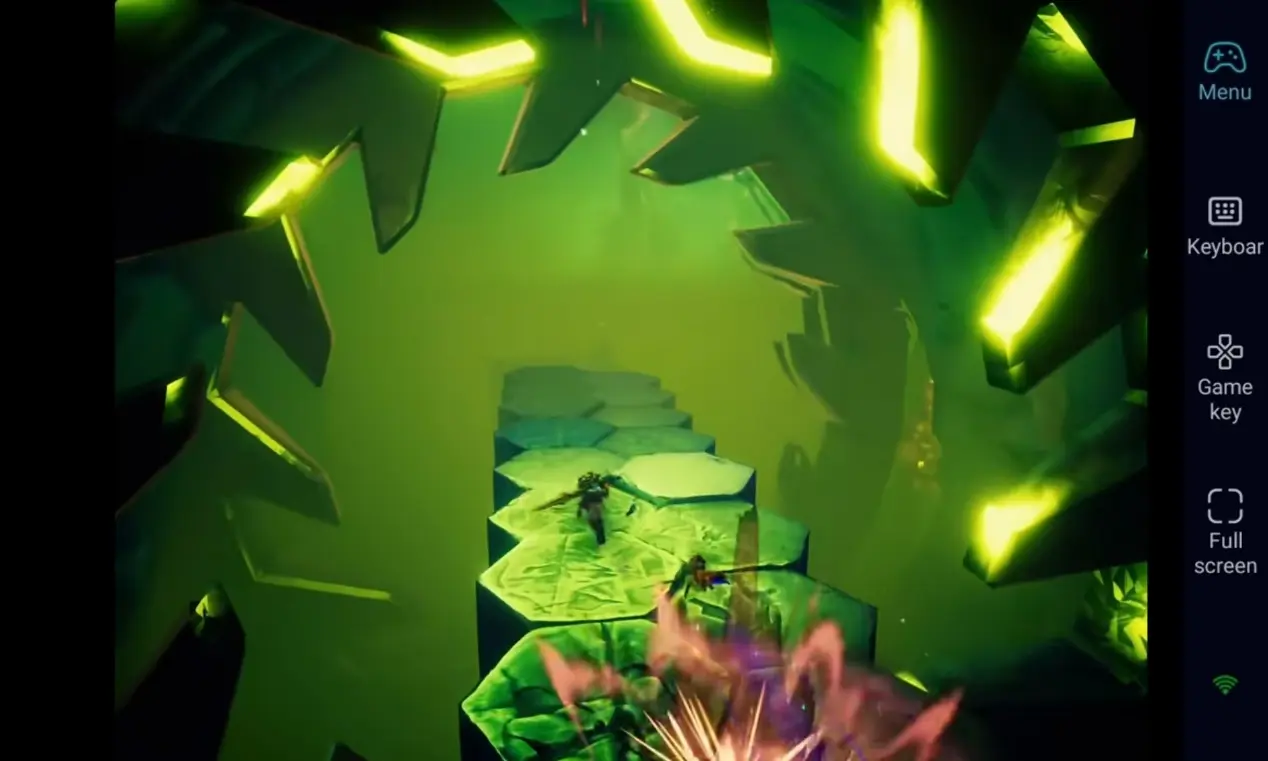
All game save files are stored locally on your PC. Remote mobile inputs sync perfectly with direct PC gameplay. Whether you tweak talent builds or rearrange your team lineup, you can pick up your epic fantasy adventure exactly where you left off at any time.
FAQ-Frequently Asked Questions
Q1: When was Duskfade released?
A1: Duskfade officially launched on Steam on August 12, 2026. It is a PC-exclusive title with no native mobile release.
Q2: Will remote mobile controls feel clunky for tactical gameplay?
A2: OSLink lets you fully customize hotkeys for movement, unit selection, and skill activation. Bluetooth gamepad support is also available for controller-based play. Daily team adjustments and campaign progression can all be completed smoothly.
Q3: Can I install and play Duskfade natively on iOS or Android phones?
A3: Duskfade is a PC-exclusive turn-based tactical RPG, and no official mobile installation packages exist. You cannot run the game directly on mobile hardware. With OSLink remote streaming functionality, however, iOS and Android devices can connect to your PC to control the game remotely and embark on your adventure anywhere.
Conclusion
If you want uninterrupted tactical strategy sessions in Duskfade, OSLink remote streaming is the ideal solution. Keep your PC powered on, connect remotely from your mobile device, and continue your Duskfade journey. Make use of small pockets of free time to advance your fantasy epic.
 Download