English
ROB RUN is a free-to-play crime sandbox in Early Access. In its online world, players can join a clan, organize raids, fight over territory, and build a hideout to store loot and vehicles. Police and rival players can turn a simple trip into a risky encounter. Shootouts require quick movement and responsive controls, while managing a base or checking allies is easier when you can reach your PC from a phone.
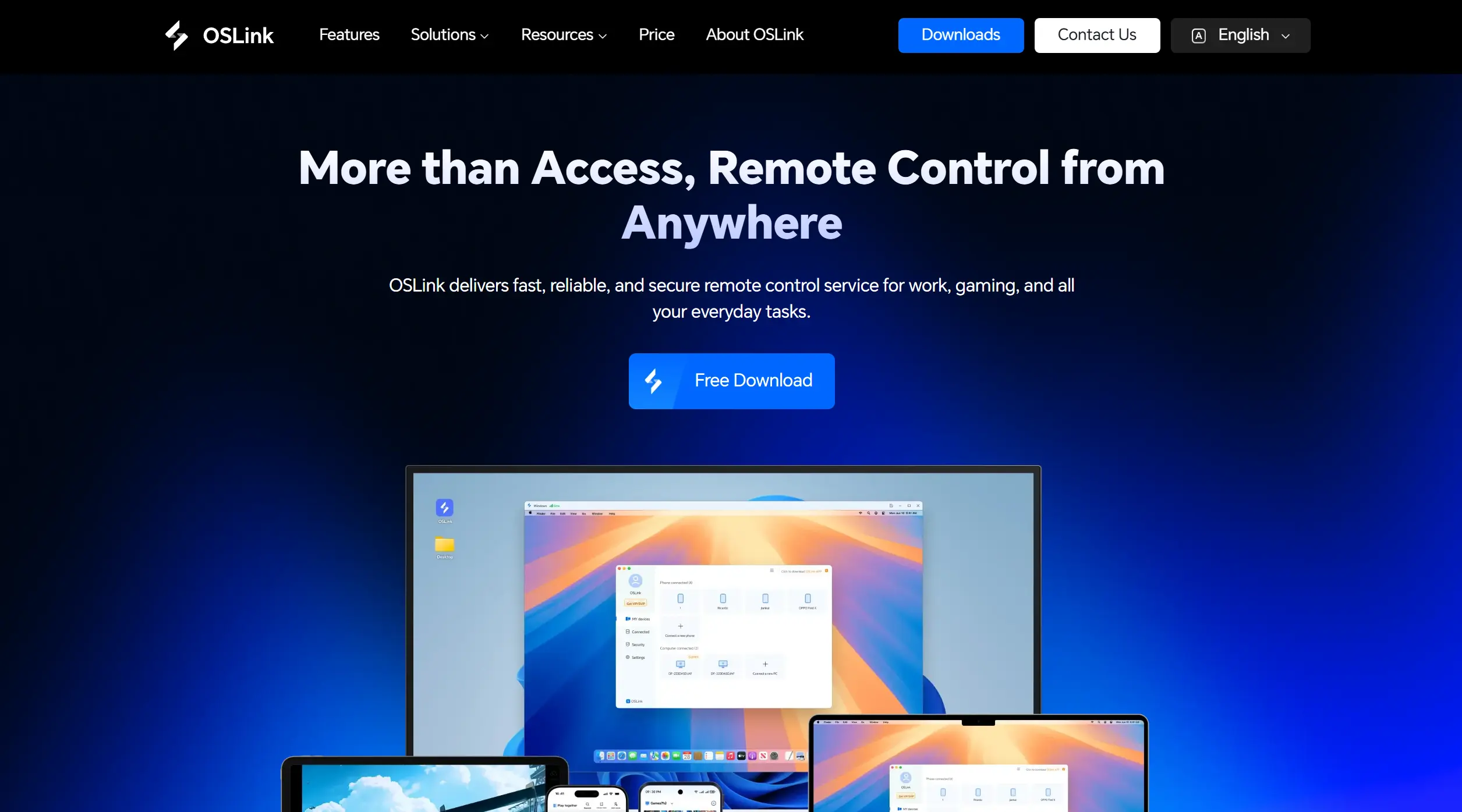
OSLink lets an Android or iOS phone control your own Windows PC while ROB RUN runs there. This guide covers the Steam download, connecting both devices, 60 FPS PC gaming mode, and controls for combat and hideout tasks.
How to Get ROB RUN on Steam
Steam Download and Local Check
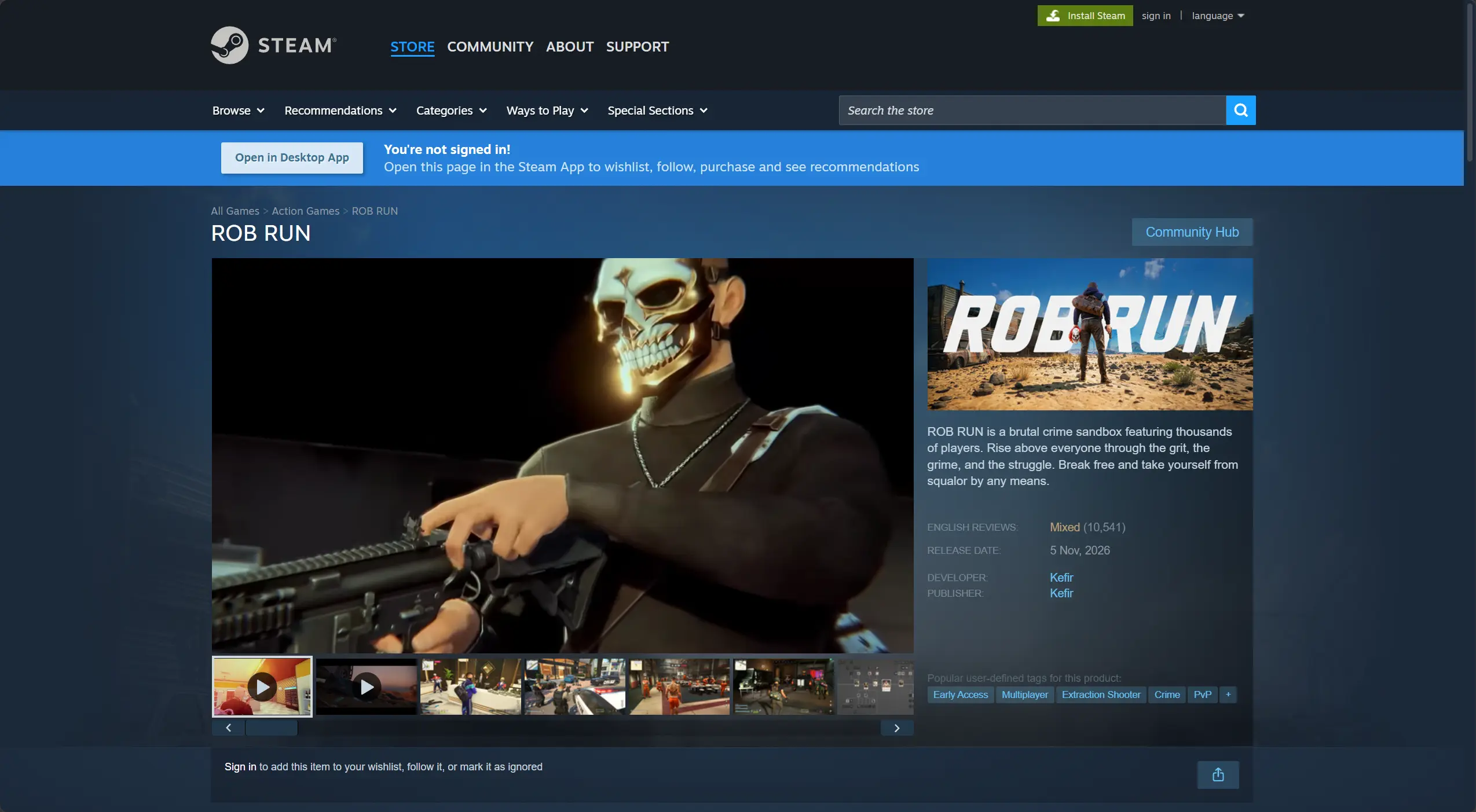
Search for ROB RUN on Steam and click Play Game to add the free Early Access version to your Steam library. Install it on your Windows PC, then launch it locally. Check that sign-in, online connection, movement, inventory, and the hideout work before setting up remote access.
Once the PC version works locally, use OSLink to stream the game to your phone and control it remotely.
Play ROB RUN Remotely on Mobile
Step 1: Install OSLink and Connect Your Devices
1. Install OSLink on Your PC
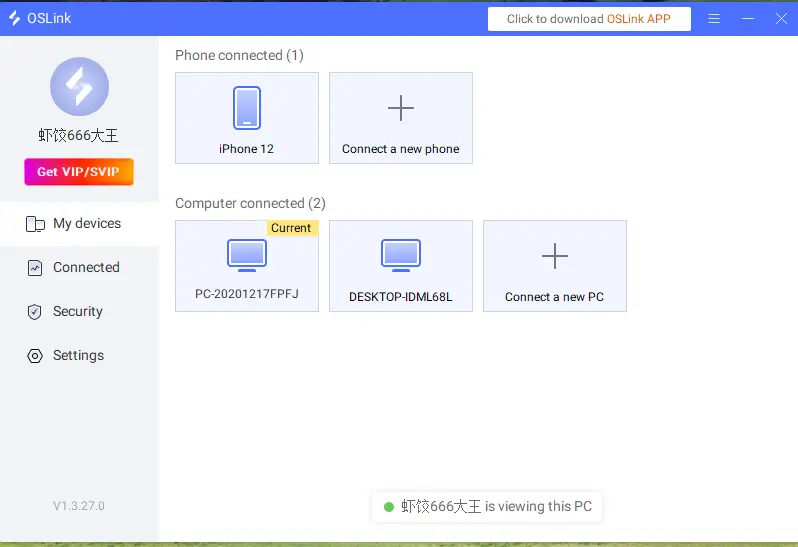
Download the OSLink Windows client on the PC that runs the game and sign in. Keep the host PC powered on, signed in, and connected to a stable network during remote play.
2. Install OSLink on Your Phone
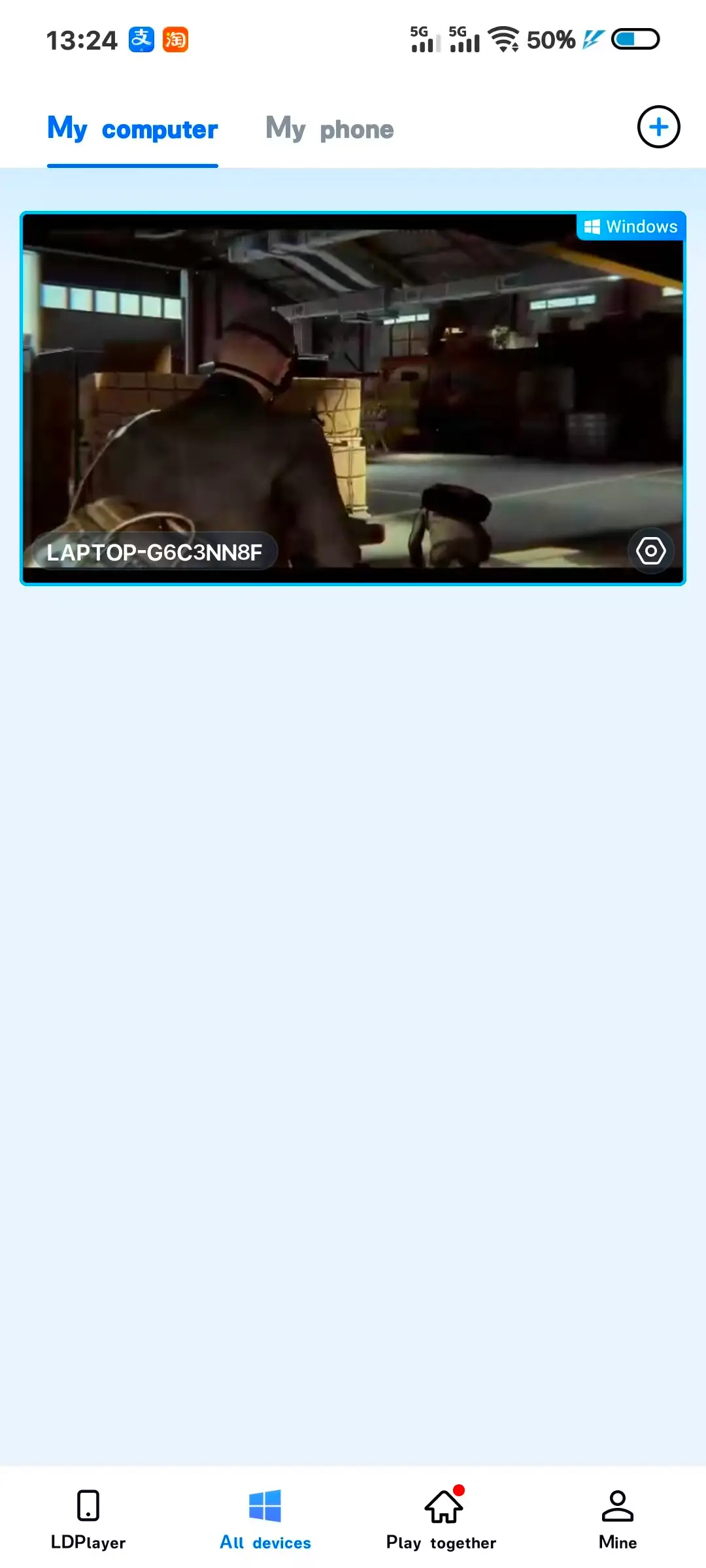
Install OSLink from Google Play on Android or the App Store on iPhone. Sign in with the same account, then select the online PC in the device list.
Step 2: Optimize Remote Controls
1. Launch the Game on the Host PC
Launch ROB RUN from Steam on the host PC. Sign in, load into a safe area, and check that the online connection and frame rate are stable.
2. Connect and Test Both Devices
Open the remote desktop on your phone. Check the video and audio, then test movement, camera, interaction, inventory, and aiming away from an active fight.
3. Turn On 60 FPS PC Gaming Mode
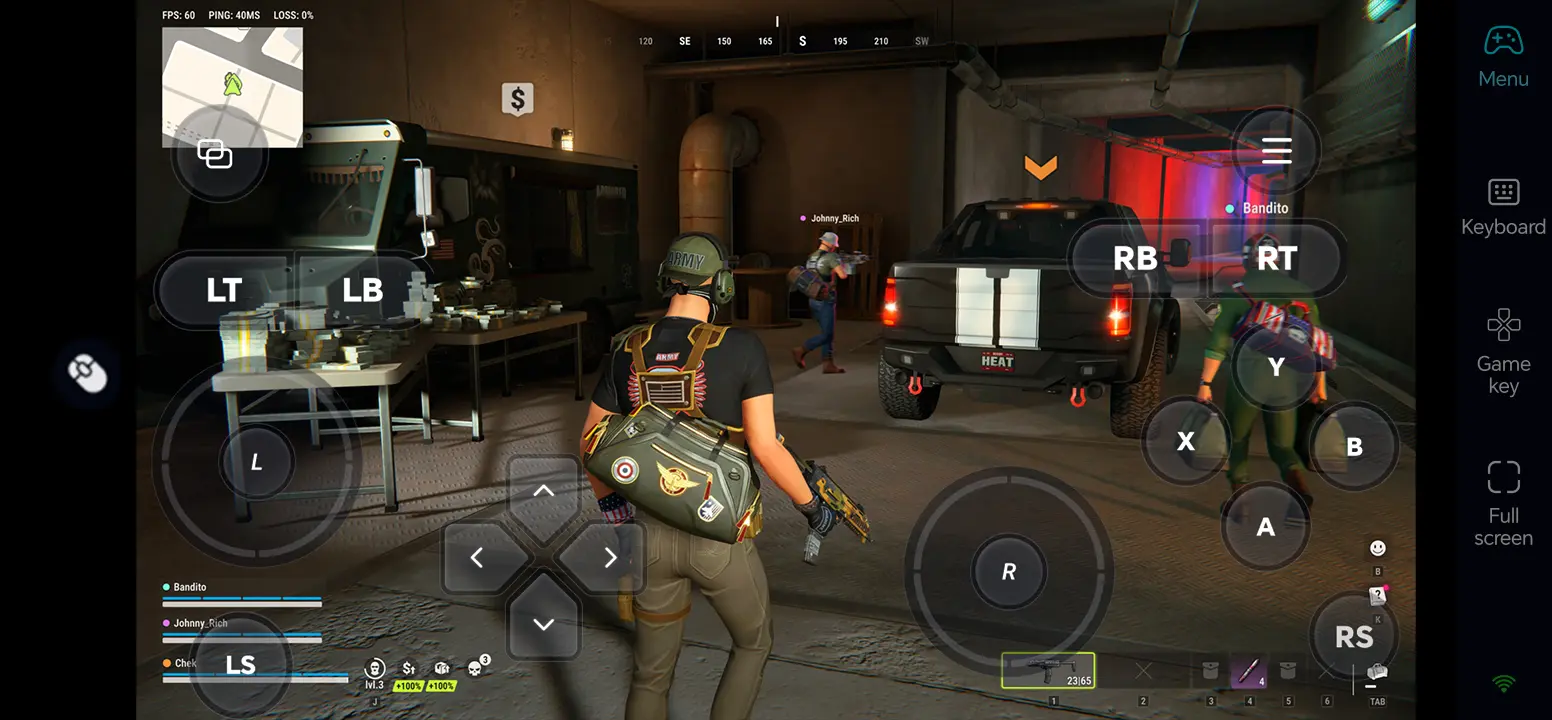
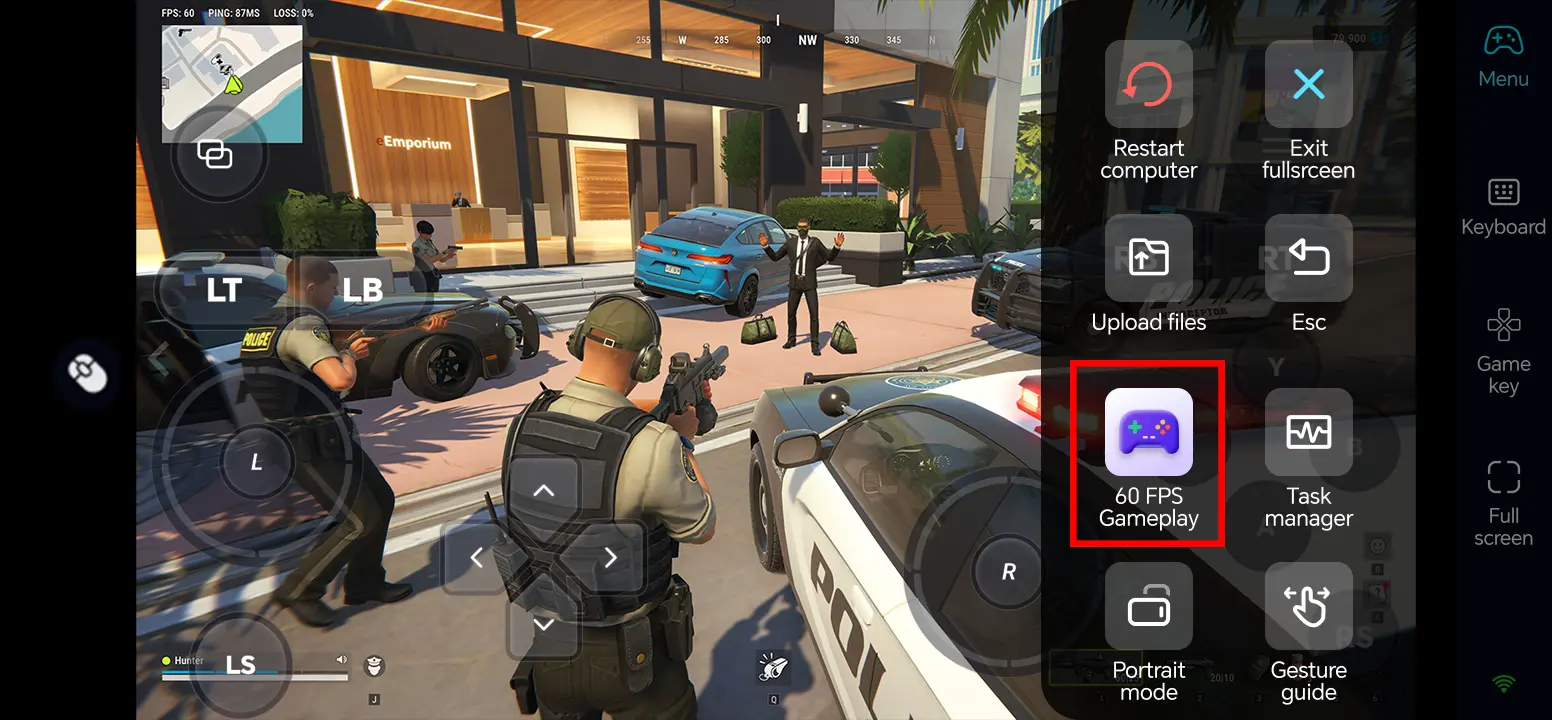
In the full-screen remote desktop, use the top-right toolbar and select Tools > Play PC games at 60 frames. If the picture is unstable, lower the game resolution or streaming quality and retest.
4. Customize Touch Controls
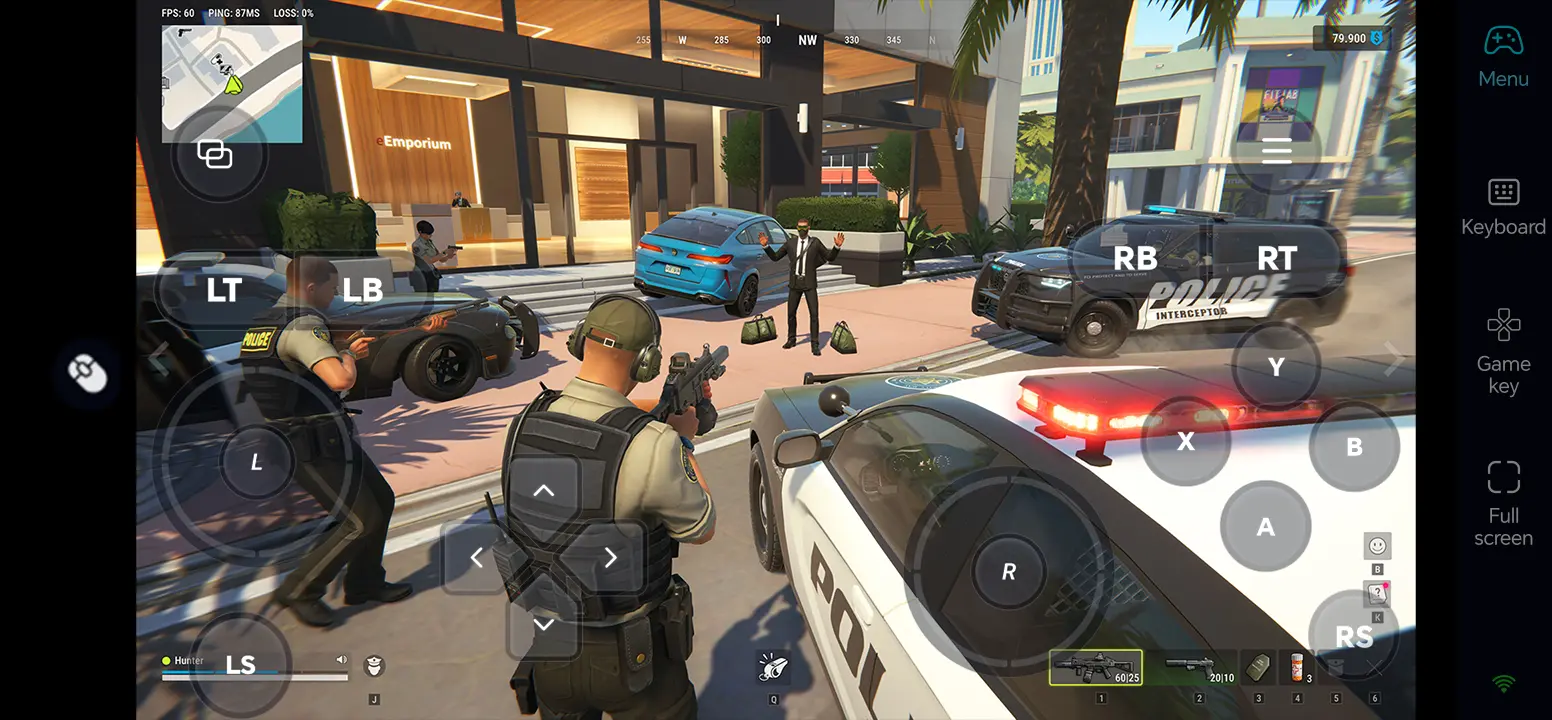
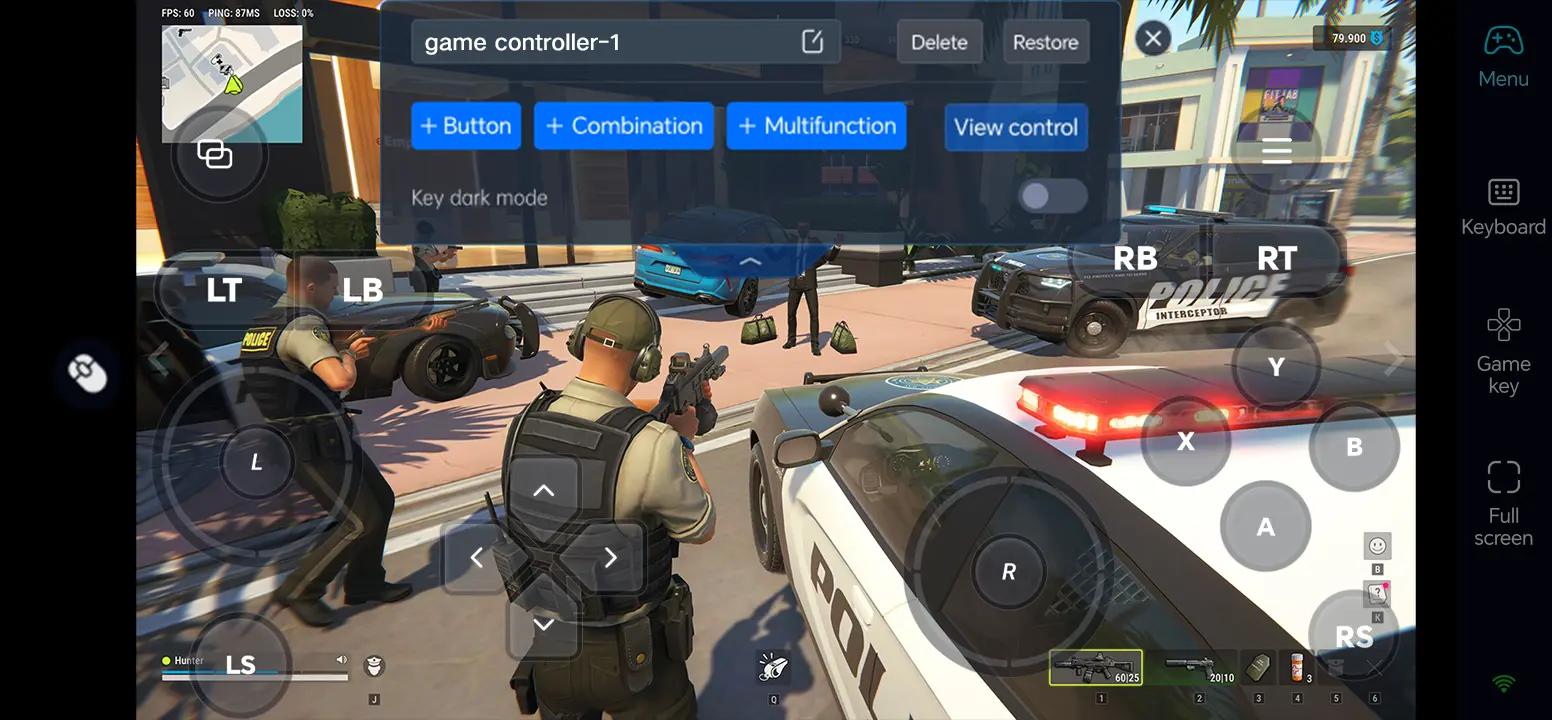
Open Game Button and its edit control. Separate movement, camera, aim, fire, interact, inventory, and map actions; keep the center of the screen clear. Save the layout and test it in a safe area.
5. Connect an External Input Device
If touch aiming feels cramped, connect a compatible Bluetooth controller or external keyboard and mouse to the phone. Test each input in a safe area before entering PvP.
What You Can Do After Setup
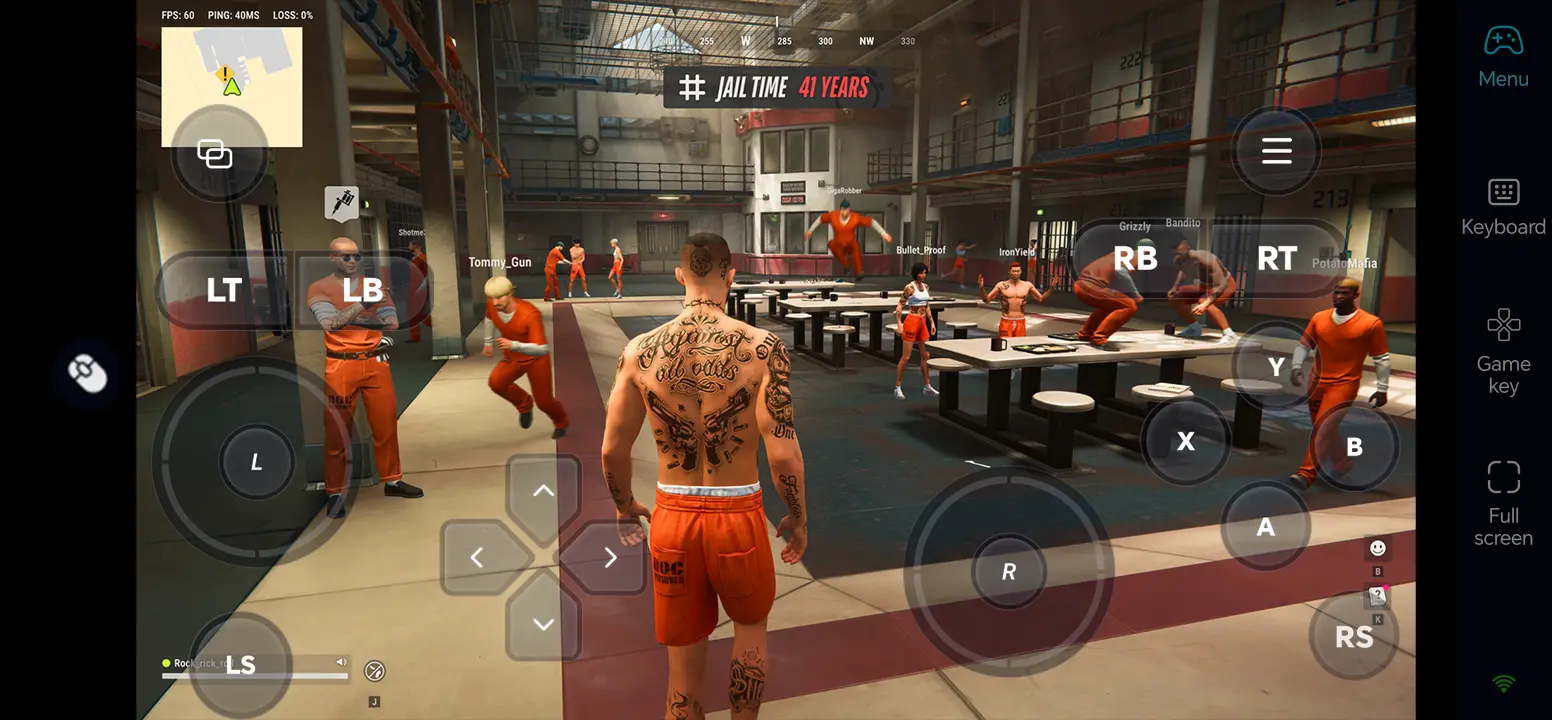
Check your hideout, storage, workbenches, and vehicles while away from the host PC.
Coordinate with clan members, prepare a raid, or review the territory you control.
Join police chases, shootouts, and other available online encounters when the connection is stable and the game permits your input setup.
Three OSLink Benefits for ROB RUN
1. Check your base between sessions
Remote access makes it easier to review loot, vehicles, and workbenches without returning to your desk.
2. Customize controls for different situations
Keep combat actions within reach, then use a clear layout for inventory and map navigation.
3. Use familiar input for aiming
A compatible controller or keyboard and mouse may help with precise movement and aiming; latency depends on the PC and network.
Frequently Asked Questions
Q1: What is the release date of ROB RUN?
The release date of ROB RUN is November 4, 2026. Steam lists this date; access to the full game depends on your region and account.
Q2: Can I play ROB RUN directly on Android?
Steam does not list a native Android version of ROB RUN. Run the PC game on your own Windows computer and control it from Android with OSLink.
Q3: Can I play ROB RUN directly on iOS?
Steam does not list a native iOS version of ROB RUN. You can access the Windows game running on your own PC from an iPhone with OSLink.
Q4: What PC specifications does ROB RUN require?
Steam minimum: Windows 10 or later, i5-6600K or Ryzen R5 1600, 12 GB RAM, GTX 1050 Ti/RX 580/Intel Arc A380, DirectX 11, broadband internet, and 20 GB storage. Recommended: i5-9600K or Ryzen 5 3600, 16 GB RAM, RTX 2070/RX 5700 XT/Intel Arc B570, with the same OS, DirectX, network, and storage requirements.
Q5: Can I aim and fight reliably in ROB RUN over a remote connection?
Place aim and fire controls where they do not cover the target, or test a compatible controller or keyboard and mouse. Online combat is sensitive to network delay, so try a safe area before entering PvP.
Conclusion
Install and test the free Early Access game on your PC, then connect your phone through OSLink. Arrange combat and inventory controls for your play style, and use a stable connection when joining online encounters.
 Download