English
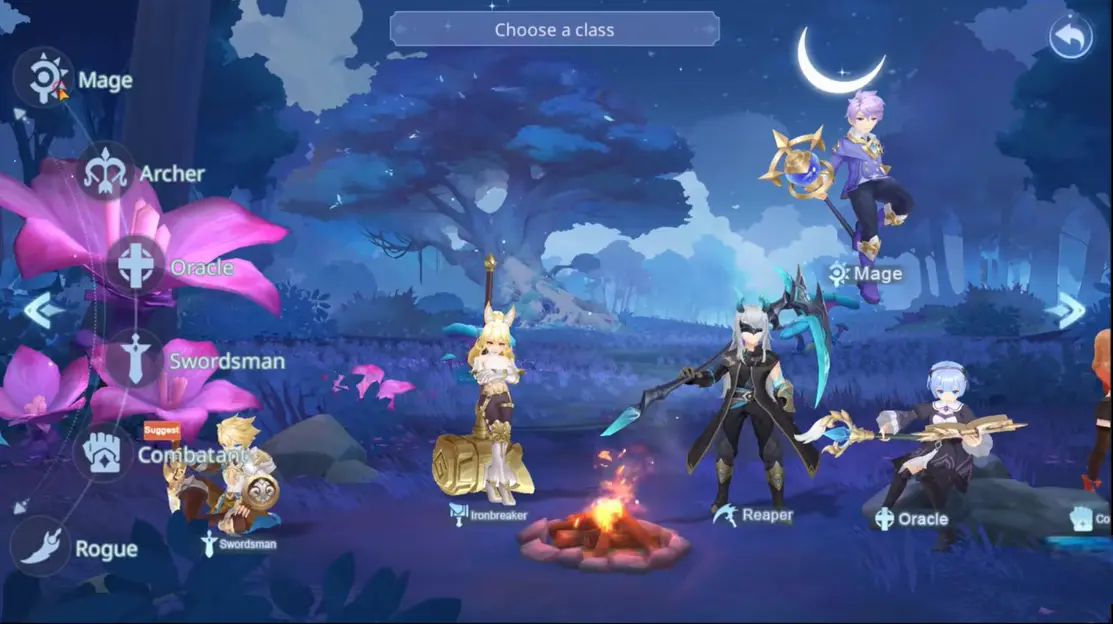
 Skyria: Cloud Fantasia is a fantasy MMORPG with heavy grinding for levels, gear, and resources. Managing multiple accounts (e.g., alts, resource accounts) is time-consuming. This guide shows how to use OSLink with LDPlayer to set up "phone-controlled PC multi-instance" AFK farming.
Table of Contents
1. PC Setup: Emulator & Game
Before remote control, set up the emulator environment on your PC.
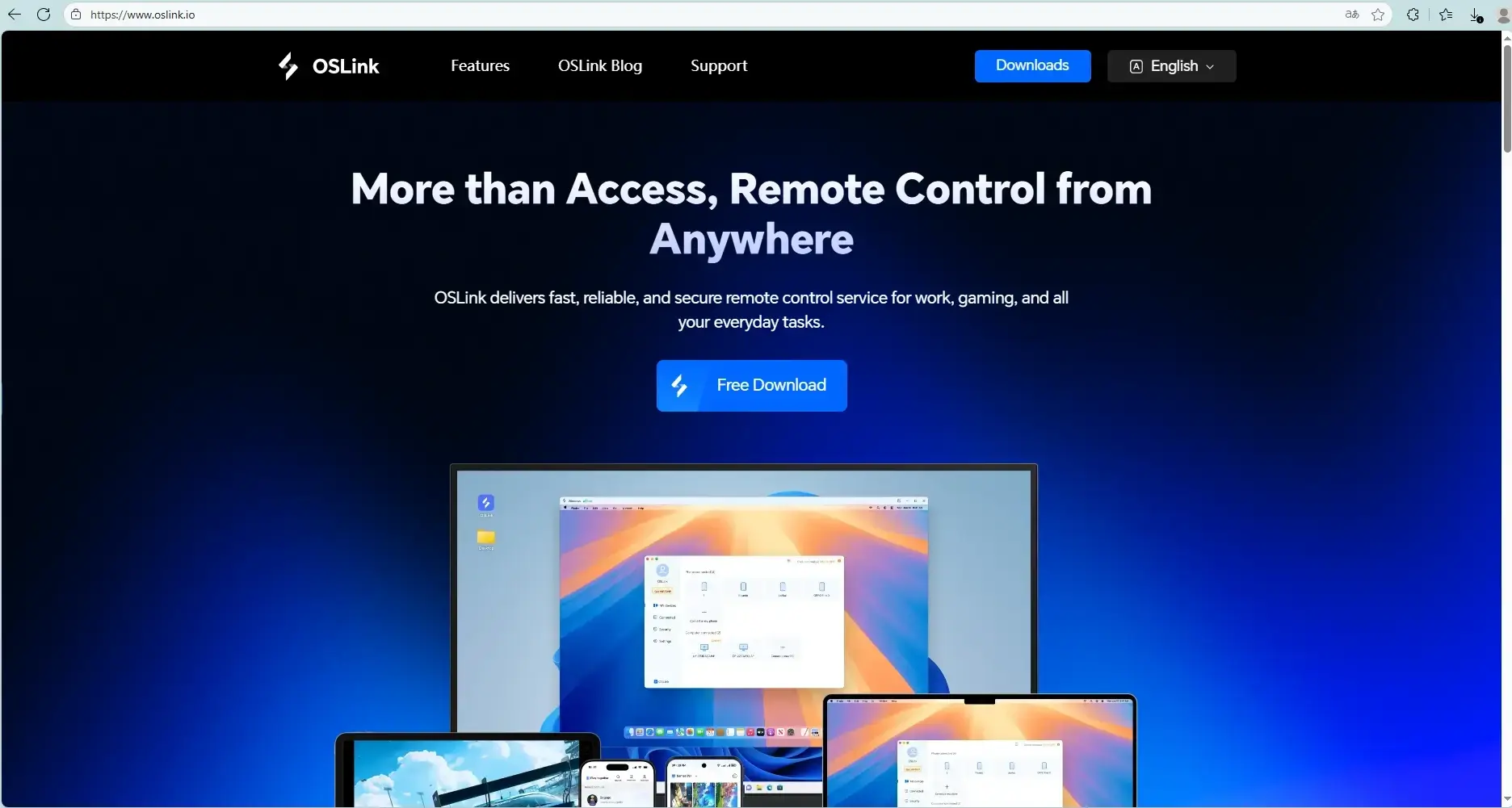
Download and install OSLink and LDPlayer on your PC.
Open LDPlayer, search for "Skyria: Cloud Fantasia" in the built-in app store or Google Play, and install it.
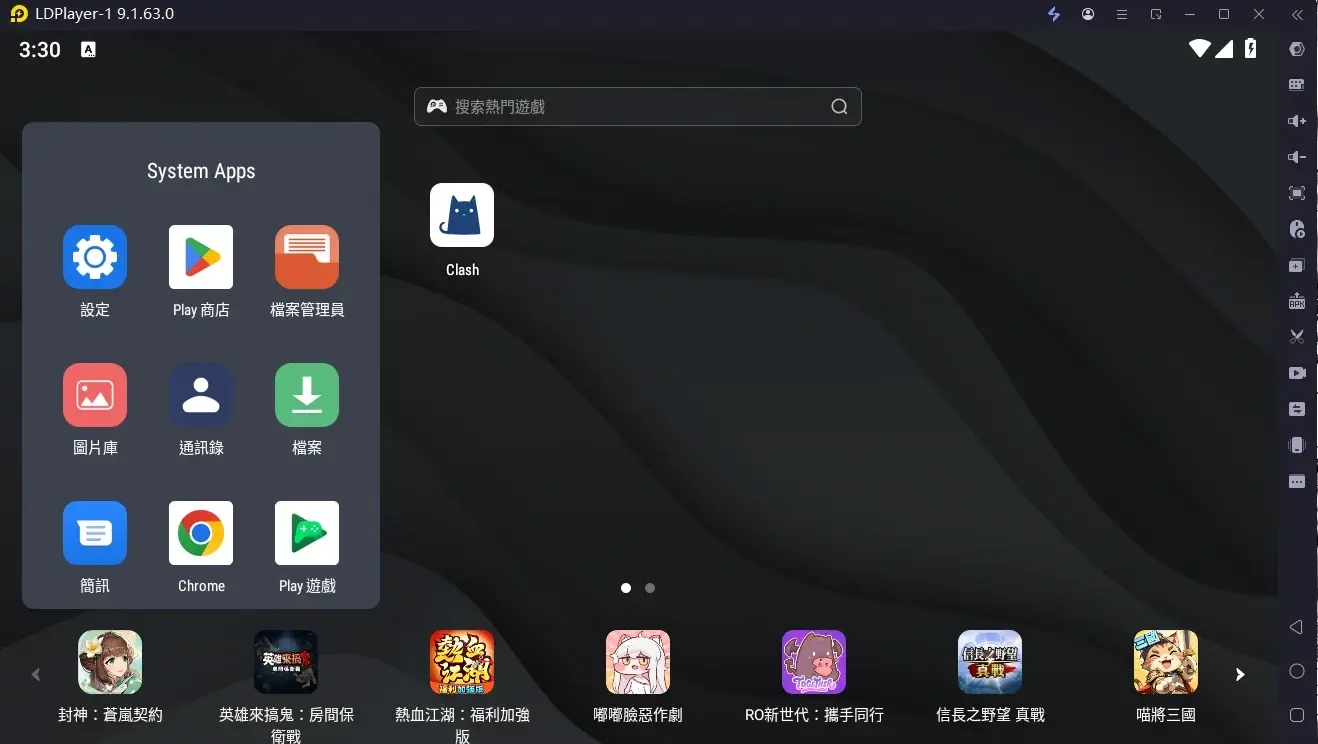
Launch the game and complete the initial setup/account login.
2. Mobile Remote Control Setup
Control your PC emulator from your phone.
Install OSLink App
Download the OSLink app from the iOS App Store or Google Play. You can also download the APK from the official website.
Connect Devices
Ensure your PC and phone are on the same local network, or both are logged into the same OSLink account.
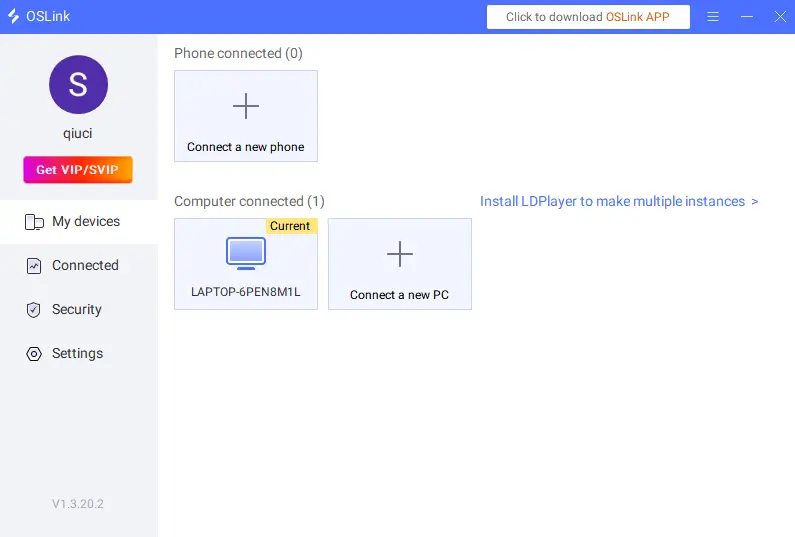
On your phone's OSLink app, scan the QR code displayed on the PC client or select the computer from the device list.
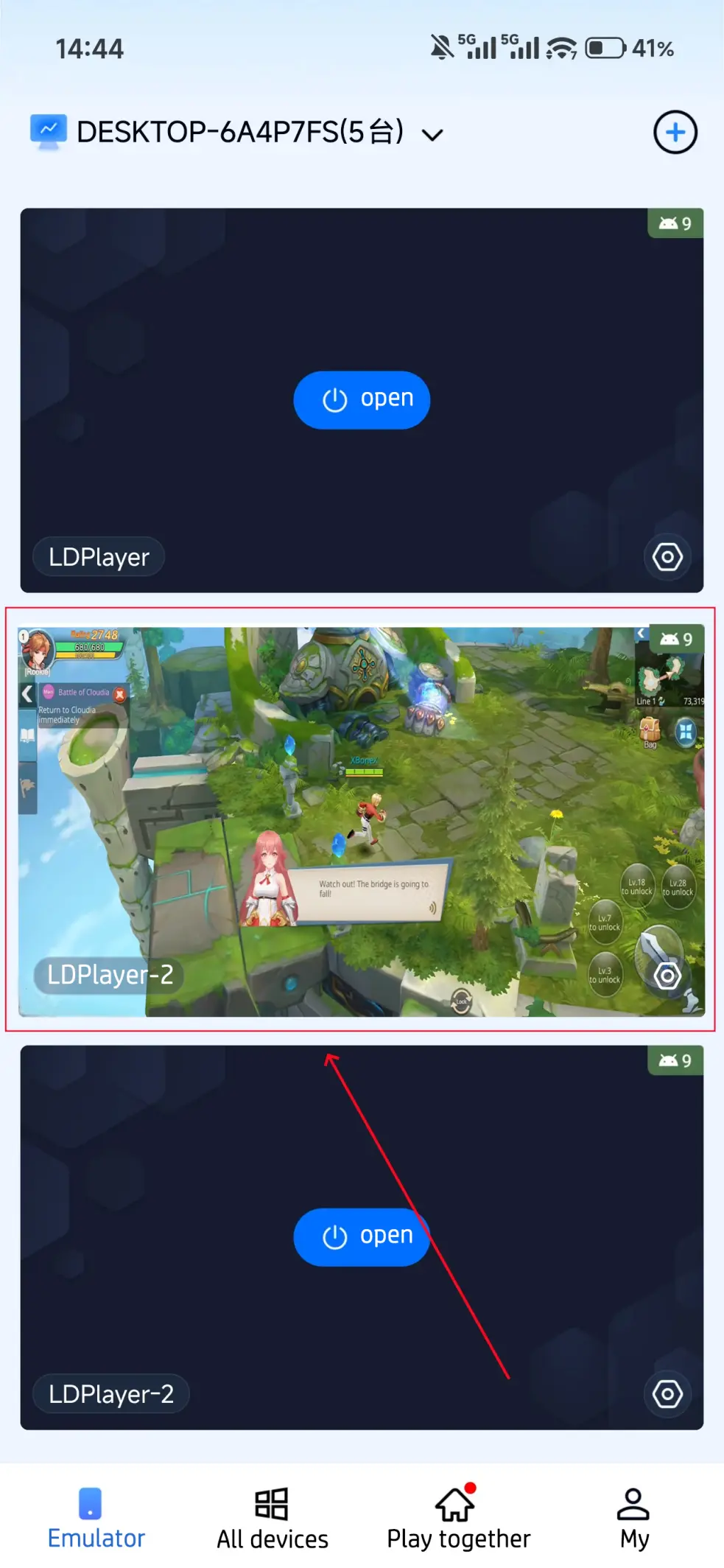
Once connected, your phone screen will mirror the PC emulator, allowing full touch control.
3. Multi-Instance AFK Farming
Use OSLink's features to automate grinding and manage multiple accounts.
AFK Farming (Auto-Battle/Repeat)
Skyria requires extensive farming. Use OSLink's automation:
Connect to your PC emulator via the OSLink app.
Start Skyria: Cloud Fantasia in the emulator.
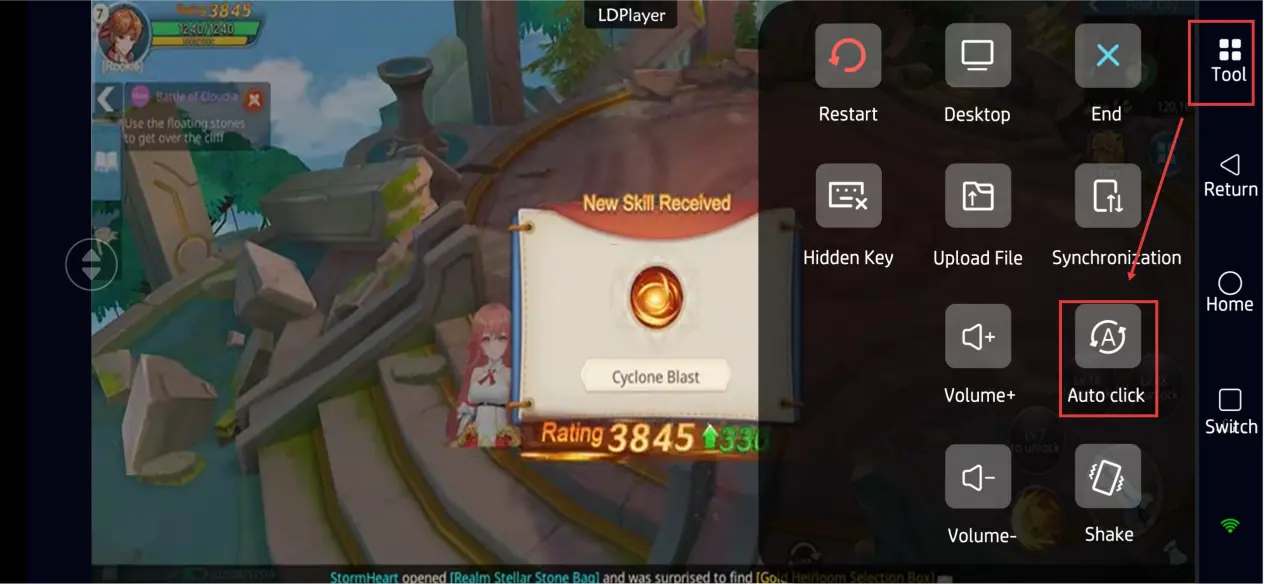
Open OSLink's "Auto Click" tool and record a standard farming loop (e.g., "Accept Quest" → "Auto-Battle" → "Collect Rewards").
Set the loop count or duration and start the script for hands-free farming.
Multi-Instance Sync (Multiple Accounts)
To manage several emulator windows (e.g., different server accounts):
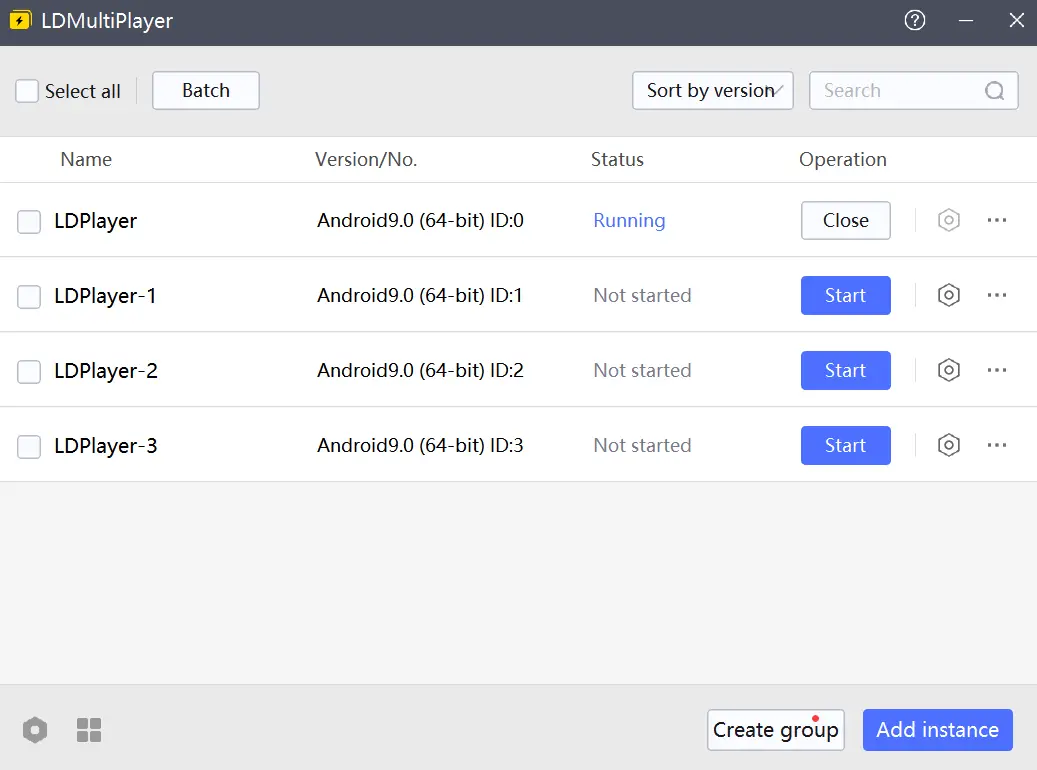
Open multiple instances of Skyria: Cloud Fantasia in LDPlayer's Multi-Instance Manager.
In the phone OSLink app, enable "Sync Operation" mode.
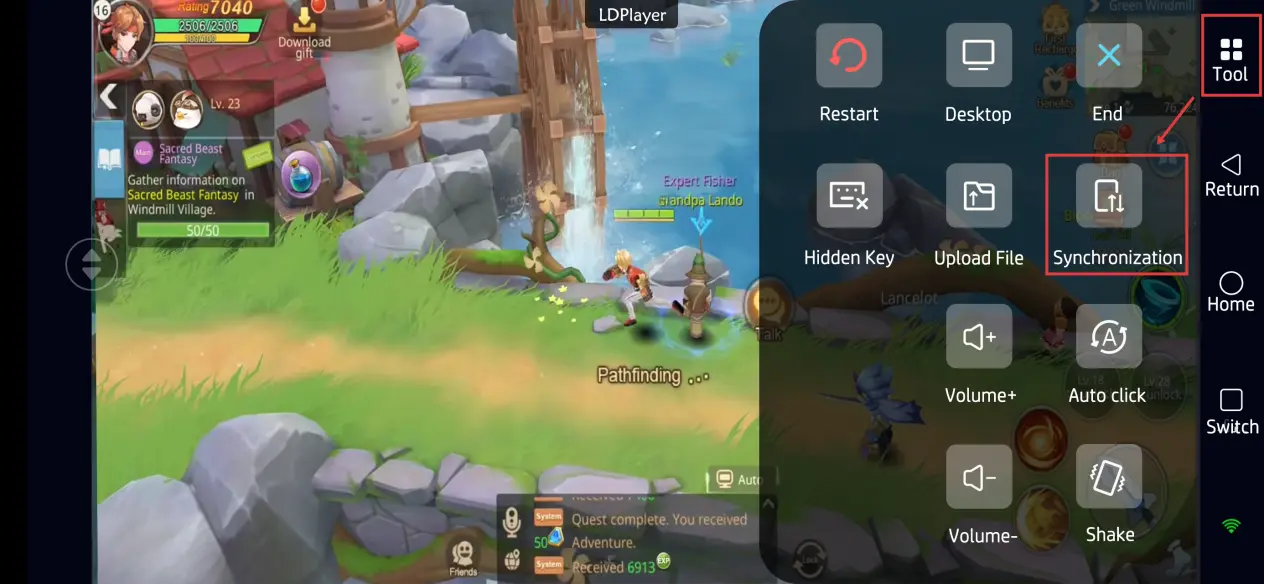
Select all the emulator instances you want to control.
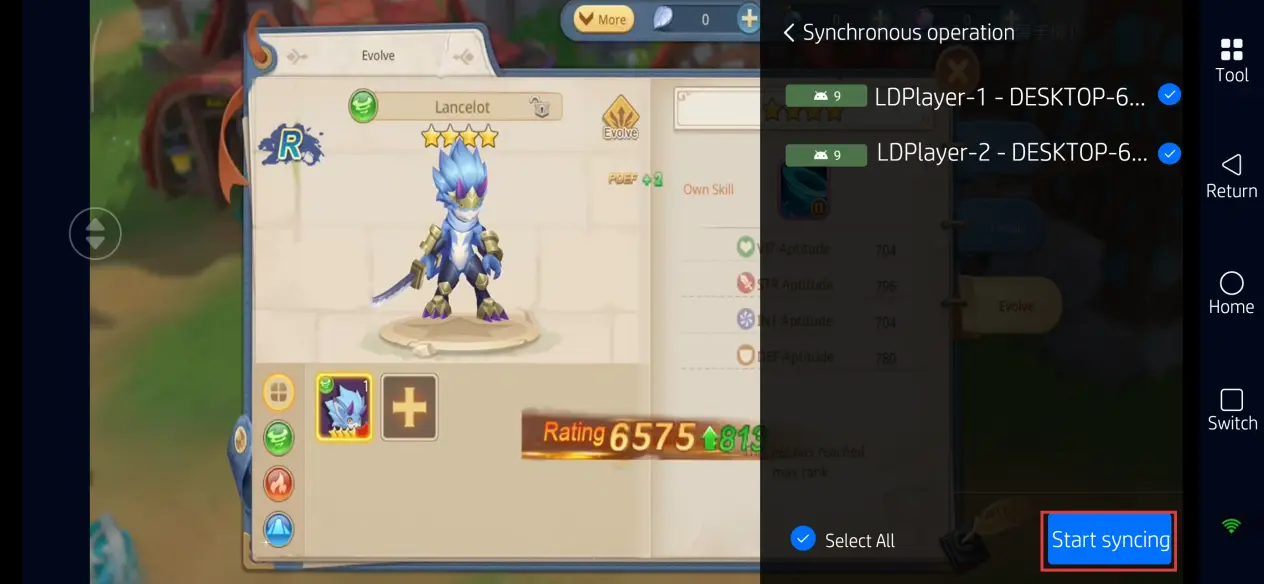
Any single action performed on your phone (e.g., starting a quest) will be replicated across all selected instances simultaneously, drastically saving time on repetitive tasks.
FAQ
Q: What is the release date of Skyria: Cloud Fantasia?
A: The global version officially releases on May 14, 2026.
Q: What are the device requirements for playing Skyria: Cloud Fantasia?
A:
Android Mobile Requirements:
Minimum: Android 8.0 or above, 4GB RAM, Snapdragon 660 / equivalent chipset, 8GB free storage.
Recommended: Android 10 or above, 6GB+ RAM, Snapdragon 845 / equivalent or higher chipset, 10GB+ free storage.
iOS Mobile Requirements:
Minimum: iOS 12.0 or above, iPhone 7 or later models, 4GB RAM, 8GB free storage.
Recommended: iOS 14.0 or above, iPhone XS or later models, 6GB+ RAM, 10GB+ free storage.
Q: How many accounts can I run in multi-instance mode in Skyria?
A: The game itself doesn't strictly limit the use of multiple accounts. The actual limit depends on your PC hardware. Typically, a mid-range PC (16GB RAM) can run 2-3 emulators smoothly, while a high-end PC (32GB+ RAM) can handle 5 or more. Adjust based on your CPU and memory usage.
Conclusion
By combining the power of LDPlayer on your PC with the convenience of OSLink on your phone, you've unlocked a powerful way to play Skyria: Cloud Fantasia. This method transforms your computer into a 24/7 command center for your accounts, all controllable from your phone. Whether you’re commuting, taking a break, or simply away from your desk, you can keep your characters leveling up, gathering resources, and never missing a timed event. Set up your automated farm once, and enjoy the freedom of efficient, multi-account management that fits seamlessly into your life.
 Download