English
 The Adventures of Elliot: The Millennium Tales is a brand-new HD-2D action role-playing game developed by SQUARE ENIX. Boasting exquisite pixel art blended with 3D lighting effects, an epic storyline spanning four eras and a unique Materia enhancement system, it has won wide popularity among adventure game enthusiasts. The game is officially released only for PC and home consoles, with no dedicated mobile version available. Many players have devoted plenty of time to developing Materia, unlocking content and making progress on PC, yet they cannot resume the game while out and about, which interrupts their adventure.
This guide uses the OSLink remote control tool to show you how to operate your PC remotely with Android and iOS devices. You can continue Elliot’s millennium-long adventure anytime, anywhere, while fully preserving PC game saves, graphics and all in-game features without being restricted by locations or devices.
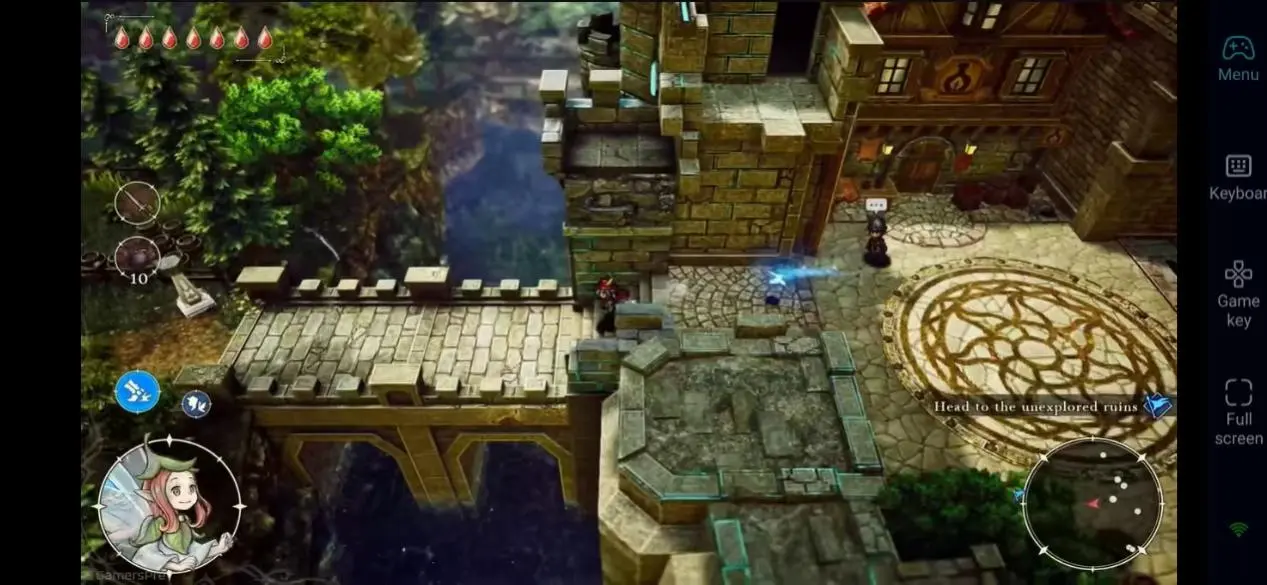
Complete Setup Guide for Mobile Gameplay
Step 1: Install OSLink and Pair Devices
To start remote gameplay, you need to install the corresponding software on both your mobile phone and PC, and log in with the same account.
On PC:
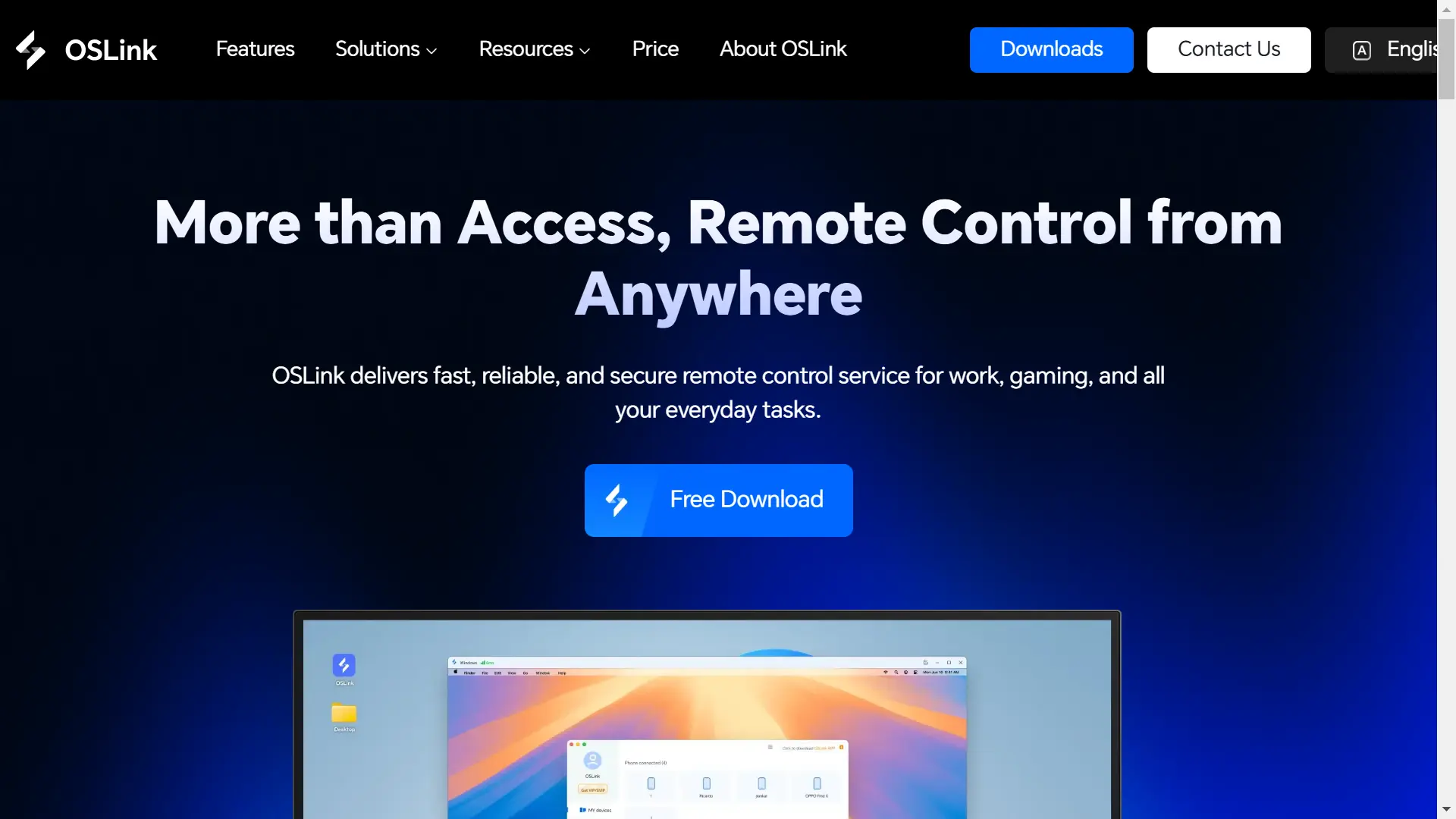
Open your browser and visit the official OSLink website (https://www.oslink.io) to download the Windows client. Follow the on-screen installation wizard to complete setup. Launch the program and sign in to your personal account. Keep OSLink running in the background.
On Mobile:
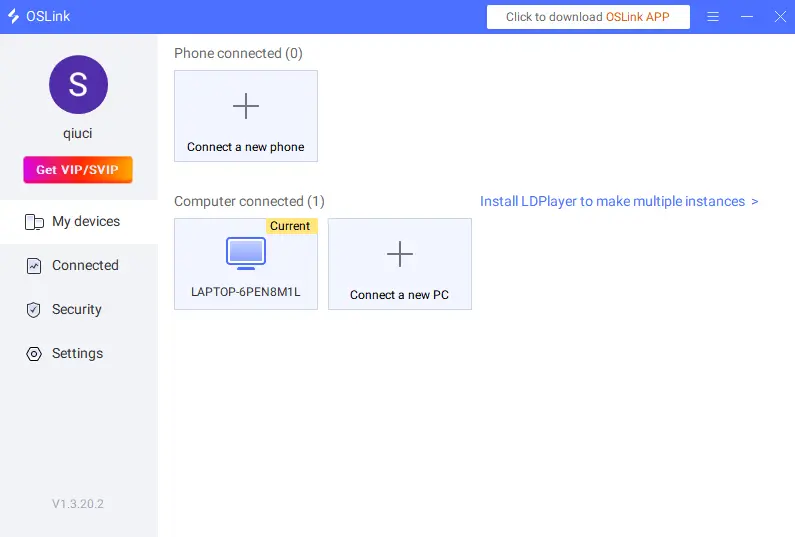
Android users download the OSLink app from Google Play, while iOS users get it from the App Store by searching for "OSLink". After installation, log in with the same account used on your PC. The app will automatically detect available PCs logged into the same OSLink account and pair them with a single tap. No manual IP address input is required.
Step 2: Optimize Game Display and Controls
After successful pairing, adjust settings according to the features of this action-adventure game to reduce operational lag and deliver a smooth gaming experience.
Launch Game Streaming
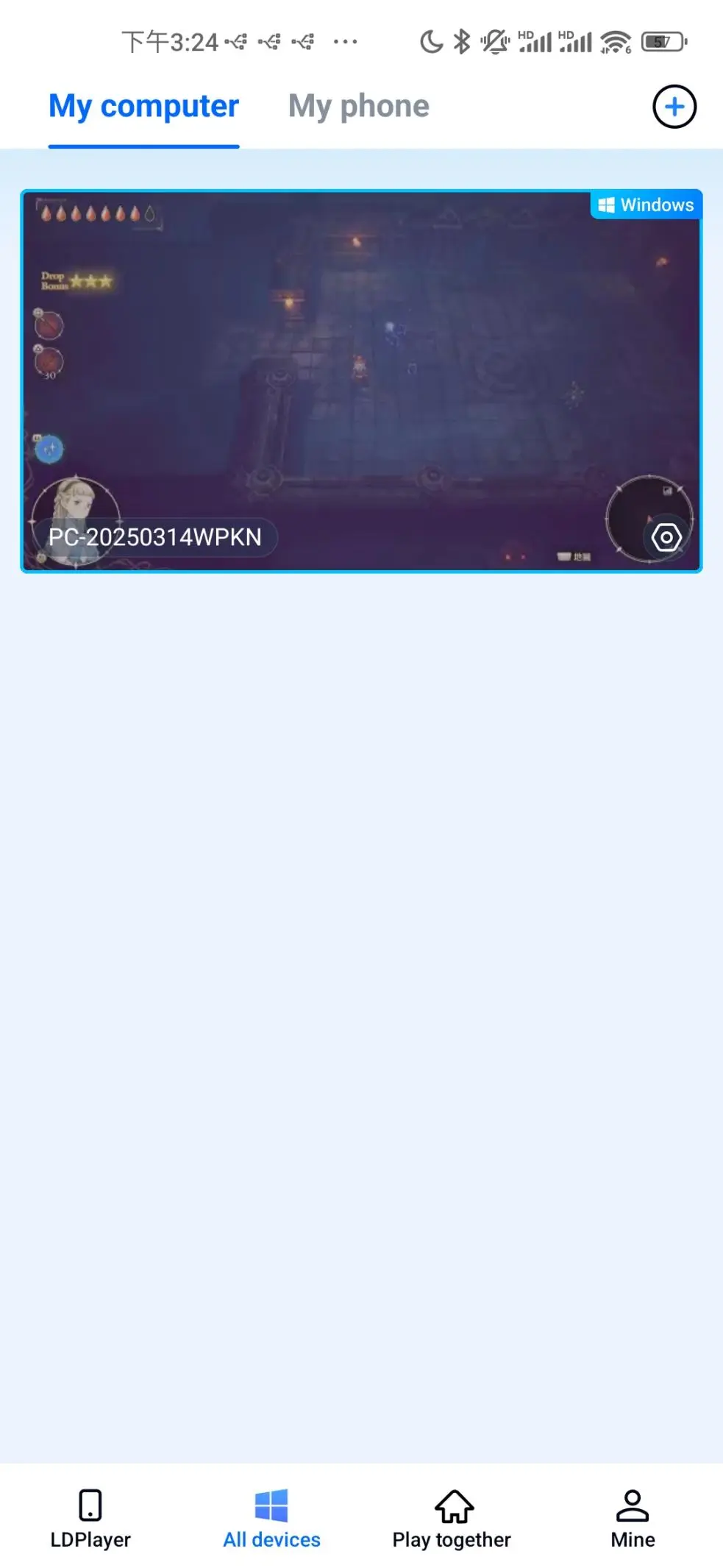
Open Steam on your PC and run The Adventures of Elliot: The Millennium Tales. Your mobile phone will synchronize the PC game screen in real time. Proceed to the next setting after confirming there are no black bars or disconnection issues.
Enable Dedicated Game Streaming Mode
Tap the toolbar on the right side of the OSLink mobile app and select High-Quality Game Streaming. Optimized for action games, this mode maintains a stable 60 FPS, improves network transmission efficiency and greatly reduces lag during movement and combat. You can switch between portrait and landscape display modes based on your phone screen. Landscape mode is recommended for a broader field of view.
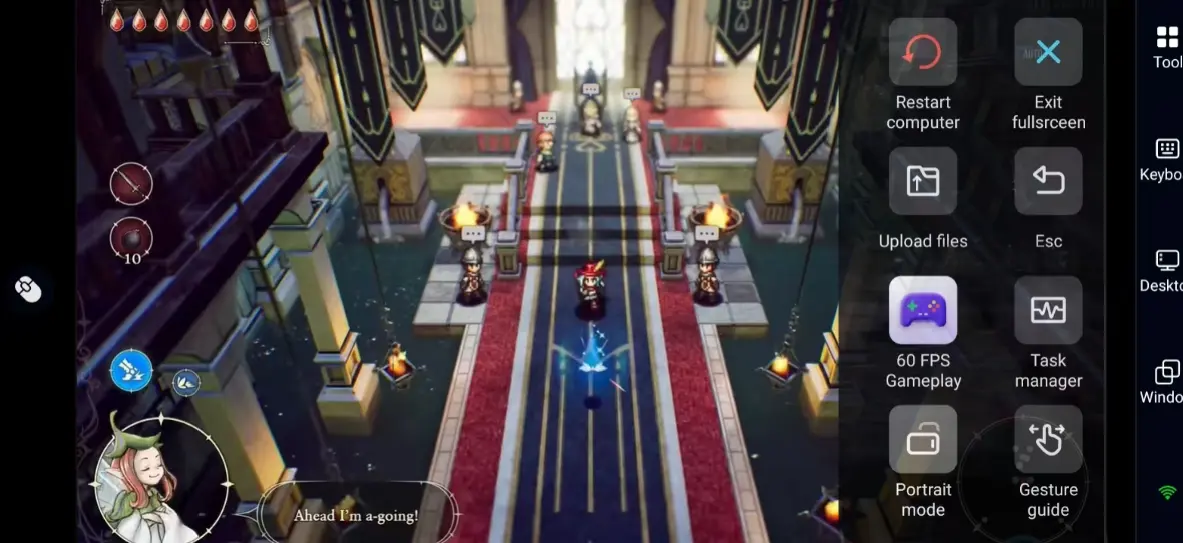
Customize Touch Controls
Core gameplay actions include movement, sword strikes, charged attacks, jumps and fairy magic. There are also auxiliary functions such as opening menus, replacing Materia and viewing maps. The recommended key layout settings are as follows:
|
Category |
Settings |
|
Core Combat |
Place the movement joystick on the left side of the screen. Arrange attack, charge and jump buttons within easy reach of your right thumb. |
|
Auxiliary Functions |
Place fairy magic and item bar icons at screen corners to avoid accidental taps during battles. |
|
System Operations |
Set map, Materia interface and game menu to be triggered by long presses to save main operation space. |
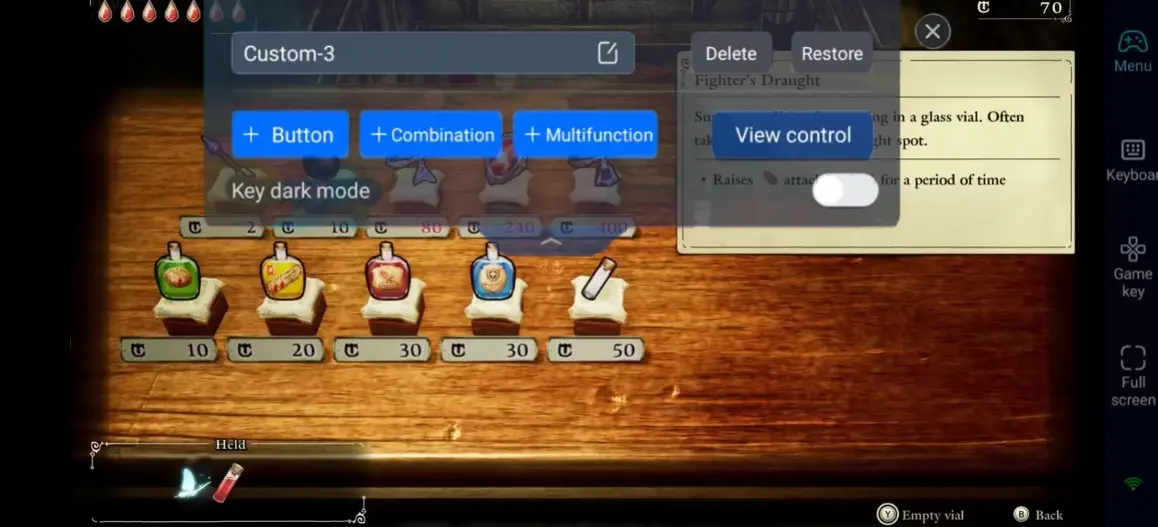
You can also turn on Dark Mode for Buttons to make virtual keys stand out against the rich HD-2D visuals.
Connect External Controllers for Better Gameplay
If you are not comfortable with touch controls, OSLink supports Bluetooth and wired game controllers. Pair your gamepad with your mobile phone and map physical buttons to in-game commands within the app. This delivers console-level precision and control, ideal for solving complex terrain puzzles and fighting hordes of enemies.
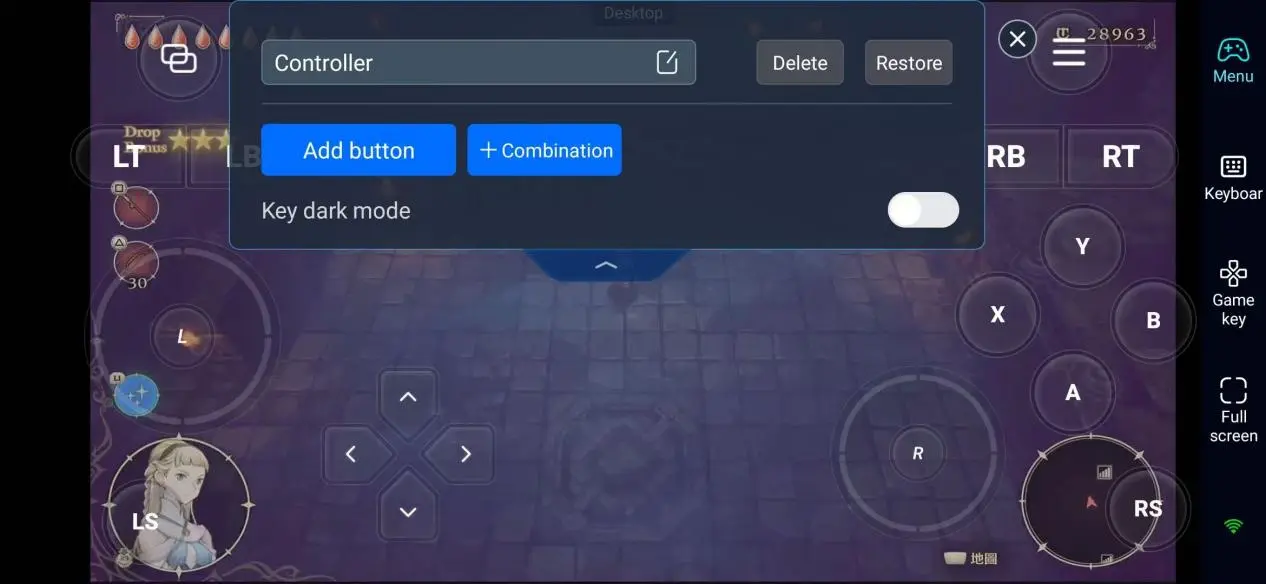
Step 3: Embark on Your Timeless Adventure On the Go
Once all settings are completed, your mobile phone or tablet will turn into a portable gaming device. You can enjoy the game in various scenarios:
Casual Exploration: Use your free time during commutes or while waiting to explore hidden ruins and collect rare items and Materia.
Character Development: Open the Materia interface anytime to adjust combinations, organize equipment and plan character development routes.
Story Progression: Continue the main storyline across four eras when you are away from your desk.
Challenge Stages: Take on powerful bosses and hidden quests. Smooth remote operation helps you conquer challenging content easily.
Advantages of Playing with OSLink
1. Break Location Restrictions
Unlike traditional PC gaming, you can access the game as long as your mobile phone is connected to Wi-Fi or cellular data. Whether you are relaxing at home, commuting or on a business trip, you can return to the fantasy world and pick up your adventure right where you left off.
2. Preserve Full PC Saves and Original Graphics
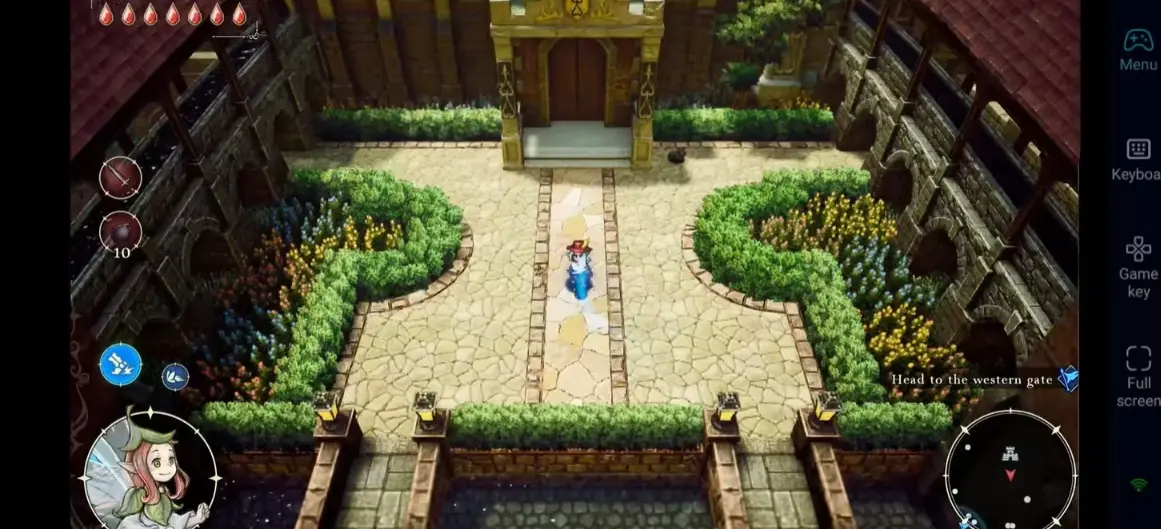
There is no official mobile version of this game. When using OSLink, the game runs entirely on your PC, and your mobile device only acts as a display and controller. All game saves, story progress, Materia and items are fully retained, so you do not need to start over. Meanwhile, the original HD-2D graphics, 3D lighting effects and scene details are preserved as closely as possible to the original PC experience.
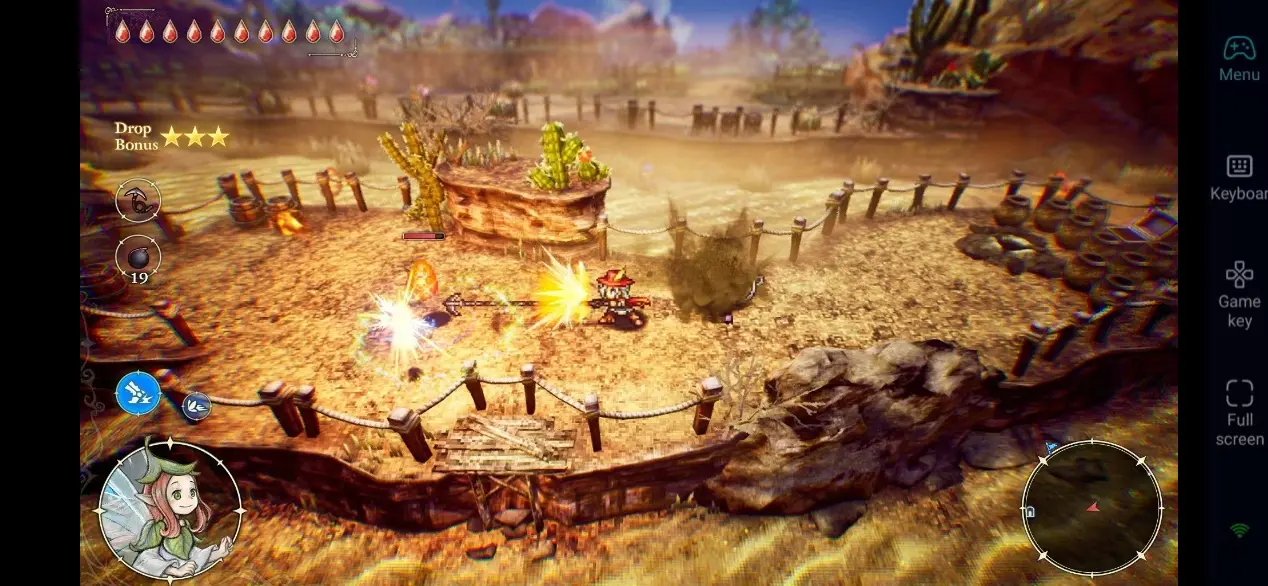
3. Low Latency for Smooth Combat and Puzzle Solving
The dedicated game mode minimizes remote connection latency, well suited for the game's combat mechanics that require precise positioning and timing. Evading enemy attacks, landing charged strikes and casting fairy magic will respond instantly via touch or gamepad, eliminating common lag issues of remote gameplay.
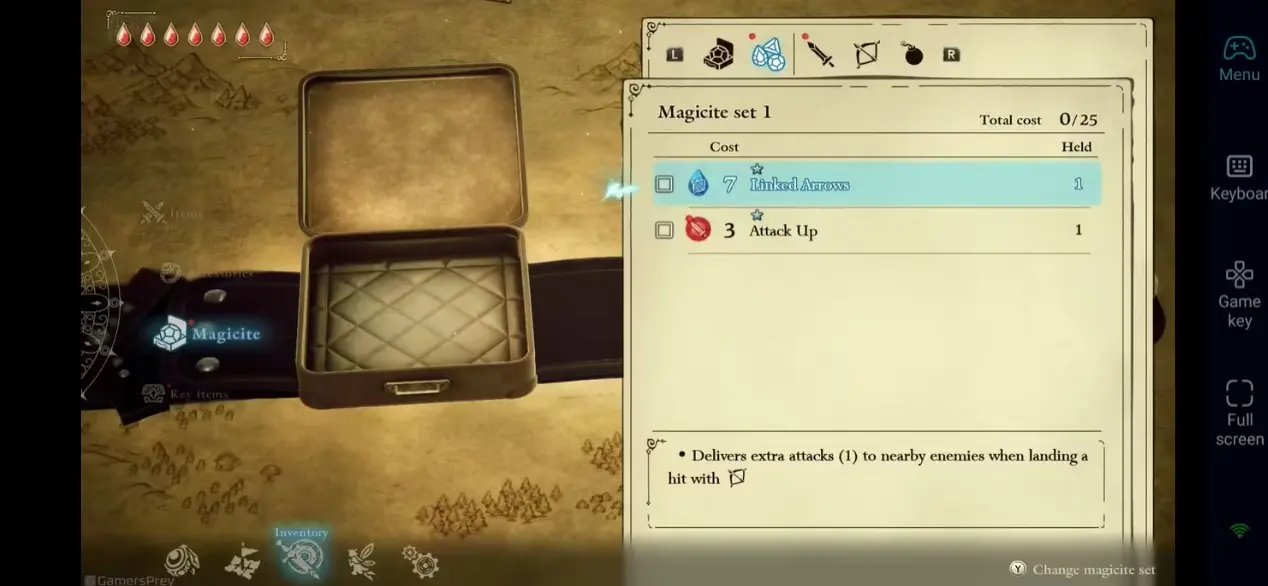
4. No Burden on Mobile Devices, Prevent Overheating and Frame Drops
All game computing and image rendering tasks are handled by your PC. Your mobile phone does not need to bear the load of running a large-scale game. Long gaming sessions will not cause overheating, stuttering or frame drops, ensuring stable performance all the time.
FAQ
Q: When does The Adventures of Elliot: The Millennium Tales launch?
A: The Adventures of Elliot: The Millennium Tales launches on June 19, 2026.
Q: Is there an official mobile version of The Adventures of Elliot: The Millennium Tales? Is remote control the only way to play on mobile?
A: This game is officially released for PC (Steam), PS5, Xbox Series X|S and Nintendo Switch 2 only. No official Android or iOS version has been launched. Remote control is the most straightforward and stable method to play your existing PC saves on mobile. You do not need to use emulators or worry about save file transfer problems.
Q: Are the PC hardware requirements high? Can regular home computers run the game smoothly?
A: The game is well optimized for mainstream computers, and most home PCs can run it properly. Detailed specifications are listed below:
Minimum Requirements
OS: Windows 11 64-bit
Processor: Intel Core i3-8100 / AMD Ryzen 3 3100
RAM: 16 GB
Graphics Card: NVIDIA GeForce GTX 1650 / AMD Radeon RX 5500 XT / Intel Arc A580
DirectX: Version 12
Storage: 20 GB available space (720p low settings, 60 FPS)
Recommended Requirements
OS: Windows 11 64-bit
Processor: Intel Core i5-8600K / AMD Ryzen 5 3600
RAM: 16 GB
Graphics Card: NVIDIA GeForce GTX 1660 Ti / AMD Radeon RX 5600 XT / Intel Arc A580
DirectX: Version 12
Storage: 20 GB available space (1080p high settings, 60 FPS)
Q: Does this method work for both Android and iOS devices? Are there any differences between them?
A: Android phones, iPhones and iPads are all fully compatible with OSLink. Core functions including streaming, key customization and gamepad connection work identically. The only difference lies in the download channel: Android users use Google Play while iOS users use the App Store. There are no other differences in operation or gaming experience.
Q: Will severe lag occur when using cellular data?
A: 4G and 5G cellular networks work well for story mode, equipment management and exploration in small areas. For continuous combat and exploration in large scenes, stable Wi-Fi is recommended to further reduce latency and ensure smooth visuals and controls.
Conclusion
With the OSLink remote tool, you can easily turn your mobile device into a dedicated portable gaming terminal for The Adventures of Elliot: The Millennium Tales. You are no longer tied to your desktop. You can advance the grand storyline spanning thousands of years, collect various Materia to enhance weapons, challenge powerful bosses and explore hidden secret lands freely. Retain all your PC game data, enjoy top-tier graphics and smooth controls, and continue your adventure across four eras wherever you go.
 Download