English
 Monster Hunter Stories 3: Twisted Reflection is a turn-based RPG from Capcom, where you step into the role of a Rider, bond with powerful monsters, and explore a vast fantasy world. The game features strategic turn-based combat, egg hatching, and Monstie raising systems, offering a more story-driven and tactical experience within the Monster Hunter universe.
Table of Contents
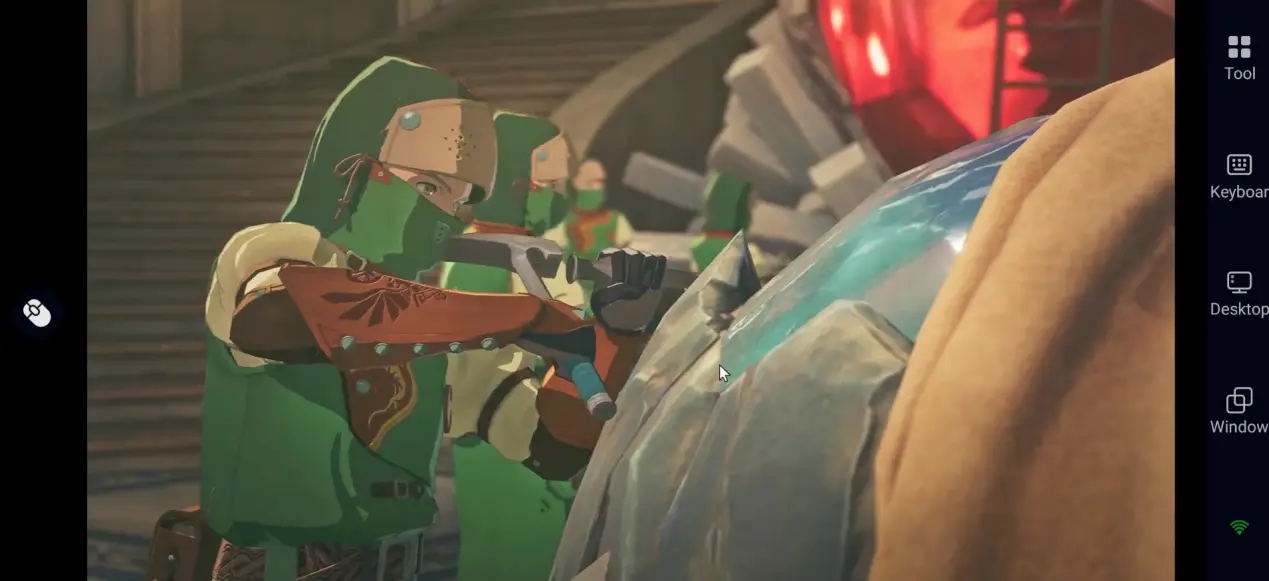
Want to complete daily quests, hatch rare eggs, or manage your Monsties on the go? With OSLink remote control, your phone becomes a powerful extension of your PC. Just connect your devices and continue your adventure anytime, without being tied to your setup.
Quick Setup Guide
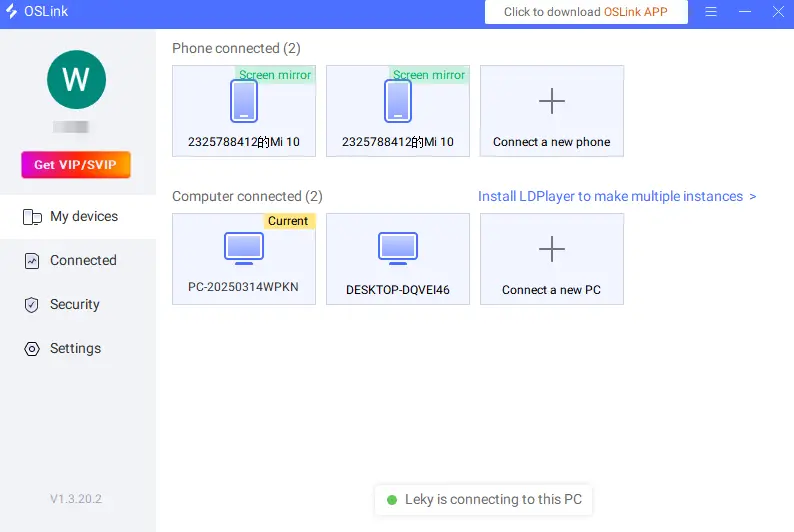
Step 1: OSLink Download OSLink and Device connection
1. For Computer
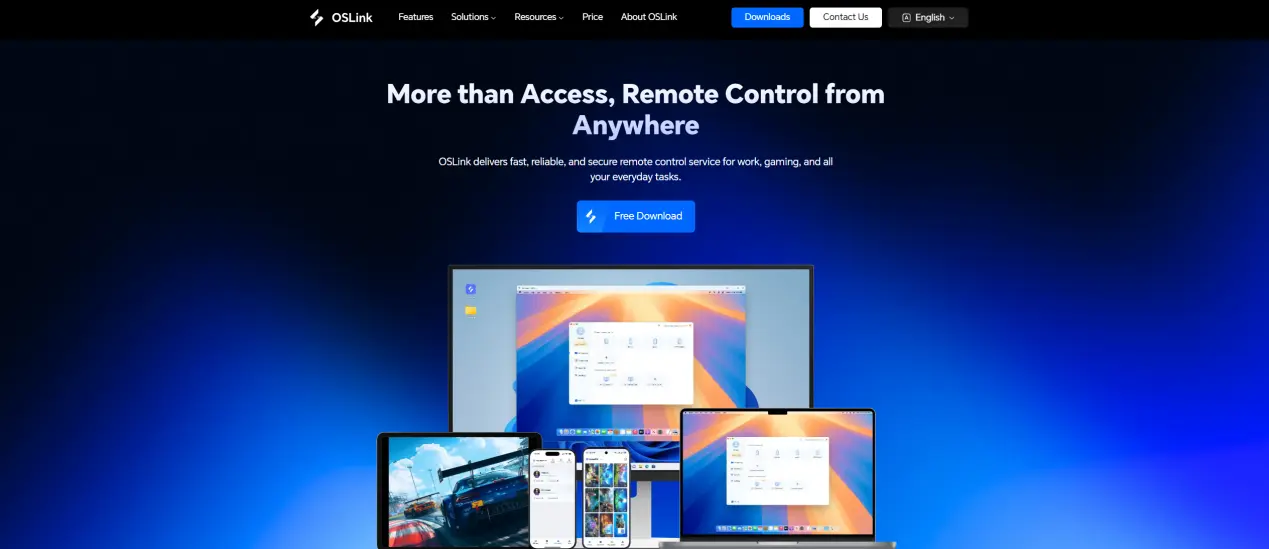
Go to the OSLink official website to download and install OSLink exe.
2. For Mobile
Download the OSLink app from the App Store or Google Play, and you can also download the APK from the official website.
Login to the same account as the computer to automatically connect.
Step 2: Control optimization
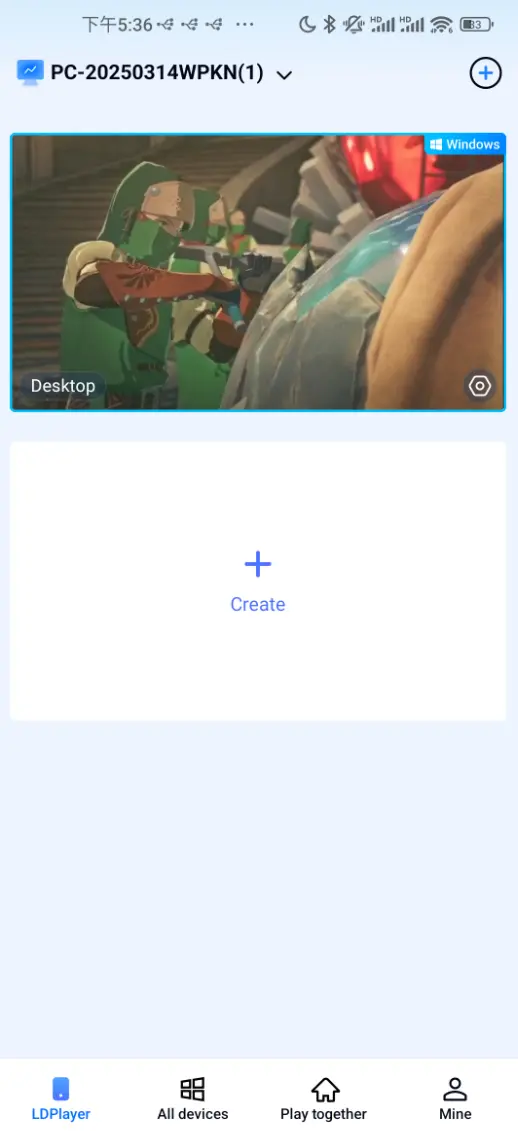
1. Launch the game
Open Monster Hunter Stories 3: Twisted Reflection on your PC, and you connect it on your mobile.
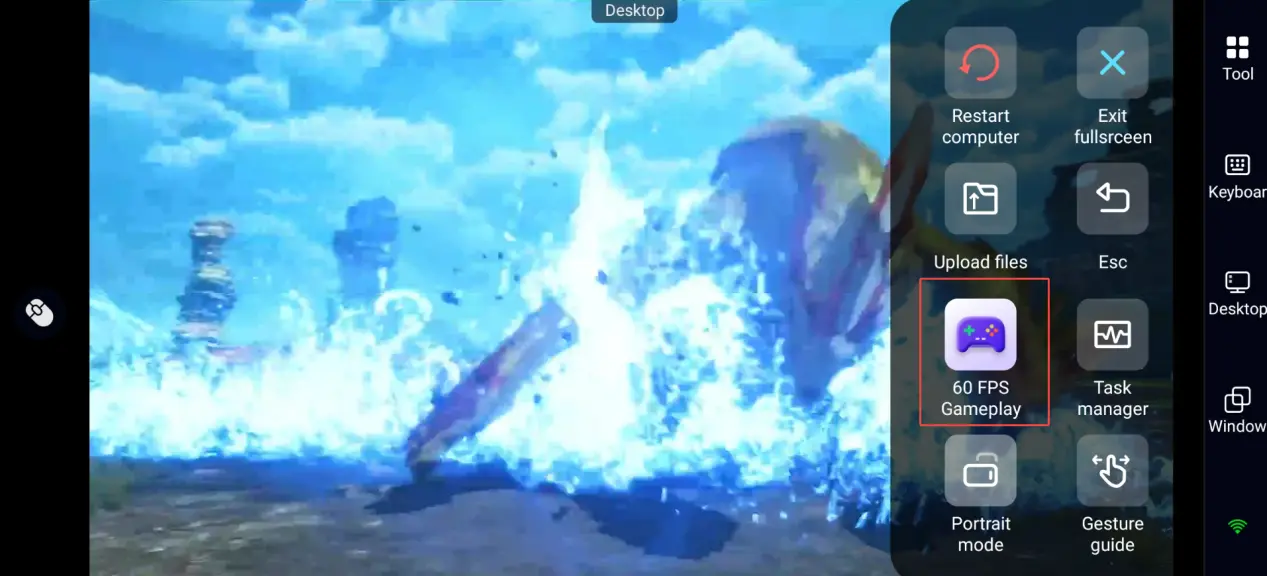
2. Control Mode
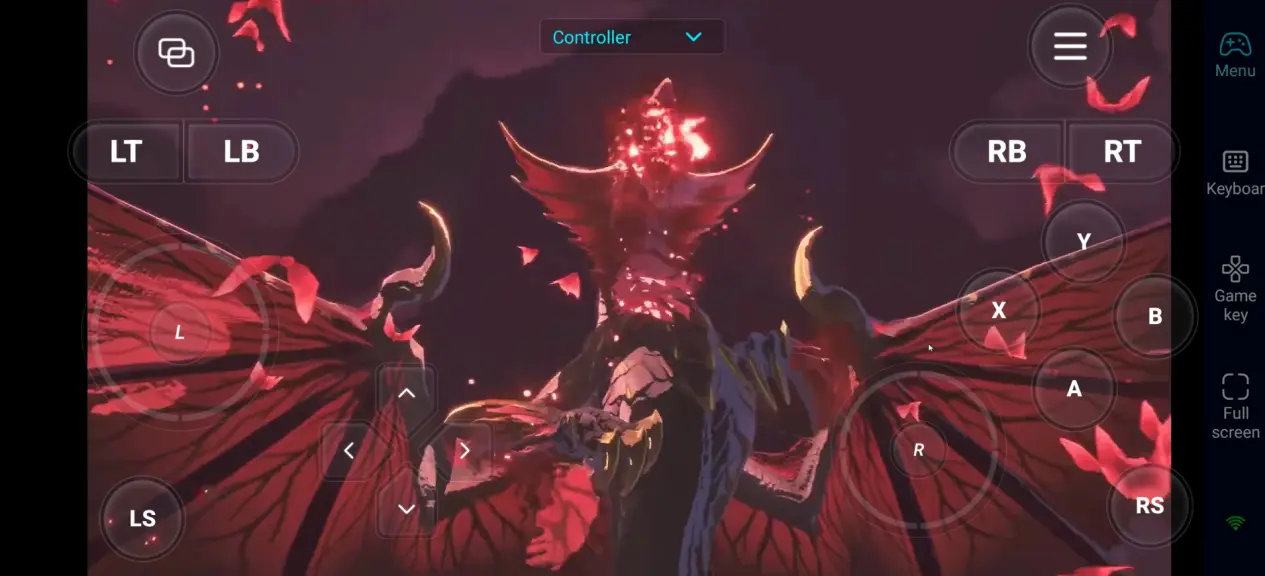
Click on the toolbar on the right side of the mobile phone to enter "60 FPS Gameplay", and choose the button control or connect to a virtual controller according to your gaming preferences.
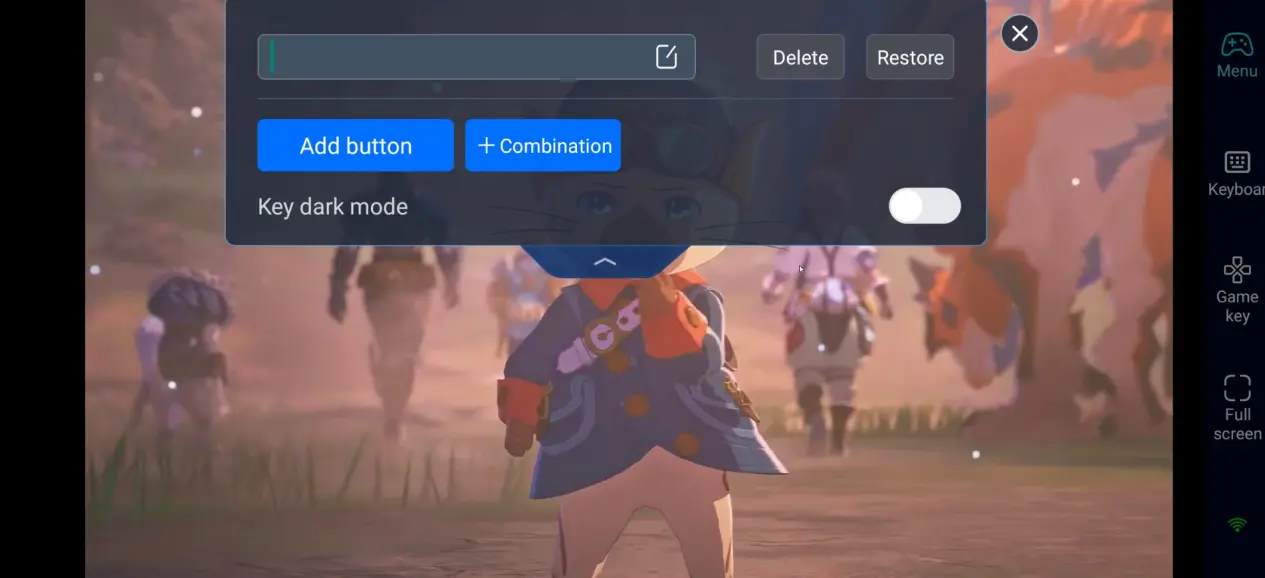
3. Key Setting
Monster Hunter Stories 3 combines turn-based strategy with monster raising. It's recommended to prioritize the following control adjustments:
Movement and camera control
Skill usage / Monstie switching / battle command selection
Item usage and egg collection
Training and equipment management
Shortcut key setup
4. Connect peripherals
In addition to custom button layouts, OSLink is also compatible with various external devices, including Bluetooth controllers and mobile gamepads. Players can use these peripherals to directly control the game, breaking free from the limitations of touch screens and enjoying more diverse control methods.
Step 3: Play anytime, anywhere
After completing the setup, your phone or tablet can become your mobile device. Through OSLink, you can perform:
Daily tasks: Use spare time to complete daily quests and earn resources for progression
Egg hunting: Explore the world to find and hatch rare monster eggs
Monstie training: Optimize gene builds and upgrade equipment to strengthen your team
Why choose to play Monster Hunter Stories 3: Twisted Reflection on OSLink?
1. Break location limits and DIVE in anytime
No need to be fixed in front of the computer, whether on the sofa at home or out, you can enter the adventurous world full of bonds at any time.
2. No compromise on visual quality
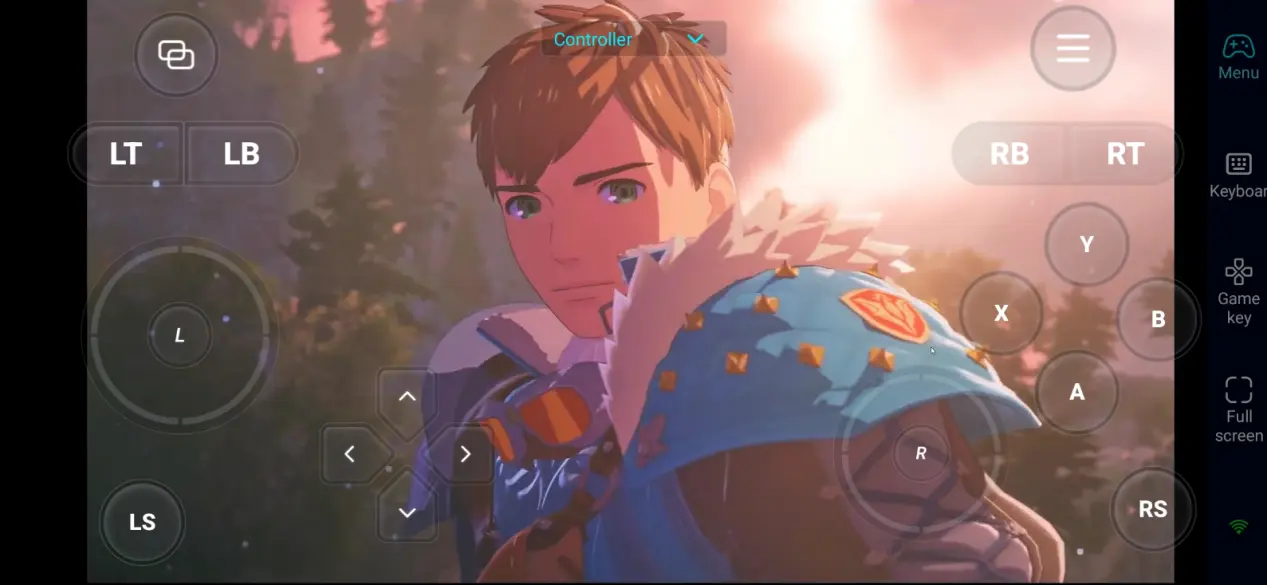
Monster Hunter Stories 3: Twisted Reflection does not currently have an official mobile version. With OSLink, you can remotely access your PC’s full performance and experience the game at its original visual quality, with no compression or loss. The visuals remain sharp and detailed, with all effects fully preserved, delivering a true high-end PC gaming experience on your phone.
3. Smooth controls with precise turn-based gameplay
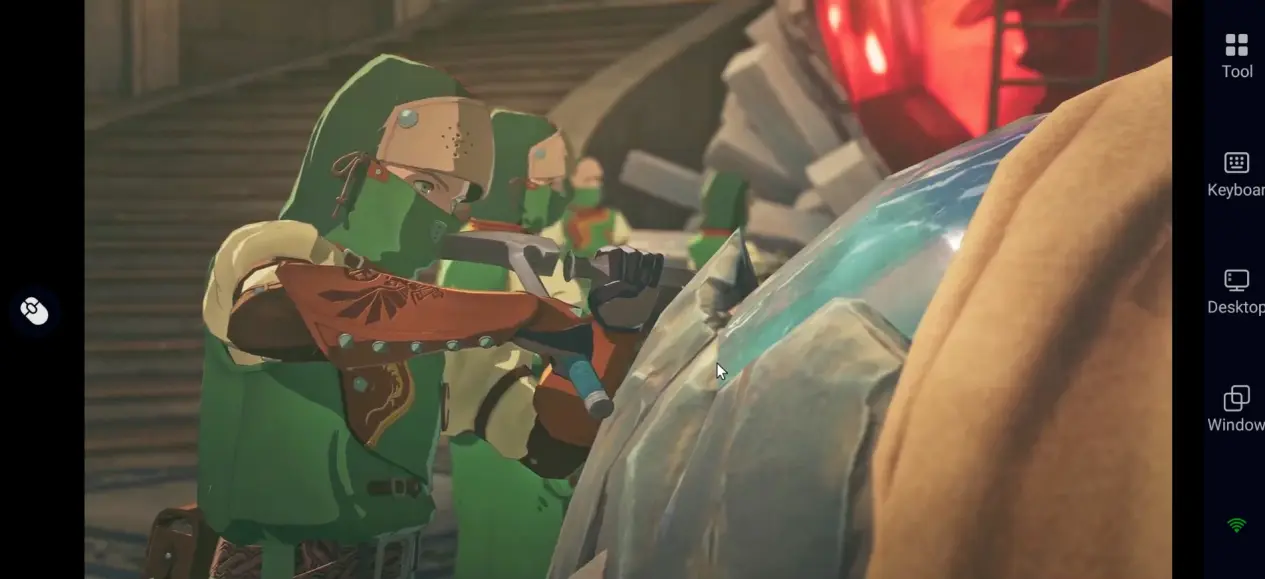
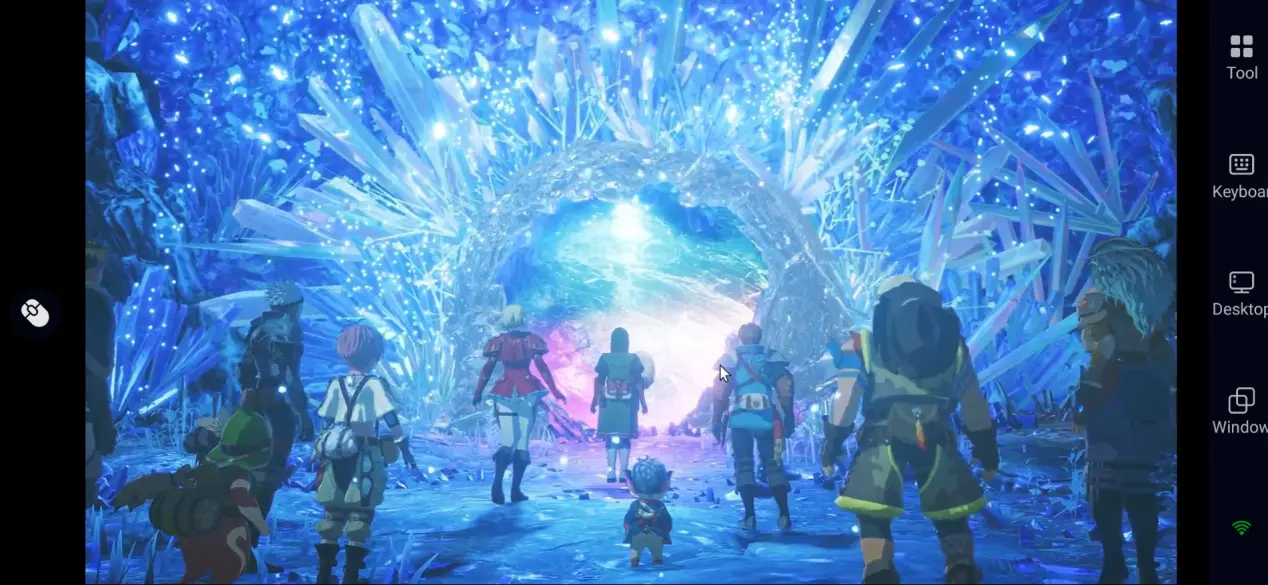
Through custom key positions and 60 FPS optimization, strategy turn commands can be smoothly completed even on mobile phones, accurately releasing gorgeous binding skills.
FAQs
Q: What is the release time of Monster Hunter Stories 3: Twisted Reflection?
A: The game was officially launched globally on March 13, 2026, and is available on PC, Nintendo Switch 2, PS5, and Xbox Series X | S platforms.
Q: What is the computer configuration requirements for Monster Hunter Stories 3: Twisted Reflection?
A: The minimum configuration requirements are as follows:
Operating System: Windows 11 64 bit
Processor (CPU): Intel Core ™ i3-9100 / AMD Ryzen ™ 3 3200G
Memory (RAM): 16GB RAM
GPU: NVIDIA GeForce ™ GTX 1660 / AMD Radeon ™ RX 5500 XT
Download capacity: 50GB
Suggest using a higher configuration for a more stable 1080p high-definition 60 frame experience.
Q: Can I play Monster Hunter Stories 3: Twisted Reflection on Android?
A: There is currently no official Android version available. If you want to play on mobile, you can use OSLink to remotely access the PC version and enjoy the full game anytime with high-quality visuals.
Q: Can I play Monster Hunter Stories 3: Twisted Reflectionon iOS?
A: There's no official iOS version at the moment. With OSLink, you can control the PC version from your iPhone or iPad and enjoy the complete experience remotely. While the game runs on your computer, so your phone stays cool even during long sessions.
Summary
Through OSLink, you can turn your phone or tablet into an action adventure platform for Monster Hunter: Twin Dragons. Whether it's incubating monster eggs, cultivating accompanying beasts, organizing equipment, or advancing the plot, you can break through equipment limitations and make your knight journey no longer constrained by time and space!
 Download