English
 GODDESS OF VICTORY: NIKKE PC version delivers stunning visuals and a smooth shooting experience, but have you ever missed daily missions or events because you weren’t at your PC? Now, with OSLink remote desktop, your phone or tablet becomes a portable command center. You can connect to your PC anytime, anywhere, to level up characters, progress the main story, or run quick farming sessions—even while commuting.
Table of Contents
Step-by-Step Setup Guide
1. Environment Setup: Installation and Connection
PC Setup
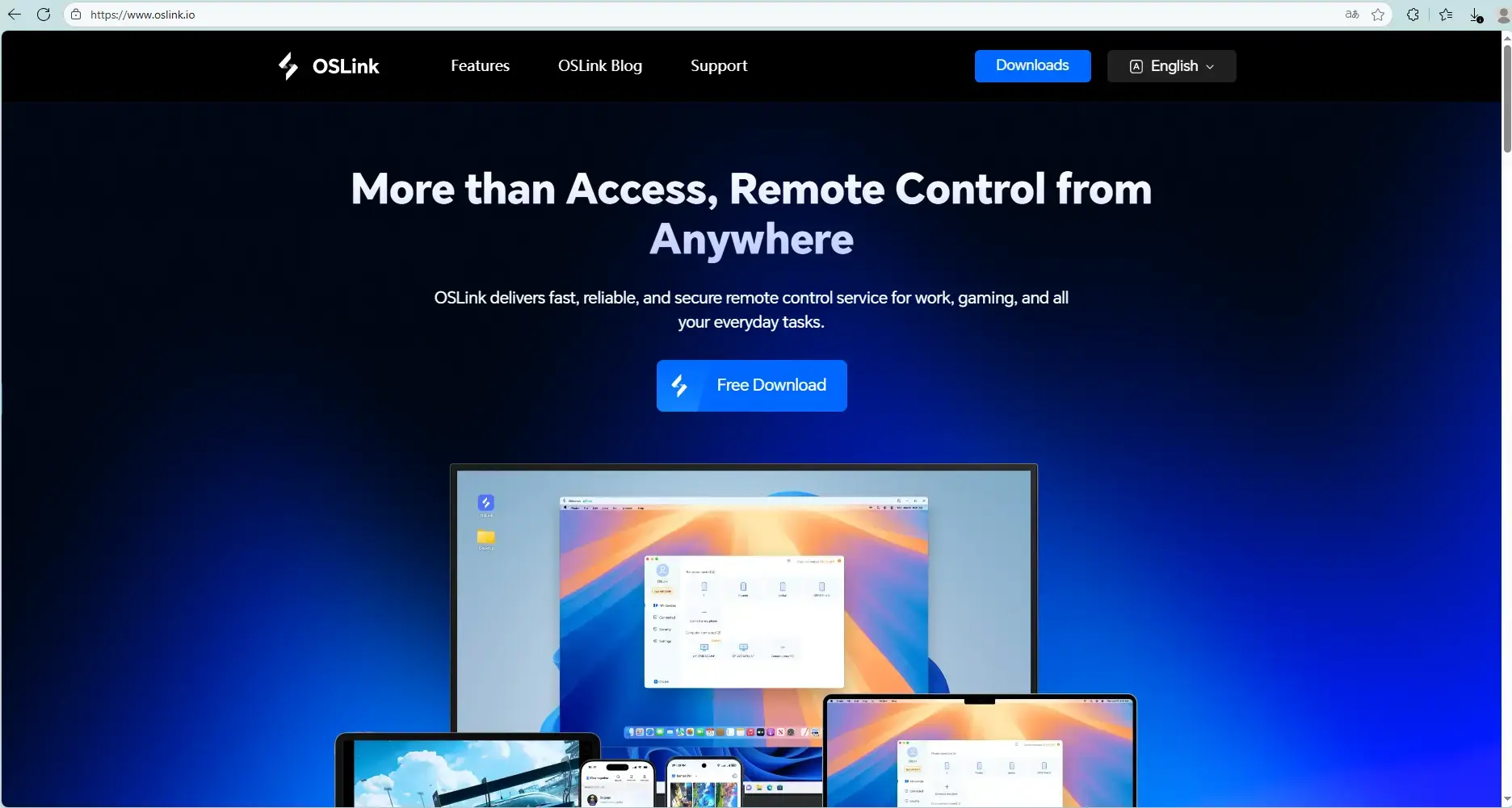
Visit the the official OSLink websites to download and install the PC client.
Mobile setup
Download the OSLink App from the App Store or Google Play; the official website also offers APK downloads.
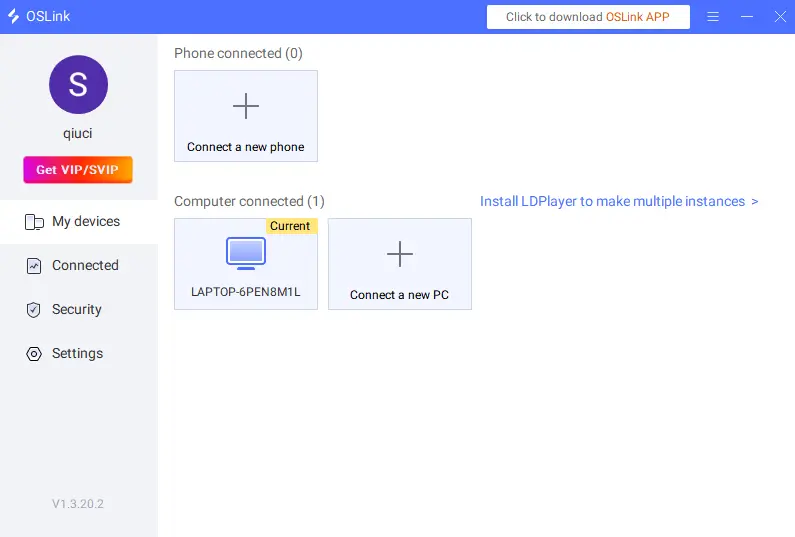
2. Open the App: Sign in with the same account used on your PC. The system will automatically pair your devices and establish the connection.
Choosing Your Control Method
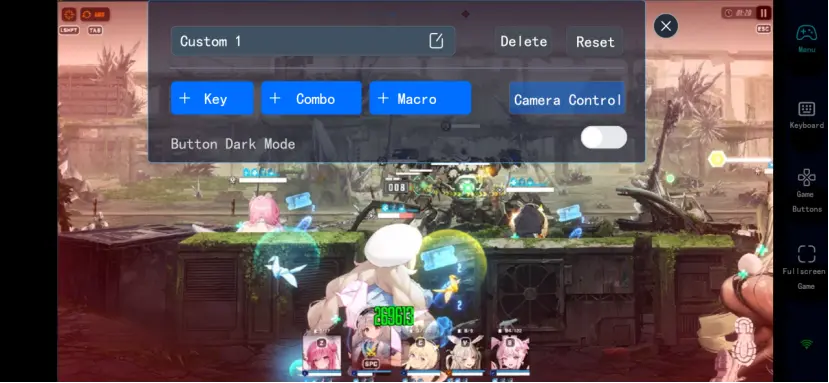
Virtual Key Mode: Ideal for taps and swipes, such as navigating menus, pulling on banners, or activating Burst Skills. You can fully customize button positions and sizes.
External Controller Mode: OSLink supports Bluetooth gamepads and mobile-specific game controllers, delivering a more precise shooting experience—perfect for tackling high-difficulty stages.
1. Key Mapping Tutorial
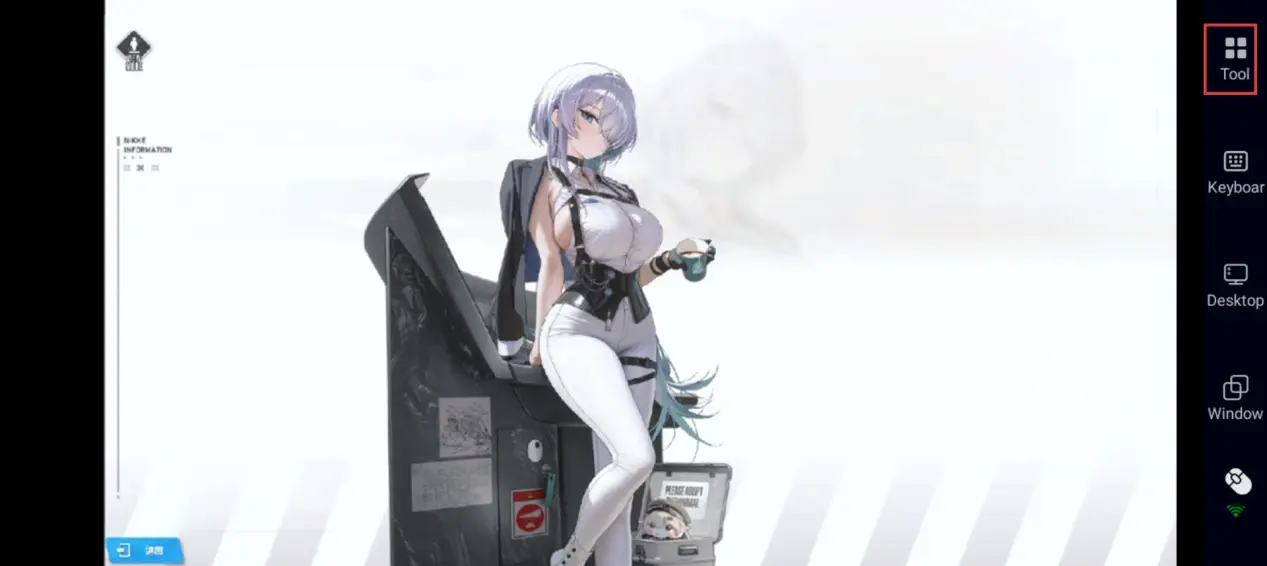
Tap the toolbar on the right side of your phone, open [60 FPS PC Gaming], and choose either virtual button mode or connect a virtual gamepad based on your gameplay preference.
2. Recommended Key Layout
To match NIKKE’s combat rhythm, prioritize these key functions in OSLink:
Core Combat: Primary fire button, Burst Skill button, and target lock-on/switch button.
Frequent Functions: Auto-battle toggle, skip cutscene, and quick menu access.
Interface Navigation: Confirm and back buttons for quickly claiming rewards or switching screens.
3. Use Cases and Playstyles
Make Use of Spare Time: While commuting or waiting in line, use your phone to clear daily missions, collect Outpost resources, and upgrade characters.
Remote Monitoring and Adjustments: Even when away from your PC, you can check on auto-battle progress and step in to tweak tactics whenever needed.
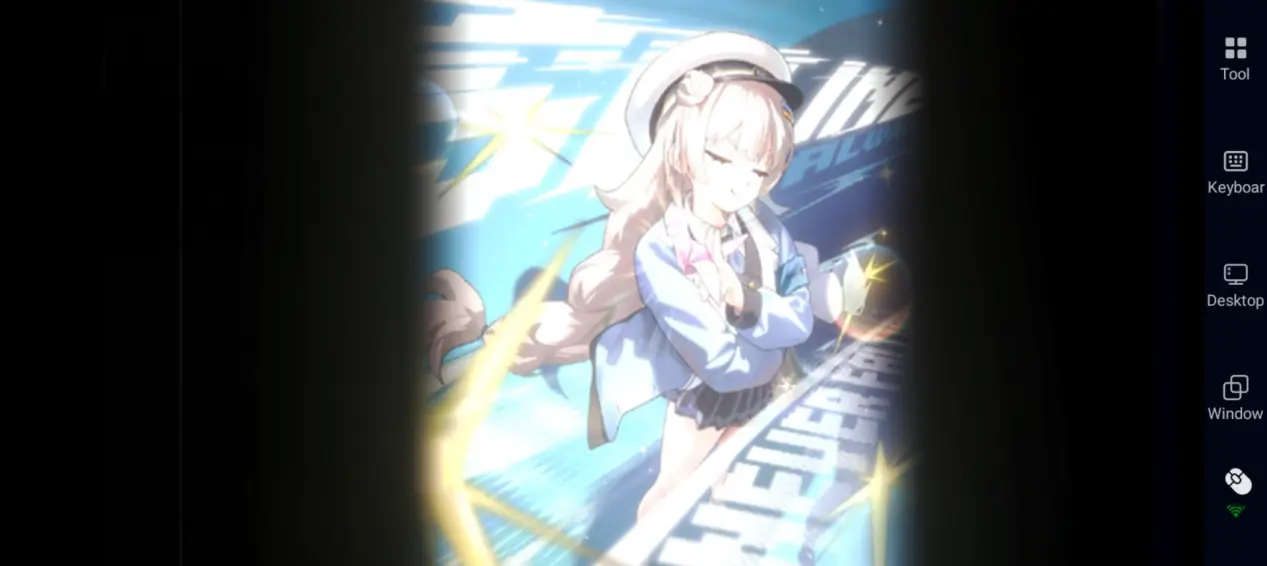
Comfortable Story Experience: Lie back on the couch or in bed and smoothly enjoy the main storyline and character interactions on your phone.
Why Choose OSLink for Remote Play?
Although GODDESS OF VICTORY: NIKKE has an official mobile version, streaming the PC version through OSLink offers distinct advantages.
1. Free Up Phone Storage and Performance
The mobile version will take up a lot of space, and long play sessions can cause your device to heat up and drain the battery quickly. With OSLink, you only need to install a lightweight remote app on your phone—the actual processing runs on your PC. This means you can enjoy PC-grade visuals while keeping your phone cool, making it ideal for players running low on storage.
2. Seamless Progress Across Devices
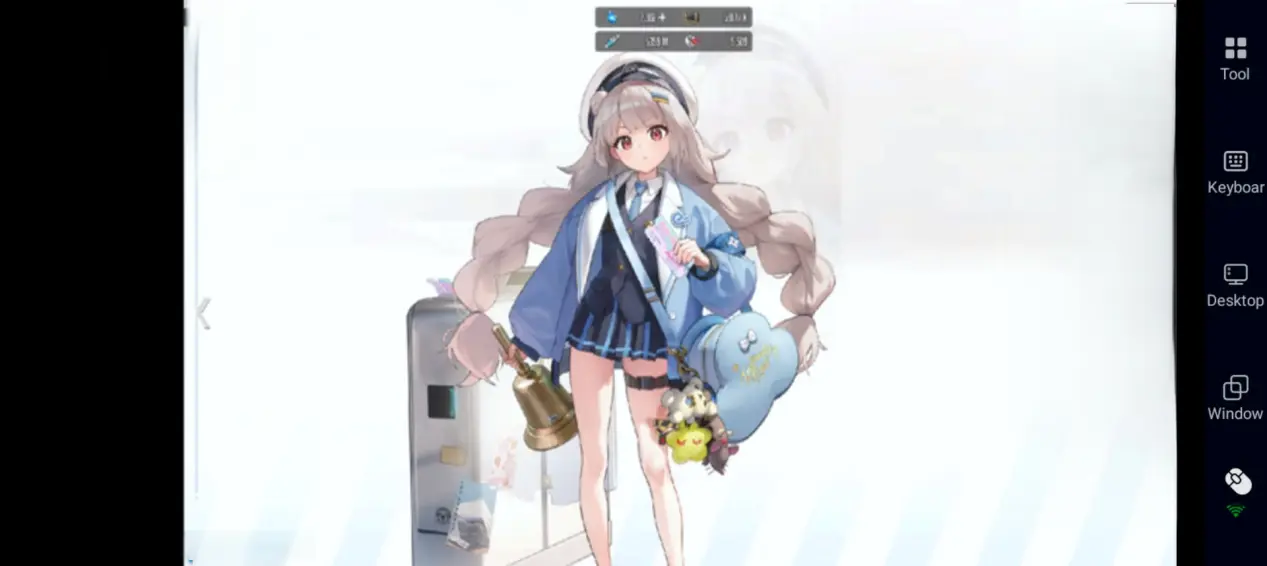
Game data is fully shared between the PC and mobile versions. When you're out, you can remotely fire up your home PC to keep farming materials and clearing dailies. Once you’re home, continue high-difficulty stages on a bigger screen. This creates a seamless cross-device experience.
Frequently Asked Questions (FAQ)
Q: When was GODDESS OF VICTORY: NIKKE released?
A: Global version: The PC version officially launched on February 15, 2023, with full data sharing between the PC and mobile versions.
Q: What is the system requirements for PC?
A: Below is a summary based on the official system requirements:
|
Item |
Minimum Requirements |
Recommended Requirements |
|
Operating System |
Windows 7 64-bit |
Windows 10 64-bit |
|
Processor (CPU) |
Intel Core i3-4160 |
Intel Core i5-7500 |
|
Memory (RAM) |
8 GB |
8 GB |
|
Graphics Card (GPU) |
NVIDIA GeForce GTX 750 Ti |
NVIDIA GeForce GTX 1650 |
|
Storage |
10 GB available space |
20 GB available space |
Q: Can I play GODDESS OF VICTORY: NIKKE PC on Android?
A: Yes. The official Android version is available on the Google Play Store and can be downloaded directly.
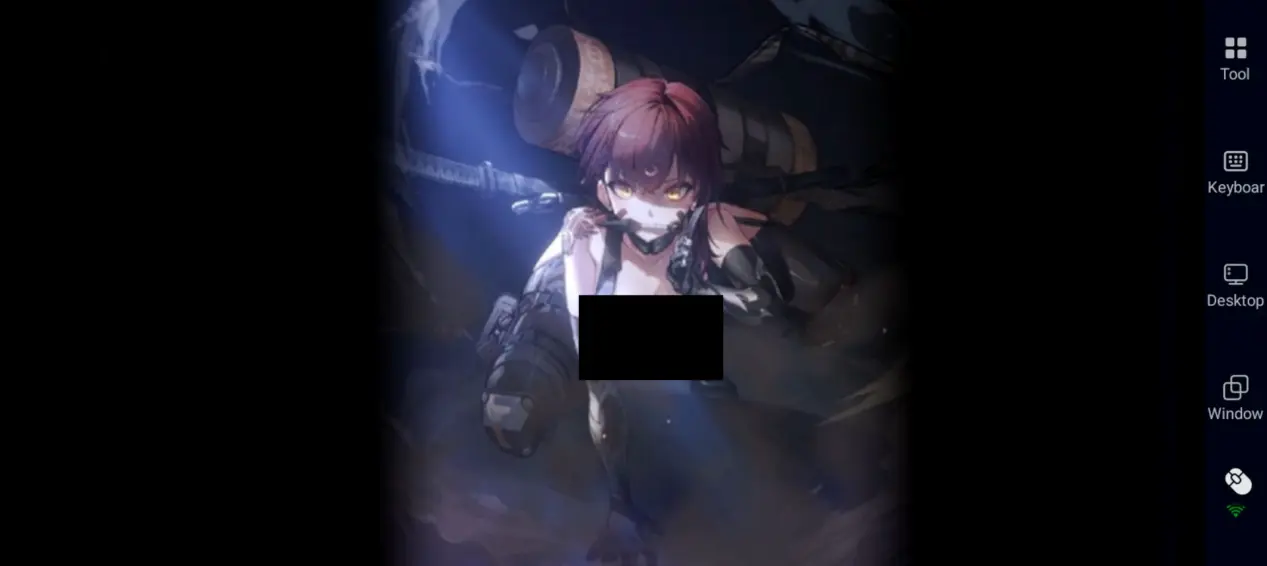
You can save phone storage or enjoy higher graphics and better performance by using the OSLink app to stream the PC version to your Android device — your save data will stay fully synced.
Q: Can I play GODDESS OF VICTORY: NIKKE PC on iPhone or iPad?
A: Yes. The official iOS version is also available on the App Store.
If you prefer keyboard and mouse controls, or want to enjoy the PC version's top-tier visuals on a mobile device, you can use the OSLink app to remotely connect to your PC and play.
iOS users can also use OSLink to play the PC version remotely on their iPhone or iPad.
Conclusion
Using OSLink's remote streaming technology, you can break free from the limits of device and location. Whether you're collecting resources or managing your squad, you’re no longer tied to your PC. With OSLink, you can play anytime, anywhere.
 Download