English
 Tears of Metal features gritty melee combat with tight combat pacing. Players need extensive practice to master weapon combos, blocks and dodge timings. However, it is only available on PC, leaving you unable to access the training grounds or matchmake away from your desktop. OSLink remote streaming solves this hassle. Simply leave your PC powered on, connect remotely from your mobile device, and jump straight into training sessions anytime.
Step 1: Download OSLink & Pair Your Devices
PC Side
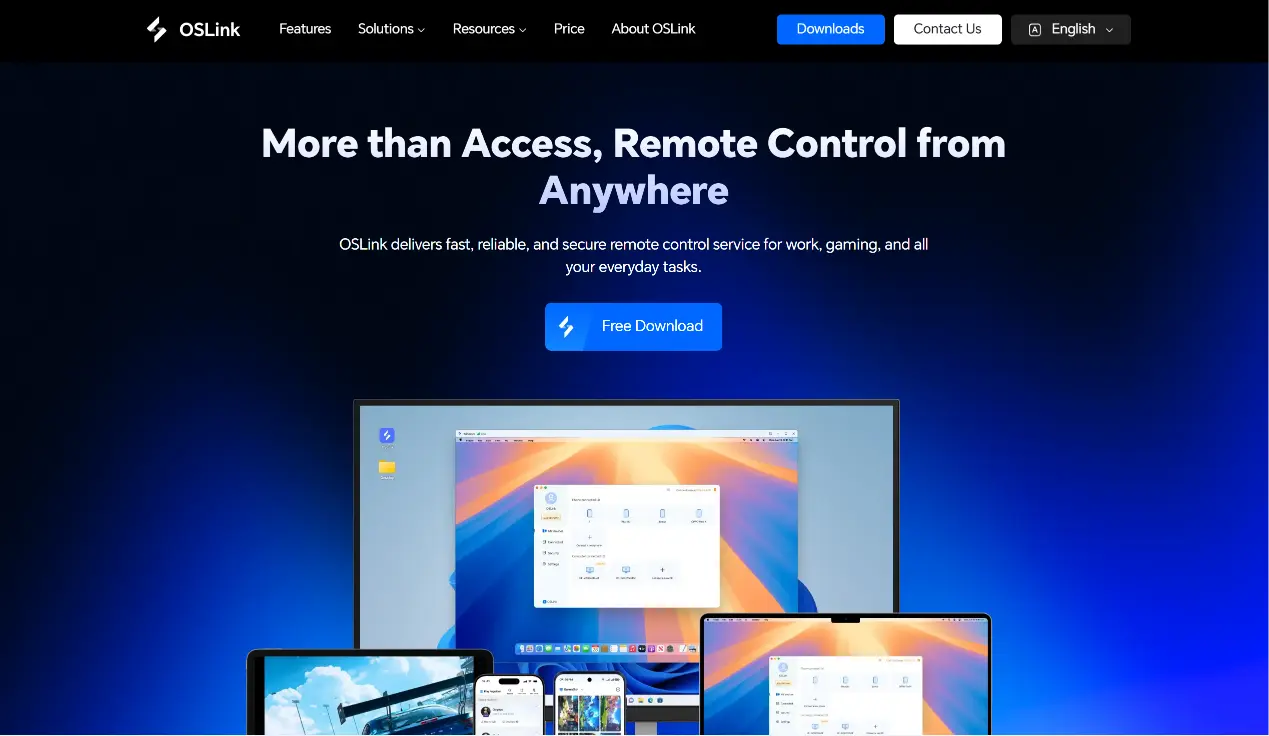
Visit the official OSLink website (https://www.oslink.io) to download and install the desktop client, then log into your account. We recommend disabling automatic system sleep to avoid remote connection drops.
Mobile Side
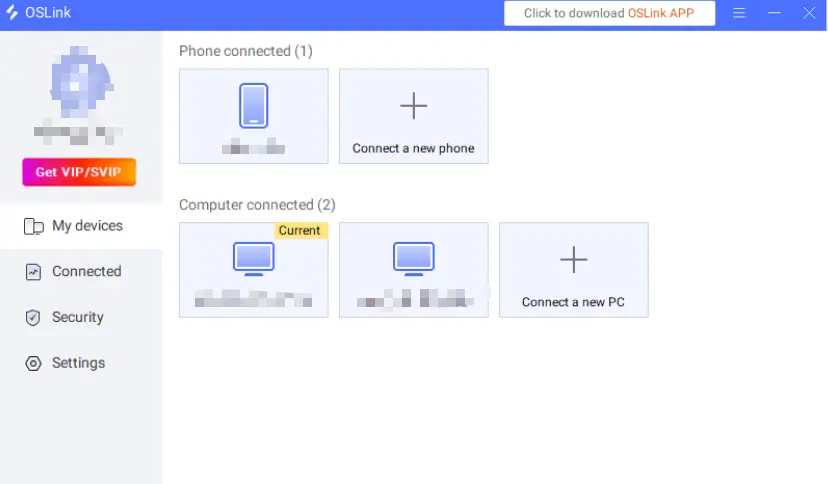
Download the OSLink mobile app from the App Store or Google Play. You can also grab the installer from the official website. Log in using the same account as your PC, and your devices will automatically pair and establish a remote connection.
Step 2: Optimize Control Settings
1. Launch the Game
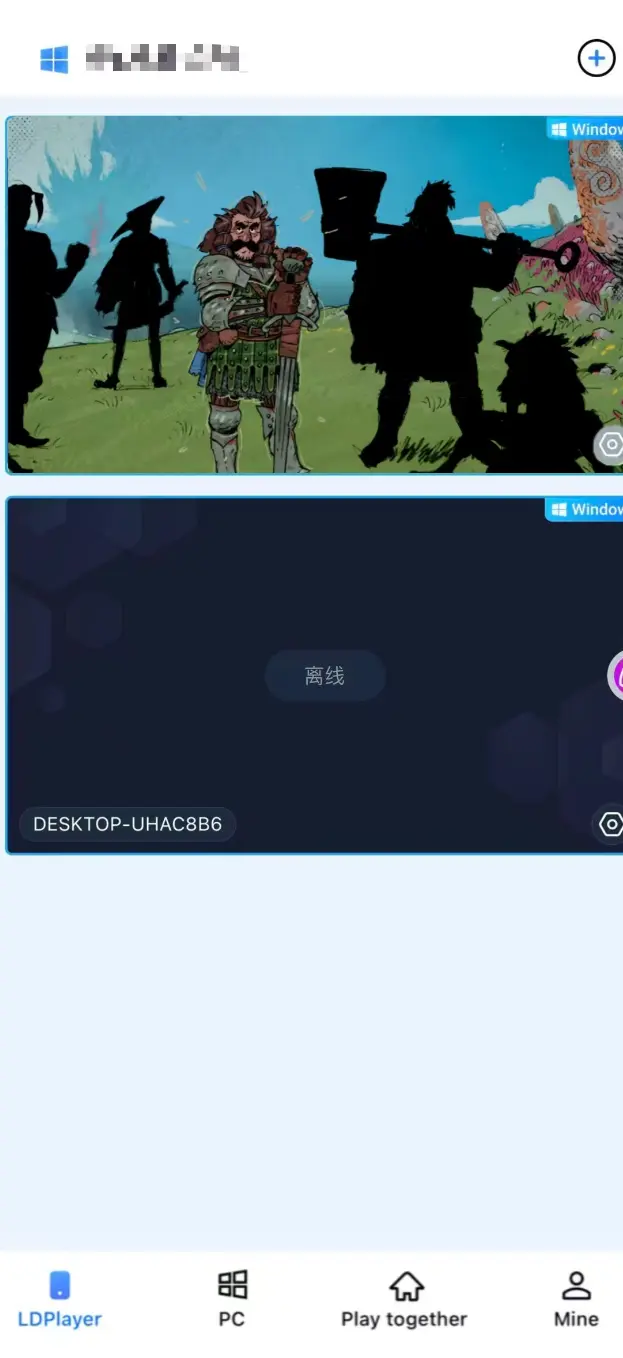
You can start Tears of Metal on your PC ahead of time. If the game is not running, tap the game shortcut within the OSLink mobile interface to launch it remotely with one tap.
2. Enable 60fps PC Game Mode
Once the game stream loads on your mobile screen, open the sidebar toolbox and activate 60 FPS PC Game Mode. You can use customizable virtual touch buttons or pair a Bluetooth game controller.
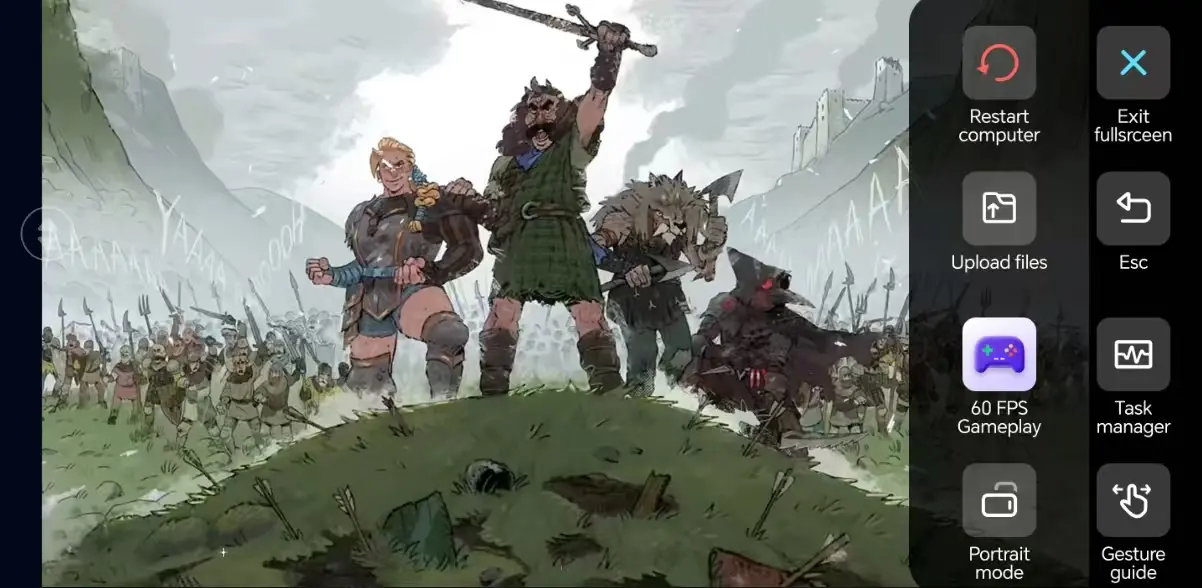
3. Customize Dedicated Melee Keybinds
Adjust controls for movement, attacking, blocking, feinting and dodging to suit cold weapon combat. You can freely modify button sizes and transparency. Combined with 3D camera control, you will pull off smoother turns and outmaneuver opponents during duels.
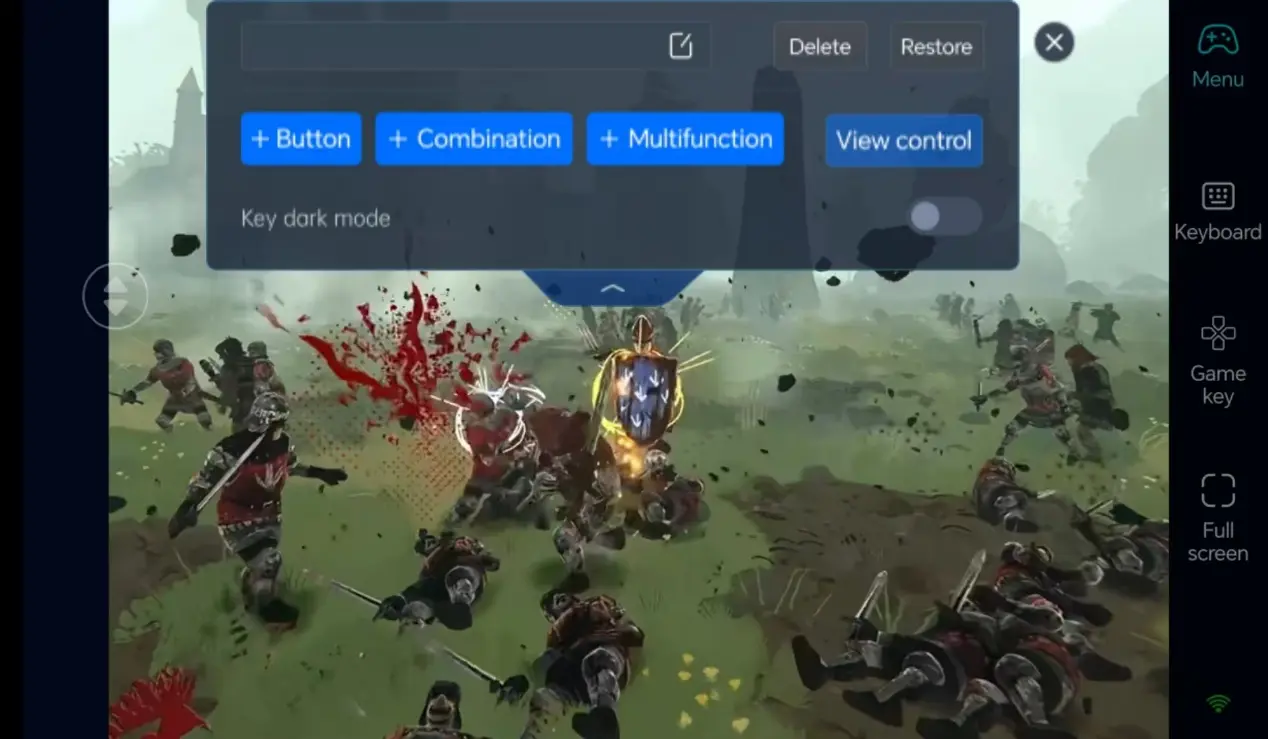
4. Pair an External Gamepad
OSLink supports Bluetooth game controllers. Connecting a controller greatly restores the original PC melee combat feel, ideal for consistent practice of combo chains and weapon matchups.
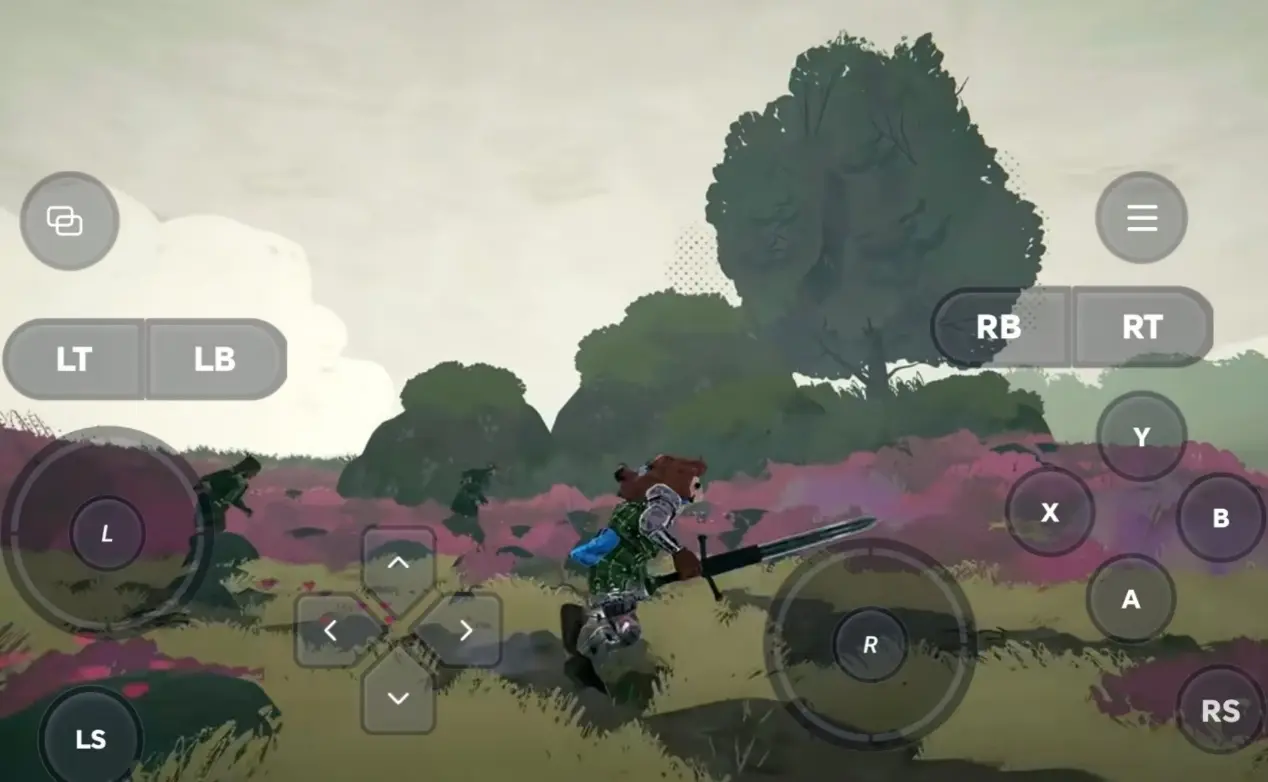
Step 3: Start Training Anytime, Hone Your Cold Weapon Skills
Once all settings are finalized, your phone or tablet becomes a remote control terminal. As long as your PC stays powered on, connect remotely through OSLink whenever you want. Use spare time to enter the training grounds and practice moves, or join casual matchmaking to continuously refine your melee skills.
Why Choose OSLink for Tears of Metal?
1. Play & Train Without Location Restrictions
When you’re out, remotely access the training arena on your phone to practice weapon combos. Seamlessly continue your duels on PC once you get home. Local network streaming delivers low latency, reliable enough to execute feints and melee trades against other players.
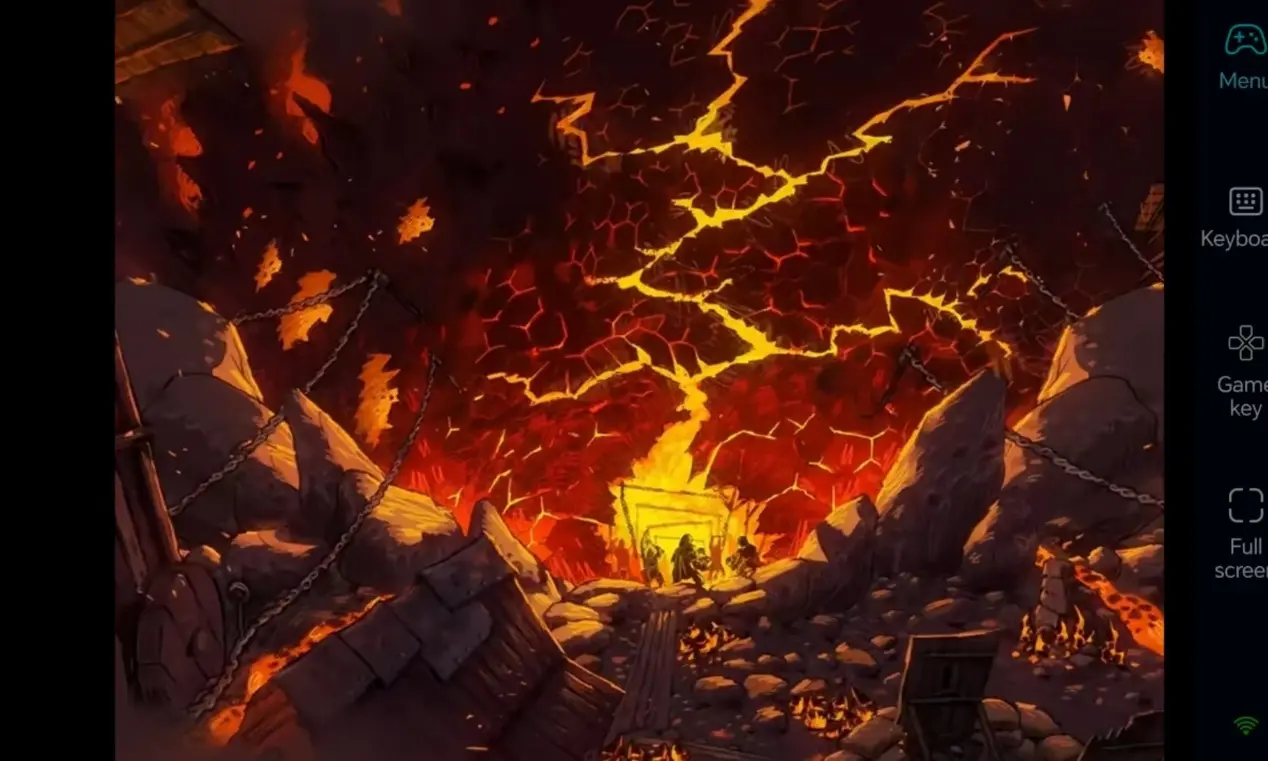
2. 60 FPS Streaming, Authentic Cold Weapon Combat Visuals
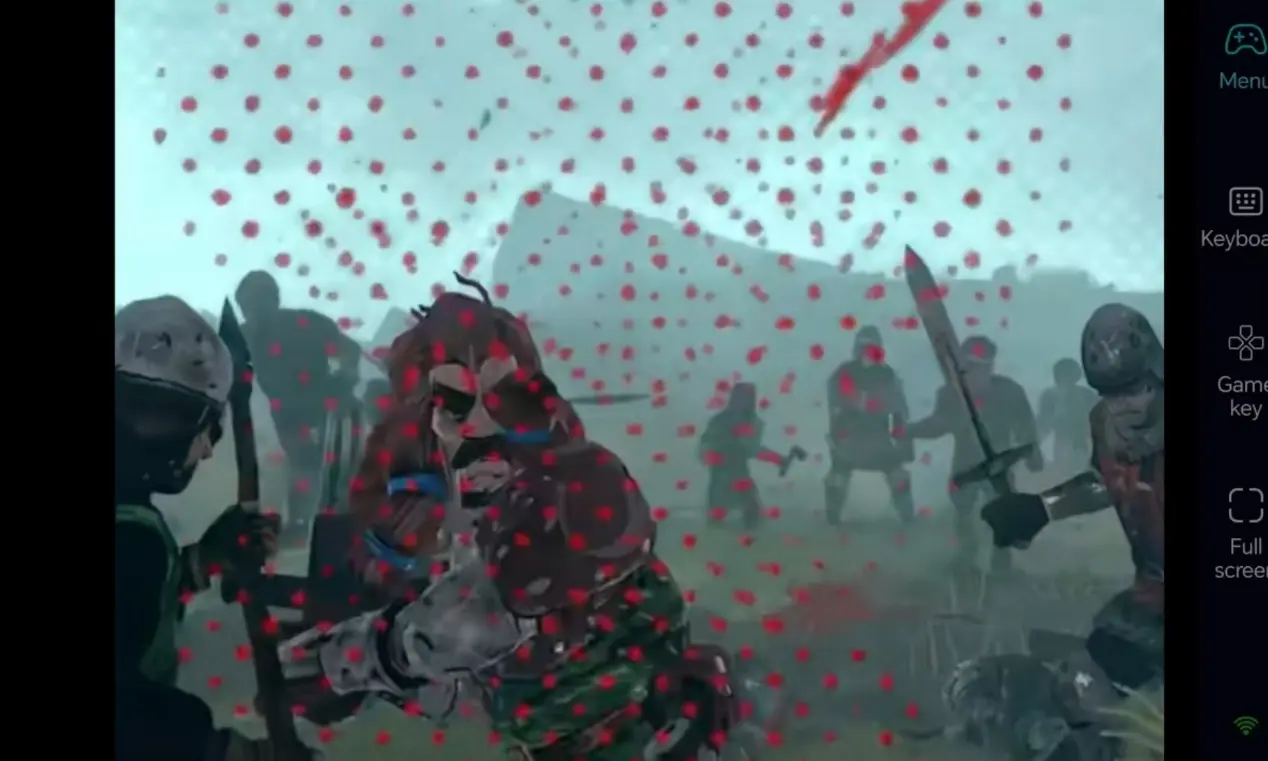
Stable 60fps output fully displays weapon clashes, blocks and counterattack animations. Custom virtual controls make movement and strikes more precise, letting you experience the full tension of close-quarters cold weapon combat.
3. Seamless Progress Continuity, Saves Stored Locally
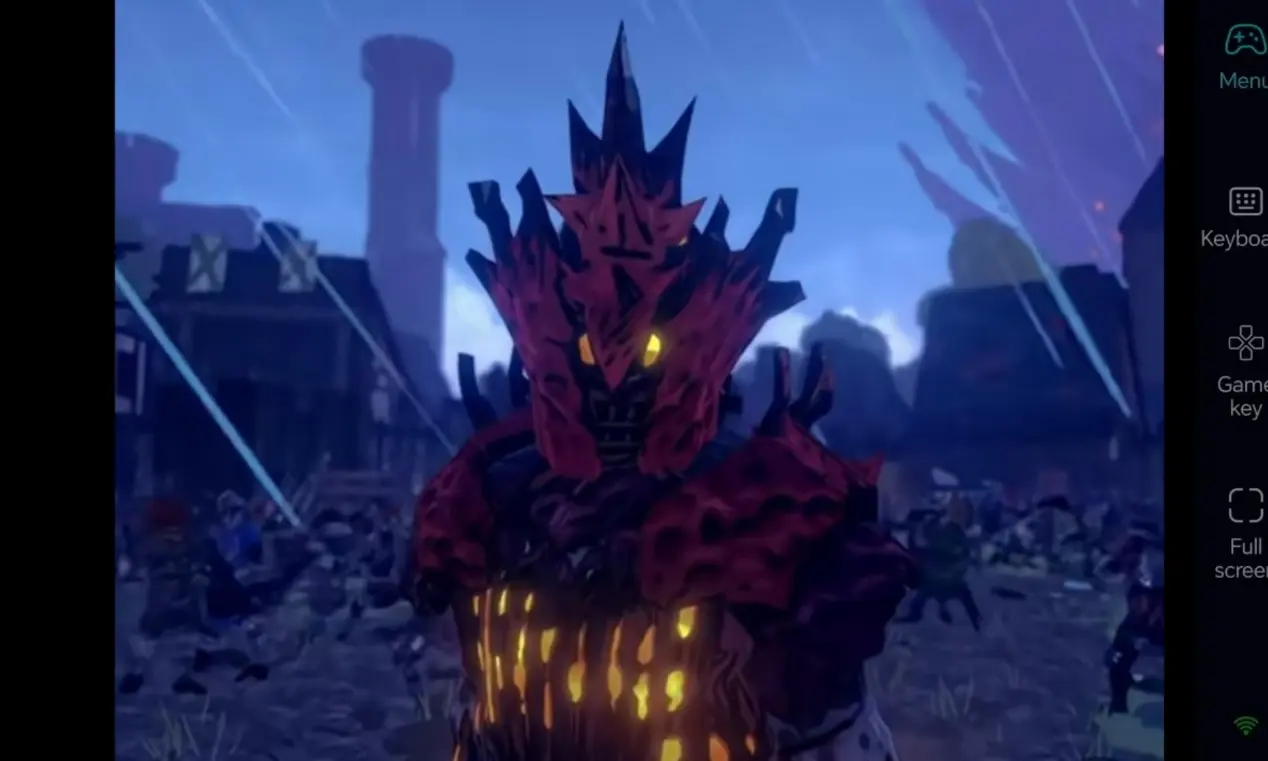
All game saves reside on your PC. Actions performed on mobile sync completely with your PC game progress. Whether testing new weapons or practicing duel builds, you can resume your melee training at any time.
FAQ
Q1: When will Tears of Metal be released?
A1: Tears of Metal, a melee cold weapon combat game, officially launched on Steam in July 2026. It is a PC-only fighting and practice game with no mobile port.
Q2: Is remote mobile play clunky for cold weapon duels?
A2: Not at all. OSLink supports custom hotkeys for parry, dash and attack, and it also works with Bluetooth controllers. It works perfectly for training combos and mastering weapon timings for daily practice.
Q3: Can I play Tears of Metal on iOS and Android?
A3: Tears of Metal is a PC-exclusive melee combat game without mobile installation packages, making direct playing on smartphones impossible. With OSLink, both Android and iOS devices can remotely connect to your PC, letting you control your PC game and practice combat anytime.
summary
If you don’t want your cold weapon practice interrupted while away from home, OSLink remote streaming is the perfect solution. Leave your PC powered on, connect remotely from your phone, launch the Tears of Metal training arena, and keep improving your melee skills during your free time
 Download