English
 Mistfall Hunter delivers a unique eerie atmosphere wrapped in thick fog. The map holds countless hidden secrets, and farming gear and challenging fog bosses require long continuous play. Many players have to pause their exploration when heading out and wait until they get home to continue, wasting plenty of spare time. OSLink creates a seamless connection between your phone and PC. As long as your computer stays powered on, you can remotely log in and resume your journey through the mist from anywhere.
Step 1: Download OSLink & Pair Your Devices
PC Client
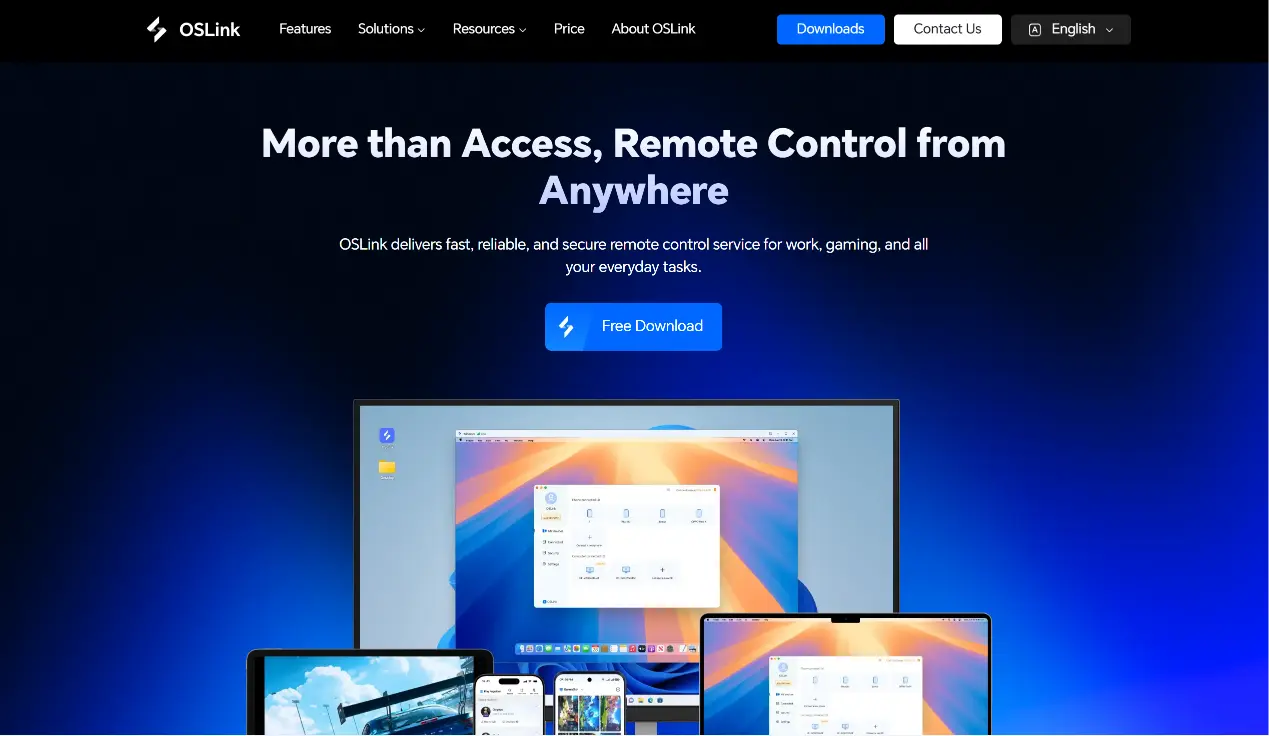
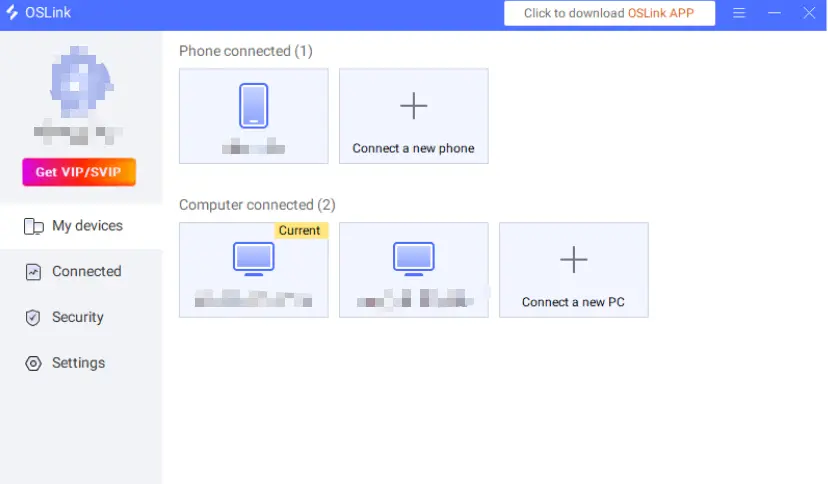
Visit the official OSLink website to download and install the desktop client, then log into your account. We recommend turning off your PC’s automatic sleep mode to guarantee stable remote access anytime.
Mobile Client
Download the OSLink App from App Store or Google Play. You may also obtain the APK installer from the official website.Log in using the same account as your PC, and your devices will automatically pair and connect.
Step 2: Switch to 60fps PC Gaming Mode
1. Launch the Game
Start Mistfall Hunter on your PC beforehand. If the game hasn’t been launched yet, you can open it quickly via the game shortcut on the OSLink mobile remote screen.
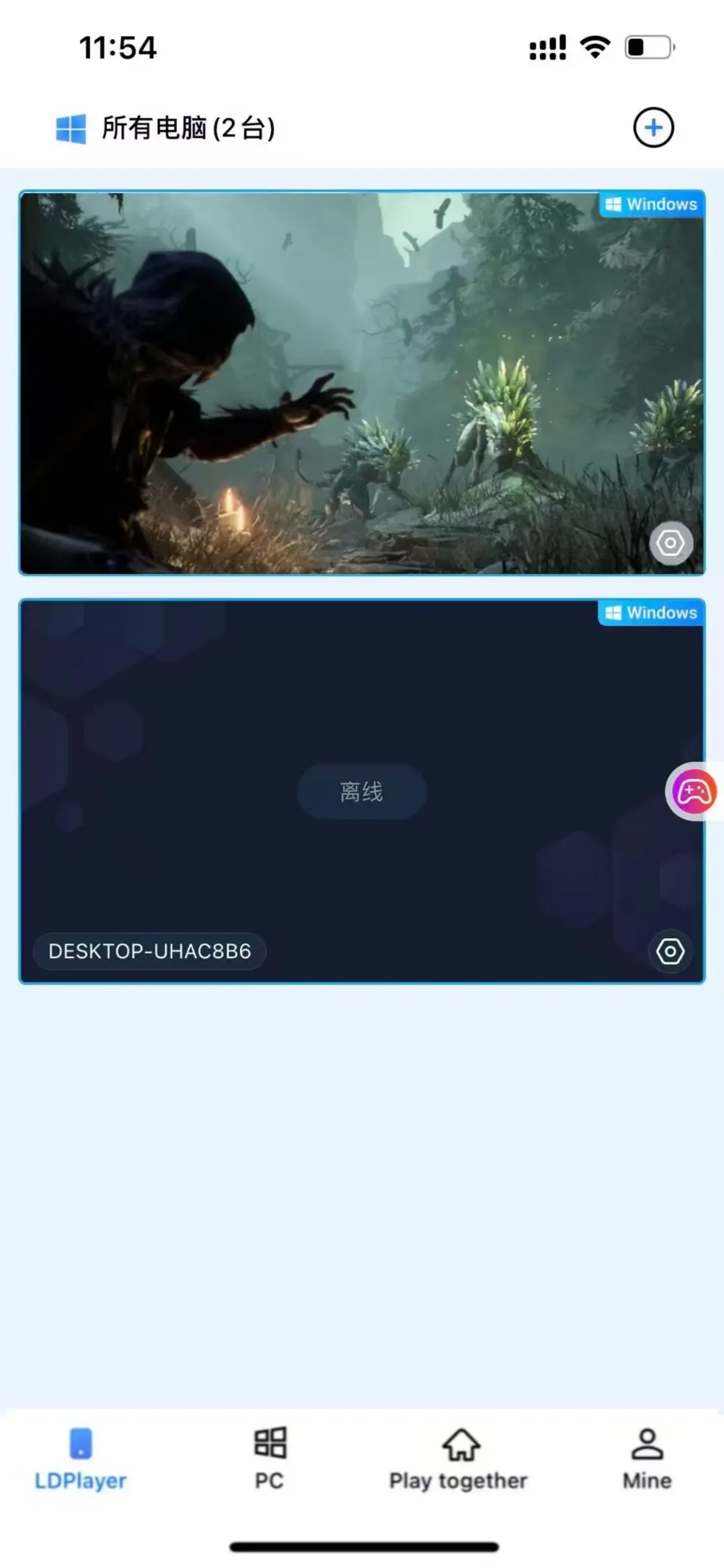
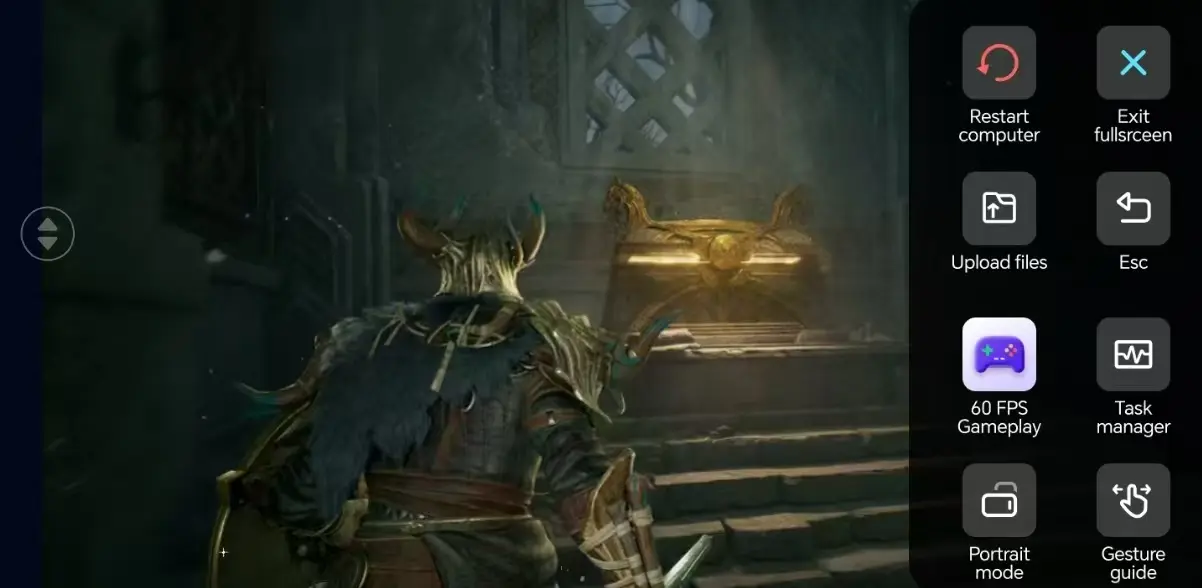
2. Switch to 60fps PC Gaming Mode
Built around Mistfall Hunter’s exploration and combat. Modify the position, size and transparency of movement, aiming, skill and inventory buttons. 3D camera controls are supported, making it easier to turn around and spot monsters amid thick fog.
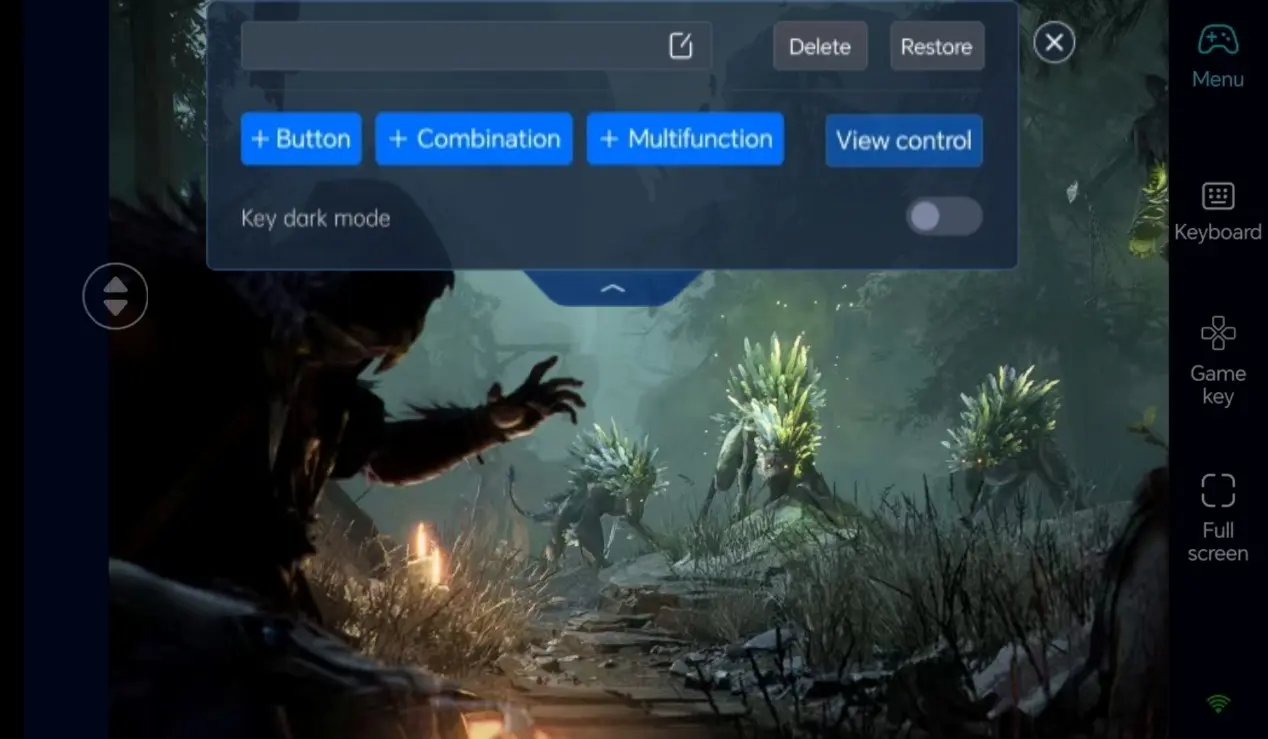
3. Customize Exclusive Key Layout
Adjust the position, size and transparency of movement, aiming, skill and inventory buttons according to Mistfall Hunter’s exploration and combat requirements. 3D camera control is supported, making observation and monster tracking much smoother in foggy environments.
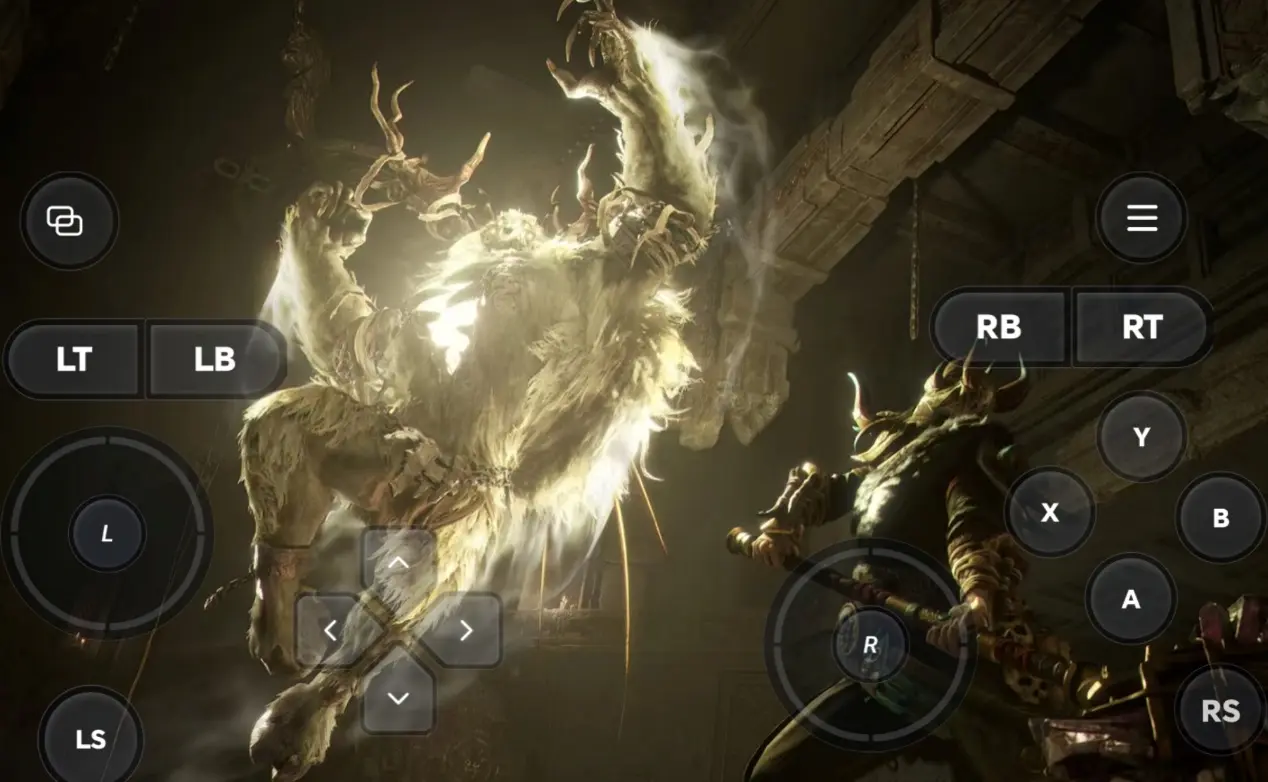
4. Gamepad Support
OSLink is compatible with most Bluetooth game controllers. Connect a gamepad to greatly improve handling during monster encounters and boss fights in the mist, ideal for long remote exploration sessions.
Step 3: Step Into the Mist & Continue Your Monster Hunt Anytime
After finishing all configuration, your phone or tablet becomes a remote control terminal. Keep your PC powered on, connect through OSLink at any moment, and step straight into fog-covered zones. Gather materials, clear monsters and seek hidden secrets — your adventure will no longer be interrupted when you go out.
Why Choose OSLink to Play Mistfall Hunter?
1. Break Geographical Limits, Explore the Fog Wherever You Are
Make use of waiting time or commutes to remotely access the game world from your phone. Seamlessly switch back to your PC monitor to continue advancing the storyline once you return home. Low-latency streaming ensures instant responses for movement, dodging and counterattacks during unexpected monster encounters.
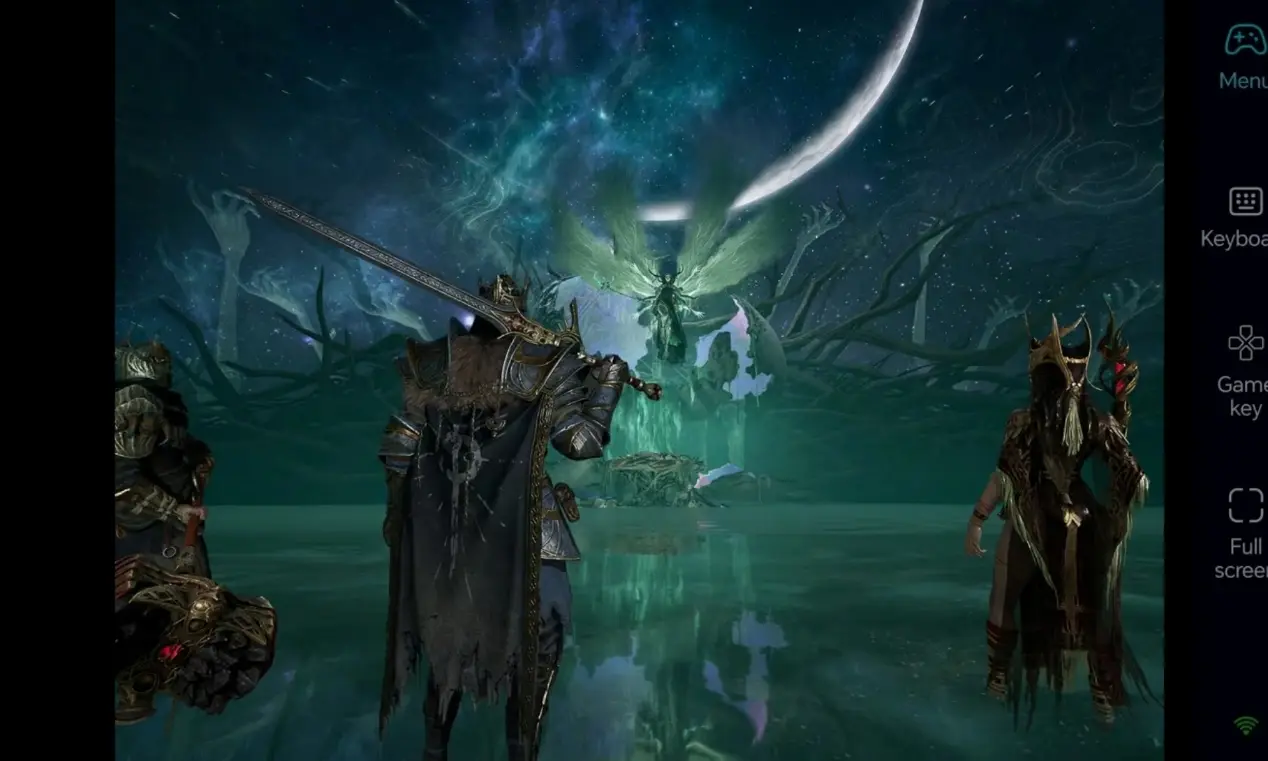
2. Stream Native PC Visuals On The Go
It supports stable 60fps streaming, fully preserving the thick fog atmosphere, scene lighting and monster details. Custom virtual touch buttons enable precise actions for stealth exploration, long-range attacks and item interaction without ruining your gaming experience.
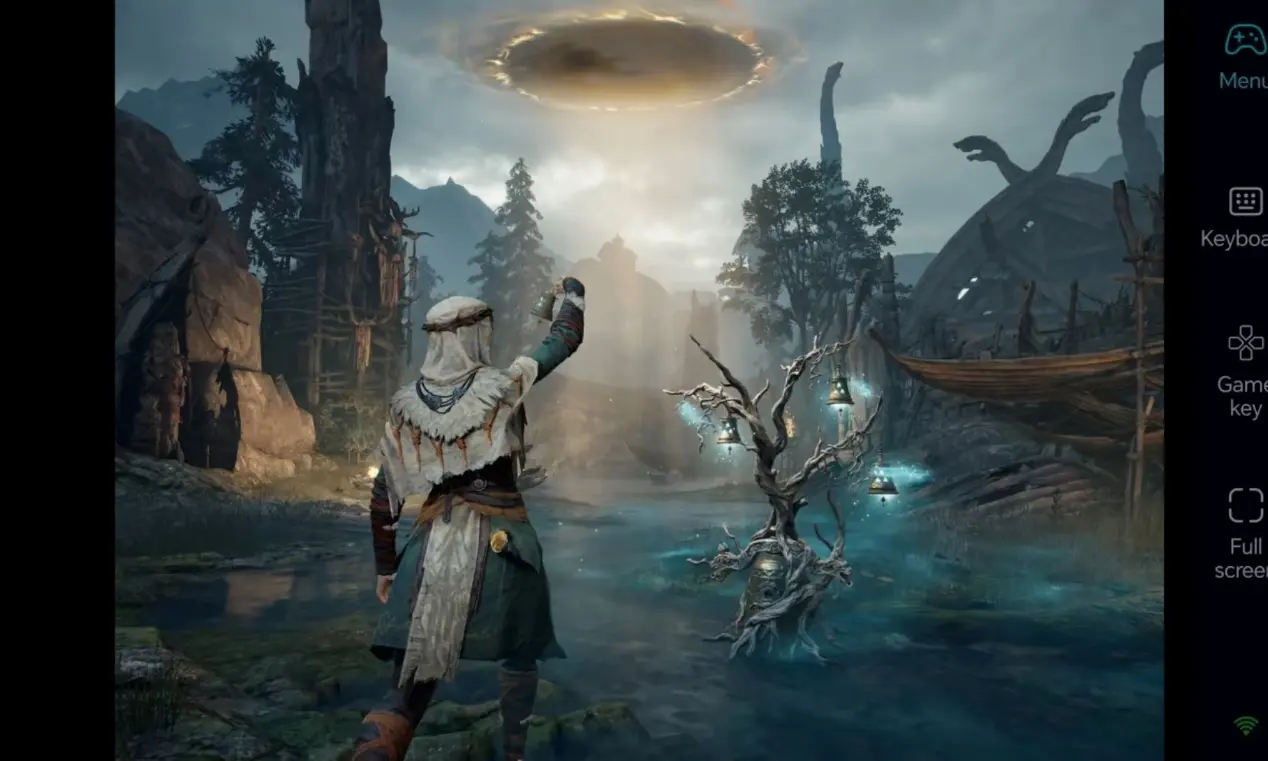
3. Instant Save Progress Sync
All game saves are stored locally on your PC. Remote mobile gameplay shares identical progress with direct PC play. Whether you are farming equipment materials or hunting for map secrets, you can pick up your fog exploration adventure whenever you want.
FAQ
Q1: When does Mistfall Hunter launch?
A1: Mistfall Hunter, a brand-new PC-exclusive fog exploration horror game, launched on Steam in July 30, 2026. There is no official mobile version for now.
Q2: Is it okay to farm the game only on PC without installing OSLink?
A2: Playing solely on PC is not recommended. This game requires hours of fog exploration, monster farming and hidden resource collection, which heavily relies on AFK time. Without OSLink, your exploration will stop once you leave your PC, wasting hours of resource farming. You must pair OSLink with your PC to control your AFK progress remotely anywhere.
Q3: Is Mistfall Hunter suitable for remote AFK material farming via mobile phones?
A3: Absolutely. Exploring maps, clearing common monsters and gathering fog zone resources are repetitive tasks. You can farm tons of equipment and materials in your spare time by remotely running the game through OSLink.
Q4: Will disconnection shut down the game or erase my progress?
A4: No. Disconnecting OSLink only stops the video stream on your phone, while the game will keep running independently on your PC. You can reconnect anytime to resume your adventure without losing any progress.
Q5: Is it possible to play Mistfall Hunter directly on iPhone or Android phones?
A5: There is no official mobile client for Mistfall Hunter on iOS and Android, so you cannot run directly on mobile. Using OSLink, you can remotely connect to your gaming PC and play on your phone, even when you are away from home.
summary
With OSLink remote streaming, you are no longer chained to your desk. Utilize fragmented time to wander into the mysterious mist, continuously hunt monsters and collect resources, and slowly uncover the secrets hidden within the world of Mistfall Hunter.
 Download