English
 STAR WARS Zero Company™ is a tactical turn-based strategy game set in the Star Wars universe. Players must carefully plan unit deployments, manage squads, and issue commands. Since it is PC-exclusive, leaving your PC halts your campaign. OSLink solves this. Keep your PC on, connect remotely from your phone, and take command of your battlefield.
Want to command your Star Wars army from the comfort of your couch? OSLink’s custom keybindings let you easily place tactical commands on your phone screen, making remote strategy gameplay intuitive and engaging.
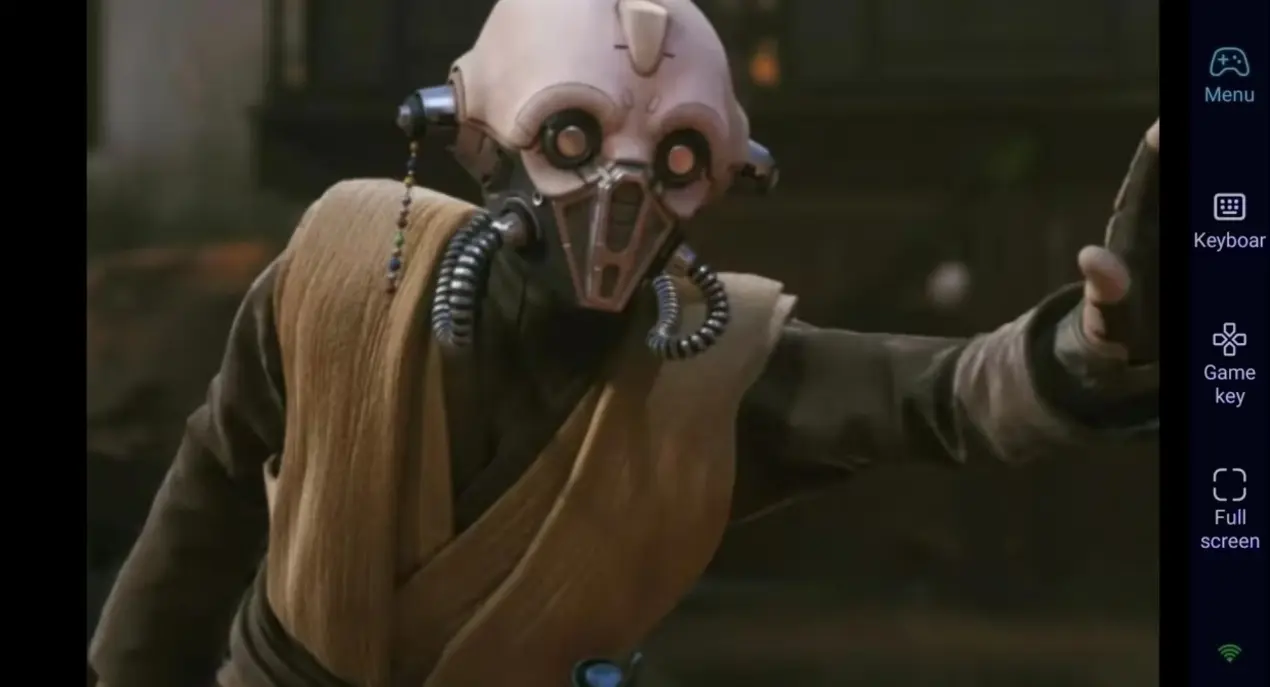
Step 1: Download OSLink & Pair Devices
1. PC Client
Download and install the PC client from the official OSLink website (https://www.oslink.io) and log into your account. Disable automatic system sleep to prevent unexpected remote connection drops.
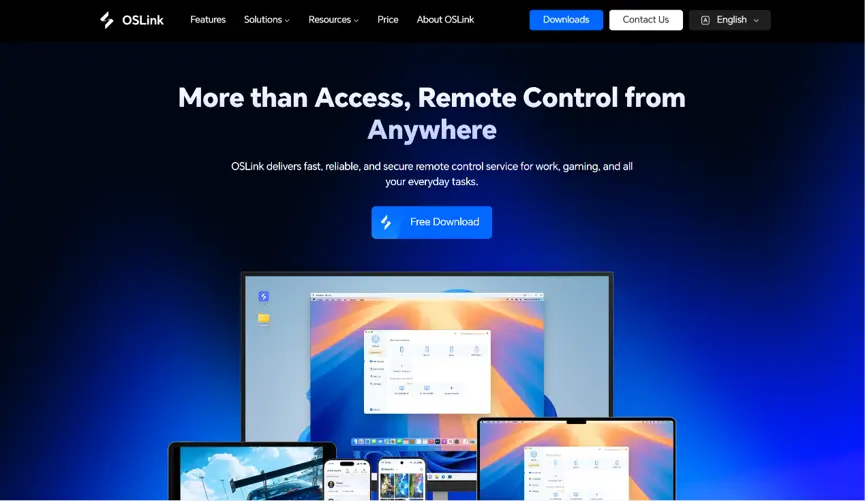
2. Mobile Client
Install the OSLink mobile app from the App Store or Google Play; installation packages are also hosted on the official website. Log in with the same account as your PC to trigger automatic device pairing and stable remote connections.
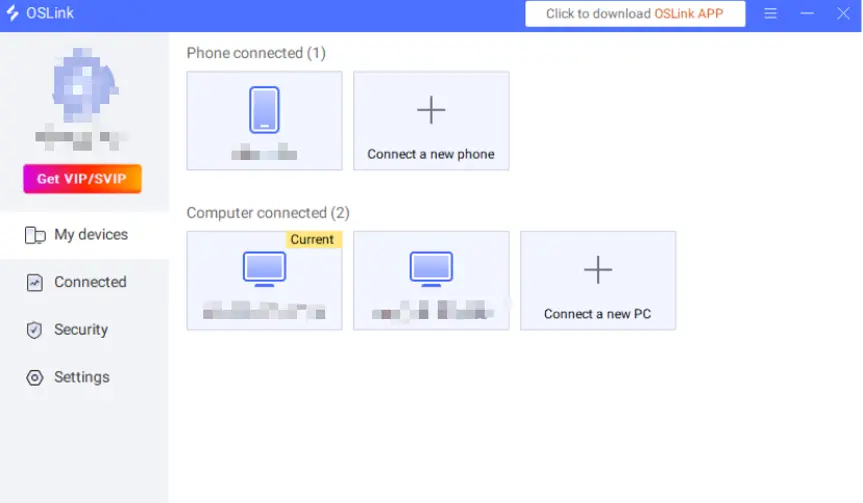
Step 2: Optimize Control Settings
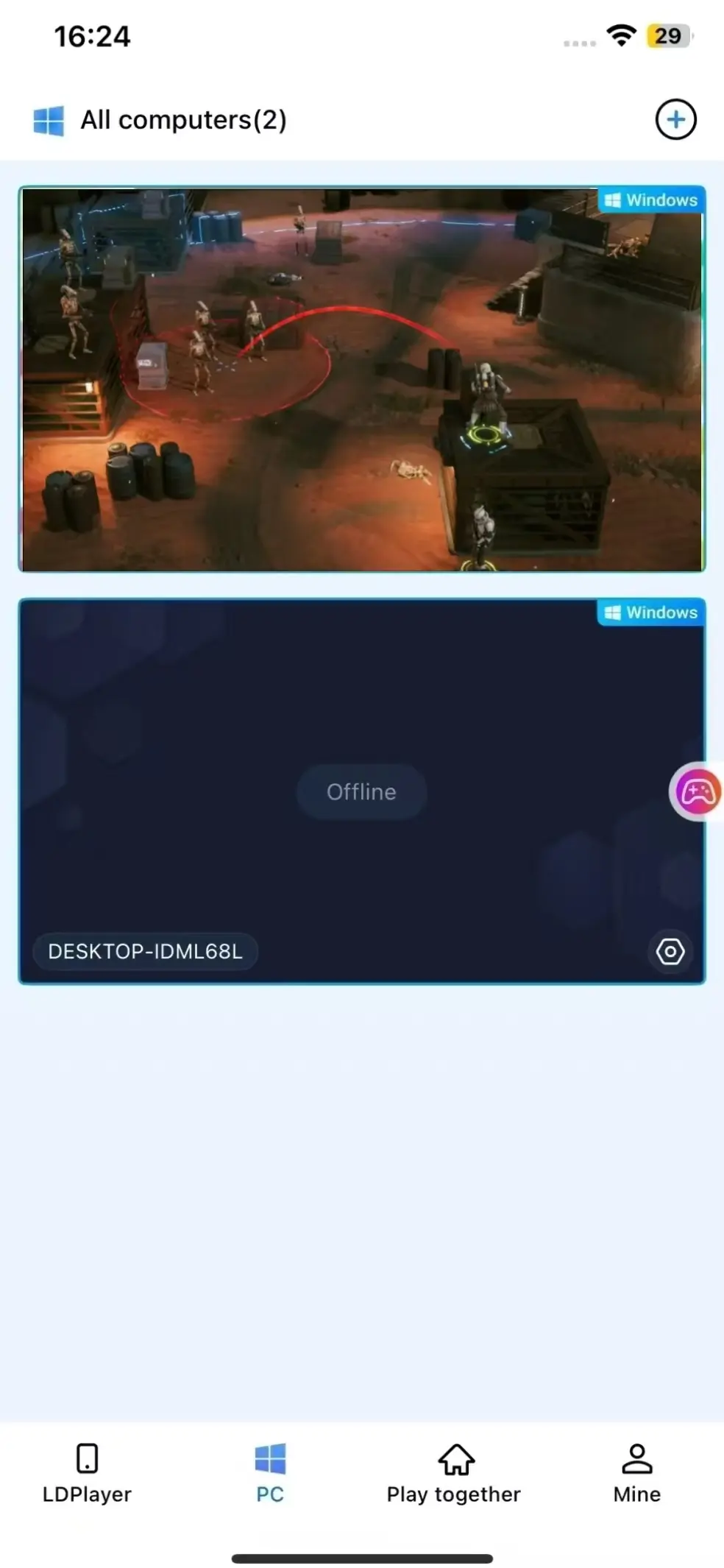
1. Launch the Game
Launch STAR WARS Zero Company™ on your computer in advance. If it has not been launched, you can launch it remotely with a single tap through the OSLink mobile app.
.
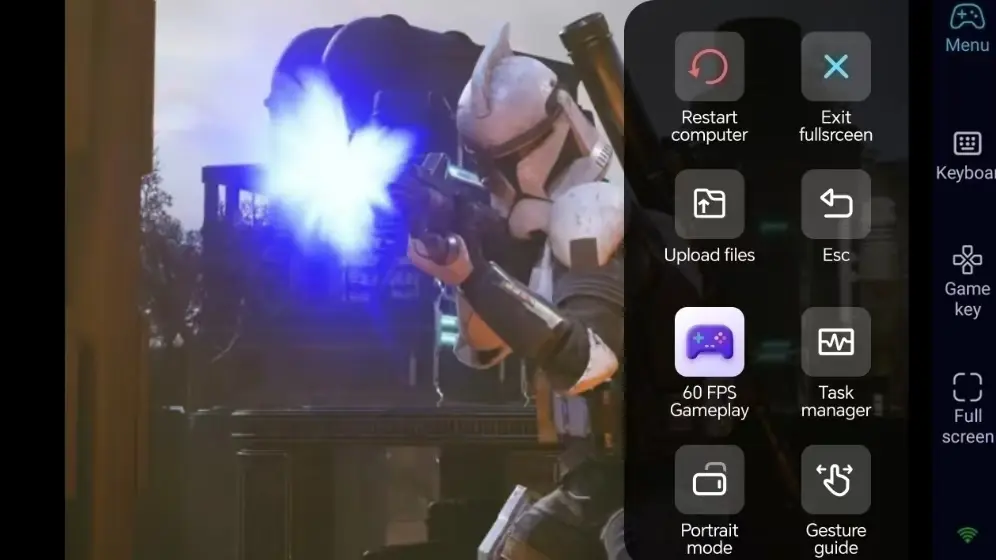
2. Activate 60FPS PC Gaming Mode
After successfully streaming the computer screen, click on the right toolbar to enable the '60 FPS PC Game' mode. You can choose virtual screen control keys or pair a Bluetooth game controller.
3. Custom Tactical Layout Hotkeys
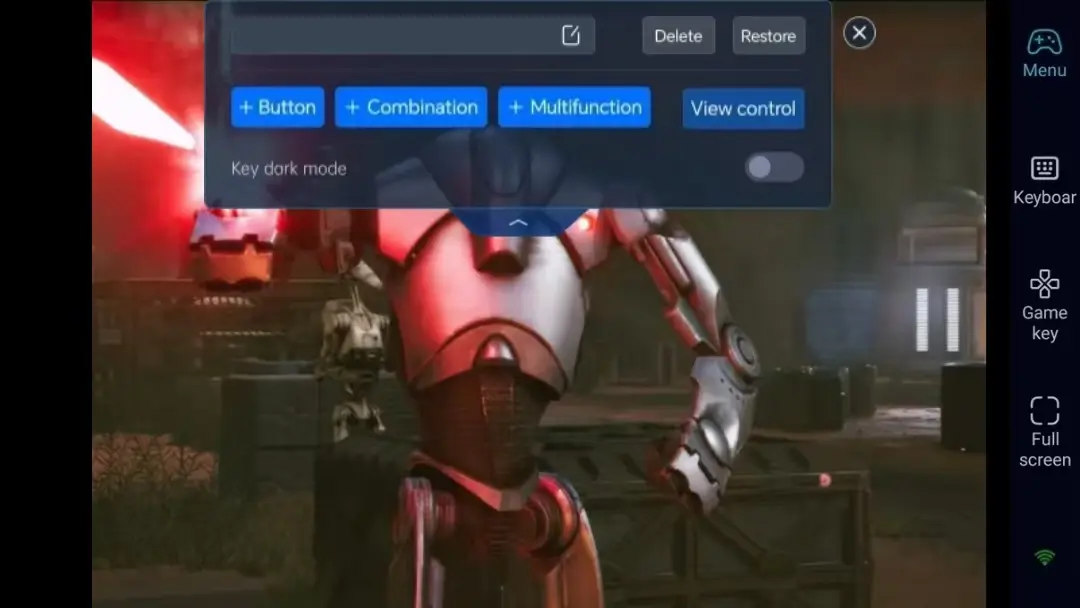
For a turn-based tactical strategy game like STAR WARS Zero Company™, it's recommended to map the left mouse button (select unit), right mouse button (move/attack), menu, End Turn, and other frequently used commands to virtual on-screen buttons. Customise the size and transparency to ensure the map view is not obstructed.
4. Optional Bluetooth Controller Support
Although it is a mouse strategy game, OSLink supports Bluetooth controllers, allowing cursor control via the joystick, which also enables an extremely comfortable sofa gaming experience.
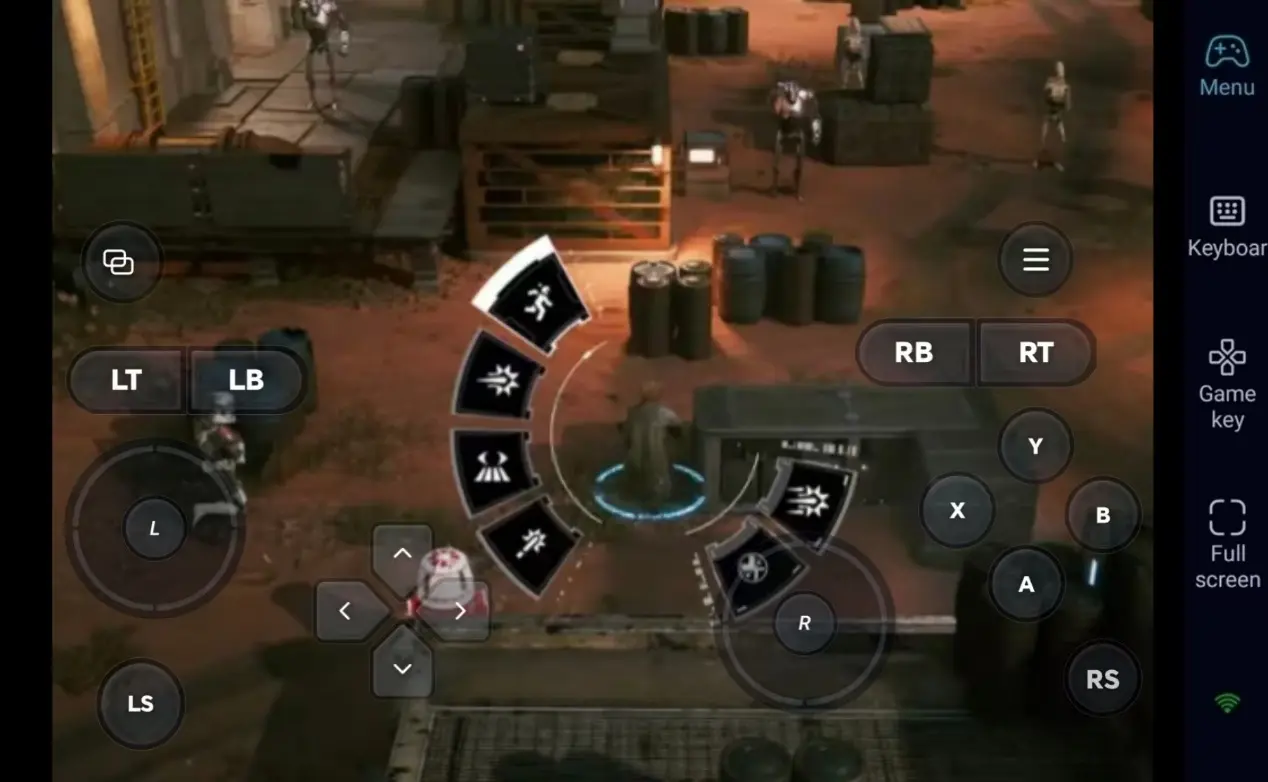
Step 3: Command Your Army Anytime
Start your campaign during lunch breaks, while out for coffee, or when relaxing in bed. Your PC keeps running while you make strategic decisions on the go.
Why Choose OSLink for STAR WARS Zero Company?
1. No Location Restrictions – Plan Your Battles Anytime
Strategy games require a lot of thinking time. You can check the battle situation on your phone when out and about, and switch to a large screen at home. The local network connection has extremely low latency and is completely stable.

2. 60-frame streaming, restoring movie-level strategic visuals
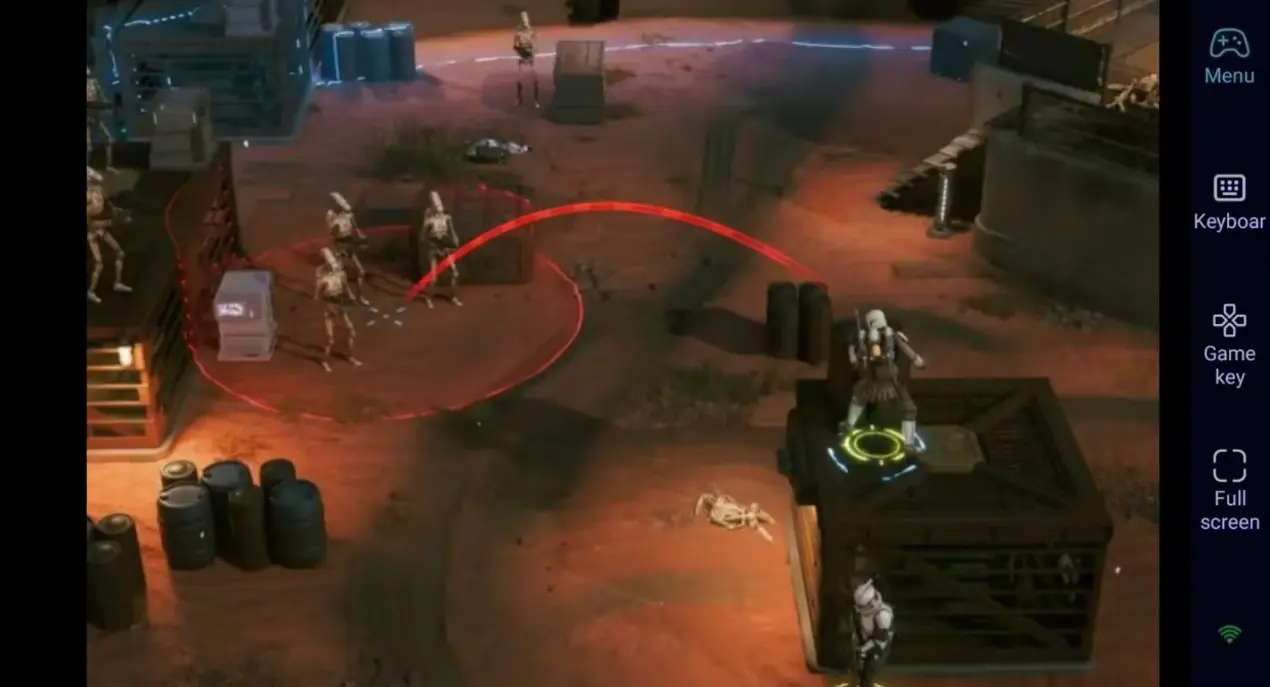
Stream at a stable 60 frames per second, perfectly showcasing the vast battlefield of Star Wars and detailed modelling. Custom on-screen controls make unit selection and command input more intuitive on mobile.
3. Seamless progress continuation, save files locally
All progress is stored on your computer, and operations on mobile and computer are fully synchronised, allowing you to continue your strategic deployment at any time.

FAQ-Frequently Asked Questions
Q1: What's the release date of STAR WARS Zero Company™?
A1: STAR WARS Zero Company™ is officially released on Steam on August 27, 2026. It is a PC-exclusive title with no native mobile version.
Q2: Is it awkward to play a tactics game on a phone?
A2: Not at all. OSLink allows custom virtual buttons for selecting units and moving. You can also use a Bluetooth mouse or controller for a console-like experience.
Q3: Can I play STAR WARS Zero Company™ on iOS or Android?
A3: No. It is a PC-only title. Use OSLink to connect your mobile devices to your PC.
Conclusion
If you want to keep playing STAR WARS Zero Company™ while you're away from your PC, OSLink remote streaming offers a convenient solution. Keep your computer powered on, connect remotely from your phone, and continue your galactic campaign anytime, anywhere.
 Download