English
 Aliens: Fireteam Elite 2 is a third-person cooperative survival shooter game that emphasises tense and thrilling gameplay. Confronted by overwhelming alien forces, players need precise shooting, movement, and team coordination. However, the game is only available on PC, making it impossible to continue fighting away from the computer. The OSLink remote tool perfectly addresses this issue. As long as the computer remains on, players can remotely connect via their mobile device and control the PC to join the battlefield and fight alongside their team at any time.
Do you wish to play "Aliens: Fireteam Elite 2" on your mobile phone anytime, anywhere? OSLink offers a perfect remote streaming solution. Through customised virtual buttons and high-frame-rate, low-latency transmission, your mobile phone can also become your portable gaming device.
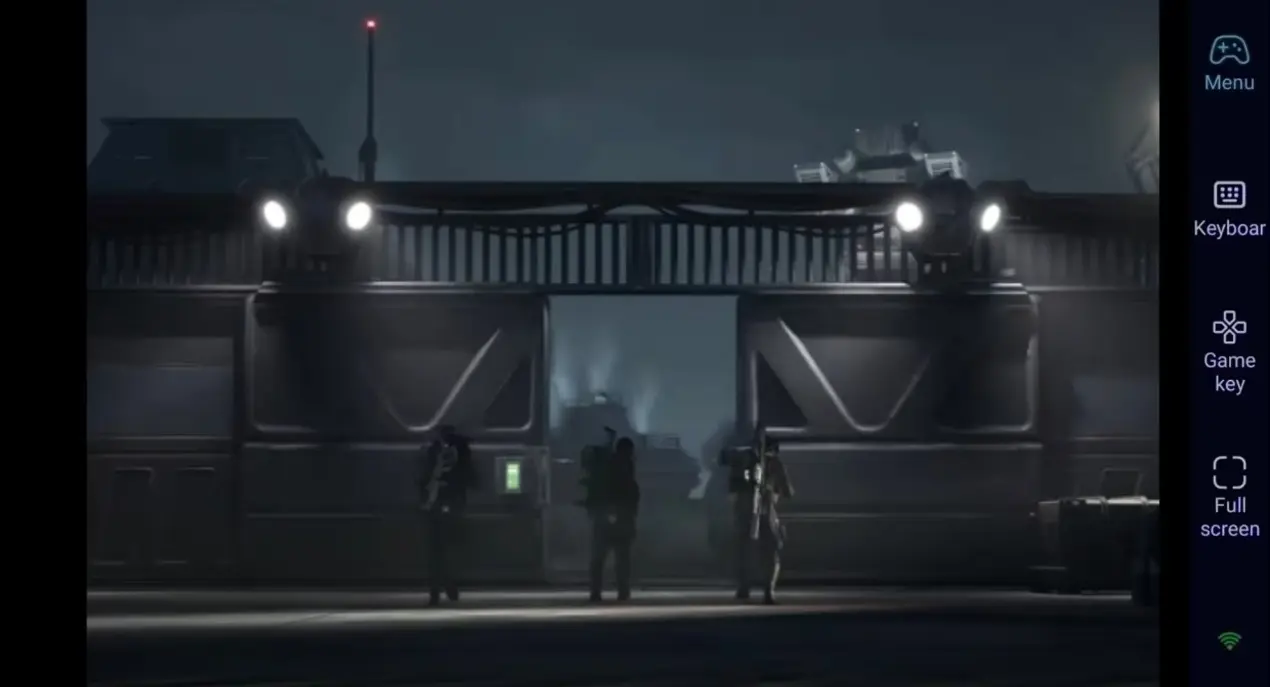
Step 1: Download OSLink & Pair Devices
1. PC Client
Head to the official OSLink website to download and install the desktop client. We recommend a wired ethernet connection or high-speed Wi-Fi to minimize input lag.
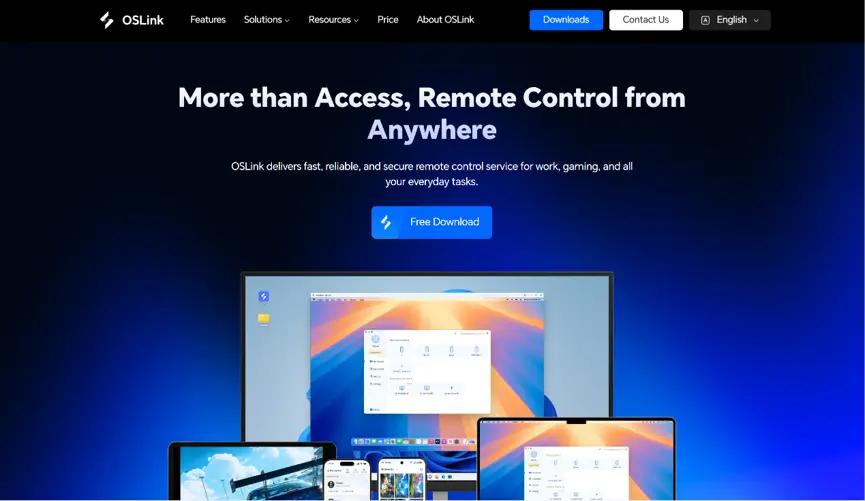
2. Mobile Client
Download the OSLink app from the Apple App Store or Google Play Store; the official website also offers the standalone APK file. Log into the exact same account used on your PC, and your devices will automatically pair.
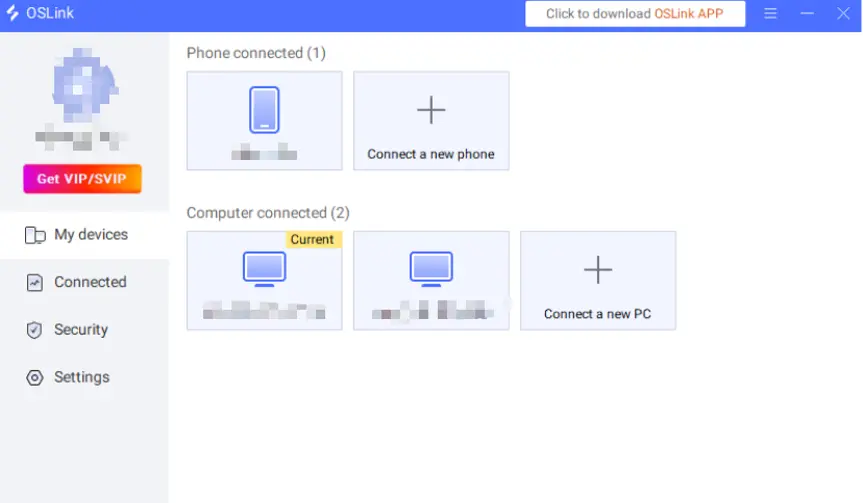
Step 2: Control Optimization Settings
1. Launching the Game
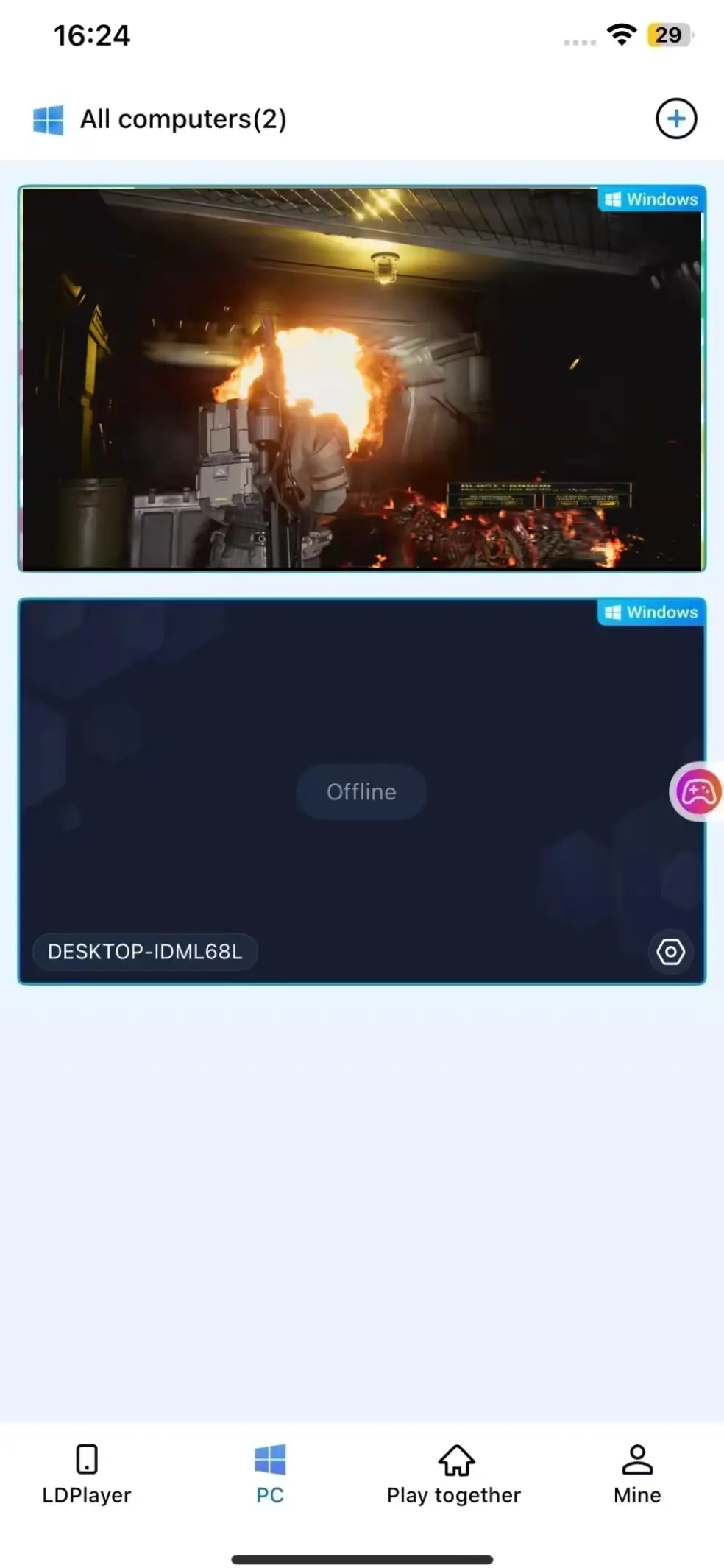
You can pre-launch "Aliens: Fireteam Elite 2" on your computer, and if the game has not yet been opened, you can remotely start it with a single click via the game shortcut in the OSLink mobile app.
2. Enable 60 FPS PC Gaming
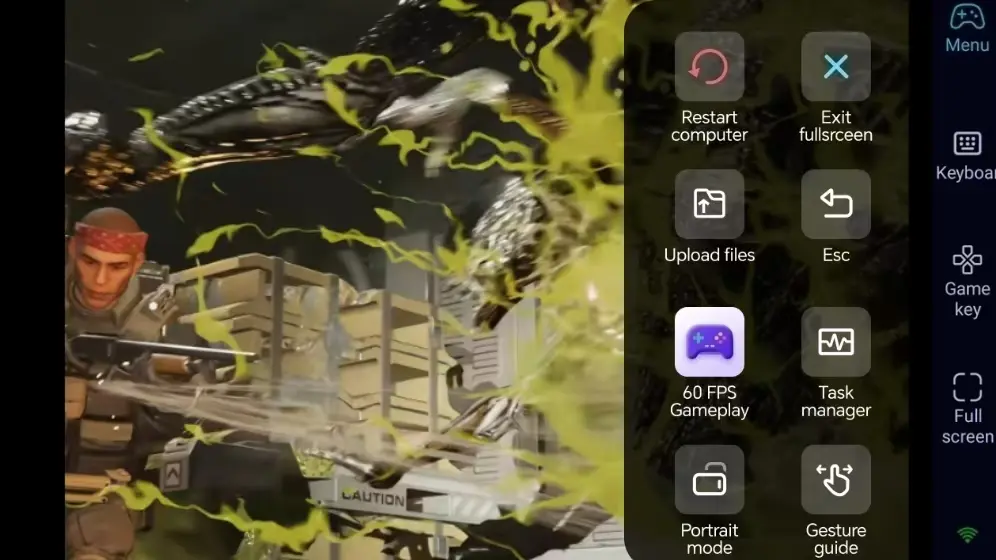
After successfully streaming your computer screen, tap the toolbar on the right and enable the '60 FPS PC Game' mode. This ensures smooth shooting visuals and prevents aiming errors caused by frame drops.
3. Custom key bindings for battle actions
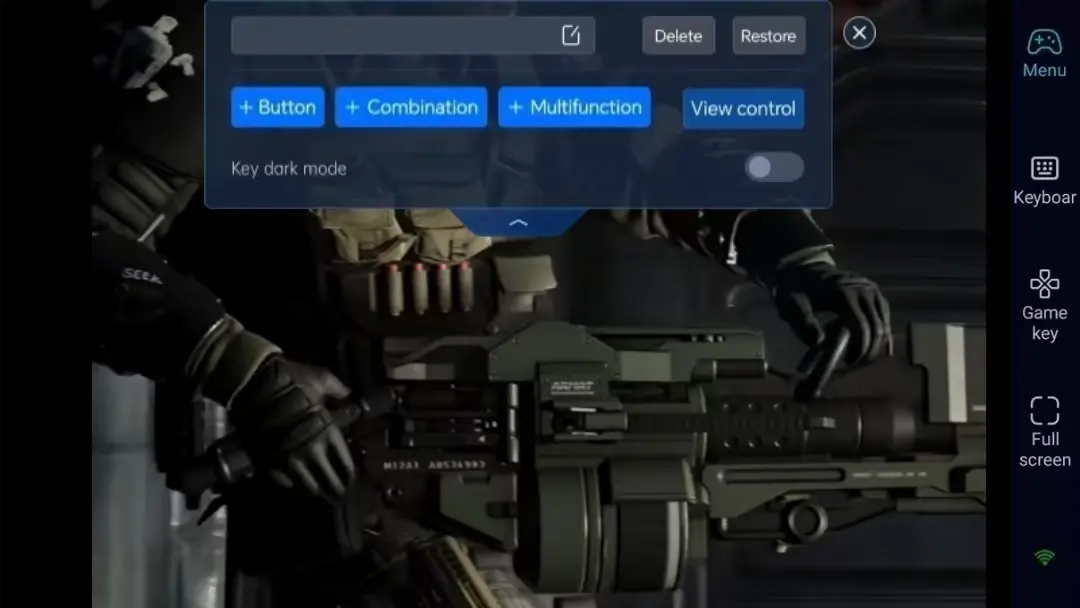
Adjust the key positions and sizes for movement, aiming, shooting, reloading, and skill activation according to your habits. You can freely adjust the transparency to ensure a clear view on the mobile screen without obstruction, providing a more precise shooting experience.
4. External Controller Support
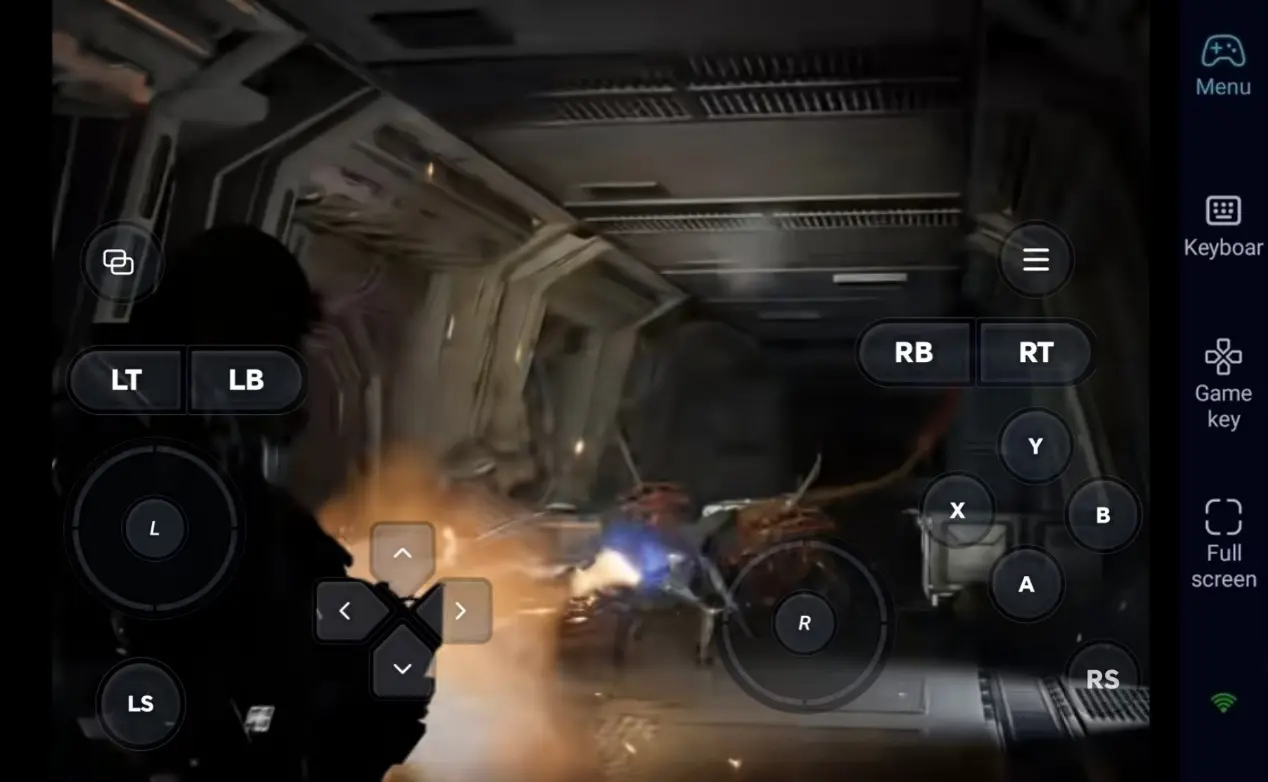
OSLink supports Bluetooth game controllers. Connecting a Bluetooth controller (such as an XBOX or PS controller), can provide an experience closer to playing on PC or console, allowing for quicker reactions during wave attacks.
Step 3: Always ready to enter the battlefield to defend the interstellar frontier
After completing all the settings, your mobile phone or tablet can become a remote control terminal. As long as the computer remains on, you can connect remotely at any time during your commute or lunch break, quickly join battles, and complete daily tasks.
Why Choose OSLink for Aliens: Fireteam Elite 2 ?
1. Play Anywhere–Take On Missions Anytime
When you're away from your PC, join battles remotely from your phone, and seamlessly switch back to the computer's large screen at home. The LAN connection has extremely low latency, sufficient to meet the high-intensity operational demands of survival shooting.
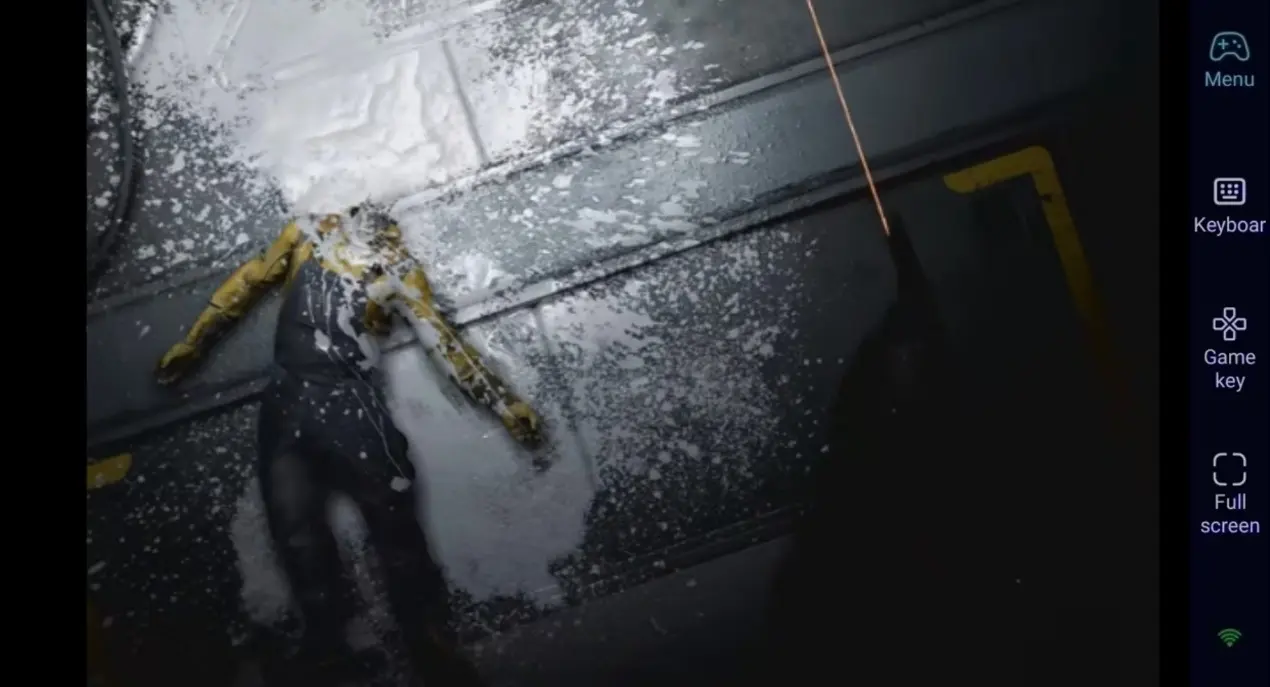
2. 60 FPS streaming, restores the oppressive feeling of the aliens
Stable 60 FPS streaming fully presents the dark environments and alien assault details unique to the Aliens: Fireteam Elite 2 series. Customised virtual buttons make movement and shooting smoother.
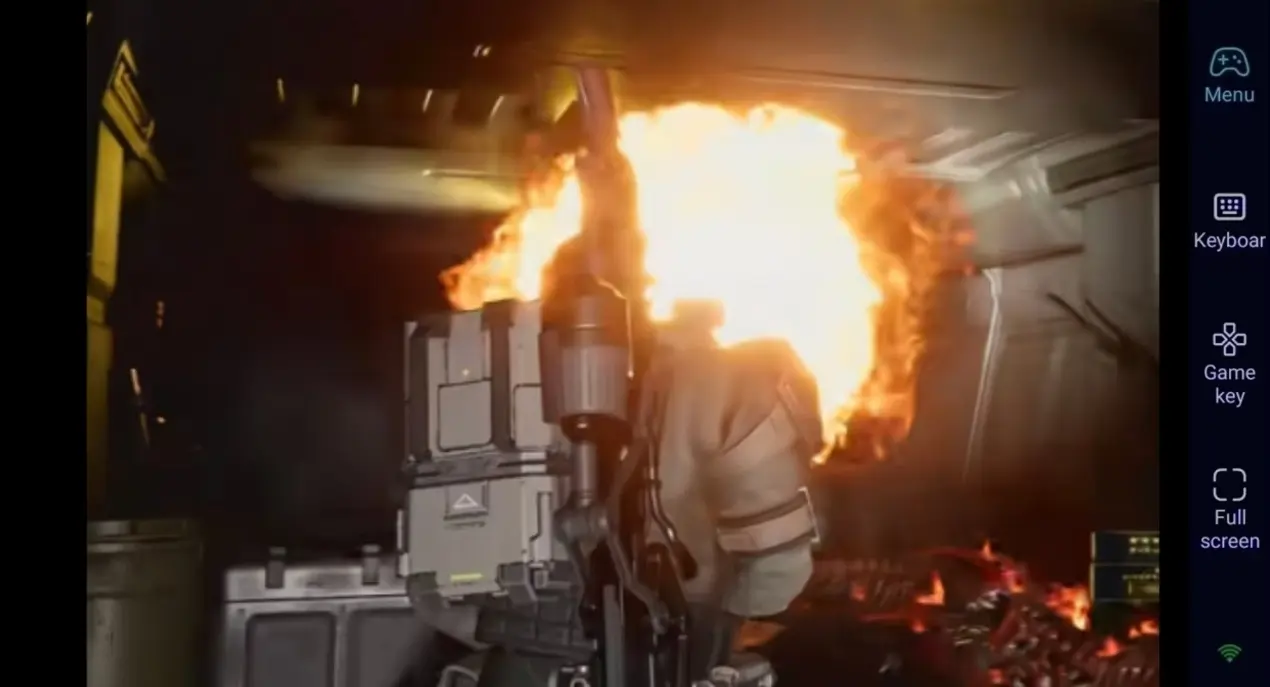
3. Progress continues seamlessly, and saves are stored locally
Game saves are all stored locally on the computer, and your progress remains the same whether you play remotely or directly on your PC. Whether unlocking new weapons or advancing the storyline, you can continue your interstellar journey at any time.
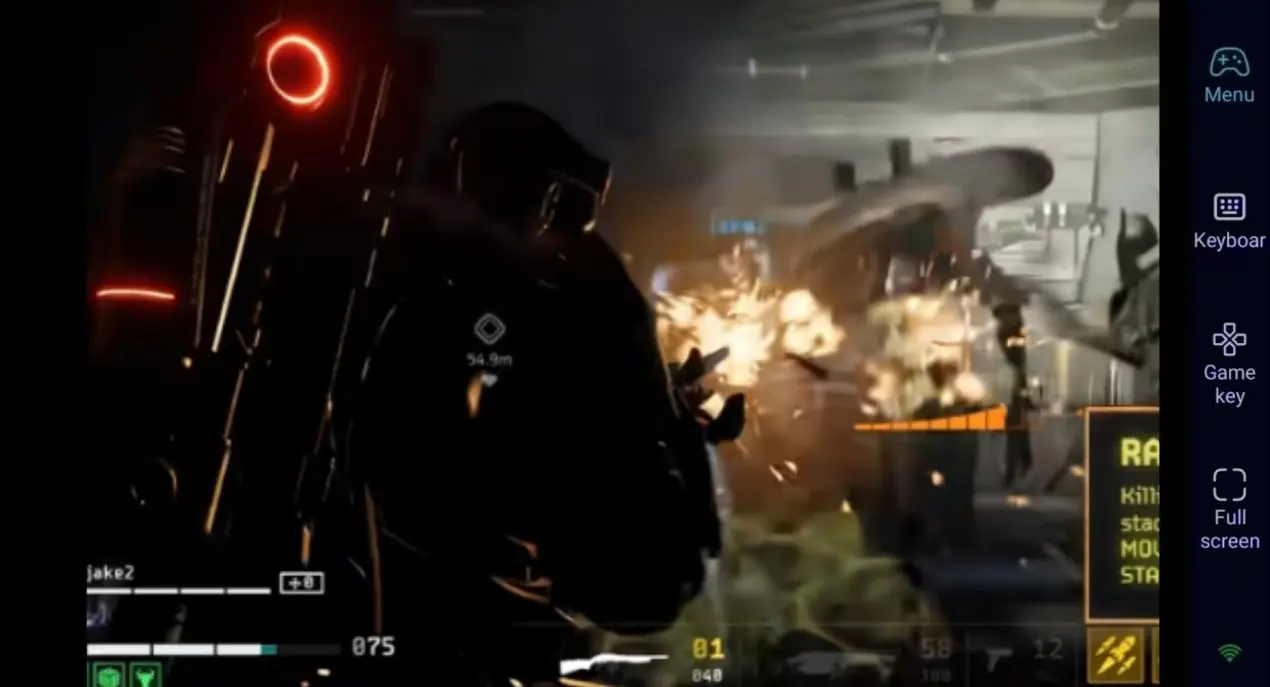
FAQ–Frequently Asked Questions
Q1: When was 'Aliens: Fireteam Elite 2' released?
A1: The survival shooter game 'Aliens: Fireteam Elite 2' was officially released on the Steam platform on 25 August 2026. It is a PC-exclusive game and has no native mobile version.
Q2: Will playing a shooting game remotely on a mobile device be inconvenient?
A2: No. OSLink allows the customization of virtual buttons for movement, shooting and reloading, and also supports Bluetooth controllers, enabling smooth completion of daily tasks and high-difficulty waves.
Q3: Can this game be played directly on iOS or Android devices?
A3: No. This game is a PC-exclusive shooter and there is no native mobile version. Using the OSLink remote function, Android and iOS devices can connect to the computer to remotely operate the game.
Conclusion
Whether you are playing a quick match on your commute or progressing at a slower pace on the sofa, OSLink remote streaming allows you to experience the intense tension of 'Aliens: Fireteam Elite 2' anytime, anywhere.
 Download