English
 Want to stay inside the nightmare of Resident Evil Requiem even when you’re away from your desk?
With OSLink, you can remotely stream your home PC to your phone and keep playing wherever you are—continuing the story, exploring dark and dangerous areas, organizing your inventory, and managing ammo and healing items on the go. Even during short breaks, you can memorize routes, observe enemy patrol patterns, and prepare for your next high-pressure escape.
Below is a quick setup guide to help you optimize visuals and controls for Resident Evil Requiem’s moody atmosphere and precision-focused gameplay—so the tension stays just as intense on your mobile device.
Quick Setup Tutorial for Playing Resident Evil Requiem on Mobile
Step 1: Download OSLink and Connect Devices
PC Side:
Visit the OSLink official website to download the software and complete the installation.

Mobile Side:
Download the OSLink App from the App Store or Google Play; the official website also offers APK downloads.
Log in with the same account as on the PC side to automatically connect.

Step 2: Control Optimization
1. Launch the Game
Open Resident Evil Requiem on your PC, and the mobile side can connect directly; if Resident Evil Requiem hasn't been launched on the PC yet, click the game icon on the mobile side for quick startup.
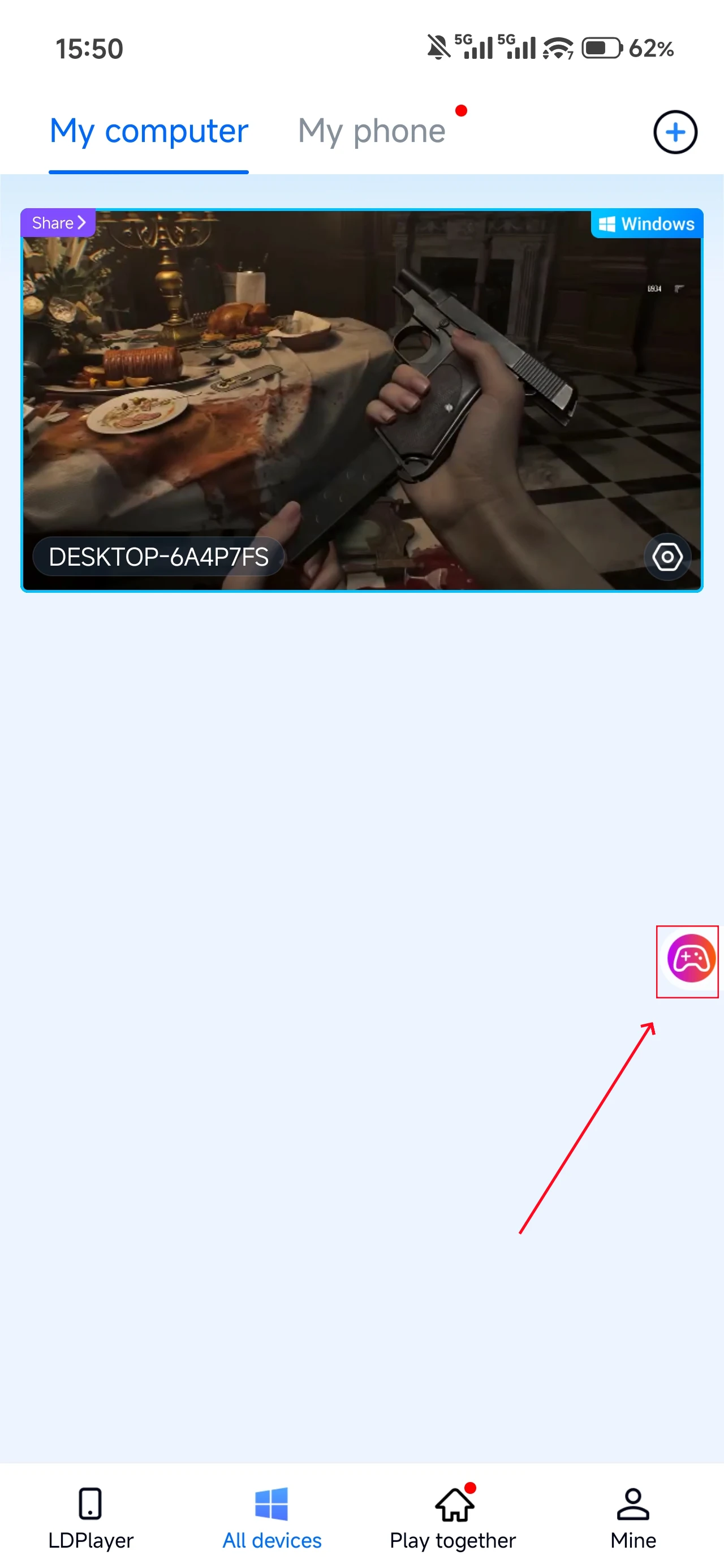
2. Control Mode
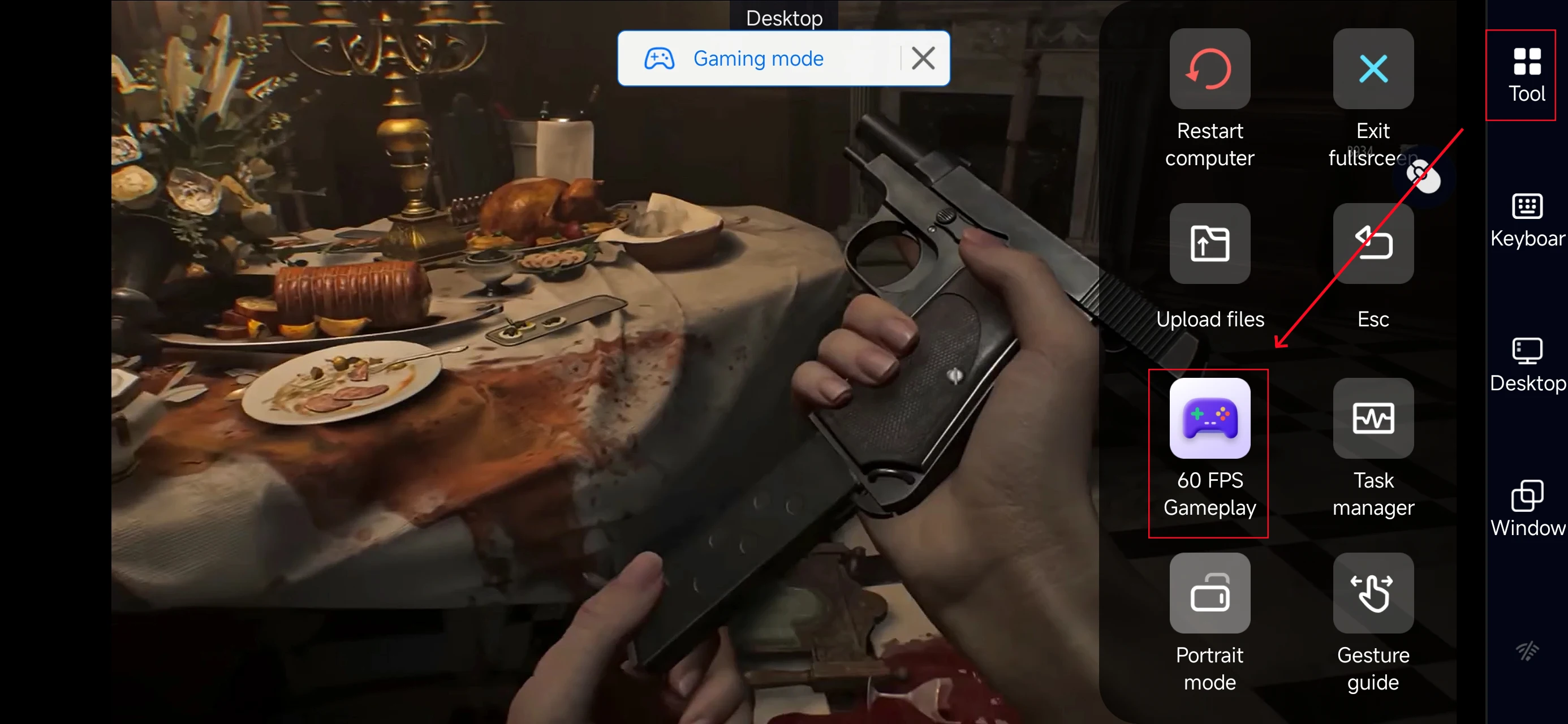
Click the toolbar on the right side of the mobile app, enter "60 FPS Gameplay," and choose key mode or link a controller based on your gaming preferences.
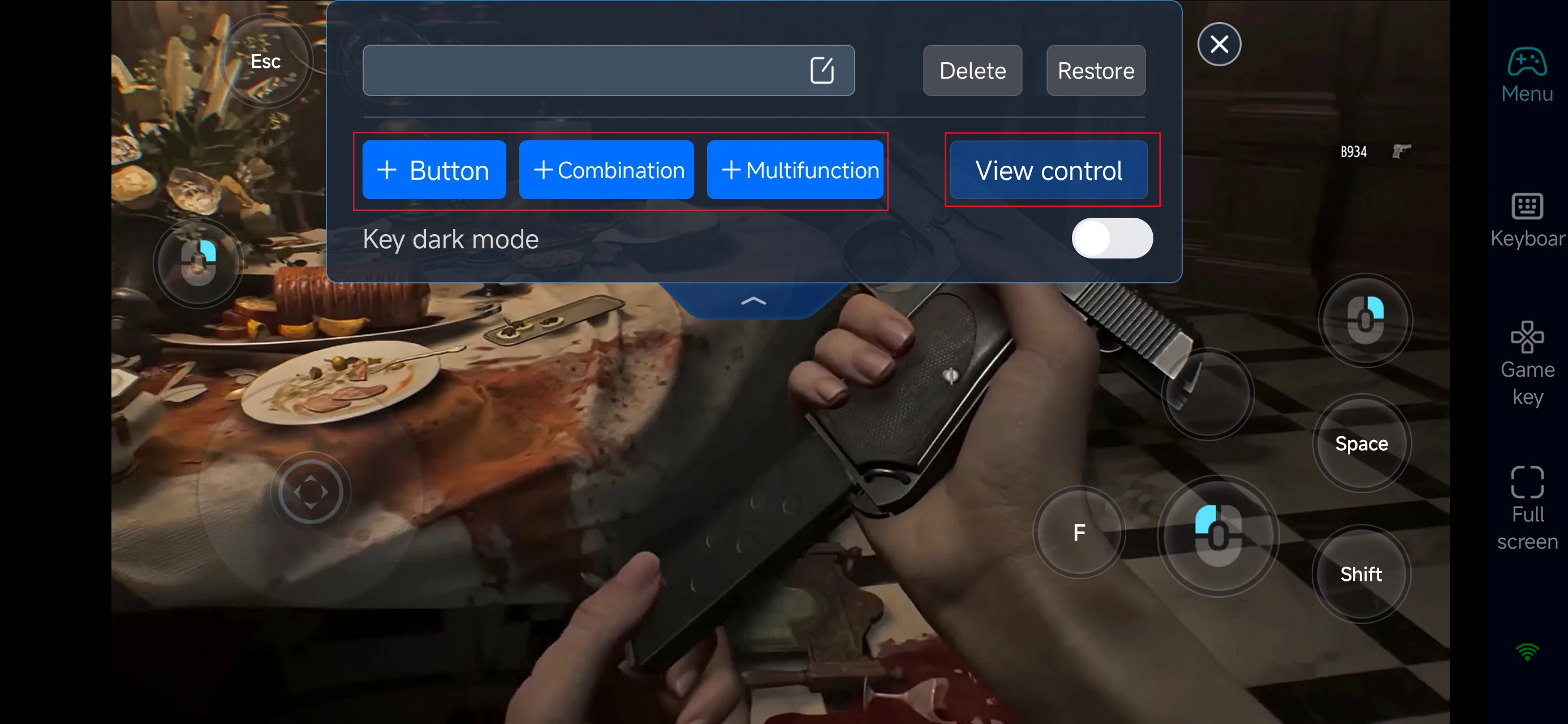
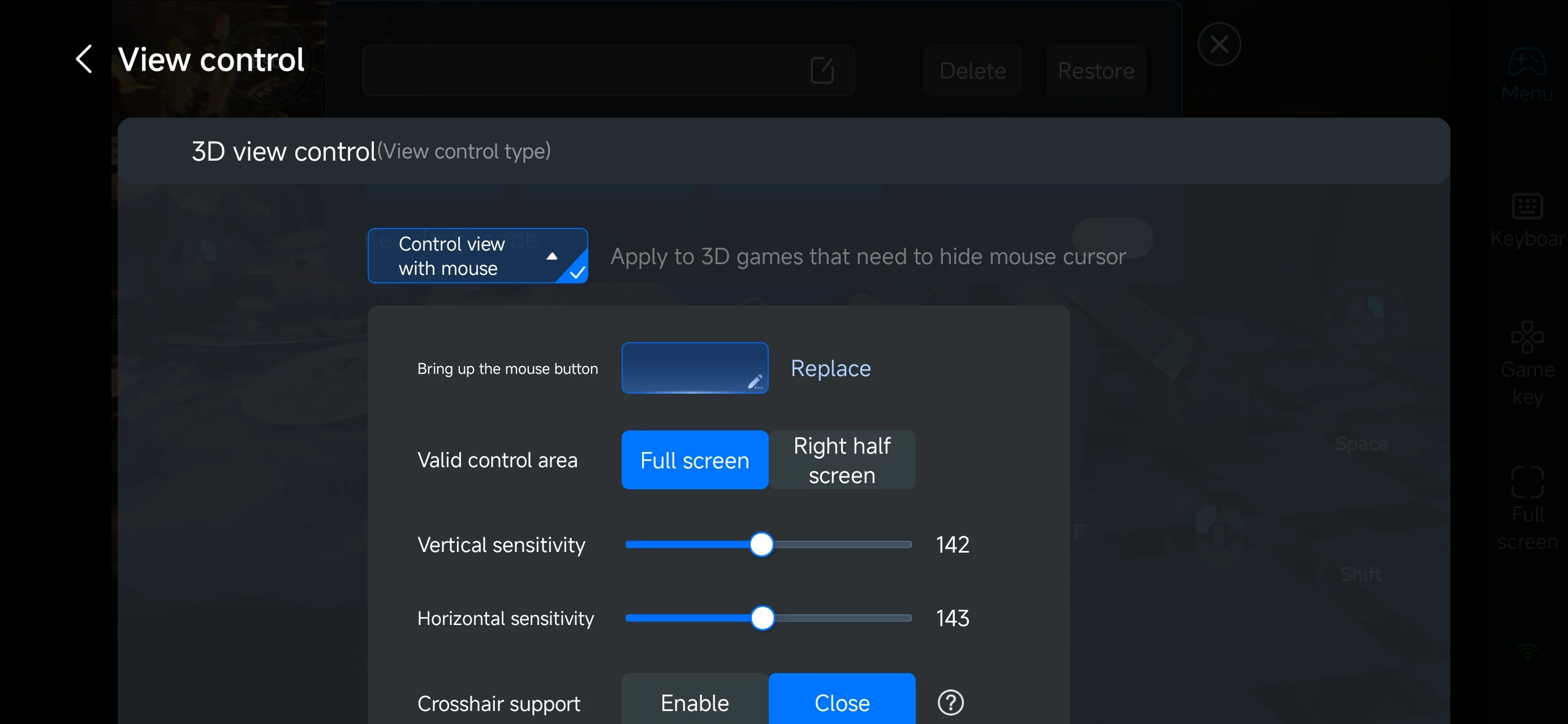
After enabling PC game mode, open the Game Keys panel on the right side of your screen.
Choose a layout designed for Resident Evil Requiem, then freely adjust buttons for:
-
movement
-
aiming and shooting
-
reloading
-
interactions
-
map access
-
healing items
Fine-tuning these shortcuts lets you react instantly during tense exploration and sudden combat encounters.
4.Connect external devices
Beyond customizable buttons, OSLink supports a variety of external devices such as Bluetooth controllers and mobile gamepads clipped to your phone. This compatibility frees you from touchscreen limitations and offers a wider range of control options.
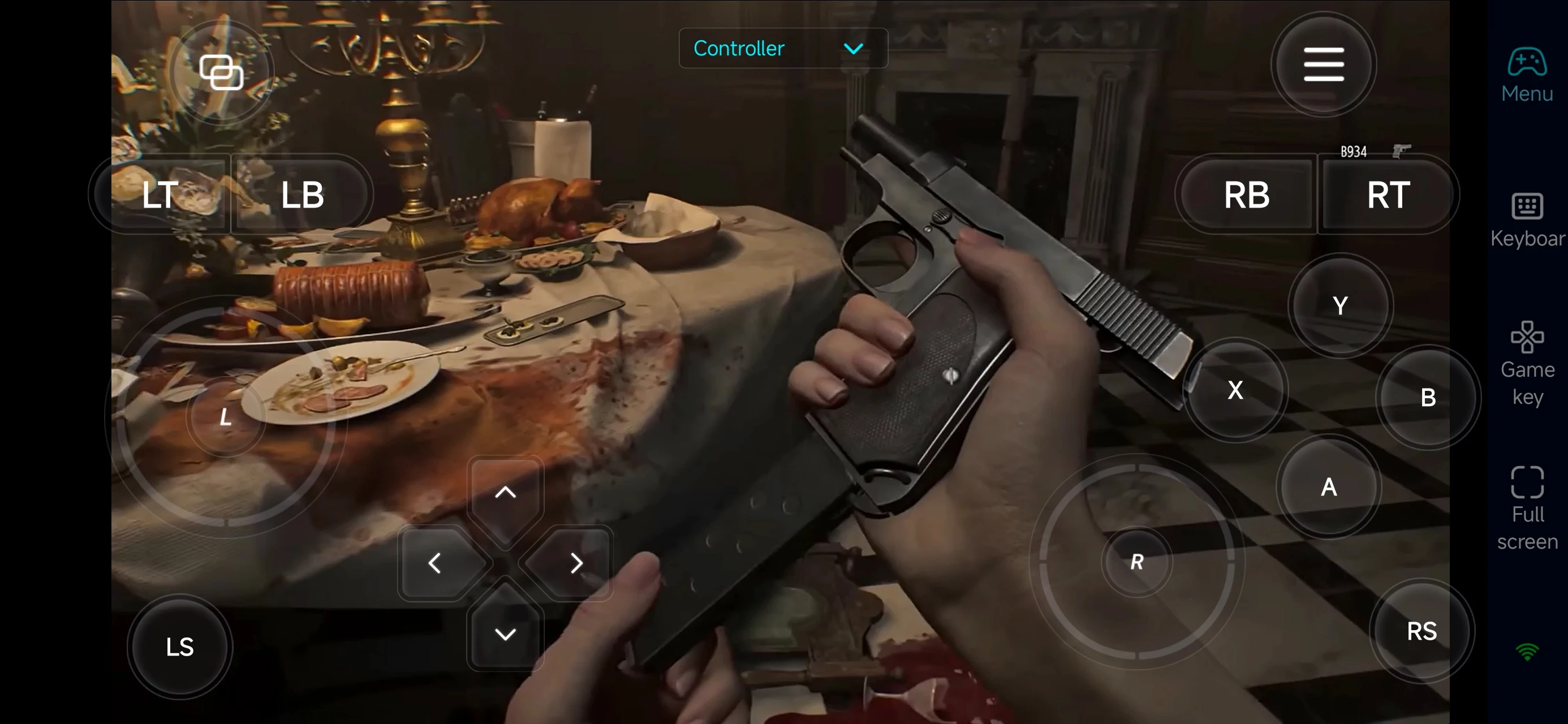
Step 3: Continue your Resident Evil Requiem survival run anytime
Once everything is set up, your phone becomes a mobile control terminal for Resident Evil Requiem. Simply open OSLink and connect to your home PC to pick up exactly where you left off—whether you’re advancing the main story, re-checking puzzle clues, revisiting dangerous areas, or reorganizing your gear and ammo. You’re no longer tied to a single location to keep progressing.
Why play Resident Evil Requiem with OSLink?
1. Break free from time and location limits
Even when you’re away from your PC, you can continue exploring eerie environments, tracking objectives, and planning your next move. Your survival momentum never has to stop.
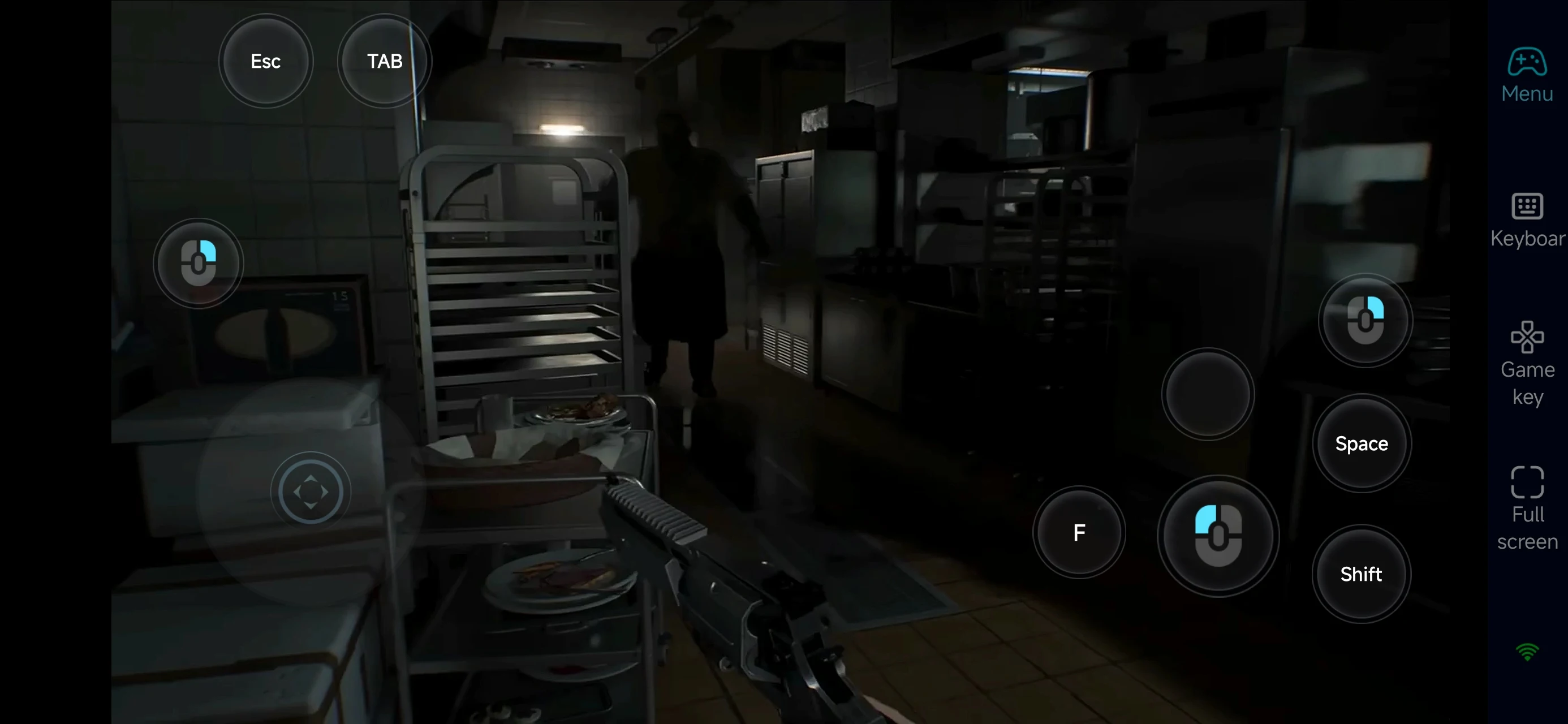
2. Fully customizable controls for fast, high-pressure situations
The game heavily relies on atmosphere, precise shooting, and quick decision-making. A missed reload or slow item swap can be fatal.
With OSLink’s customizable on-screen buttons and shortcuts, you can tailor aiming, reloading, item usage, and interactions to your own habits—maintaining stable, responsive control even while playing remotely.
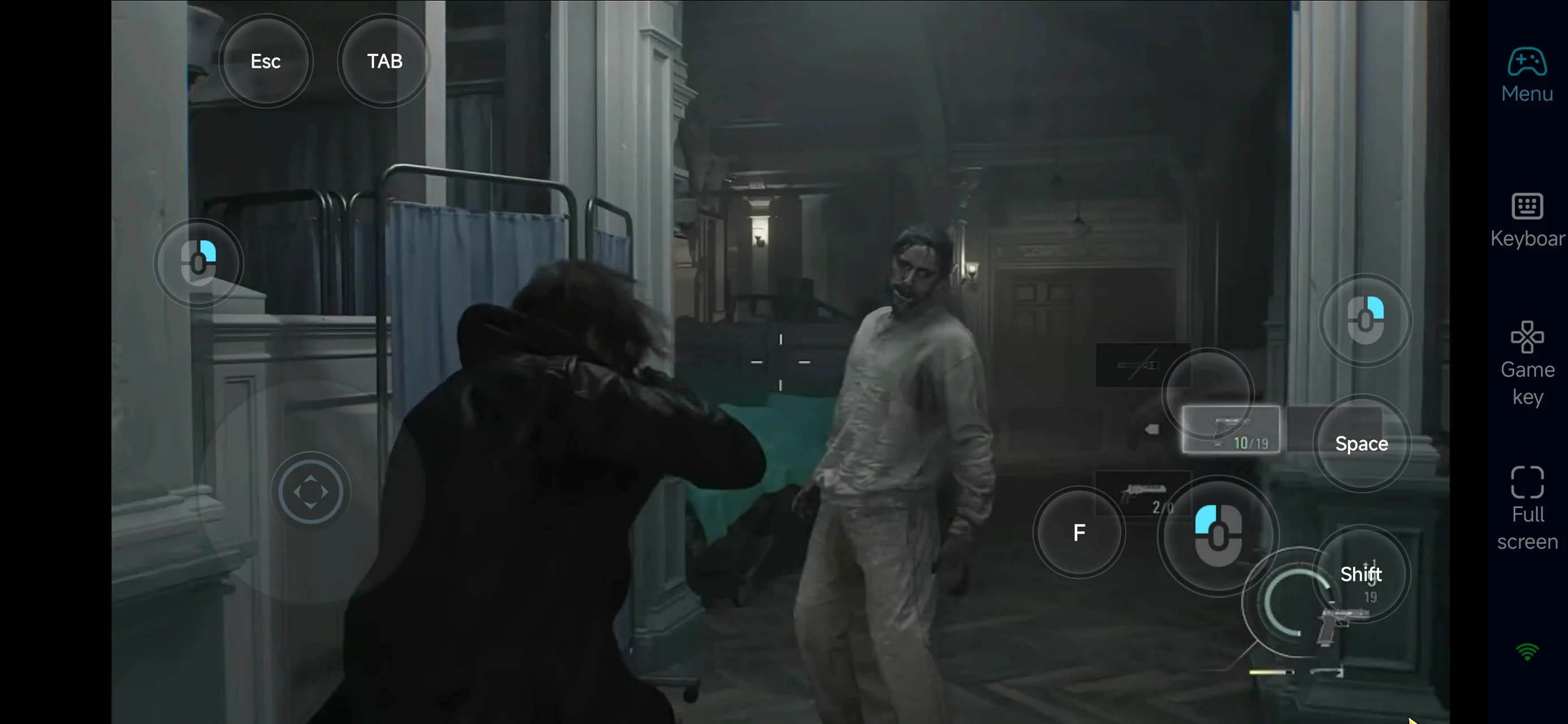
3. Use short sessions for preparation, save your PC time for critical moments
In Resident Evil Requiem, smart resource management and route planning are often more important than direct combat. Remote play lets you organize your inventory, review maps, and study dangerous zones during spare moments—so when you return to your PC, you can focus entirely on intense chases, sudden encounters, and major story sequences.
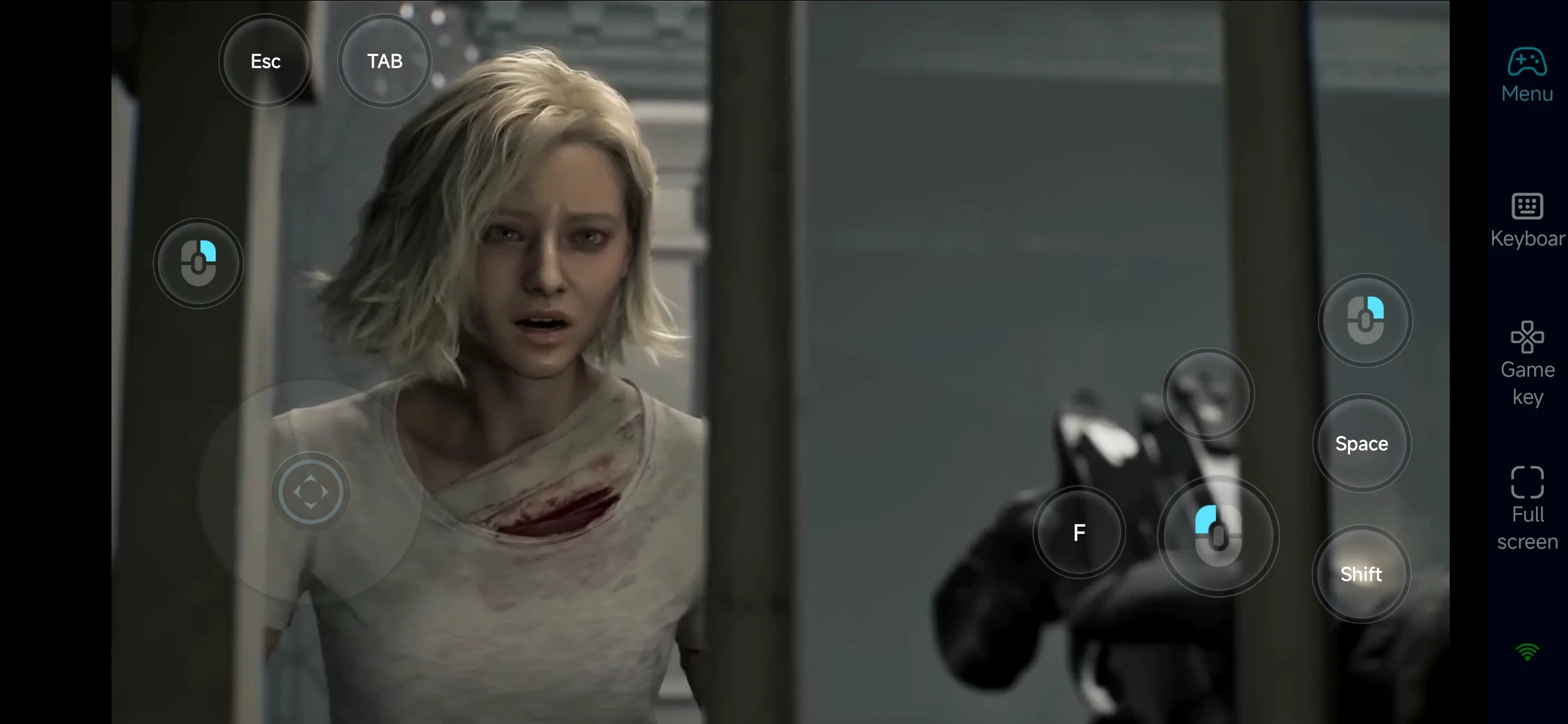
With OSLink, your mobile device becomes an extension of Resident Evil Requiem’s survival experience.
Stay connected, refine your routes, manage your resources, and carry the tension with you—so every spare moment can turn into a real advantage against the horrors waiting ahead.
 Download