English
 Red Dead Redemption 2 is an open-world western adventure game developed by Rockstar Games, set in the American frontier of 1899 and following the story of Arthur Morgan and the Van der Lin Gang. The game features hunting, bounty missions, random encounters, camp management, and morality systems, creating a deeply immersive Wild West experience.
Many players have already spent hundreds of hours exploring the world, but being tied to their PC setup means they can’t always jump back into the frontier whenever they want.
With the OSLink remote access, all you need is your phone to connect to your home PC and continue hunting bounties, exploring the map, or managing camp activities during commutes or breaks.
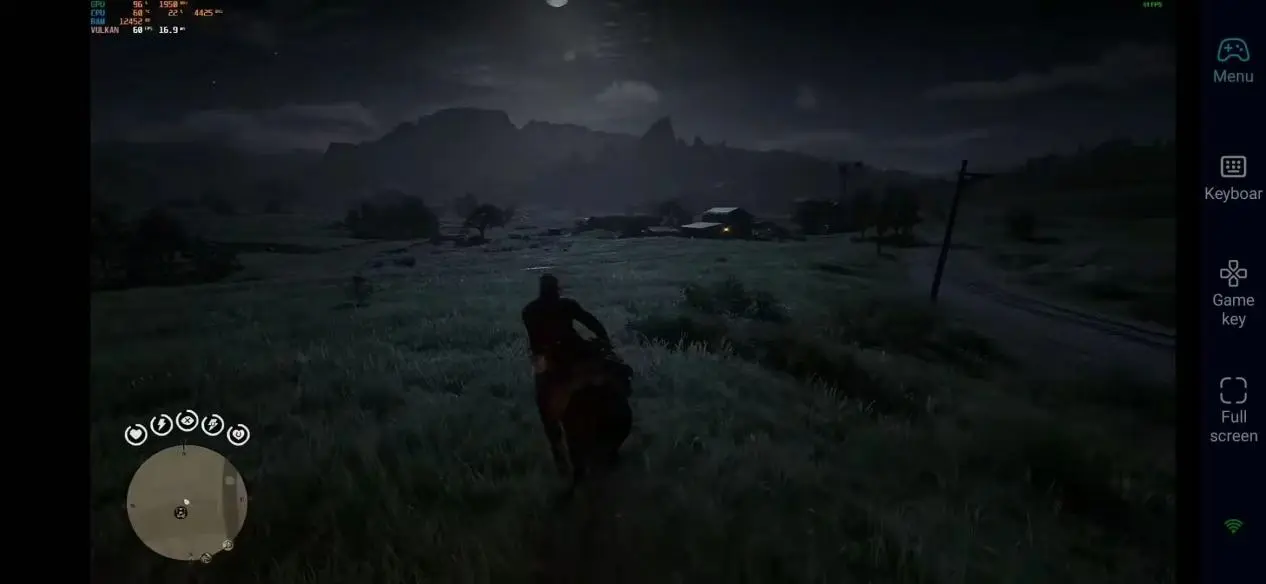
How to Set Up Remote Play for Red Dead Redemption 2 on Mobile
1. Install OSLink and Connect Your Devices
On PC:
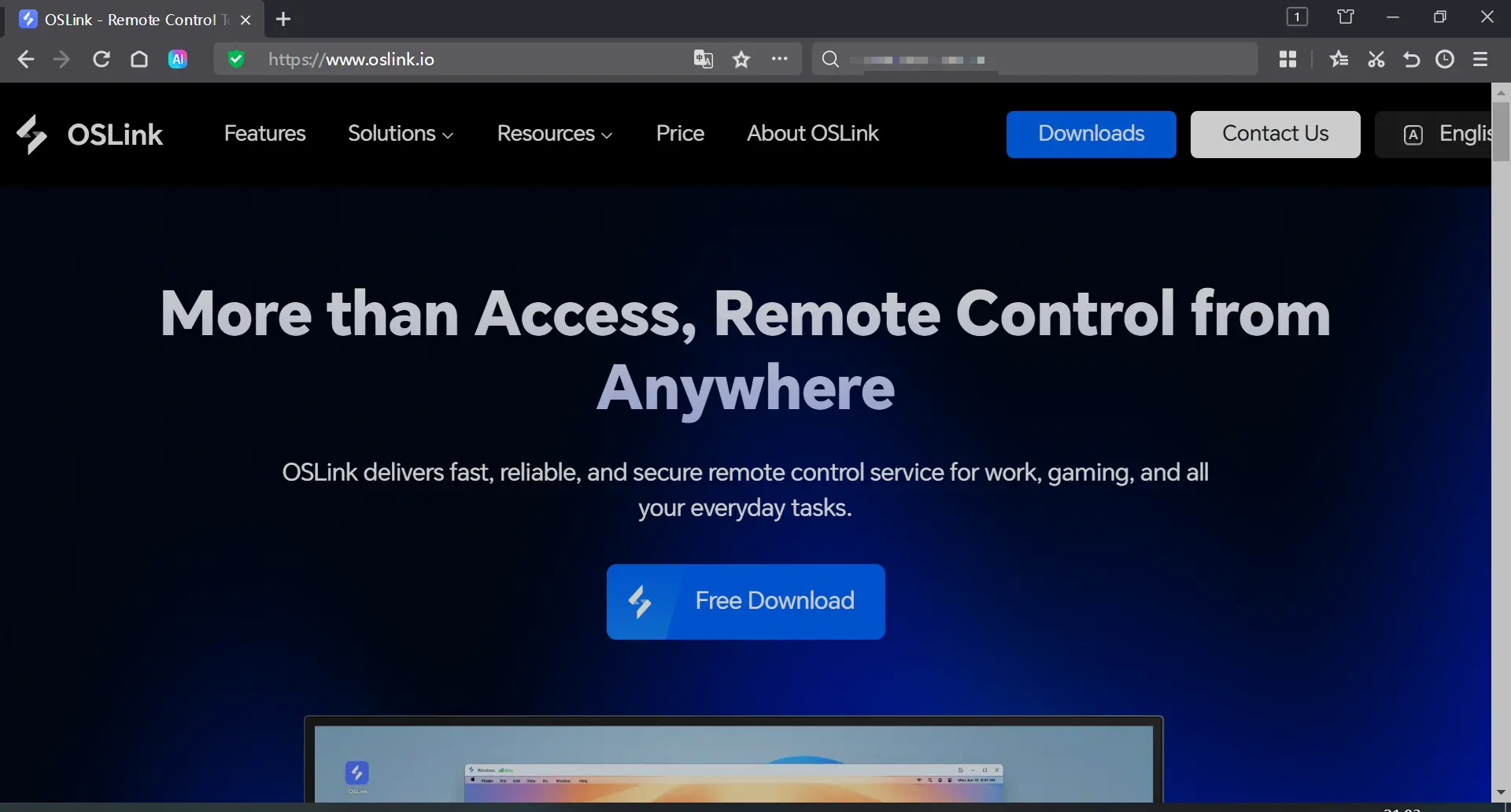
Visit the OSLink official website to download and install the PC client, log in with your account, and keep your computer powered on.
On Mobile:
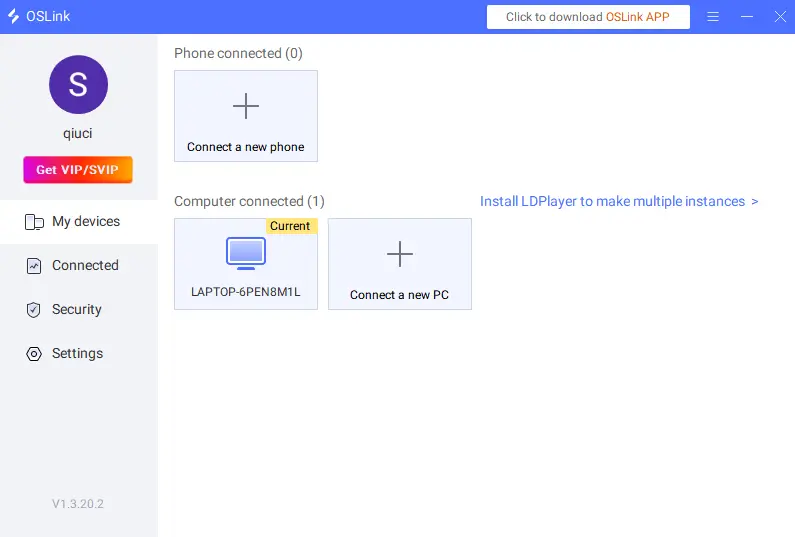
Search for "OSLink" in the App Store or Google Play and install the app. Log in with the same account to automatically pair your devices.
2. Launch Red Dead Redemption 2
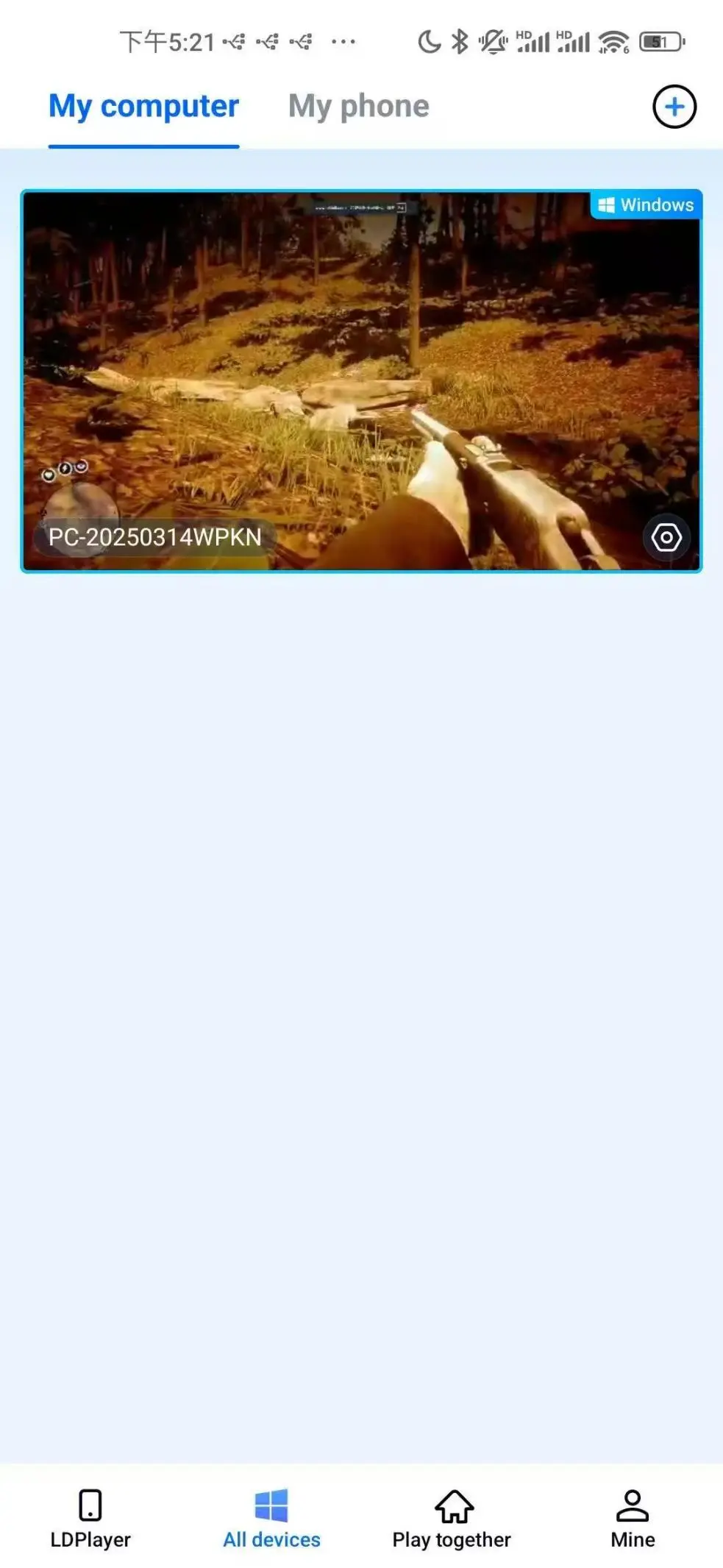
Once connected, tap your desktop on the mobile interface to launch Rockstar Games Launcher / Red Dead Redemption 2 from Steam.
3. Adjust the control mode and key positions
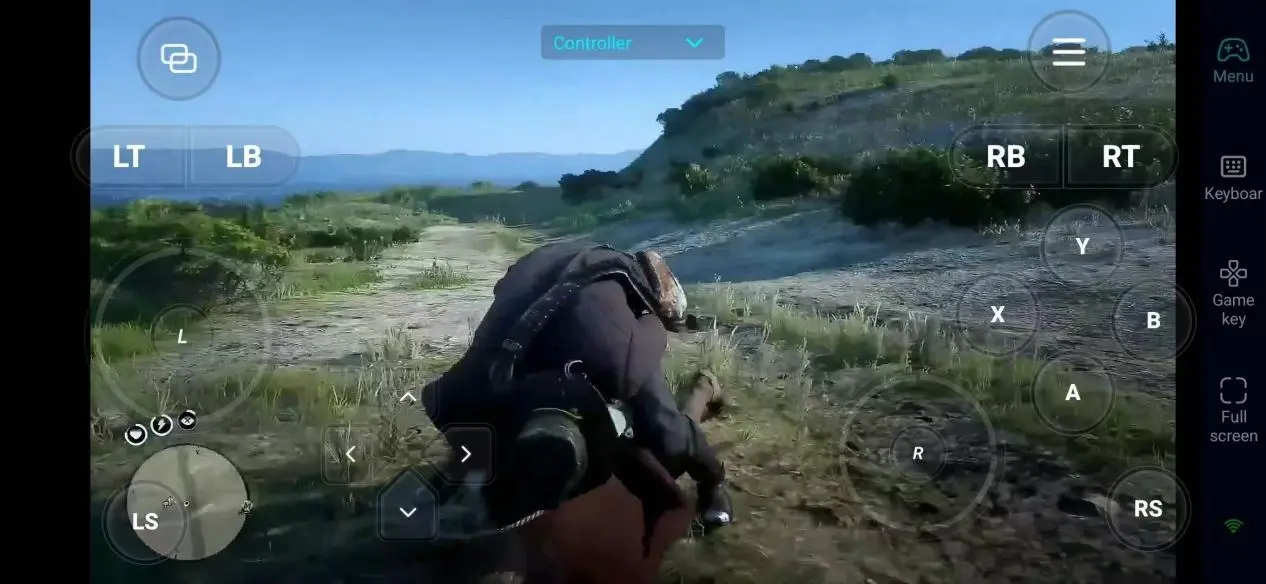
Click the toolbar on the right side of the mobile app to access 「60FPS Gameplay」, then select Key Mode or connect a virtual controller.
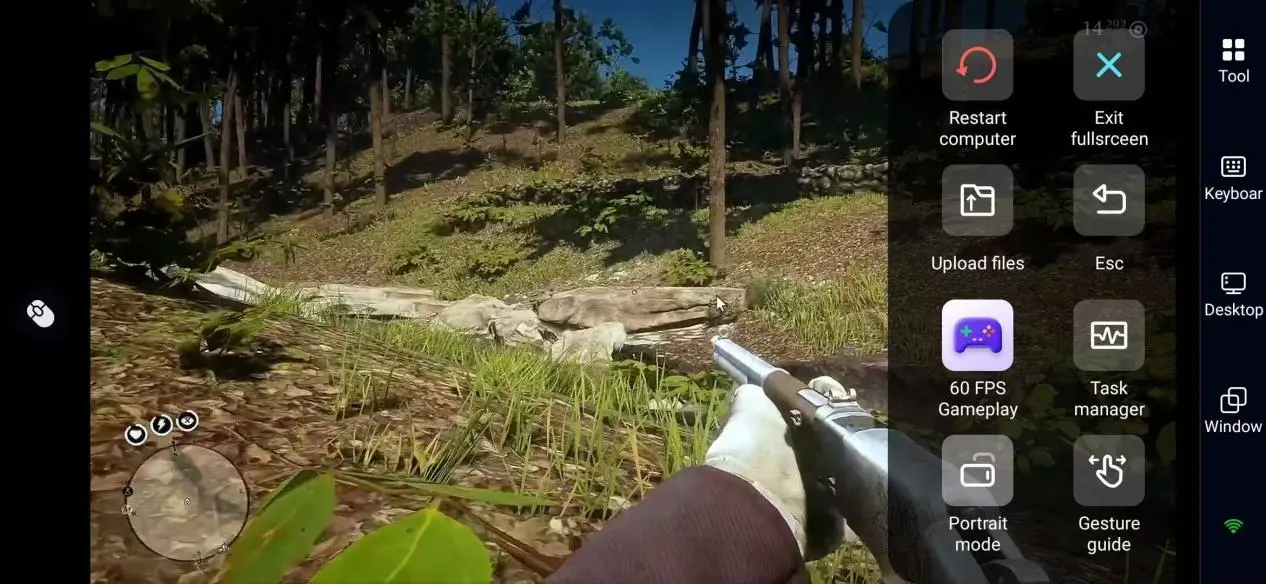
The controls in Red Dead Redemption 2 are relatively complex; it is recommended to configure the settings first:
|
Functional |
Recommended key |
Key Purpose |
|
Character Movement & View |
Left joystick controls movement/ right joystick controls view angle |
Control Arthur's walking and running movements, and observe the surrounding environment |
|
combat operation |
L2 targeting/R2 firing/L1 weapon turret |
Firing with a rifle; rapidly switching between weapons and items |
|
Equestrian Control |
Cross-key acceleration/R1 brake/Cross-key to summon the horse |
Riding a horse along the road, making an emergency stop, and calling out to your mount |
|
Explore Interaction |
Triangular interaction / Dual-shaft Eagle Eye / Touchpad map |
Chat with NPCs, track prey, and view the world map |
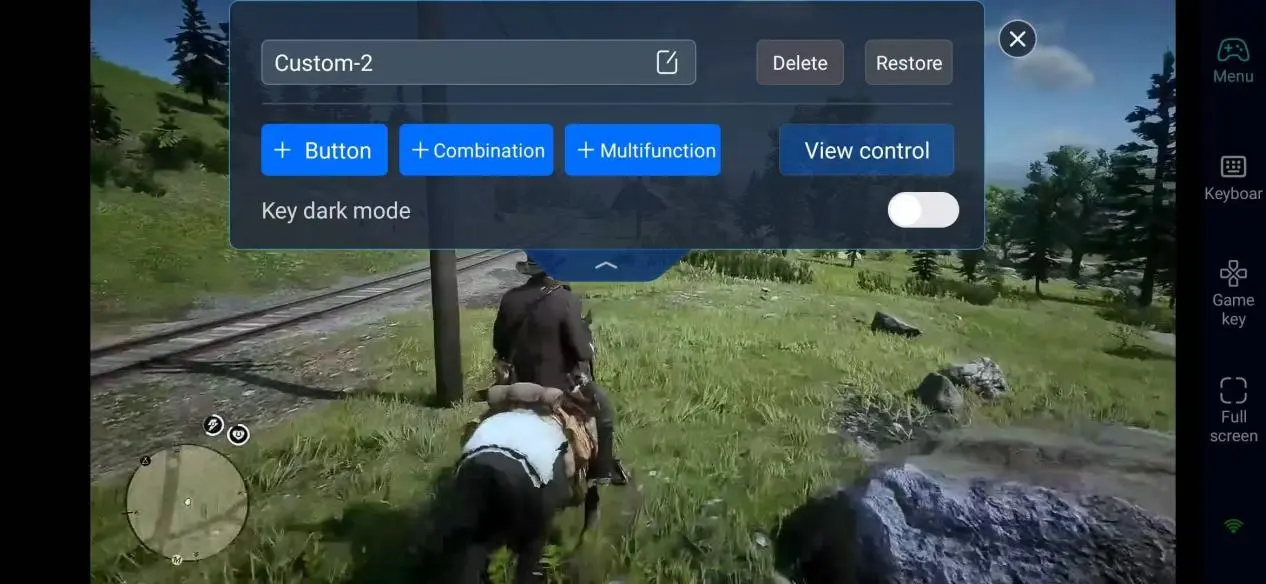
4. Connected Peripheral Device
In addition to customizable button functions, OSLink is compatible with various external devices—including Bluetooth controllers and mobile gaming controllers—empowering you to transcend the limitations of touchscreen interfaces and deliver a more precise Western-style gunfight experience.
Key Points for New Players in Red Dead Redemption 2
In the early stages of the game, it is recommended to complete the following first:
|
Main Task |
Advance the plot of the camp, unlock new areas and functions |
|
Prize Hunt |
Police stations can accept tasks to earn money and reputation |
|
Hunting and skinning |
Make backpacks and accessories to increase your carrying capacity |
|
Random Event |
The victims by the roadside; robbers lying in ambush – all affecting the reputation score |
|
Camp Upgrade |
Donating money and supplies to improve the lives of partners |
When playing remotely via OSLink, it is suitable for relatively easy activities such as hunting, collecting herbs, and exploring maps. For high-intensity gun battles, it is recommended to play on your computer.
Why choose OSLink to play Red Dead Redemption 2?
1. Breaking the geographical constraints, explore the West anytime.
You don't need to sit in front of a computer—whether on the sofa at home or while commuting or traveling, you can enter Westworld anytime and miss no random event or bounty opportunity.
2. Complete preservation of PC visual quality
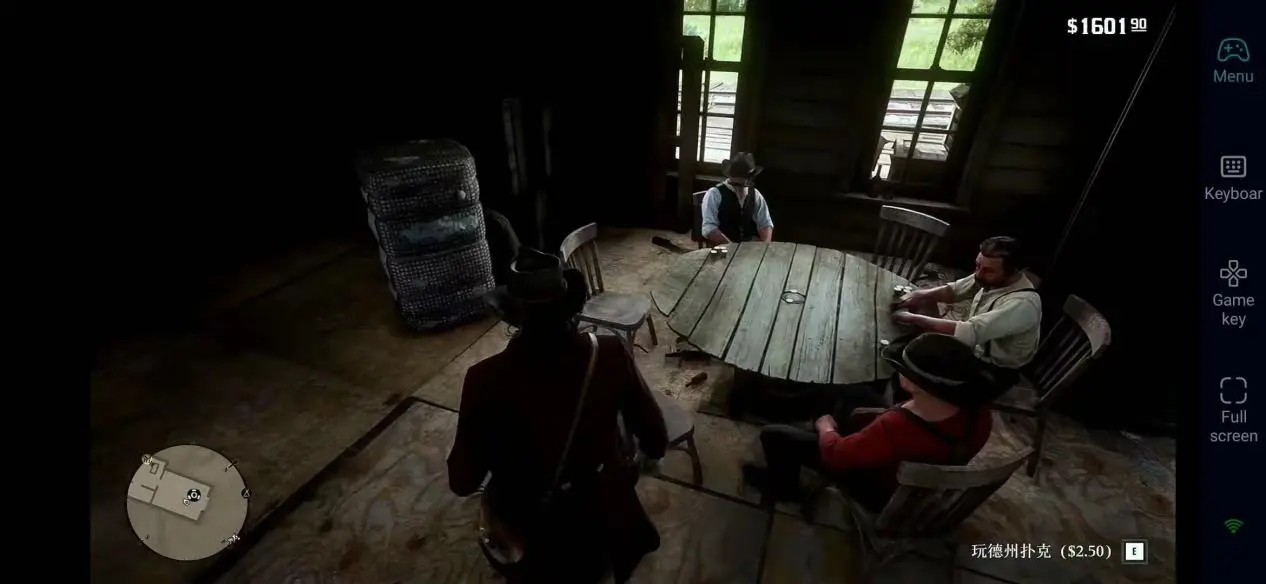
There is currently no official mobile version of Red Dead Redemption 2. With OSLink, players can remotely access their PC’s full performance and experience the game with its original high-quality visuals fully preserved. From detailed textures and realistic lighting to dynamic weather effects, every scene remains immersive and visually stunning. Whether riding through snowy mountains, watching the sunrise over the frontier, or surviving a thunderstorm on the plains, the game delivers an authentic Wild West experience right on your phone.
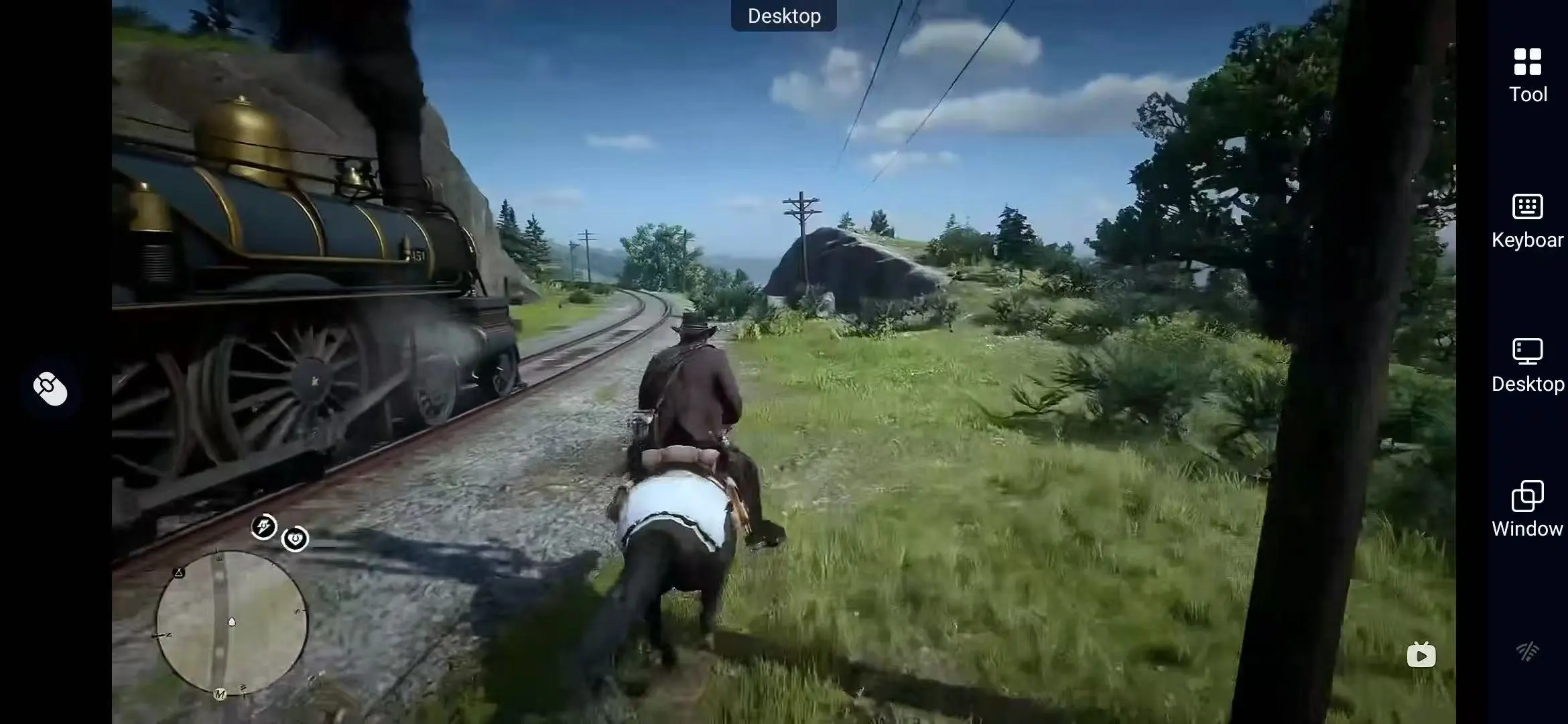
3. Smooth controls, more precise exploration.
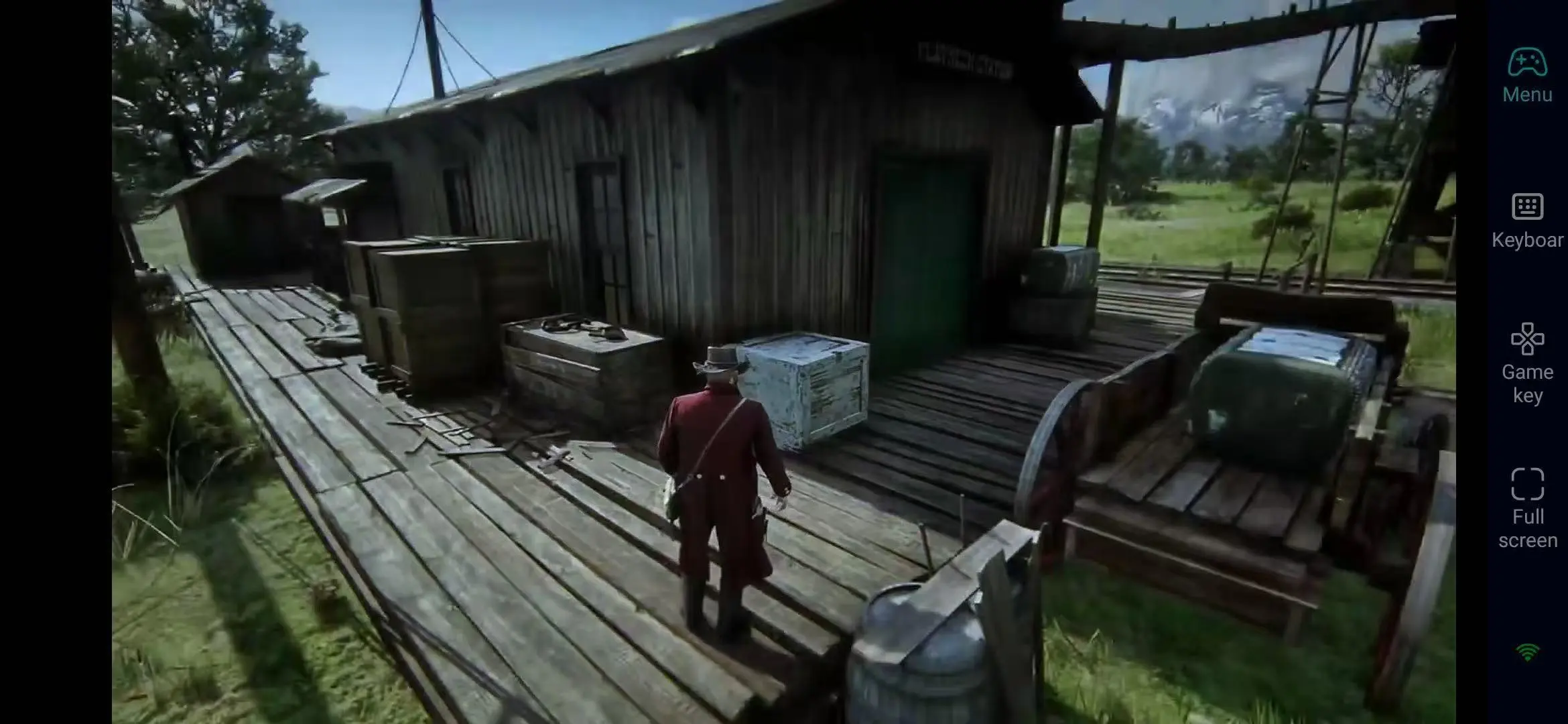
With customized key bindings and 60fps optimization, players can smoothly perform horseback riding, hunting, and shooting operations even on mobile devices, enabling precise responses to sudden ambushes or wildlife attacks.
FAQ
Q: When was Red Dead Redemption 2 released?
A: Red Dead Redemption 2 was released on December 6, 2019, and is available for purchase digitally on Steam, the Rockstar Games Launcher, or the Bahamet Store.
Q: Will there be lag when playing Red Dead Redemption 2 on a mobile device?
A: It is recommended to use stable Wi-Fi or 5G. Daily exploration and hunting experience remains unaffected; however, gun battles and horseback shooting are best played on a computer.
Q: What are the PC system requirements for Red Dead Redemption 2?
A: The minimum system requirements are as follows:
|
Operating System |
Windows 10/11 64-bit |
|
CPU |
Intel Core i7-4770 / AMD Ryzen 5 1500X |
|
RAM |
12 GB RAM |
|
GPU |
NVIDIA GTX 1060 6GB / AMD RX 480 4GB |
|
Storage space |
150 GB of available space (SSD is recommended) |
Q: Does Red Dead Redemption 2 support multiplayer online play?
A: The game features a built-in Red Dead Redemption 2 Online mode, supporting online multiplayer play for up to 32 players. If you want to collaborate or compete with friends anytime, anywhere, OSLink allows you to remotely access your PC game interface from your mobile device without geographical restrictions.
Conclusion
With OSLink remote streaming, you can turn your smartphone or tablet into an action-packed Western platform for Red Dead Redemption 2. Ride a horse during your commute, hunt and gather during your lunch break, or complete a bounty mission before bed—continuing your legendary Western adventure anytime, anywhere.
 Download