English
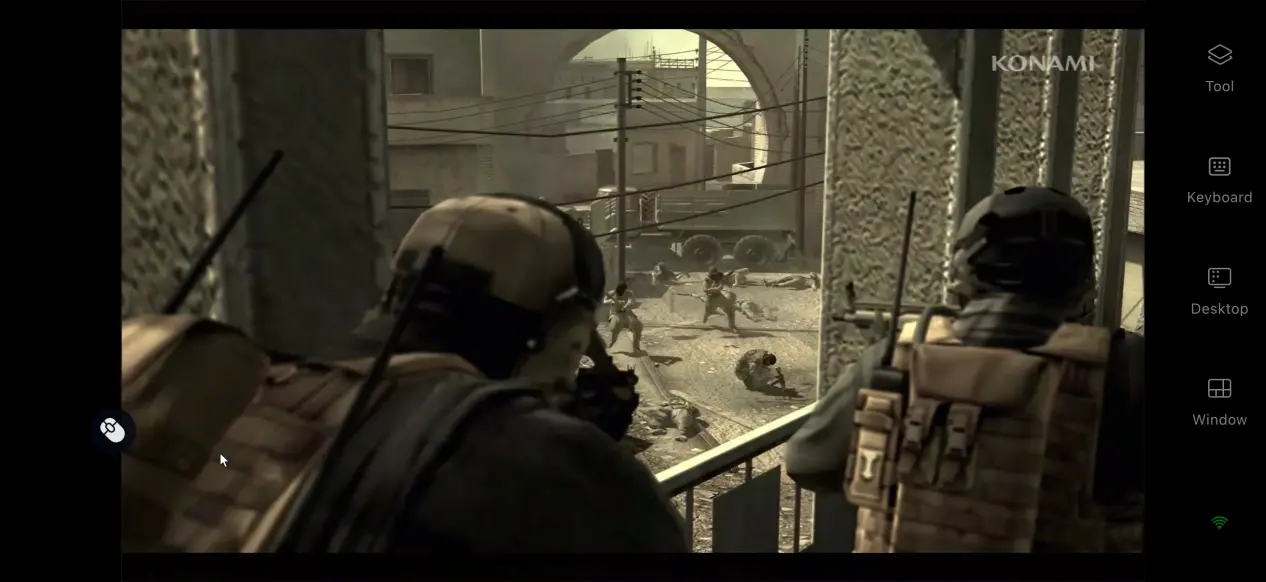
 As a collection of classic entries from the series, METAL GEAR SOLID: MASTER COLLECTION Vol.2 brings together several highly regarded titles. However, the collection is available only on PC and major home consoles, with no native mobile version officially released. To work around this limitation, this guide walks through the remote play process step by step, covering how to get the game, set up the software on both devices, run the game remotely, fine-tune the experience, and deal with common questions.
Want to play METAL GEAR SOLID: MASTER COLLECTION Vol.2 whenever you're away from home? OSLink simplifies the entire remote streaming setup for PC games. There is no need to manually configure complicated network settings. Simply sign in with the same account on both devices to pair them, then use your phone to access your PC and run the game remotely.
1. Get METAL GEAR SOLID: MASTER COLLECTION Vol.2
The official game files are available through Steam. Open the Steam client on your PC, enter the full game title, METAL GEAR SOLID: MASTER COLLECTION Vol.2, in the store search bar, then go to the store page and complete the purchase to install the game.
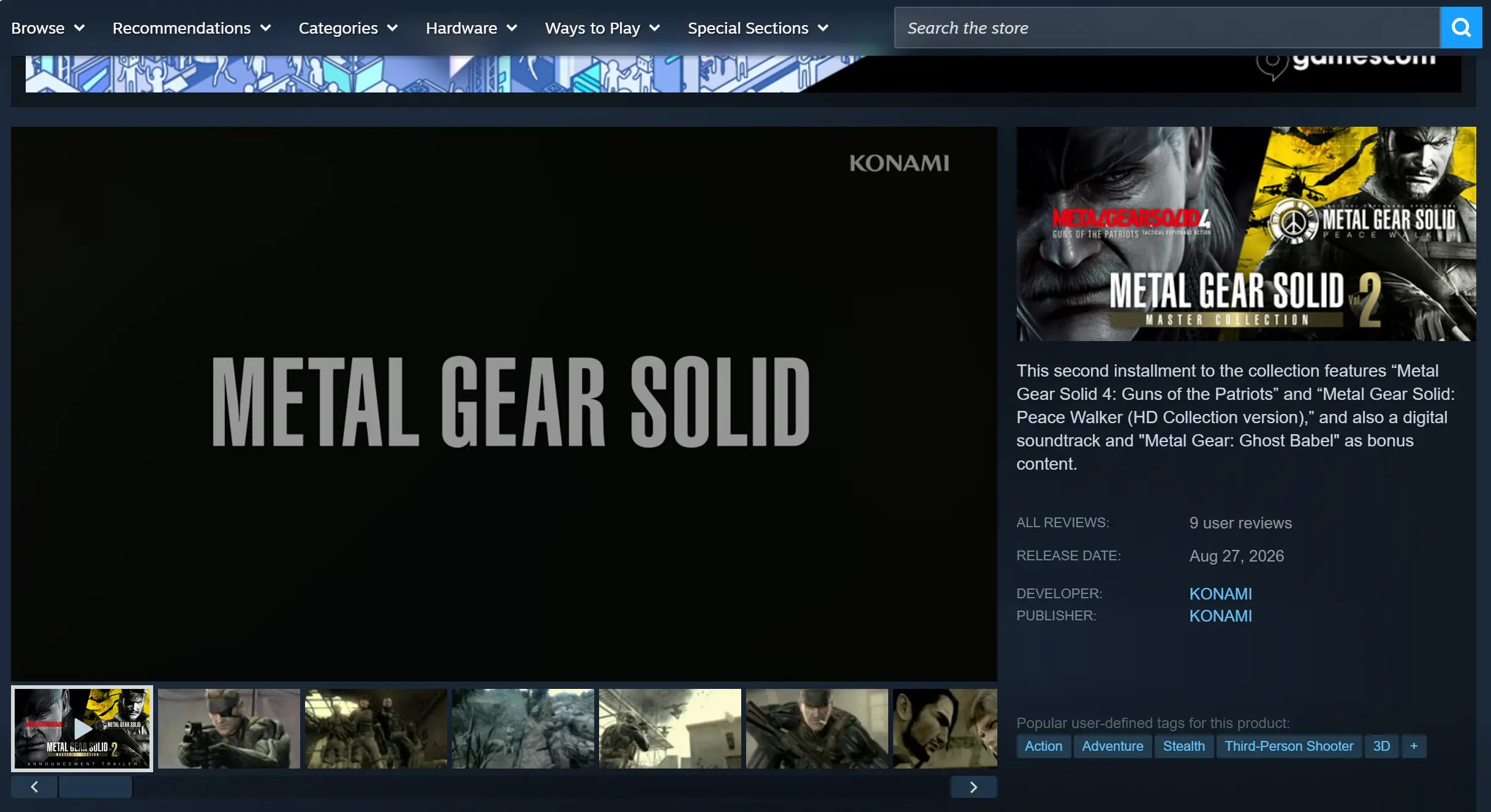
Once the download is complete, launch the game locally first and make sure the collection's main menu loads properly. Confirm that the game runs without any issues before moving on to the remote connection setup.
2. Set Up OSLink on Your PC and Mobile Device
PC Setup
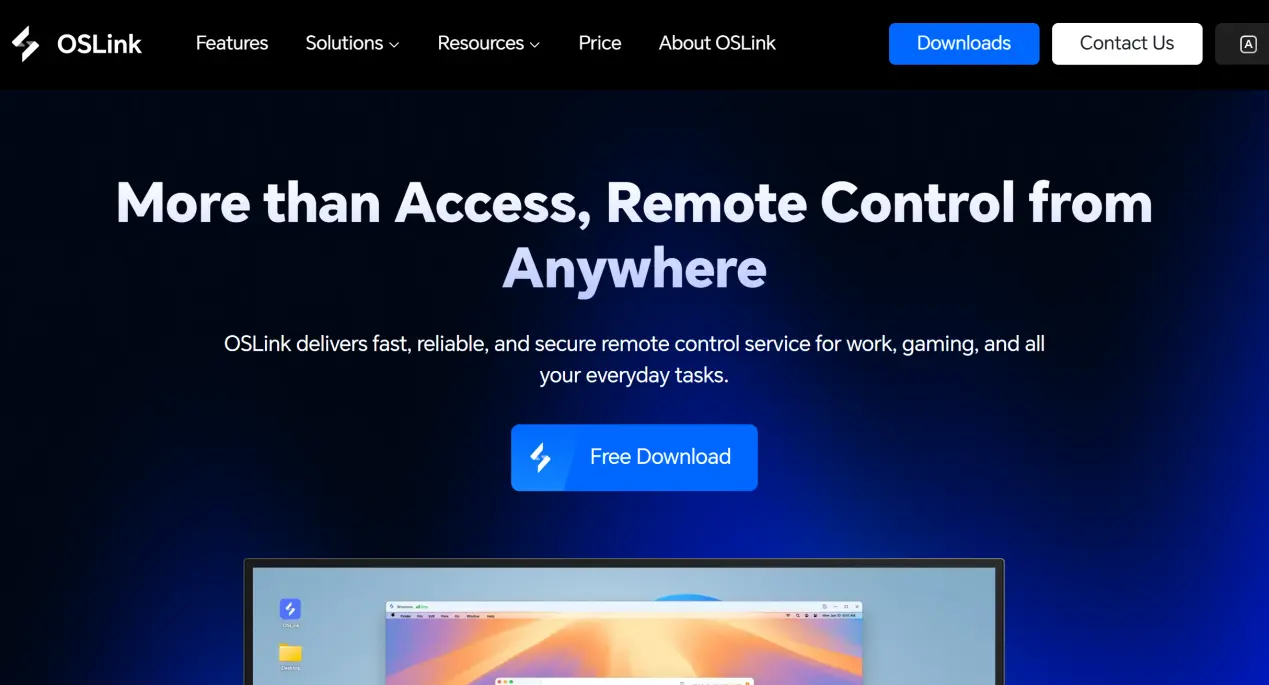
Visit the official OSLink website through your browser and download the Windows installer. Follow the on-screen instructions to complete the installation. Launch the program, register or sign in with a phone number or email address, and the current PC will be automatically linked to your account.
Mobile Setup
On Android, open the Google Play Store, search for OSLink, and install the app.
On iOS, open the App Store, search for OSLink, and install the same app.
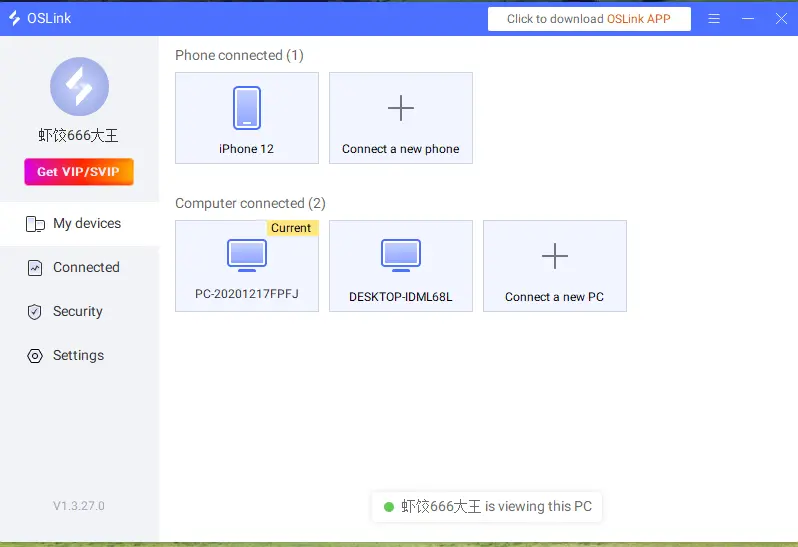
After installing the mobile app, sign in with the exact same account used on the PC. The system will automatically detect the linked PC, and the paired device will appear directly in the device list. No manual pairing code is required.
3. How to Stream METAL GEAR SOLID: MASTER COLLECTION Vol.2 with OSLink
Step 1: Make sure the PC is powered on and OSLink is running in the background. It is recommended to launch the game on the PC beforehand and leave it on the collection's main menu. For your phone, use a 5 GHz Wi-Fi connection whenever possible, or a stable mobile data connection.
Step 2: Open OSLink on your phone and select the linked PC from the device list. Tap the device icon to enter the remote desktop view, which mirrors the PC screen on your phone. Find the METAL GEAR SOLID: MASTER COLLECTION Vol.2 game window and bring it to the foreground.
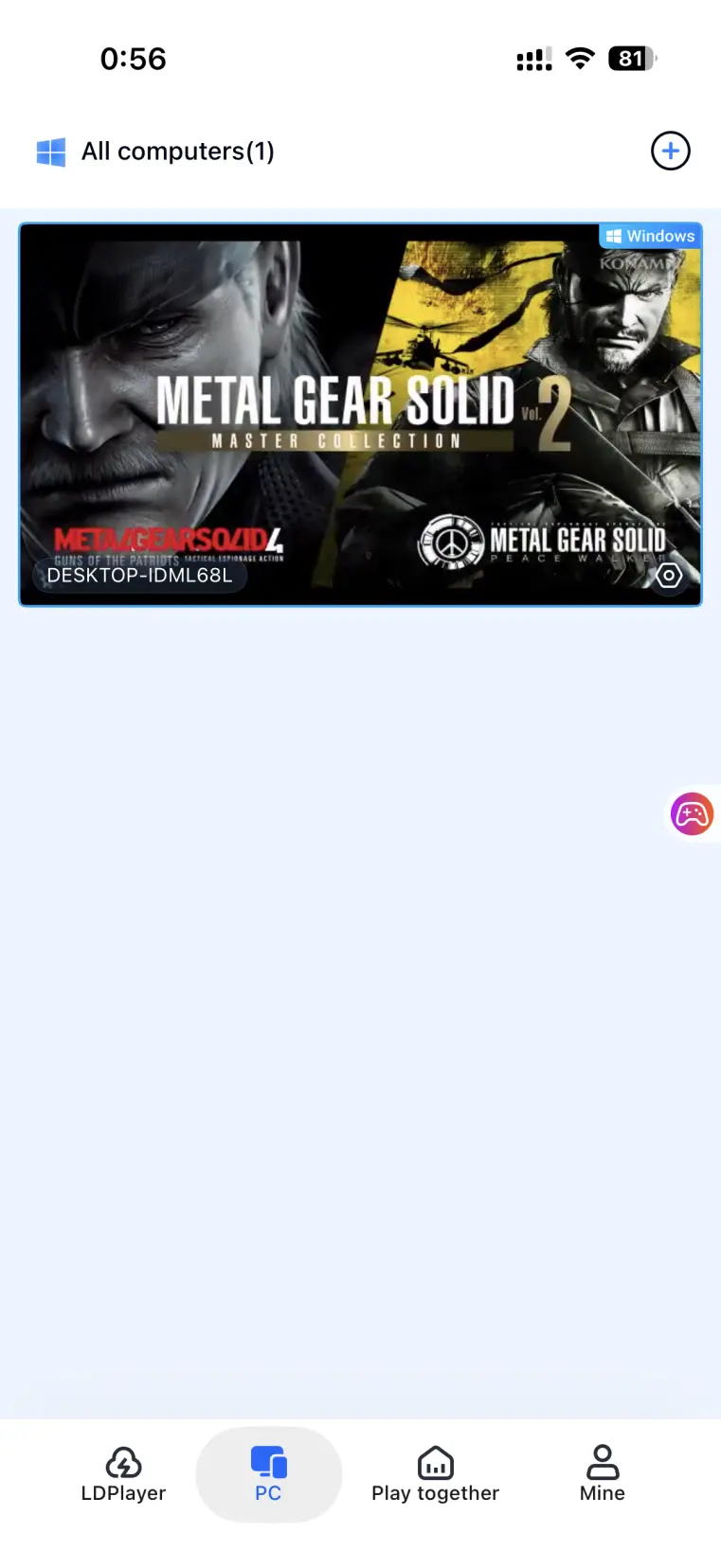
Step 3: For your first connection, enable the dedicated game streaming preset to optimize dynamic image encoding and reduce input delay. Turn on fullscreen mode to better fit the phone's display. Once everything is set up, you can use touch controls or pre-configured virtual buttons to start your infiltration missions.
4. Benefits of Playing METAL GEAR SOLID: MASTER COLLECTION Vol.2 on Mobile
No More Limits on Where You Play
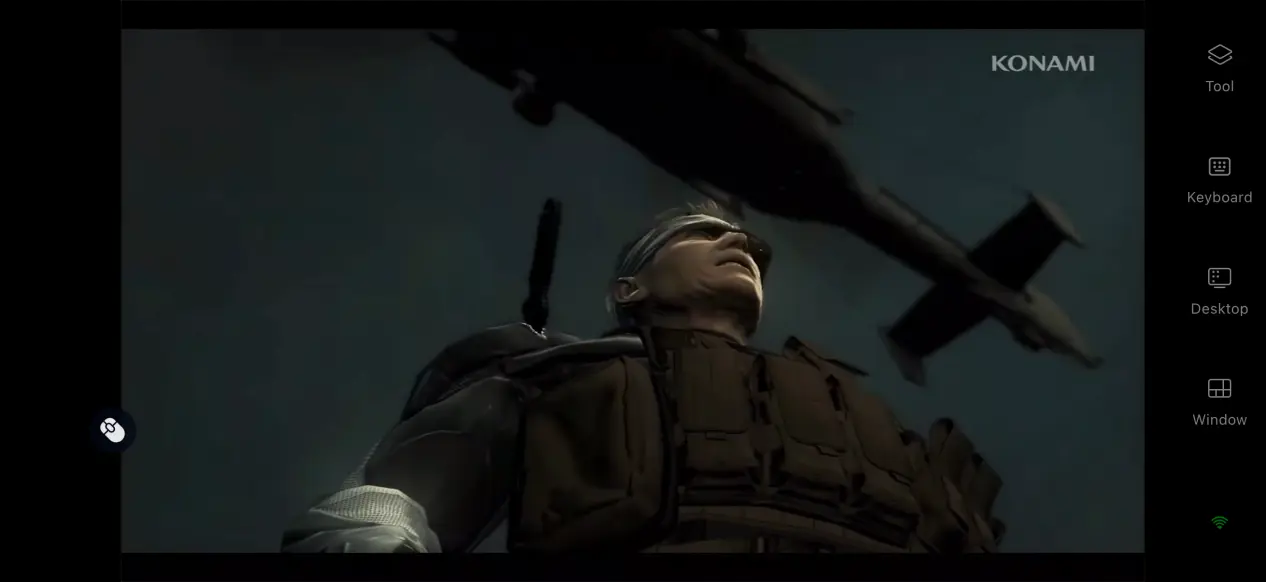
With OSLink as a lightweight streaming tool, you no longer have to stay in front of your PC. You can pick up where you left offwhenever you have a bit of free time. Whether you're out for a while or simply away from your desk, you can continue the main story and tackle missions without having to stop your game session.
No Need to Use Up Your Phone Storage
All game files remain stored on the PC's hard drive, while your phone only needs the compact OSLink app. Game rendering and processing are handled entirely by the PC. Even on devices with limited storage space, you can still enjoy the full collection without installing the game on your phone.
5. OSLink Features for Improving Your Gaming Experience
High Frame Rate Game Mode
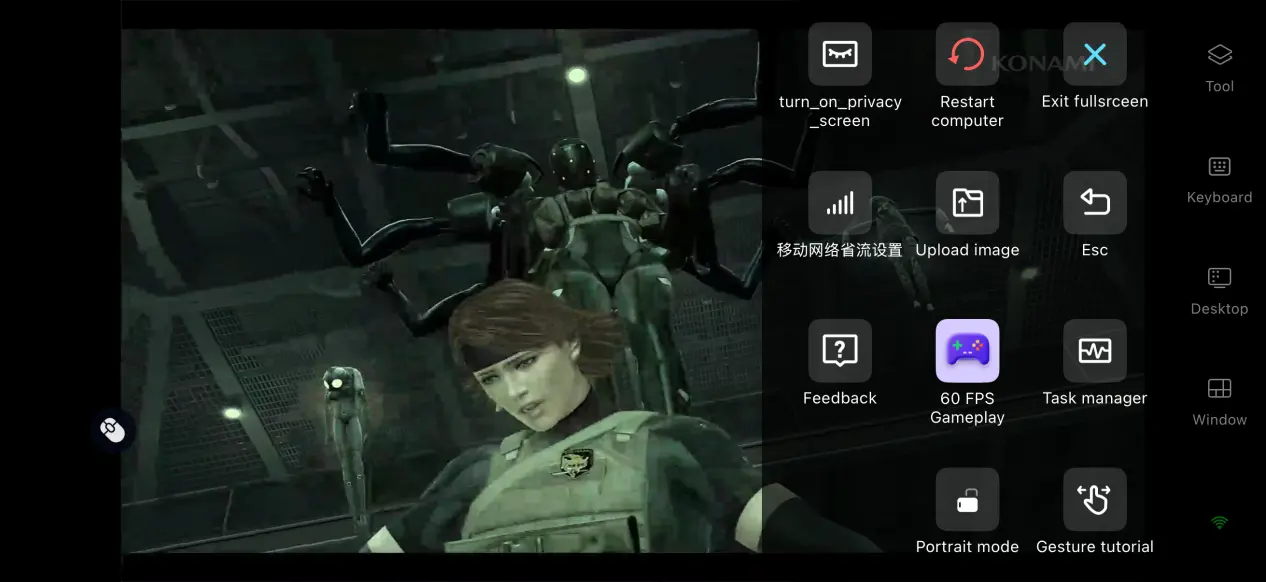
The software toolbar includes several streaming presets. When the network connection is strong, you can enable the 60 FPS PC game mode for a higher frame rate and smoother movement and interaction. If the connection becomes unstable, you can switch to Balanced mode, which automatically adjusts the bitrate to keep the stream running smoothly.
Bluetooth Controller Support
After pairing an Xbox or PlayStation Bluetooth controller with your phone, OSLink automatically detects the controller, so there is no need to configure button mappings one by one. Using the analog sticks for camera control and triggers for commands provides more precise control for stealth gameplay than tapping on a touchscreen.
Custom Virtual Button Layouts
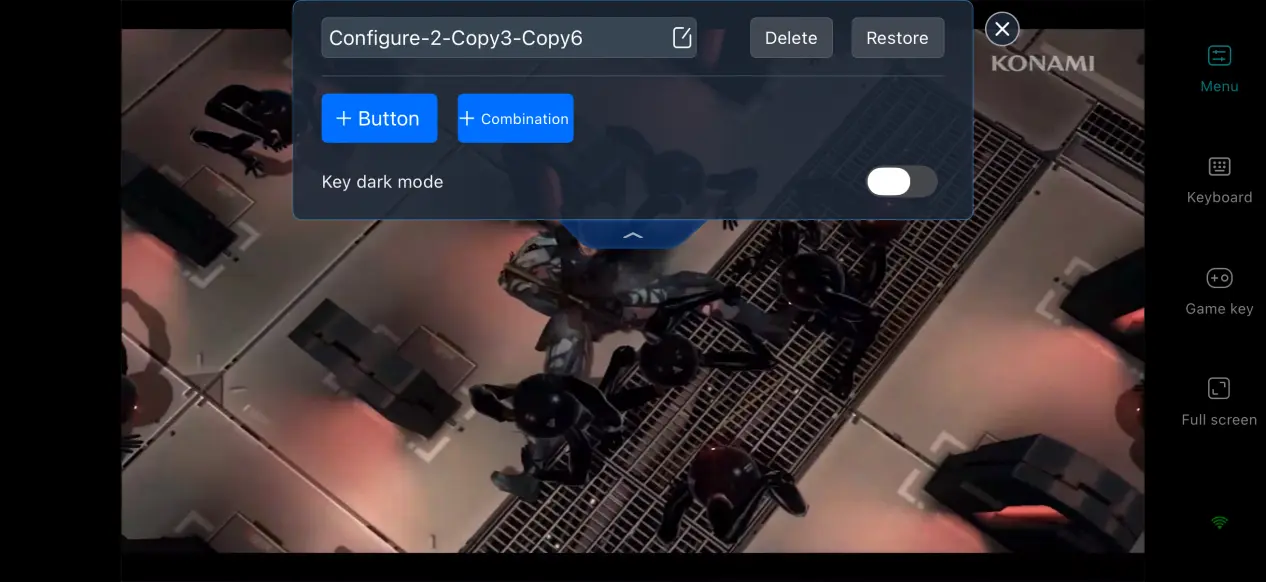
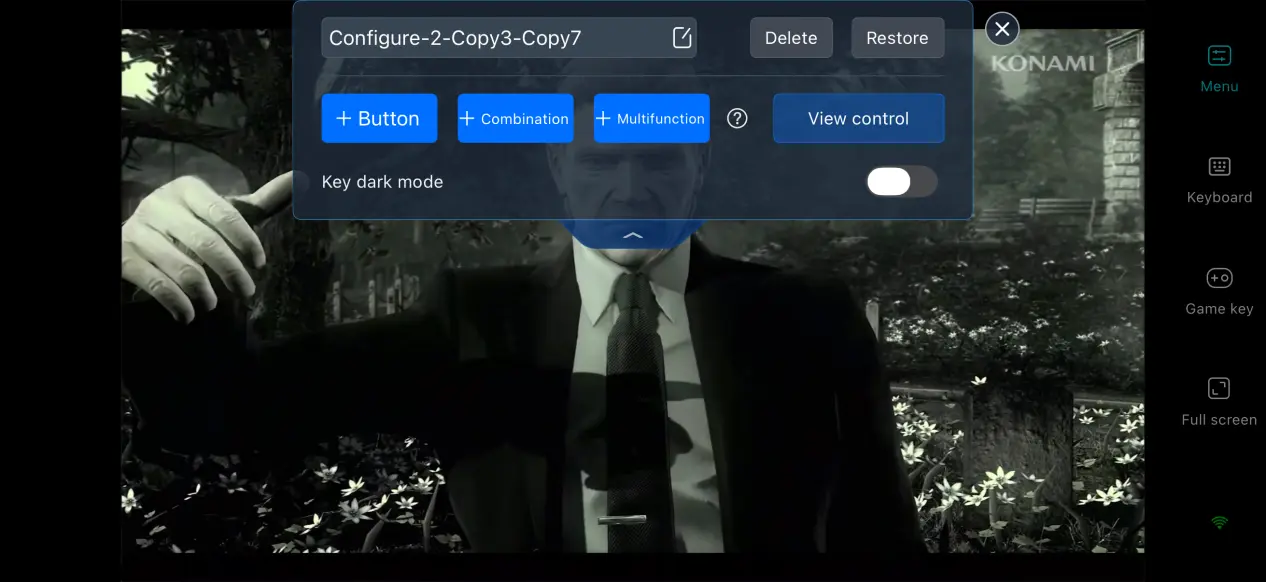
Open the button editing interface to add touch buttons as needed and map them to PC keyboard and mouse commands. You can customize each button's size, transparency, and position. Place movement and interaction controls within easy reach of your thumbs, while moving less frequently used buttons, such as menu controls, to the sides to keep the game screen clear.
Custom Display Settings
OSLink supports fullscreen mode with the system status bar hidden. If the PC game's resolution does not match your phone's aspect ratio, you can either stretch the image to fit the display or keep the original aspect ratio with black bars. This helps prevent on-screen elements from appearing distorted.
6. Frequently Asked Questions
Q: When was METAL GEAR SOLID: MASTER COLLECTION Vol.2 officially released?
A: The collection officially launched on Steam on August 27, 2026. It includes multiple titles from the series, along with original soundtrack and digital document bonus content.
Q: What PC hardware is required to run the collection?
A: Minimum requirements: Windows 11 64-bit, an Intel i5-9600K processor, 16 GB of RAM, a GTX 1650 graphics card, and 34 GB of available storage. An SSD is recommended.
Recommended requirements: Windows 11 64-bit, an Intel i5-10500 processor, 16 GB of RAM, a GTX 970 graphics card, and 34 GB of SSD storage.
Q: Can I Play METAL GEAR SOLID: MASTER COLLECTION Vol.2 on iOS or Android?
A: The collection does not have a native iOS or Android version. You can install OSLink and remotely stream the game from a Windows PC where the game has already been installed. This lets you experience the complete PC version of the collection remotely.
Conclusion
METAL GEAR SOLID: MASTER COLLECTION Vol.2 is a PC game collection featuring several classic stealth titles. With OSLink's remote streaming solution, the complete PC gaming experience can be extended to mobile devices. The overall setup is straightforward, and as long as your hardware meets the requirements, you can follow the steps above to get everything running. This lets you leave the limitations of a desktop setup behind and enjoy the storytelling and level design of the METAL GEAR SOLID series wherever you play.
 Download