English
 The co-op survival escape game GRAINROT has earned plenty of praise for its distinctive wooden doll-like character designs, randomly generated underground ruins, and four-player online looting and escape gameplay. However, the game is currently exclusive to PC, and the developers have not released a native mobile version, meaning these intense adventures are still tied to a computer. To solve this problem, this guide provides a complete remote streaming setup for playing GRAINROT on your phone. You do not need a high-end mobile device. With a streaming tool, your PC handles the full game rendering while your phone receives the video stream and sends back your controls.
If you want smooth controls while playing GRAINROT on your phone, OSLink is a lightweight streaming tool that works especially well with looting and escape games. It is optimized for first-person movement and quick camera turns to reduce input delay. It also includes a dedicated virtual control layout for escape games, allowing you to freely adjust the position and transparency of buttons for crouching, carrying, interacting, and quick escapes. This helps prevent accidental touch inputs when corrupted creatures surround you.
1. Get the Official Version of GRAINROT
Game Distribution Platform
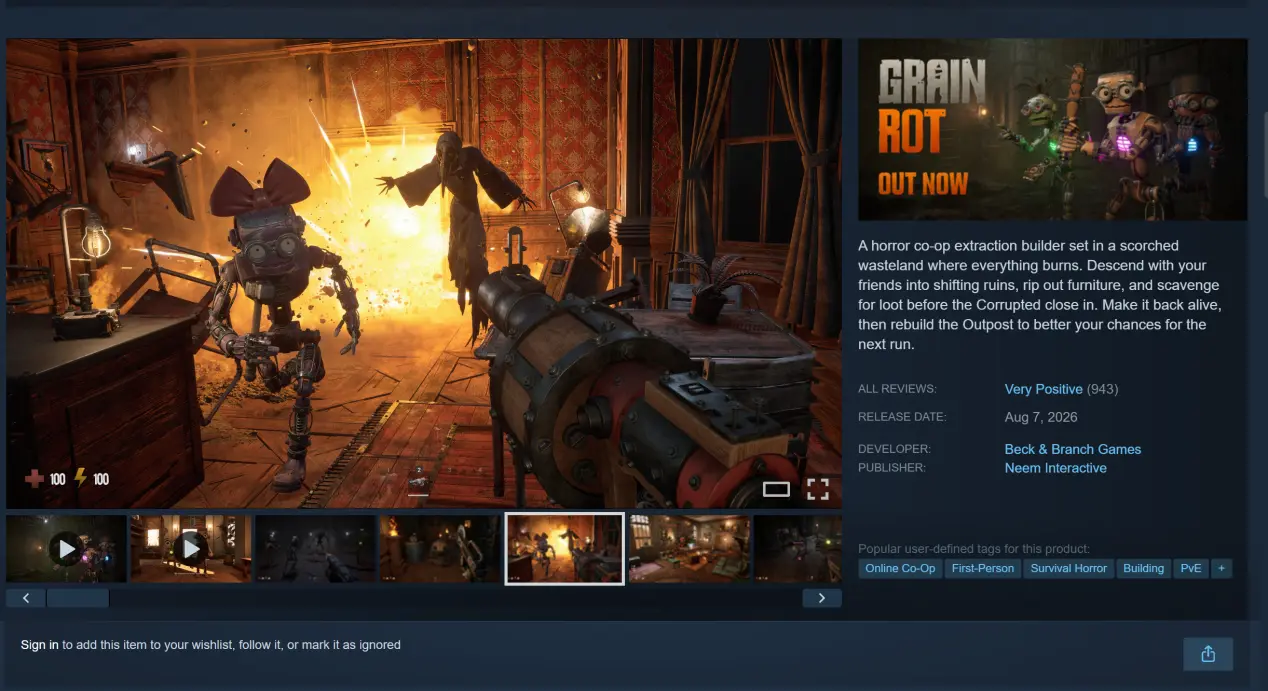
GRAINROT is available worldwide exclusively on Steam. There is no standalone client, console version, or native mobile installation package. All official gameplay content and online save data are linked to a Steam account. The game uses a one-time purchase model with no forced pay-to-win mechanics, while optional cosmetic content is available. It also supports multiple languages for the interface and story text, and supports both solo play and 1–4 player online co-op.
Game Download Steps
Launch the Steam client on your Windows PC and enter the full game title, GRAINROT, in the store search bar to open its store page. Check the launch discount, complete the purchase, and add the game to your library. Click the Install button, choose an SSD installation path, and wait for the game files to finish downloading and unpacking.
2. Install OSLink on Your PC and Mobile Device
Windows PC Setup
Open a browser and visit the official OSLink website to download the Windows installation package. Follow the installation wizard to choose the installation path and install the required components. Once the software launches, register and sign in to your account. Enable the option to keep OSLink running in the background after startup so that it stays connected even when the PC display is disconnected or the computer enters screen-sleep mode.
Mobile Setup
Android users can search for OSLink in the Google Play Store and install it. iOS users can open the App Store, search for the same app, and download it.
Once the software has been installed on both devices, sign in with the exact same OSLink account. The system will automatically scan for online devices linked to the same account, so you can pair the devices without manually entering a device password.
3. How to Start GRAINROT on Your Phone with OSLink
Keep Steam running on the PC and launch GRAINROT. Enter the game's main menu and keep the game window active in the foreground. Do not minimize it or switch it to the background, as this may cause the streamed image to freeze or drop frames.
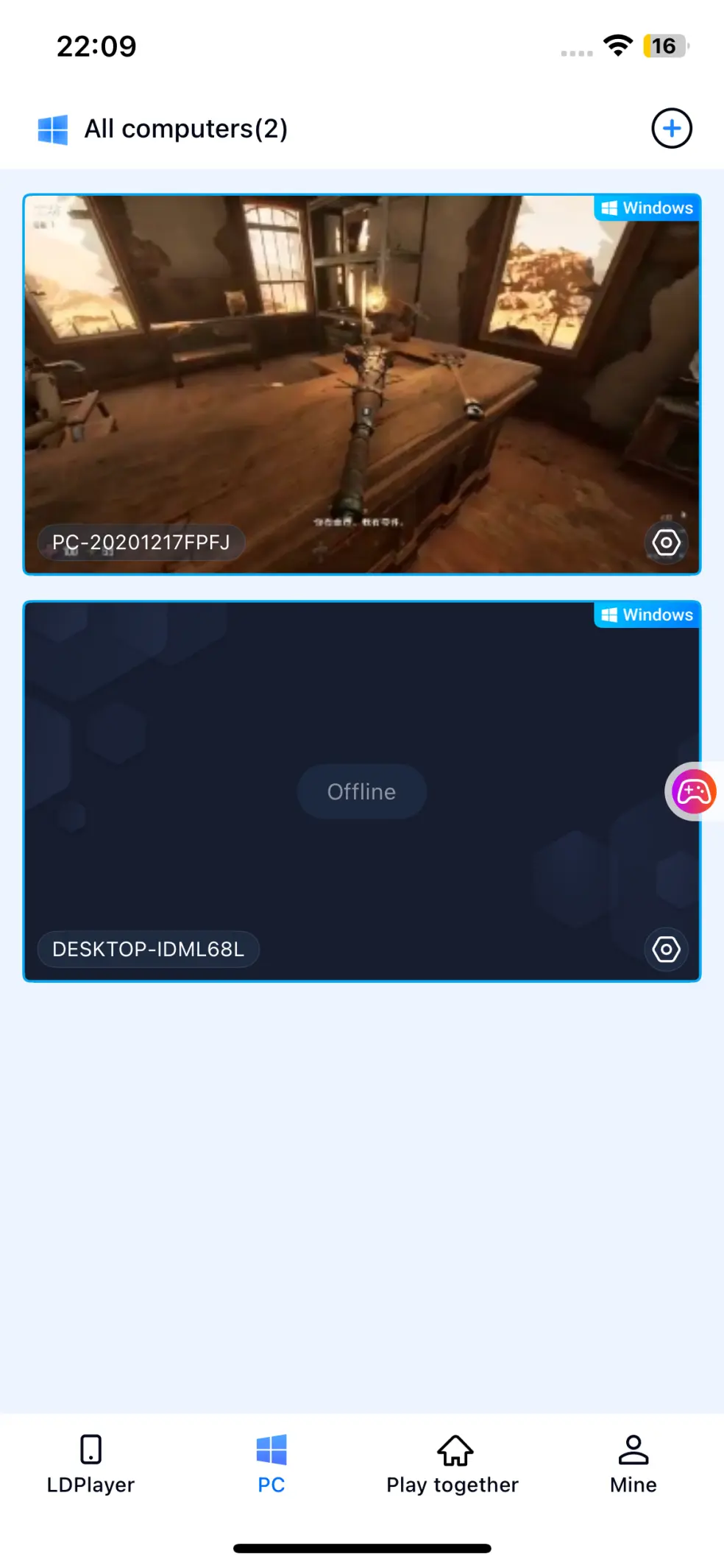
Open the OSLink mobile client on your phone. The device list will automatically show the linked Windows PC. Tap the PC name to start a remote streaming connection and wait for the screen to finish syncing.
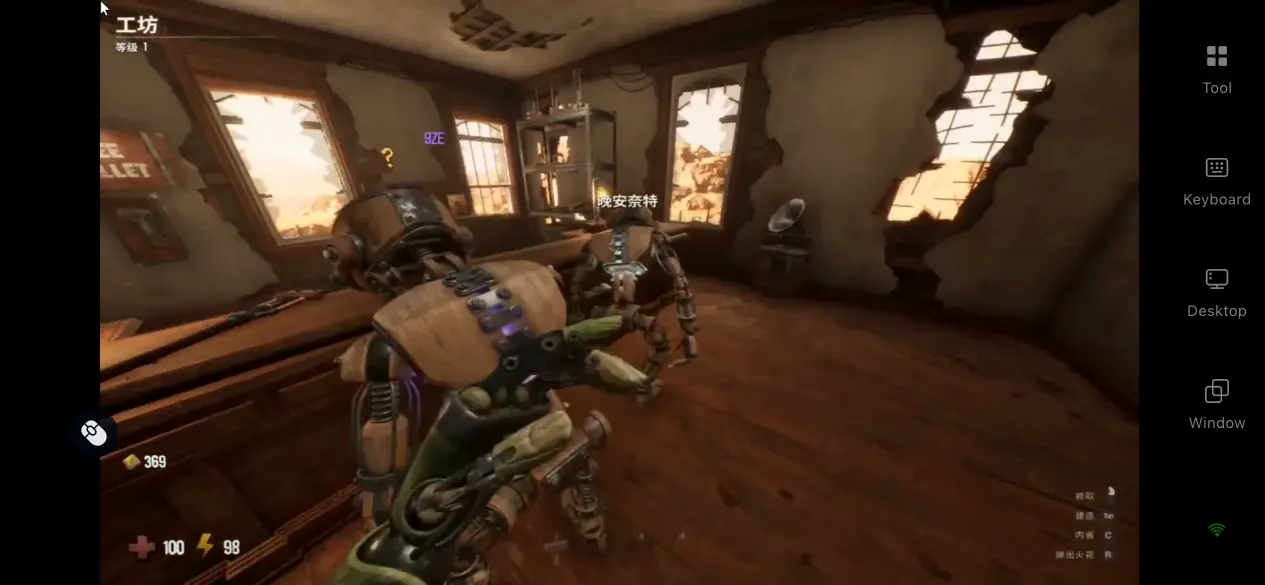
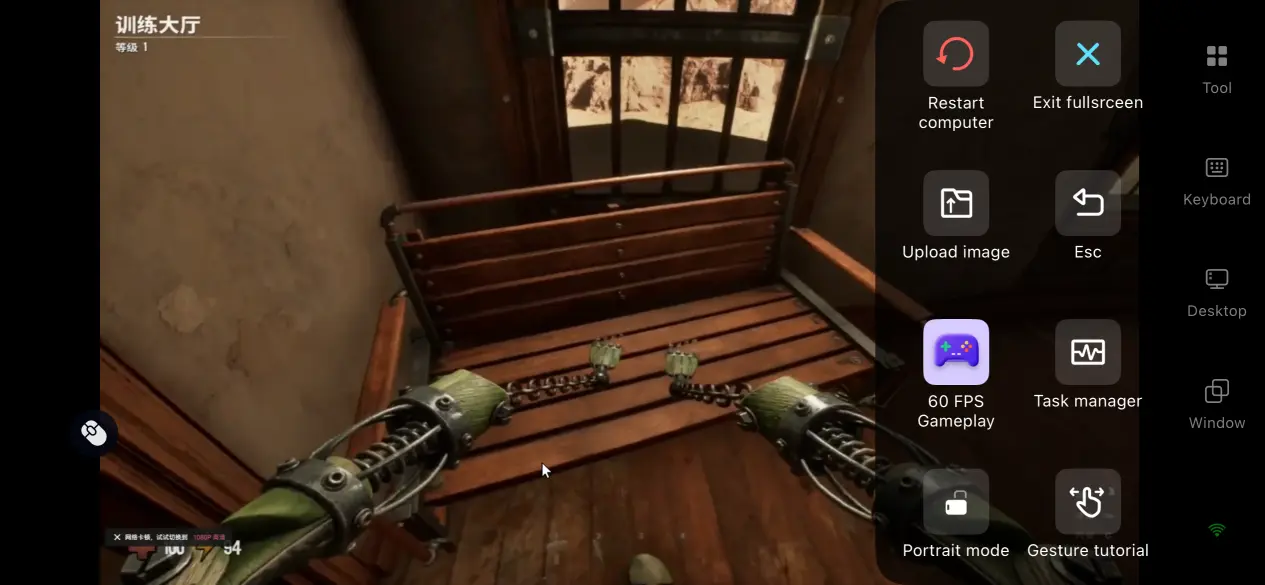
Once the streaming screen appears, open the side toolbar and switch to the dedicated 60 FPS game streaming mode. Select the preset virtual control layout for first-person escape games and enable full-screen overlay mode to hide the phone's system status bar. This gives you a clearer view while exploring the ruins.
After the initial connection is established, perform a basic control test. Try moving the character, carrying furniture, switching wooden shells, and making a quick escape. Once you confirm that commands are transmitted without noticeable delay, you can start solo looting runs or join multiplayer escape matches.
4. Key Benefits of Playing GRAINROT Remotely on Your Phone
Start Your Escape Adventure Anytime
As long as your home PC remains powered on and connected to the internet, you can access it through a mobile network while you're away. If your teammates suddenly form a party to enter deeper ruins or high-difficulty corrupted areas, you do not need to return to your desktop PC. Simply connect through your phone and quickly join the room without missing rare loot or multiplayer rewards.
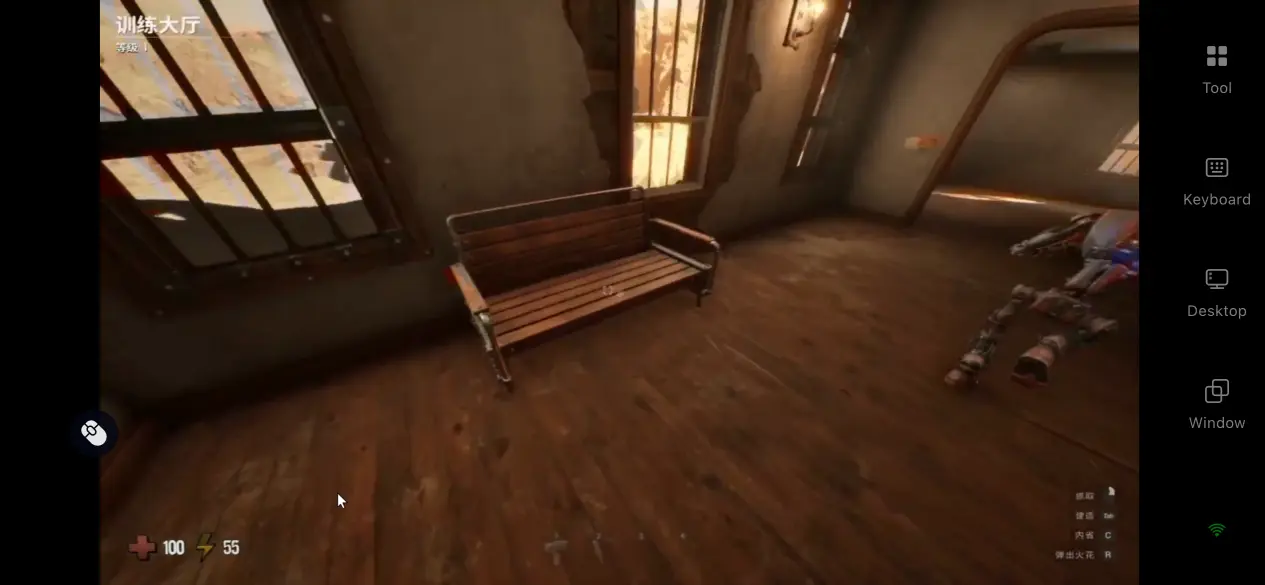
No Local Storage Burden on Your Mobile Device
Game map rendering, corrupted creature AI calculations, and multiplayer data exchange are all handled by the PC. Your phone only receives the streamed image and sends back control commands. There is no need to download a game package that takes up several gigabytes of storage. Even older phones with limited storage can stream the game without using additional local storage space.
Easy Multiplayer Room Sharing
With OSLink's built-in multiplayer room sharing feature, only the host PC needs to have the full GRAINROT client installed. Other teammates can enter the room invitation code and join the same escape map. The room creator can assign control permissions independently, making the feature a good fit for GRAINROT's four-player mechanics, where players work together to loot supplies and cover one another during the escape.
5. A More Comfortable Way to Play GRAINROT with OSLink
60 FPS Low-Latency Gaming Mode
The encoding algorithm is optimized for quick first-person camera turns and sudden creature chases, helping reduce motion blur and shorten the delay between touch input and on-screen response. When multiple corrupted creatures surround players in deeper ruins or teammates move supplies together, controls remain responsive and the streamed image stays synchronized, matching the tense, fast-paced nature of escape gameplay.
Dynamic Adaptive Bitrate Adjustment
Players can manually adjust the streaming bitrate. When outdoor network conditions fluctuate, lowering the bitrate can help maintain a stable connection. On a stable home Wi-Fi network, increasing the bitrate can better reproduce the lighting, textures, and details of the underground ruins and corrupted creatures. The software monitors network changes in real time and automatically fine-tunes image quality settings to balance visual clarity and streaming stability.
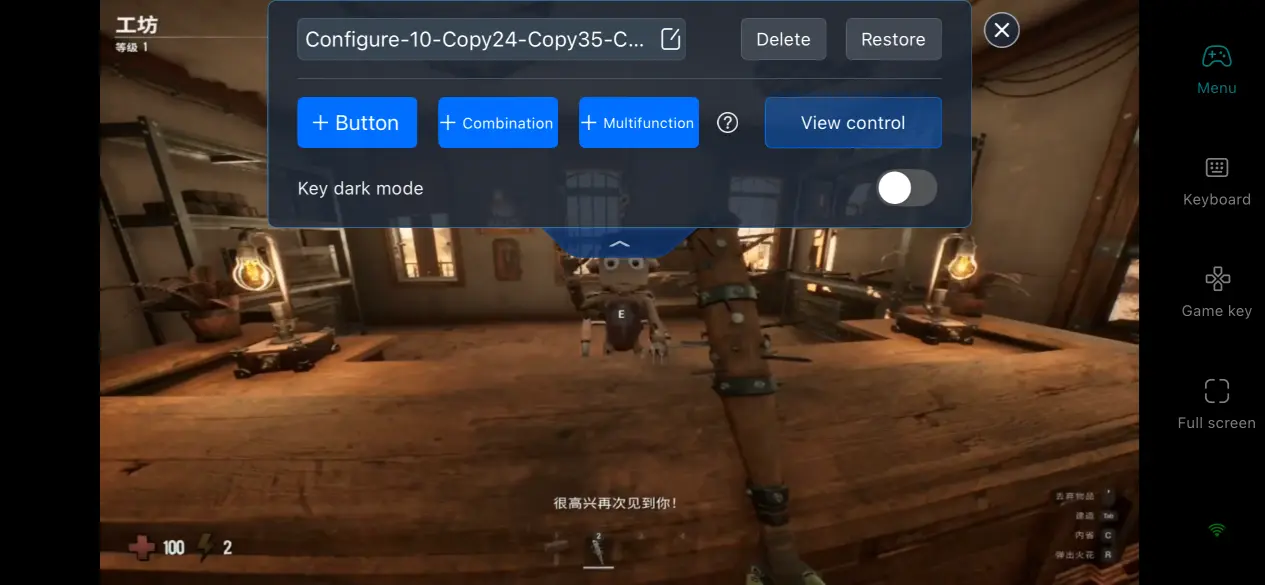
Customizable Virtual Controls
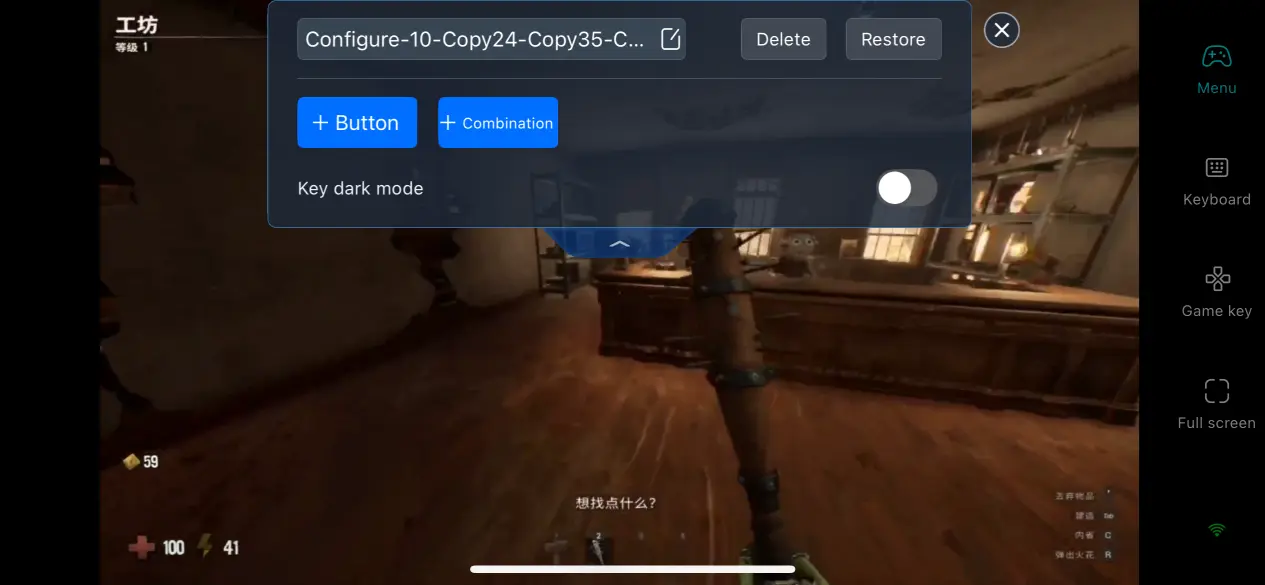
OSLink supports adding, deleting, and moving control buttons for movement, crouching, carrying, interacting, changing shells, and quick escapes. Players can independently adjust button size, transparency, and position. Two separate control layouts can be saved, allowing quick switching between solo exploration in shallow areas and multiplayer encounters in deeper maps. This also reduces accidental touches in narrow passages.
Compatibility with Different Types of Peripherals
OSLink is compatible with most mainstream gaming peripherals. Once game mode is enabled, the software automatically detects connected peripherals and maps the controls without requiring additional mapping plugins. For a first-person game like GRAINROT, where precise camera control and rapid interactions are important, a joystick provides more accurate movement when corrupted creatures give chase or when you need to carry valuable loot quickly. Physical button inputs can feel more responsive than relying entirely on virtual touch controls.
6. Frequently Asked Questions
Q: When was GRAINROT officially released?
A: GRAINROT was released worldwide on August 7, 2026, exclusively on Steam. A launch discount was available at release, and the full content, including the solo story, four-player online looting and escape gameplay, and base-building system, was unlocked on Steam at the same time.
Q: What PC hardware is required to run GRAINROT?
A: Minimum requirements: Windows 10 64-bit, an i5-4590/R5 2600 processor, 8GB of RAM, a GTX 970/R9 390 graphics card, and 10GB of SSD storage. Recommended multiplayer requirements: Windows 10 or later, an i5-10600/R5 3600 processor, 8GB dual-channel RAM, and an RTX 2060/RX 5700 graphics card. With these recommended specifications, stable high frame rates can be maintained when four players escape from deeper maps at the same time.
Q: Can GRAINROT run natively on iOS devices?
A: The developers have not released native iOS or Android game packages, so there is no standalone mobile client. iOS users who want to join official multiplayer sessions or play solo looting and escape content can only do so by remotely streaming their home Windows PC through OSLink. All game saves and loot data remain stored on the your PC and Steam account, and progress made through streaming is fully saved to the same PC game session.
Conclusion
The intense looting and escape experience in GRAINROT should not be limited by a desk or power cable. With four key advantages—60 FPS low-latency streaming, customizable virtual controls, Bluetooth controller compatibility, and multiplayer room sharing—OSLink provides a practical solution to the game's lack of a native mobile client. Whether you're commuting or waiting between activities, you can open your phone and keep up with your teammates. From exploring maps alone to facing corrupted creatures as a four-player team, you can enjoy an experience that closely matches the feel of playing GRAINROT directly on PC.
 Download