English
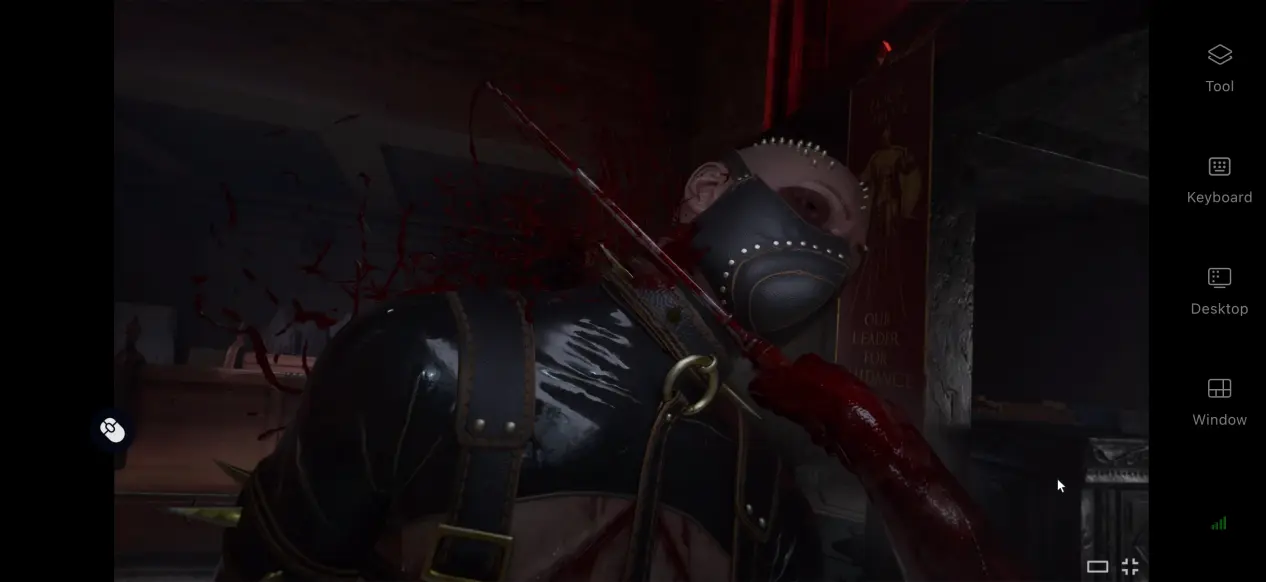
 Clive Barker's Hellraiser: Revival has drawn plenty of attention from horror fans with its distinctive dark aesthetic, suspenseful story, and oppressive atmosphere. However, the game does not have a dedicated mobile version. This guide focuses on how to remotely play the PC version on your phone, covering everything from getting the game to configuring your devices, so you can follow each step to set up and fine-tune your remote play experience.
If you want an easier way to play PC games on your phone, OSLink offers a smooth and flexible solution. For a game like Clive Barker's Hellraiser: Revival, where responsive controls matter, OSLink offers customizable key mapping that lets you assign actions such as interacting with objects, turning the camera, and using items to touchscreen buttons. This gives you greater control over your inputs and makes the game more comfortable to play on a mobile device.
1. Get Clive Barker's Hellraiser: Revival
Official Game Purchase
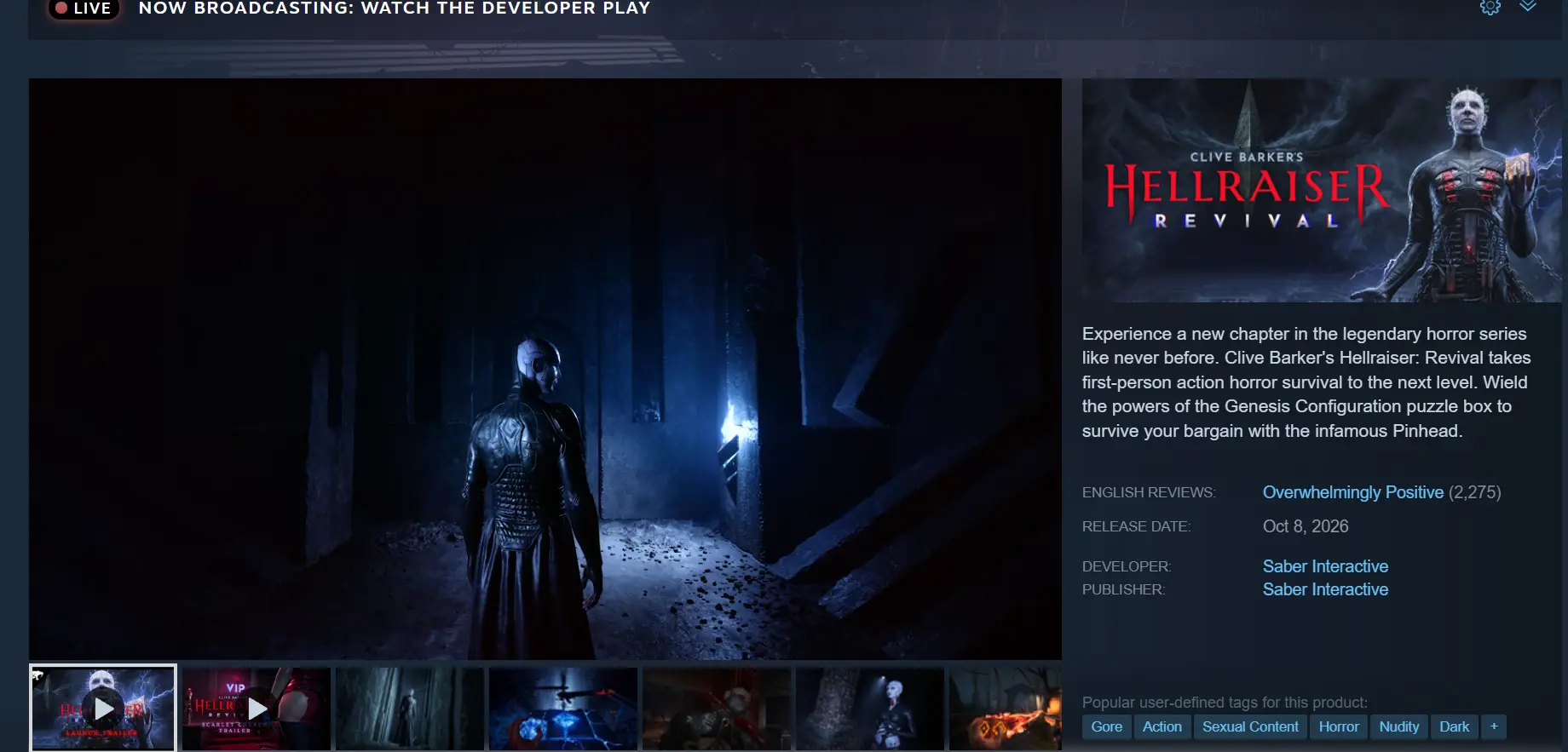
The official PC version of the game is available exclusively through Steam. Open the Steam desktop client and enter the full game title, Clive Barker's Hellraiser: Revival, in the search bar. Open the store page and complete your purchase. Once the payment is complete, go to your game library, choose a storage location, and download the game.
Verify the Game Files
Once the download is complete, be sure to verify the integrity of the game files. Make sure the game launches properly and that you can reach the main menu before moving on to the remote streaming setup.
2. Install OSLink on Your PC and Phone
PC Setup
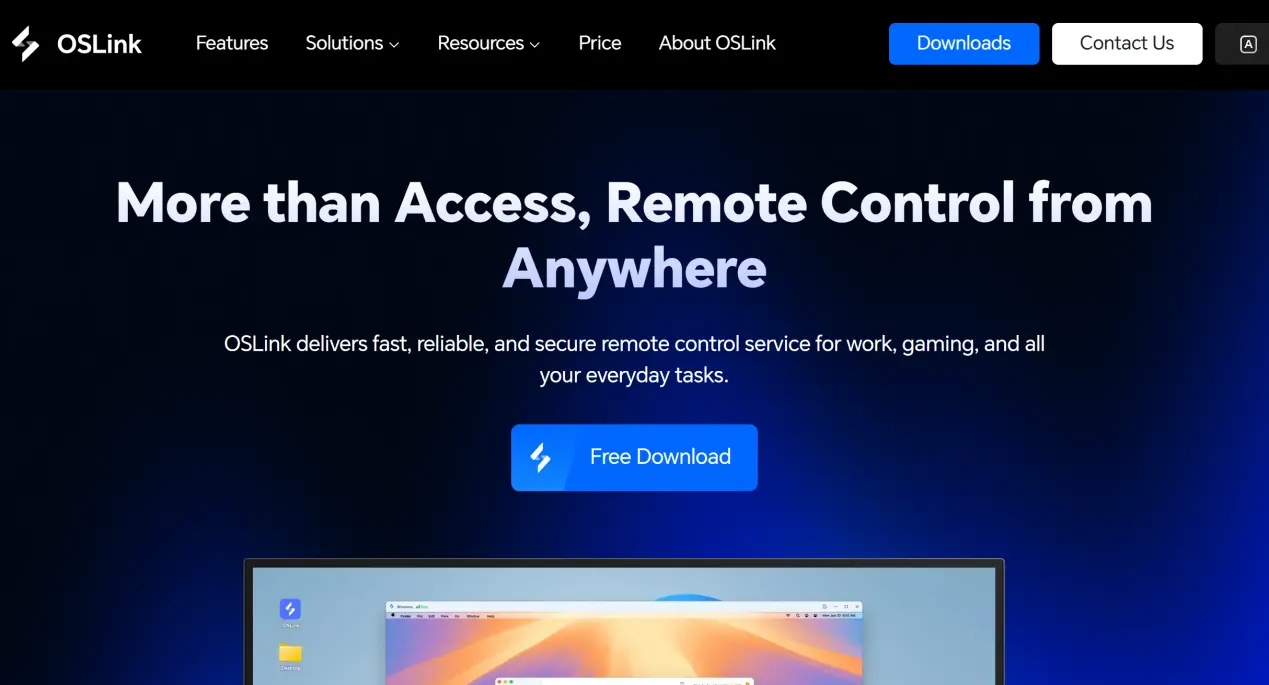
Open a browser and visit the official OSLink website to download the Windows installer. Follow the installation wizard to complete the setup. After launching the client, sign up and log in using your phone number or email address. Once you are logged in, your computer will automatically be linked to the account, and you will see it listed among your available devices.
Mobile Setup
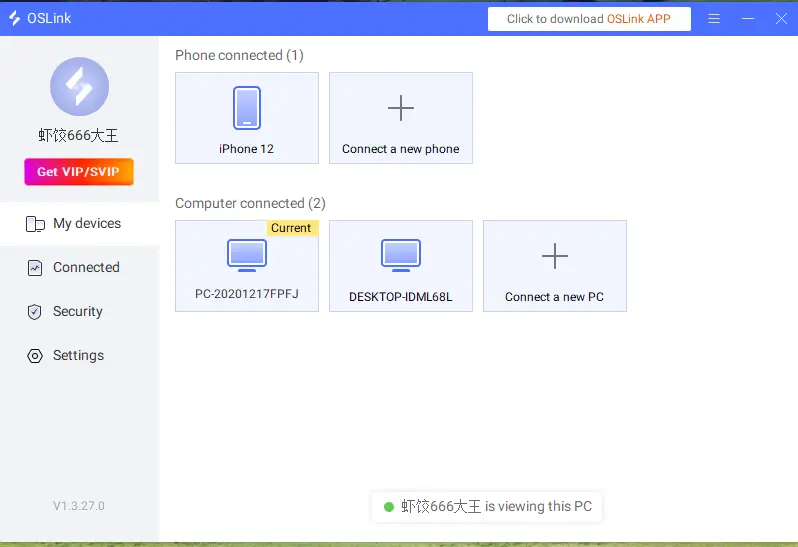
Android users can search for OSLink in their app store and install the app. iOS users can search for OSLink in the App Store. Once the installation is complete, open the app and log in with the same account used on your computer. The two devices will automatically pair, and the computer you linked will appear in your phone's device list.
3. Launch Clive Barker's Hellraiser: Revival on Your Phone with OSLink
Pre-Connection Check
Make sure your computer is powered on and that OSLink is running in the background. You can also launch Clive Barker's Hellraiser: Revival in advance and leave it at the main menu to reduce waiting time after the remote connection is established.
Connect to the Remote Desktop
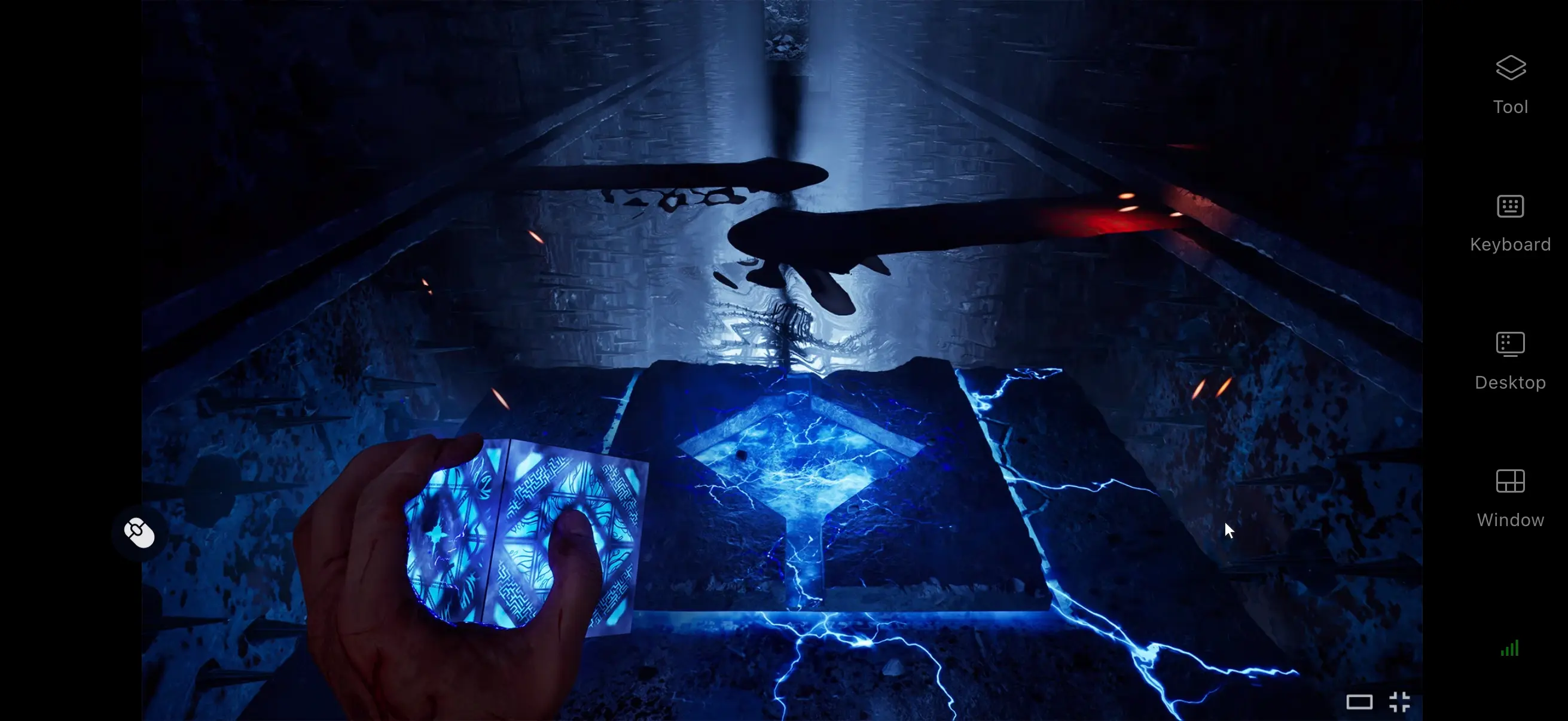
Open OSLink on your phone and select your paired PC from the device list to establish a remote connection. Your PC screen will then appear on your mobile device in real time, allowing you to launch and control the game remotely.
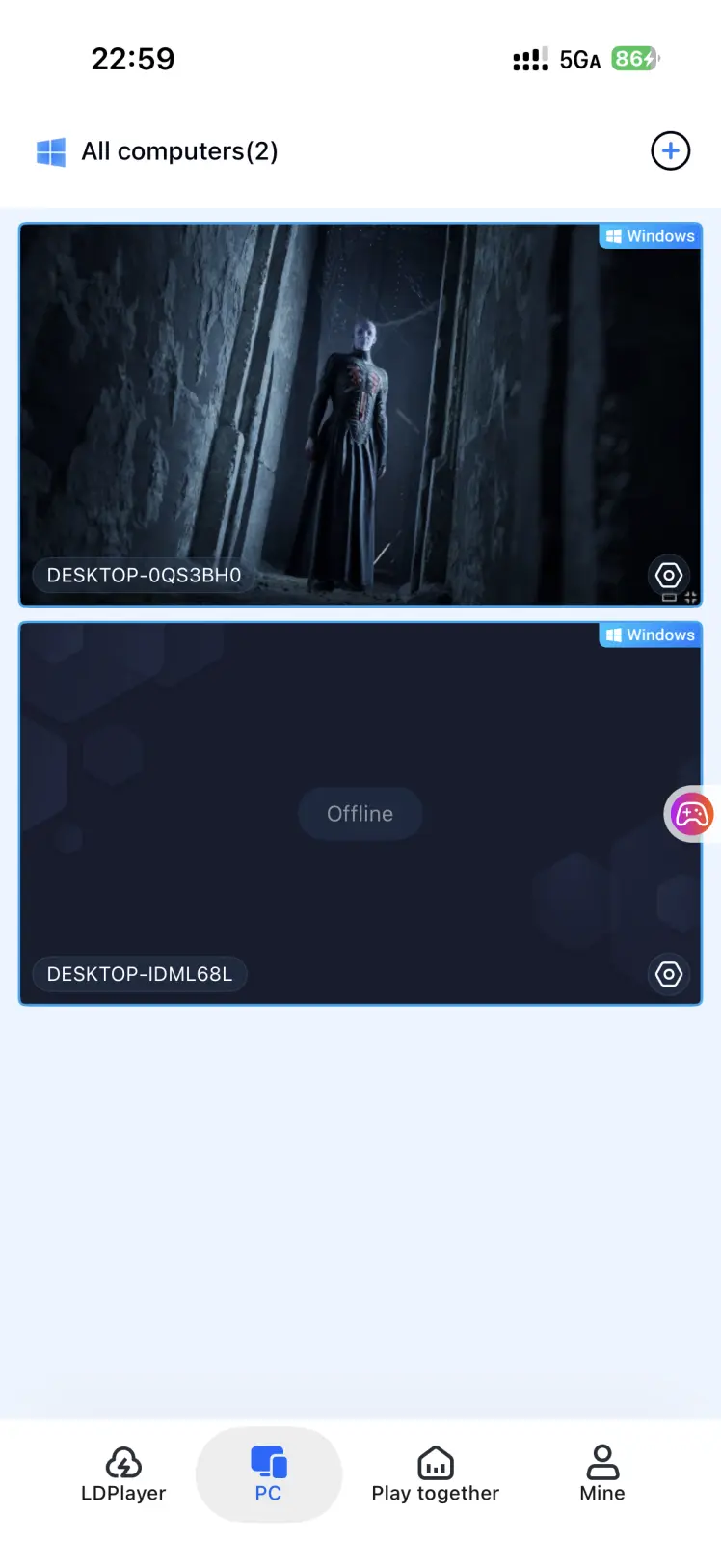
Adjust Mobile Settings
When connecting for the first time, it is recommended to enable the game-specific mode in the side toolbar, which is optimized for PC games and allows you to adjust encoding settings to reduce latency. You can also enable full-screen mode to better fit your phone's screen. Once the settings are adjusted, you can start playing.
4. Benefits of Playing Clive Barker's Hellraiser: Revival on Mobile
Play Without Being Tied to Your PC
As long as your computer and phone have a stable network connection, you can start a remote session whenever you want. You are no longer limited to sitting at your computer, so you can make progress through the game whenever you have a little free time.
No Need to Store the Game on Your Phone
All game files remain on your computer's hard drive, while your phone only needs the lightweight OSLink client. Even older or less powerful phones can be used for remote play, since the PC handles all the heavy processing.
Broad Peripheral Support
OSLink supports a wide range of mainstream external devices. Connect a keyboard and mouse to replicate the original PC control setup, or connect a controller and use the analog stick to control the camera. Compared with touchscreen controls, a controller can provide a more consistent and comfortable feel.
5. How to Improve Your Experience with OSLink
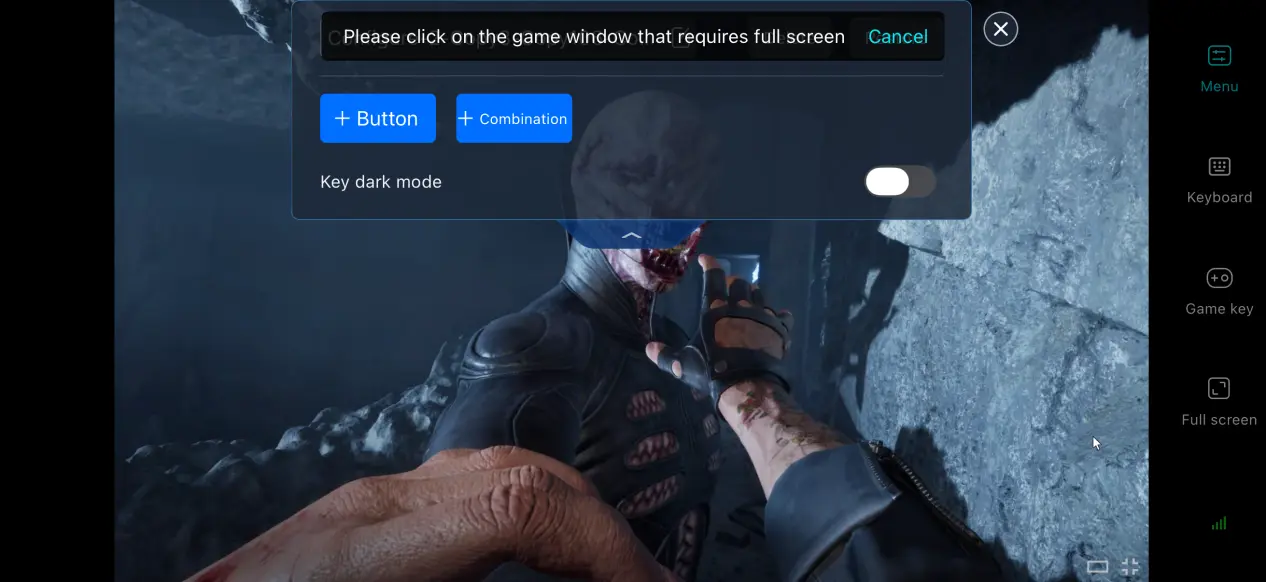
Customize the Virtual Controls
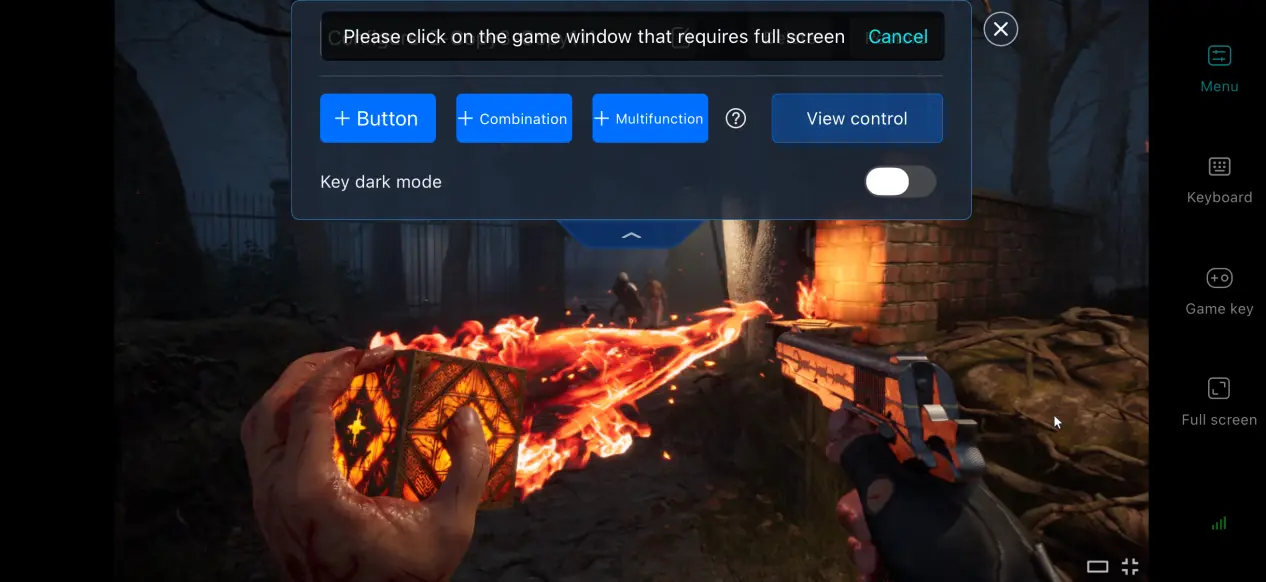
Open the key editing panel to add your own virtual buttons. You can adjust the size, position, and transparency of each button independently. For frequently used actions such as interacting or switching items, it is recommended to place the controls within easy reach of your thumbs to better suit mobile touch controls.
Enable 60 FPS Game Mode
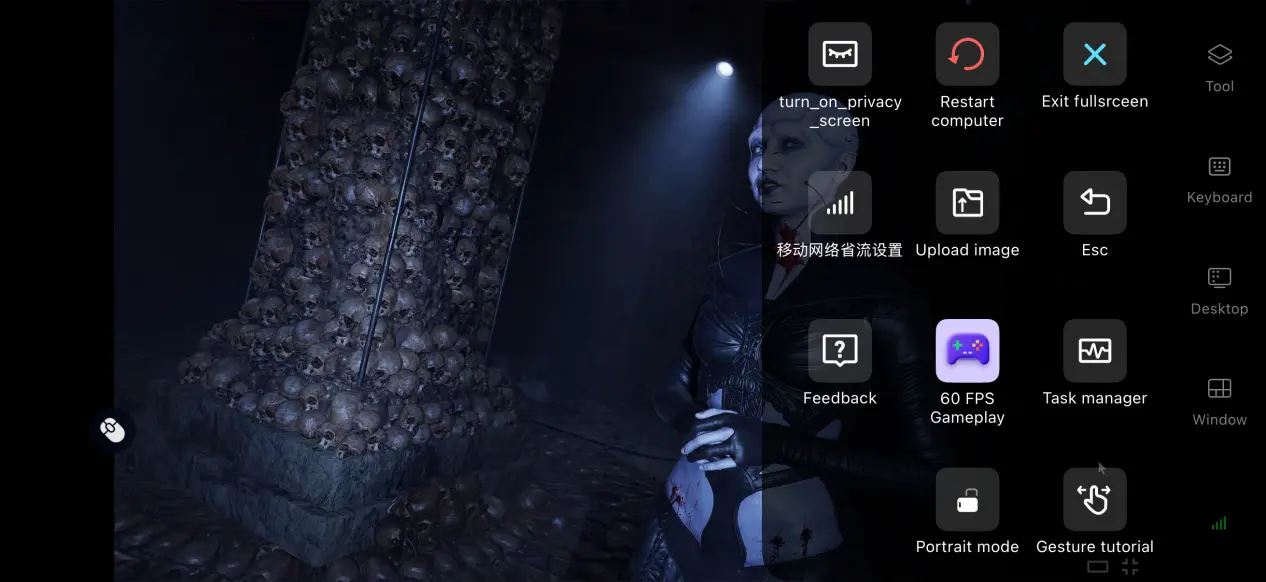
The side toolbar includes several preset streaming options. Enabling 60 FPS PC Game Mode can increase the streaming frame rate and make on-screen responses feel smoother. If the network becomes unstable, switch to Balanced mode to automatically adjust the bitrate and maintain a more consistent stream.
Keep Streaming Records
Each streaming session is recorded in the session history, allowing you to review details such as session duration and the image quality settings used. If you encounter stuttering or unusual latency, these records can help you identify whether the issue is related to the network or your streaming settings.
Adjust Screen Mapping for Mobile
Use the display ratio settings to crop and scale the PC game screen, removing unnecessary black bars and allowing the game to fill your phone's display for a better viewing experience.
6. Frequently Asked Questions About Playing with OSLink
Q: What is Clive Barker's Hellraiser: Revival release time?
A: Clive Barker's Hellraiser: Revival release date is October 8, 2026. It was developed by Saber Interactive, and there are currently no plans for a native mobile version.
Q: What PC hardware is required to run Clive Barker's Hellraiser: Revival?
A: Minimum requirements: Windows 10 64-bit, an Intel Core i5-8400 / AMD Ryzen 5 2600 processor, 8 GB of RAM, a GTX 1060 graphics card, and 45 GB of available storage space. Recommended requirements: an Intel Core i7-9700 / AMD Ryzen 7 3700X processor, 16 GB of RAM, and an RTX 2060 graphics card. A typical modern home PC should be capable of running the game.
Q: Can I play Clive Barker's Hellraiser: Revival on an Android or iOS device?
A: The game does not have a native Android or iOS version. To experience the full PC version on an your phone, you can use OSLink to remotely stream the game from your computer.
Summary
Clive Barker's Hellraiser: Revival is a PC horror game known for its dark and unsettling atmosphere. Since the game does not have a native mobile version, OSLink offers a convenient way to stream the PC version to your phone. With controller support and customizable touchscreen controls, you can enjoy the full game remotely and continue your adventure whenever you're away from your PC.
 Download