English
 BRIGANDINE ABYSS is a role-playing game that combines tactical simulation with strategic management. Players need to develop generals, command armies, and engage in battles with enemies. To provide the ultimate gaming experience, it is exclusively available on PC. If you temporarily step away from your computer but wish to continue leading your troops in battle, the OSLink remote tool can assist you. As long as your computer remains on, you can control your forces remotely via your mobile phone at any time.
Do you want to command troops anytime and anywhere, experiencing the thrill of ruling a fantasy continent? With OSLink, you can map strategy game controls to your mobile screen and enjoy a more convenient strategy gaming experience on your phone.
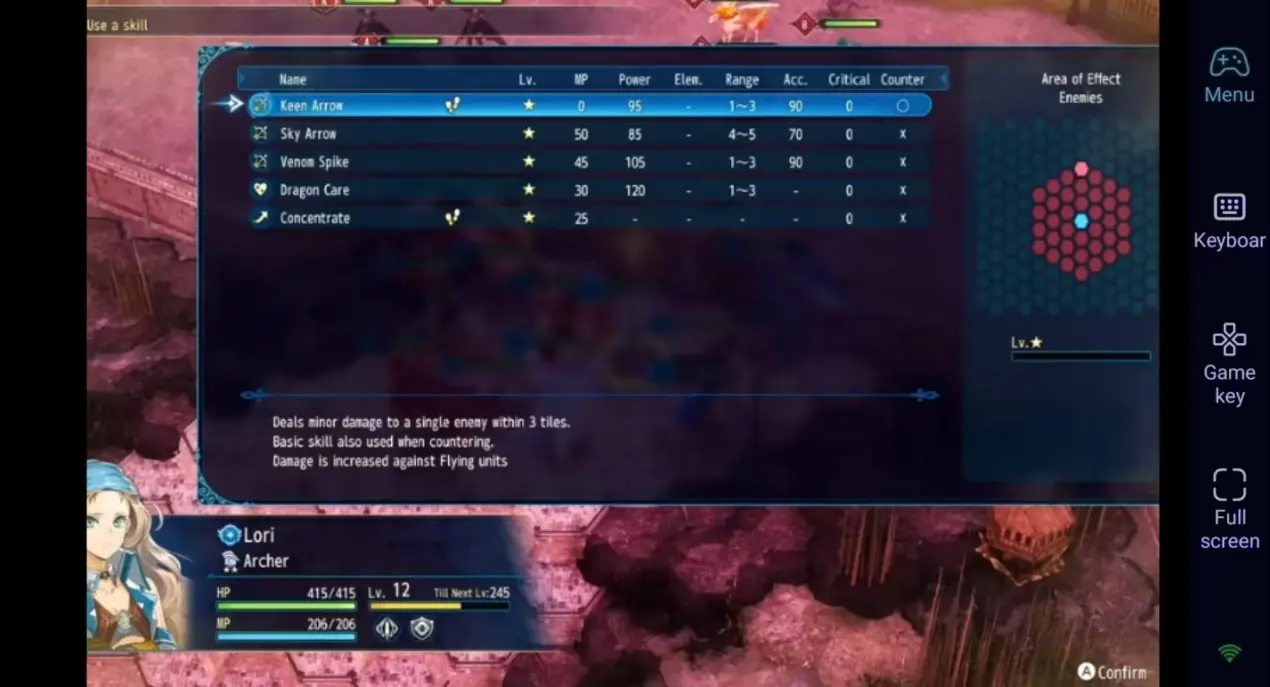
Step 1: Download OSLink & Pair Devices
1. PC Client
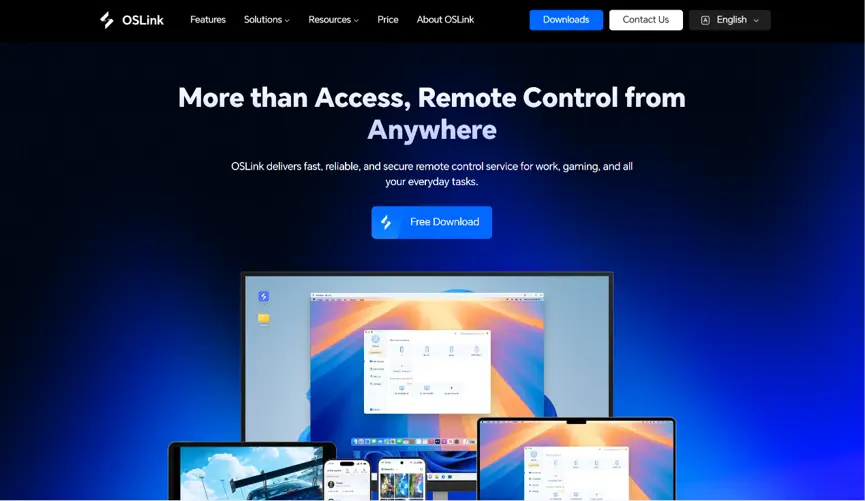
Head to the official OSLink website to download and install the desktop client. We recommend a wired ethernet connection or high-speed Wi-Fi to minimize input lag.
2. Mobile Client
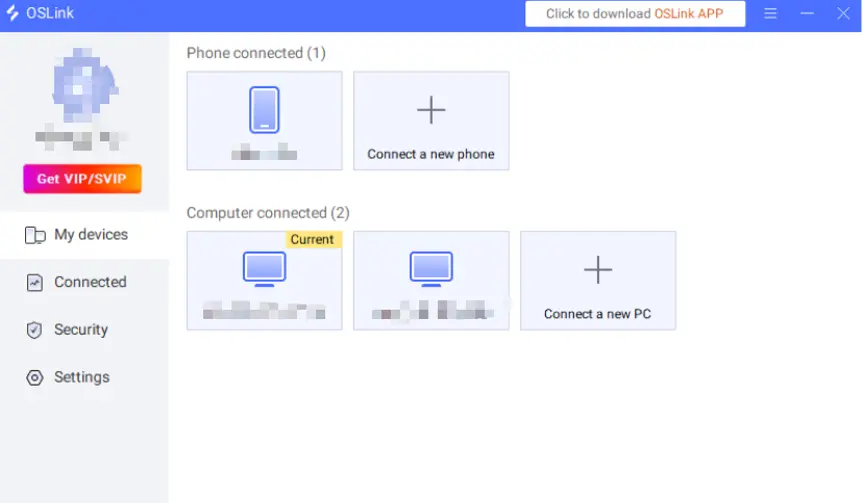
Download the OSLink app from the Apple App Store or Google Play Store; the official website also offers the standalone APK file. Log into the exact same account used on your PC, and your devices will automatically pair.
Step 2: Control Optimization Settings
1. Start the game
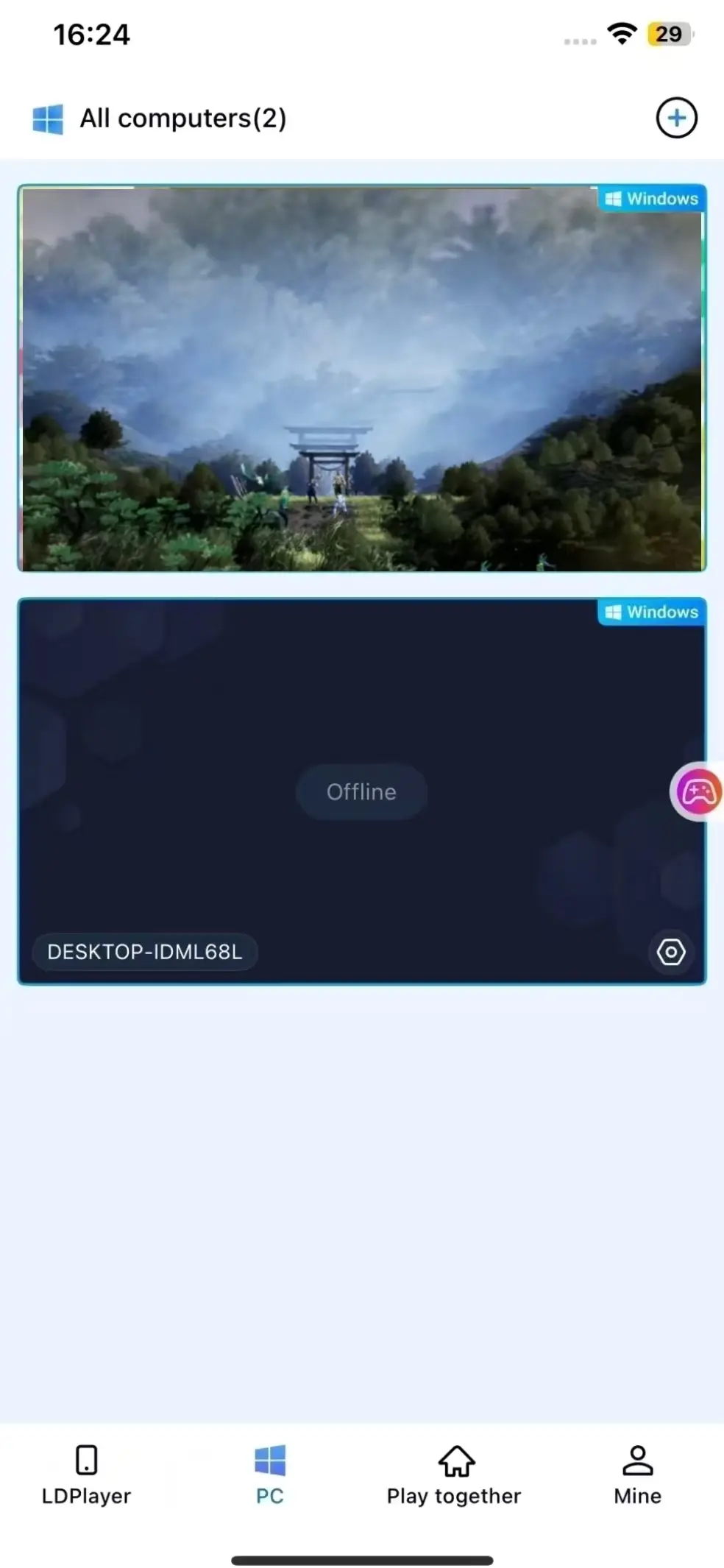
Launch BRIGANDINE ABYSS on your PC in advance. If it has not been launched, you can launch it remotely with a single tap using the shortcut in the OSLink mobile app.
2. Enable 60 FPS PC Gaming
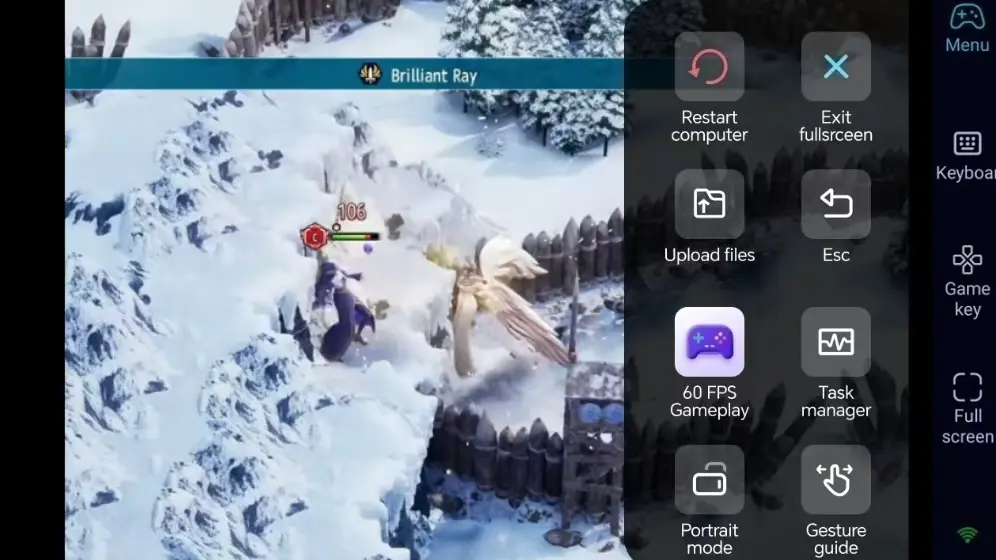
Once your PC screen is successfully streamed to your phone, enable the '60 FPS Gameplay' mode. Ensure that the unit movements and attack animations on the strategy board remain exceptionally smooth.
3. Custom key bindings for troop deployment
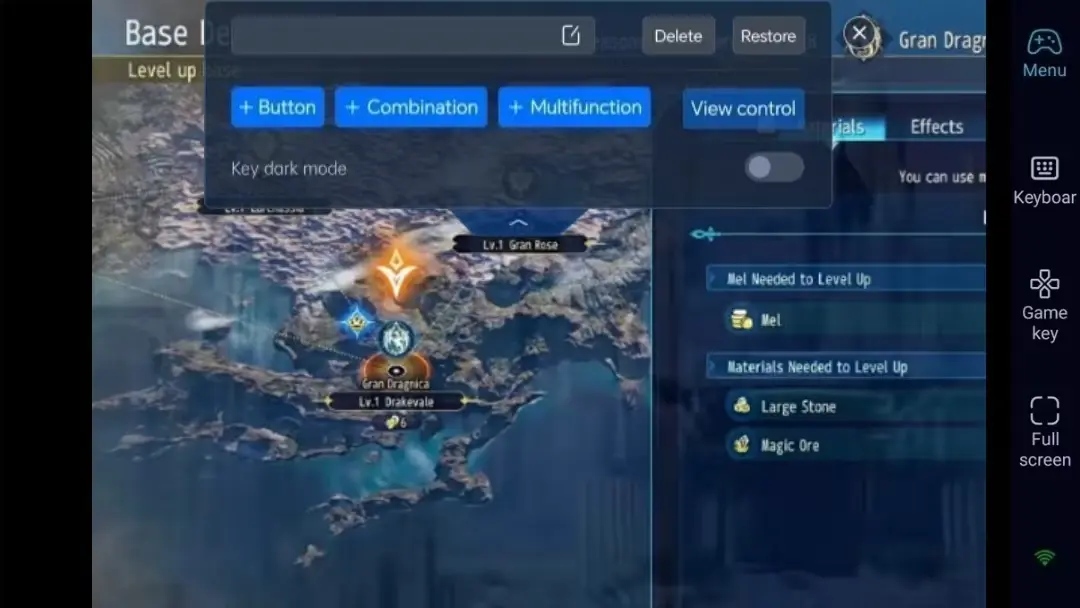
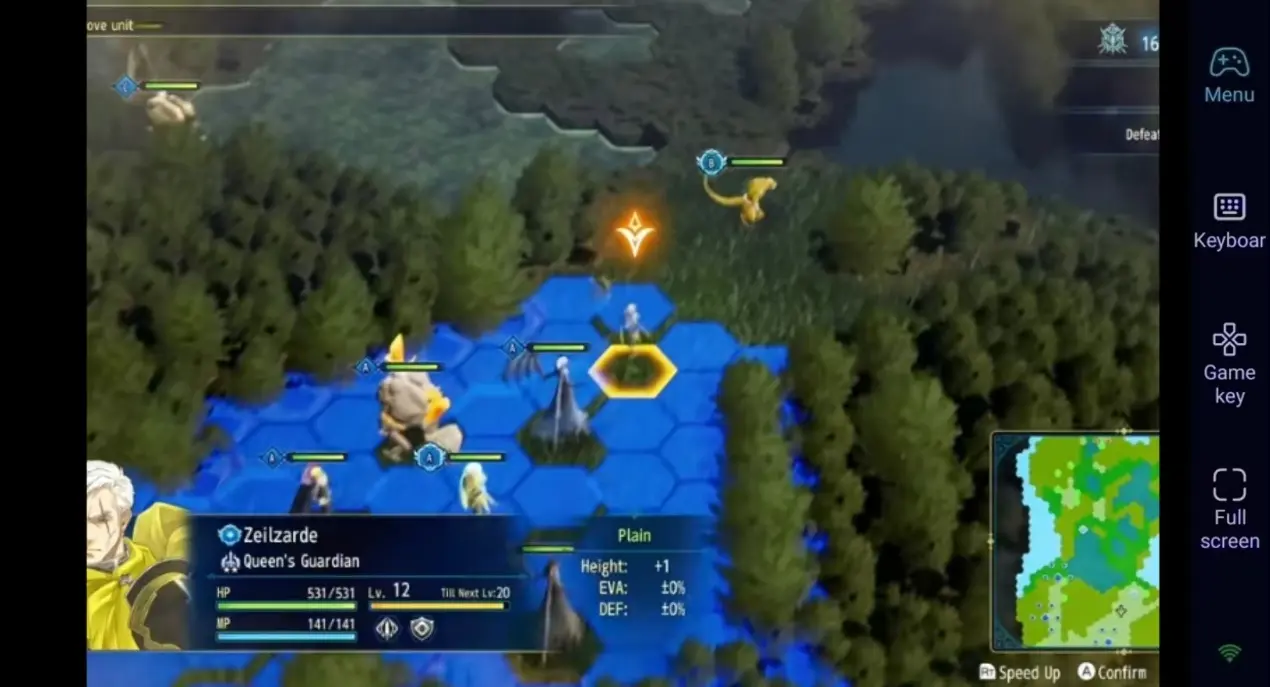
For frequent selections and menu operations in strategy games, it is recommended to map the left mouse button (confirm), right mouse button (cancel), unit menu, and end turn as on-screen virtual buttons. You can also adjust the transparency according to your preference to keep the entire battlefield clearly visible.
4. Use an External Controller
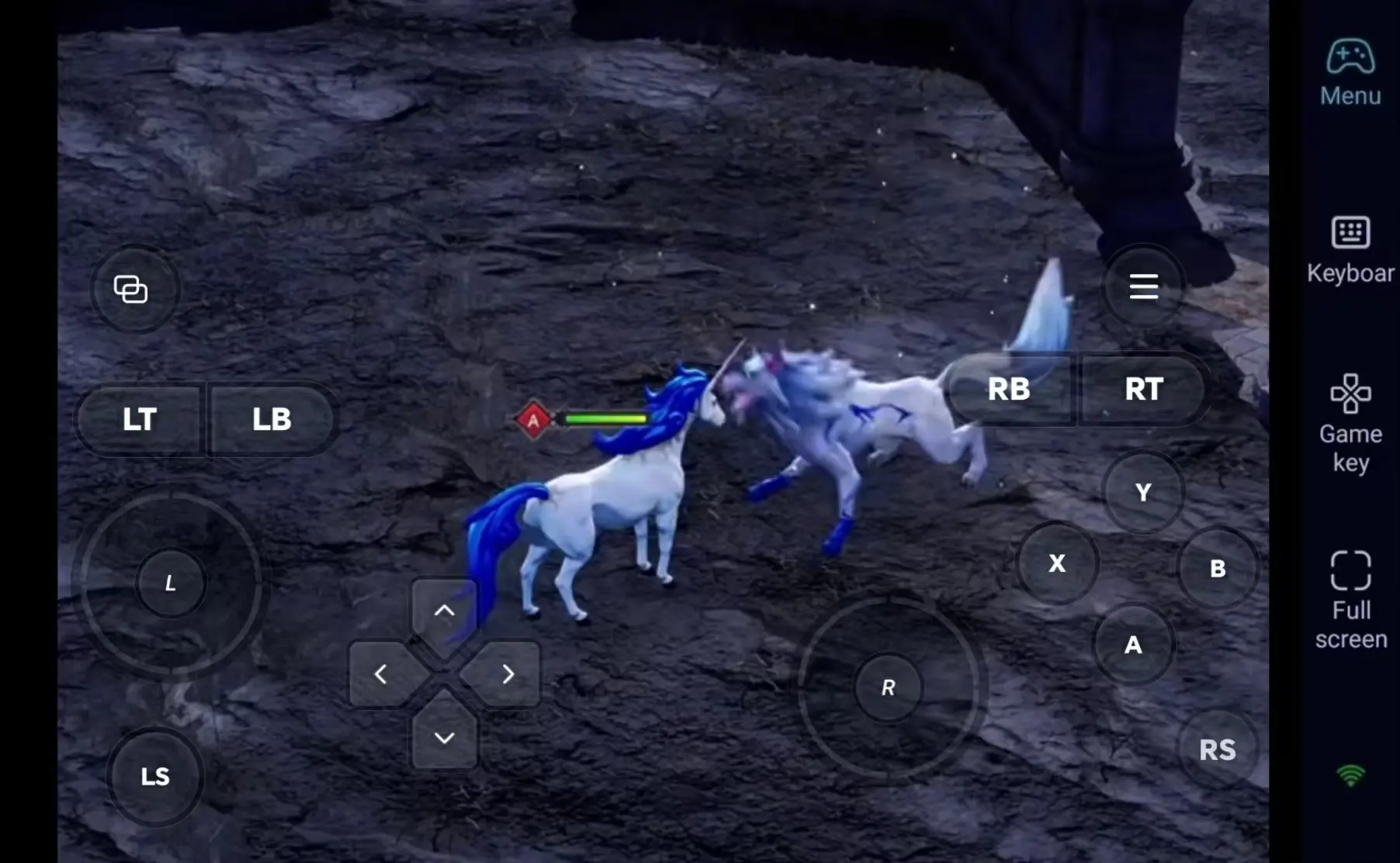
OSLink supports Bluetooth controllers. Whether it is the d-pad operation familiar to console players or simple analogue stick control, both work well with this type of strategy game.
Step 3: Plan Your Strategy Anytime and embark on the path to conquest
Once all settings are configured, your phone can serve as a remote control terminal. Utilise your spare time to manage your city, organise troops, and engage in turn-based battles on your phone anytime and anywhere.
Why choose OSLink to play BRIGANDINE ABYSS?
1. No Location Restrictions-Deploy Your Troops Anytime
No matter where you are, as long as there is an internet connection, you can remotely connect to your PC. Later, when you return home, you can seamlessly switch back to the large screen, and your gameplay continues without interruption.

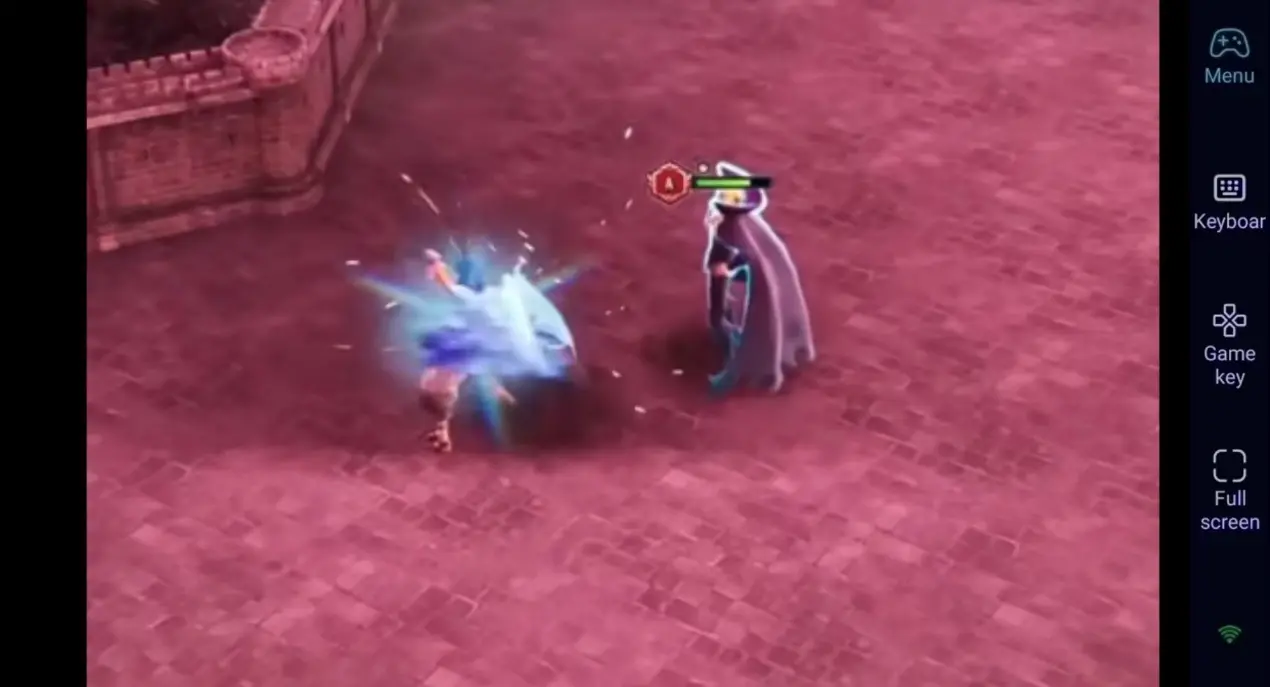
2. 60-frame streaming, restoring the epic strategy game visuals
Stable 60 FPS streaming showcases the fantasy continent's visual style in full detail. Controls on the mobile screen are responsive and smooth, making tactical movements more precise.
3. Seamless Progression-Saves Stored Locally
Saved files are stored on the local PC, and your progress remains the same whether you play remotely on mobile or directly on your PC, allowing you to take control of your army in the game at any time.
FAQ-Frequently Asked Questions
Q1: What's the release date of BRIGANDINE ABYSS?
A1: The strategy simulation game " BRIGANDINE ABYSS" was officially released on Steam on 27 August 2026. It is a PC-exclusive game and does not have a native mobile version.
Q2: Can I play BRIGANDINE ABYSS on iOS or Android?
A2: No. This game is exclusively for PC and consoles, and there is no native iOS or Android version. However, you can use the OSLink remote tool to connect your mobile device to your PC and play high-difficulty battles smoothly anytime, anywhere.
Q3: Will latency affect tactical gameplay when playing remotely on mobile?
A3: With a stable network connection, OSLink provides responsive remote controls suitable for turn-based tactical gameplay. For a smoother experience, use a stable high-speed Wi-Fi connection and enable 60 FPS PC Gaming mode.
Conclusion
Whether you wish to manage domestic affairs during your commute or experience an epic battle before bedtime, with OSLink remote streaming,BRIGANDINE ABYSS is always under your control, anytime and anywhere.
 Download