English
Starting your zoo in Planet Zoo 2 can be exciting, but there's a lot to learn when it comes to building habitats, caring for animals, managing staff, and keeping your zoo profitable. This Planet Zoo 2 Beginner Guide covers essential tips to help you get started, avoid common mistakes, and grow your zoo at a comfortable pace.
Want to play even when you're away from your computer? OSLink lets you remotely access your PC and play Planet Zoo 2 on your mobile device, so you can continue managing your zoo while away from your desk, so you can connect to your game when you're away from your desk.
Choose the Right Game Mode to Get Started
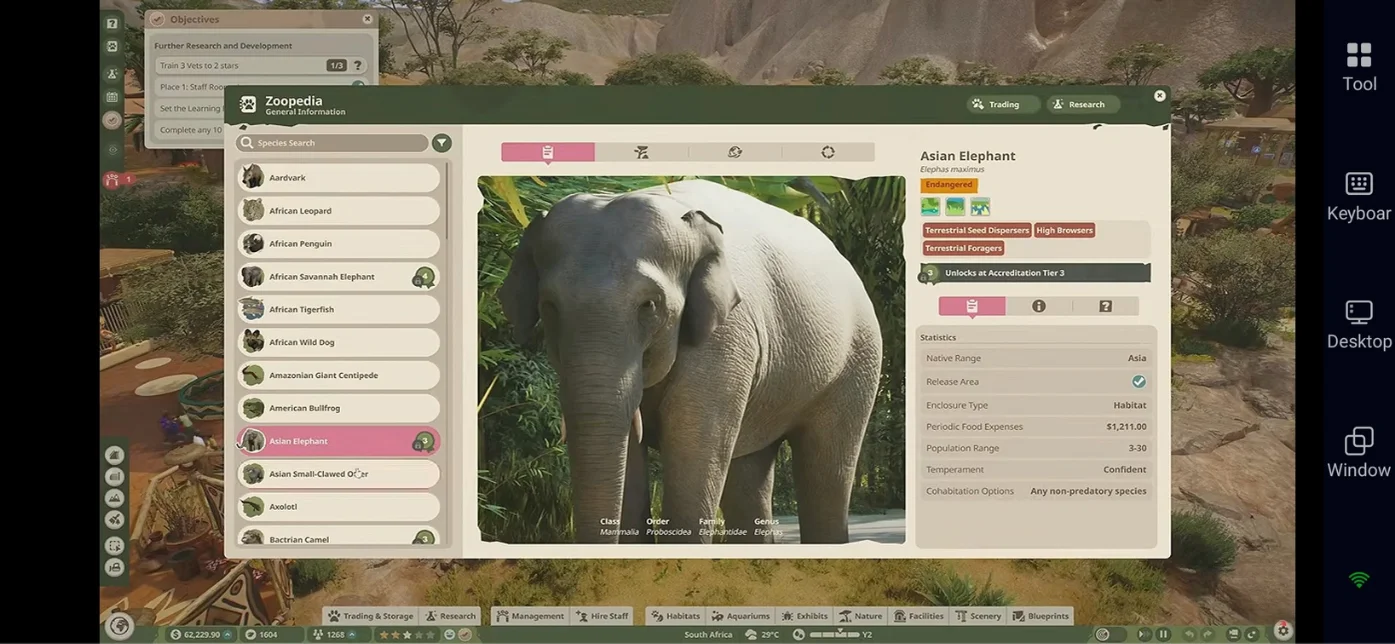
Choosing the right game mode can make your first hours in Planet Zoo 2 much easier. Whether you want guided objectives, long-term zoo management, or complete creative freedom, each mode offers a different way to play.
-
Career Mode: The best starting point for beginners. Follow guided scenarios and objectives that introduce the game's building, animal care, and management systems while progressing through the FEN conservation story.
-
Franchise Mode: Build and manage a network of zoos with shared progression and research. You can also trade animals with other players, making this mode a good choice if you enjoy long-term goals and a connected experience.
-
Sandbox Mode: Design your dream zoo with customizable settings. Depending on your chosen preset and options, you can disable financial restrictions, unlock building items, and adjust other gameplay rules to focus on creativity.
Learn the Zoopedia Before Building Habitats
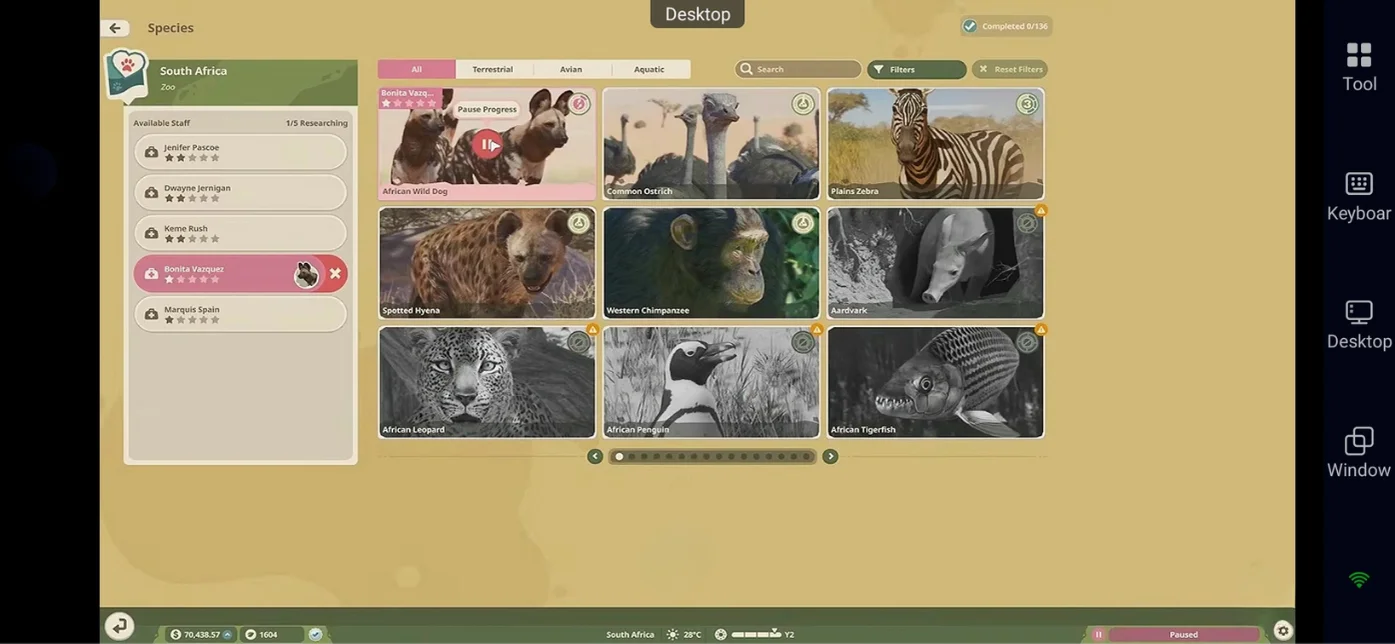
The Zoopedia is your in-game encyclopedia for the animals in Planet Zoo 2. Before adopting an animal, check its requirements so you can prepare a suitable habitat and avoid unnecessary changes later.
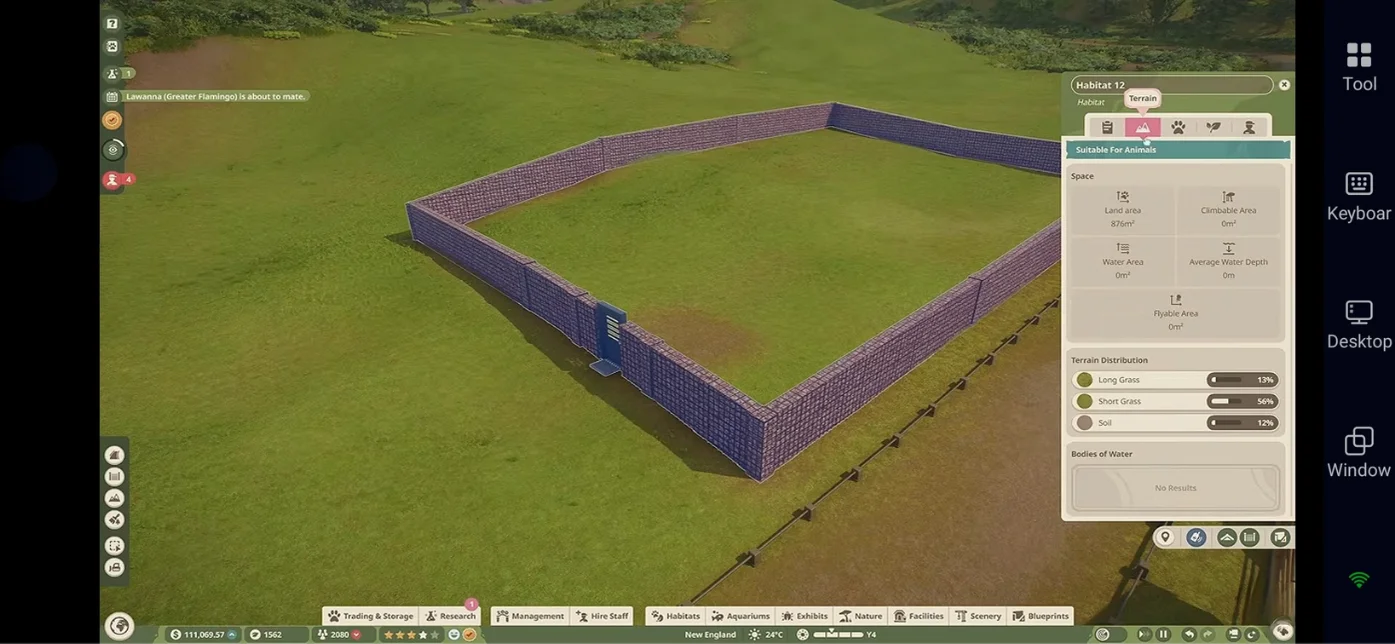
Pay attention to these key details:
-
Habitat Size: Check how much space the animal needs to move around comfortably.
-
Terrain: Review its preferred terrain types and required proportions.
-
Plants: Check which vegetation suits the animal's habitat and whether any plants should be avoided.
-
Social Needs: Find out whether the animal should live alone, in pairs, or in a group.
-
Shelter and Climate: Check its shelter requirements and any temperature or environmental needs.
-
Food and Enrichment: Learn what it eats and which enrichment items support its well-being.
Once you've checked these requirements, you can build the habitat around the animal's needs. Add decorative rocks, plants, and other scenery after ensuring the essential requirements are covered.
Build Better Habitats, Aquariums, and Aviaries
A well-designed habitat should meet your animals' needs while making it easy for staff to care for them and visitors to enjoy watching them. Plan the layout before adding decorations, and make sure both animals and staff can access the areas they need.
Build Land Habitats Around Your Animals
Start by creating a suitable enclosure with enough space for the animal to move comfortably. Add a keeper gate and connect it to a staff path so keepers can enter to feed animals and maintain the habitat. Position viewing areas where guests can see the animals while leaving quieter spaces where animals can retreat from view.
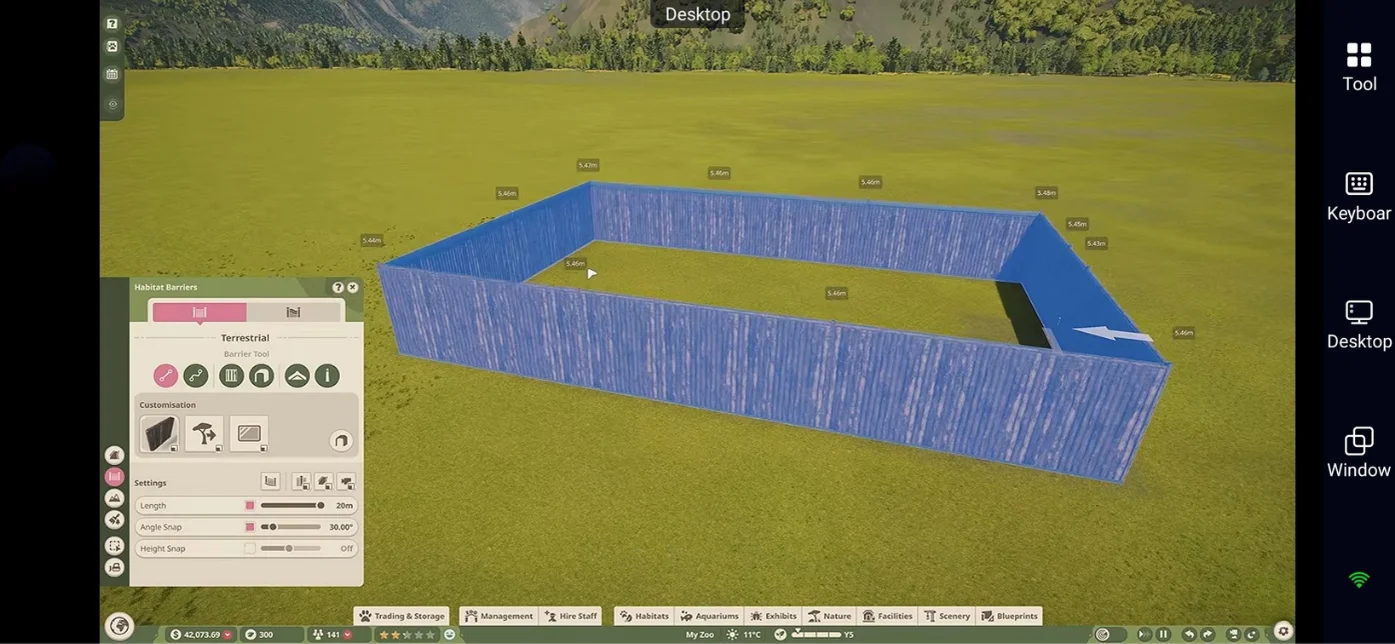
Before introducing animals, check the habitat for potential escape points and make sure the barriers are secure. Afterward, use the habitat information and relevant heat maps to identify problems with terrain, plants, or other environmental conditions.
Set Up Aquariums for Aquatic Animals
Choose the appropriate water type for your aquatic species, such as freshwater, brackish water, or saltwater. Check the animal's requirements before finalizing the tank, paying attention to water temperature, salinity, depth, and available space.
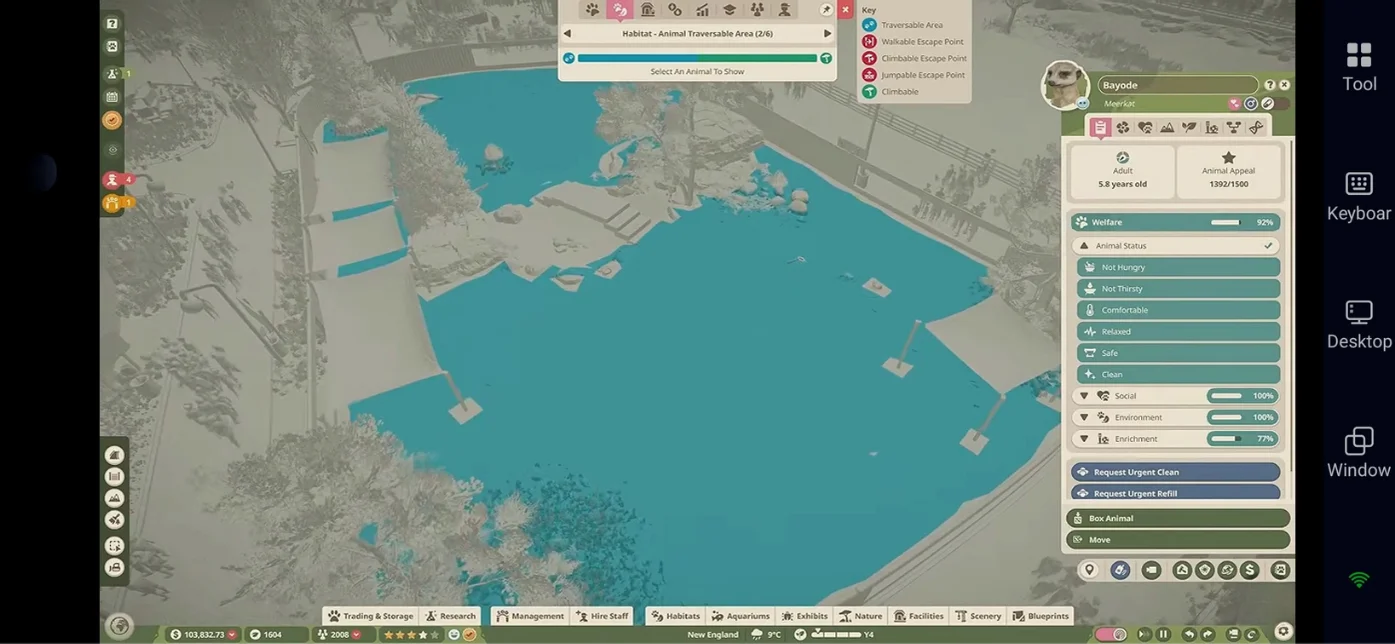
Install the necessary filtration equipment and ensure the tank can support its inhabitants. Monitor water conditions after introducing animals, as maintaining suitable water quality is essential for their health.
Create Safe and Spacious Aviaries
Build aviaries with suitable support structures and mesh roofing to keep flying animals safely enclosed. Check the requirements of each bird species and provide enough unobstructed space for flight, along with appropriate perches, nesting areas, and vegetation.
Make sure the aviary layout leaves room for birds to move between perches without being blocked by scenery. Check that staff can access the enclosure for feeding and maintenance, too.
Make Path Building Easier
Start with a main path from the zoo entrance, then add smaller routes connecting habitats, shops, and staff facilities. Build the essential paths first so guests and employees can reach the areas they need before you spend time refining the layout.
Use the Line and Curve Builder to create planned routes, the Draw Tool to shape larger path areas, and the Stamp Builder to place preset shapes and plazas. The Border Edit tool can help you refine path edges. Keep the initial layout simple and add decorative details once the paths and access points work properly.
Keep Your Animals Healthy and Happy
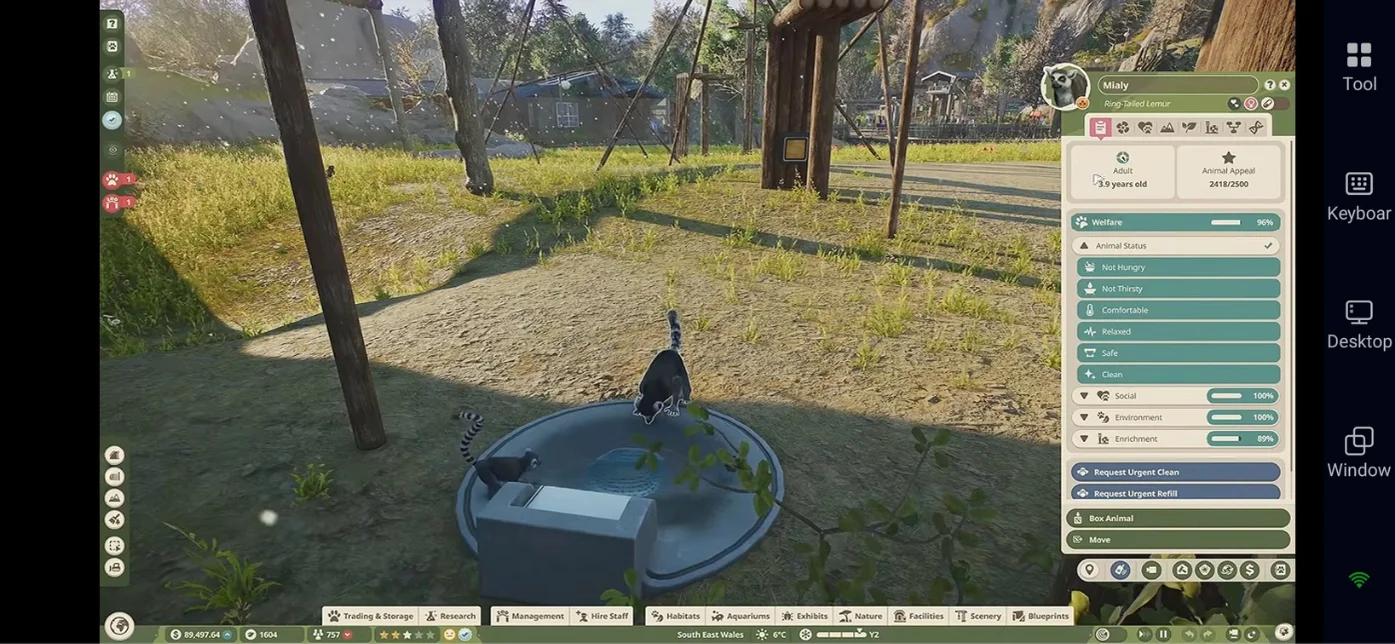
Maintaining good animal welfare is essential for running a successful zoo. Regularly check each animal's welfare profile to identify problems and see which needs require attention. Planet Zoo 2's four main welfare categories are Nutrition, Social, Environment, and Enrichment, while health should also be monitored separately.
-
Nutrition: Provide suitable food and clean water, and ensure animals receive the diet their species requires.
-
Social: Keep animals in appropriate groups and make sure their social needs are met. Some species also benefit from living alongside compatible species.
-
Environment: Maintain suitable living conditions, including adequate space, appropriate terrain, shelter, and temperature.
-
Enrichment: Provide suitable toys and activities that encourage natural behaviours and help prevent boredom.
-
Health: Monitor animals for signs of illness or injury and use your veterinary staff to provide treatment when necessary.
Check welfare profiles regularly and address problems as they appear. Animal research can also reveal additional information about species-specific needs, helping you improve their living conditions as your zoo develops.


 Pre-set Keymaps for Easy Play

Hire Staff and Keep Your Zoo Running Smoothly
Hiring the right staff helps you care for animals, maintain facilities, and provide a better experience for visitors. Start with the essential roles, then hire additional workers as your zoo expands and their workloads increase.
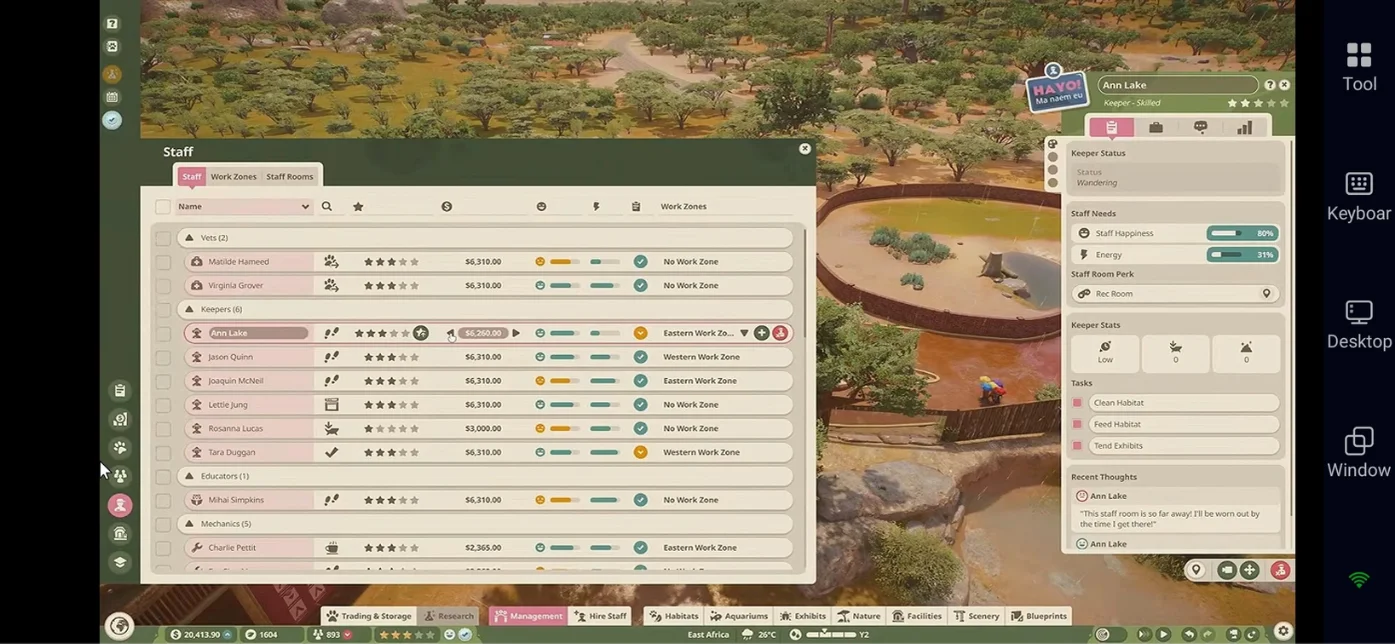
Here's a quick look at the main staff roles in Planet Zoo 2 and their responsibilities.
|
Staff Member |
Main Responsibility |
|
Keepers |
Feed animals, inspect habitats, and clean up animal waste. |
|
Vets |
Treat sick or injured animals and conduct animal research. |
|
Mechanics |
Repair damaged barriers, maintain facilities, and keep essential equipment working. |
|
Caretakers |
Clean paths, empty bins, maintain guest areas, and transport animals when needed. |
|
Vendors |
Serve guests at shops, restaurants, and food or drink stalls. |
|
Educators |
Give animal talks and teach visitors about wildlife and conservation. |
Organize Your Staff for Better Efficiency
-
Create Staff Work Zones: Assign workers to nearby habitats and facilities to reduce unnecessary walking and help them complete their tasks efficiently.
-
Place Staff Facilities Nearby: Keep keeper huts close to habitat gates so keepers spend less time travelling when preparing food. Provide accessible staff rooms where workers can rest.
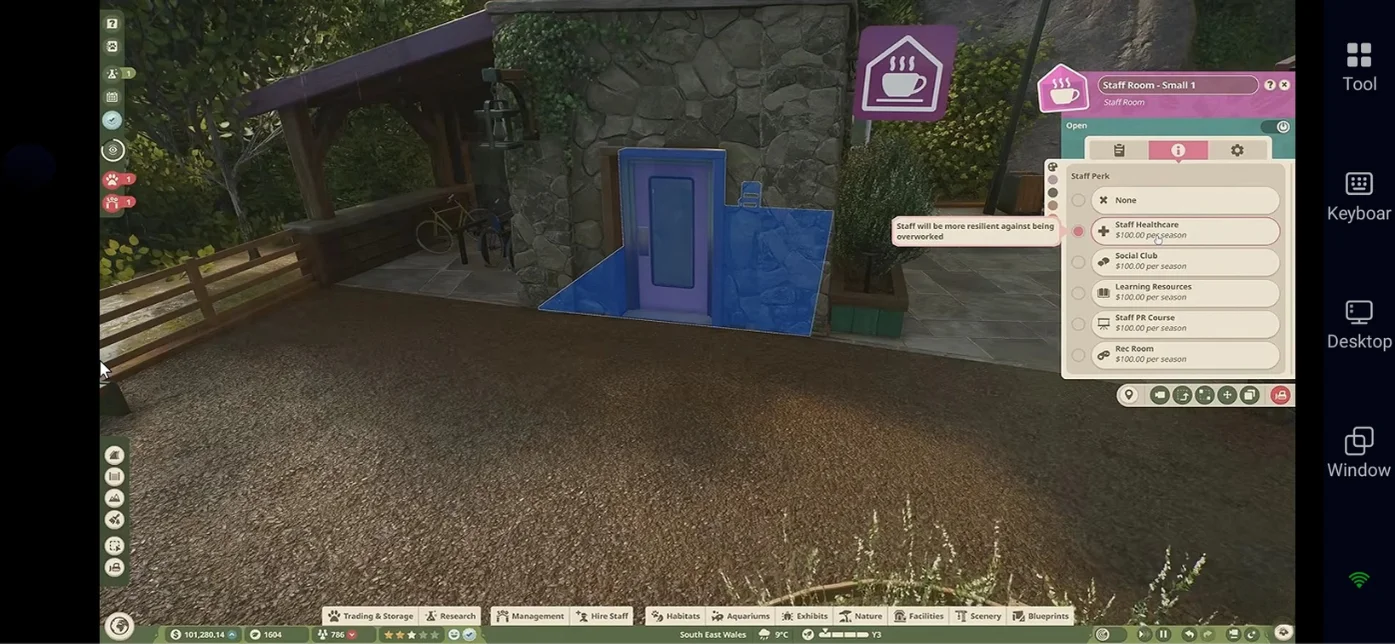
-
Monitor Workloads: Check staff workloads regularly and hire additional workers when essential tasks are being neglected.
-
Train Your Staff: Improve your staff's skills as your zoo grows, particularly those of employees who perform demanding or important tasks.
Keep an Eye on Your Zoo Finances
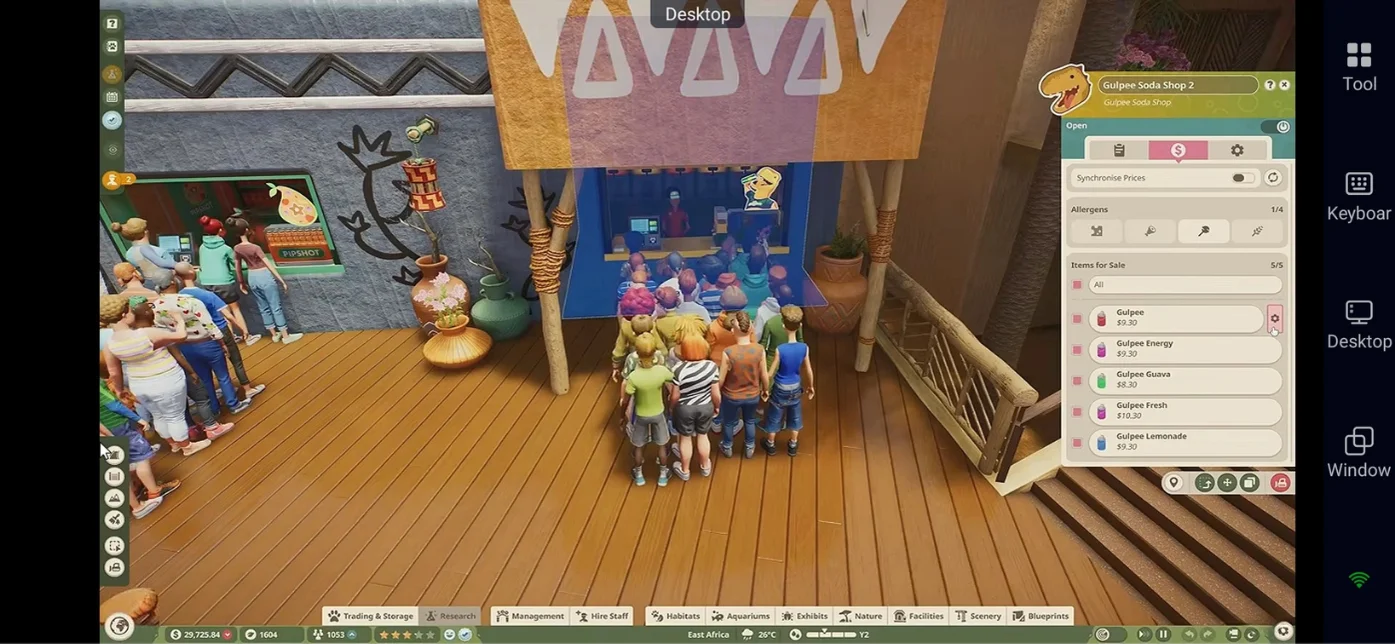
Expanding your zoo, hiring staff, and caring for animals can quickly increase your expenses. To keep your zoo financially stable, monitor your income and spending regularly, and expand only when your finances can support it.
Here are some practical tips to help you manage your budget:
-
Check Income and Expenses: Review your financial reports regularly to understand where your money comes from and where it goes.
-
Control Building Costs: Build habitats and facilities gradually instead of spending too much on expansion at once. Consider pausing the game while planning major construction projects to avoid unnecessary operating costs during construction.
-
Adjust Admission Prices: Pay attention to visitor feedback and adjust ticket prices when guests feel admission is too expensive.
-
Balance Staff Costs: Keep staff wages in mind when hiring additional workers, and make sure your income can support your staffing needs.
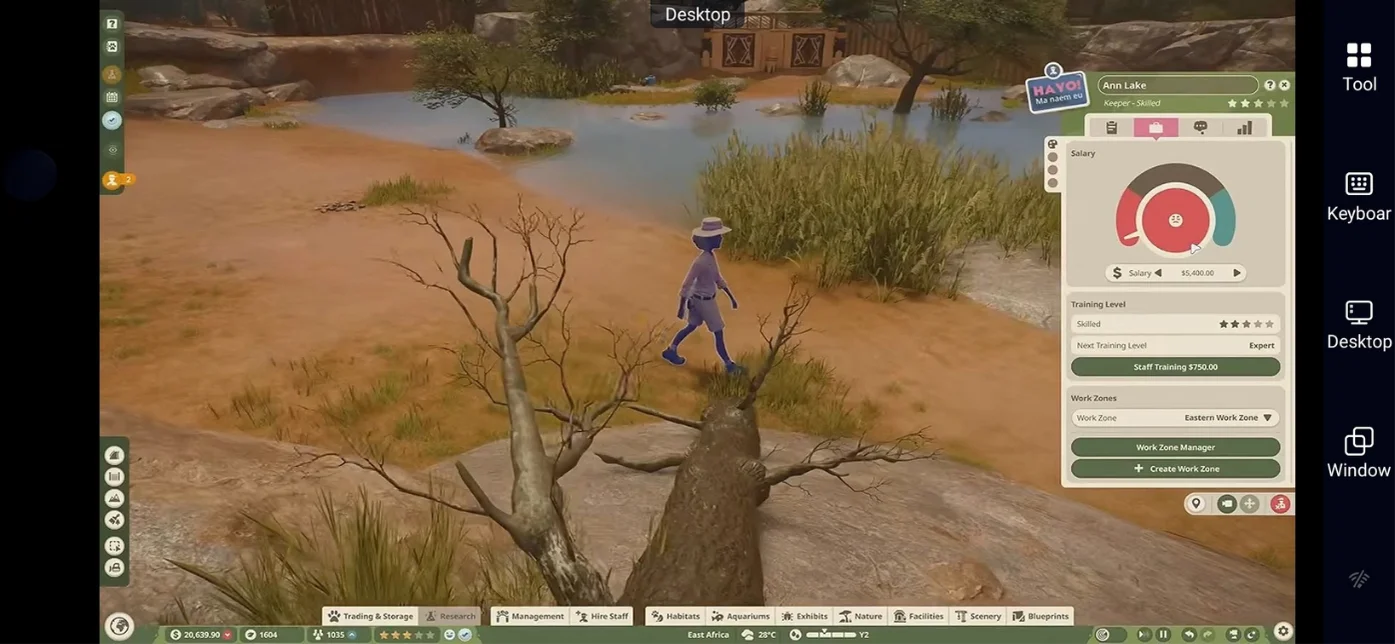
-
Monitor Animal Care Costs: Check the ongoing food and care costs of animals before adopting expensive species. Some animals can be much more costly to maintain than others.
-
Use Donation Bins: Place donation bins near popular animal viewing areas to give visitors convenient opportunities to support your zoo.
-
Expand Gradually: Add new habitats, shops, and facilities when your existing zoo is generating enough income to cover the additional expenses.
Explore Wildlife Reserves and Conservation
Wildlife Reserves take conservation beyond your zoo, allowing you to restore natural ecosystems and release eligible animals into suitable environments. Preparing the reserve and meeting each species' release requirements are important steps in this process.
-
Choose a Suitable Reserve: Explore the available reserves and check which ecosystems and animal species are suitable for each location.
-
Restore the Ecosystem: Prepare the environment by addressing its specific needs, including suitable terrain, vegetation, and other ecological conditions.
-
Research Animal Species: Use your veterinary research to unlock conservation opportunities and learn which animals may qualify for release.
-
Prepare Eligible Animals: Check the release requirements for your chosen species and make sure the animals meet the criteria before attempting a release.
-
Monitor Conservation Progress: Track ecosystem restoration and research progress to see how your work contributes to the reserve's development. Check the in-game rewards to understand what you can earn as you progress.
Common Beginner Mistakes to Avoid
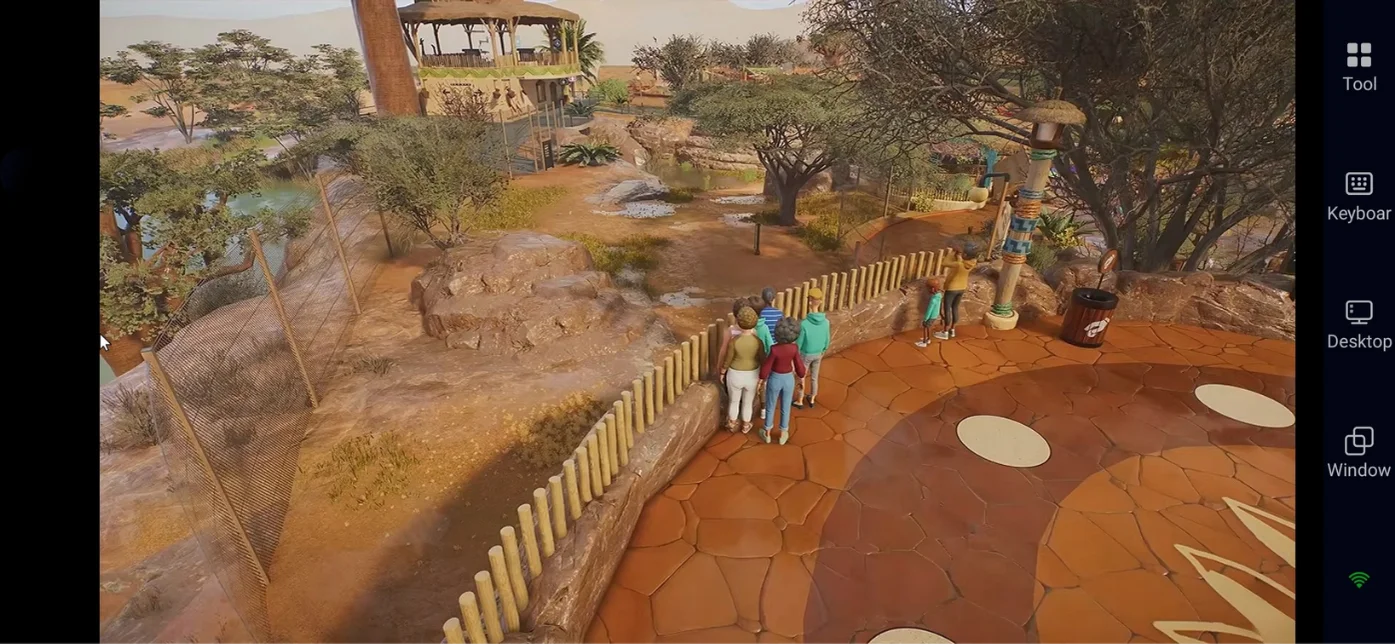
When starting out in Planet Zoo 2, it's easy to focus too much on building and overlook the management side of running a zoo. Keep these common mistakes in mind to avoid unnecessary problems as you expand your zoo.
-
Building too much too soon: Start small and expand your zoo gradually.
-
Ignoring animal requirements: Check the Zoopedia before building habitats.
-
Creating awkward paths: Plan your paths before adding too many buildings.
-
Placing staff facilities too far away: Keep facilities close to the areas they serve.
-
Ignoring financial reports: Check your income and expenses regularly.
-
Decorating before checking animal welfare: Meet your animals' basic needs before adding decorations.
-
Forgetting about research: Assign vets to conduct research and unlock better animal care options.
Conclusion
Building a successful zoo in Planet Zoo 2 takes time, so focus on your animals' needs, keep your finances under control, and expand as your zoo grows. With the right approach, you can gradually create a thriving wildlife park filled with well-designed habitats and happy visitors. If you want to continue playing away from your PC, OSLink lets you remotely access your computer and play Planet Zoo 2 on your mobile device, making it easier to return to your zoo wherever you are. Take your time, enjoy experimenting with new designs, and have fun building your dream zoo!
 Download