English
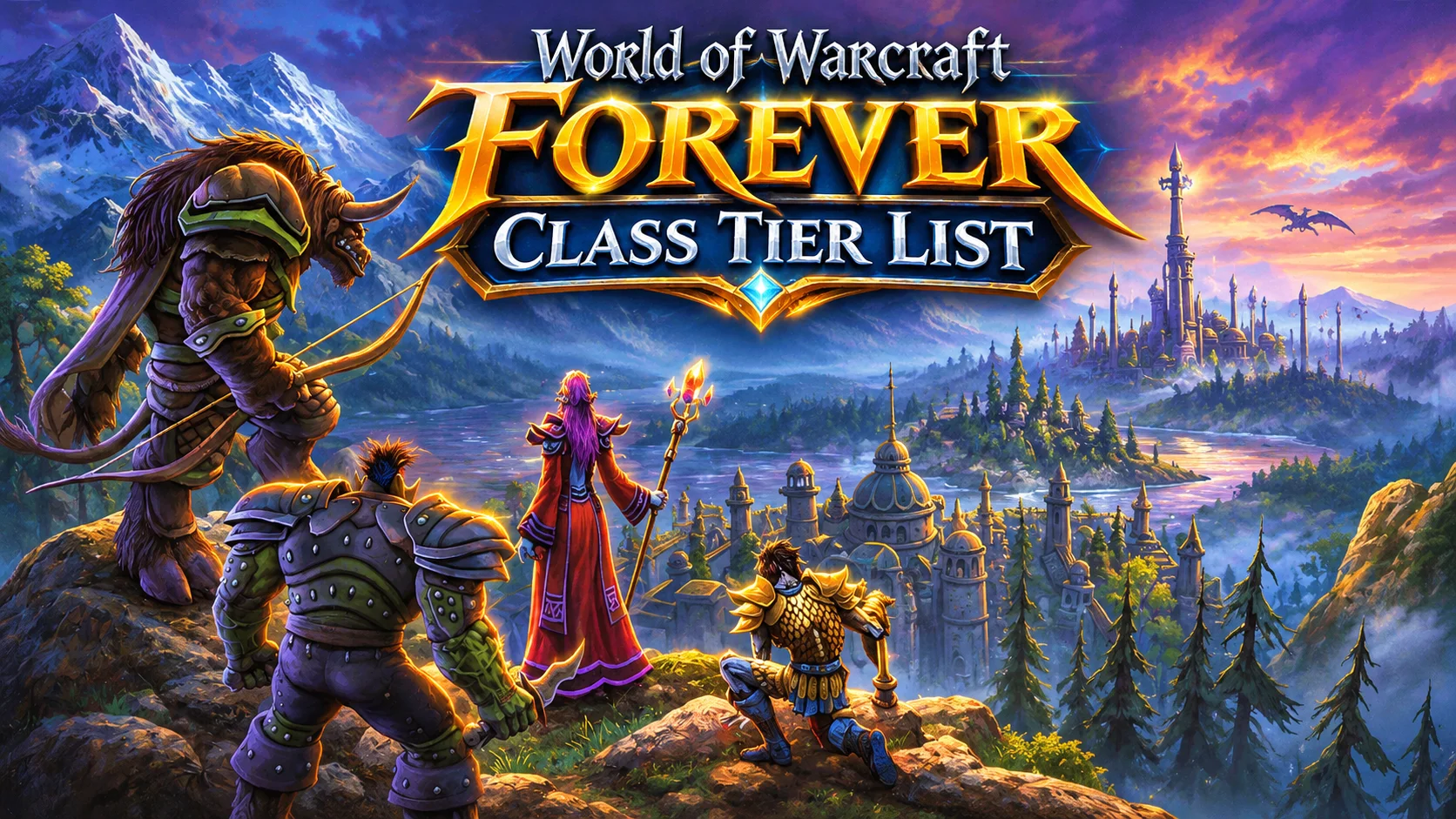
World of Warcraft: Forever, also known as WoW Forever, is a large-scale MMORPG by Blizzard. It reimagines classic Azeroth with revamped zones, new storylines, dungeons, raids and rich profession systems. Players can explore familiar regions of Azeroth, complete solo quests, engage in open-world PvP, or team up with friends to tackle challenging raids.
You may want to log in anytime to finish dailies, fish, farm materials or join raids, but you cannot stay beside your PC all the time. With OSLink remote streaming, you can connect your phone to your home computer and jump into Azeroth whenever you like.
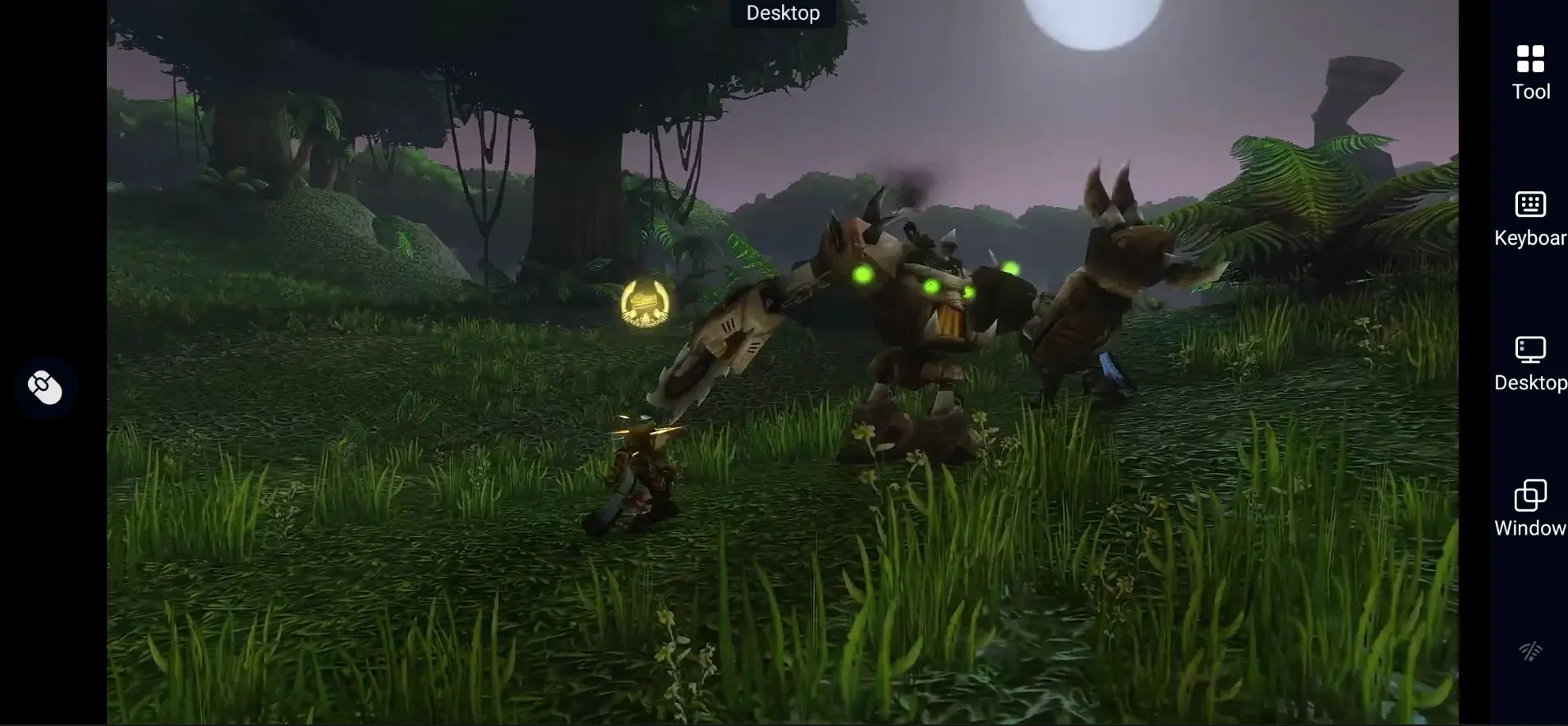
Quick Setup Guide for Playing WoW Forever on Mobile
Step 1: Download OSLink and Connect Your Devices
On PC:
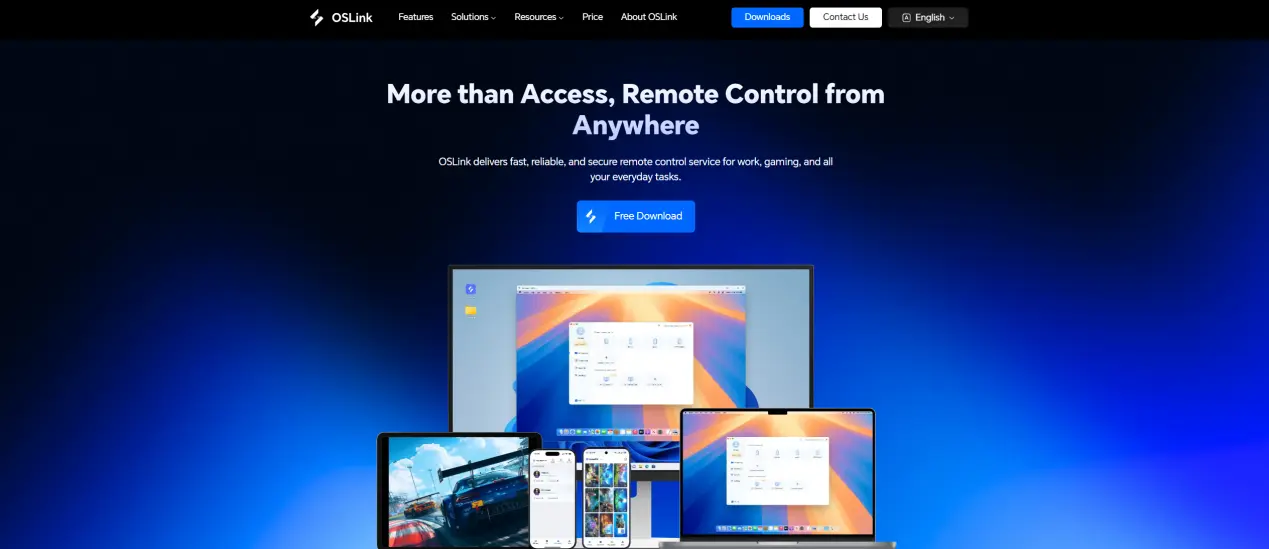
Visit the official OSLink website (https://www.oslink.io) to download the desktop client. Install the software and sign in. Keep your PC powered on and connected to a stable internet connection.
On Mobile:
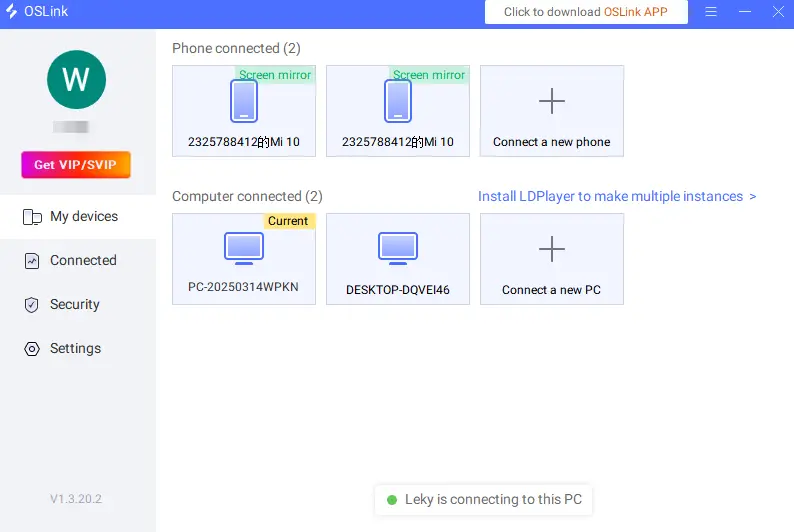
Download the OSLink app from the App Store or Google Play. You can also get the APK file from the official website. Sign in with the same account as your PC. Your devices will automatically pair after login.
Step 2: Optimize Your Controls
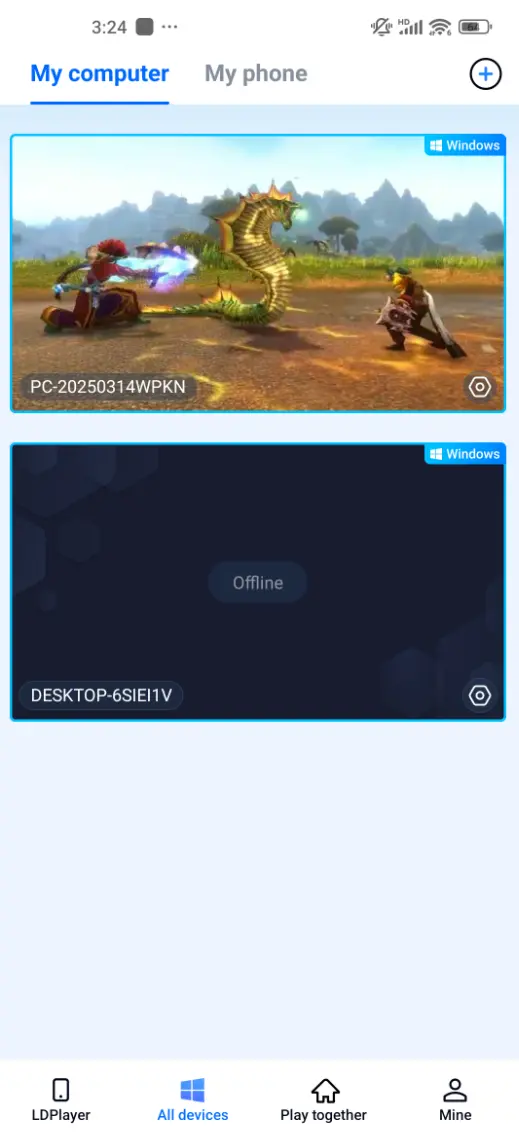
1. Launch the Game:
Open World of Warcraft: Forever via Battle.net on your PC. Once you enter the game, select your PC device from the mobile app to start remote play.
2. Control Mode:
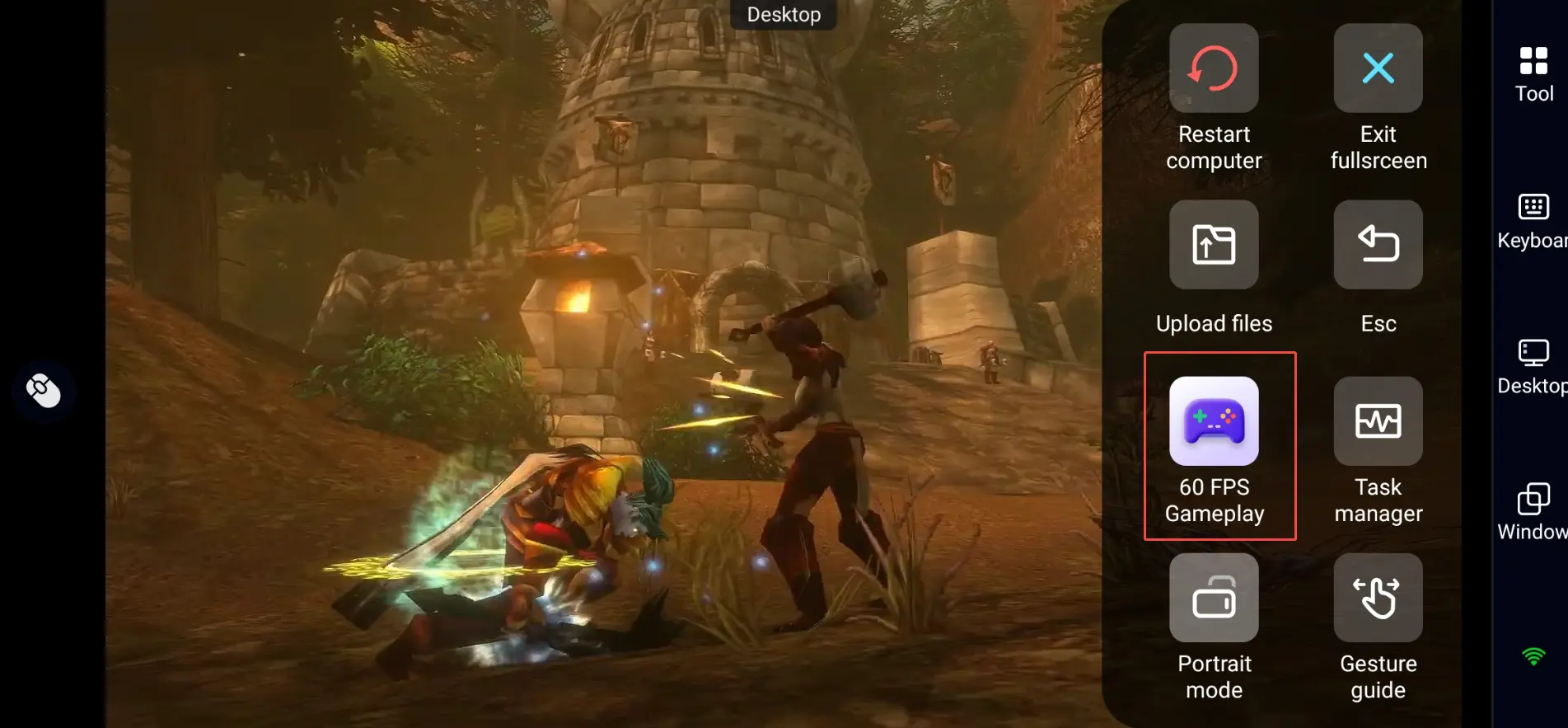
Open the toolbar on the right side of your screen and select "60 FPS Gameplay" mode. Choose a touch button layout or bind a virtual controller based on your preference.
3. Customize the Controls:
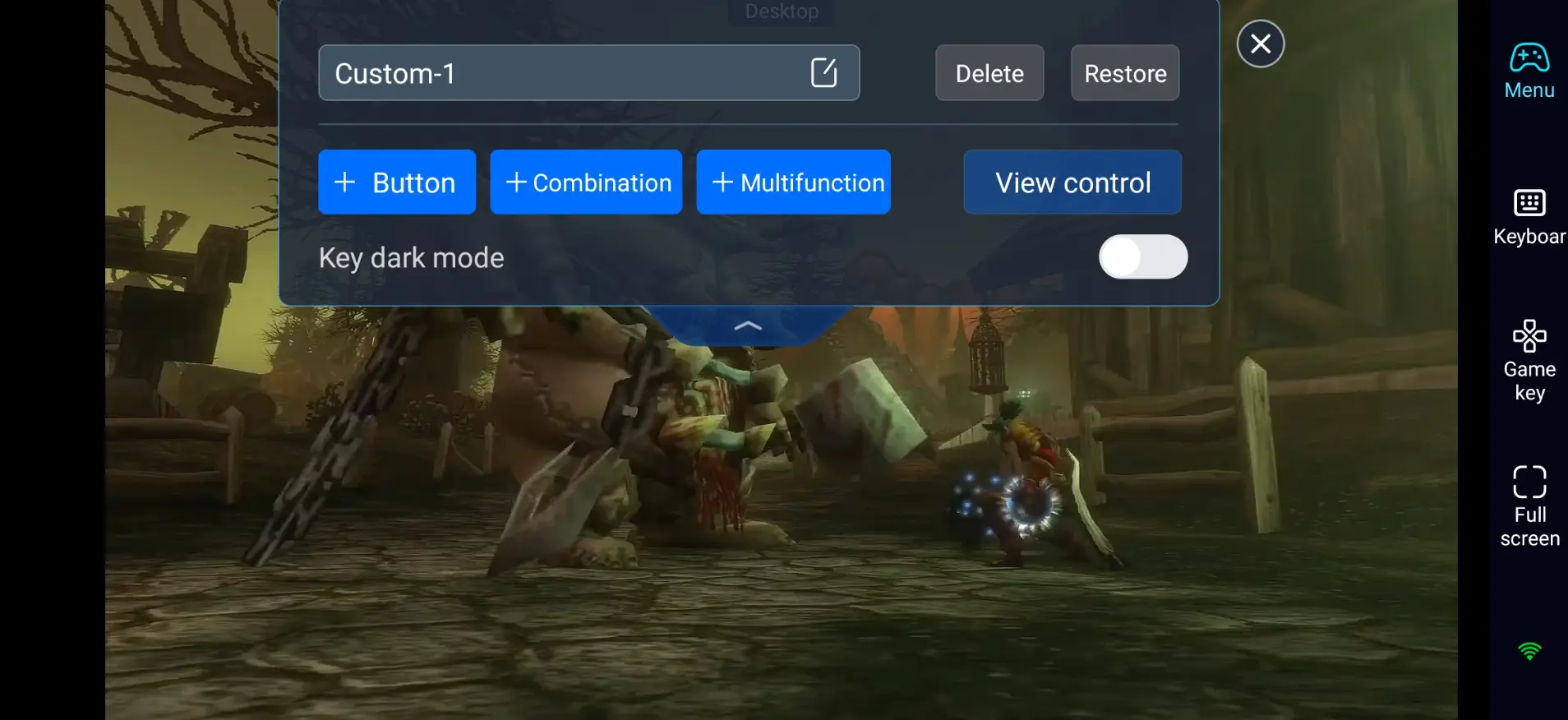
WoW Forever requires precise movement, skill rotations, target selection, and proper handling of raid mechanics. Prioritize these key bindings:
- Character movement and camera control
- Main abilities, defensive cooldowns and survival skills
- Target selection, focus target and interact / loot
- Mounts, profession skills, items and macro hotkeys
- Raid markers and quick voice triggers
4. Connect External Controllers:
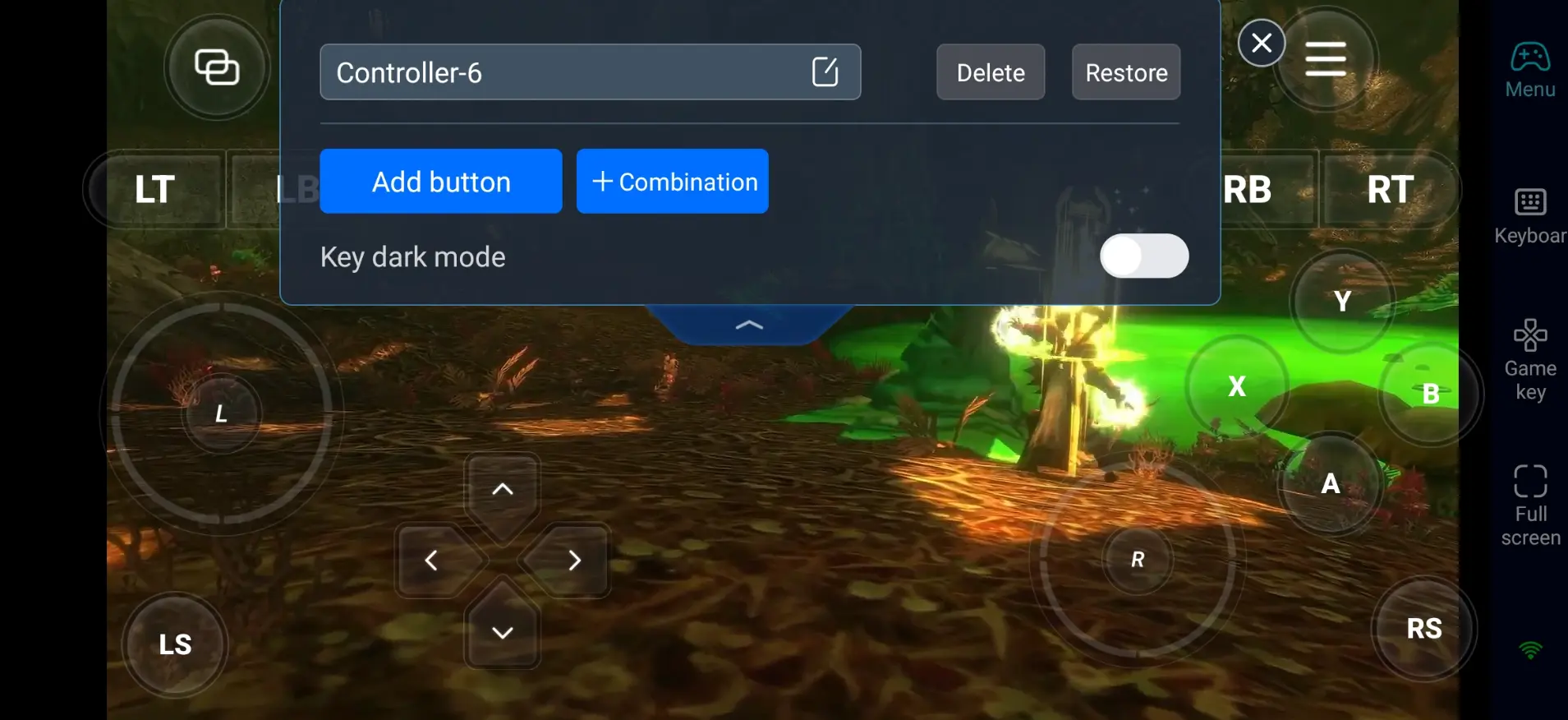
Apart from virtual touch buttons, OSLink supports Bluetooth gamepads and other external controllers. Gamepads help reduce misclicks and deliver a smoother experience in dungeons and open-world PvP.
Step 3: Start Your Azeroth Adventure Anytime
After setup, your phone or tablet becomes your portable gaming device. With OSLink, you can do the following activities in your free time:
- Daily Quests
Log in briefly to complete daily and weekly quests for rewards.
- Profession Leveling
Farm ore, fish, craft items and disenchant materials.
- Dungeons & Raids
Join 5-man dungeons and team raids, follow mechanics and cooperate with teammates.
- Character Management
Sort inventory, switch talents, change gear and adjust builds.
Why Use OSLink to Play WoW Forever?
1.Break Location Restrictions and Play WoW on Mobile
You do not need to stay in front of your desktop. As long as your PC stays online, you can log into Azeroth from your couch or while taking breaks outside, and never miss raids or events.
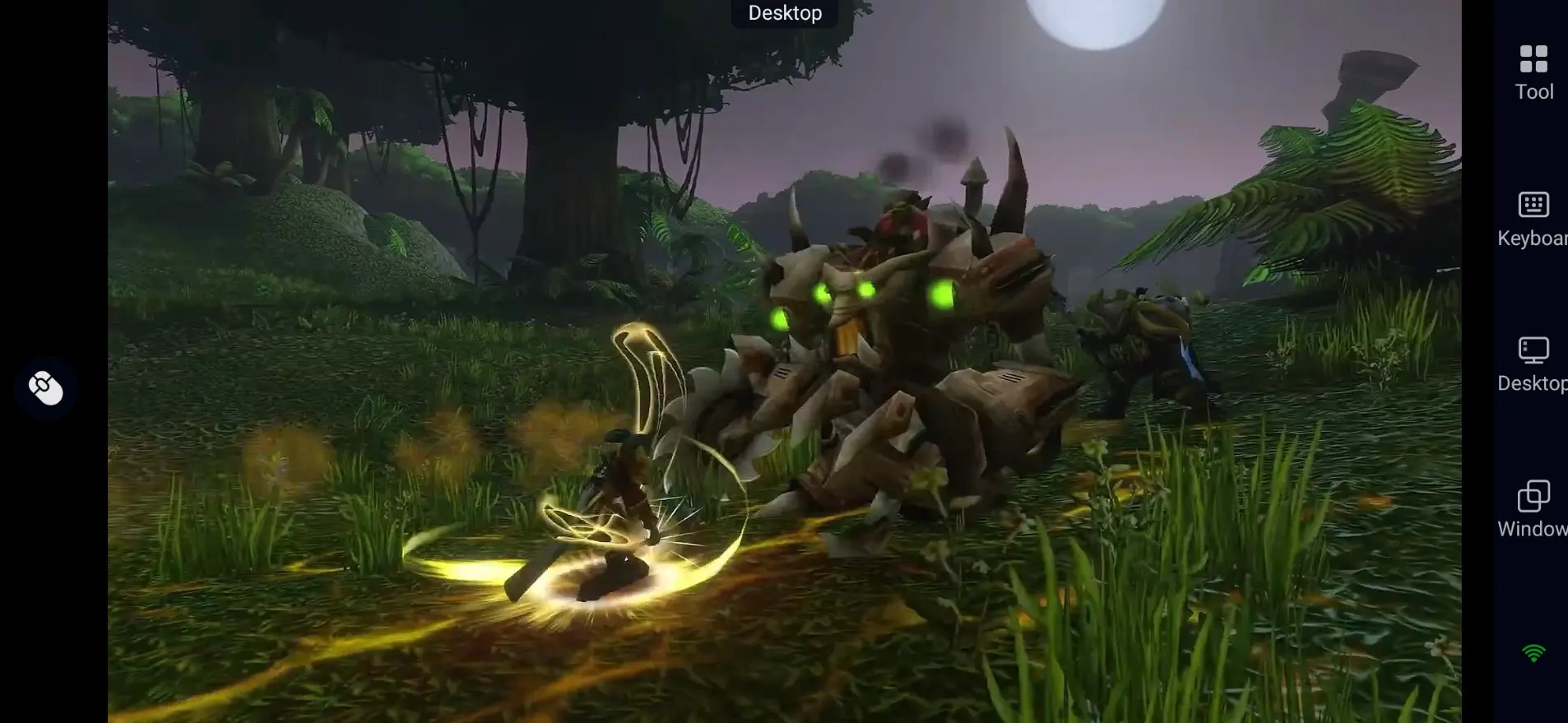
2.The image quality does not shrink
There is no official native mobile release for WoW Forever. OSLink streams gameplay from your PC to your mobile device while retaining your in-game graphics settings, although streaming quality may vary depending on network conditions. Lighting, terrain details and spell effects stay intact.
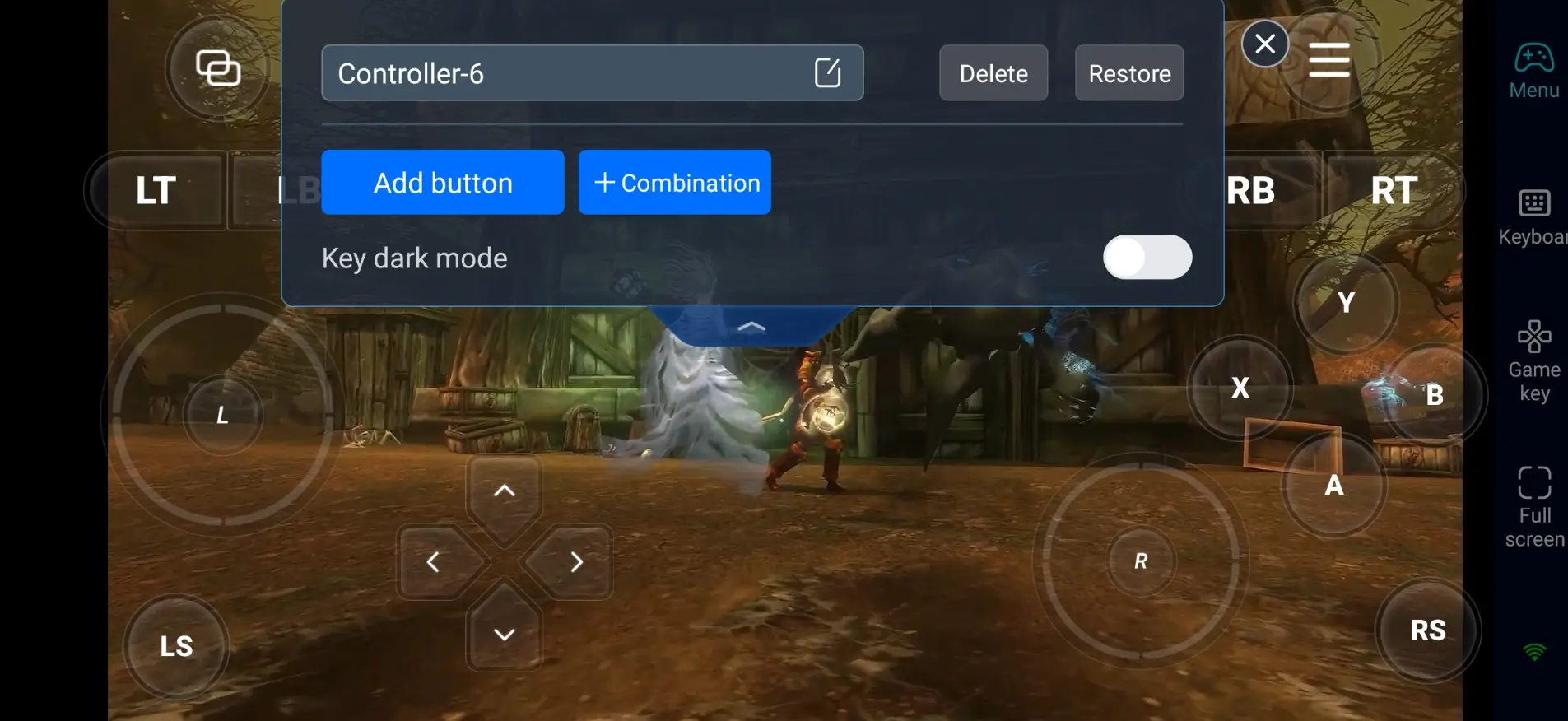
3.Smooth controls for raid and combat
With 60 FPS mode and custom hotkeys, input latency stays low for casting abilities, dodging mechanics and switching targets. Gamepad support makes long MMORPG sessions much more comfortable.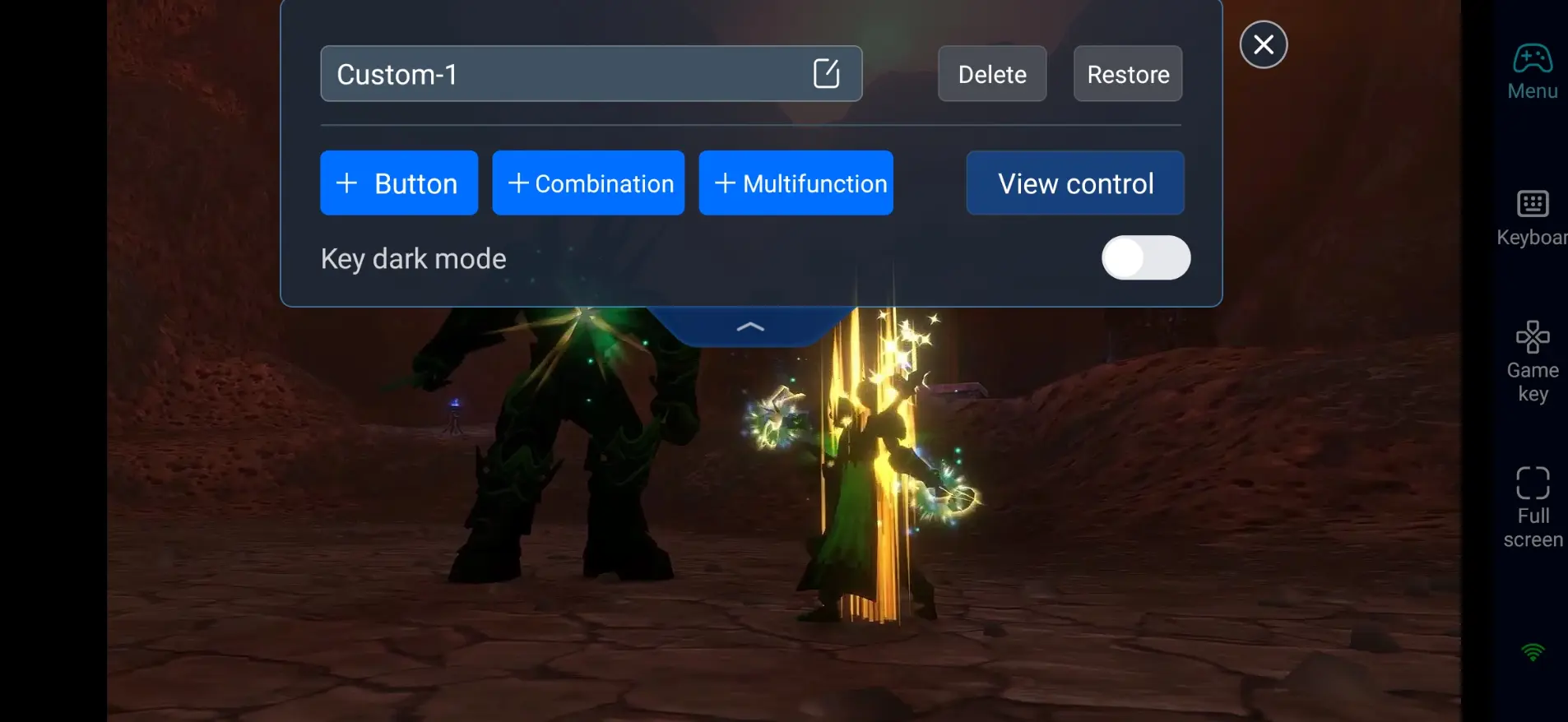
Frequently Asked Questions
Q: What is World of Warcraft: Forever's release time?
A: World of Warcraft: Forever's release date is November 4, 2026. It is playable through Battle.net and included with an active WoW subscription or game time.
Q: Does World of Warcraft: Forever require a high-end PC?
A: The minimum configuration is listed below:
- OS: Windows 10 64-bit (May 2019 update or newer)
- CPU: 4-core 3.0 GHz (Intel Haswell / AMD Ryzen Zen)
- RAM: 8GB
- GPU: DirectX 12 compatible 4GB GPU (NVIDIA GTX 10 series / AMD RDNA 1)
- Storage: 128GB available SSD space
16GB RAM and higher-spec graphics cards are recommended for stable 1080p 60 FPS gameplay.
Q: Can I play World of Warcraft: Forever directly on Android?
A: There is no official native Android version. If you want to play on an Android phone, use OSLink to remotely connect to your PC for the full PC gaming experience.
Q: Can I play World of Warcraft: Forever directly on iOS?
A: There is no official native iOS version. You can stream the PC version to iPhone or iPad with OSLink. The game runs on your computer, so your mobile device does not need to handle the game's processing workload.
Conclusion
With OSLink, your phone or tablet turns into a portable portal for World of Warcraft: Forever. Whether you finish quests, level professions, run dungeons or raid with friends, remote streaming frees you from your desktop. Continue your adventure in Azeroth anywhere you go.
 Download