English
Monster Hunter Outlanders is a mobile hunting action game set in Aesoland. Explore, gather materials, wield classic Monster Hunter weapons, and hunt alone or in a four-player squad. Small-screen controls can feel tiring during long hunts, especially when you need to track a monster and time a dodge.
OSLink lets you display and control the game running on your Android phone from a Windows PC. The game still runs on the phone. This guide covers installation, pairing, USB Game Mode, and practical input checks.
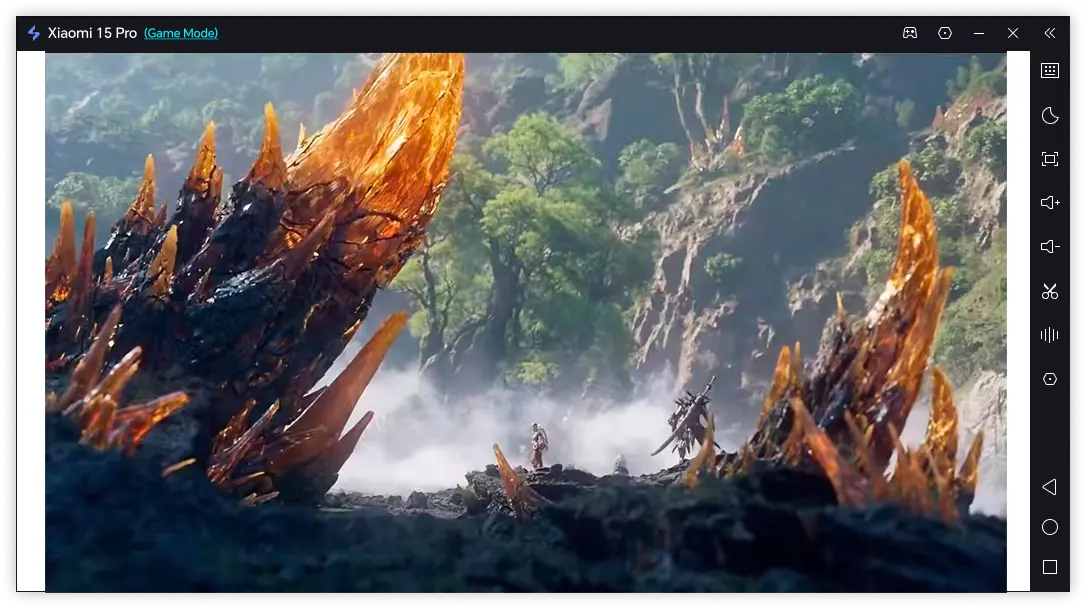
Install Monster Hunter Outlanders on Your Mobile
If you're in a supported region, search for the game on Google Play and verify that Garena is listed as the publisher. Install it on your phone, sign in, complete the initial downloads, and test a short hunt on the phone before setting up remote control.
Play Monster Hunter Outlanders on PC with OSLink
Step 1: Install and Connect OSLink
1. Install the Windows Client
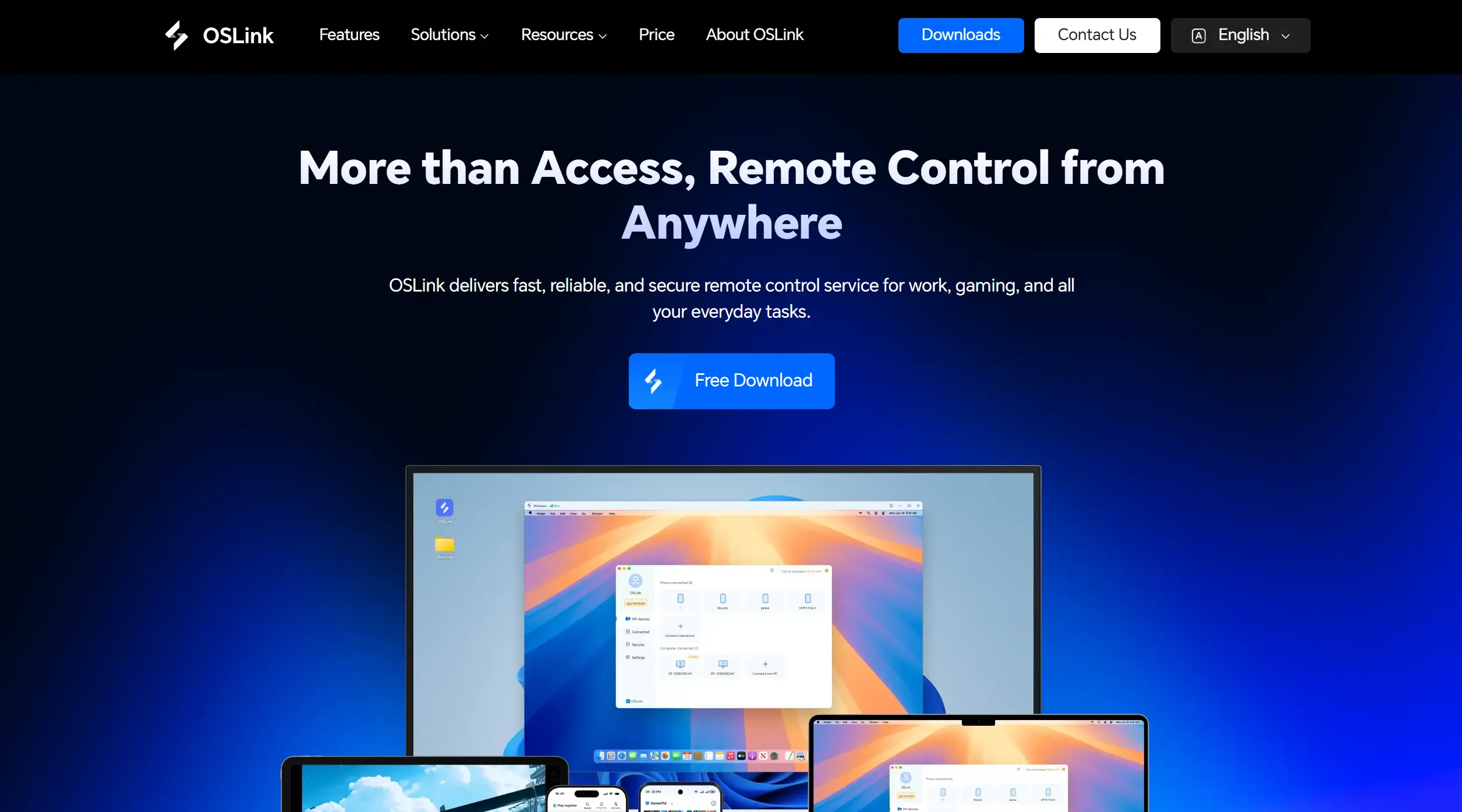
Download OSLink on your Windows PC and sign in.
2. Install the Android App
Install OSLink from Google Play on the phone and sign in with the same account. Grant the connection permissions when prompted.
Step 2: Enable Game Mode and Test a Hunt
1. Choose the Phone and Game Mode
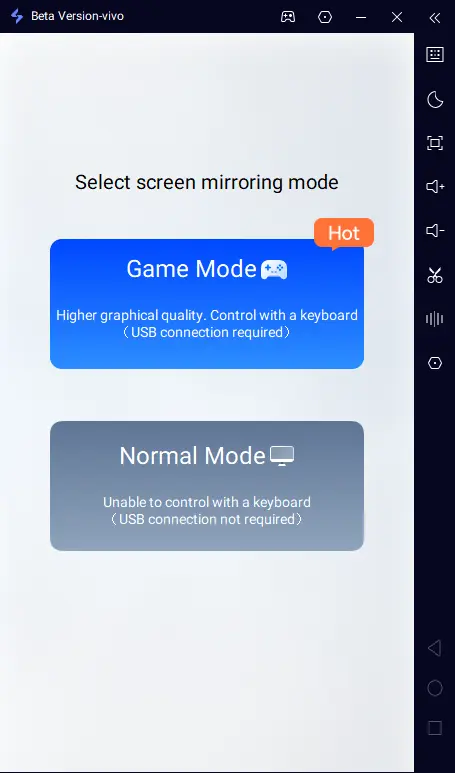
Under My Phone in the Windows client, select the device and choose Game Mode. Accept the mirroring request in the Android app.
2. Connect by USB
Follow OSLink’s prompts to enable Developer options and USB debugging. Connect your phone to your PC using a USB cable that supports data transfer, allow USB debugging, and start screen mirroring in the phone app. Keep the cable attached for Game Mode.
3. Launch the Game and Test Keys
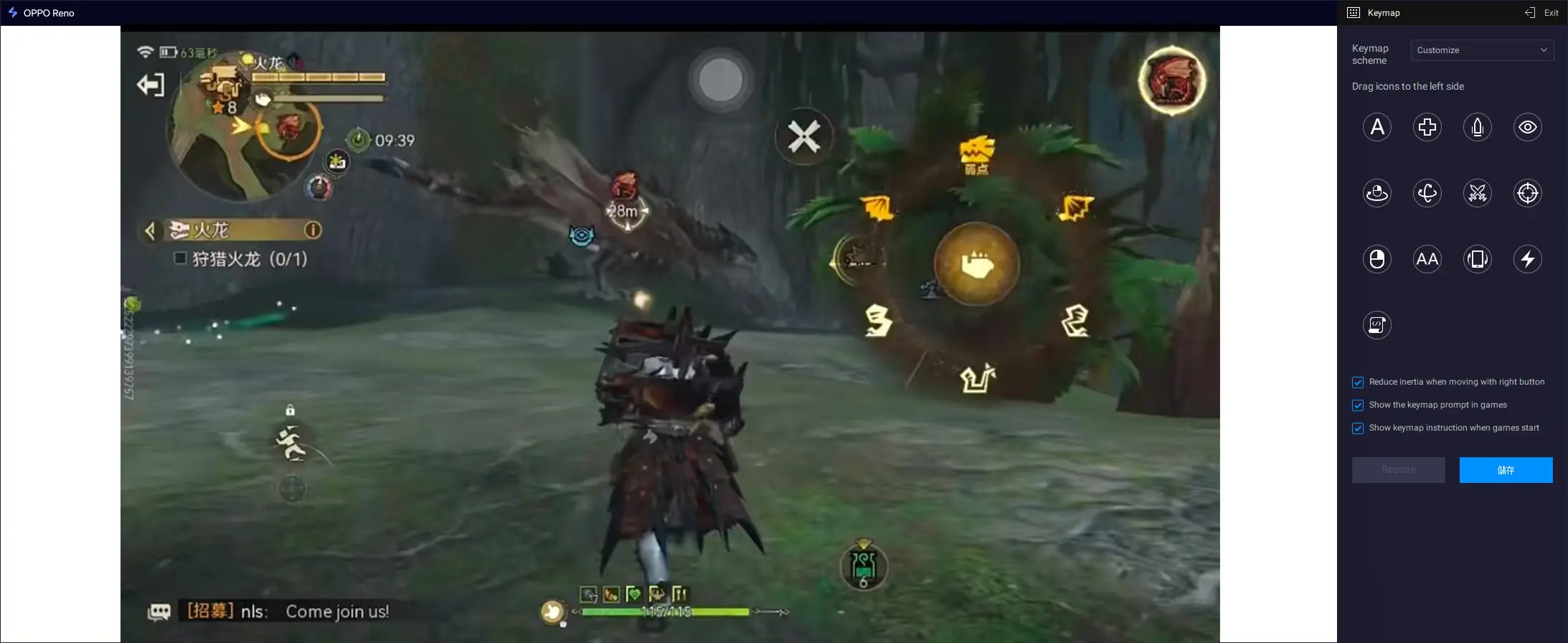
Launch Monster Hunter Outlanders on the Android phone. In the PC view, test movement, camera controls, attacks, dodging, and weapon actions. Adjust the key positions to align with the game's on-screen buttons. Some mappings may need manual alignment.
Three OSLink Benefits for Monster Hunter Outlanders
See Monster Cues More Clearly
A larger PC display can make monster movement and nearby terrain easier to follow.
Set Up Familiar Keys for Hunts
Map movement, dodging, attacking, and camera controls to keys that are comfortable to use during longer sessions.
Keep the Native Phone Version
The game stays on your Android phone while the PC handles display and input. Response still depends on your device and connection.
Frequently Asked Questions
Q1: What is the release date of Monster Hunter Outlanders?
The release date of Monster Hunter Outlanders is October 29, 2026 in Garena-served regions. Availability and dates may differ elsewhere; check your local app store.
Q2: Can I play Monster Hunter Outlanders on PC?
There is no pc version of Monster Hunter Outlanders. By connecting your phone to your computer via OSLink, you can enjoy the game on a big screen.
Q3: Will the mapped controls line up during hunts?
They may need adjustment after game updates or resolution changes. Test movement, dodging, and attacking in a safe area, keep the USB cable connected while using Game Mode, and reposition any misaligned keys.
Conclusion
Install Monster Hunter Outlanders on Android first, then connect that phone to your Windows PC through OSLink Game Mode. Test the key mapping before starting a challenging hunt so you can enjoy the game on a larger screen while it continues running on your phone.
 Download