English
Warhammer Survivors turns the Warhammer 40,000 and Warhammer Age of Sigmar universes into a fast bullet-heaven survival game. Choose from more than 40 champions, combine over 75 weapons with power-ups, and survive enemy waves across distinct stages. A run demands frequent movement, upgrade choices, and quick reactions; being away from your Windows PC can interrupt a session.
OSLink lets your Android or iOS phone control your own Windows PC while Warhammer Survivors runs there. This guide covers getting the game, connecting both devices, choosing PC gaming mode, and setting up practical controls for the game.
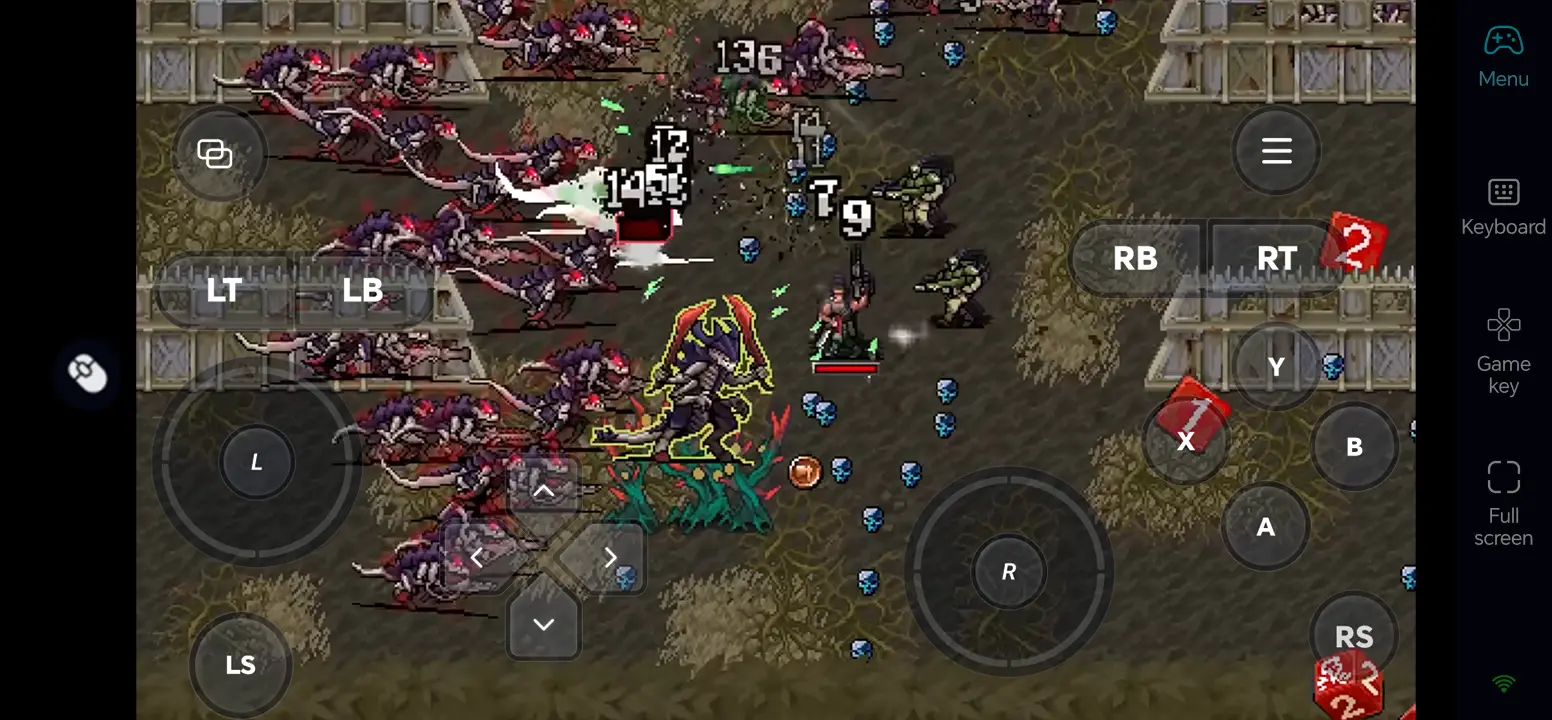
Play Warhammer Survivors Remotely with OSLink
Step 1: Install OSLink on Both Devices
1. Install OSLink on the PC
Download the Windows client from OSLink and sign in on the PC where the game is installed. Keep that PC powered on, signed in, and connected to a stable network.
2. Install OSLink on the Phone
Install OSLink from Google Play on Android or the App Store on iPhone. Sign in with the same account, then select your online PC from the device list.
Step 2: Optimize the Controls
1. Launch the Game on the Host PC
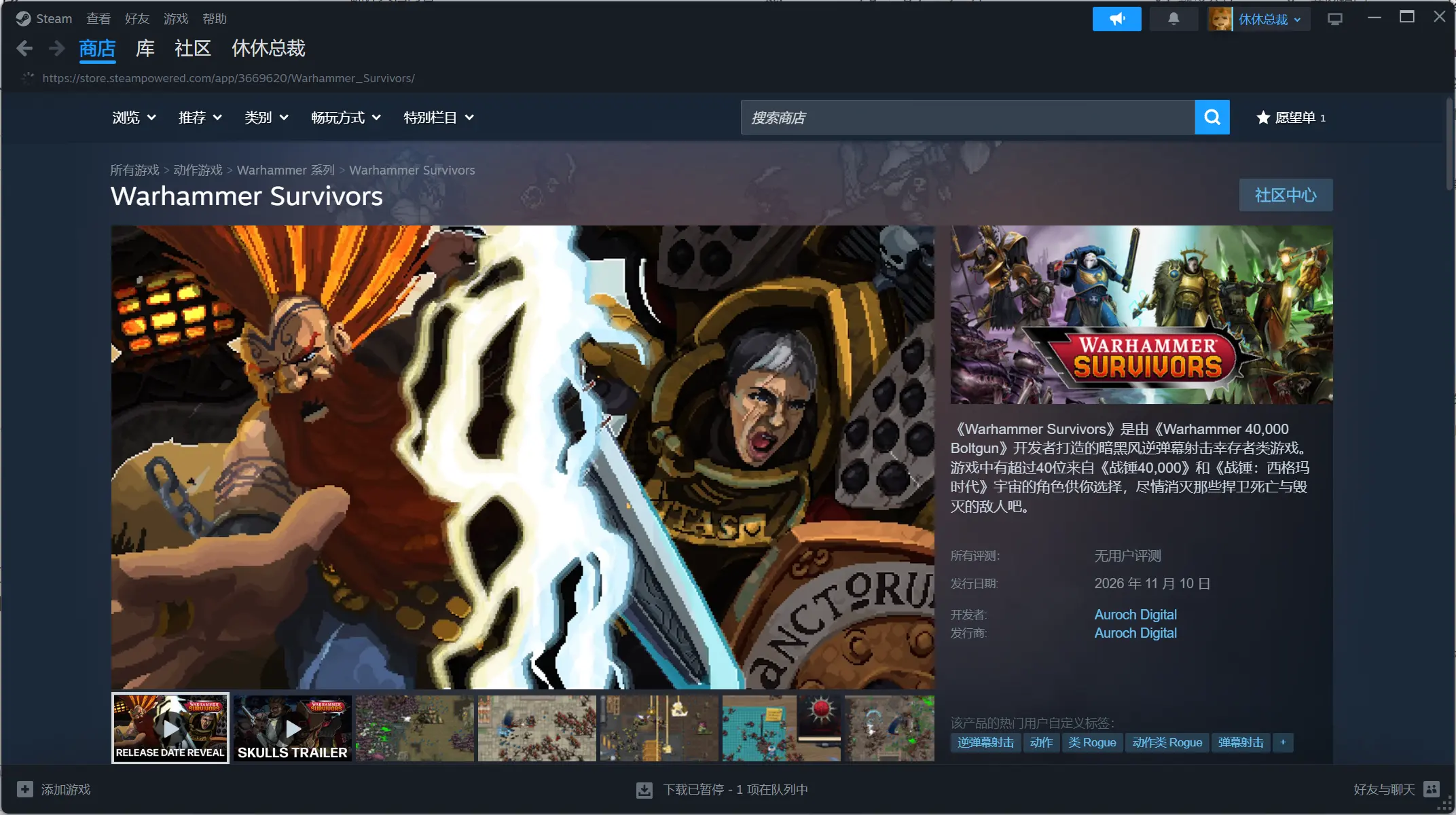
Open Steam on the host PC and launch the available version of Warhammer Survivors. Start in a safe area and check that the PC can run it smoothly before controlling it from your phone.
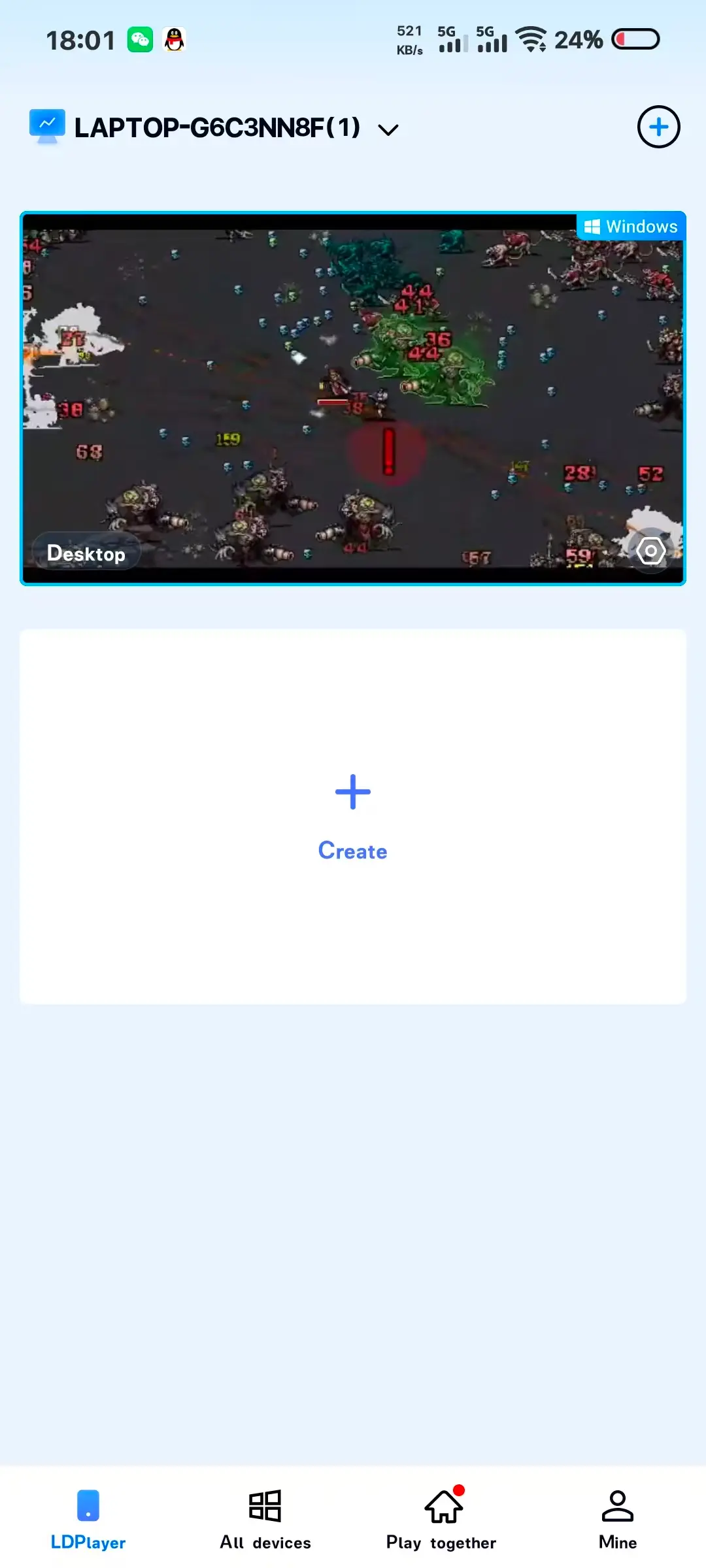
2. Connect and Test Both Devices
Open the PC’s remote desktop in OSLink. Check the picture and sound, then test movement, pause, upgrade selection, and menu navigation before committing to a longer session.
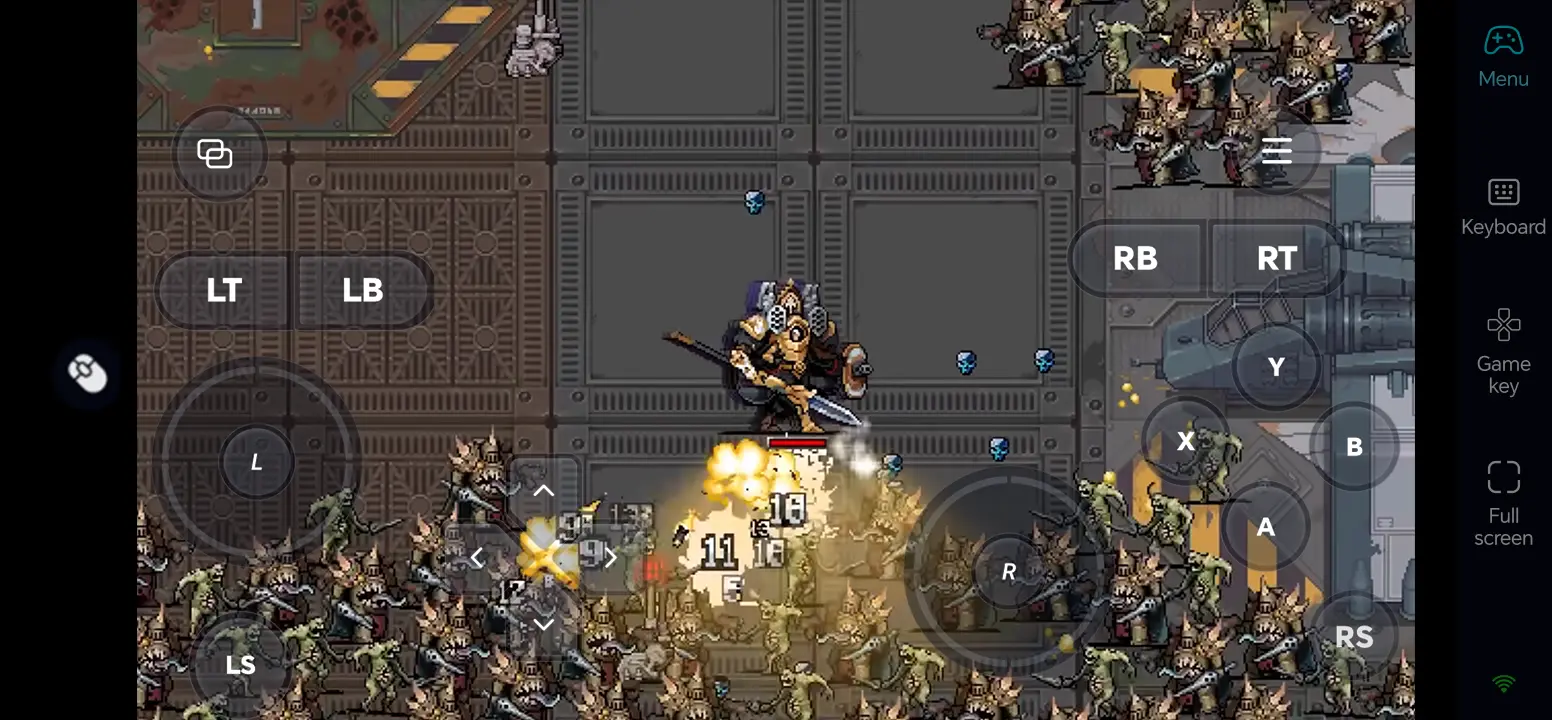
3. Turn On 60 FPS PC Gaming Mode
In the full-screen remote desktop, open the toolbar in the top-right corner and select “Tools > Play PC Games at 60 FPS. If the PC or network struggles, lower the game resolution or streaming quality and retest.
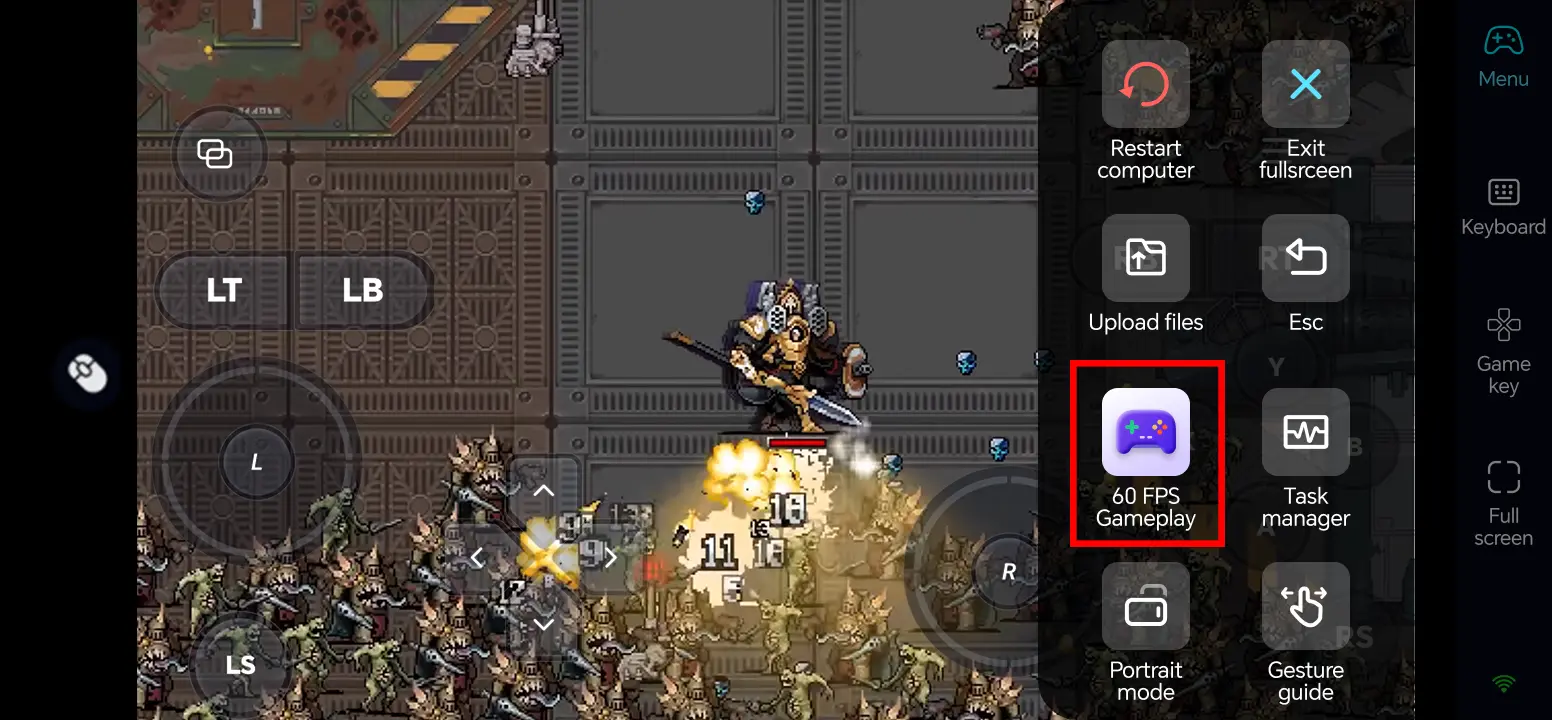
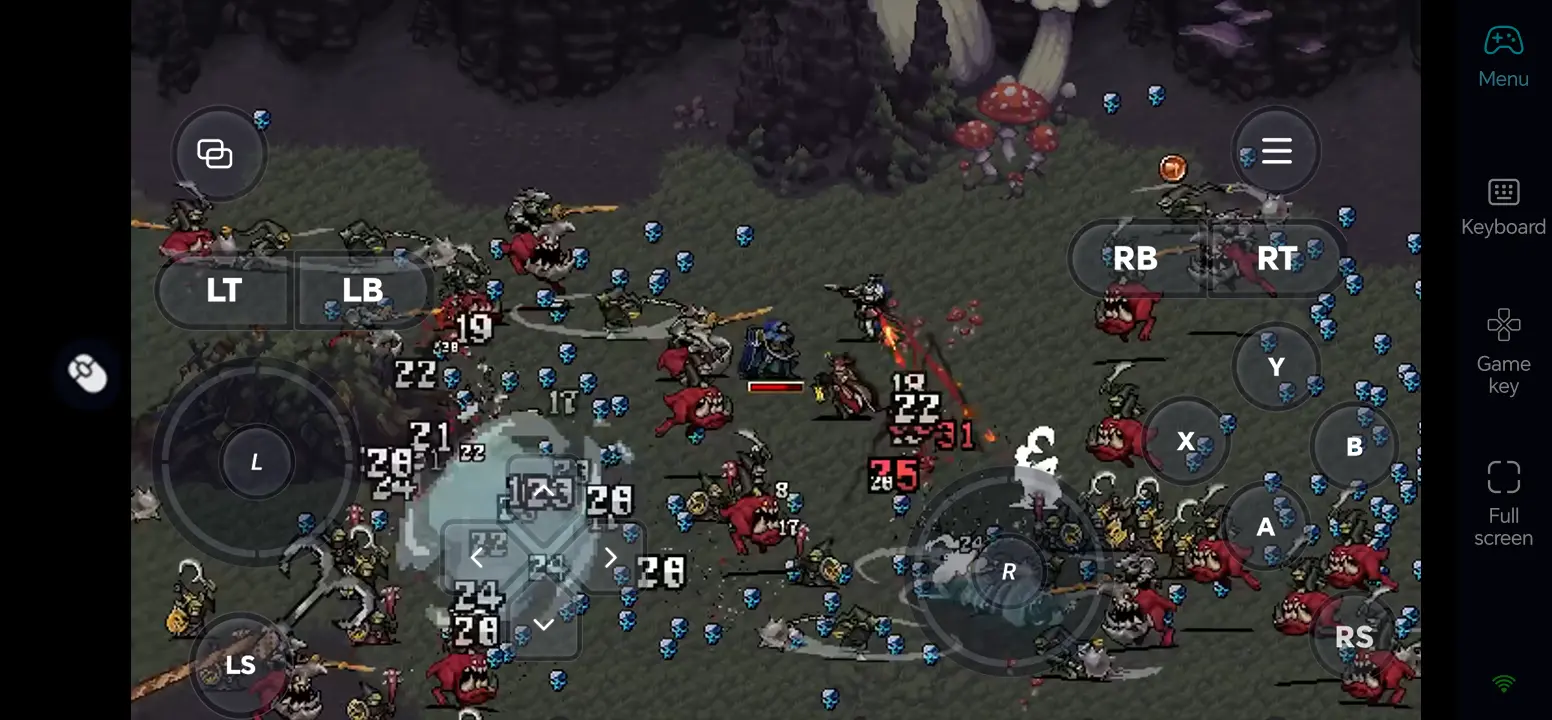
4. Customize the On-Screen Buttons
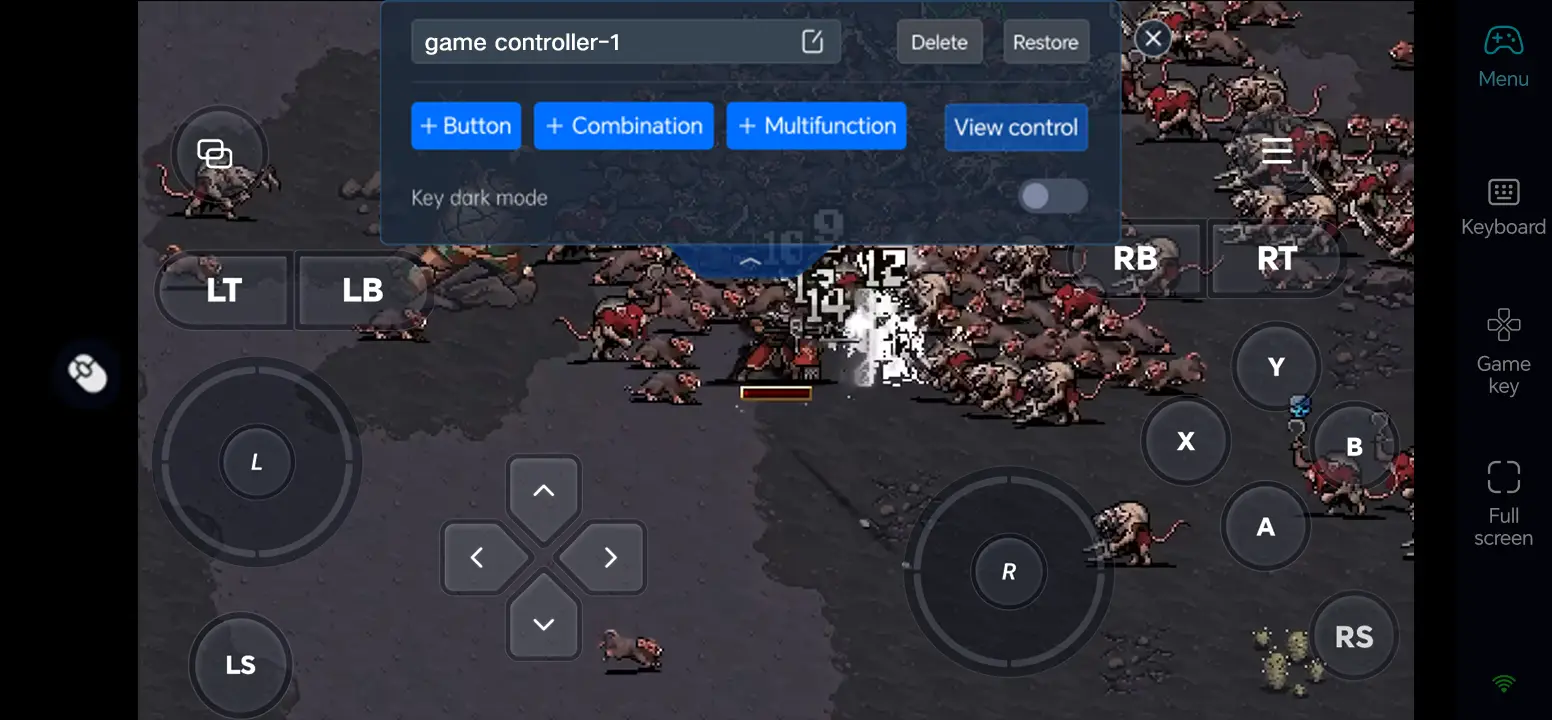
Open Game Button and its edit control. Arrange keys for movement, pause, upgrade selection, and menu navigation; leave the center of the game view clear, then save and test the layout.
5. Connect an External Input Device
If touch controls feel cramped, connect a compatible Bluetooth controller or external keyboard and mouse to your phone. Check how each input works in the game, as compatibility may vary depending on the device and game.
What You Can Play After Setup
Pick a champion such as Malum Caedo and survive waves in the available stages.
Combine weapons and power-ups, choose upgrades between attacks, and face powerful bosses.
Explore stage secrets and collect items as you unlock more champions and loadouts.
Three OSLink Benefits for Warhammer Survivors
Keep movement within thumb reach
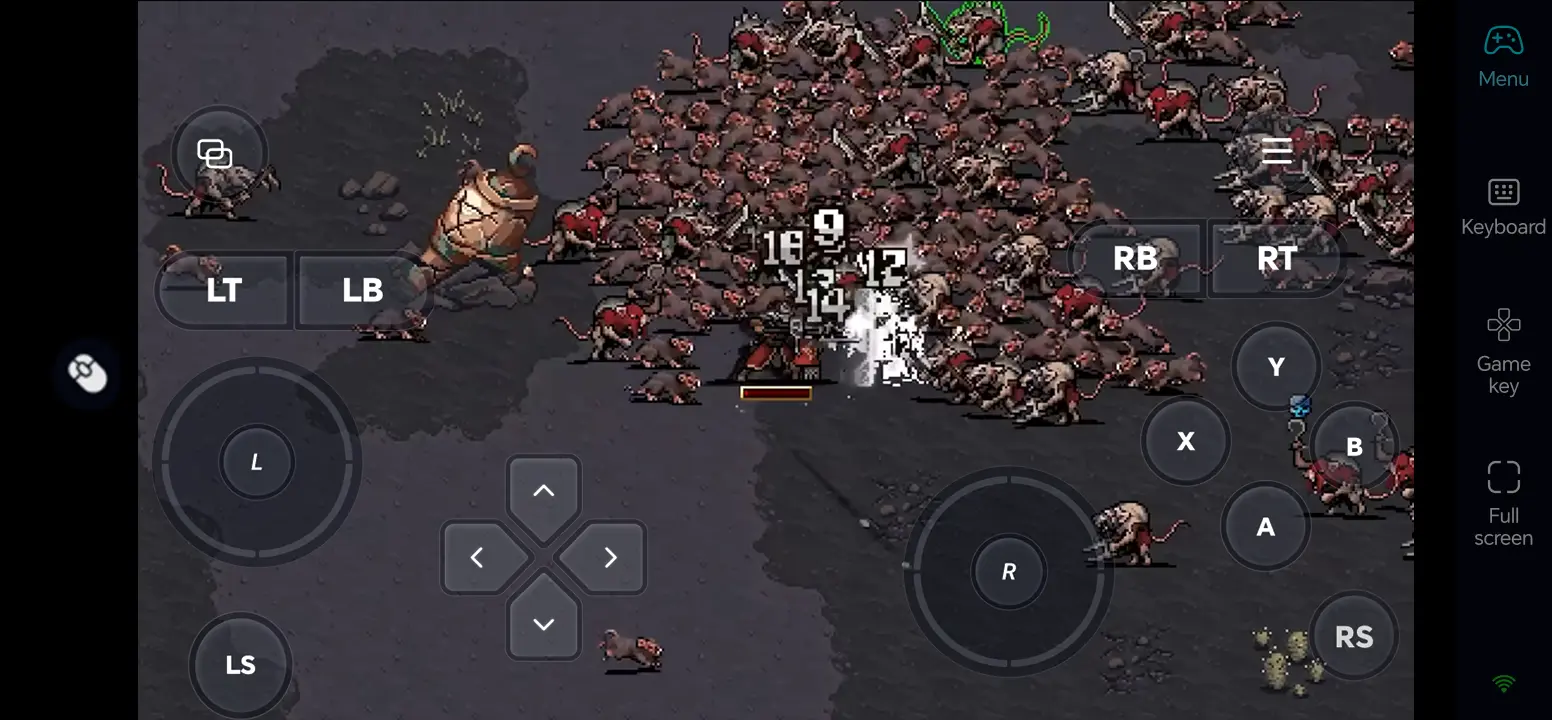
Put the movement control in a comfortable position so you can keep dodging through dense enemy waves.
Make upgrade choices readable
Use dedicated pause and selection buttons, along with a clear touch layout, to choose weapons and passive upgrades without obscuring the gameplay.
Use a controller for longer runs
A compatible Bluetooth controller can provide familiar directional input; actual responsiveness depends on the host PC and network.
Frequently Asked Questions
Q1: What is the release date of Warhammer Survivors?
The release date of Warhammer Survivors is November 10, 2026, according to Steam’s planned release listing. The full game is not unlocked as of November 9, 2026.
Q2: Can I play Warhammer Survivors directly on Android?
Steam lists a Windows version, not a native Android release. Run Warhammer Survivors on your own Windows PC and use OSLink to control that PC from an Android phone.
Q3: Can I play Warhammer Survivors directly on iOS?
No native iOS version is listed on the Steam page. You can access the Windows version running on your own PC from an iPhone with OSLink.
Q4: What PC specifications does Warhammer Survivors require?
Steam lists Windows 10 Home 64-bit, a 2.4 GHz dual-core x86-64 CPU, 4 GB RAM, a GTX 750 or equivalent GPU, and 5 GB storage as minimum. Steam has not yet provided detailed recommended system requirements beyond a 64-bit operating system.
Q5: Will the dense enemy waves make Warhammer Survivors hard to control on a phone?
Place movement and upgrade-selection controls where your thumbs can reach them, or pair a compatible controller. Test the layout in the demo before a long run; smoothness still depends on your PC and connection.
Conclusion
Test Warhammer Survivors locally when it is available on Steam, then connect your phone with OSLink. Tune the touch layout or pair a controller to enjoy the game from another room or on the go while your PC stays on.
 Download