English
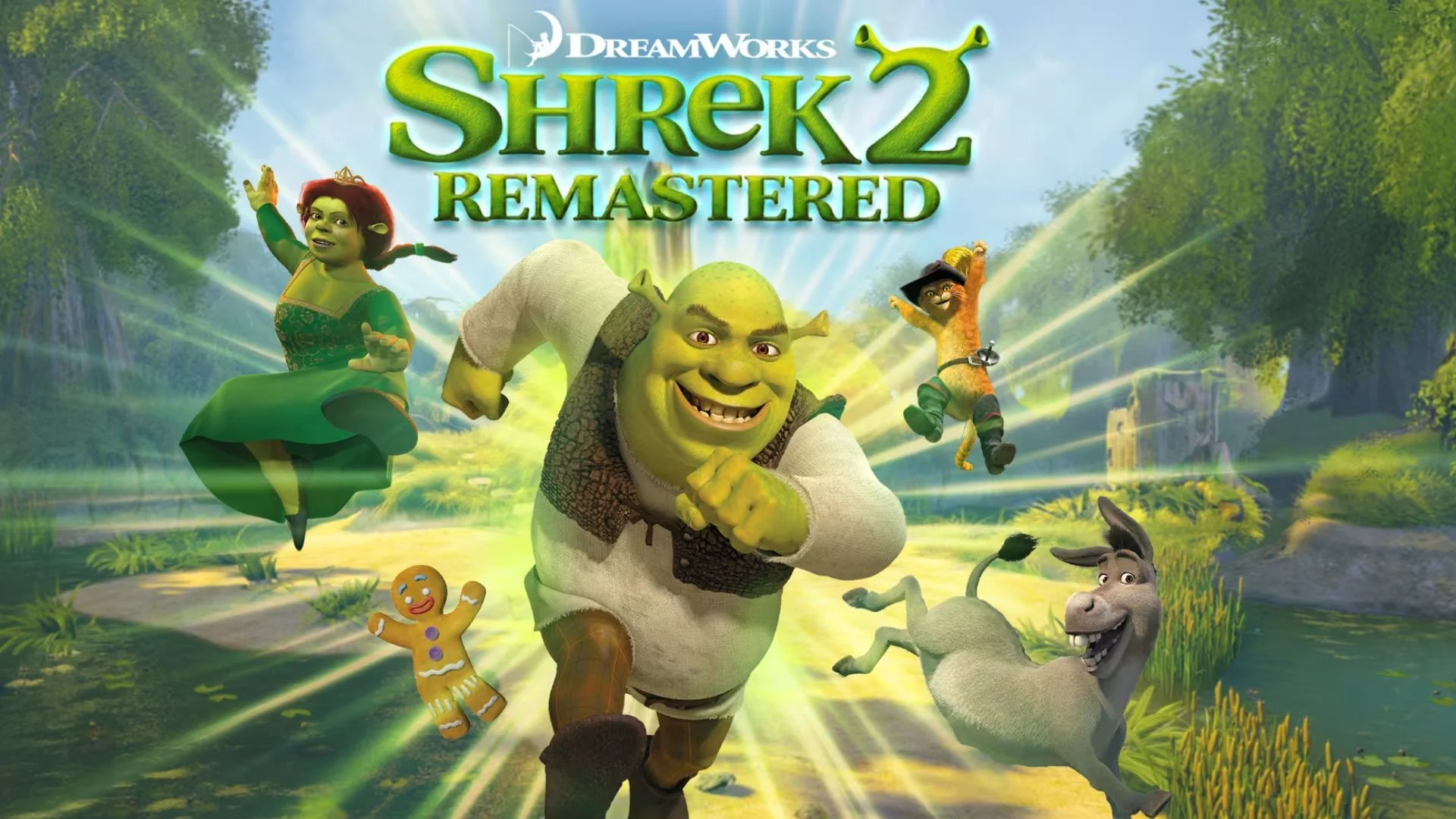
DreamWorks Shrek 2 Remastered brings Shrek, Fiona, Donkey, and their friends back in a remastered action-adventure set in Far Far Away. Play solo or in supported co-op modes, switch heroes to use their distinct abilities, fight enemies, and solve environmental puzzles. With customized controls, you can perform quick attacks and switch characters more easily while playing away from your PC.
OSLink lets you remotely control your Windows PC from an Android or iOS phone while DreamWorks Shrek 2 Remastered runs on your PC. This guide covers downloading the game, connecting both devices, enabling PC gaming mode, and customizing the game controls.
How to Download DreamWorks Shrek 2 Remastered
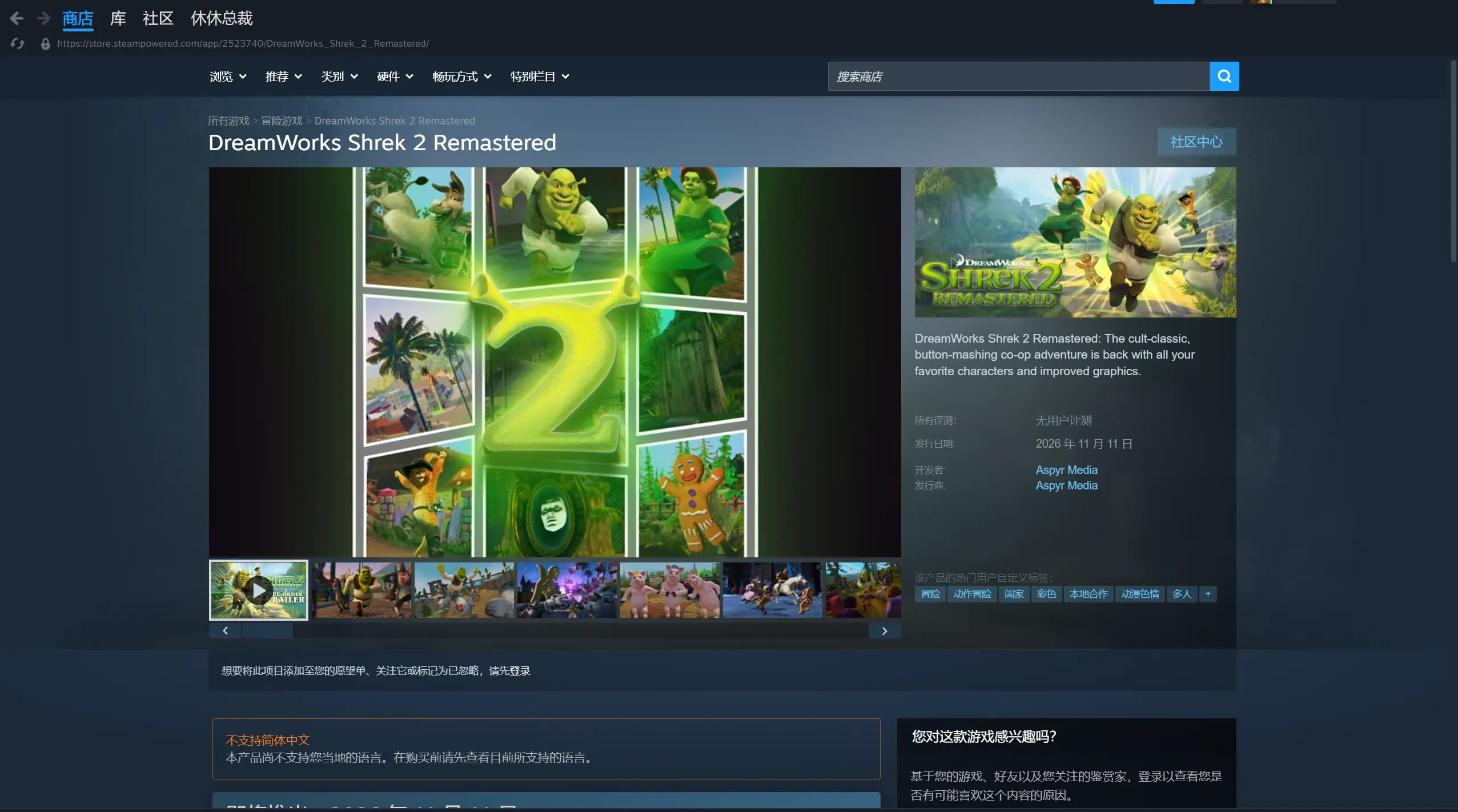
Search for DreamWorks Shrek 2 Remastered on Steam, and install it from your Steam Library.
Launch the game on the host PC first and check the graphics, character switching, combat, and menus before setting up the OSLink connection.
Play DreamWorks Shrek 2 Remastered Remotely with OSLink
Step 1: Install OSLink on Both Devices
1. Install OSLink on the PC
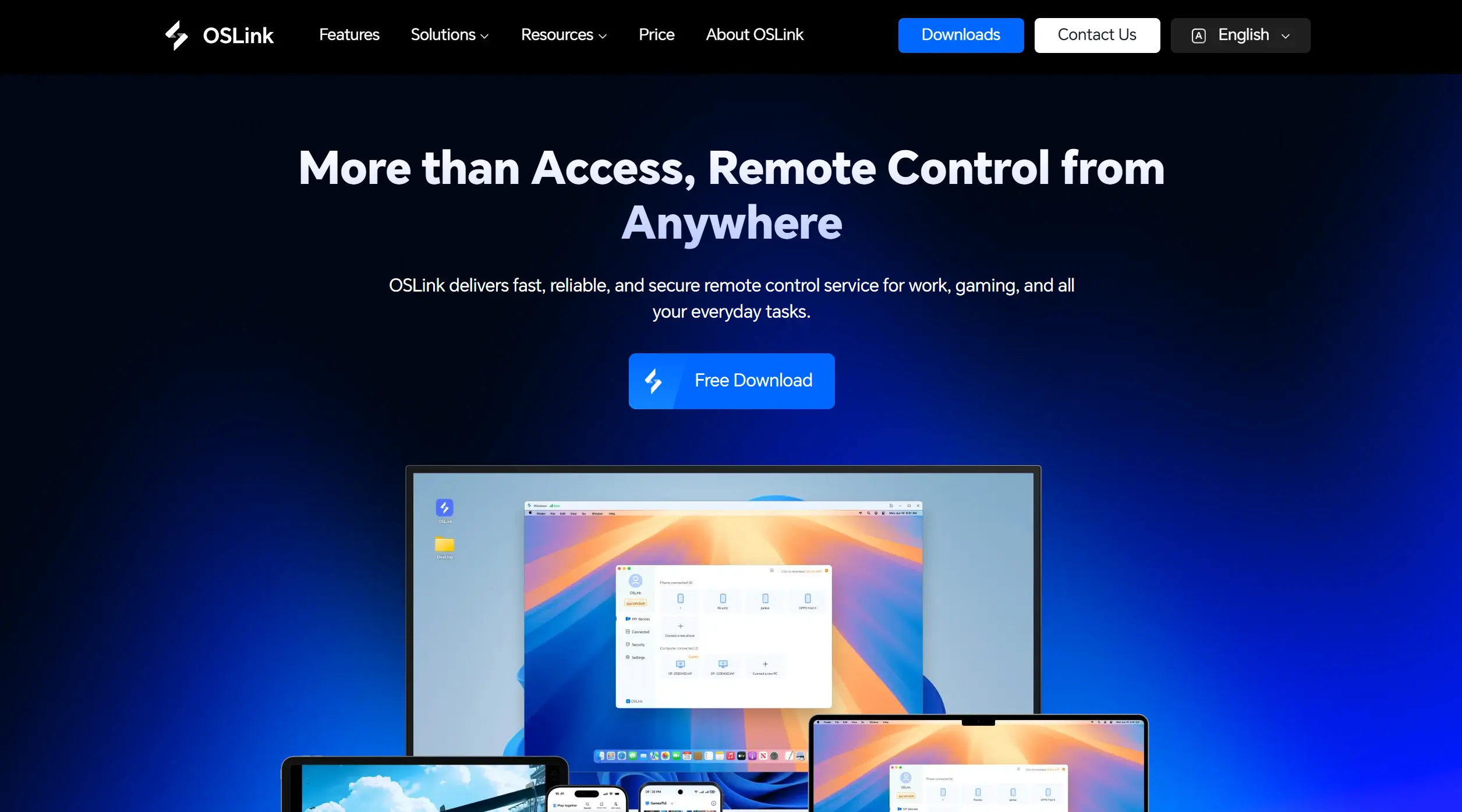
Download the Windows client from OSLink and sign in on the PC where the game is installed. Keep that PC powered on, signed in, and connected to a stable network.
2. Install OSLink on the Phone
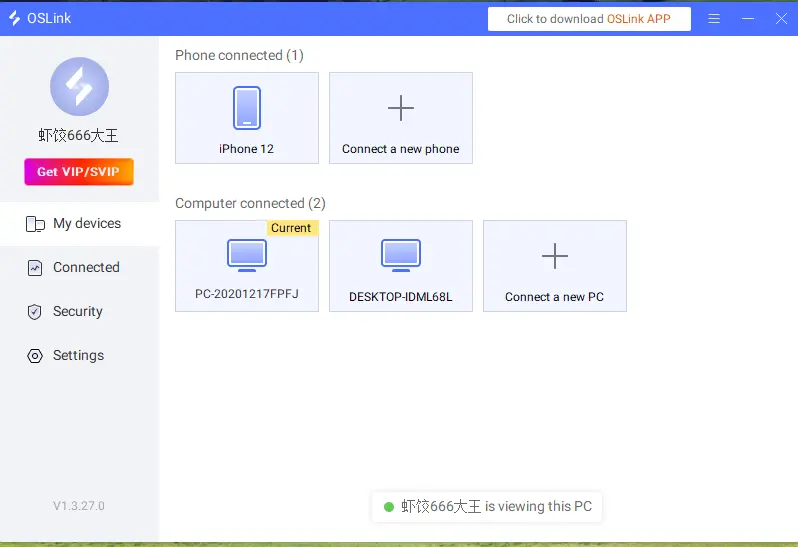
Install OSLink from Google Play on Android or the App Store on iPhone. Sign in with the same account, then select your online PC from the device list.
Step 2: Set Up Remote Play and Customize Controls
1. Launch the Game on the Host PC
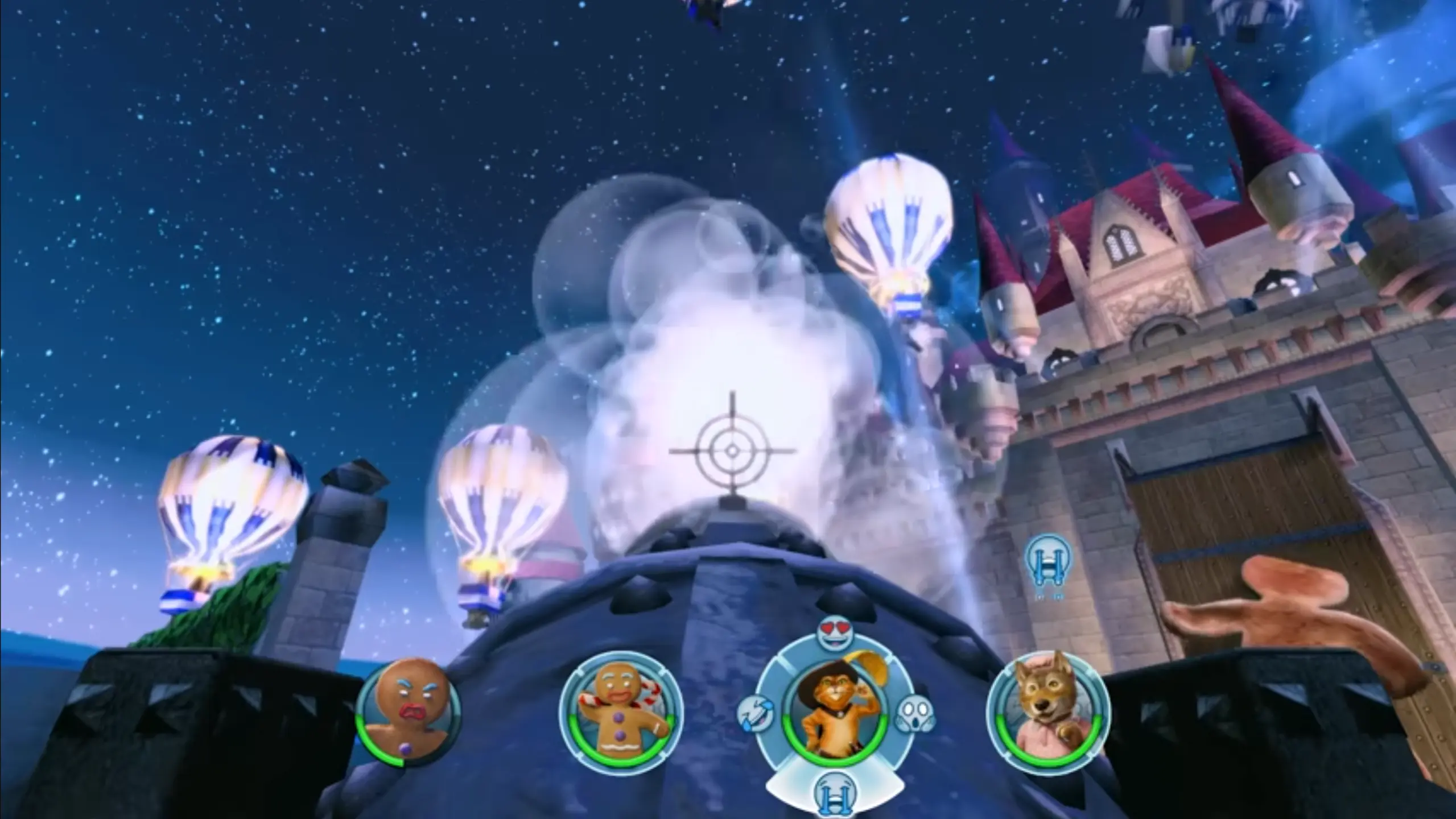
Open Steam on the host PC and launch the available version of DreamWorks Shrek 2 Remastered. Start in a safe area and check that the PC can run it smoothly before controlling it from your phone.
2. Connect and Test Both Devices
Open the PC’s remote desktop in OSLink. Check the video and audio quality, then test movement, attacks, jumping, character switching, and interactions before starting a longer session.
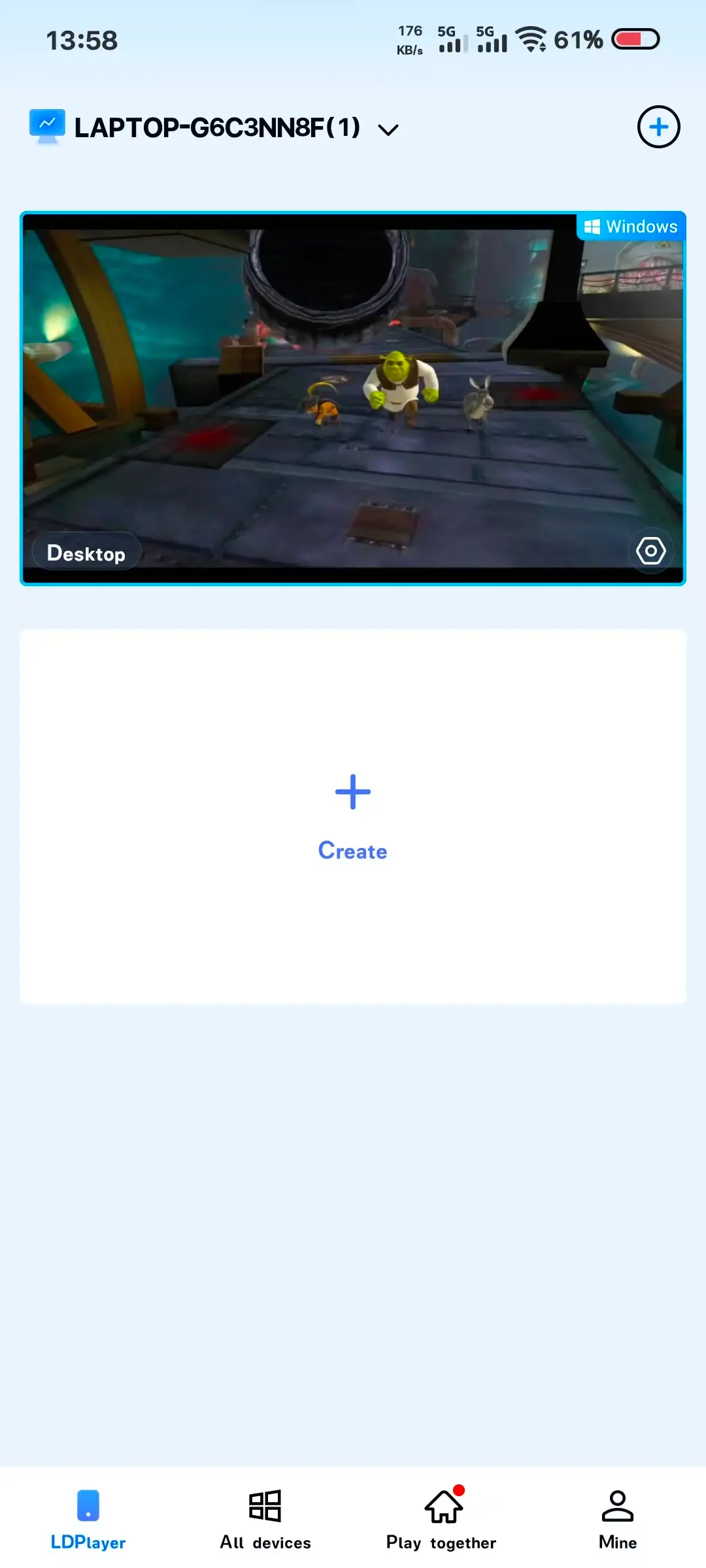
3. Turn On 60 FPS PC Gaming Mode
In the full-screen remote desktop, open the top-right toolbar and choose Tools > Play PC games at 60 frames. If the PC or network struggles, lower the game resolution or streaming quality and retest.
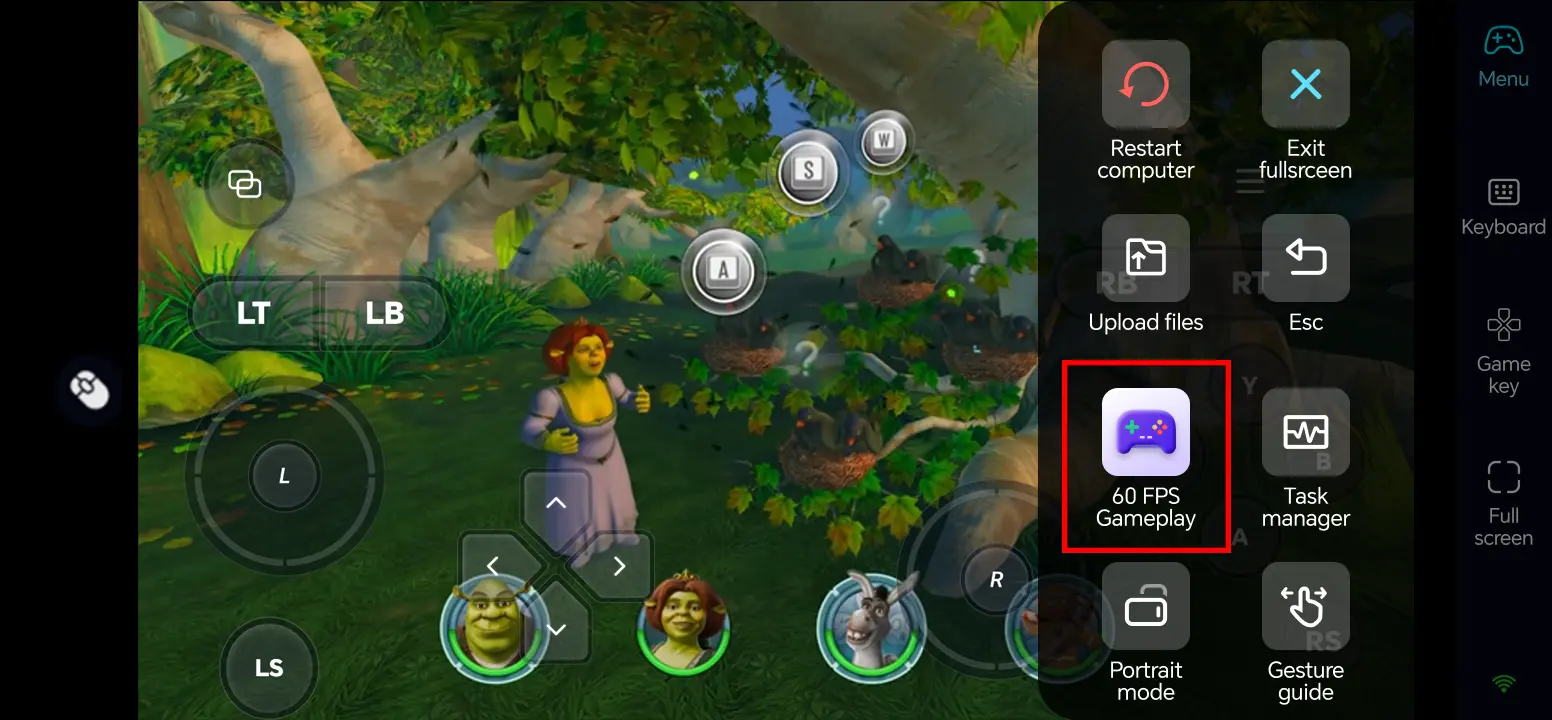
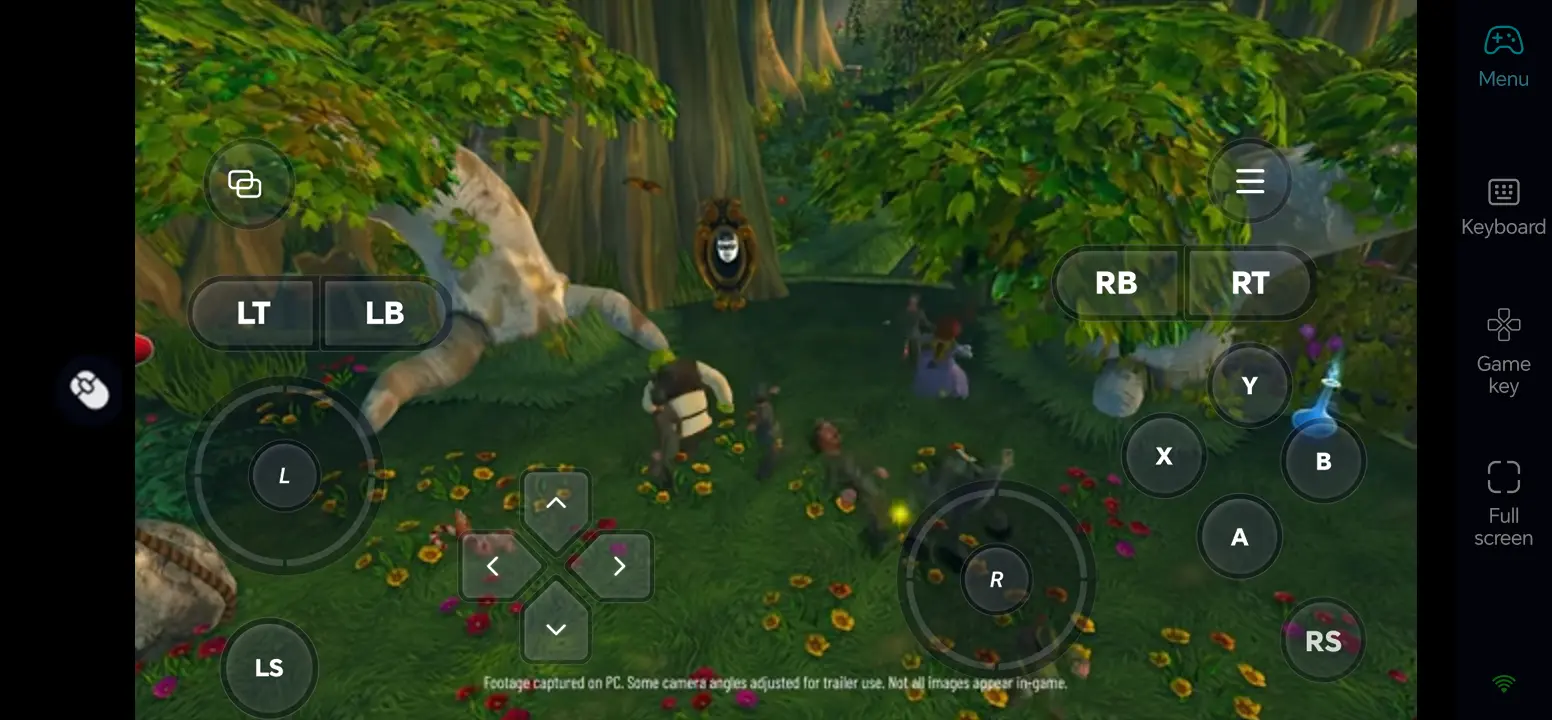
4. Customize the On-Screen Buttons
Open Game Button and its edit control. Arrange keys for movement, attacks, jumps, character switching, and interaction; leave the center of the game view clear, then save and test the layout.
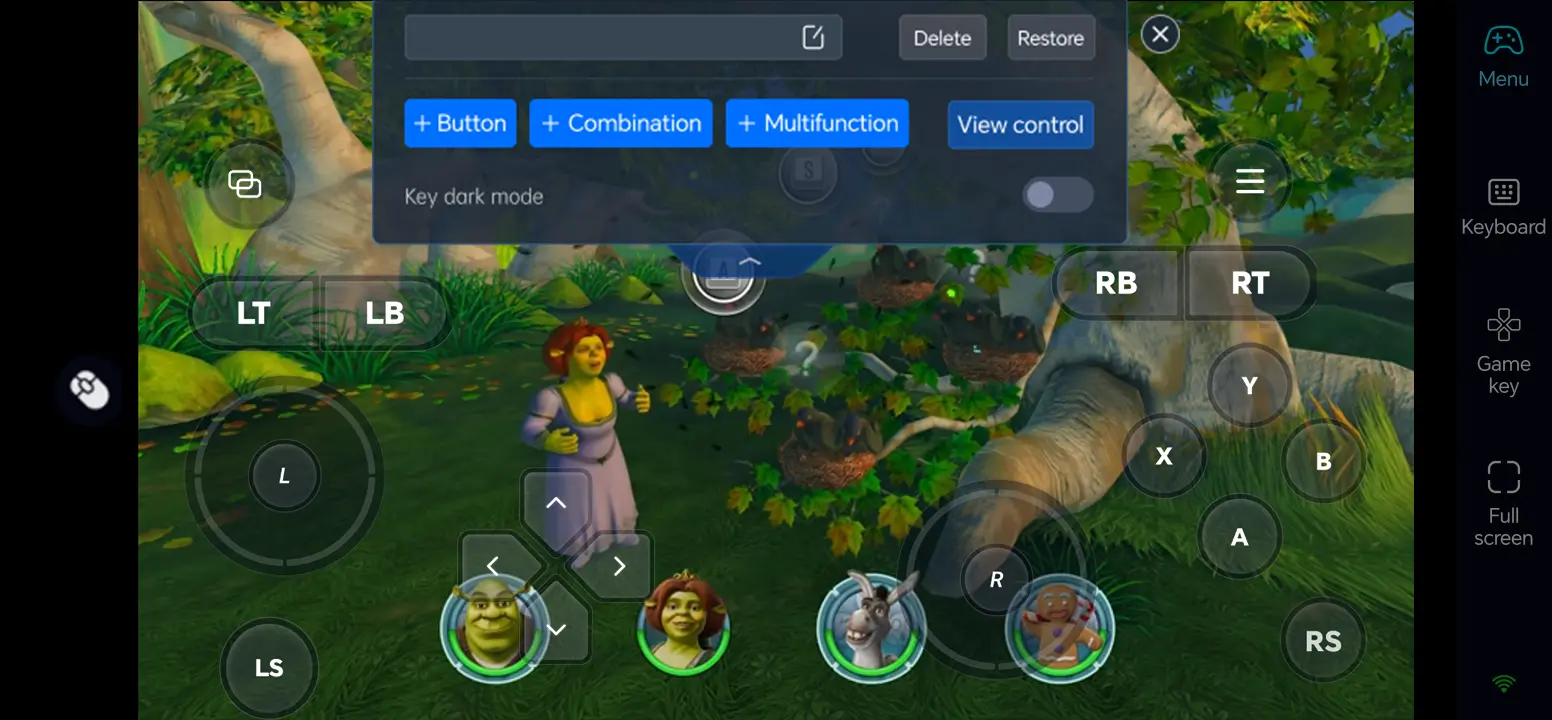
5. Connect an External Input Device
If touch controls feel cramped, connect a compatible Bluetooth controller or external keyboard and mouse to your phone. Check how each input behaves in the game; support can vary by device and title.
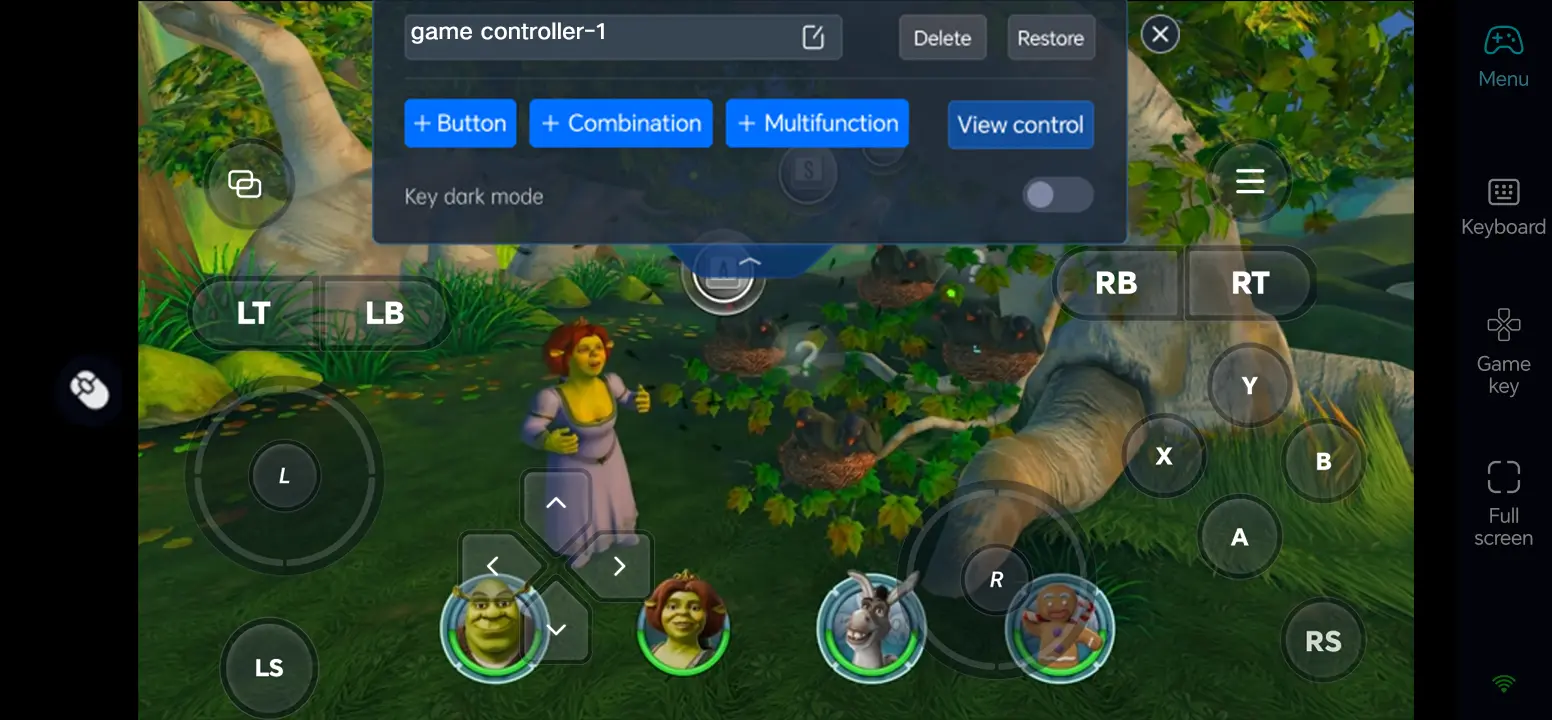
What You Can Play After Setup
Travel from Shrek’s swamp through the kingdom of Far Far Away in solo play.
Swap among Shrek, Fiona, Donkey, and other heroes to handle fights and environmental puzzles.
Use Photo Mode or supported co-op features when your chosen setup and game mode allow them.
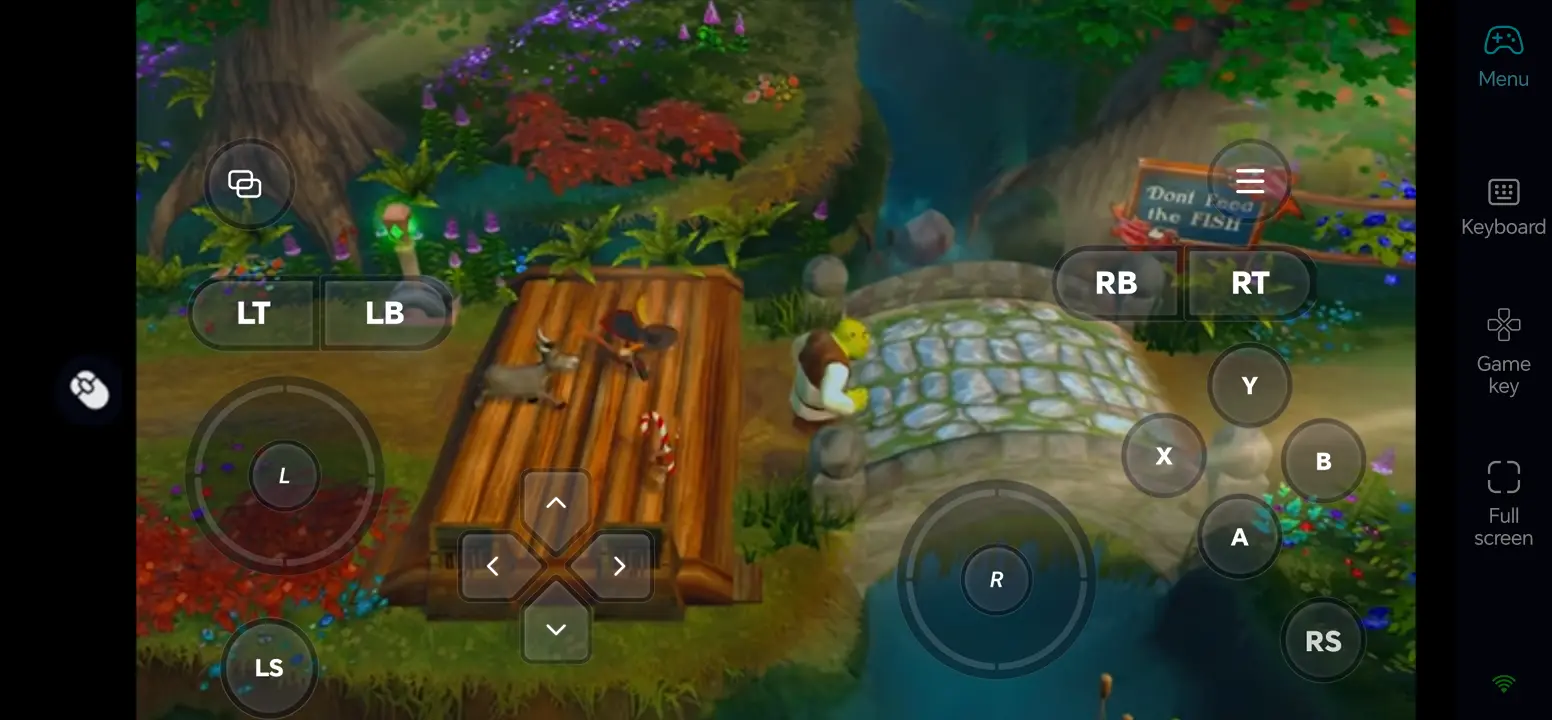
Three OSLink Benefits for DreamWorks Shrek 2 Remastered
1. Separate movement from attacks
A customized touch layout keeps movement, jumping, and combat controls easily accessible during intense encounters.
2. Switch heroes without hunting through menus
Assign a clear key for character switching so you can use the right hero for each puzzle.
3. Use familiar external controls
A compatible controller or keyboard and mouse can make longer sessions and precise jumps easier on a phone.
Frequently Asked Questions
Q1: What is the release date of DreamWorks Shrek 2 Remastered?
The release date of DreamWorks Shrek 2 Remastered is November 10, 2026, according to Steam’s planned release listing.
Q2: Can I play DreamWorks Shrek 2 Remastered directly on Android?
Steam lists a Windows version, not a native Android release. Run DreamWorks Shrek 2 Remastered on your own Windows PC and use OSLink to control that PC from an Android phone.
Q3: Can I play DreamWorks Shrek 2 Remastered directly on iOS?
No native iOS version is listed on the Steam page. You can access the Windows version running on your own PC from an iPhone with OSLink.
Q4: What PC specifications does DreamWorks Shrek 2 Remastered require?
According to Steam, the minimum system requirements are Windows 11 64-bit, an Intel i5-10400 or AMD Ryzen 5 3600 processor, 8 GB of RAM, an NVIDIA GTX 1060 or AMD RX 570 graphics card, DirectX 12, and 15 GB of available storage.
Q5: How do I handle character switching and puzzles on a phone?
Give character switching, interaction, and jump their own on-screen buttons. Test them in a simple area before a timed fight or puzzle; a compatible controller may feel more natural.
Conclusion
Test DreamWorks Shrek 2 Remastered locally when it is available on Steam, then connect your phone with OSLink. Tune the touch layout or pair a controller to enjoy the game from another room or on the go while your PC stays on.
 Download