English
 Phantom Blade Zero is a dark wuxia action game built in Unreal Engine 5 by S-GAME Studio. You play as a swordsman with only sixty-six days left to live, trapped in a dangerous martial arts world full of deadly foes. It focuses on tight parries, dodges, counters, weapon switching and high-stakes boss battles, with multiple combat styles to master.
If you want to keep exploring the grim wuxia world without staying in front of your computer, OSLink can help. As long as the game is installed and running on your PC, you can connect from your phone and control the PC version remotely. That means you can progress the story, practice combos or retry bosses from another room or a more comfortable spot.

Quick Setup Guide for Playing Phantom Blade Zero on Mobile
Step 1: Install OSLink and Pair Your Devices
On PC:
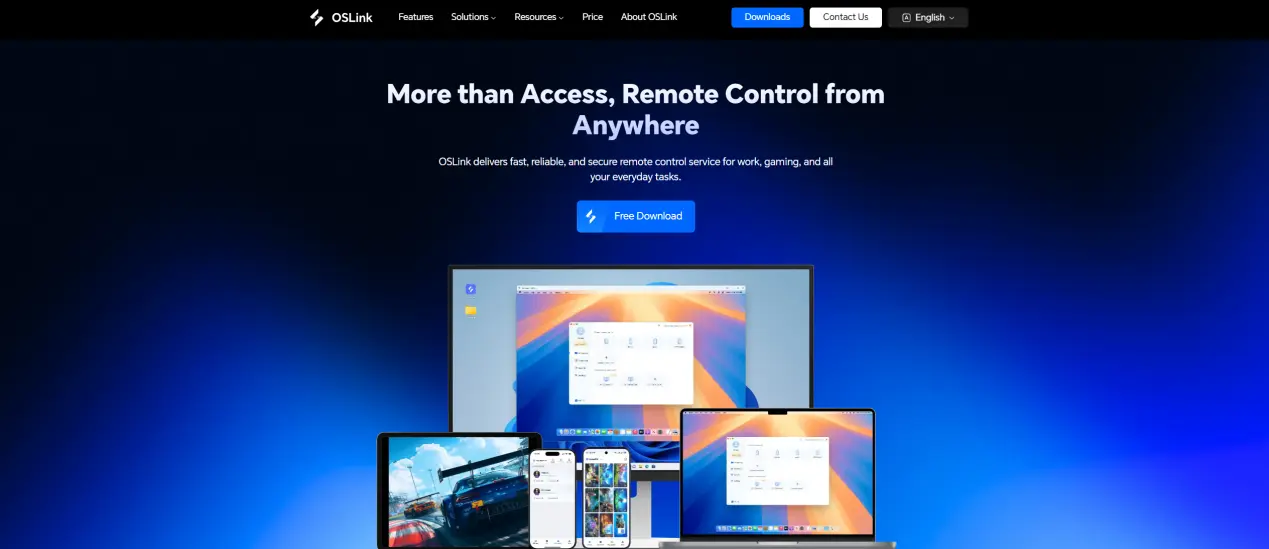
Visit the official OSLink website (https://www.oslink.io) and download the desktop client. Install it, sign in, and keep your computer online with a stable network connection.
On Mobile:
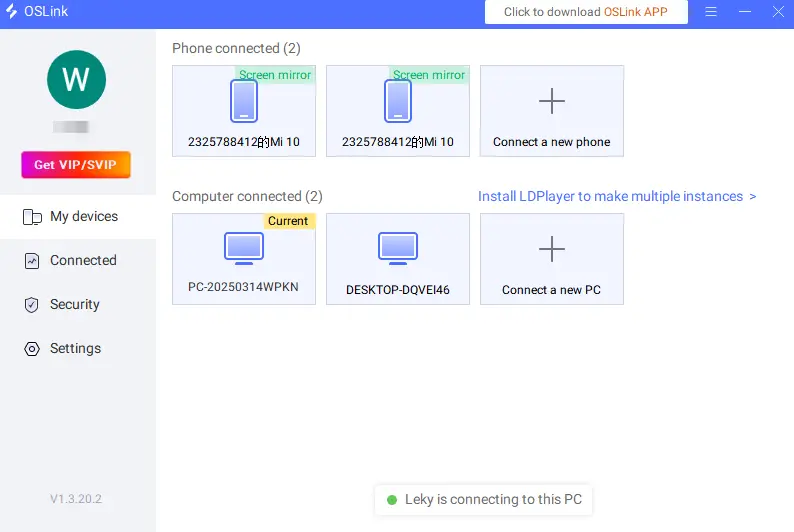
Download the OSLink app from the App Store or Google Play, or get the correct version from the official website. Sign in with the same account you used on PC. After pairing, your computer should appear in the mobile app so you can connect to it.
Step 2: Optimize Your Controls
1. Launch the Game:
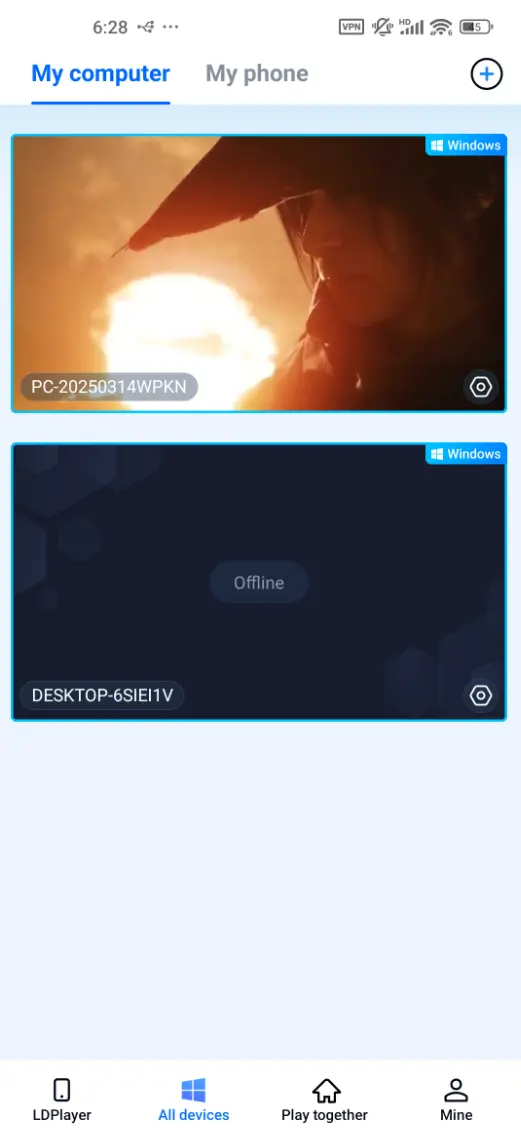
Open Phantom Blade Zero on your PC. Wait until you reach the main menu, then connect to that computer from your phone or tablet to begin remote play.
2. Choose a Control Mode:
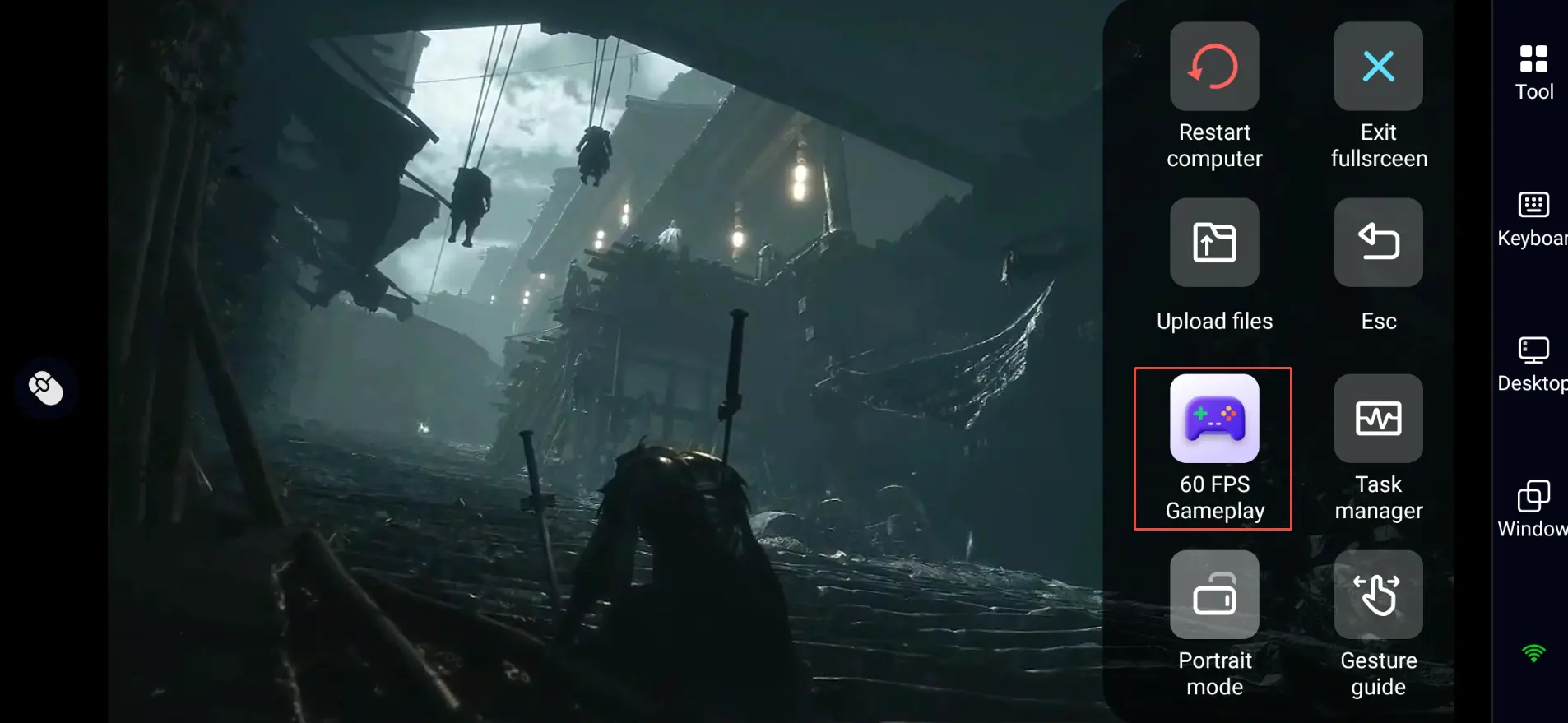
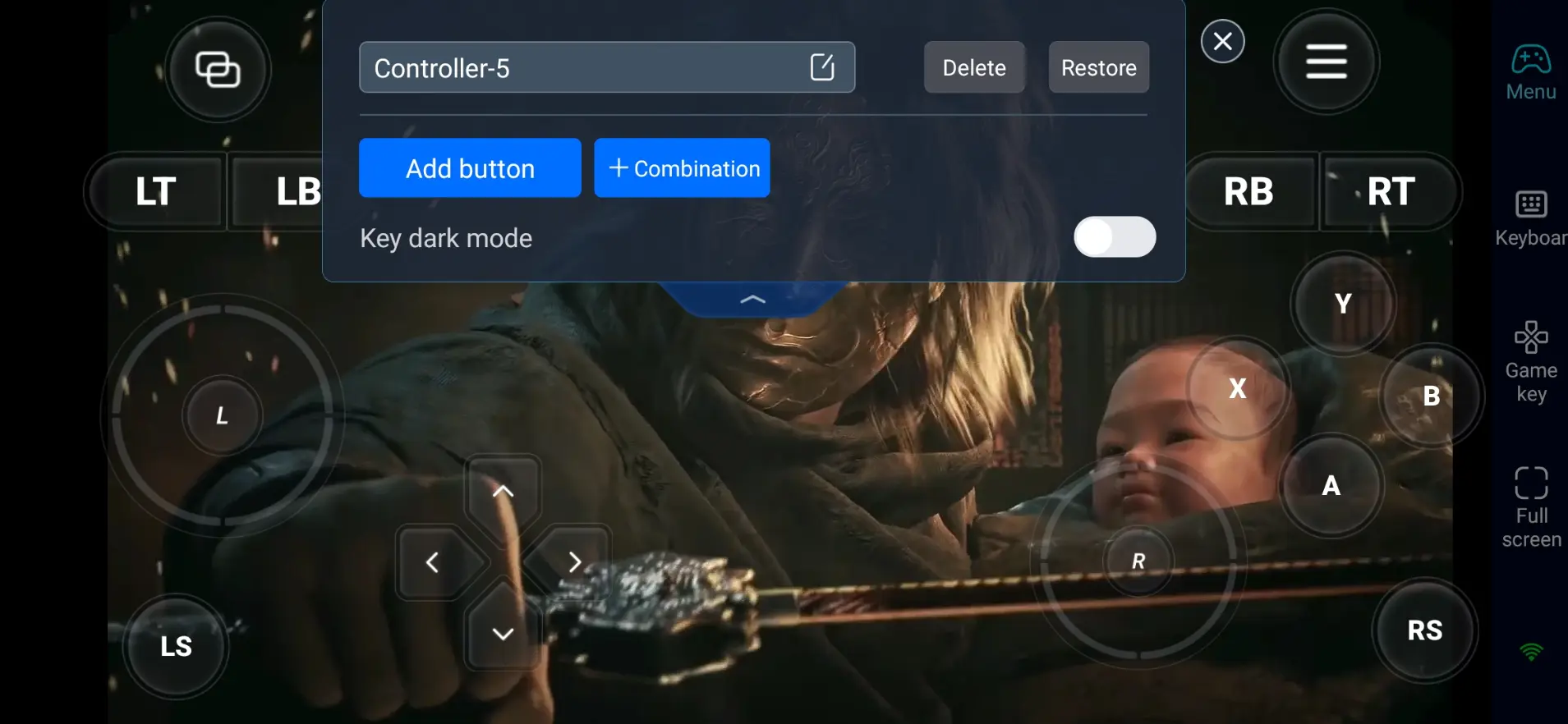
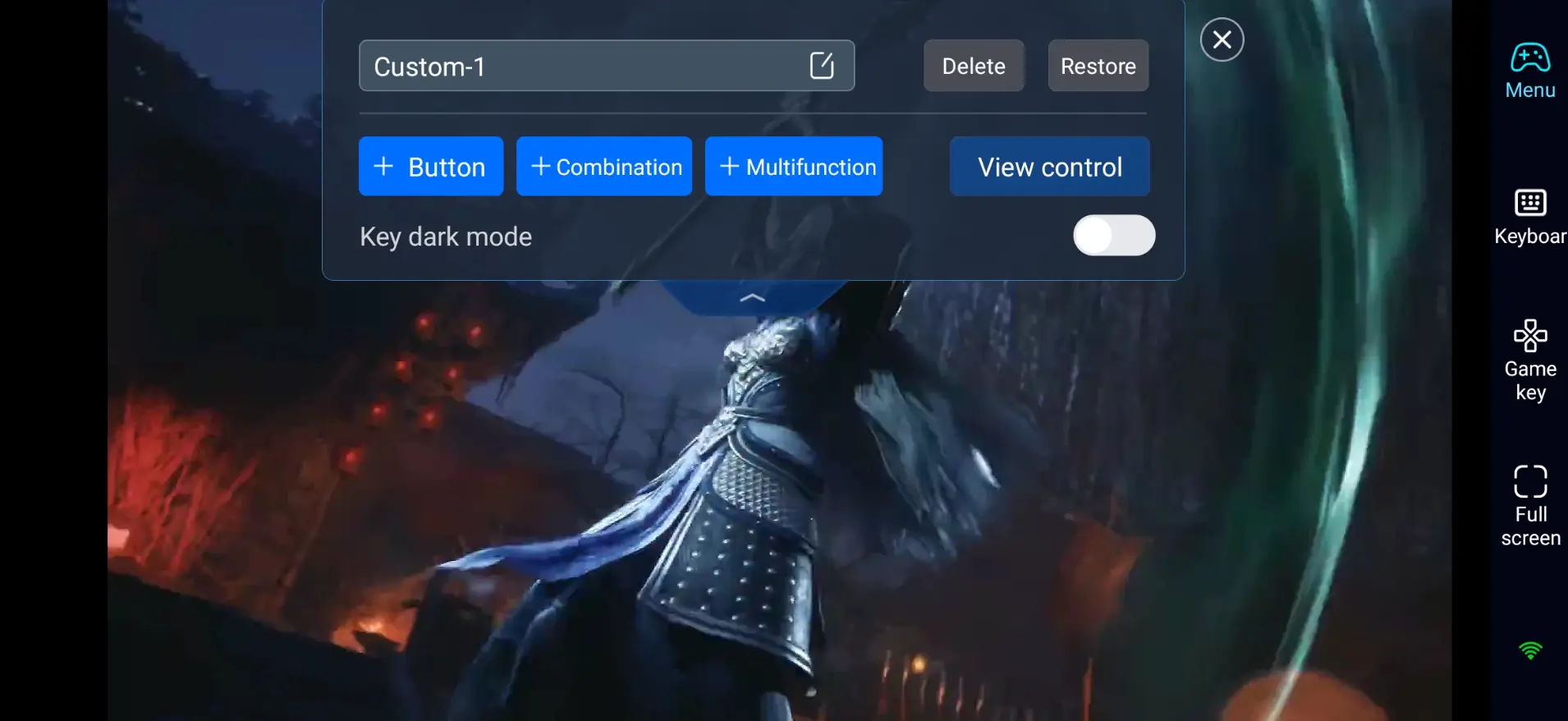
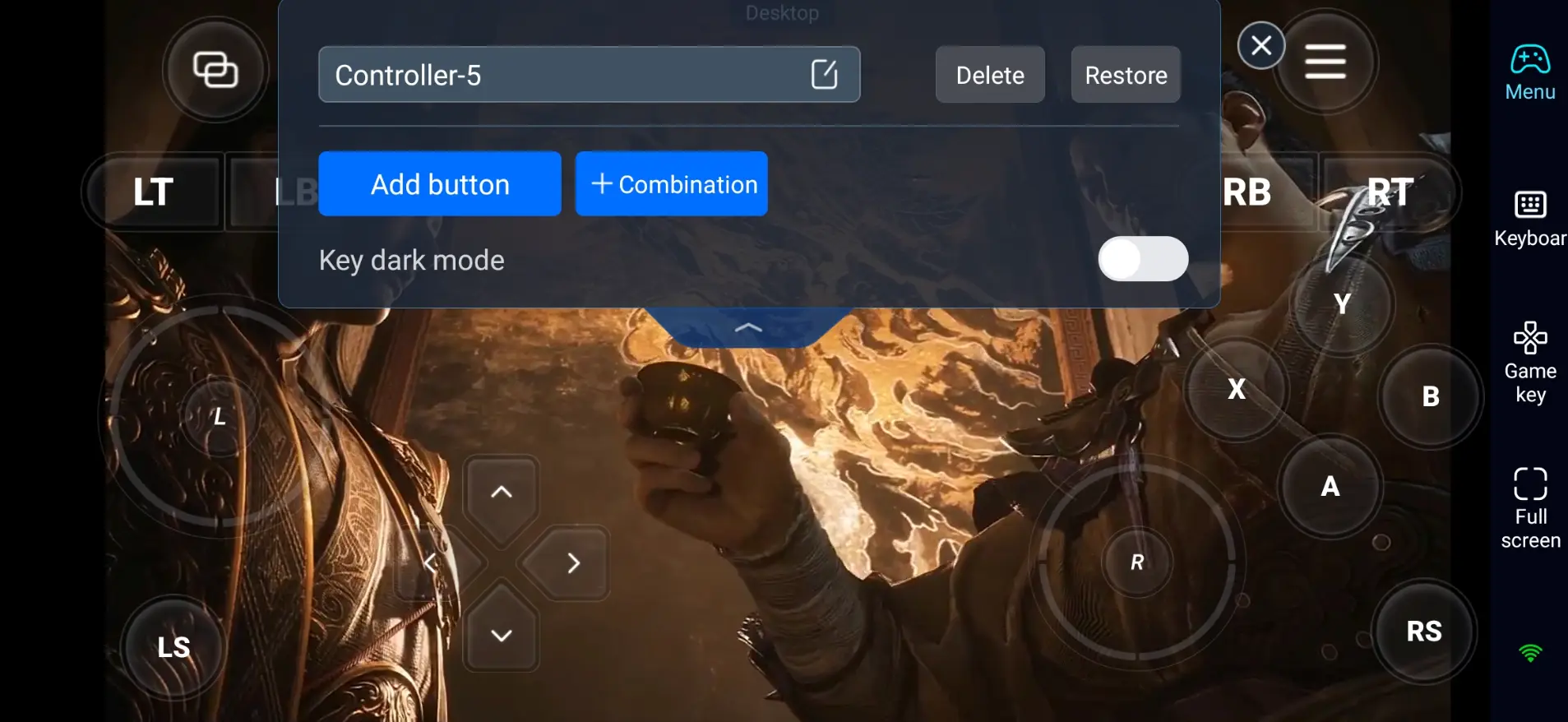
Open the in-session toolbar on your mobile screen, select “60 FPS Gameplay,” and choose either the button overlay or a virtual controller layout that fits your preferences.
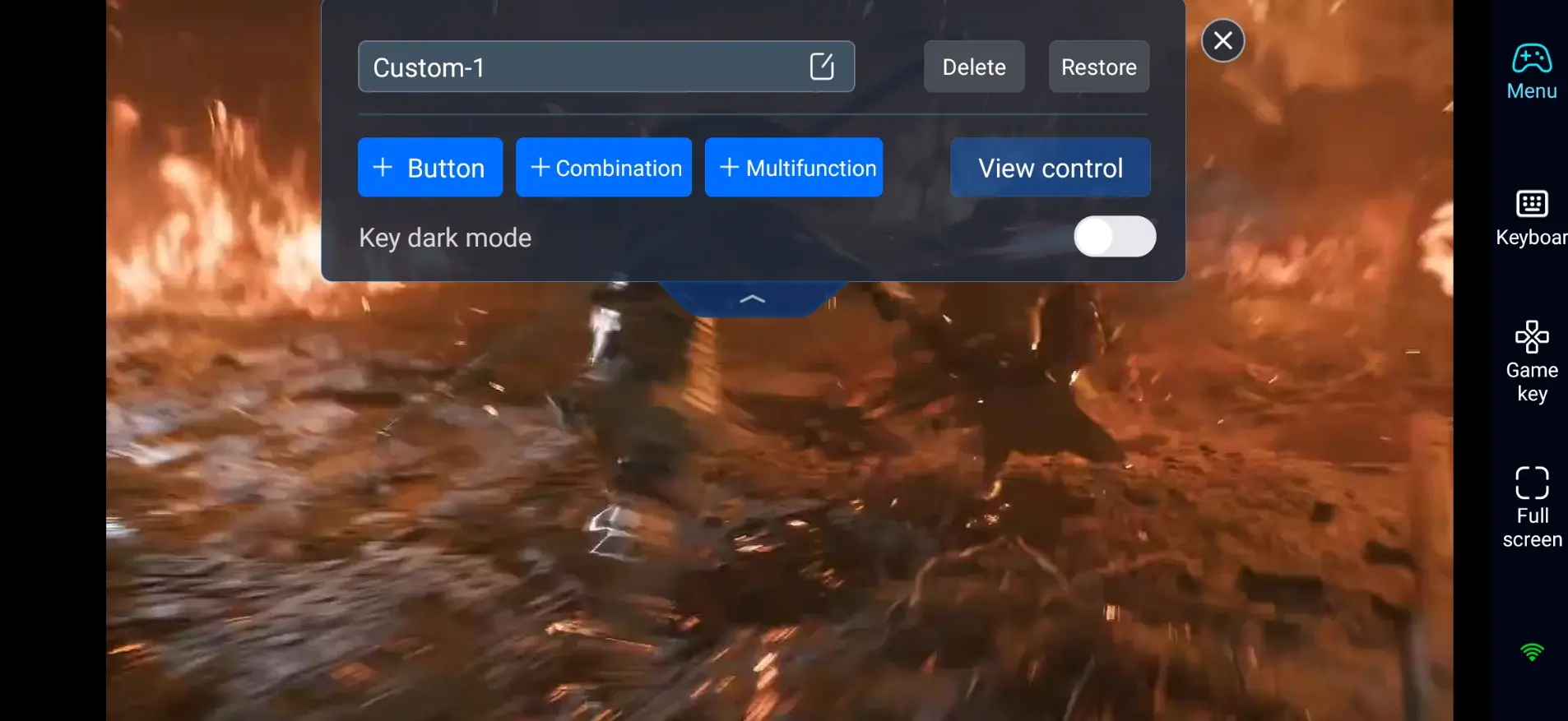
3. Customize the Buttons:
Phantom Blade Zero is a precision action game, so set up the most important combat actions first:
- Movement and camera control
- Light attack, heavy attack, weapon swap
- Dodge, parry, counterattack
- Ultimate skills and special arts
- Interaction, map opening and menu access
Keep the buttons you use most within easy reach of your thumbs. A clean layout can reduce mis-taps during fast boss fights.
4. Use an External Controller:
If touch controls feel limited, connect a Bluetooth gamepad. For this kind of timing-heavy action game, a controller makes parries, dodges and combo chains much easier to pull off accurately.
Step 3: Venture into the Wuxia World Anytime
Once setup is complete, your phone or tablet can act like a portable screen for your PC. With OSLink, you can play Phantom Blade Zero whenever you cannot stay at your computer for a long time.
- Story Progress: Use short breaks to advance the main plot and watch cinematic cutscenes.
- Boss Practice: Retry boss fights and practice parry timings wherever you are.
- Combo Training: Test different weapons and learn new combat sequences.
- Side Content: Hunt for hidden areas, collect materials and finish side quests.
Why Stream Phantom Blade Zero via OSLink?
1. Play Phantom Blade Zero on Mobile Anywhere
You do not need to sit by your PC all day. Keep your computer powered on and online, and you can jump into the game remotely from anywhere inside your home.
2. Preserve Original PC Visual Quality
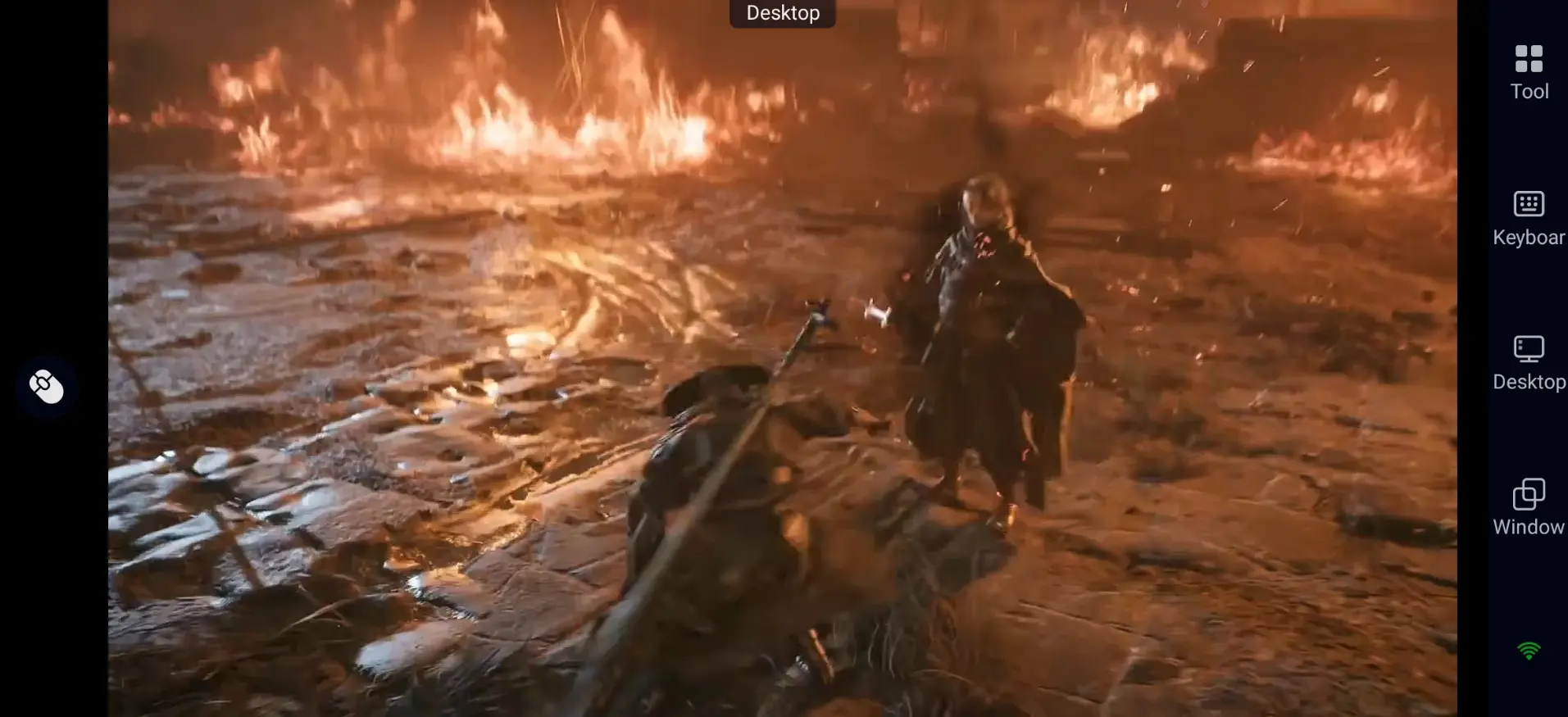
There is no native mobile release for Phantom Blade Zero right now. OSLink pulls the full video feed straight from your gaming PC, so graphics stay sharp with no heavy compression. Enjoy the game's dark wuxia visuals powered by Unreal Engine 5, detailed environments, and full combat effects.
3. Adjustable Controls Built for Timing-Based Action
Phantom Blade Zero demands precise parries, quick dodges and smooth weapon transitions. OSLink lets you drag and resize touch buttons to fit your screen size and preference. Combined with 60 FPS streaming, your remote gameplay will feel smooth and responsive.
Frequently Asked Questions
Q: What is Phantom Blade Zero release time?
A: Phantom Blade Zero release date is October 29, 2026. It launches on PC via Steam, Epic, WeGame and PS5. There is no native mobile version at launch.
Q: What PC specs do I need to run Phantom Blade Zero?
Listed minimum requirements:
- OS: Windows 10/11 64-bit
- CPU: Intel Core i7-8700K / AMD Ryzen 5 3600
- RAM: 16GB
- GPU: NVIDIA GeForce GTX 1660 6GB / AMD Radeon RX 5500 XT 8GB
- Storage: SSD is required
- DirectX: DirectX 12
Q: Can I play Phantom Blade Zero directly on Android?
A: There is no official native Android version of Phantom Blade Zero. To experience the game on an Android phone, you can use OSLink to remotely stream the PC version to your device.
Q: Can I play Phantom Blade Zero directly on iOS?
A: Phantom Blade Zero does not offer an official native iOS build. iPhone and iPad users can stream the PC game through OSLink, using either touch overlay controls or a paired Bluetooth controller.
Conclusion
With OSLink, you can play Phantom Blade Zero remotely on your phone or tablet while the game runs on your PC. Whether you are advancing the story, practicing boss fights or testing new weapon combos, remote play gives you more flexibility without keeping you tied to your desk. For a better experience, customize your controls and consider using an external controller before jumping into tough encounters.
 Download