English
 CookieRun: Crumble is a casual idle RPG. The game features stage progression, resource gathering, cookie upgrades, equipment enhancement, gacha pulls and tons of repetitive content. Manual farming takes plenty of time, and running multiple instances to reroll accounts or collect resources is extremely exhausting.
This guide will show you how to use OSLink alongside LDPlayer. Achieve synchronized multi-instance control, automate idle farming, mass reroll starter accounts and farm resources effortlessly to greatly boost your progression efficiency!
Download & Install Tools
Before multi-instance farming and rerolling, you need to set up a stable LDPlayer environment for CookieRun: Crumble on your PC. This ensures long-duration automated operations run smoothly without crashes.
PC Side
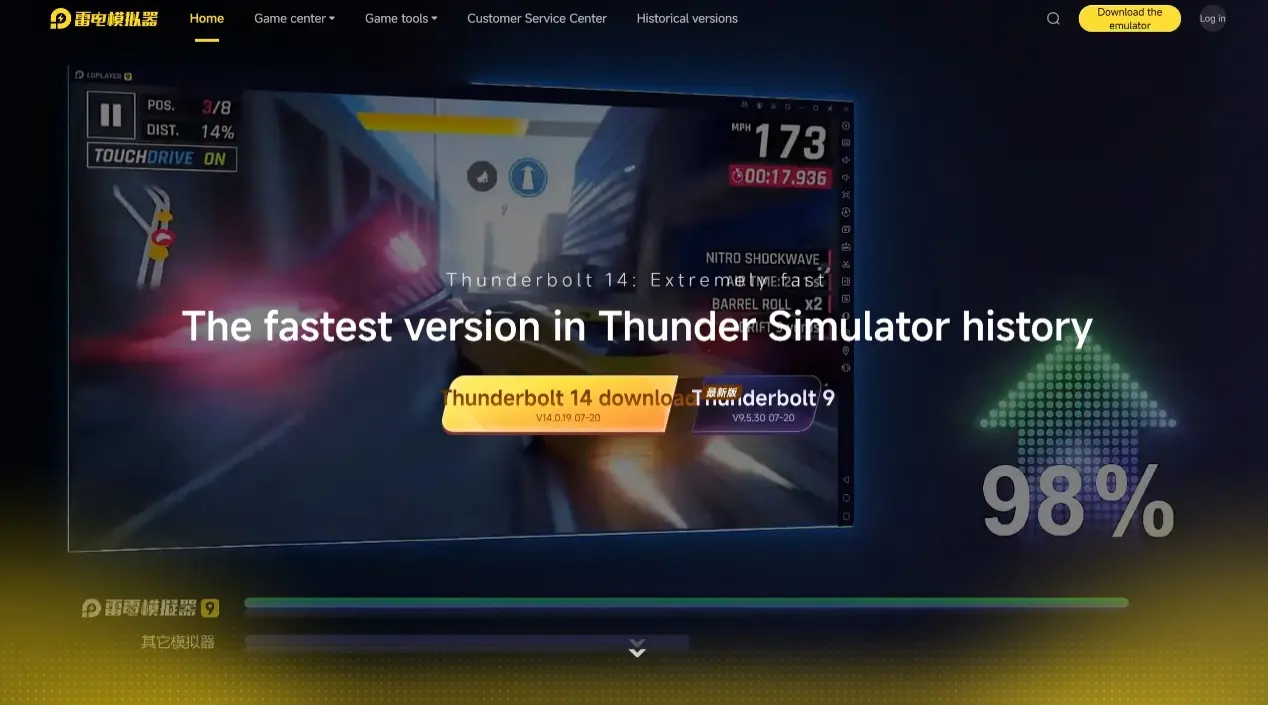
First, head to the official websites of OSLink and LDPlayer. Download and install both OSLink remote control software and LDPlayer. These two tools are the foundation for remote access and game multi-instance functions.
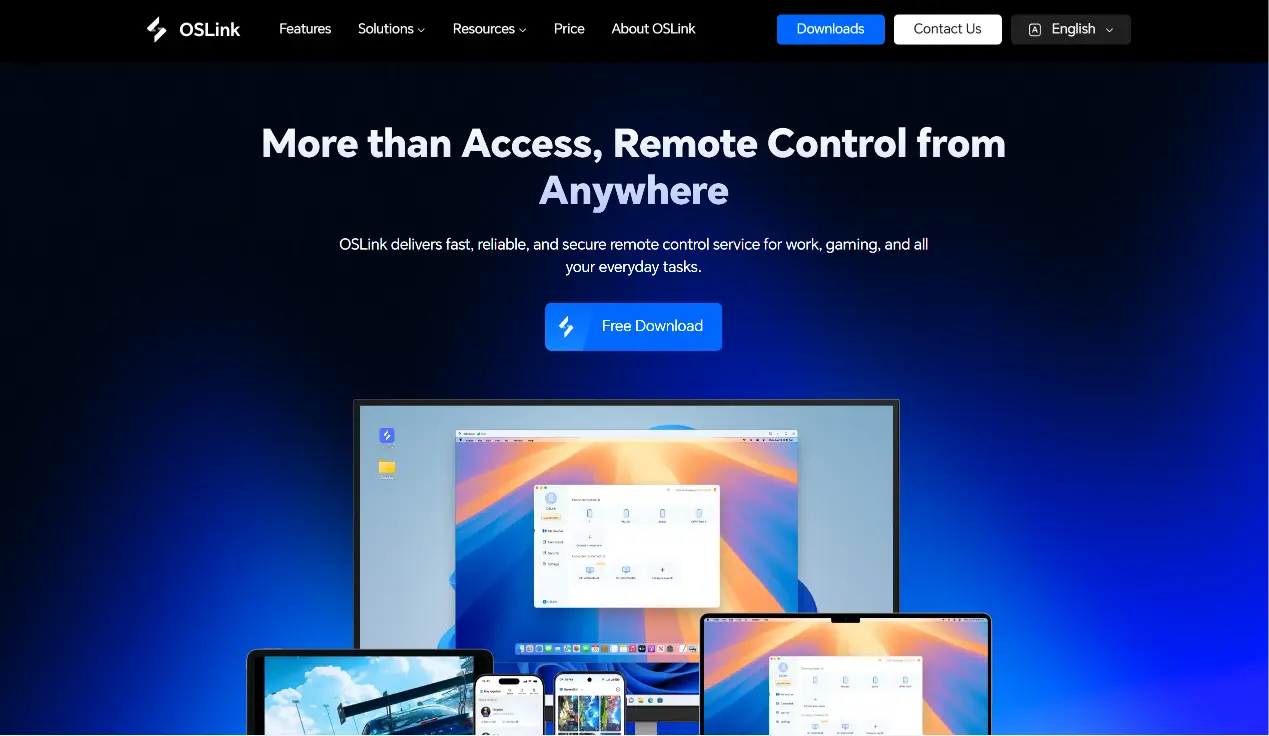
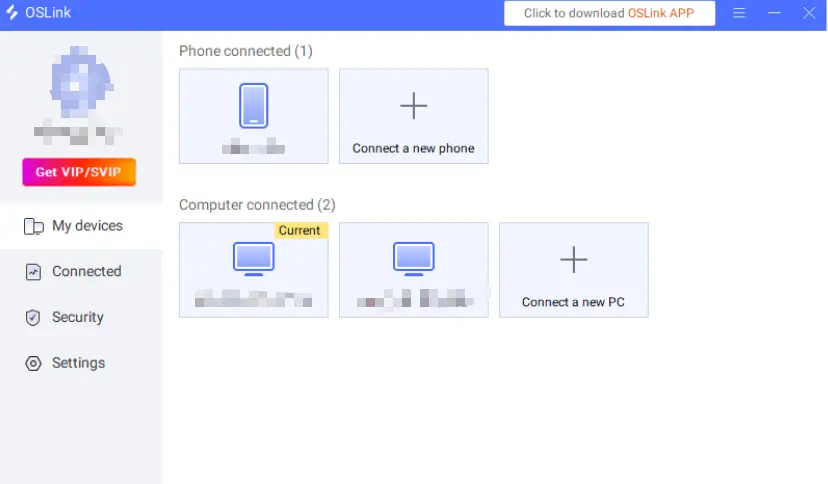
Visit the official OSLink website to download the desktop client. After installation, register and log into your account. Keep the program running in the background, and disable system rules that automatically clear background applications.
Mobile Side
Download the OSLink mobile app from app stores or the official mobile website. Log in using the exact same account as your PC. Enable floating windows, auto-start and background activity permissions to avoid remote connection interruptions.
Automated Farming & Multi-Instance Synchronization
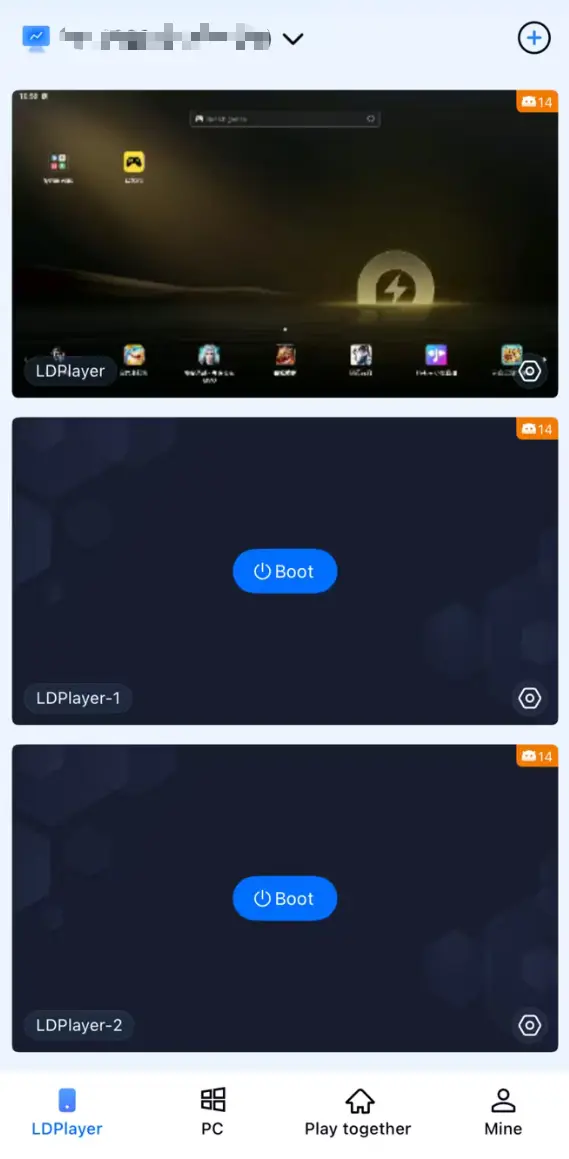
Make sure your PC and mobile device are logged into the identical OSLink account. Inside the mobile OSLink app, select your PC device to establish a connection. Once connected, your phone screen will display the LDPlayer interface, allowing direct touch control just like moving your PC screen to your handheld device.
With OSLink’s feature set, you can run automated farming for CookieRun: Crumble. It also supports synchronized operations across multiple windows, letting you reroll accounts and farm stage rewards at double speed.
Auto AFK Farming
CookieRun: Crumble is an idle game. Continuous stage clearing, offline reward collection and repeated challenge runs are required to gather upgrade materials. You can use OSLink’s auto-click function to achieve unattended farming:
1.While connected via OSLink on your phone, launch CookieRun: Crumble inside LDPlayer.
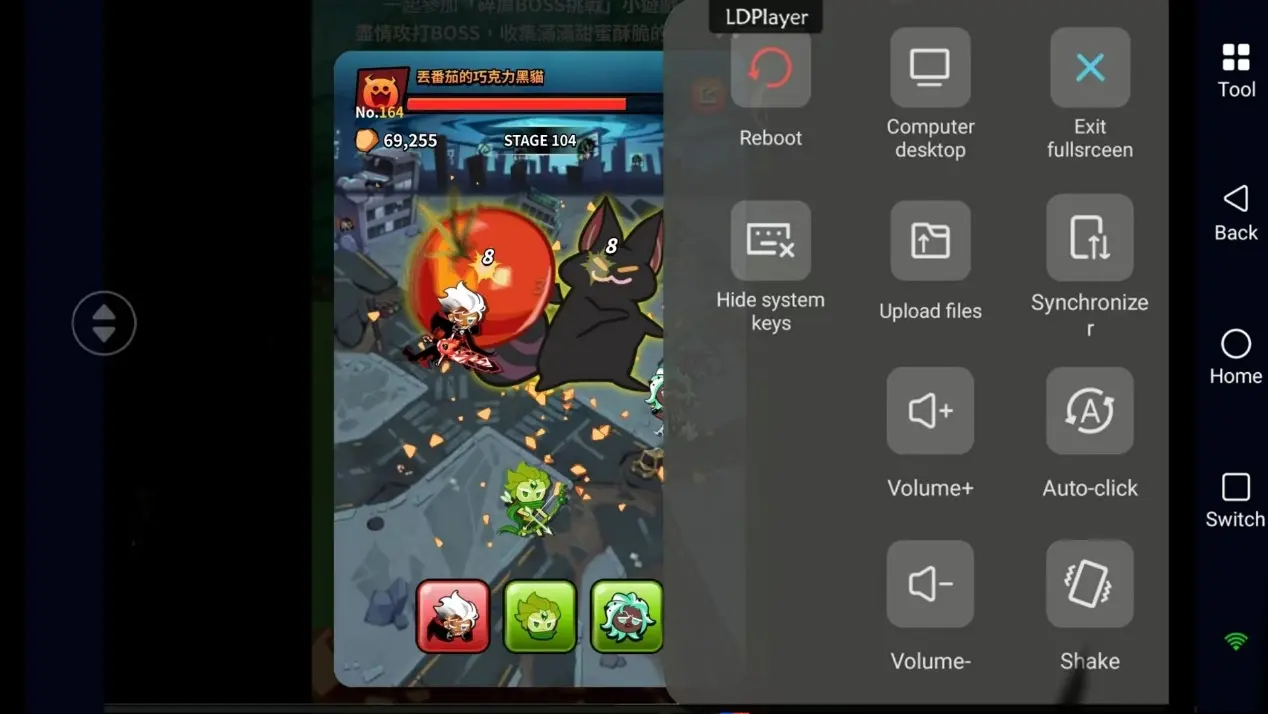
2.Turn on OSLink’s Auto Tap tool and record your full operation workflow: start stage challenge → complete battle → claim rewards → collect idle income → restart challenge.
3.Set cycle counts or running duration. Activate the script for fully automatic resource farming for gold and enhancement materials. You do not need to keep your screen on, and resource collection continues even when the screen is locked.
Multi-Instance Synchronization
If you want to create lots of new accounts for rerolling, or manage multiple resource farming accounts at once, use the sync operation function to handle repeated tasks in bulk:
1.Open multiple CookieRun: Crumble instances within LDPlayer. Each window must be logged into an independent game account.
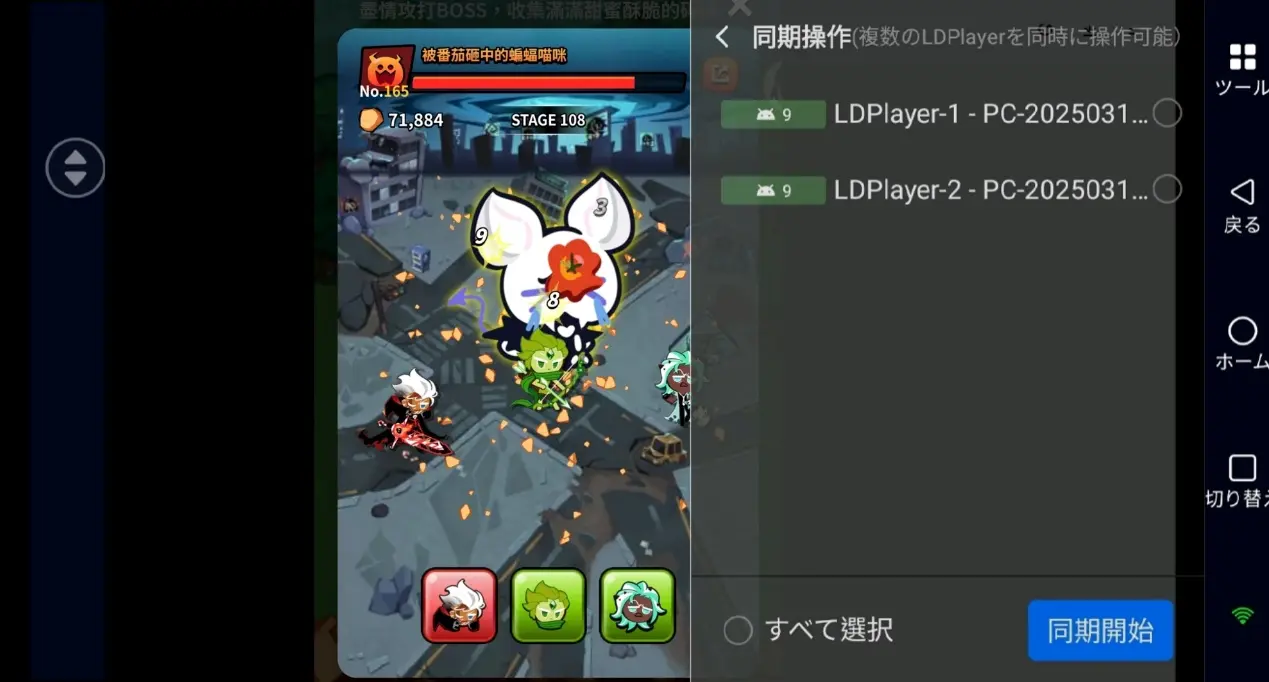
2.Open the "Sync Operation" mode inside the mobile OSLink app.
3.Tick all emulator windows you want to control synchronously and activate the sync function.
Every action you perform on your phone—such as skipping new account cutscenes, tapping gacha pulls, claiming server launch rewards and clearing initial stages—will execute simultaneously on all selected instances. It’s perfect for mass rerolling and saves massive amounts of repetitive work time.
FAQ / Frequently Asked Questions
Q: When is CookieRun: Crumble officially launching?
A: The game will launch globally on July 30, 2026, available for Android and iOS. Pre-registration rewards can be claimed after launch.
Q: Can I play CookieRun: Crumble only with LDPlayer, without OSLink?
A: LDPlayer alone only allows operation while you sit in front of your PC. If you hope to remotely run AFK farming or control multiple reroll accounts while out and about, OSLink is strongly recommended. OSLink enables remote connection from mobile devices without location limits. Unlock the full potential of idle game farming and maintain stable AFK runs 24/7.
Q: Can I run multiple CookieRun: Crumble accounts directly on iOS?
A: The iOS system does not natively support app cloning. You cannot launch multiple game instances on an iPhone directly. Pair your device with OSLink remote control, and you can remotely manage and operate multiple emulator instances hosted on your PC anytime to reroll accounts and farm resources remotely.
Summary
Once you finish the setup above, you can remotely control your PC and run multiple instances of CookieRun: Crumble using your phone. Whether commuting or traveling, you can monitor ongoing AFK tasks, mass reroll starter accounts and automatically farm stages for upgrade materials. Never miss out on daily and event rewards. Adjust the number of emulator windows reasonably based on your PC hardware. Always abide by the game’s official Terms of Service and enjoy your idle progression experience!
 Download