English
 Cyberpunk 2077 is an action adventure RPG that blends open world exploration with a deep, immersive storyline, taking players into the futuristic metropolis of Night City. Here, you play as V, a mercenary navigating a world filled with power, danger, and opportunity.
Want complete NCPD missions anytime,or use your spare time to adjust your cyberware build? With OSLink remote control, your phone becomes a gateway to your PC. Simply connect your devices, and you can launch Cyberpunk 2077 in high definition and jump back into Night City whenever you want!
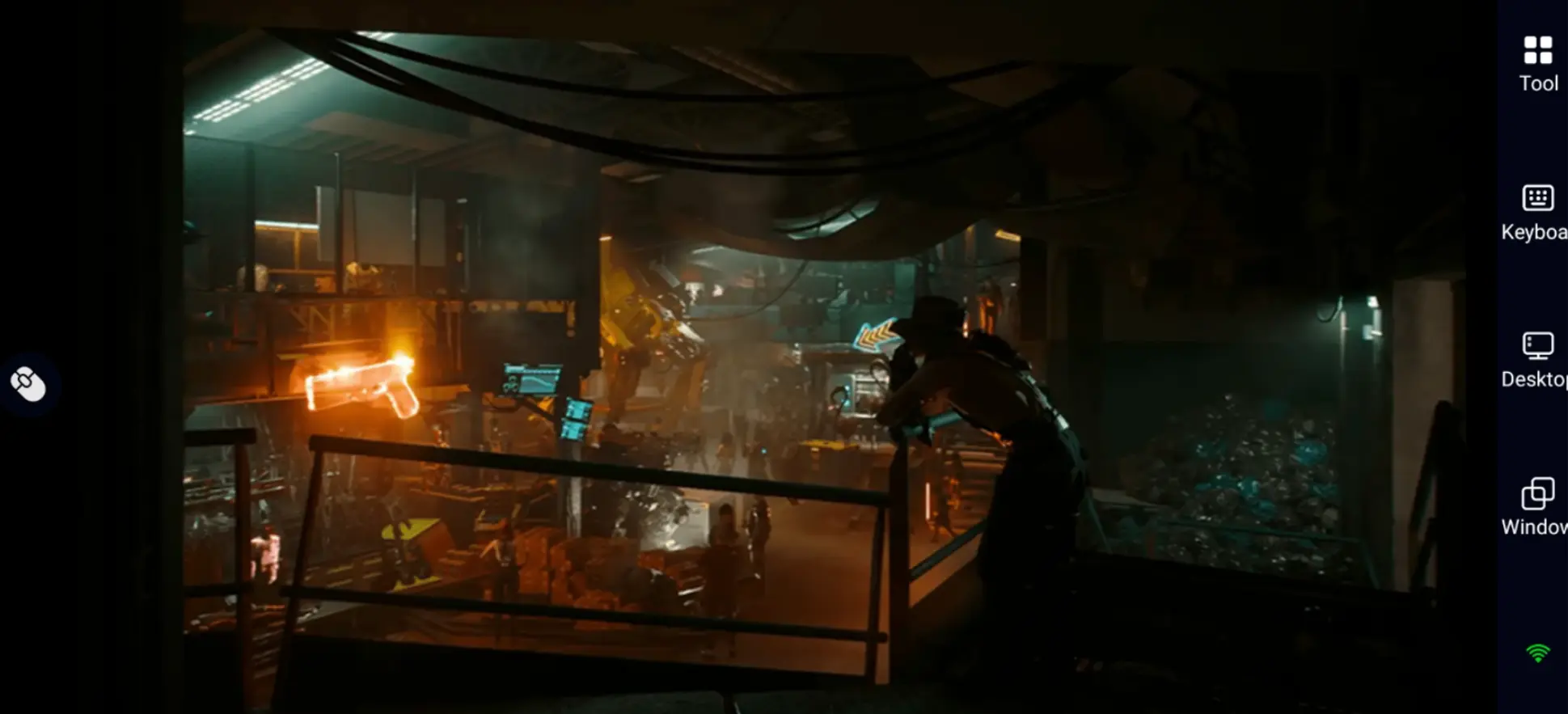
Quick Setting for Cyberpunk 2077 Mobile Play
Step 1: Download OSLink and connect the device
For Computer
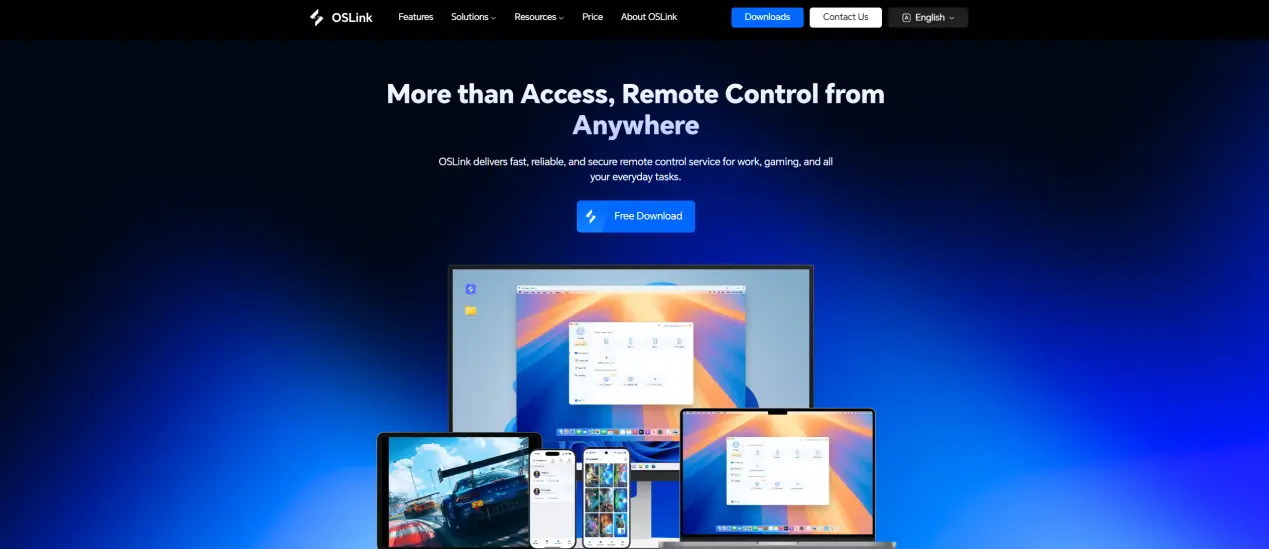
Go to the OSLink website to download and install OSLink exe.
For Mobile
Download the OSLink APP from the App Store or Google Play, and you can also get the APK from the official website.
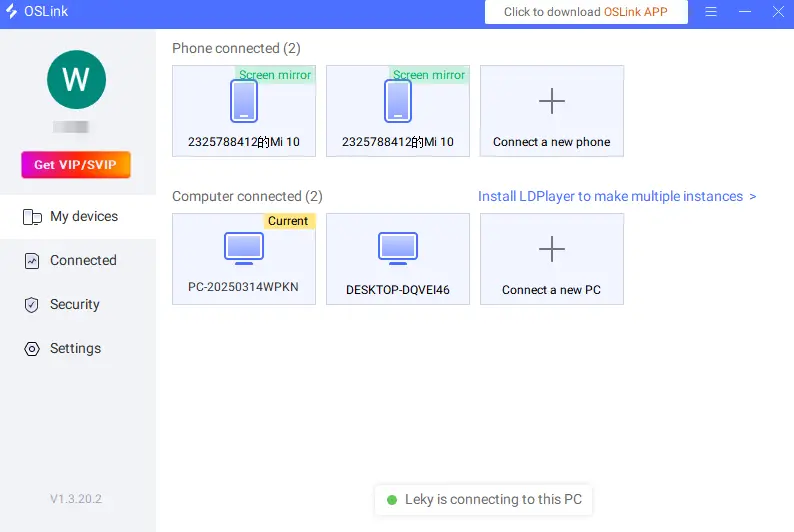
Login to the same account as the computer for remote connection.
Step 2: Control optimization
1.Launch the game
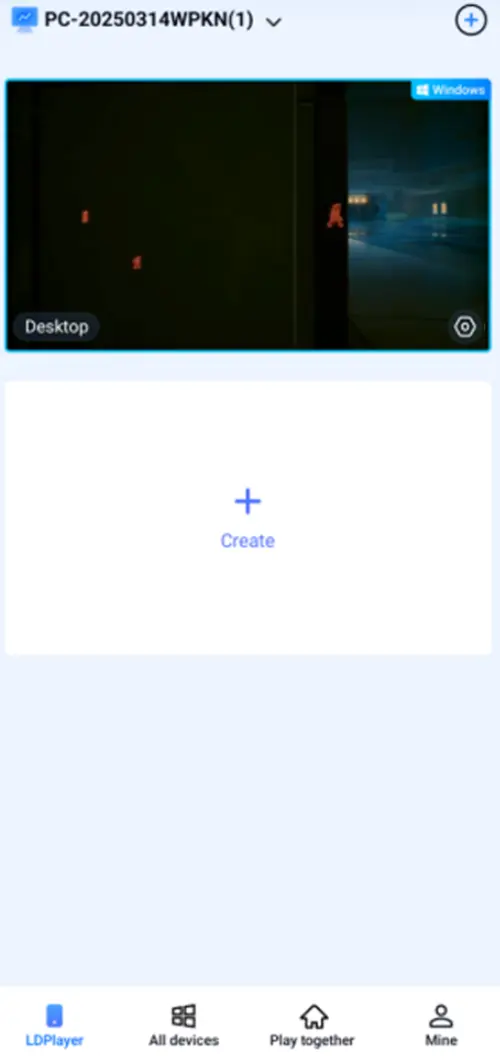
Open Cyberpunk 2077 on PC. Once connected, you can access it directly from your phone. If the game isn’t running yet, you can also use your phone to remotely launch it.
2.Control mode
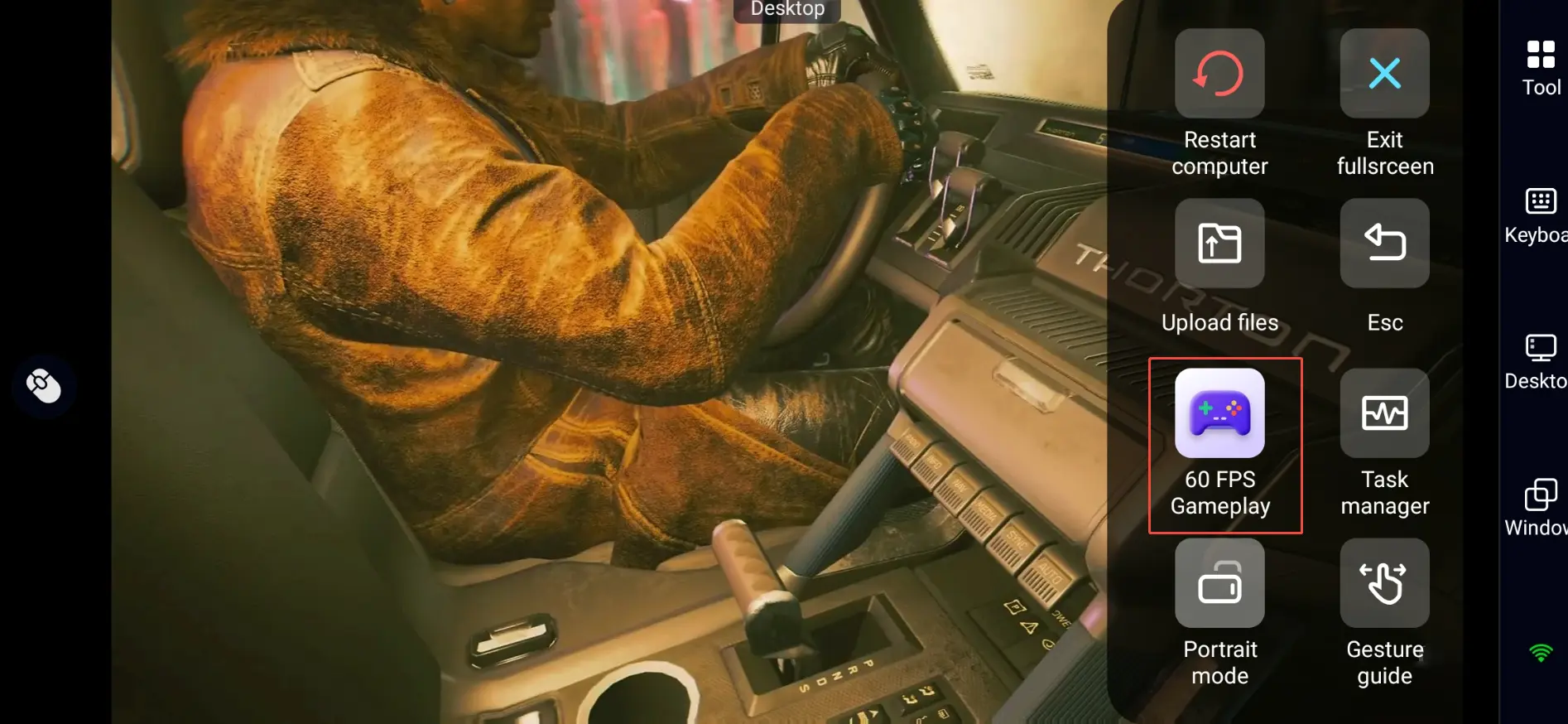
Tap the toolbar on the right side of your phone and enter "60 FPS Gameplay". From there, choose between button controls or connect a virtual controller based on your preference.
3.Key setting
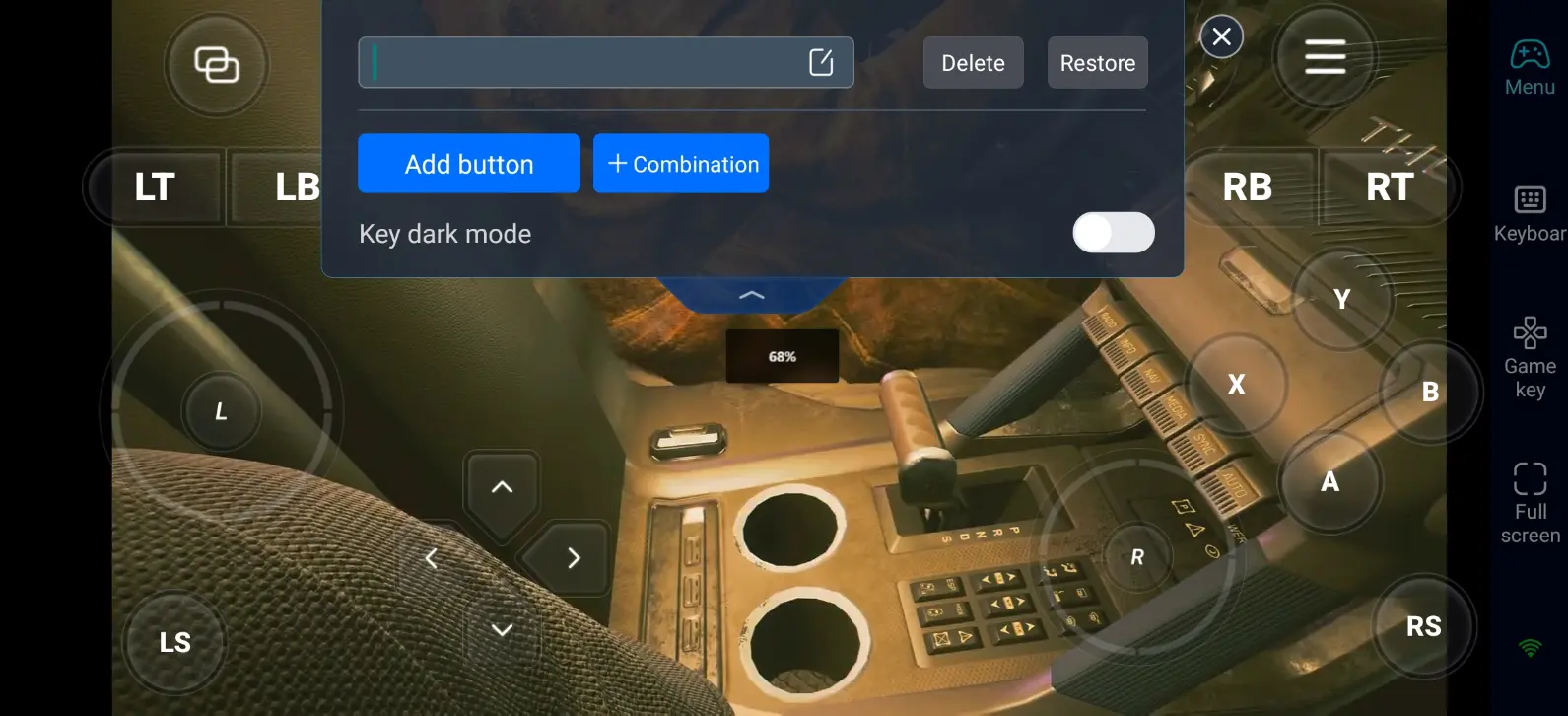
Cyberpunk 2077 features a mix of gunplay, hacking, and cyberware abilities. It’s recommended to prioritize the following controls:
Movement and camera control
Weapon switching / cyberware abilities / quickhacks
Sprinting and blocking
Item usage and scanning shortcuts
4. Connect peripherals
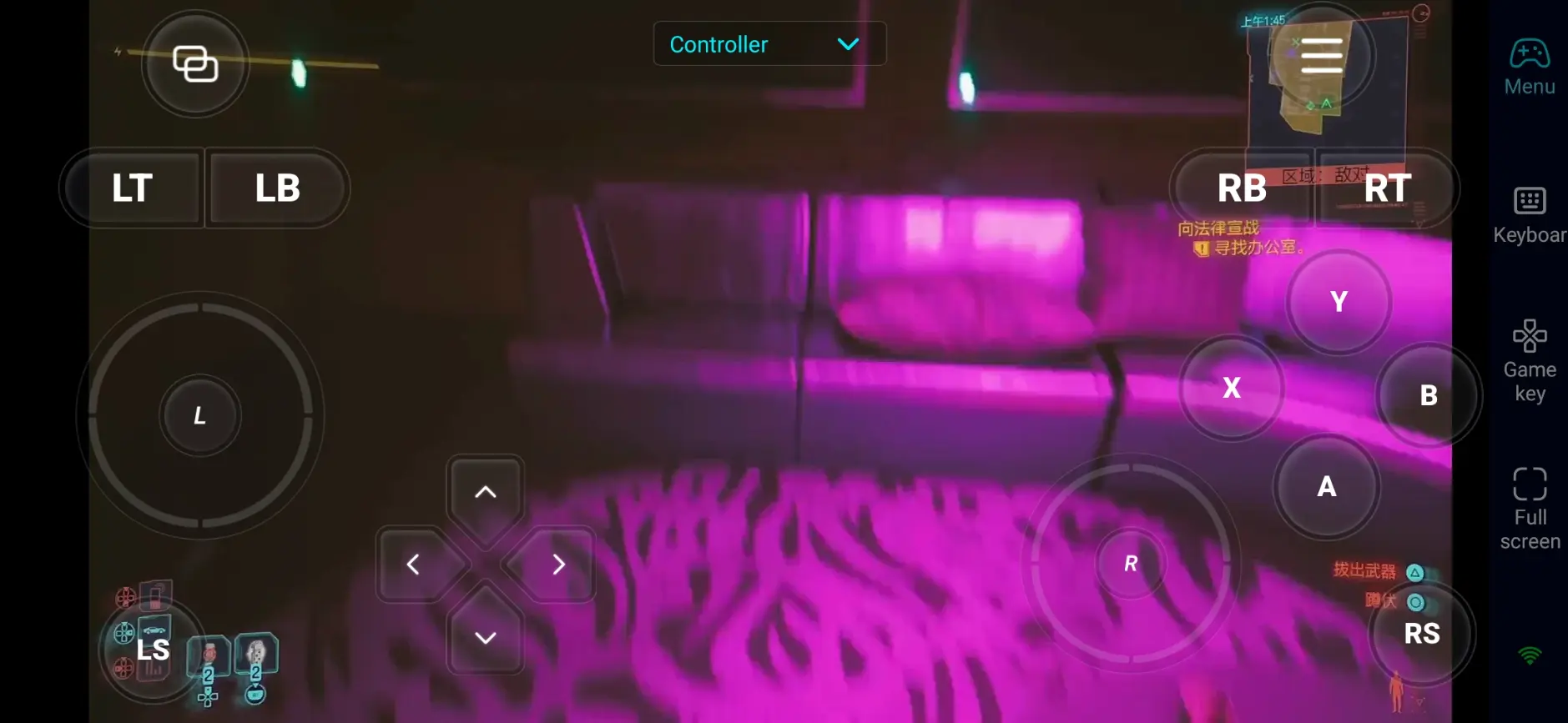
In addition to custom button functions, OSLink is also compatible with various external devices, including Bluetooth controllers and mobile game controllers. Players can use these peripherals to directly control the game, breaking free from the limitations of touch screens and enjoying more diverse control methods.
Step 3: Embark on adventures anytime, anywhere
After completing the setup, your phone or tablet can become your mobile device. Through OSLink, you can perform:
Daily delegation: Use spare moments to complete NCPD missions and earn resources for cyberware upgrades.
Night City Exploration: Explore the corners of Night City during leisure time and discover hidden branches and Easter eggs.
Adjust your build: Fine-tune your cyberware setup and weapon loadout to optimize your playstyle.
Why choose to use OSLink to play Cyberpunk 2077?
1. Break location restrictions and DIVE at any time
No need to stay at your desk, whether you're relaxing on the coach or out and about, you can jump intp the neon-lit streets of Night City any time.
2. No unofficial ports needed - play the full PC version
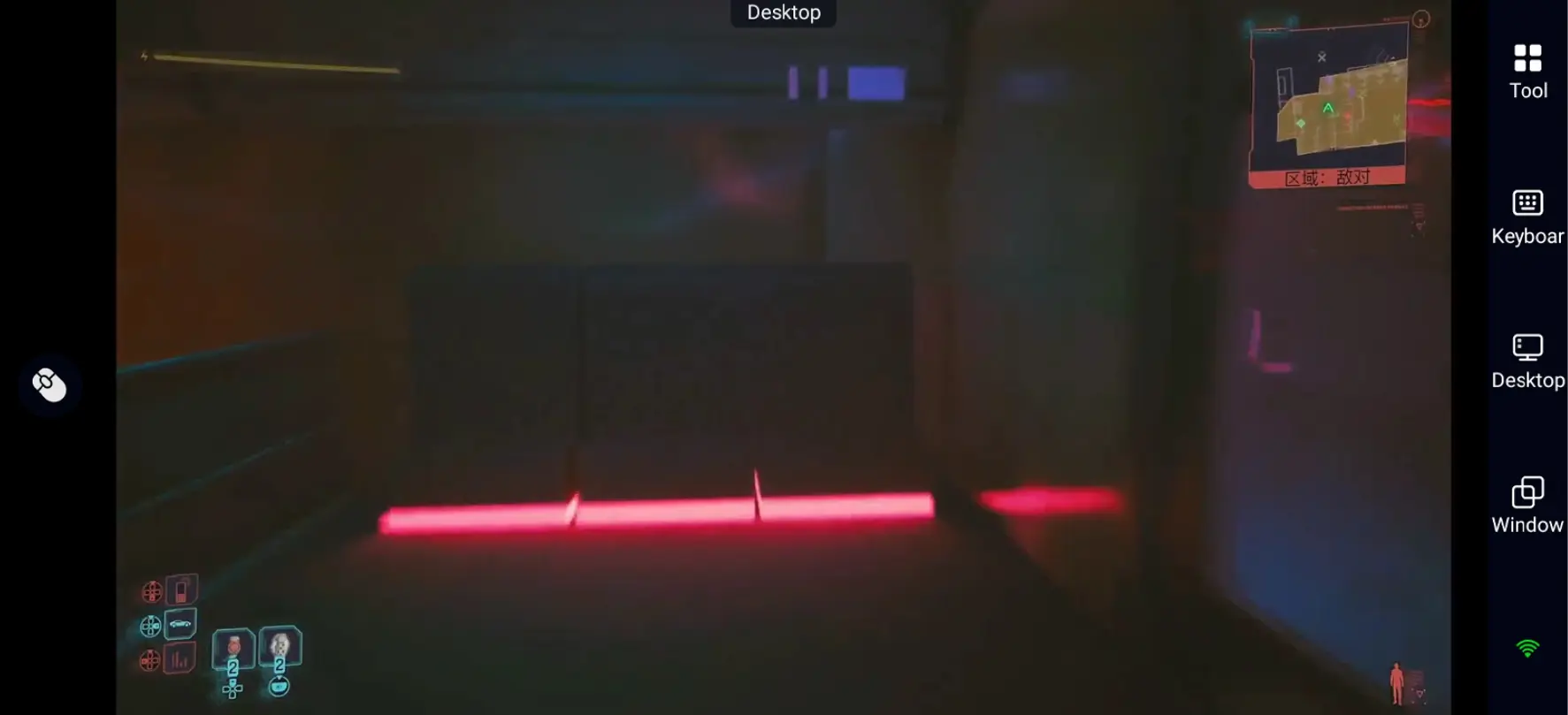
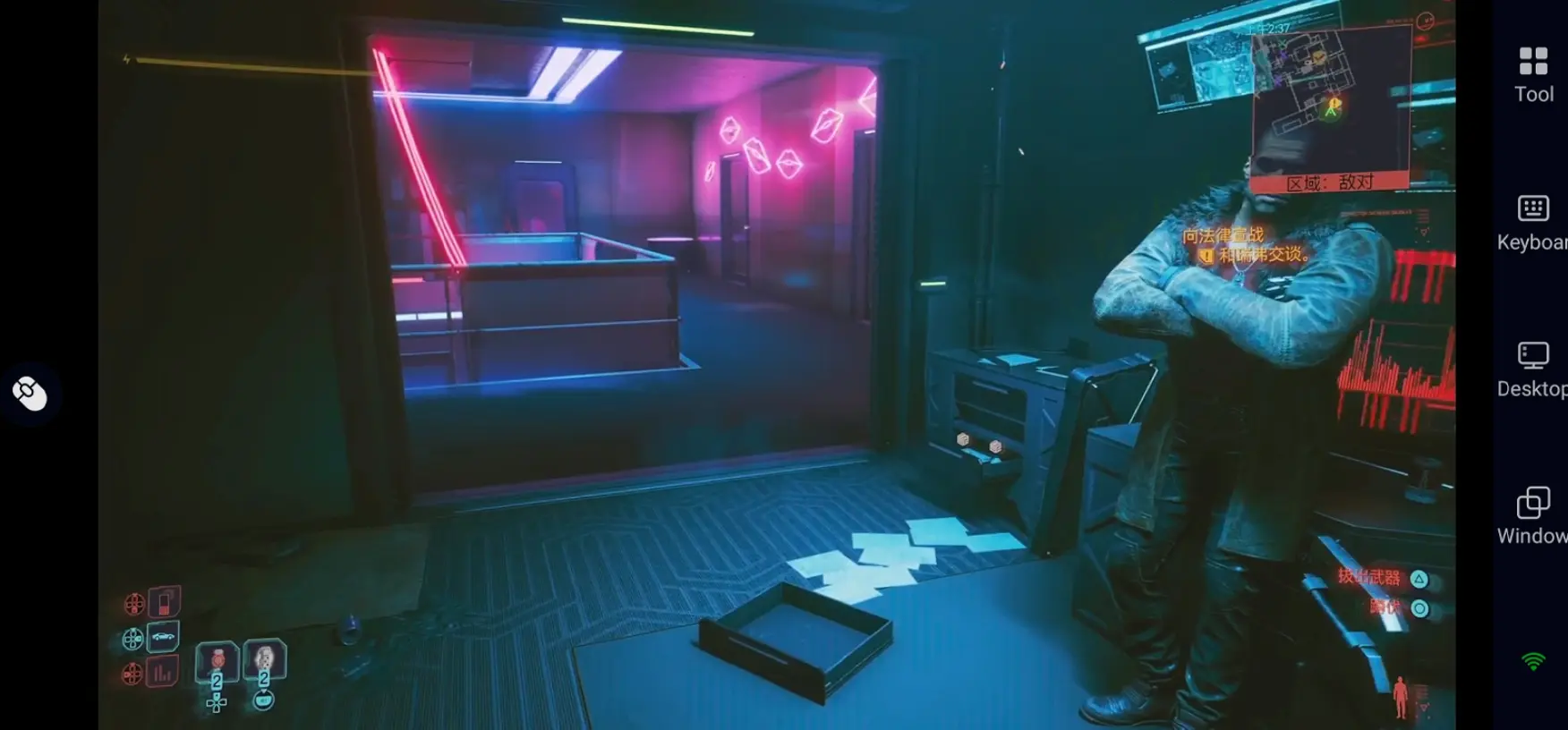
Cyberpunk 2077 doesn't have an official mobile version. In the past, players had to reply on unofficial ports, which, which often meant reduced graphics, missing content, and potential security risks. With OSLink, there is no need to download unstable third-party version, you can directly remotely access your PC and play the full, authentic games on your phone.
3. Smooth operation and more precise combat
With customizable controls and 60 FPS optimization, you can smoothly handle fast-paced gameplay on mobile. From gunplay to hacking and cyberware combos, everything remains responsive and precise.
FAQs
Q: When is the release date of Cyberpunk 2077?
A: The game was officially launched on December 10, 2020, and players can download and experience it on both PC and console platforms.
Q: What network environment is required to play Cyberpunk 2077 with OSLink?
A: It is recommended to use a stable broadband with a download speed of at least 10Mbps to smoothly experience 60 frames per second high-definition games. When going out, the phone can also play smoothly on 4G/5G networks without significant delay.
Q: What is the system requirements of Cyberpunk 2077?
A: The minimum configuration requirements are as follows:
Operating system: Windows 10 64 bit, supports DX12 processor (CPU): Intel Core ™ i7-6700 / AMD Ryzen ™ 5 1600 RAM: 12GB GPU: NVIDIA GeForce ™ GTX 1060 6GB / AMD Radeon ™ RX 580 8GB download capacity: 70GB SSD.
Q: Can I play Cyberpunk 2077 on Android?
A: The official has not released a dedicated Android version. But through OSLink remote control, the phone can be connected to a computer to enjoy the highest picture quality and ray tracing effects on the phone.
Q: Can I play Cyberpunk 2077 on iOS?
A: The official has not released a dedicated iOS version. If you want to experience this game on your iPhone or iPad, using OSLink to remotely operate the PC version is a very suitable solution. You can play the complete Night City adventure anytime, anywhere, without putting too much burden on your mobile device.
Summary
With OSLink, you can turn your phone or tablet into an action adventure platform for Cyberpunk 2077. Whether it's completing NCPD commissions, tweaking your cyberware build, or advancing the main storyline, you can break free with device limitations and jump back into Night City anytime, anywhere!
 Download