English
 Managing multiple Arknights accounts can quickly turn into a daily grind—endless material stages, chip missions, and sanity dumps often take far more time than they should. With OSLink’s multi-instance automation, you can streamline all of your farming across every account. From synchronized stage runs to hands-free daily clears, OSLink lets you run multiple instances at once, automate repetitive tasks, and keep all your squads progressing even when you’re not actively playing.
Software Download
1. Install OSLink and the LDPlayer
On PC: Download and install OSLink, as well as an Android emulator, LDPlayer, from their official websites.
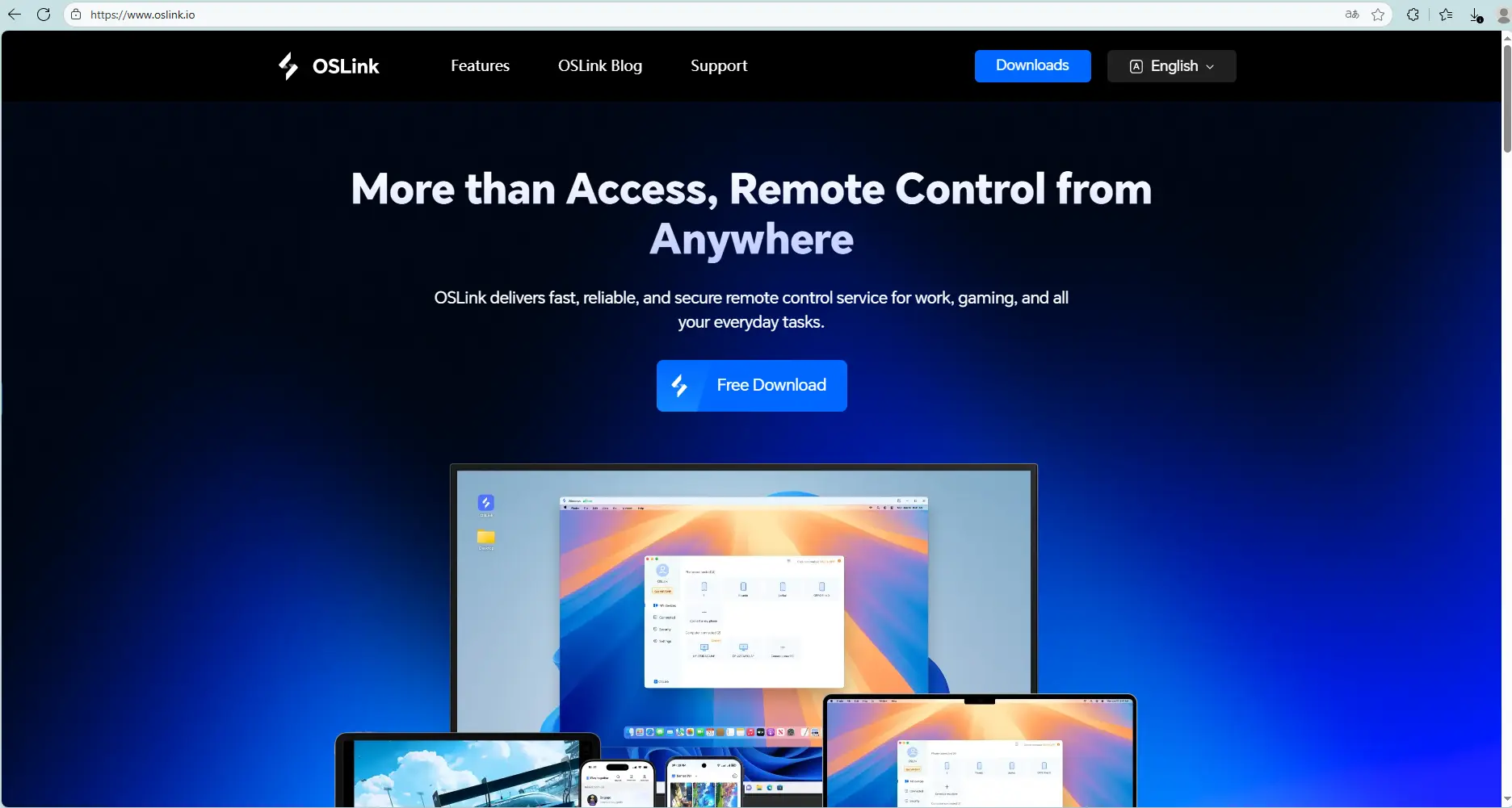
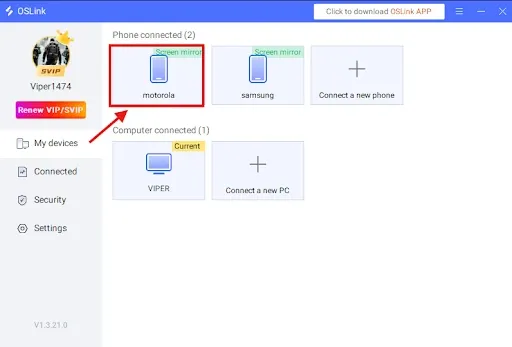
On Mobile: Install OSLink from the App Store or Google Play (or download the APK from the official site if needed).Logging in with the same account as your PC will automatically connect them.
2. Install Arknights on the LDPlayer
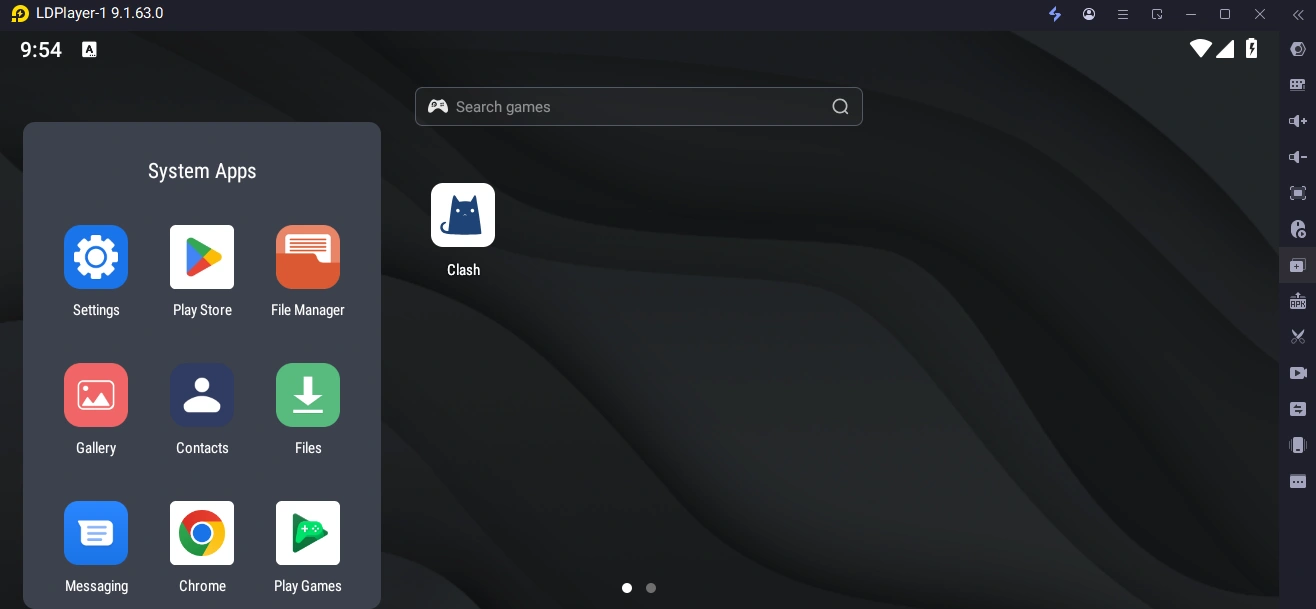
Launch the LDPlayer, open its app store (or Play Store), search Arknights, and install the game. Run it on the large screen to begin.
Setting Up OSLink for Arknights
Auto-farming Setup
In Arknights, material stages, Chip stages, Annihilation farming, and most repeatable missions require a huge amount of repetitive gameplay. With OSLink’s auto-click and script recording tools, you can fully automate your entire farming routine. Below is the recommended setup process.
1. Launch Arknights in the LDPlayer, then connect to that PC from your phone using the OSLink app.
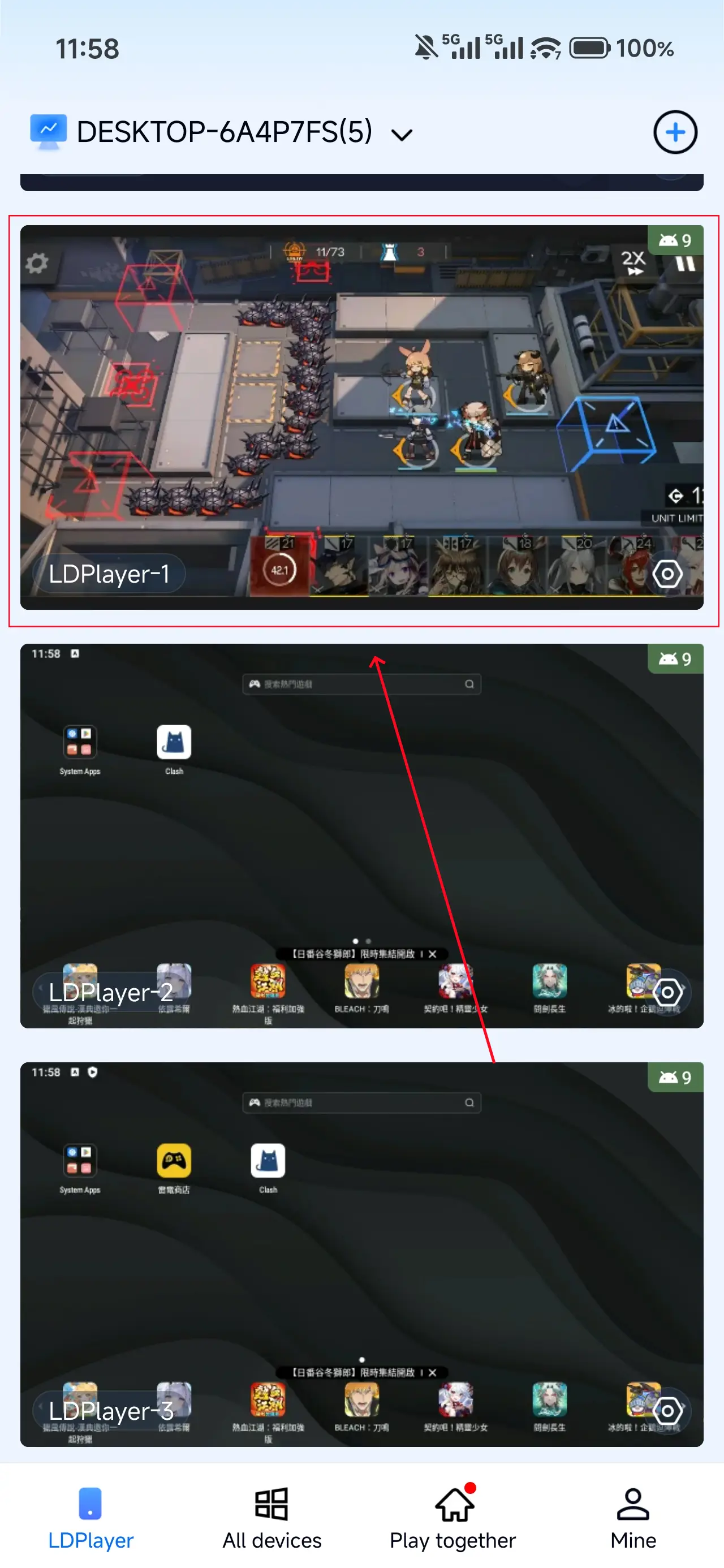
2. Open OSLink’s Auto-Click tool.
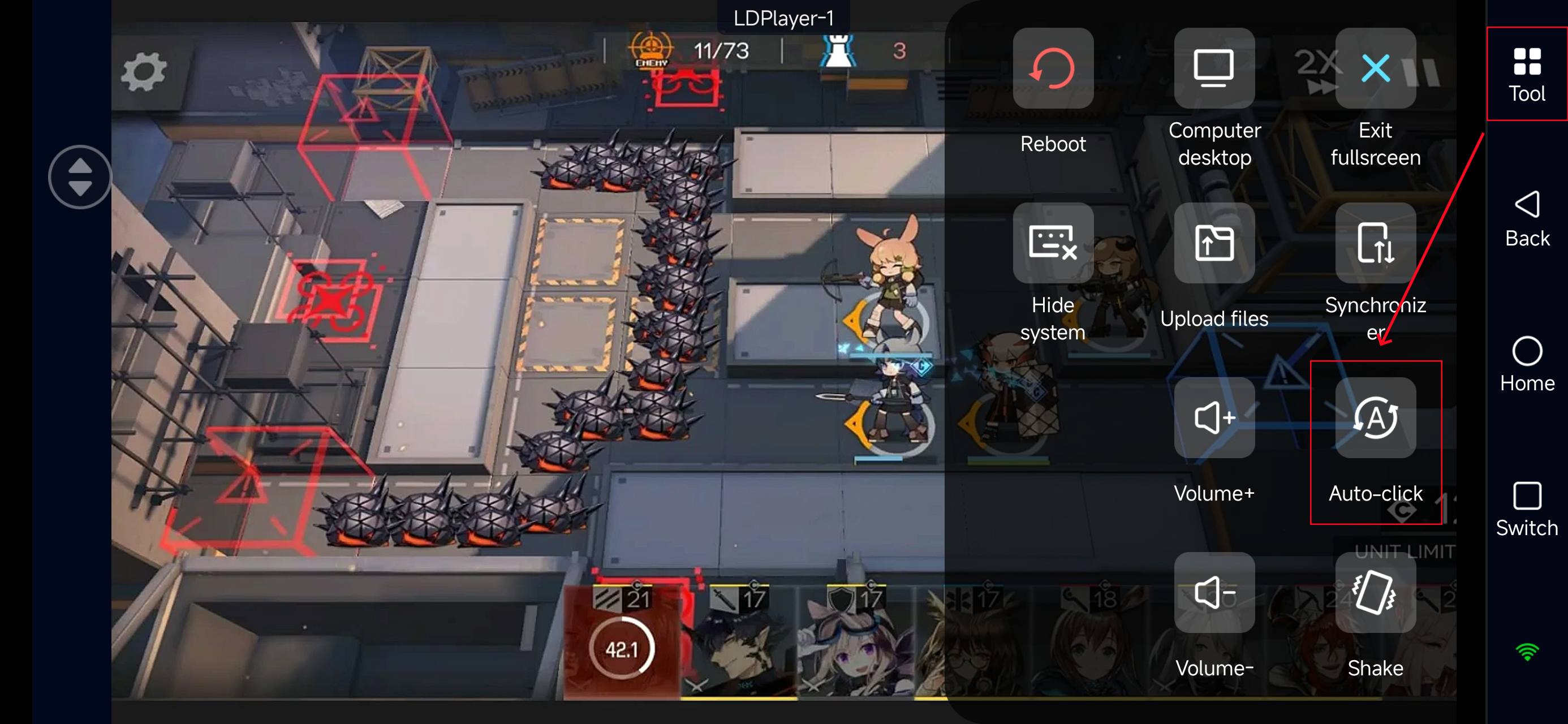
3. Record a single run: tap enter stage → enable Auto Deploy → confirm results screen. Make sure to record each required touch in order.
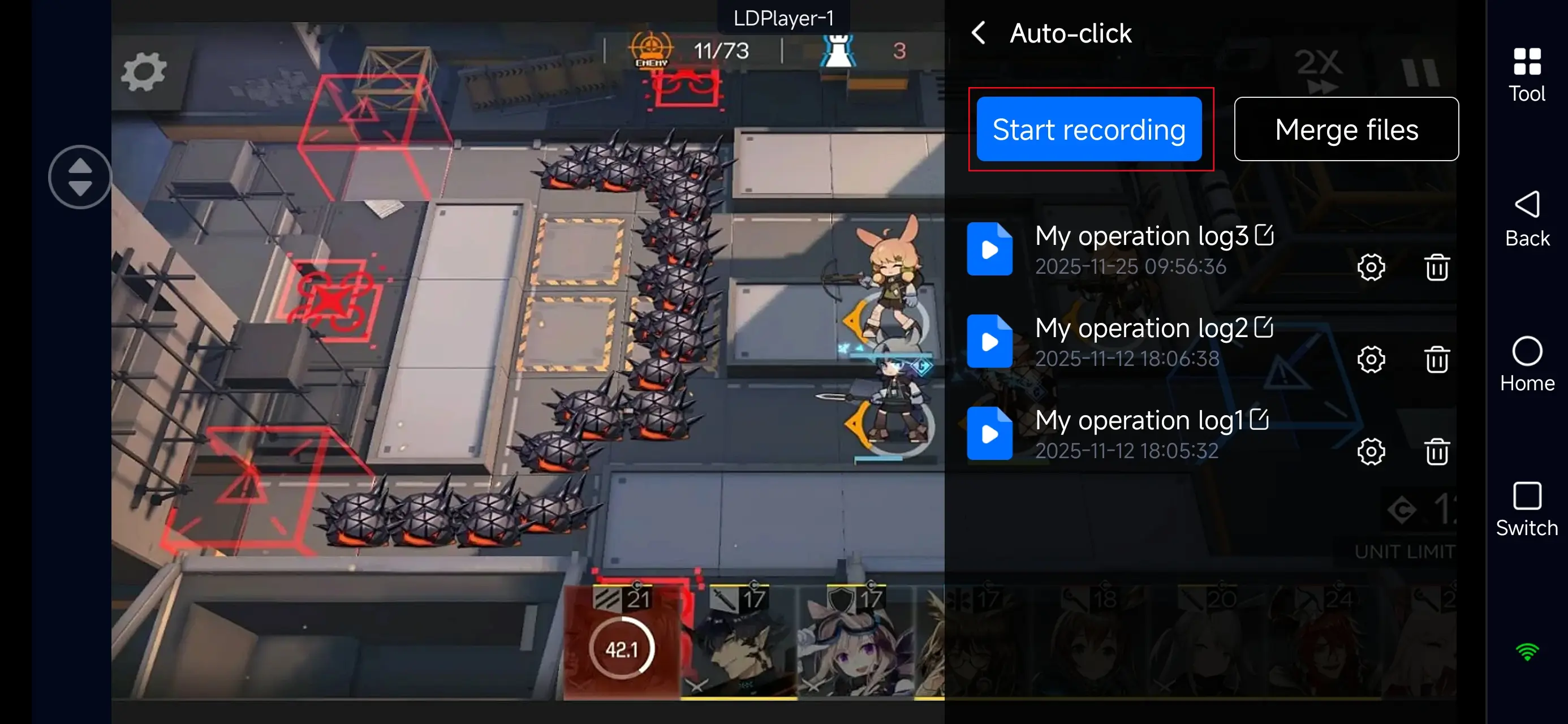
4. Assign the recorded script to the emulator instance you want to run.
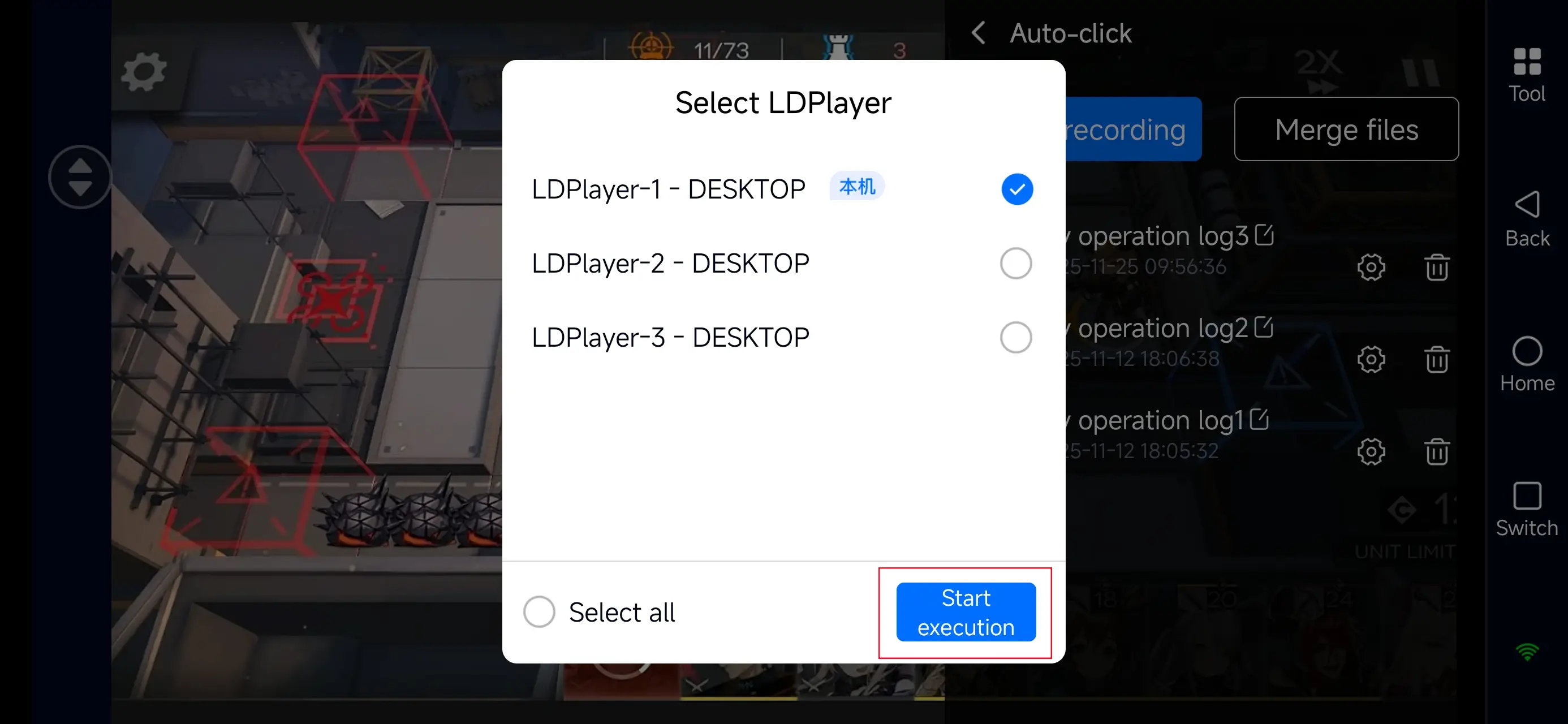
Once you finish these steps, your accounts can fully auto-farm without any manual monitoring—no need to keep your eyes on the screen anymore!
Multi-Instance Leveling
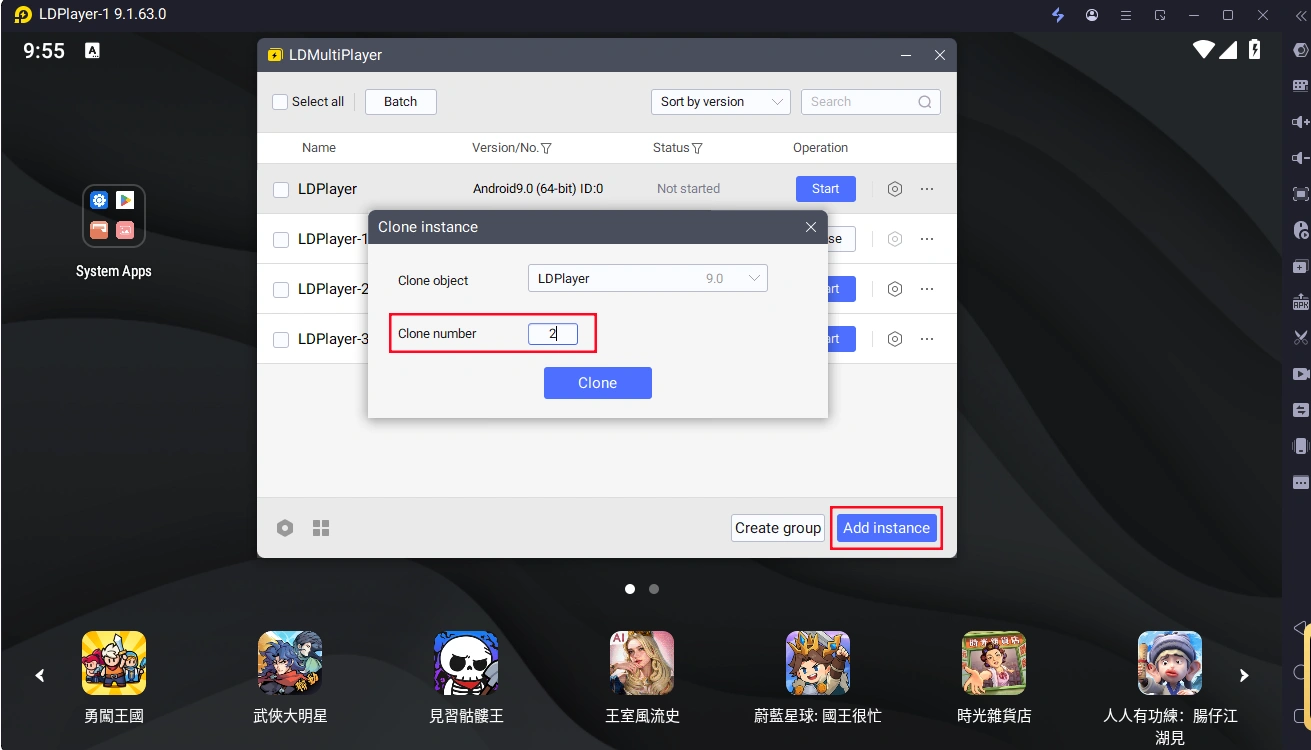
In your LDPlayer, create multiple instances (Add Instance → Clone Instance).
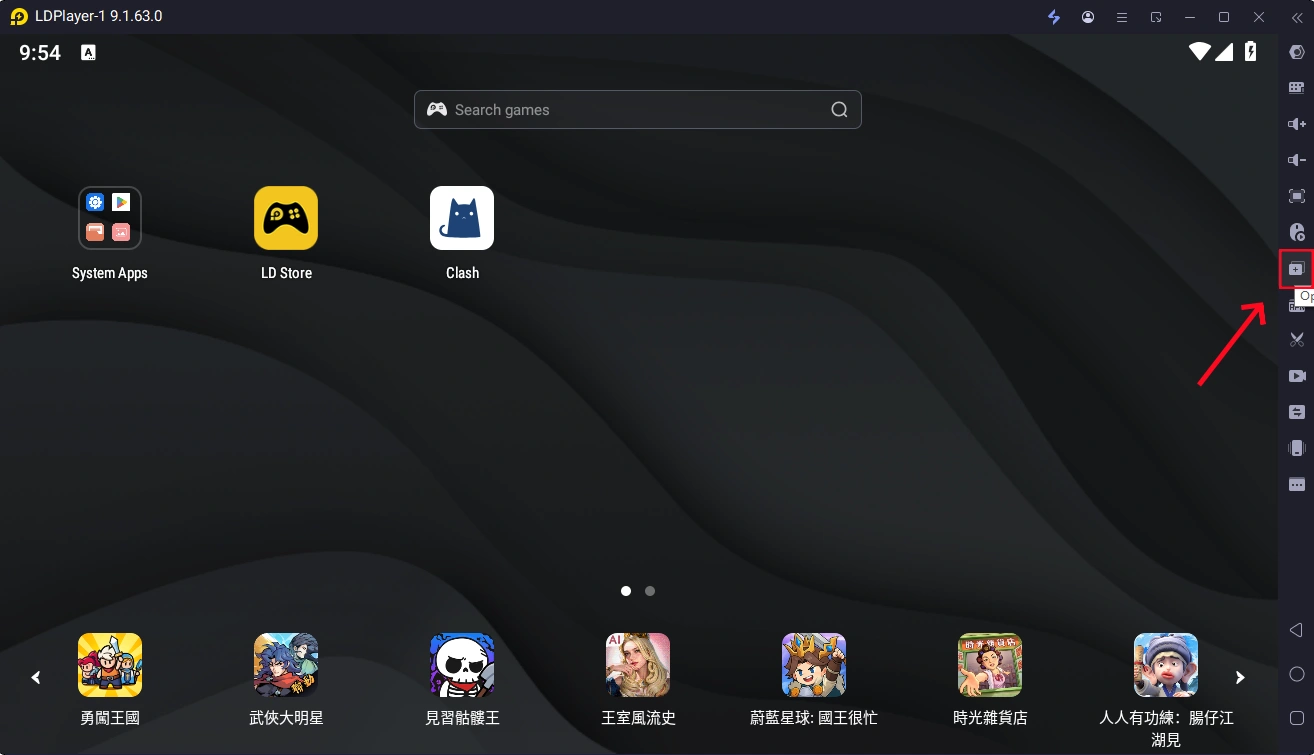
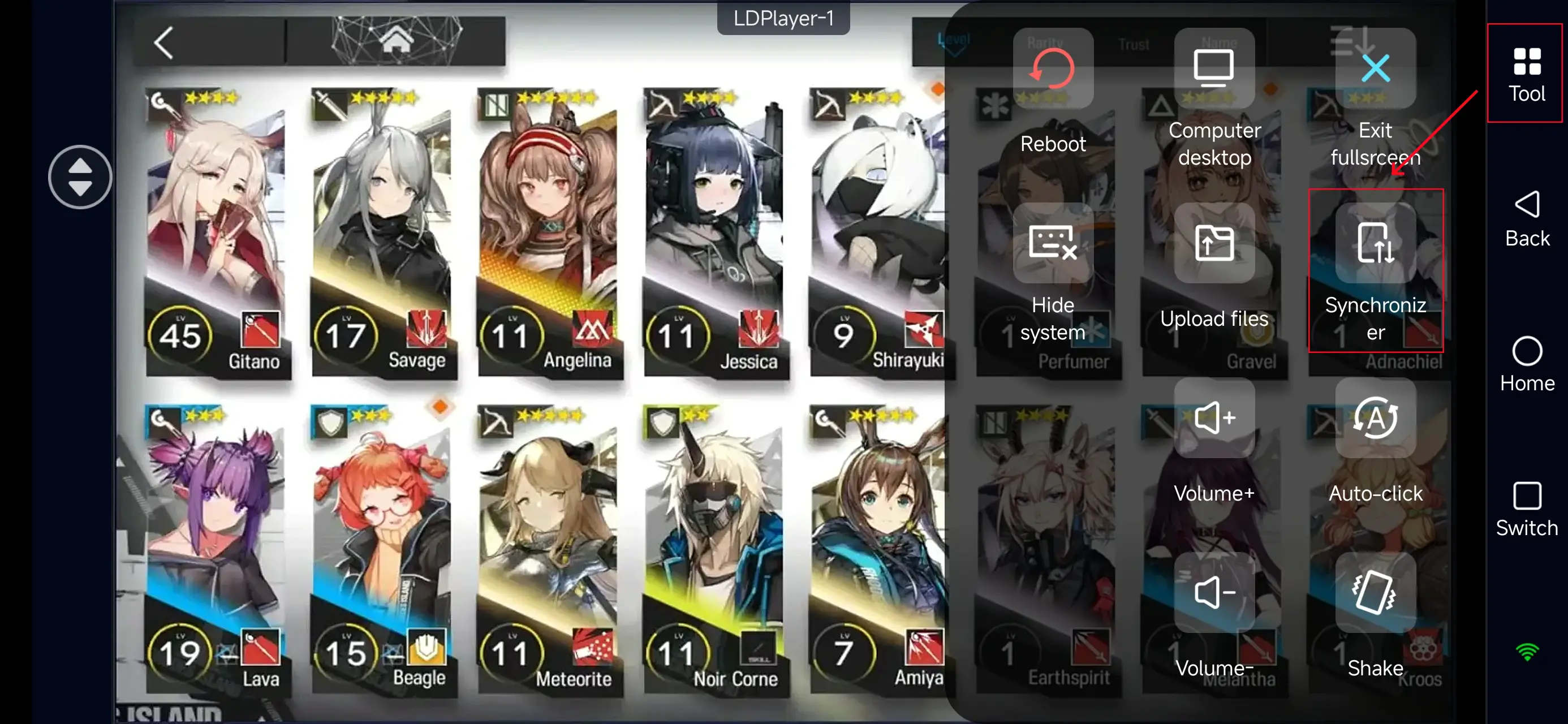
2. In Mobile OSLink, open the Tools panel on the right, and select Synchronizer.
3. Check all emulator instances you want to synchronize, and start sync.
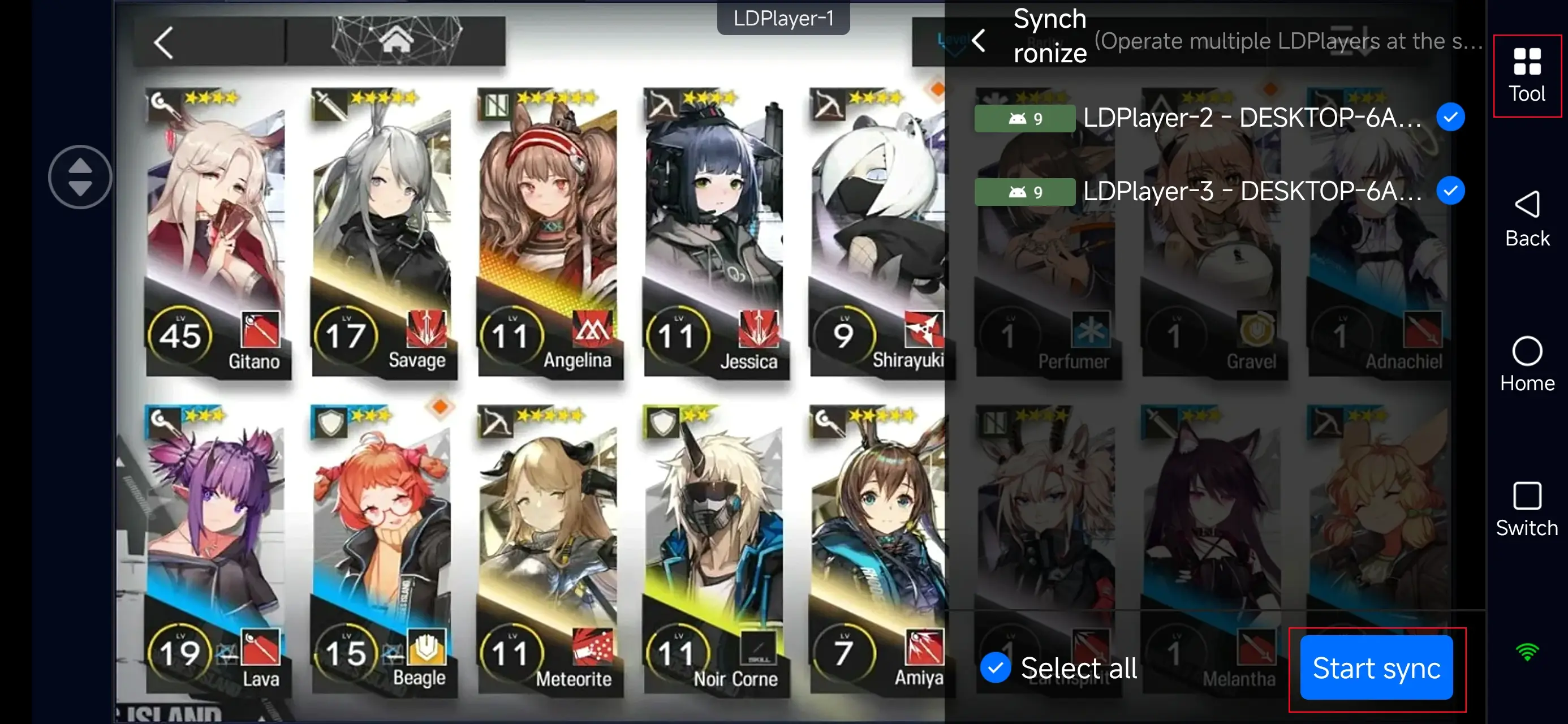
This setup lets you grow many accounts at once, speeding up leveling and farming materials efficiently.
Recommended Auto-Farming Stages
CV-8 / CV-EX-8
Great for passive EXP farming and consistent Auto Deploy runs.
AS-1 to AS-9
Reliable stages for both experience items and material drops, ideal for long-term auto-farming.
IS-S-3, PV-5, GO-1 to GO-9
These stages feature lower enemy damage output, making them stable choices for unattended farming.
Conclusion
With OSLink’s multi-instance management and automated farming tools, you can run all your Arknights accounts at peak efficiency—auto-farming materials, clearing dailies, and progressing base operations without lifting a finger. Whether you’re raising multiple squads or maximizing weekly resource output, OSLink keeps everything running smoothly in the background. Free yourself from repetitive grinding and focus on the fun parts of Arknights—team building, strategy, and event challenges.
 Download