English
 EA SPORTS FC™ 26 is the flagship annual football game developed by EA, available on PC and mainstream consoles. PC players can launch the game via Steam or EA App. Powered by HyperMotionV motion-capture technology, the game optimizes dribbling, shooting mechanics and player AI. It features rich gameplay modes such as Manager Career, Ultimate Team and VOLTA Football, combining realistic competitive gameplay with the fun of team building. The game requires quick reflexes, tactical adjustment and precise controls. Besides intense online matches, it also includes plenty of casual content suitable for fragmented play.
Table of contents
Sitting in front of a computer for long hours while gaming can easily cause fatigue. Many players use OSLink to stream the game to their mobile phones. This keeps the high graphics quality, full game content and PC performance intact, allowing them to manage in-game tasks during commutes, breaks and other spare time.
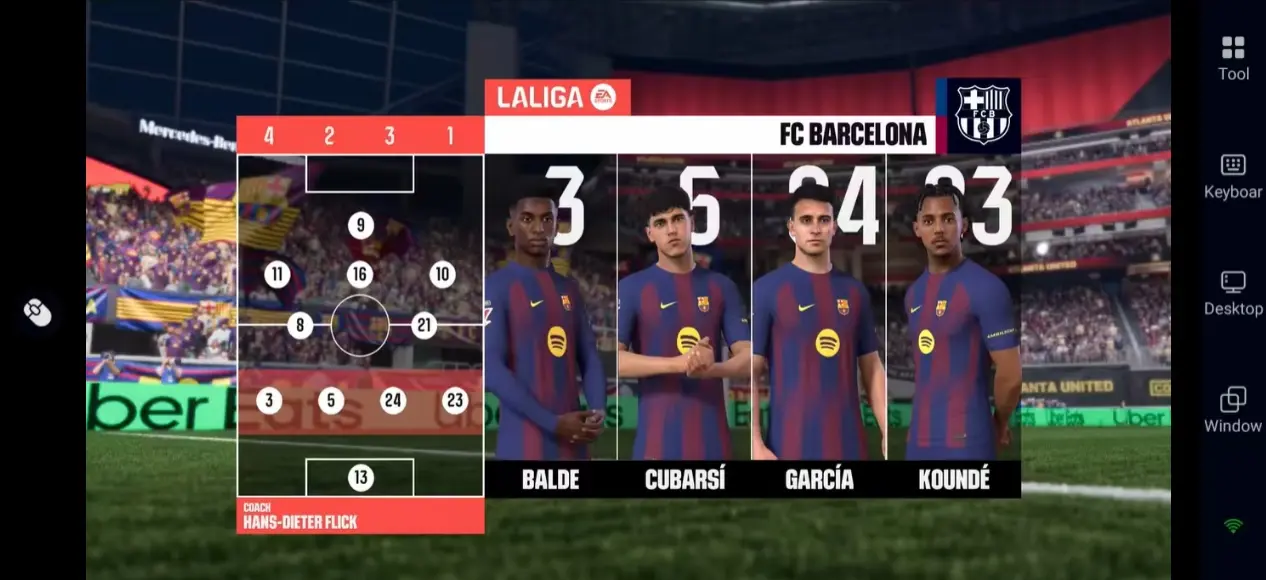
OSLink Remote Play Setup Tutorial
1. Install OSLink and Pair Devices
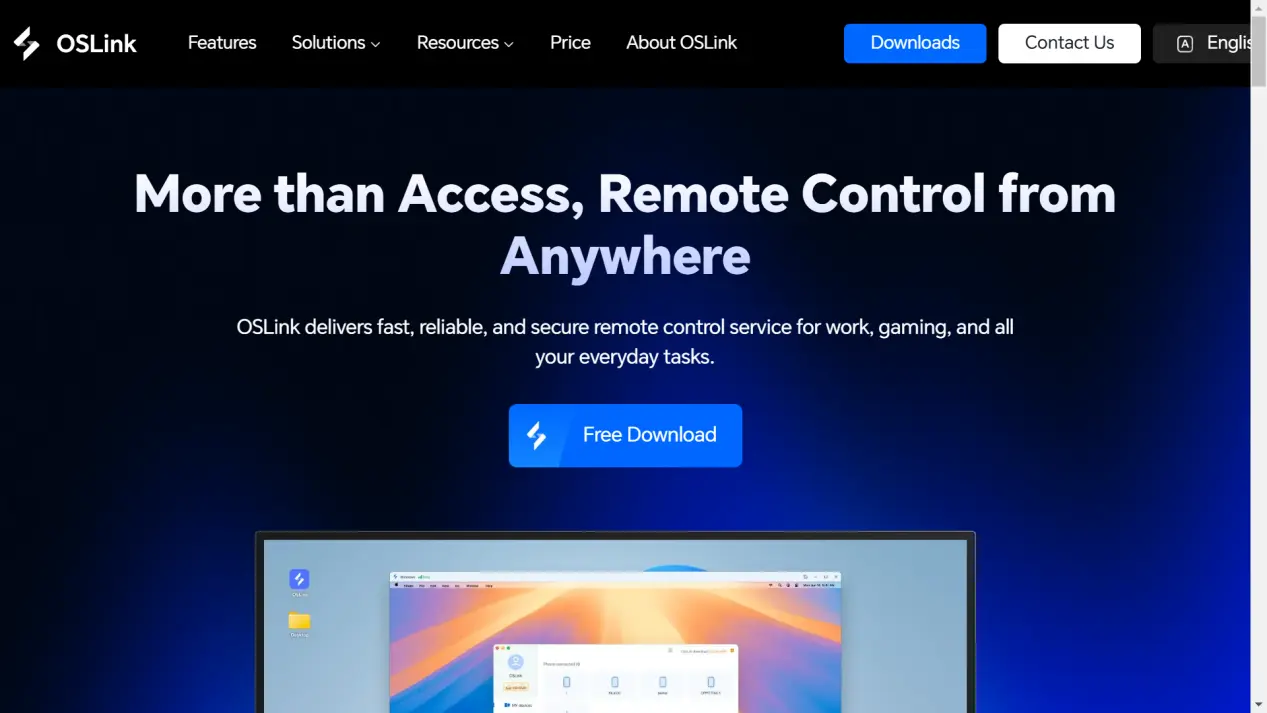
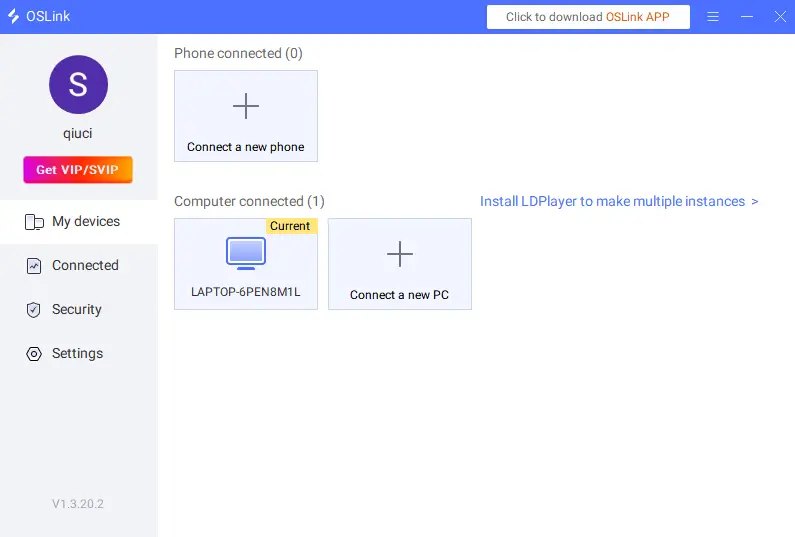
On PC: Visit the official OSLink website (https://www.oslink.io) to download and install the PC client. Log in to your account, keep your PC powered on and connected to the network.
On Mobile: Download the OSLink App from Google Play (Android) or App Store (iOS), or get the APK file from the official website. Log in with the same account used on your PC. The app will automatically scan and pair your PC on the same network without manual IP settings.
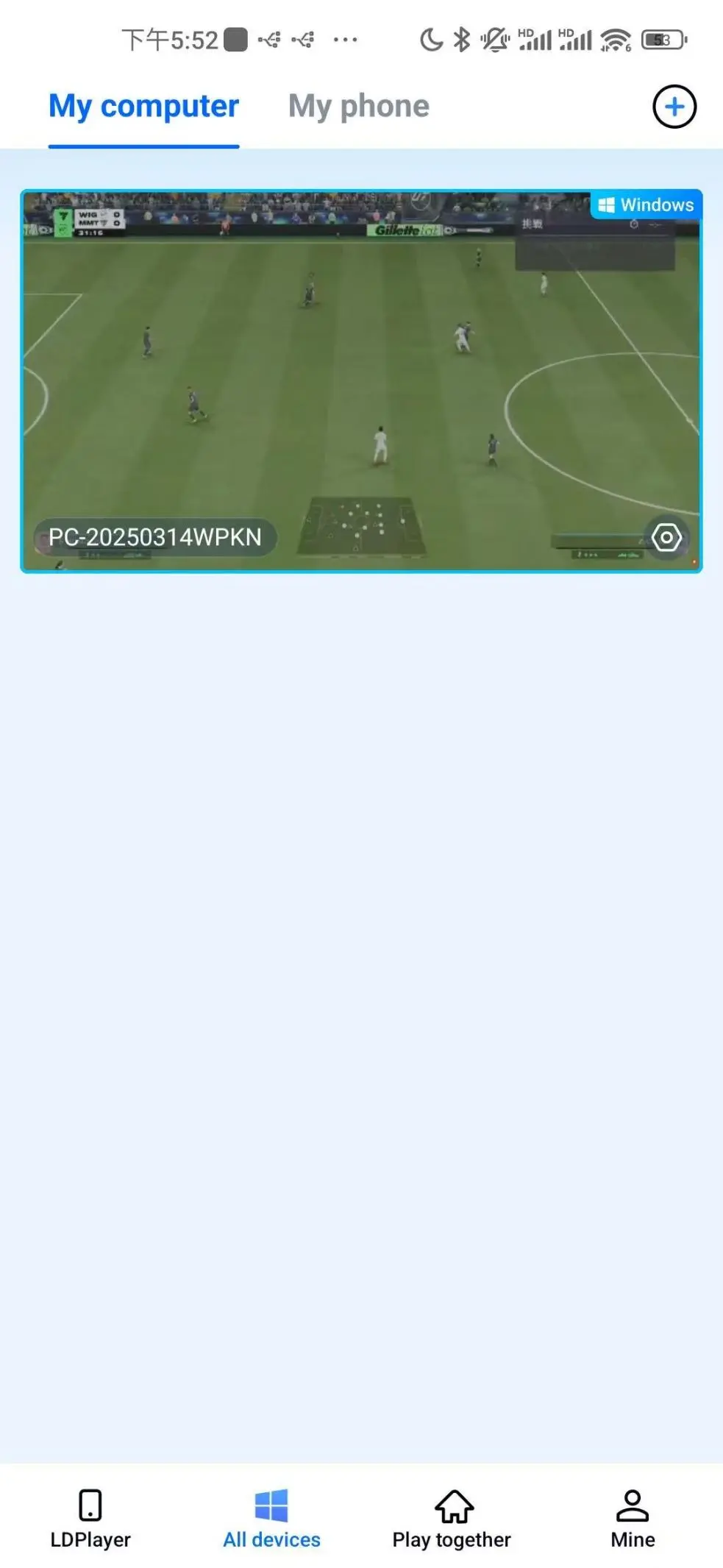
2. Launch EA SPORTS FC™ 26
After successful pairing, tap your PC device name on the OSLink mobile interface to enter the remote desktop. Open Steam or EA App and launch EA SPORTS FC™ 26 normally. Your mobile device will immediately display the PC game screen, and you can control the game directly on your phone.
3. Control Mode & Virtual Key Layout
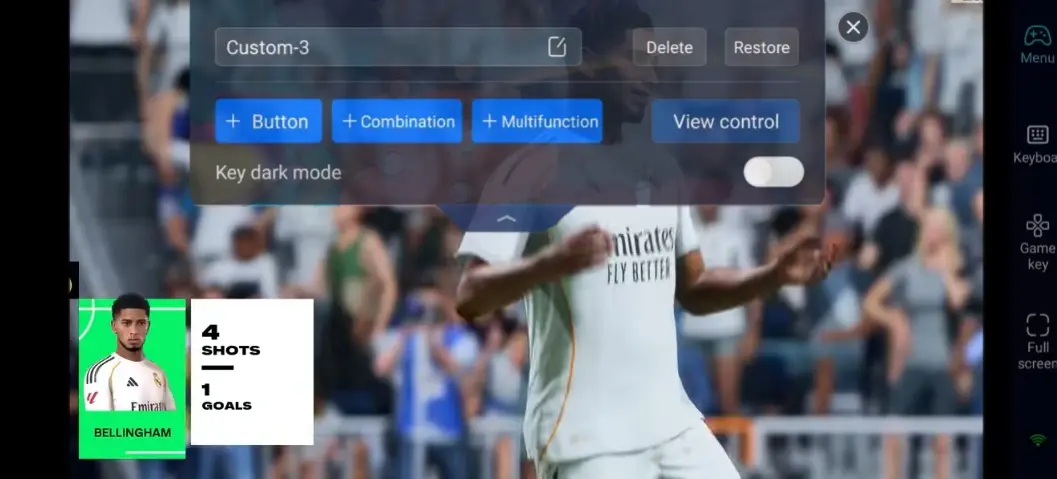
As a fast-paced competitive game, a well-designed key layout can greatly improve your gaming experience. Tap the toolbar on the right side of the OSLink mobile app and switch to「60fps PC Game」Mode. You can customize virtual keys freely or connect Bluetooth game controllers for better operation.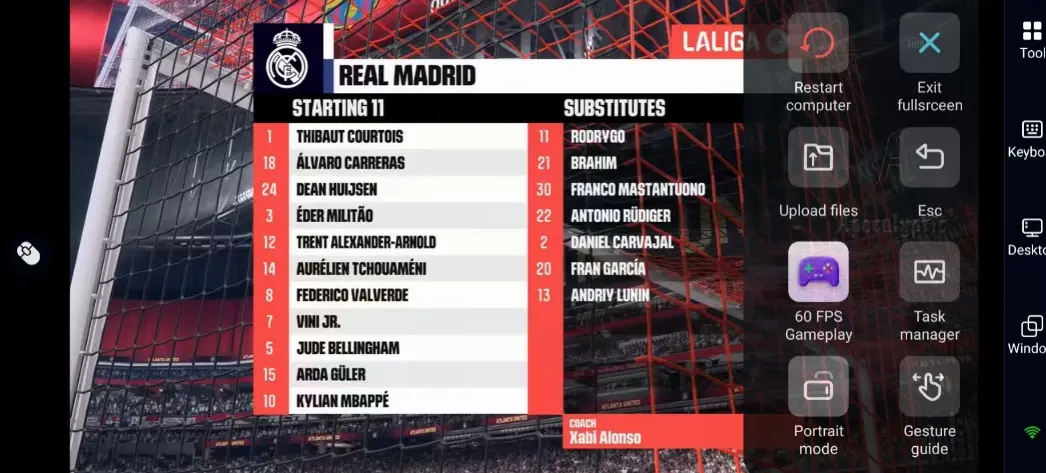
Recommended Key Layout:
|
Function Area |
Key Type |
Usage |
|
Player Movement |
Virtual Joystick |
Player running and direction changing |
|
Offensive Controls |
Shoot, Pass, Through Ball, Sprint |
Core offensive actions in matches |
|
Defensive Controls |
Tackle, Jockey, Slide Tackle, Player Switch |
Interception and formation adjustment |
|
Shortcut Functions |
Tactical Board, Pause, Substitution, Interface Switch |
Real-time tactics and player replacement during matches |
This game focuses on short passes, sudden direction changes and shooting timing. Place core keys like Sprint, Shoot and Tackle within easy reach. A proper key layout effectively reduces operation errors in intense online matches.
Why EA SPORTS FC™ 26 Is Perfect for Mobile Remote Play
Different from hardcore competitive games, EA SPORTS FC™ 26 has a large number of content that do not require you to stay in front of a PC all the time, which fits fragmented play scenarios well:
Ultimate Team: Open card packs, adjust lineups, complete daily challenges and trade player cards
Manager Career: Sign players, arrange training, check schedules and formulate club tactics
Match Preparation: Sign up for online leagues, check player stamina and preset formations
You can finish these trivial tasks on your phone while commuting or resting. When you get back to your PC, you can focus on official matches and tournaments for a more relaxed gaming experience.
Compared with mobile native games, the PC version delivers exquisite lighting effects, detailed player models and smooth animations. By using OSLink streaming, your mobile phone can make full use of PC hardware performance to restore high-definition graphics. It also avoids overheating and excessive power consumption caused by long-time high-load operation on mobile phones.
The streaming fully retains the original graphics, frame rate and game settings of the PC version without quality compression. There is no need to download dozens of GB of game files on your mobile phone, saving storage space. Besides, OSLink adopts encrypted transmission to ensure secure remote connection.
Tips for New Players
New players are recommended to start with single-player matches to practice basic dribbling, passing and shooting skills, and get familiar with different player attributes. Do not rush to spend resources on legendary player cards at the early stage; master basic controls first.
For Manager Career Mode, start with lower-tier leagues to accumulate club funds and reputation step by step. Use your mobile phone to claim daily rewards and login gifts remotely to get all free in-game benefits. Join online matches after gaining enough experience to increase win rates.
In addition, network stability is vital for this online game. A stable network can effectively reduce lag and disconnection during remote play.
FAQ
Q: Is there an official full mobile version of EA SPORTS FC™ 26?
A: The game’s main platforms are PC and consoles. There is no official mobile version equivalent to the PC experience for now. With OSLink remote streaming, you can play the complete PC version on your mobile phone with identical functions, modes and graphics.
Q: Does EA SPORTS FC™ 26 require high PC specifications?
A: As a high-quality 3D competitive game, it has clear hardware requirements. The minimum configuration requires Windows 10 64-bit, 8GB RAM and NVIDIA GTX 1050 Ti graphics card. For smooth gameplay and streaming, we recommend 12GB RAM, NVIDIA GTX 1660 or higher graphics card and SSD storage.
Q: Will there be obvious lag during remote competitive matches?
A: Network quality plays a decisive role. We recommend using 5GHz Wi-Fi or stable 5G network. OSLink’s low-latency streaming technology meets the demands of daily matches and team building. For high-intensity online competitions, using a wired network with remote play will bring a better experience.
Q: Can I connect to my home PC via mobile data when I go out?
A: Yes. As long as your home PC is powered on and connected to the network, you can pair and connect remotely via 5G or public Wi-Fi to manage the game.
Q: Can I customize remote control keys?
A: Full customization is supported. You can adjust key positions and sizes according to your habits, and set shortcut combination keys to adapt to one-handed or two-handed operation.
Conclusion
With realistic football physics, diverse gameplay and in-depth team building systems, EA SPORTS FC™ 26 is one of the most popular football games of the year. It is not only a competitive game, but also requires frequent online management for club operation and card collection.
With the help of OSLink remote streaming, you are no longer limited by your PC. Use your spare time to claim rewards, adjust lineups and arrange training on your mobile phone. Enjoy immersive competitive matches whenever you're back at your PC. Arrange your gaming time flexibly and explore the fantastic football world freely.
 Download