English
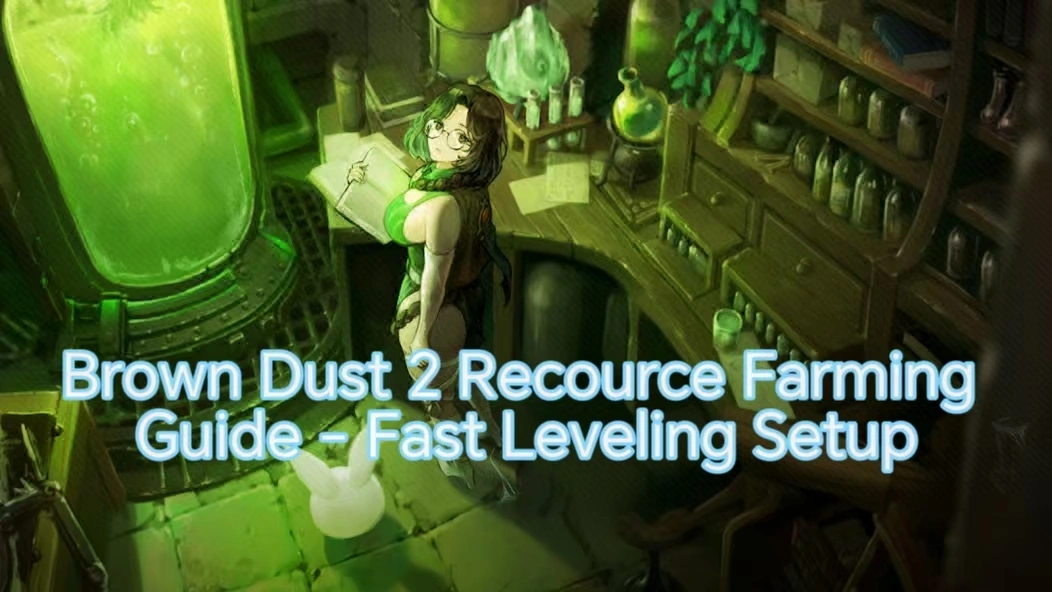
 Brown Dust 2 is a turn -based RPG that blends pixel-style visuals with tactical strategy gameplay. Known for its detailed art style and deep character progression system, the game takes players into a fantasy world full of adventure. You’ll engage in strategic battles, build your team, and collect powerful characters to explore new areas.
Table of Contents
Want to farm materials anytime, anywhere, and use spare time to manage your inn and guild, but worry about lag from poor phone performance? Or hate letting your phone overheat while charging? With OSLink remote control, you don't need to install large game files on your phone. Just use your phone to remotely launch the high-quality PC version of the game and start your adventure!
Preparation: Software Installation and Environment Setup
1. PC Setup
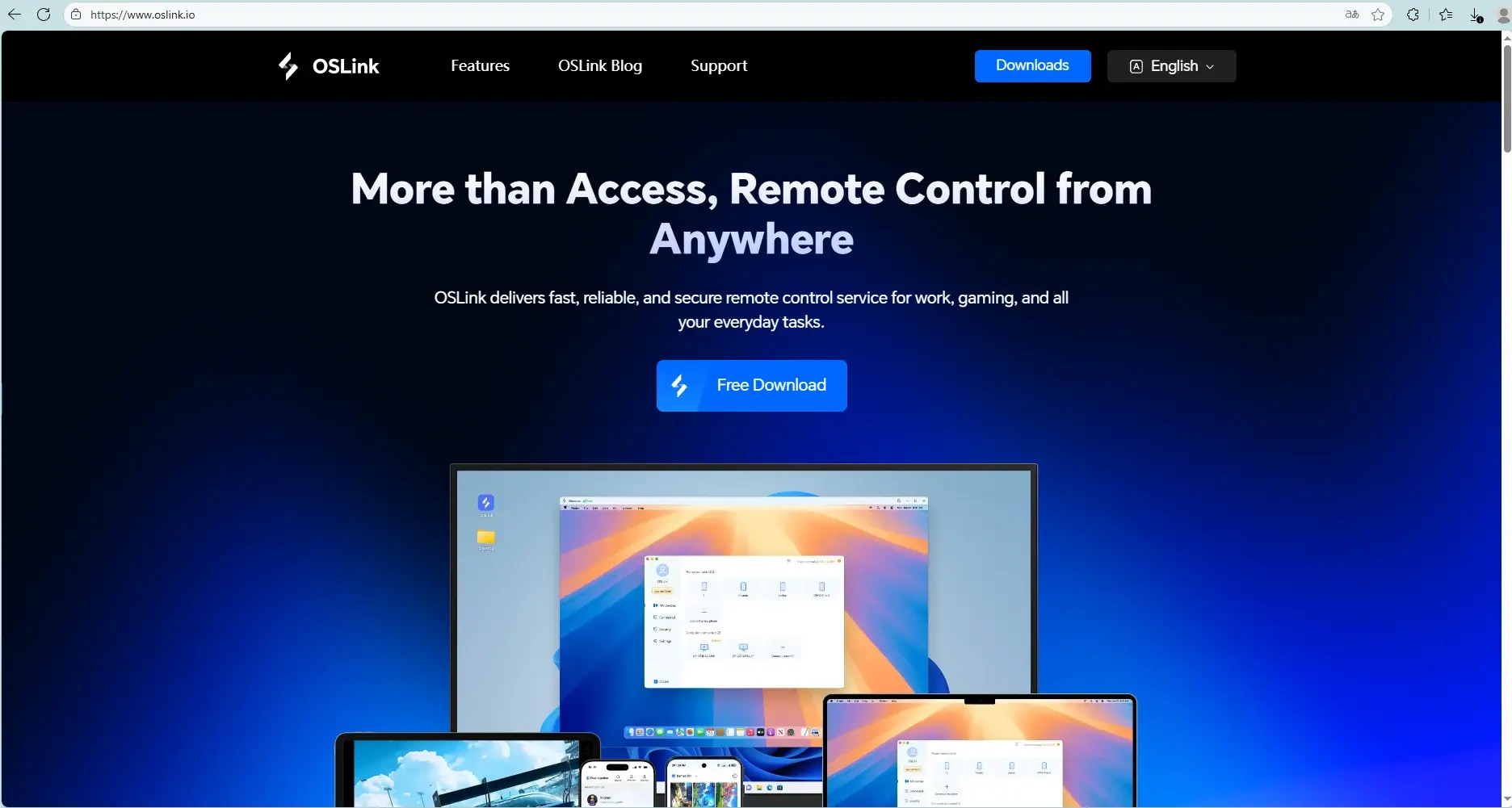
Download the remote software: Go to the OSLink official websiteand install the OSLink software.
2. Mobile Setup
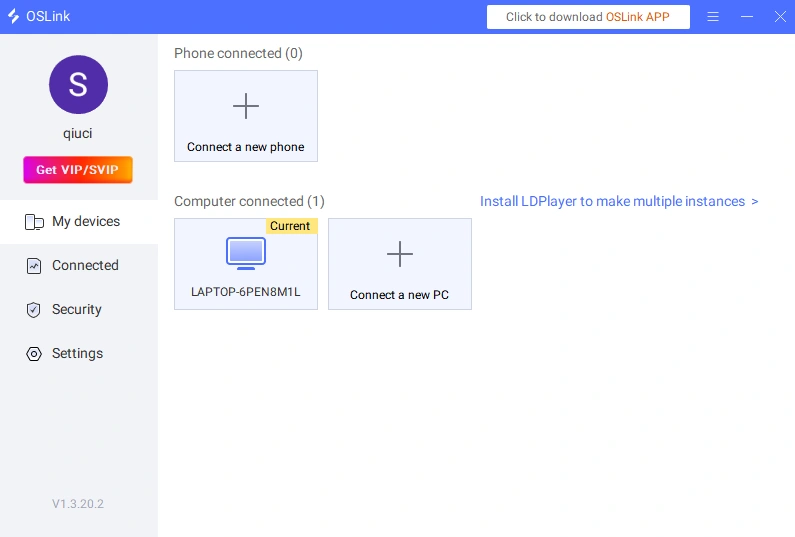
Install the App: Download the OSLink app from your mobile app store, or get the APK from the official website. Log in with the same account as your PC, and it will connect automatically.
Connection and Operation Guide
1. Launching the Game
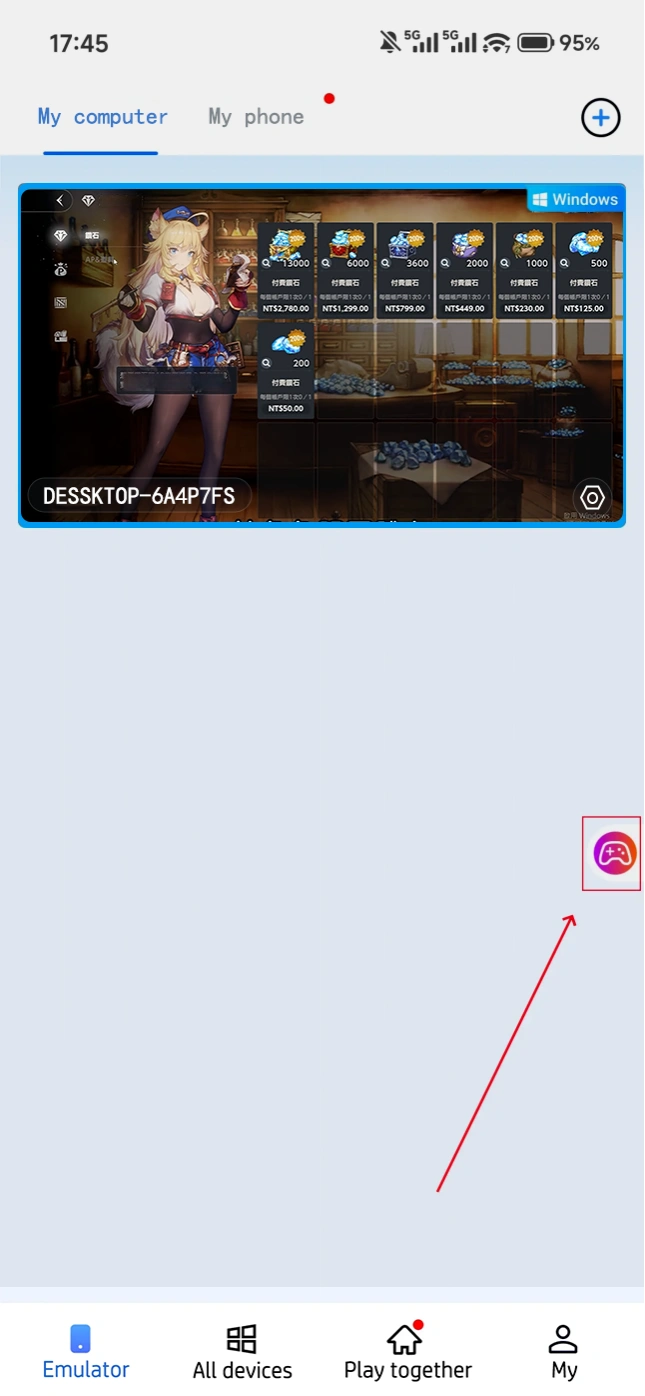
Direct Desktop Connection: When you see the PC desktop on your mobile device, simply tap the Brown Dust 2 icon to launch the game. If the software offers support (such as OSLink’s game shortcuts), you can start the game with one click directly from the mobile interface.
2. Control Mode Settings
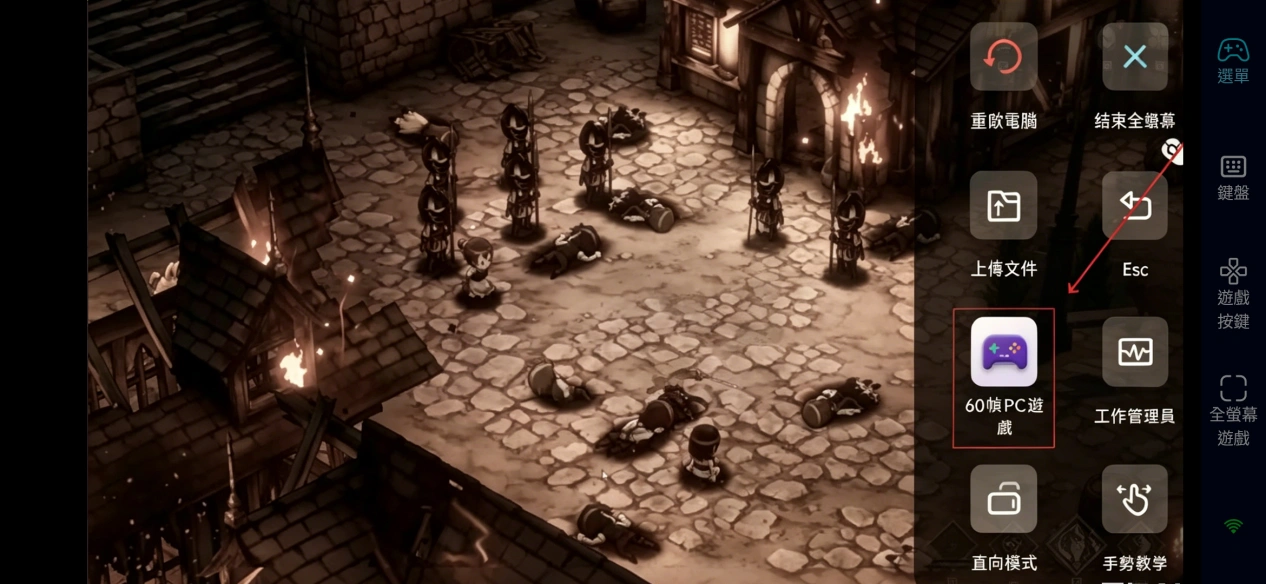
Touch Mapping: Tap the toolbar on the right side of your mobile device. Go to "60 FPS PC Games" and choose a control scheme based on your preference, or link a virtual gamepad.
3. Keybinding Adjustment Suggestions
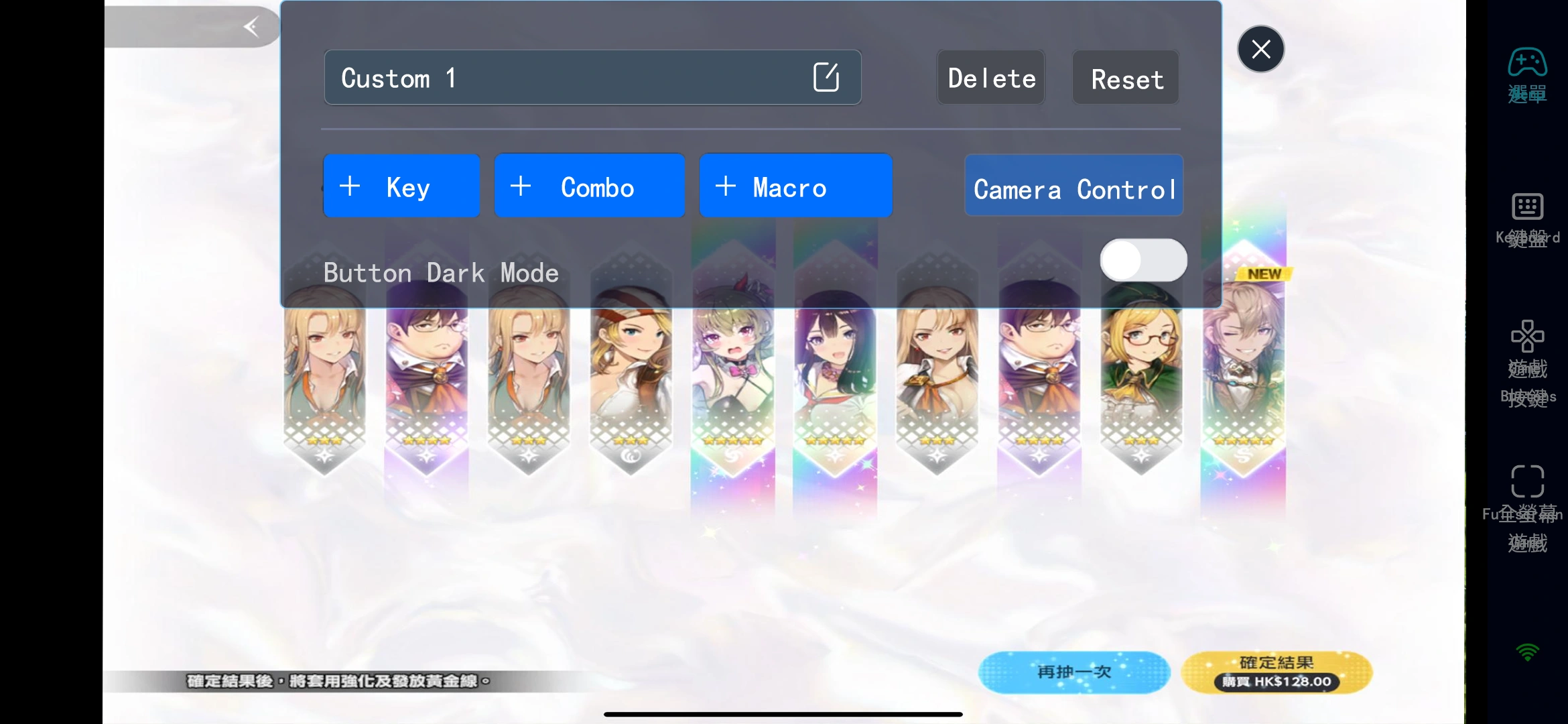
Core Area: Virtual joystick (for movement), confirm button, cancel button.
Function Area: Auto-battle toggle, speed-up button, Menu.
Quick Actions: One-touch switch to Inventory, Characters, and Summons pages.
Why Choose OSLink to Play Brown Dust 2?
1. Break Location Limits, Adventure Anytime
No need to stay glued to your PC. Whether you're on the sofa at home, commuting, or out and about, you can always enter the world of Brown Dust 2 to manage your inn, collect resources, and challenge dungeons—never miss a growth opportunity.
2. PC Graphics, Enjoyable on Mobile
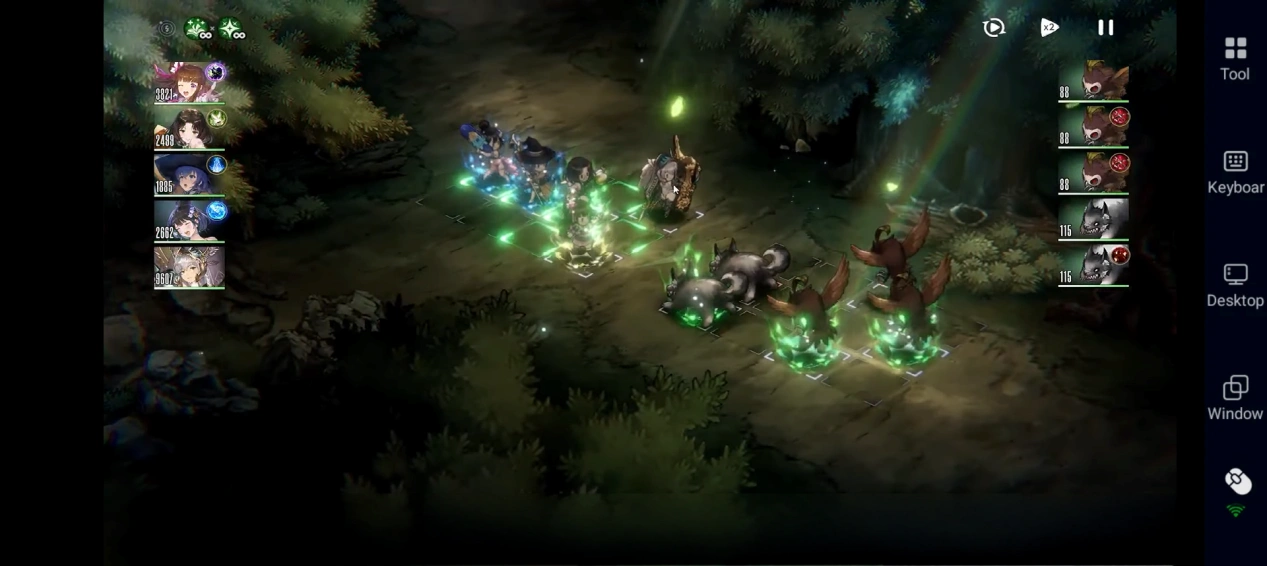
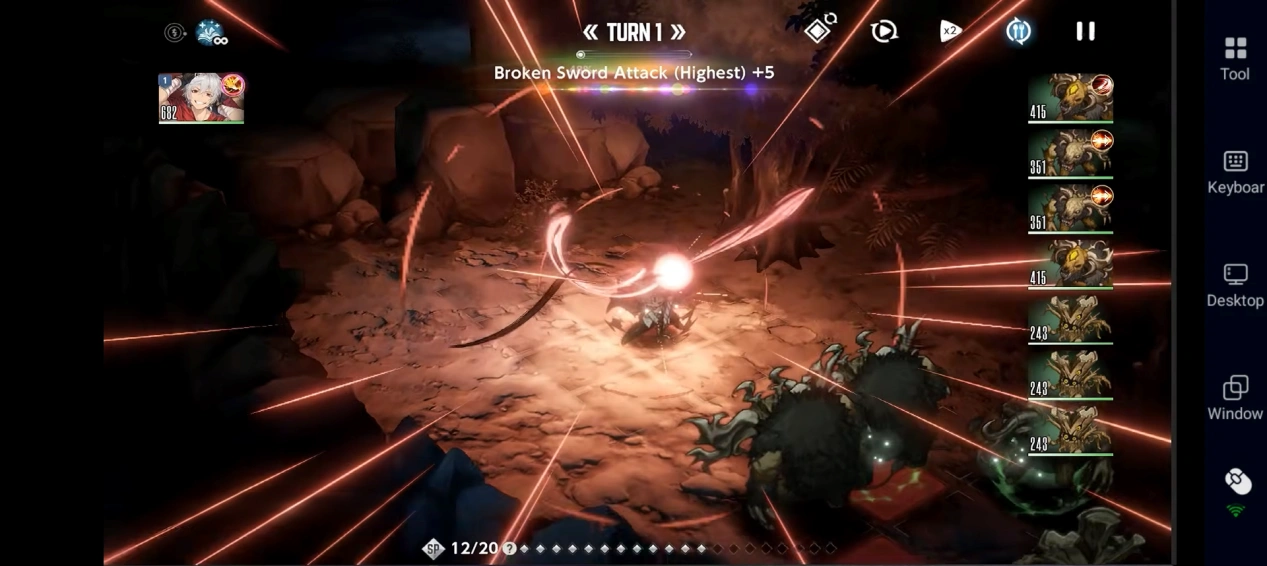
With OSLink, you can enjoy the stunning graphics of the PC version directly on your phone.
3. Smooth Operation, Sharper Strategy
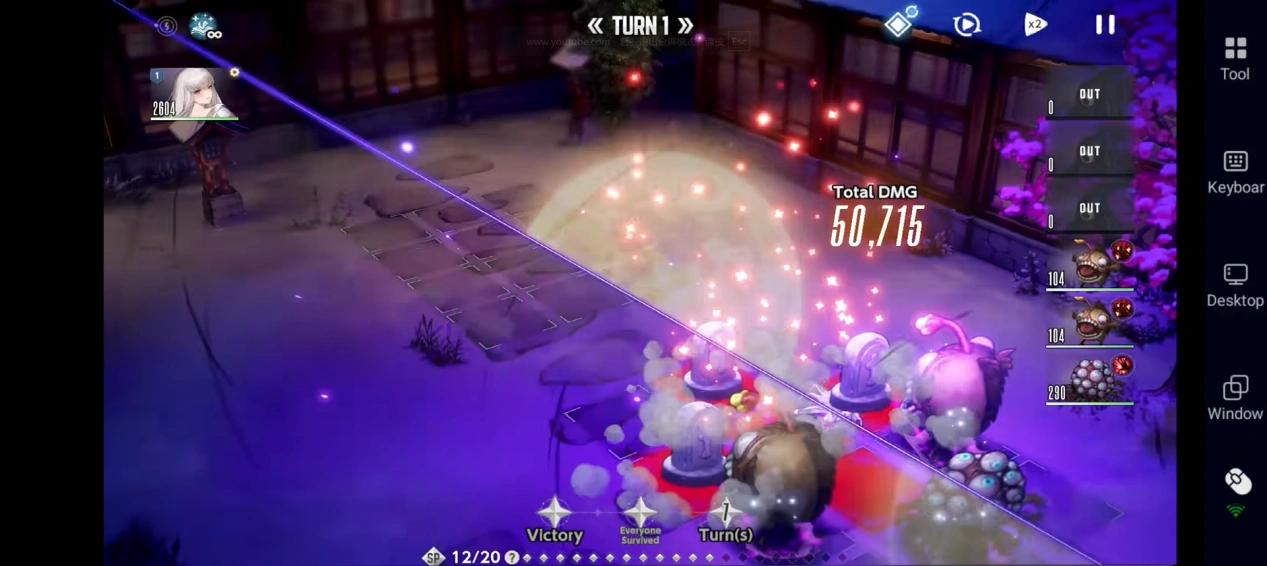
Thanks to customizable controls and high-frame-rate optimization, you can smoothly execute character formations, skill releases, and team adjustments even on mobile. Whether you're AFK monitoring or making manual micro-adjustments, you can precisely control the battle and enjoy the thrill of a strategy RPG.
Frequently Asked Questions (FAQ)
Q: When was Brown Dust 2 released?
A: Brown Dust 2 was officially launched in December 2023. It currently supports PC, Android, and iOS platforms, allowing players to download and play anytime.
Q: What are the device requirements for Brown Dust 2?
A: Please refer to the official system requirements (taking the PC version as an example):
Operating System: Windows 10 64-bit
Processor: Intel Core i5 or AMD Ryzen 5
Memory: 8 GB RAM
Graphics Card: NVIDIA GeForce GTX 960 / AMD Radeon R9 280
Storage: At least 10 GB of available space
Q: Can I Brown Dust 2 on Android?
A: Yes. Brown Dust 2 has an official Android version, which can be downloaded and installed directly from the Google Play Store for mobile direct play. But for a better visual and operational experience, you can use OSLink to remotely control the PC version and enjoy the high-definition PC version.
Q: Can I play Brown Dust 2 on iOS?
A: Yes. Brown Dust 2 has an official iOS version, which can be downloaded and installed from the App Store for mobile direct play. If your phone has performance issues (lagging) or overheating after long-term operation, you can use the OSLink remote tool to control the PC version via iPhone/iPad, achieving worry-free gaming~
Summary
Through the OSLink remote tool, you can offload the heavy AFK grinding tasks of Brown Dust 2 to your computer. Your phone then transforms into a lightweight remote controller. This method is perfect for strategy players who need long grinds but want to check their progress on the go.
 Download