English
 SILENT HILL: Townfall continues the series' signature psychological-horror storytelling with a fog-shrouded island, fragmented narrative clues, and an oppressive atmosphere. The game launches on PlayStation 5, Steam, and the Epic Games Store; this guide focuses on the Windows PC version. For players who want to step away from the desk while continuing the full story, the sections below walk through the complete process, from getting and installing the game to configuring remote play for a more convenient and stable experience.
If you want to experience SILENT HILL: Townfall on your phone, OSLink offers a convenient way to remotely access the game running on your PC. Without changing low-level device settings, you can stream the full PC game screen to your phone and control it remotely. OSLink also supports customizable on-screen key mapping, which can be adapted for first-person camera movement, item interaction, and other common horror-game actions to make small-screen controls easier to use.
1. How to Get and Play SILENT HILL: Townfall
How to Get the Game
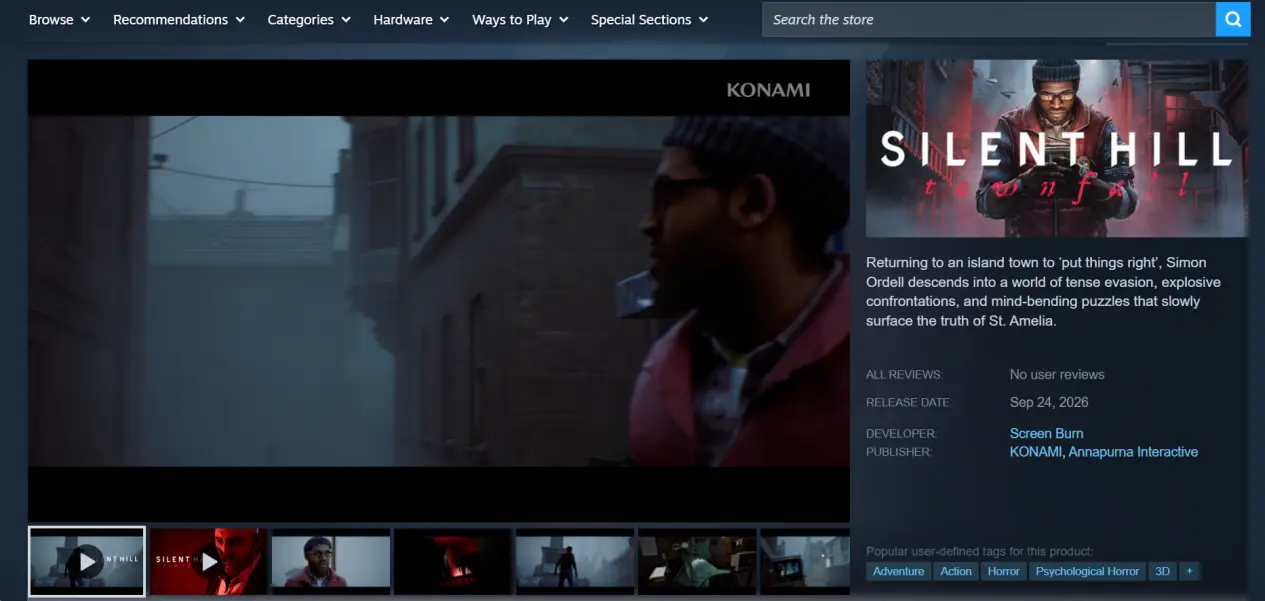
On PC, SILENT HILL: Townfall is officially available through Steam and the Epic Games Store. On Steam, search for the full game title and choose between the Standard Edition and Deluxe Edition based on the included content. Once purchased, the game will be added to your library so you can download and install it.
After installation, launch the game locally on your PC first. Check that the opening sequence, scene loading, item interactions, and save functions work normally, and make sure there are no crashes or other local issues before configuring remote play. This makes later troubleshooting much easier.
2. How to Download OSLink and Pair Your Devices
1. Install OSLink on Your PC
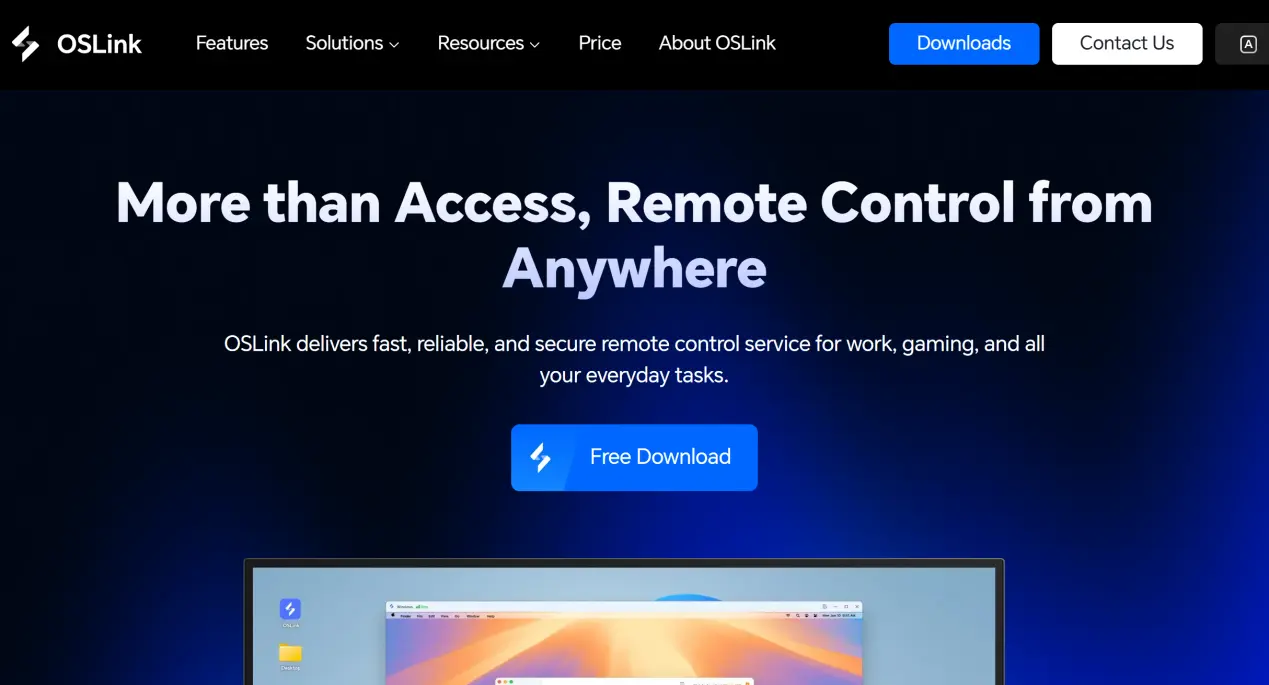
Download and install OSLink on your Windows PC, then create or sign in to your account and keep OSLink running in the background. Before connecting remotely, make sure the PC stays powered on and connected to the internet, and disable automatic sleep if necessary; otherwise, the phone may be unable to establish a remote connection.
2. Install OSLink on Your Phone
Android users can install OSLink from Google Play or download the APK from the official OSLink website. iOS users can search for OSLink in the App Store and install the mobile app.
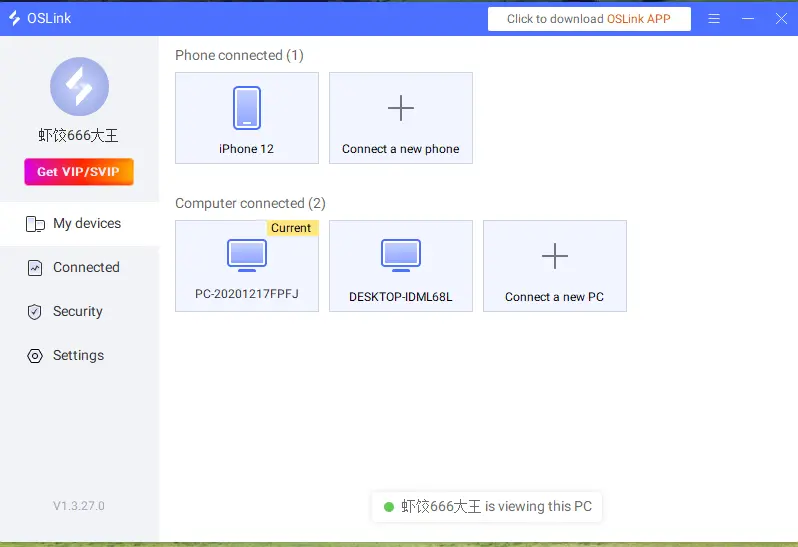
Note: Sign in to the same OSLink account on both your phone and PC. Devices under the same account can pair automatically, so you do not need to manually enter a device ID.
3. How to Run SILENT HILL: Townfall on Your Phone with OSLink
Keep OSLink running in the background on your PC and disable automatic system sleep or hard-drive sleep if those settings could interrupt the remote session. Launch SILENT HILL: Townfall locally on the PC and wait until the game finishes loading and reaches the main menu.
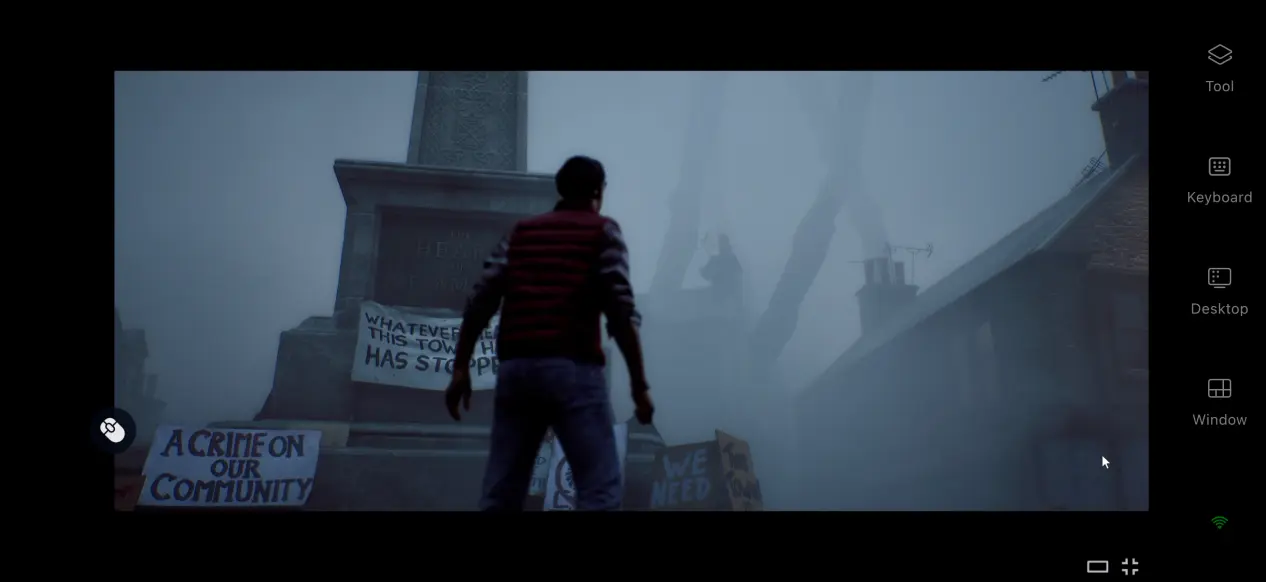
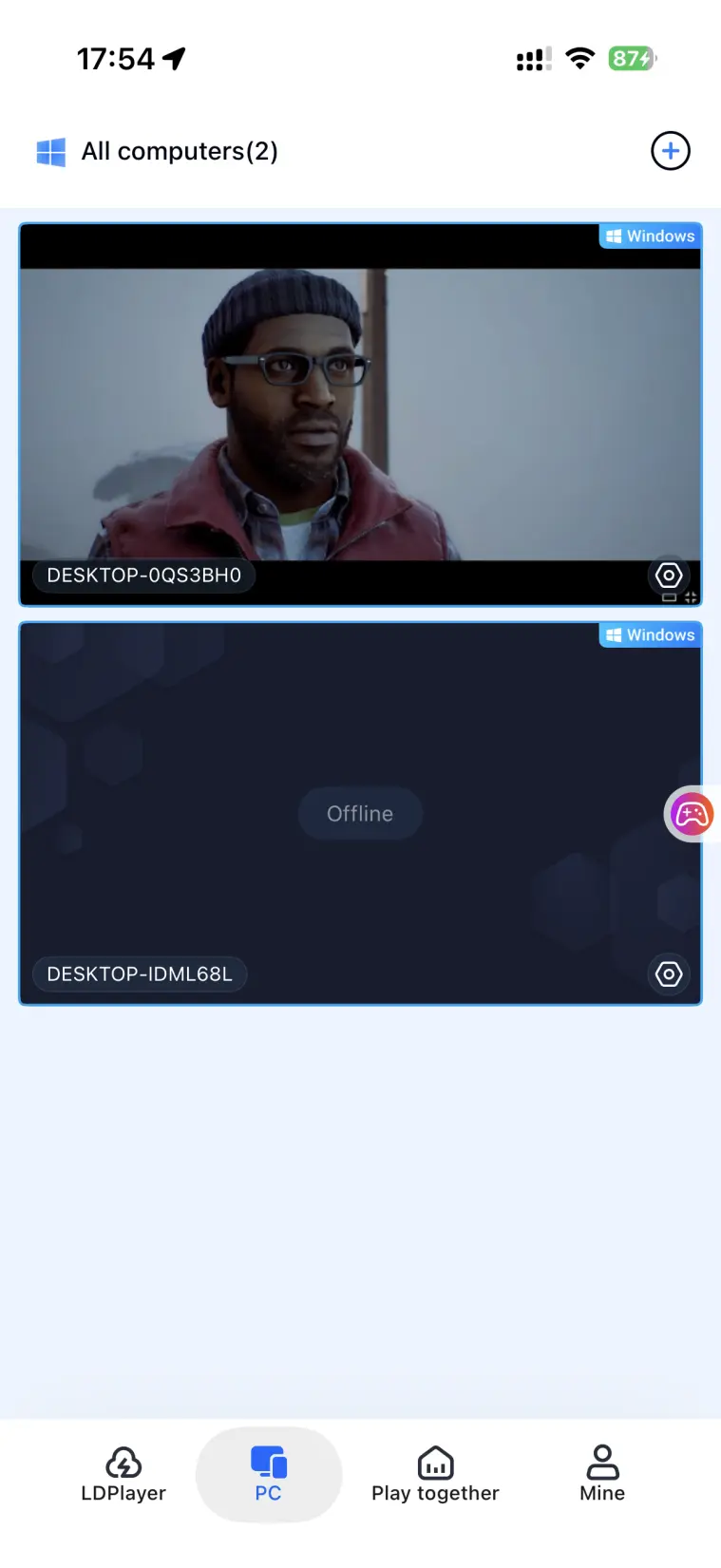
Open OSLink on your phone. The device list will show online PCs linked to the same account. Select the target PC to connect. Once the connection is established, switch the remote desktop preview to full screen so your PC display is shown on your phone.
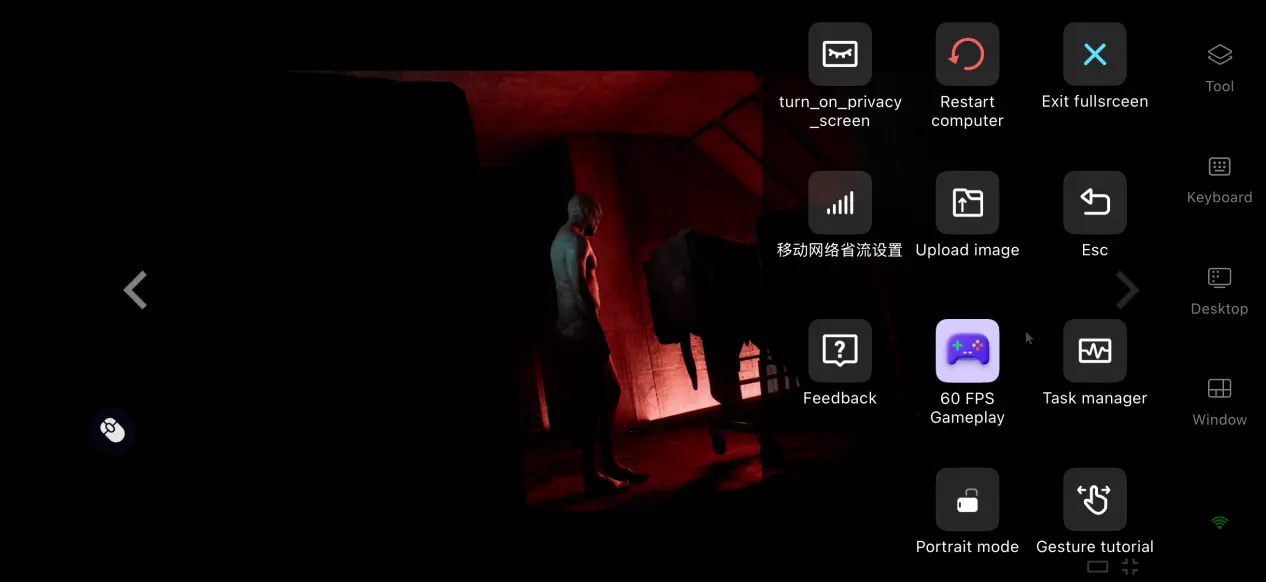
After connecting, first-time remote players can open the toolbar on the right side of the mobile screen and switch to 60 FPS PC Game Mode. This mode is designed for PC gaming over remote play and is useful for SILENT HILL: Townfall's frequent first-person camera movement, item interactions, and stealth navigation. Once configured, you can perform in-game actions directly from your phone.
4. Benefits of Playing SILENT HILL: Townfall on Mobile with OSLink
Play Beyond Your Desk
With a stable network connection, your phone and PC do not need to be on the same local network. You can remotely reconnect to your PC while away from your desk, continue from your existing save, progress through the story, and explore puzzles around St. Amelia.

No Full Game Download on Your Phone
The game files remain stored on your PC. Your phone receives the remote video stream and sends control input, so you do not need to download the full SILENT HILL: Townfall game package to your mobile device.
5. How to Optimize Your OSLink Gaming Experience
60 FPS PC Game Mode
Enable 60 FPS PC Game Mode from the mobile toolbar for smoother remote PC gaming. In scenes with fast camera movement or major visual changes, the mode can help keep motion and control feedback more responsive. If your network becomes unstable, consider lowering the streaming quality or bitrate to prioritize consistency.
Custom Key Mapping
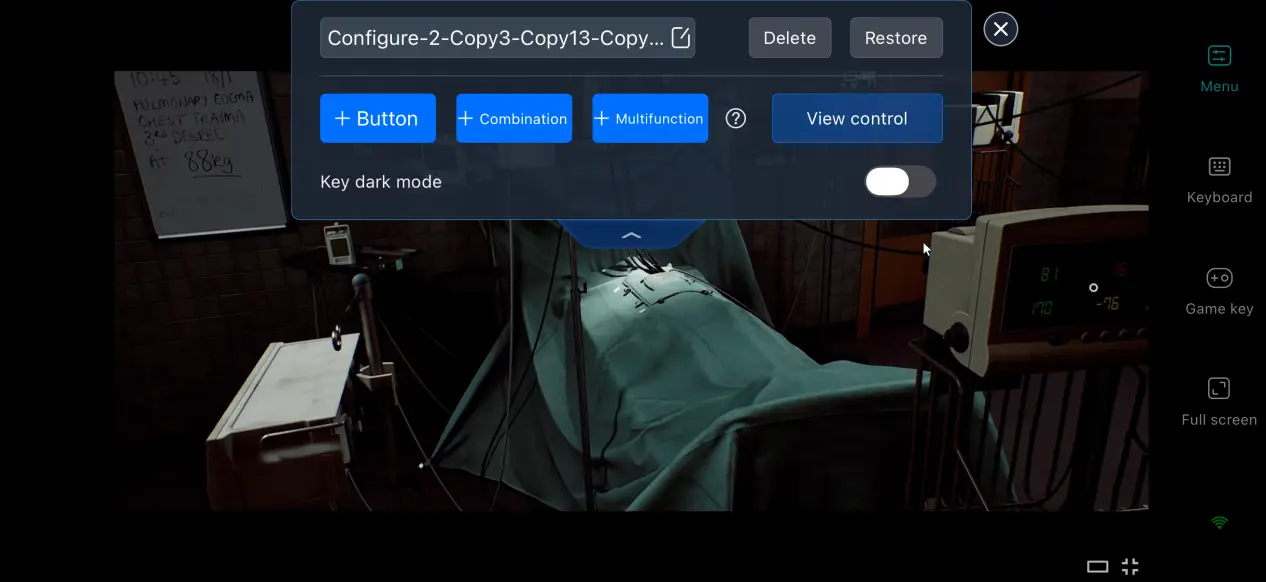
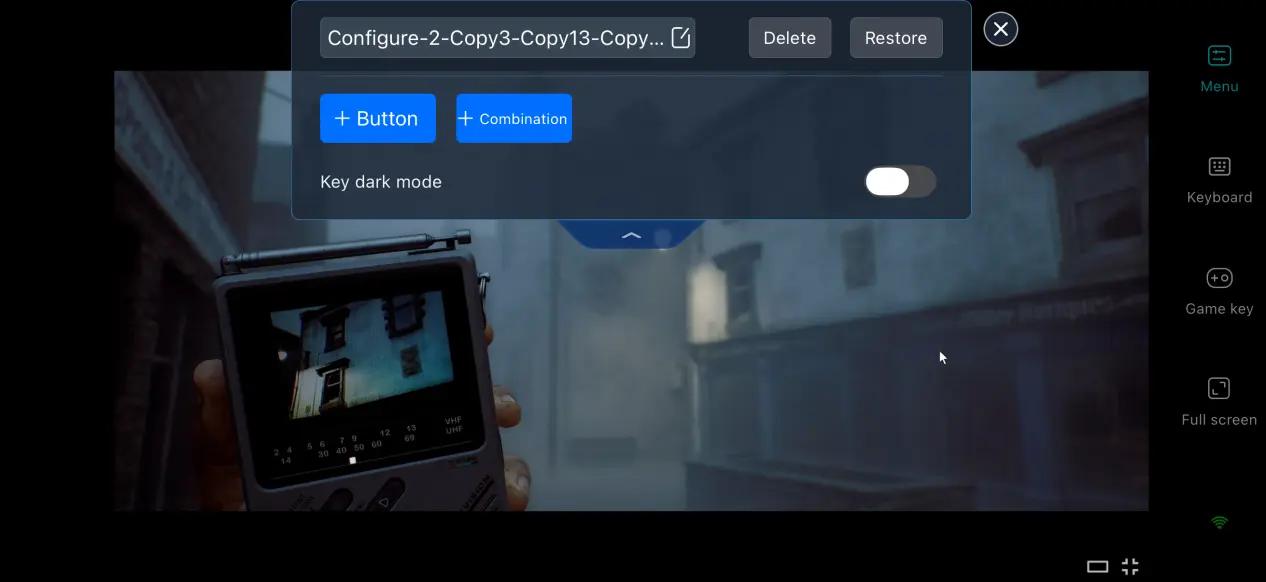
For frequent actions such as turning the camera, picking up items, opening menus, and interacting with objects, use OSLink's custom keybind settings to add, modify, and reposition on-screen controls based on your preferences. You can also adjust the layout to reduce the awkwardness of moving from PC controls to a touchscreen.
Remote Session History
OSLink can keep records of remote connection sessions, such as connection times and connected-device information, making it easier to review recent access. If you notice an unfamiliar connection, end the session and review your account and device access settings.
External Controller and Keyboard/Mouse Support
For more precise control, you can connect supported Bluetooth game controllers or compatible keyboard-and-mouse peripherals to your mobile device. Physical controls can be especially useful for first-person camera movement, exploration, and combat in SILENT HILL: Townfall.
Mobile Display Mapping
When using full-screen remote play, adjust the display to suit your phone's aspect ratio. If the PC game's resolution does not match the mobile screen, use the available display options to balance screen coverage and the original image proportions for a more comfortable viewing experience.
6. FAQ
Q1: What is the SILENT HILL: Townfall release time?
A: SILENT HILL: Townfall release date is September 24, 2026, for PlayStation 5, Steam, and the Epic Games Store.
Q2: What are the PC system requirements for SILENT HILL: Townfall?
A: According to the Steam listing, the minimum requirements are Windows 11 x64, AMD Ryzen 5 3600 / Intel Core i7-8700K, 16 GB RAM, NVIDIA GeForce RTX 2060 Super / AMD Radeon RX 6600, DirectX 12, and 75 GB of available storage. The minimum target is Low settings at 1080p/30 FPS. The recommended requirements are AMD Ryzen 7 5700X / Intel Core i7-9700K, 32 GB RAM, NVIDIA GeForce RTX 3080 / AMD Radeon RX 7800 XT, DirectX 12, and 75 GB of available storage. The recommended target is High settings at 4K/30 FPS using DLSS, FSR, or TSR in Balanced mode.
Q3: Can iOS and Android phones play SILENT HILL: Townfall directly?
A: The officially announced platforms are PlayStation 5, Steam, and the Epic Games Store; there is no native iOS or Android version. If SILENT HILL: Townfall is installed on your Windows PC, you can use OSLink on an iOS or Android phone to remotely connect to that PC while the game continues to run on the computer.
Conclusion
SILENT HILL: Townfall is a psychological survival-horror game experienced entirely in first person, combining exploration, evasion, combat, and narrative-driven puzzles on the fog-shrouded island of St. Amelia. There is no native mobile version, so players who want to play the PC version remotely on their phone can use OSLink to remotely access their own Windows PC, pick up their existing game session, and adjust streaming and controls for mobile play.
 Download