English
 As a prequel to the A Plague Tale series, Resonance: A Plague Tale Legacyacy follows Sophia on her journey across Minotaur Island, blending Ancient Greek mythology, melee combat, puzzles, and a story told across different points in time. The game has drawn plenty of attention from fans of the series. However, it is currently only available on PC and current-generation consoles, with no official mobile version. This guide covers a practical way to remotely play the PC version on your phone, from installing the game to launching it, along with answers to some common questions. If you're interested, keep reading.
Still unsure which remote streaming app to use? OSLink can stream your PC games directly to your mobile device, and getting started only takes a few simple setup steps. It also comes with a dedicated PC game streaming mode for more stable video transmission and smoother controls, so you can continue your island adventure even while you're away from your computer.
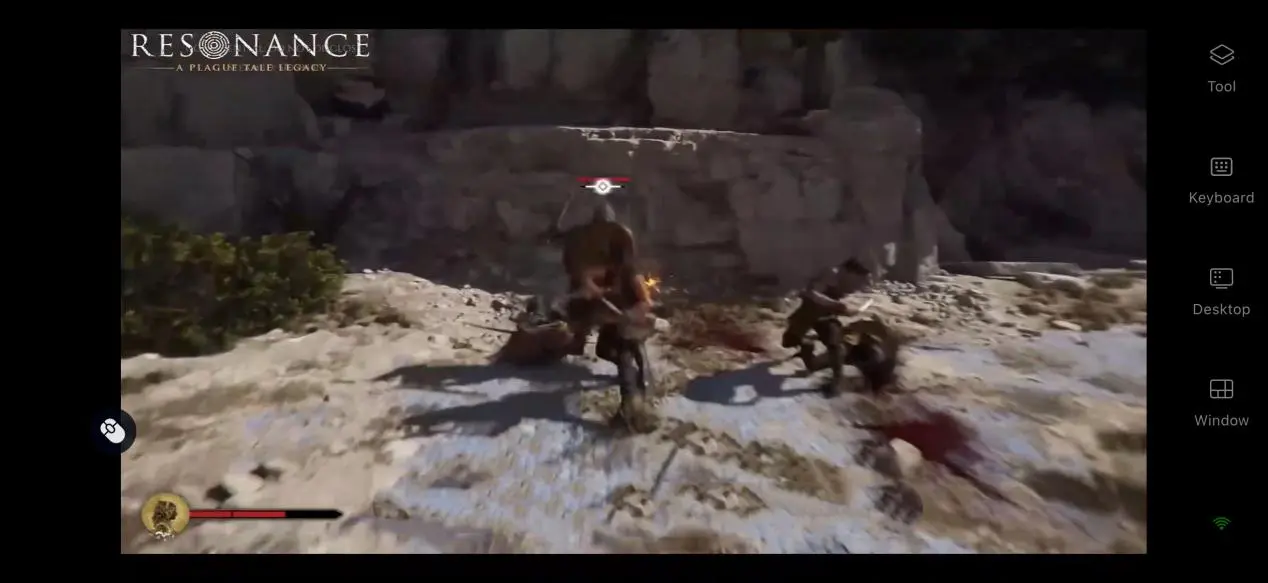
1. How to Play Resonance: A Plague Tale Legacy
Download and Install the Game
Resonance: A Plague Tale Legacyacy does not have a native mobile version, so you will need to have the full game installed on a PC before playing it on your phone. You can purchase and download the game through PC game stores such as Steam and Epic.
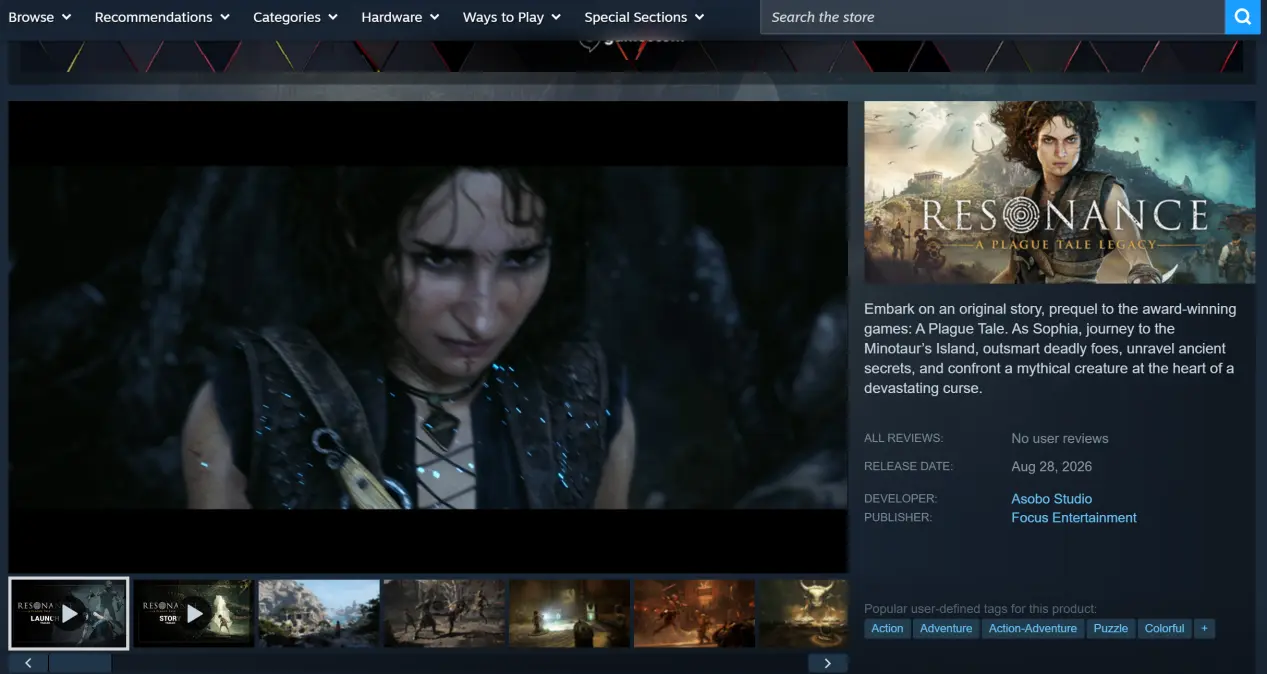
After installation, it is recommended to launch the game on your PC once. Make sure it runs properly without crashes, display issues, or other problems before moving on to the steps below.
2. How to Install OSLink on PC and Mobile
Install the PC Client
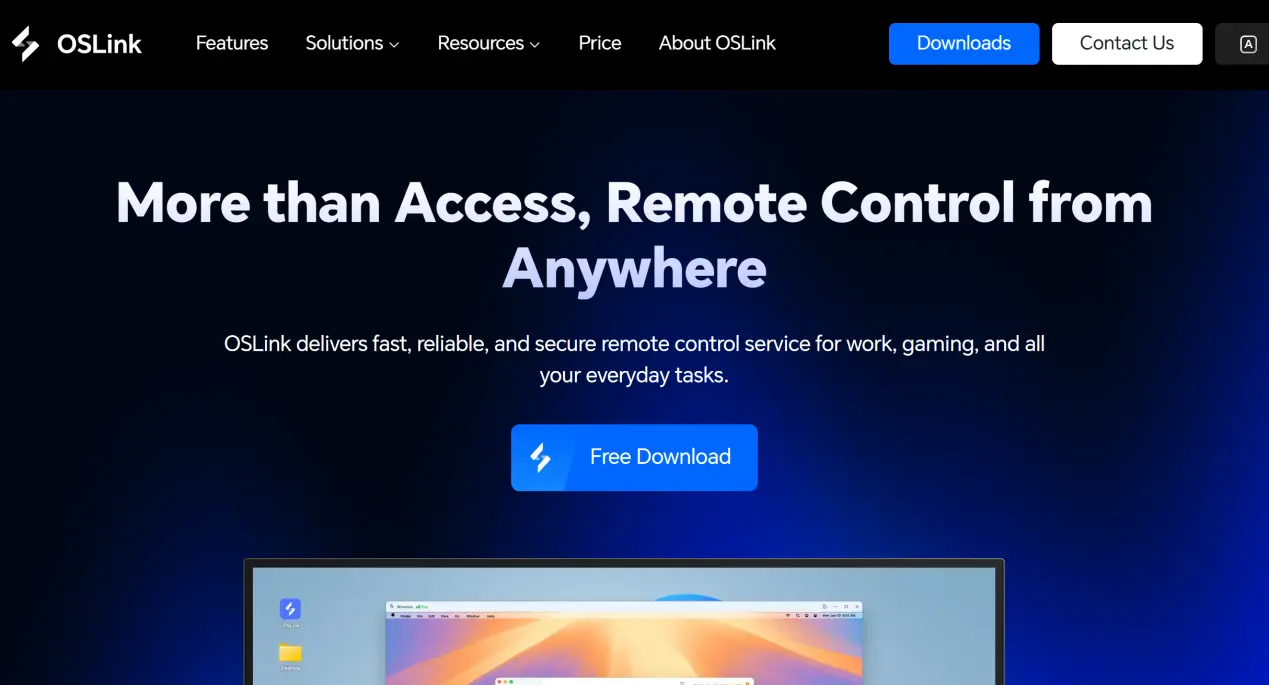
Open the official OSLink website, go to the download section, and select the Windows installer. Complete the installation process, then allow the software to run at startup and in the background. Make sure the firewall does not block the connection. Keep the program running in the background.
Install the Mobile Client
Android users can get the APK installer from the official website or search for the app by name in their app store.
iOS users can search for the app on the App Store and download it directly.
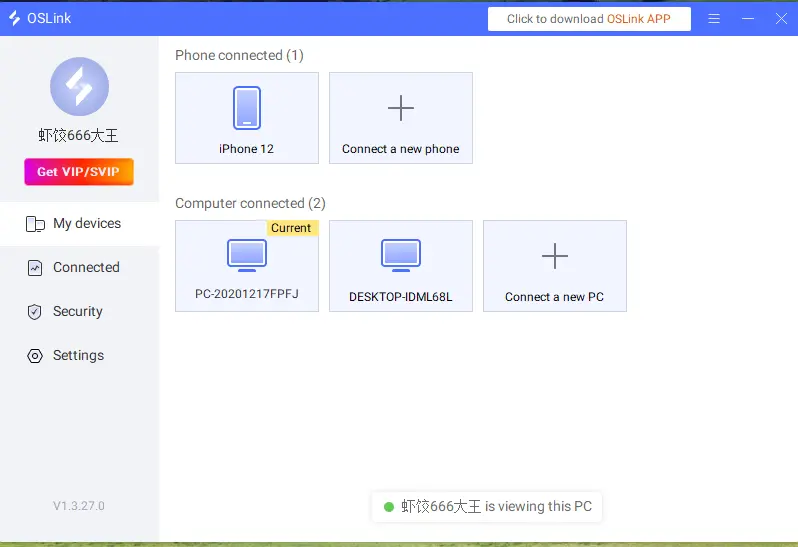
Once installation is complete, sign in to the same account on both your PC and phone. No additional setup is required. The software will automatically create an encrypted connection between the two devices, completing the initial pairing process.
3. How to Run Resonance: A Plague Tale Legacyacy on Your Phone with OSLink
Make sure OSLink is running in the background on your PC. Disable PC sleep mode, then launch the installed game from your Steam library and leave it on the main menu.
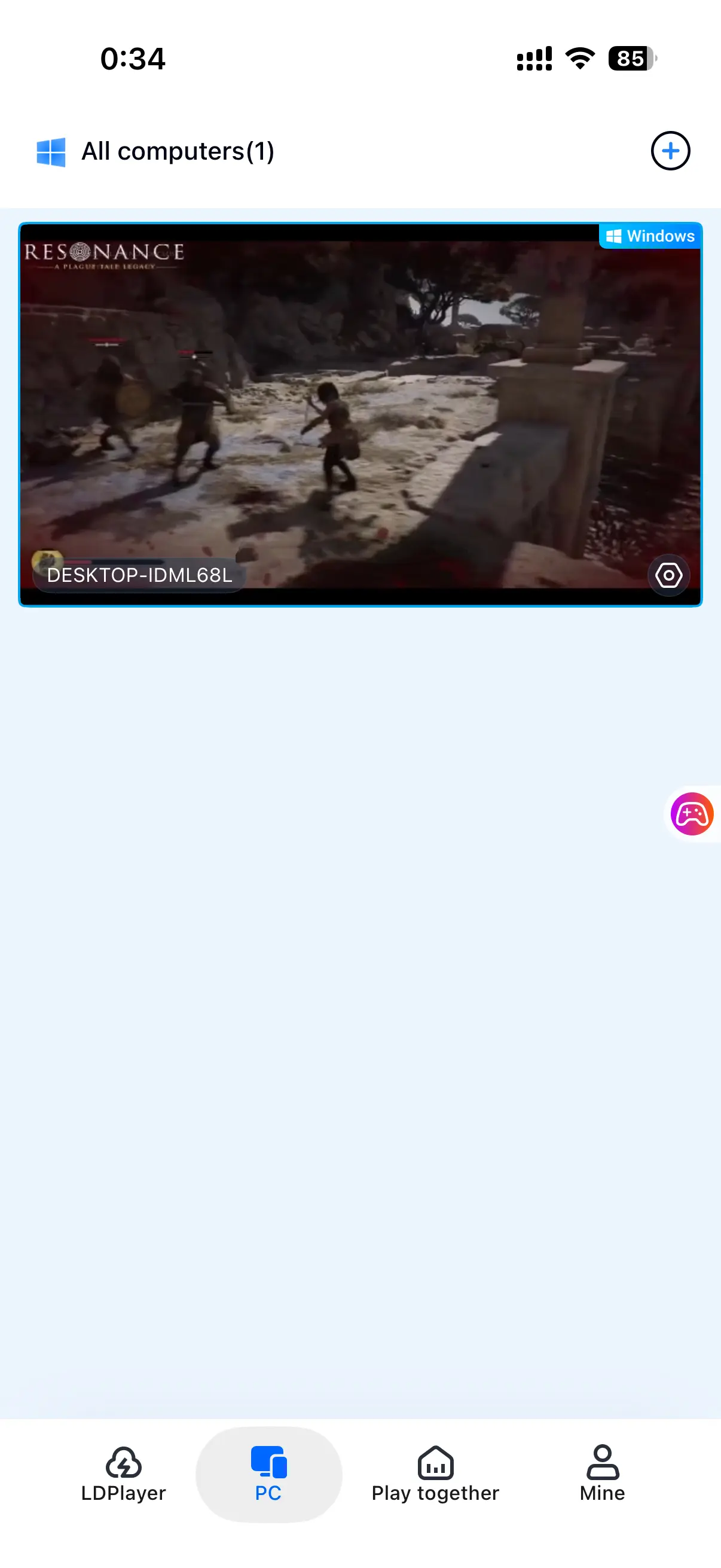
Open the OSLink app on your phone. Find the PC that is currently running the game in the device list and tap its name to connect. Once connected, tap the corresponding game preview to switch to full-screen mirroring. Your PC screen will then be displayed on your phone.
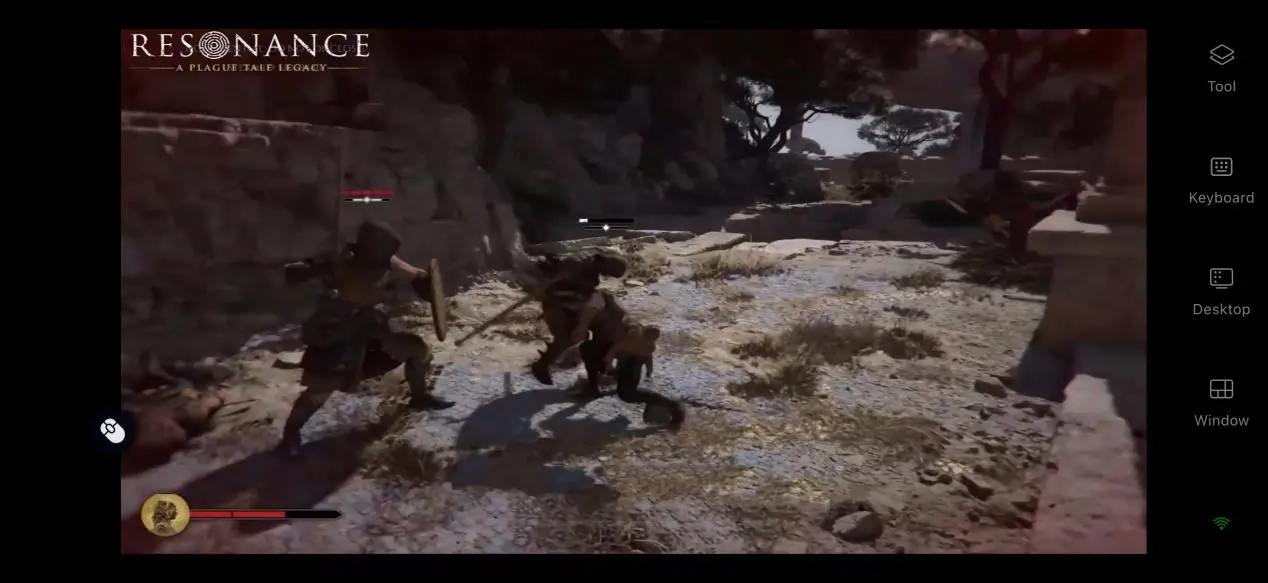
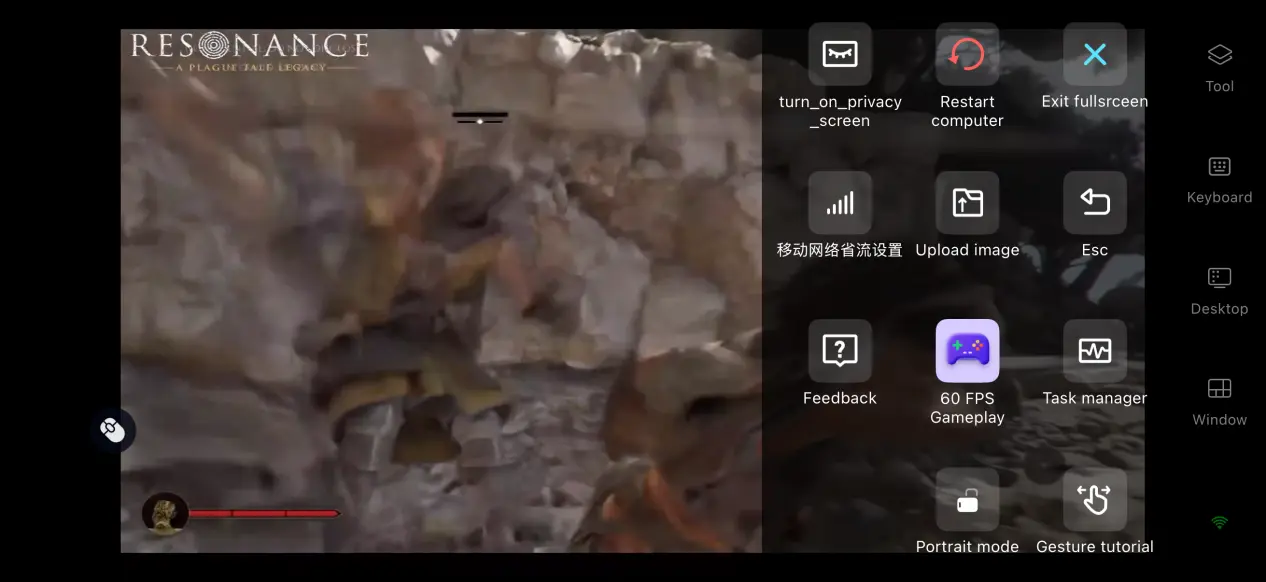
After the connection is established, open the toolbar on the right and switch to PC Game Streaming Mode. This mode optimizes video encoding and input transmission to reduce control latency, making it better suited to the quick responses needed in action-adventure games. You can then explore the island, fight enemies, and solve puzzles directly from your phone.
4. Benefits of Playing Resonance: A Plague Tale Legacyacy on Your Phone
Start Your Adventure Anytime, Anywhere
Sometimes, your schedule or location makes it difficult to sit at your computer and play. With OSLink streaming, as long as your network connection is stable, you can connect to your PC even when the two devices are not on the same local network. This lets you continue the story on Minotaur Island without having to stop your progress.
No Game Storage Used on Your Mobile Device
All game files remain stored on your PC's hard drive, so your mobile device does not need to download the game data. You won't have to free up dozens of GB of storage, and even older mid-range phones can be used to play. The game rendering is handled by the PC rather than your phone.
Supports Multiple External Devices
If touch controls are difficult to use for melee blocks and dodges, you can connect a controller, keyboard, or mouse to your mobile device. A controller can provide a console-like control experience, while a keyboard and mouse can recreate the PC control layout. Choose whichever input method feels most comfortable for you.
5. How to Optimize Your OSLink Gaming Experience
Low-Latency, High-FPS Mode
The software includes a 60 FPS PC Game Mode optimized for PC action games. When enabled, it reallocates bandwidth to prioritize input transmission and helps reduce control lag during combat. If your network connection is unstable, you can lower the video bitrate as needed to keep the stream smooth.
Customizable Controls
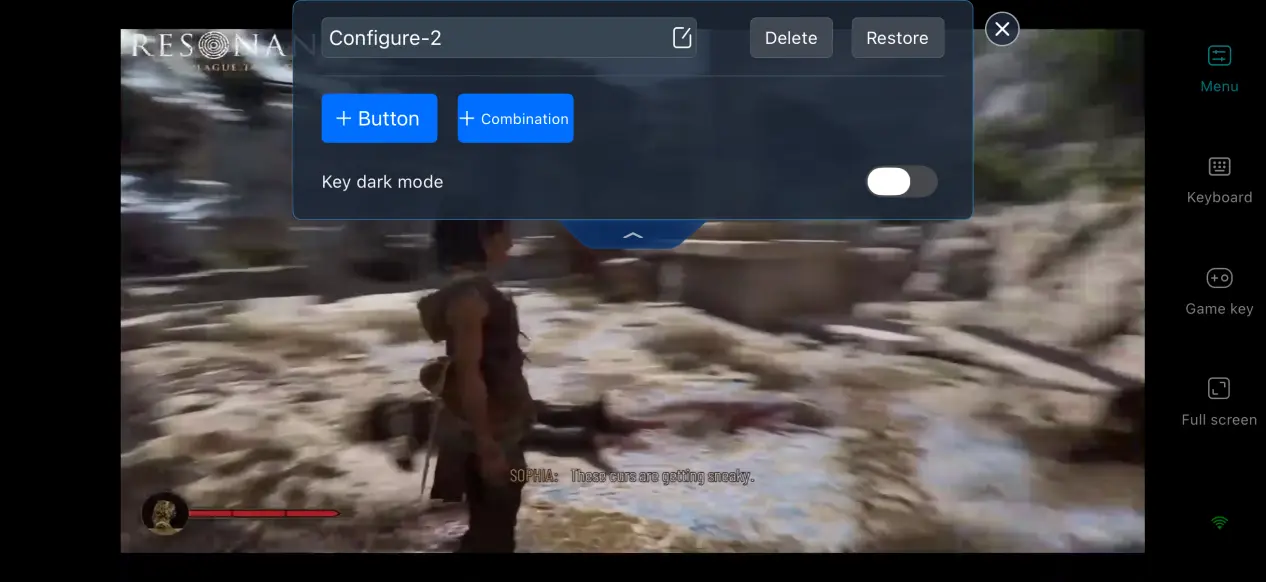
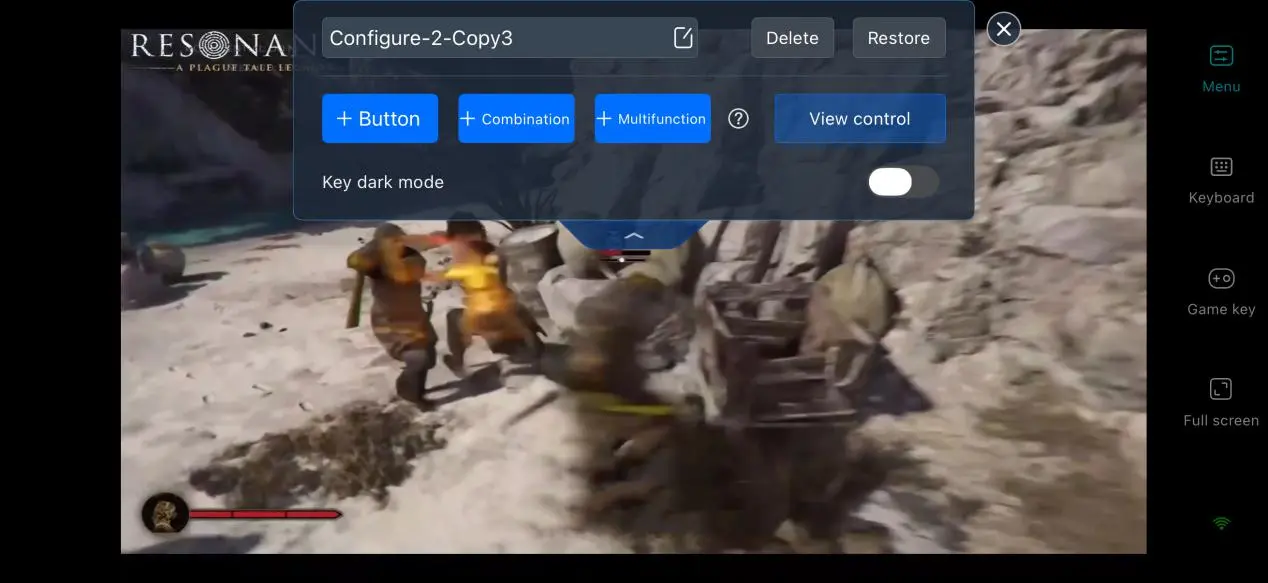
For an action game like Resonance: A Plague Tale Legacy, control layout and response time are especially important. OSLink lets you customize the controls for combat actions such as melee blocks and dodges, as well as buttons used for environmental interactions and puzzles. Set them according to your own preferences to make switching between devices feel more natural.
Screen Ratio Adjustment
When OSLink's full-screen mode is enabled, the system hides the phone's top status bar and bottom gesture area so the game can fill the entire display. If the PC game's resolution does not match your phone's screen ratio, the image will automatically expand to fit the display while preserving the game's original aspect ratio.
6. Frequently Asked Questions About Playing Resonance: A Plague Tale Legacyacy on OSLink
Q: When will Resonance: A Plague Tale Legacyacy be released?
A: The game is scheduled for release on August 28, 2026, for PC, PS5, and Xbox Series X|S.
Q: What PC specifications are required for Resonance: A Plague Tale Legacy?
A: The minimum requirements are 16 GB of RAM, a GTX 1060 graphics card, and 75 GB of available SSD storage. The recommended setup is 16 GB of RAM, an RTX 3060 Ti-class graphics card, and an SSD for storage. Streaming performance depends on whether your PC can run the game smoothly and consistently.
Q: Can I Play Resonance: A Plague Tale Legacyacy on iOS or Android?
A: There is no official native game installer for iOS or Android, so the game cannot be installed and run directly on an iPhone or iPad. You will need to use remote streaming to connect to a Windows PC running the game.
Conclusion
Resonance: A Plague Tale Legacyacy combines an Ancient Greek mythology setting with melee combat and environmental puzzles to create a distinctive adventure. Although the official release is limited to PC and consoles, OSLink provides a practical remote streaming solution, allowing you to play without being tied to your desk. You can experience the game's combat, exploration, and puzzles from your phone. If you want a more flexible way to jump into the game, this setup is worth trying.
 Download