English
 Chained Beasts has attracted plenty of attention with its unique world-building and combat design. However, due to its development plans, the game is currently available only on PC, with no native mobile version. With a remote streaming tool, you can still play the full PC version on your phone. This guide walks you through the entire setup, covering everything from getting the game and installing the required software to actual gameplay and streaming optimization. If you're interested, just follow the steps below.
OSLink is specially optimized for remote streaming of PC games at the connection level. When running Chained Beasts, it maintains stable input response whether you're chaining skills during combat or switching between scenes in long dialogue sequences.
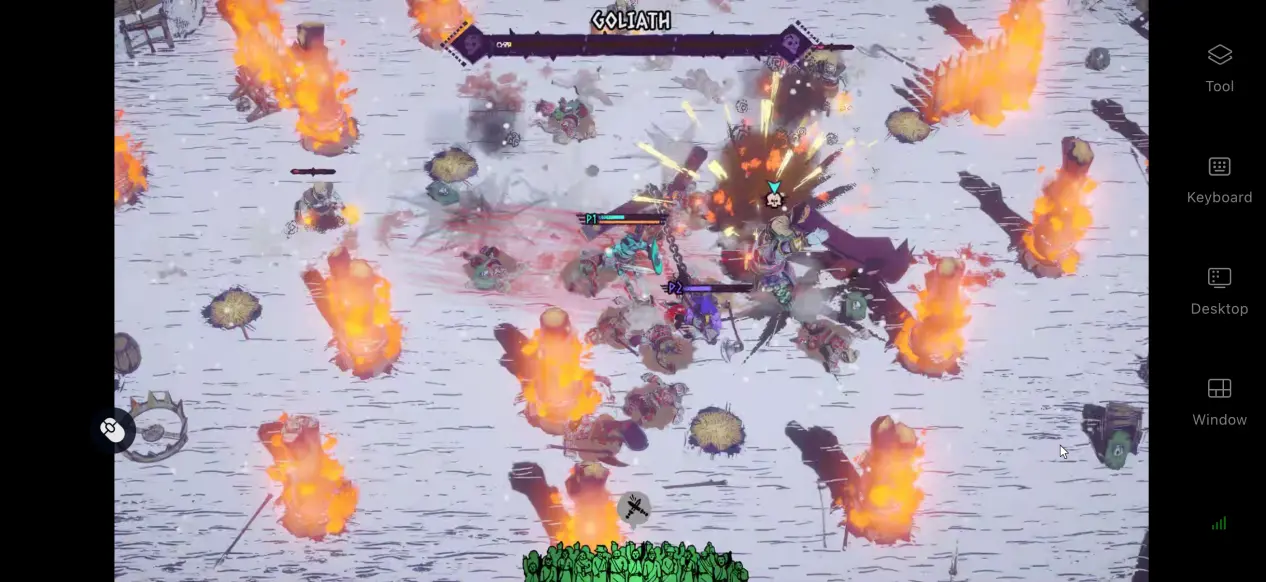
1. How to Play Chained Beasts
Getting the Game
The PC version of Chained Beasts is available on Steam. Open the Steam client on your computer and search for the full game title in the store. After completing the purchase, the game will be added to your library, where you can install it.
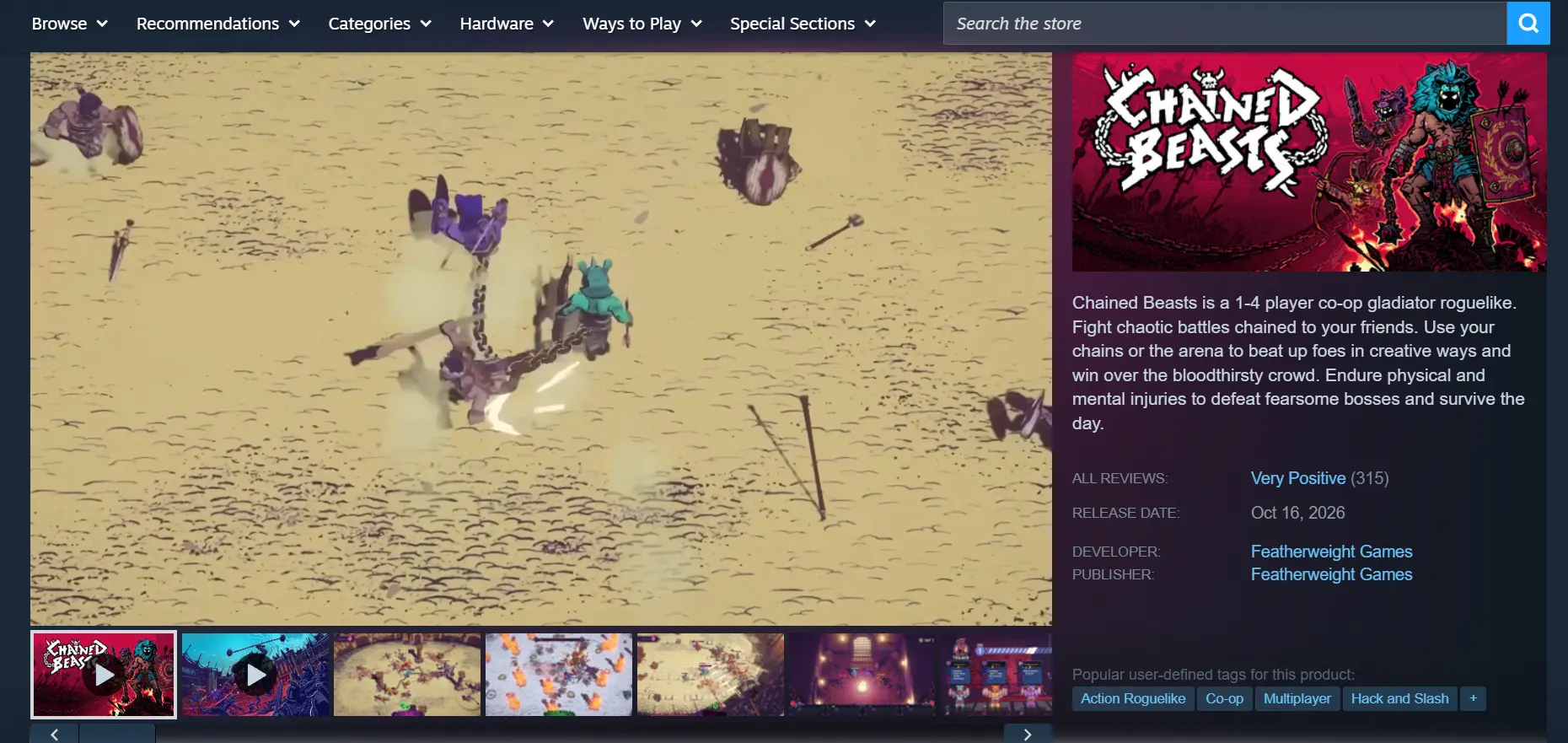
Once the installation is complete, it's recommended that you launch the game locally on your PC first. Check whether the opening scenes and combat areas load normally, and make sure there are no issues such as crashes or graphical glitches. Once the game runs smoothly on your PC, you can move on to setting up the streaming tool.
2. How to Install OSLink on PC and Mobile
PC Installation
Open your browser, search for OSLink, and visit the official website to download the Windows installation package.
After installation, launch the program, then register and log in to your account.
OSLink needs to stay running in the background so it can receive connection requests from your mobile device. We recommend opening your computer's power settings and disabling automatic sleep and network adapter sleep functions. This prevents the computer from going into sleep mode while idle and unexpectedly disconnecting the stream.
Mobile Installation
Android users can get the installation package through the official download channel or download the client from the Google Play Store. iOS users can open the App Store, search for OSLink, and download the client.
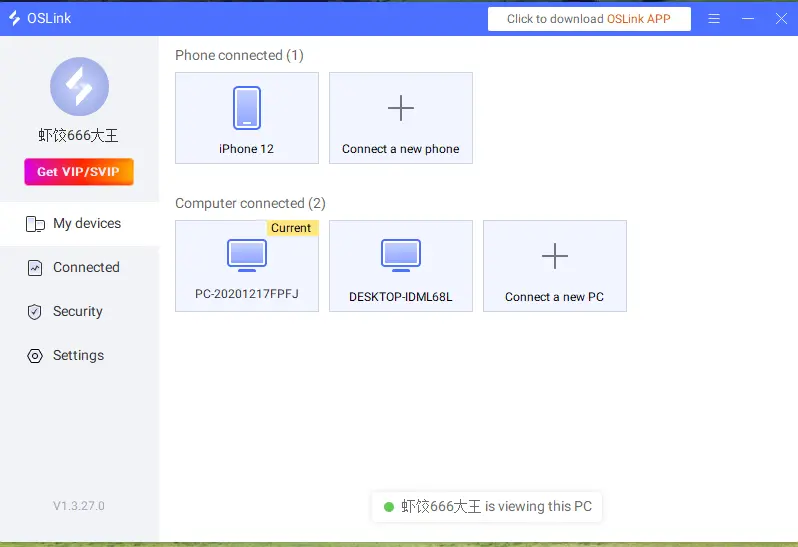
Make sure the account you use to log in on your phone is the same one used on your computer. OSLink can automatically detect devices signed in to the same account on both local and public networks, so there's no need to manually enter a long device code for pairing.
3. How to Run Chained Beasts on OSLink Mobile
Launch Steam on your PC, open Chained Beasts, and stay on the game's main menu. Keep the game window active in the foreground and do not minimize it.
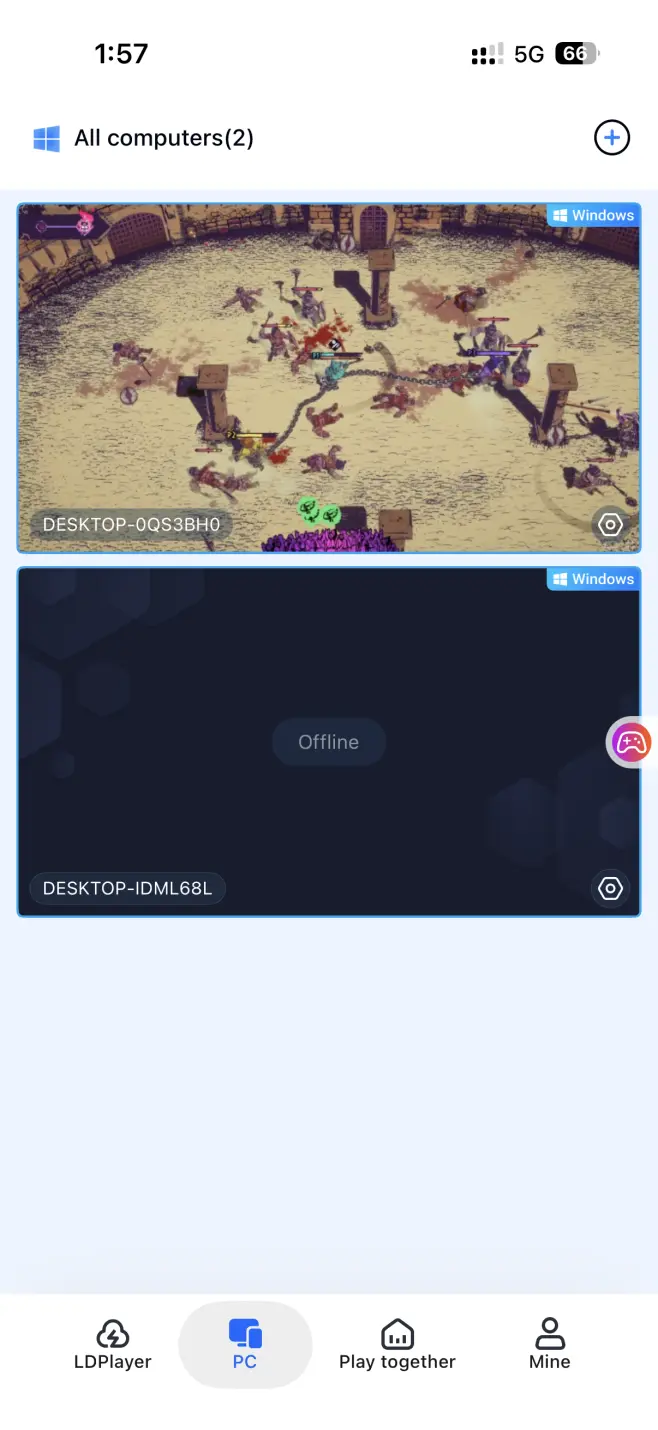
Open OSLink on your phone. The device list will show computers currently online under the same account. Tap the target computer to establish the streaming connection.
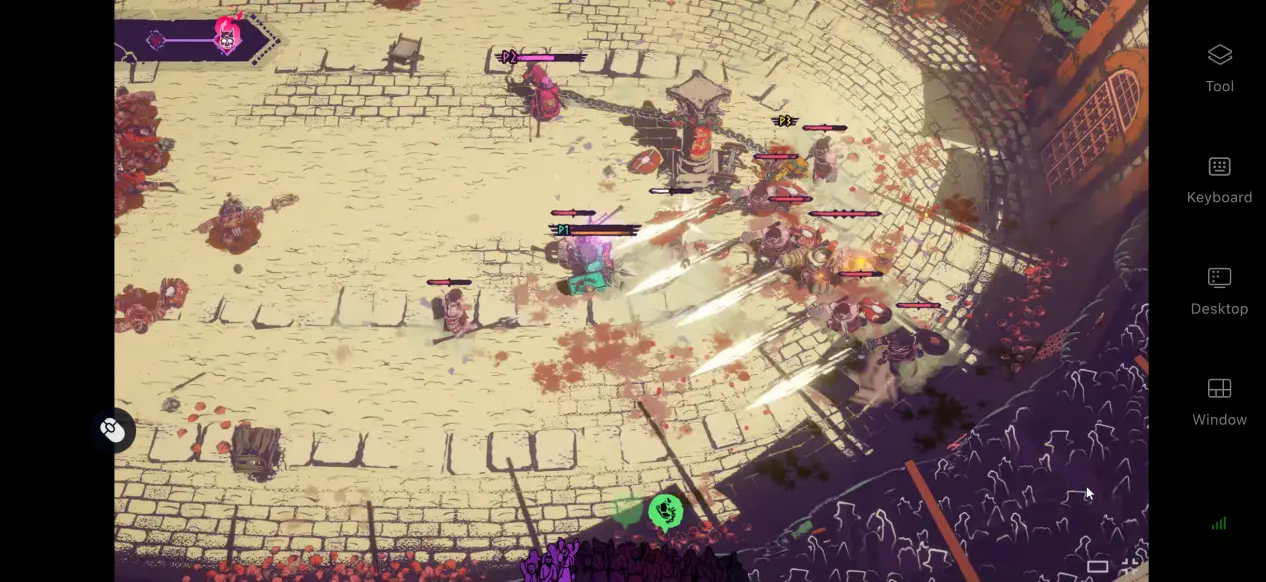
Once the streaming connection is established, open the side toolbar and switch to Game Mode. Load the corresponding preset virtual controls. After adjusting the controls, you can use your phone's touchscreen to handle all in-game actions, including progressing through the story and fighting battles.
4. Benefits of Playing Chained Beasts on Mobile
Room Sharing for Multiplayer Co-Play
The software includes a room-sharing feature that lets you share Chained Beasts while it is running on your computer. Once other users join the room, everyone can take turns controlling the same game session. It's a convenient option for watching story scenes together or taking turns tackling difficult battles.
Continue Your Game Anywhere
As long as your computer stays powered on and connected to the internet, your phone can connect through Wi-Fi or mobile data. Whether you're waiting for a ride or taking a break, you can pick up from your existing save and keep playing without being tied to a single device.
No Need to Use Your Phone's Storage
All game resources and save data remain on your computer's hard drive. Your phone only receives the streamed video and sends back control inputs. Even older phones with limited storage can use this setup without having to free up space.
5. How to Optimize Your Chained Beasts Experience on OSLink
Dedicated Game Mode
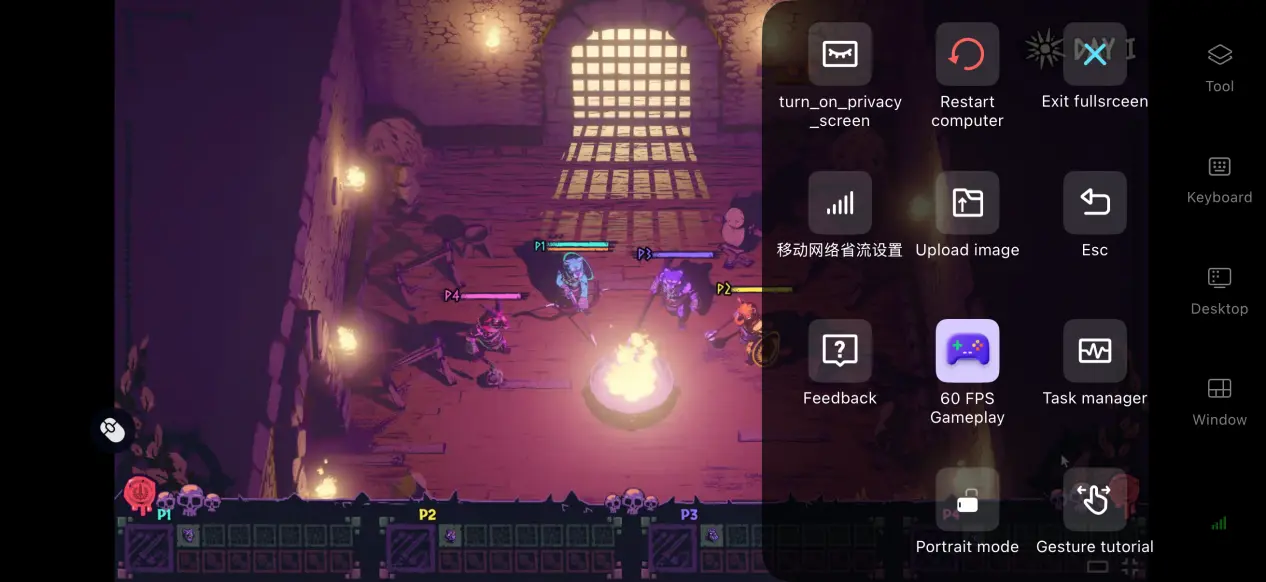
Enable 60 FPS PC Game Mode to adjust the video encoding process and improve visuals when switching between large areas or during battles involving multiple units. It also reduces motion trails and improves input response, making combat and story transitions feel smoother.
Custom Controls
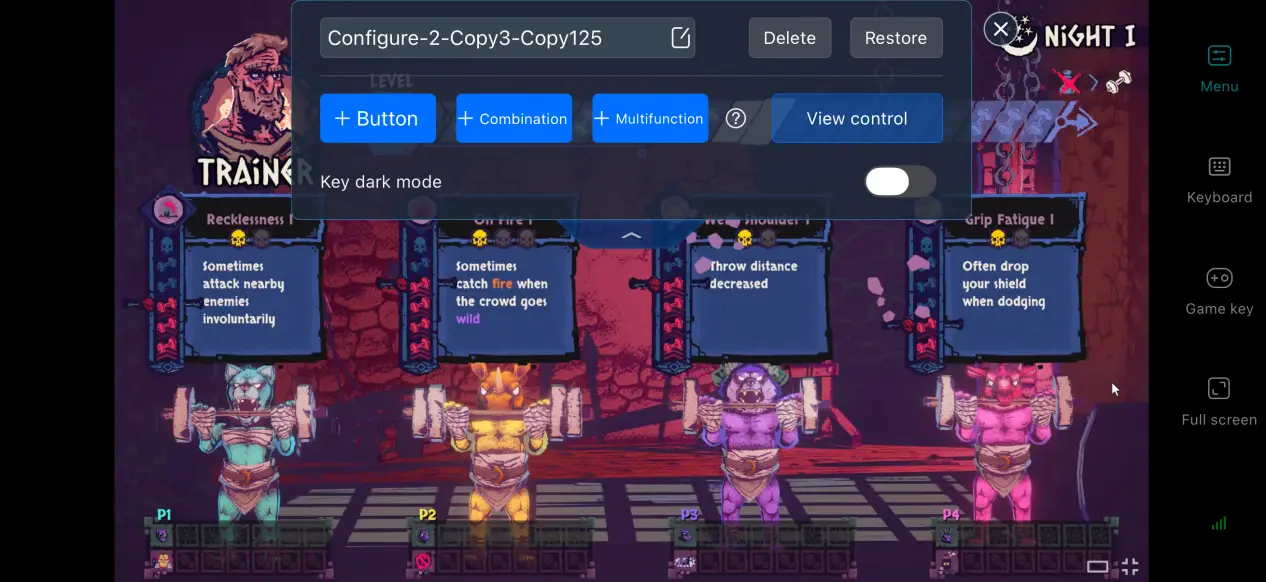
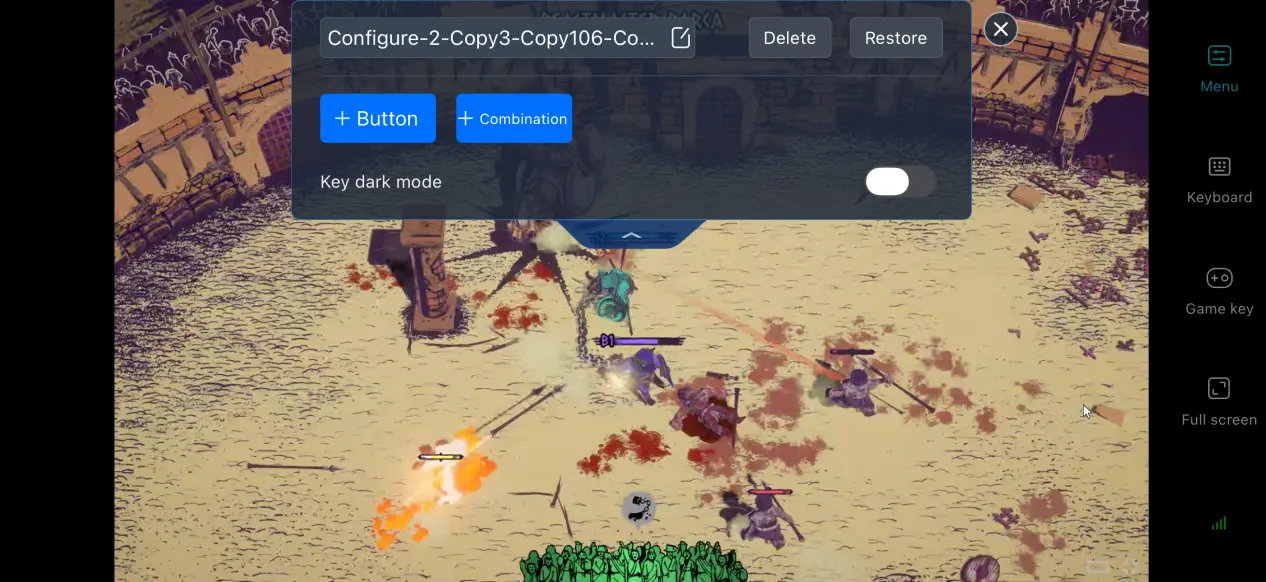
You can freely adjust the size, position, and transparency of virtual buttons, as well as add or remove controls. Place frequently used controls for combat skills, item switching, and menu access within easy reach on your touchscreen. You can also save multiple control layouts and quickly switch between them for exploration and combat.
Screen Mapping for Mobile Devices
Use the screen mapping feature to adjust the streaming aspect ratio and remove black bars on your phone's screen. This allows the game image to fit the mobile display more naturally and makes longer play sessions more comfortable.
Support for Multiple Peripherals
OSLink supports peripherals such as Bluetooth and wired controllers. Once a controller is connected, its input mapping is configured automatically, so there's no need for complicated manual adjustments. Using an external controller can also reduce accidental touches and provide a control experience closer to playing on a PC.
6. Frequently Asked Questions About Playing Chained Beasts on OSLink
Q: What is Chained Beasts release time?
A: Chained Beasts release date is October 16, 2026. The game launches on Steam for PC and currently has no native mobile version.
Q: What are the PC system requirements for Chained Beasts?
A: Minimum requirements: Windows 10/11, an R5-3600 processor, 8 GB of RAM, a GTX 1650 graphics card, and 22 GB of available SSD storage. Recommended requirements: Windows 10/11, 16 GB of RAM, and a graphics card more powerful than the GTX 1660. Installing the game on an SSD is recommended.
Q: Can I play Chained Beasts on Android devices?
A: There is currently no official native Android client. Android phones cannot install the game directly, but you can use OSLink to remotely stream the game from your PC and enjoy the full experience.
Q: Can I play Chained Beasts on iOS devices?
A: There is currently no official native iOS installation package. Chained Beasts cannot be run directly on an iPhone, so you can use to stream the PC version through OSLink to access the full game.
Conclusion
Chained Beasts is a PC-exclusive adventure game that has attracted plenty of attention with its distinctive setting. However, the official version does not include a native mobile client, so the game cannot be installed and played directly on a phone. OSLink remote streaming provides a practical alternative. With OSLink, you don't need to upgrade to a more powerful phone. As long as your phone can connect to your computer over the internet, you can continue playing whenever you have some spare time and enjoy a more flexible gaming experience.
 Download