English
 PRAGMATA is a unique sci-fi action-adventure game developed by Capcom. Players follow Hugh, a stranded investigator, and Diana, a mysterious android girl, as they navigate a lunar research facility controlled by rogue AI. Combining exploration, puzzle-solving, and real-time combat, the game challenges you to uncover the truth and find a way back to Earth.
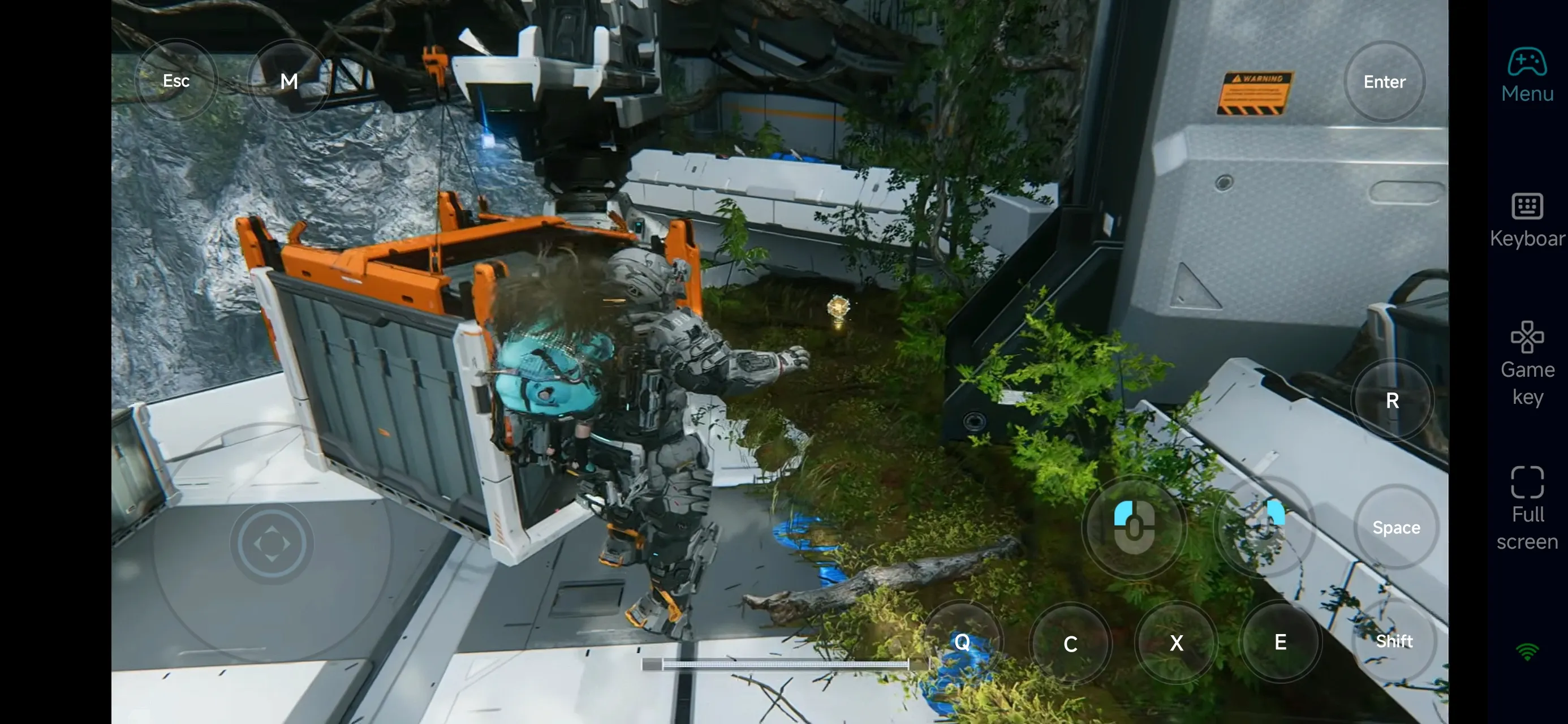
Want to keep playing PRAGMATA even when you're away from your PC? With OSLink, you can stream your PC screen directly to your phone, allowing you to continue exploring, solving puzzles, and progressing through the story anytime, anywhere.
Quick Setup Tutorial for Playing PRAGMATA on Mobile
Step 1: Download OSLink and Connect Devices
PC Side:
Visit the OSLink official website to download the software and complete the installation.

Mobile Side:
Download the OSLink App from the App Store or Google Play; the official website also offers APK downloads.
Log in with the same account as on the PC side to automatically connect.

Step 2: Control Optimization
1. Launch the Game
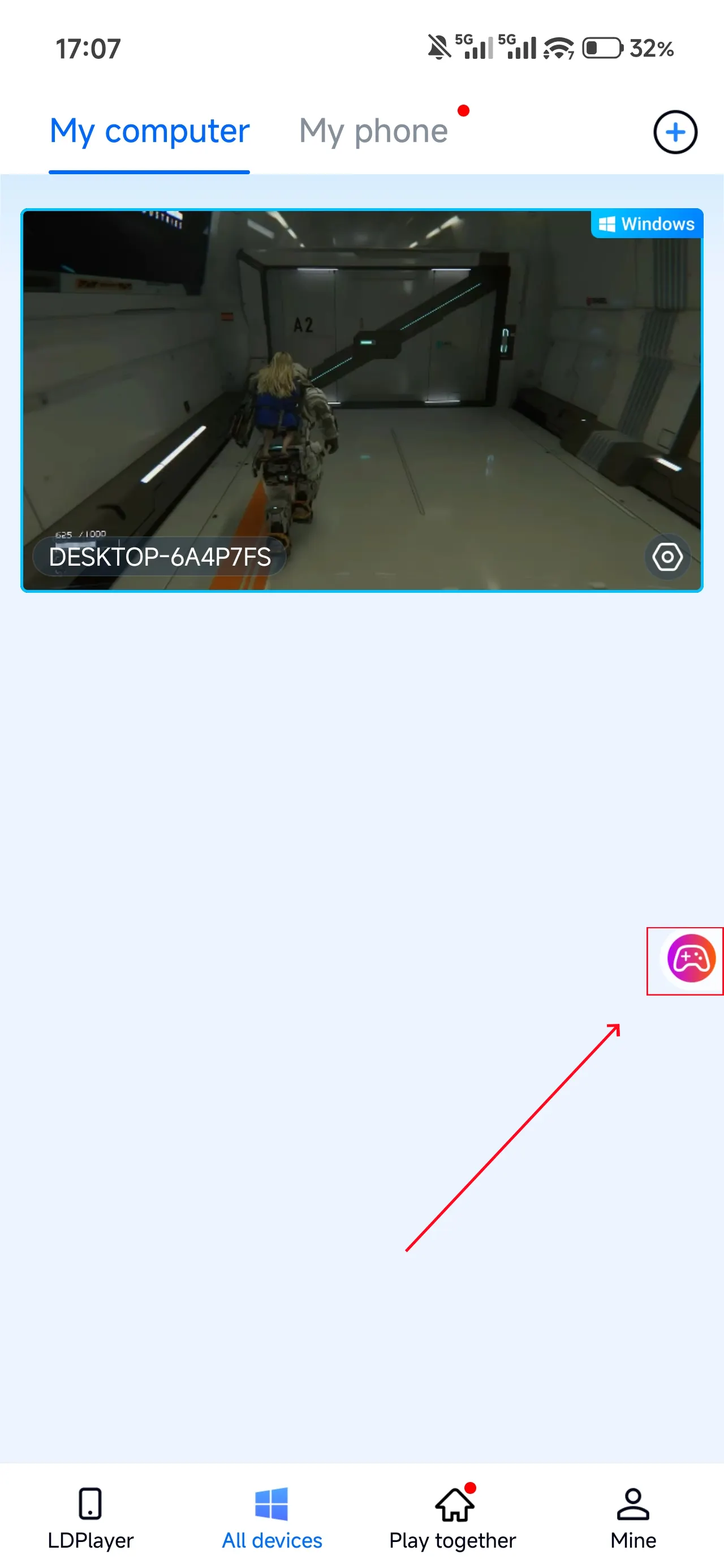
Open PRAGMATA on your PC, and the mobile side can connect directly; if PRAGMATA hasn't been launched on the PC yet, click the game icon on the mobile side for quick startup.
2. Control Mode
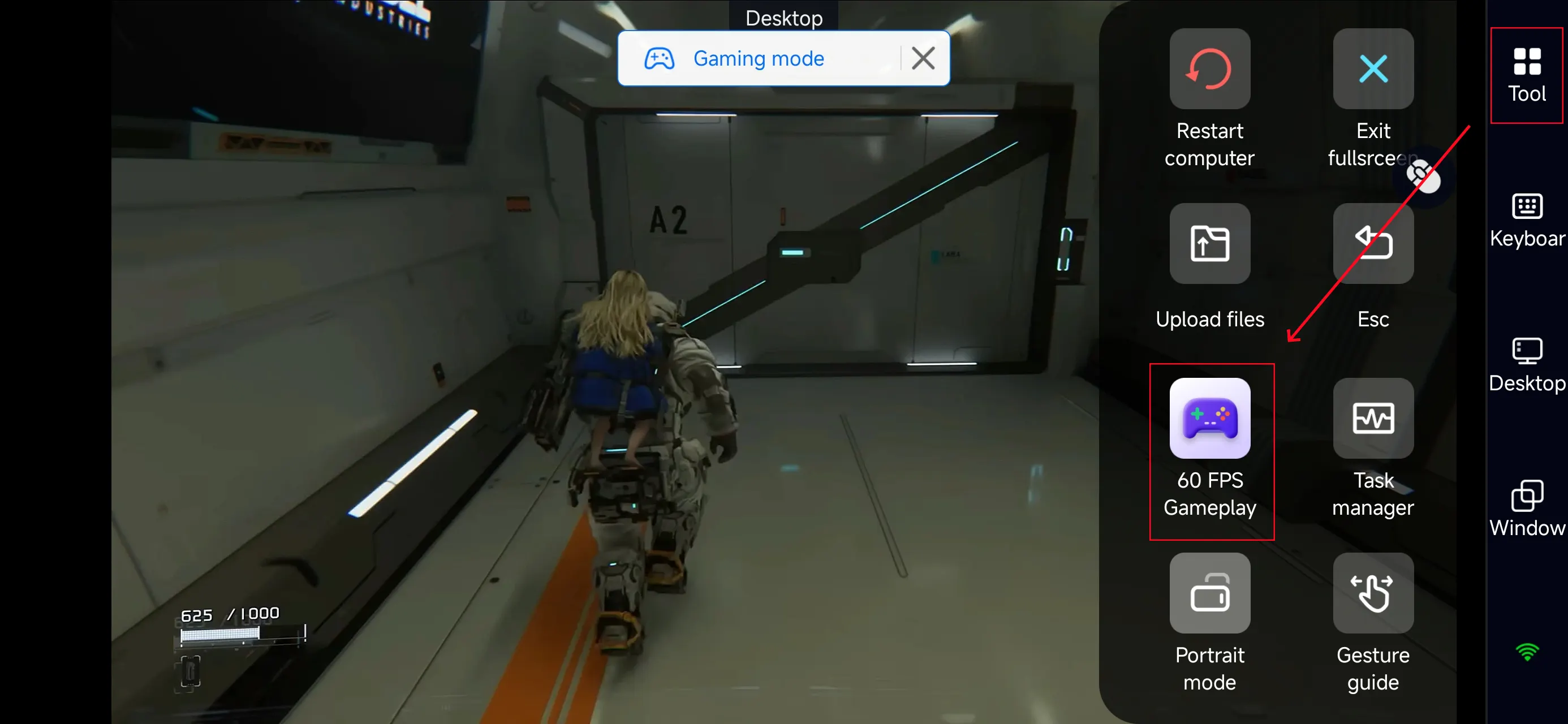
Click the toolbar on the right side of the mobile app, enter "60 FPS Gameplay," and choose key mode or link a controller based on your gaming preferences.
3. Customize key bindings
Since PRAGMATA focuses on exploration and puzzle-solving, prioritize:
-
Movement and camera control
-
Interaction (devices, puzzles, terminals)
-
Combat actions (attack / defense)
-
Ability or skill switching
Customizing your layout will significantly improve both exploration and combat flow.
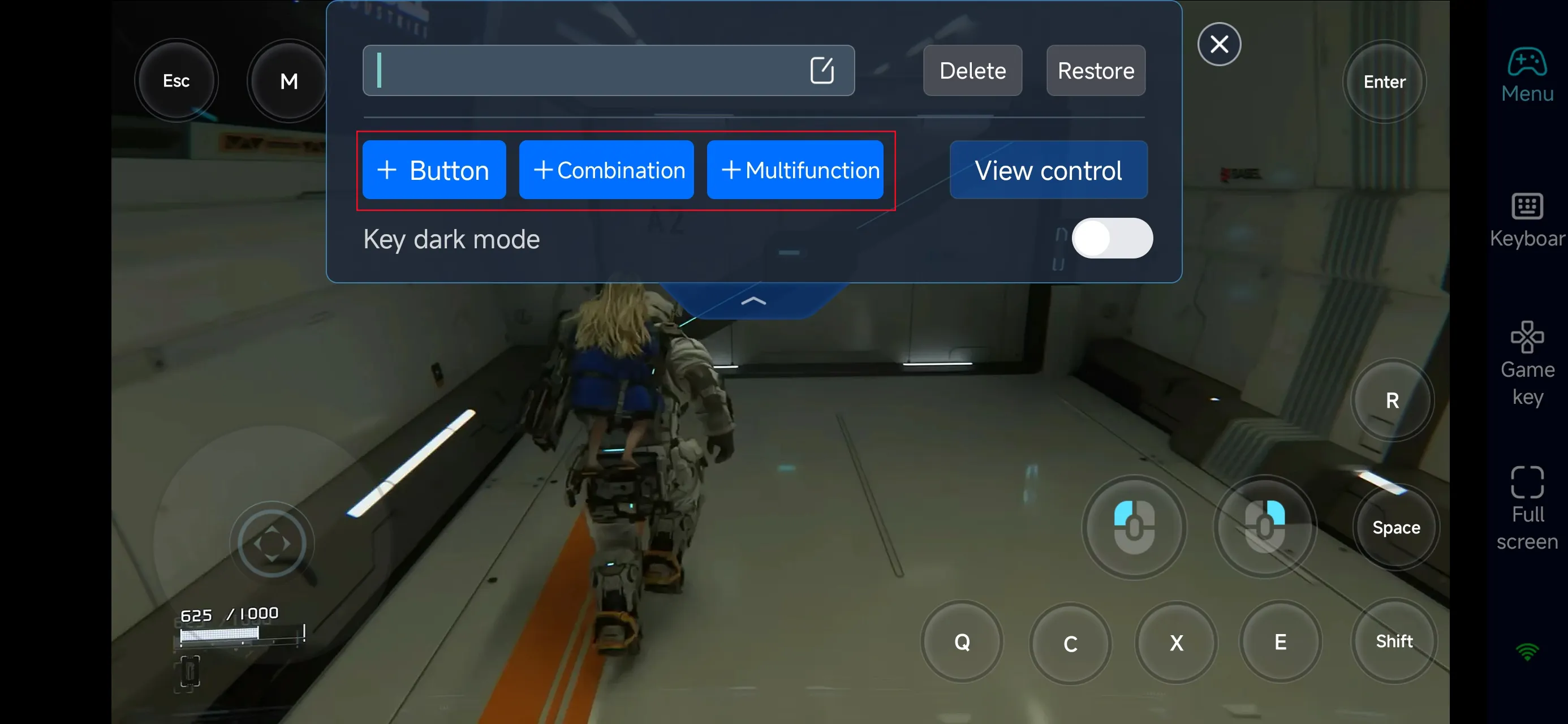
4.Connect external devices
Beyond customizable buttons, OSLink supports a variety of external devices such as Bluetooth controllers and mobile gamepads clipped to your phone. This compatibility frees you from touchscreen limitations and offers a wider range of control options.
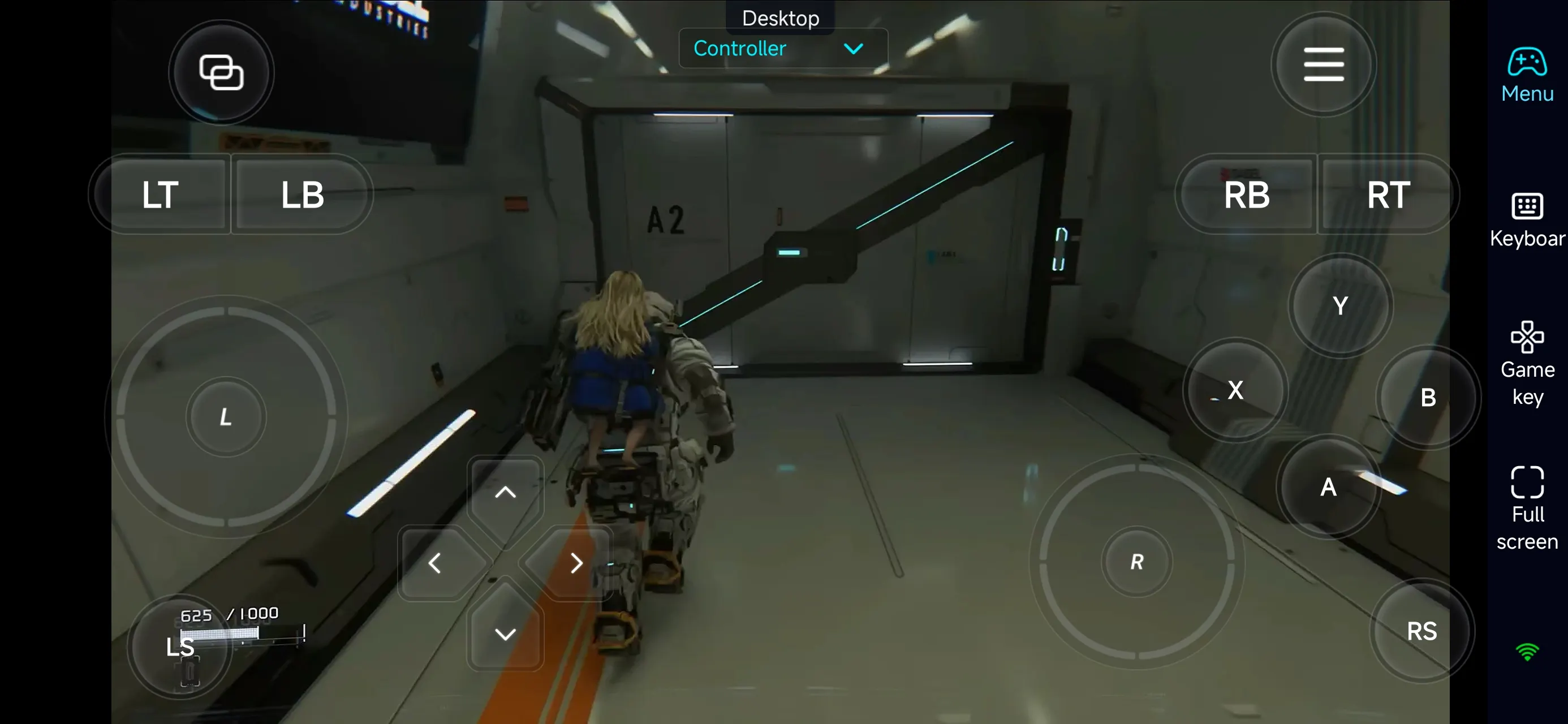
Step 3: Play Anytime, Anywhere
Once everything is set up, your phone becomes a portable gaming screen. You can:
-
Progress through the main story
-
Solve puzzles and interact with environments
-
Explore new areas of the lunar facility
-
Practice combat and improve control precision
Why Use OSLink for PRAGMATA?
1. Play Without Location Limits
With OSLink, you're no longer tied to your desk. Whether you're at home, commuting, or taking a break outside, you can instantly reconnect to your PC and continue your adventure.
For a story-driven exploration game like PRAGMATA, being able to resume exactly where you left off helps maintain immersion and narrative flow.
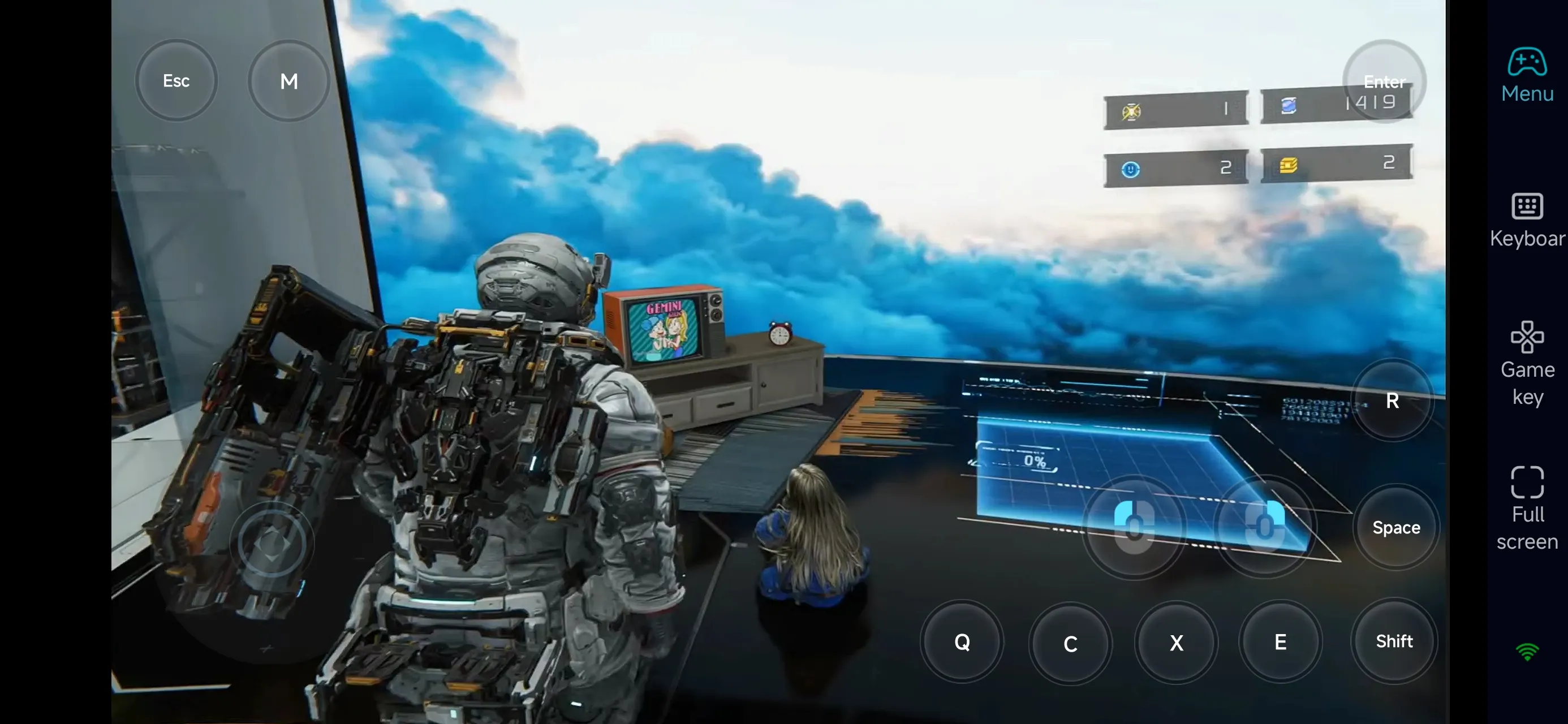
2. Flexible and Stable Controls
While PRAGMATA emphasizes exploration, it still includes real-time combat and timing-based mechanics. OSLink allows you to customize controls or connect a controller, ensuring smooth gameplay even on mobile.
You can:
-
Adjust virtual button layouts for comfort
-
Place key interaction buttons within easy reach
-
Use a controller for more precise movement and combat
-
Maintain stable performance in action-heavy moments
This flexibility ensures a consistent experience across both puzzle-solving and combat scenarios.
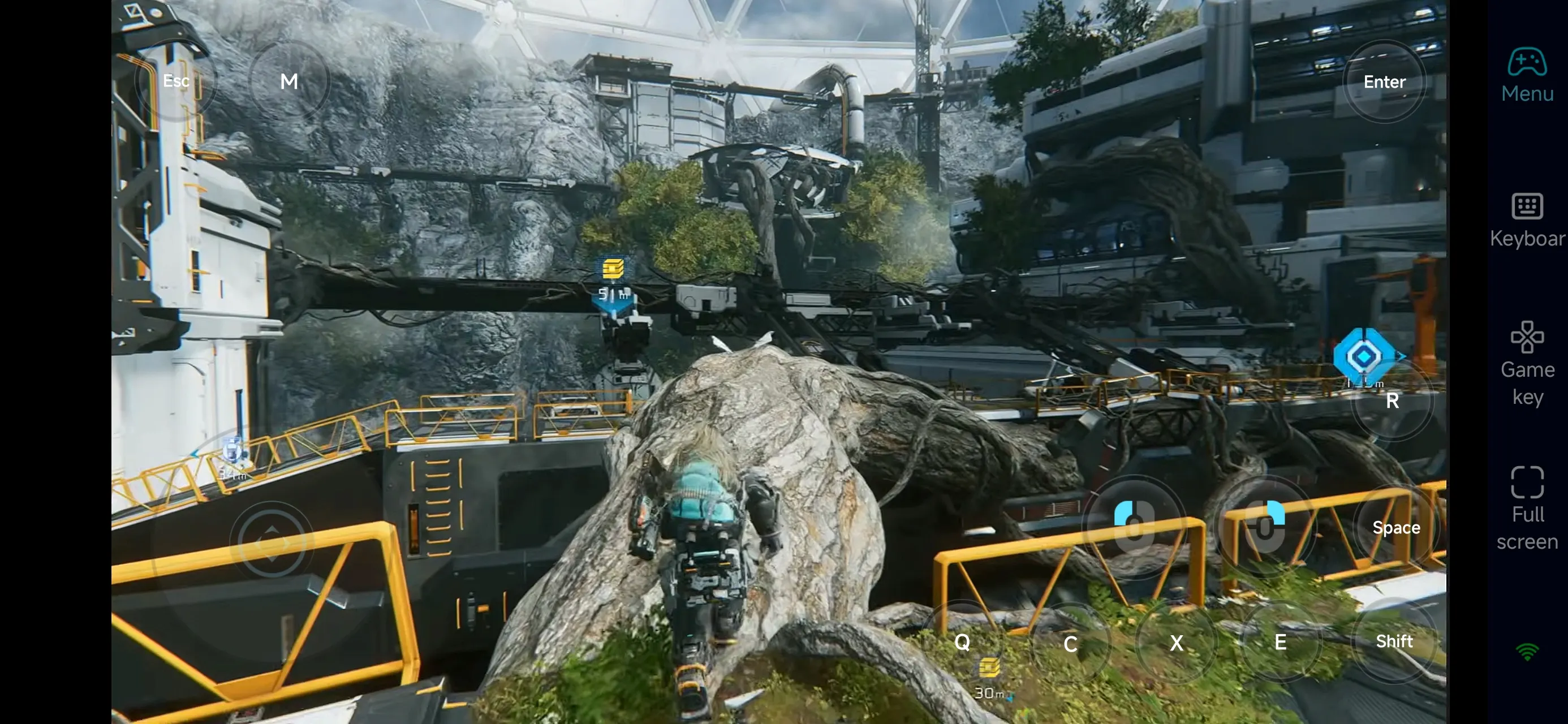
3. Perfect for Short Play Sessions
PRAGMATA’s gameplay is built around exploration, puzzles, and story progression, making it ideal for shorter sessions.
With mobile remote play, you can use small pockets of time to:
-
Advance a section of the story
-
Solve a puzzle or interact with a system
-
Learn map layouts and routes
-
Practice mechanics or retry encounters
This flexible playstyle helps you make steady progress without needing long sessions.
FAQ
Q: What is the release date of PRAGMATA?
A: The game was officially released on April 17, 2026, for PC and major consoles.
Q: What are the minimum PC requirements for PRAGMATA?
A: The minimum system requirements are:
-
OS: Windows 11 (64-bit)
-
Processor: Intel Core i5-8500 / AMD Ryzen 5 3500
-
Memory: 16 GB RAM
-
Graphics: NVIDIA GeForce GTX 1660 6GB / Radeon RX 5500 XT 8GB
-
DirectX: Version 12
-
Storage: 40 GB available space
Q: Can I play PRAGMATA on Android?
A: There’s no official Android version. However, you can play the PC version on your phone using OSLink remote access.
Q: Is PRAGMATA available on iPhone or iPad?
A: There’s no native iOS version, but you can stream the PC version to your iPhone or iPad using OSLink.
Conclusion
With OSLink, PRAGMATA is no longer limited to your PC. You can continue exploring the lunar facility, solving puzzles, and progressing through the story directly from your phone.
Whether you're advancing the narrative or refining your gameplay, remote play offers a flexible and efficient way to stay immersed in this sci-fi adventure anytime, anywhere.
 Download