English
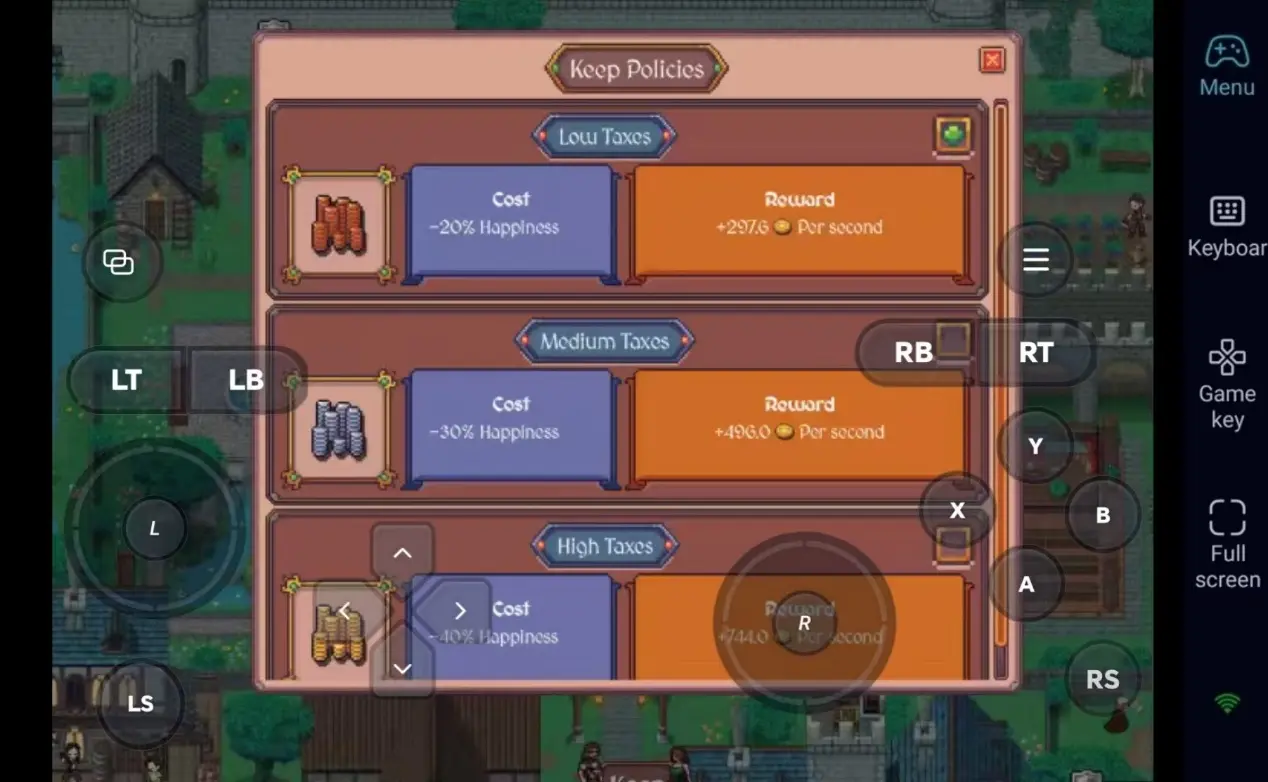
 Hearth and Hamlet is a charming indie title that blends city-building, resource management, and strategic depth. It offers a relaxing yet engaging experience where players build and manage their own settlement. However, like most Steam games, it's traditionally limited to your PC. With OSLink's remote streaming technology, you can easily break free from your desk. By mirroring your PC screen to your phone, you can manage your hamlet, gather resources, and make strategic decisions from the comfort of your couch or while on the go.
Want to check on your thriving hamlet or tweak your production lines without being glued to your computer desk? OSLink provides the ultimate remote solution. With fully customizable virtual buttons, you can map every essential interaction to your mobile screen, ensuring a seamless and intuitive control experience, whether you’re at home or traveling.
Step 1: Download OSLink & Pair Devices
1. PC Client
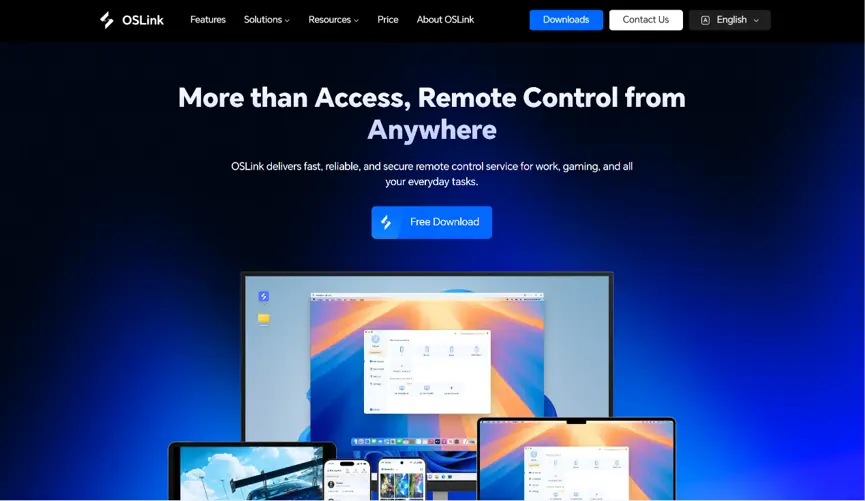
Head to the official OSLink website to download and install the desktop client. We recommend a wired ethernet connection or high-speed Wi-Fi to minimize input lag.
2. Mobile Client
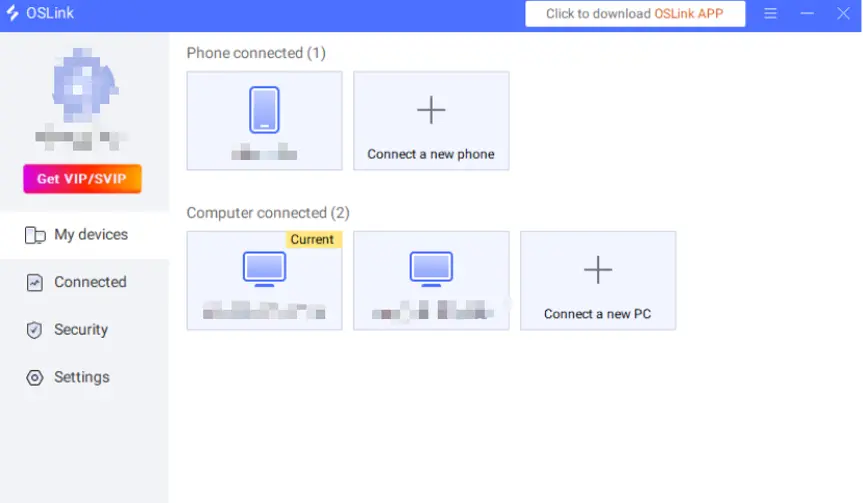
Download the OSLink app from the Apple App Store or Google Play Store; the official website also offers a standalone APK file. Log into the exact same account used on your PC, and your devices will automatically pair.
Step 2: Optimize Controls & Customize Keybinds
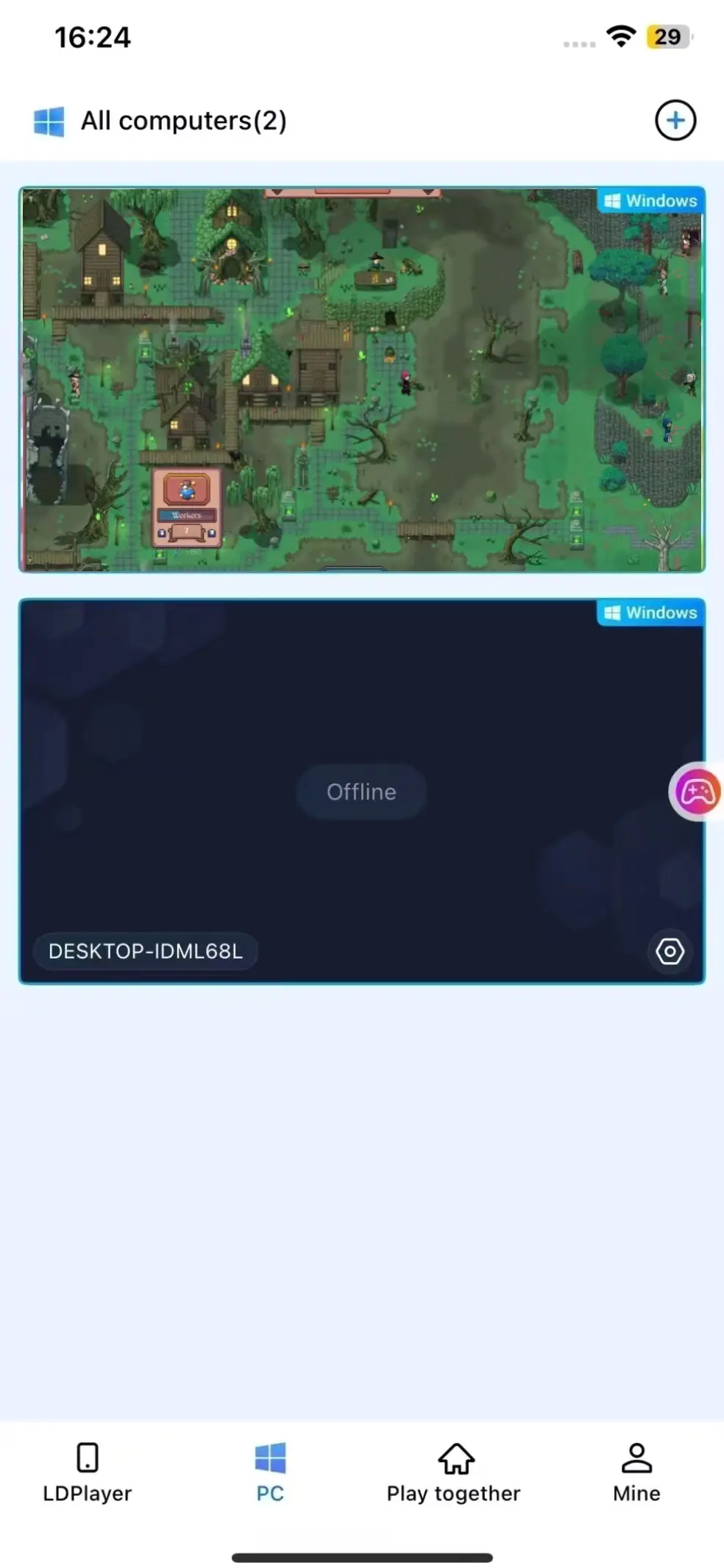
1. Launch the game
You can launch Hearth and Hamlet on your PC beforehand. If you haven't, you can use the game shortcut button within the OSLink mobile interface to launch the game remotely with a single tap.
2. Enable 60 FPS PC Gaming Mode
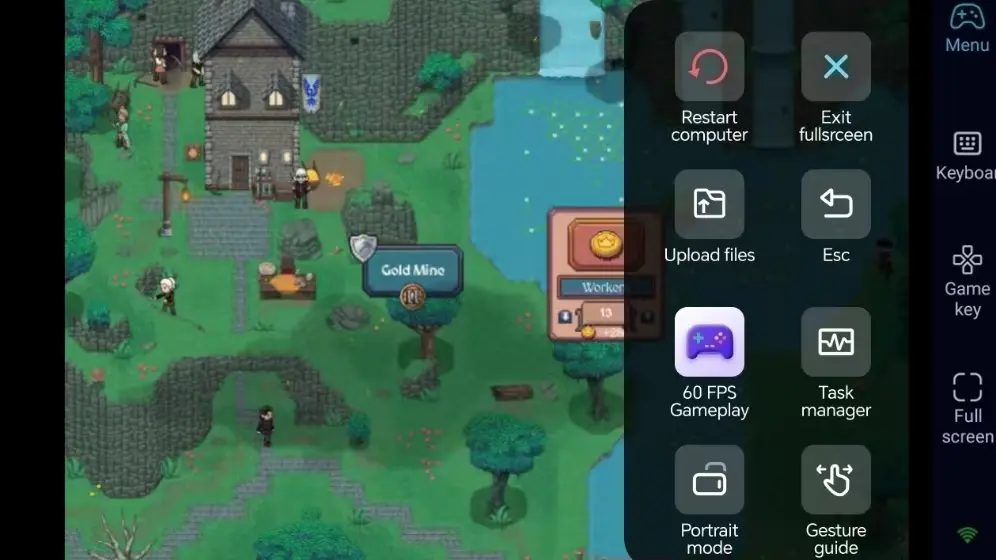
Once your PC screen is successfully streaming to your phone, tap the tool menu on the right side of the screen and enable "60 FPS PC Gaming" mode. This ensures that the charming visuals, settlement animations, and environmental details are displayed smoothly and clearly on your phone screen.
3. Customize Strategy & Building Keybindings
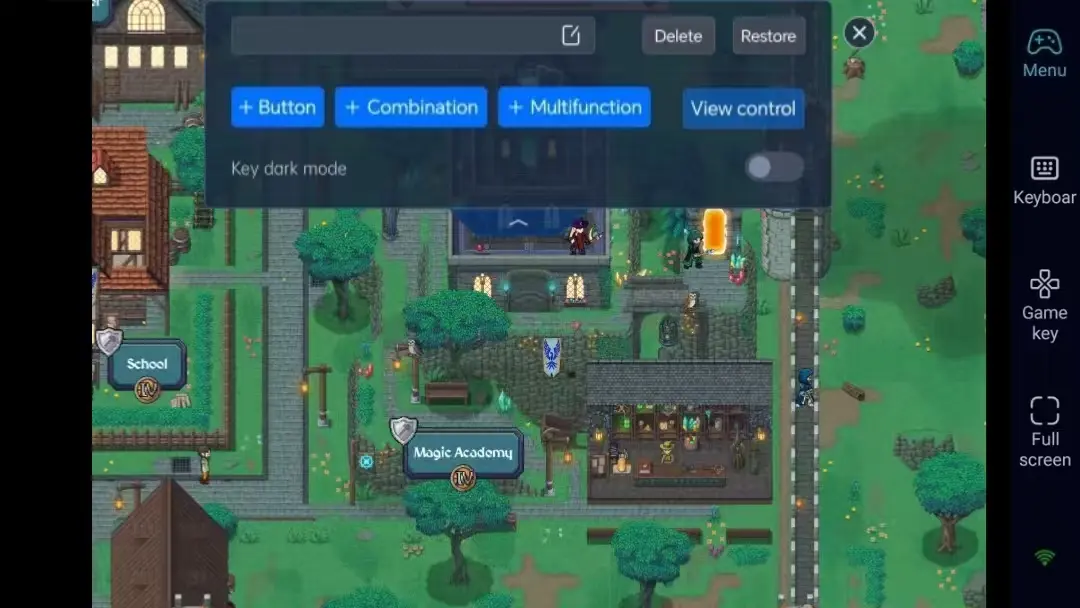
For strategy and management games, efficient control is key. OSLink allows you to map mouse movements (for panning the map), left-click (for selecting buildings), right-click (for camera rotation), and hotkeys for opening menus and resource overviews to custom virtual buttons on your mobile screen. You can freely adjust the size and opacity of these buttons to ensure they never interfere with your view of the town.
4. External Controller Support
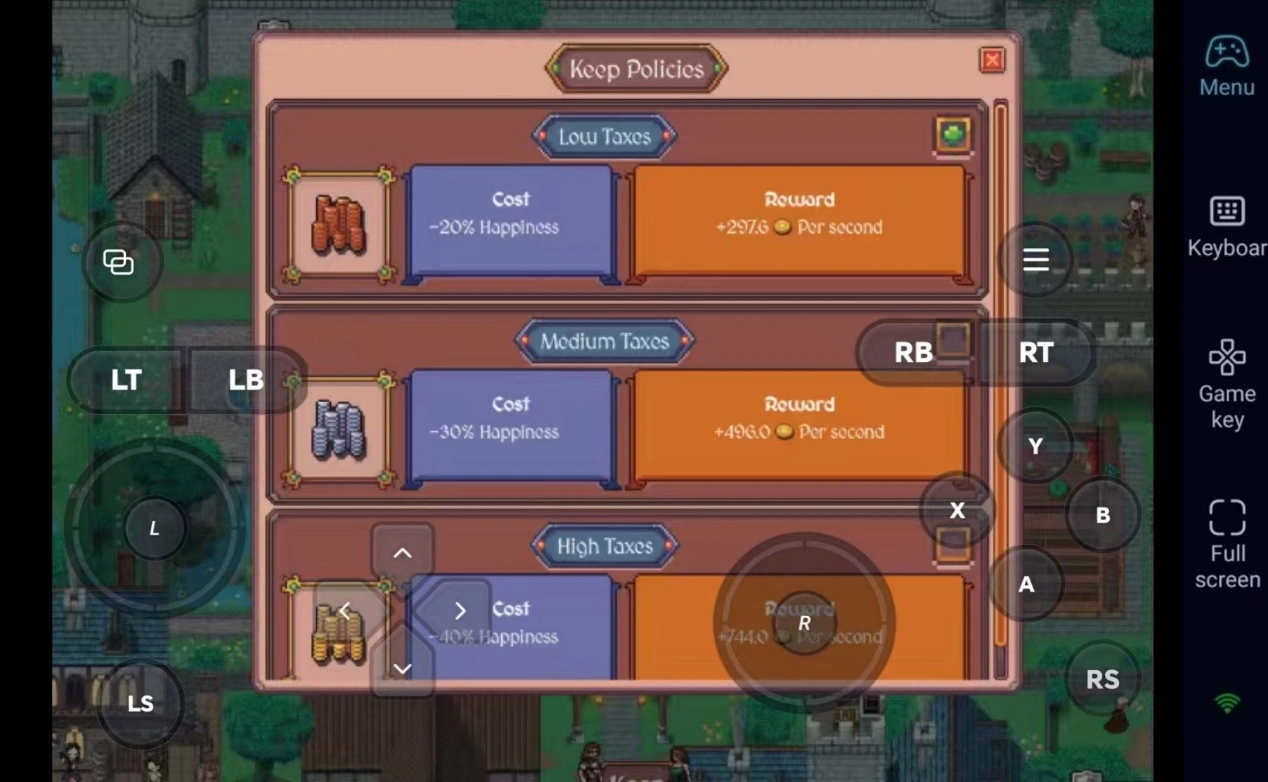
OSLink supports Bluetooth game controllers. While management games are typically played with a mouse, connecting a controller allows for a much more comfortable, couch-like experience during long, relaxing settlement-building sessions.
Step 3: Manage Your Hamlet Anytime, Anywhere
Once the setup is complete, your phone or tablet becomes a perfect remote terminal for Hearth and Hamlet. As long as your PC stays awake, you can connect via OSLink at any moment. Use those small pockets of time to construct new buildings, gather resources from your workshops, and trade with passing merchants to keep your hamlet thriving.
Why Choose OSLink for Hearth and Hamlet?
1. No Location Limits–Manage Your Settlement Anytime
When you're out and about, dive into your settlement and optimize your layout via your phone. Once you get home, seamlessly switch back to your computer screen. On a local network, latency is exceptionally low, ensuring that the game responds instantly to every tap and click.
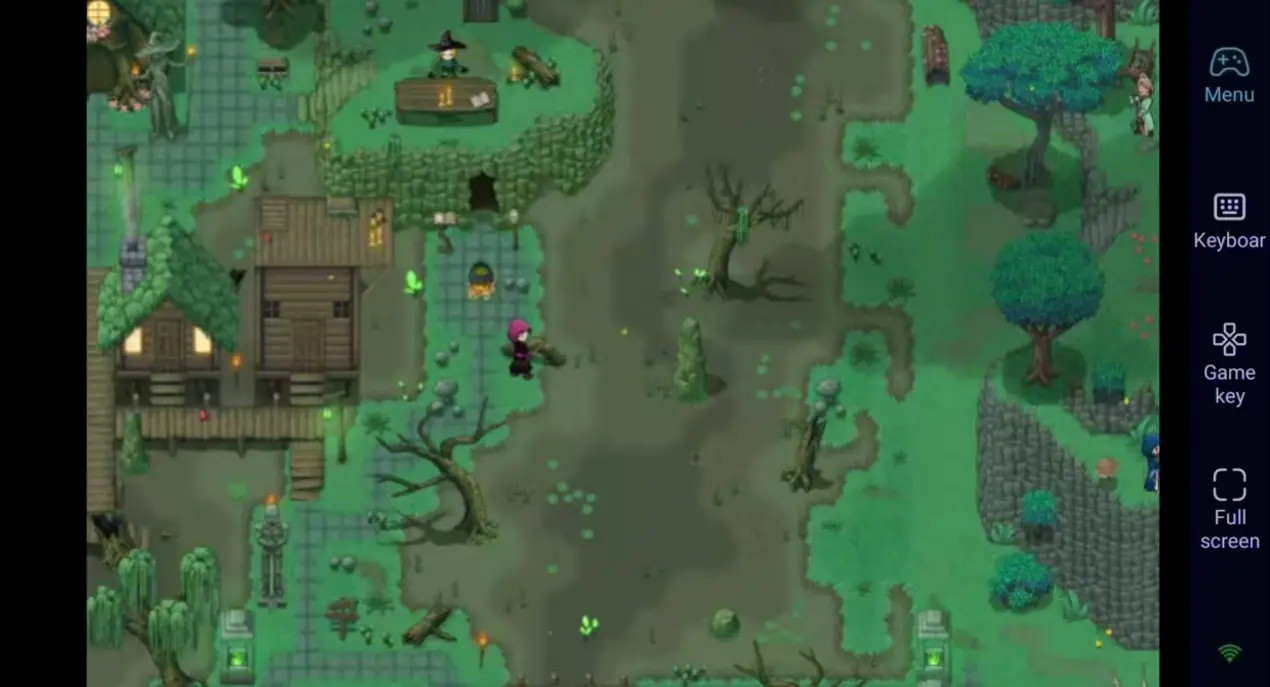
2. 60 FPS Streaming–Preserve the Charming Art Style
Stable 60 FPS streaming faithfully replicates the original PC experience, presenting the beautiful pixel-art aesthetics and lively townsfolk in full detail. Custom virtual keys make navigating the building menus effortless, letting you fully appreciate the relaxing atmosphere of Hearth and Hamlet.
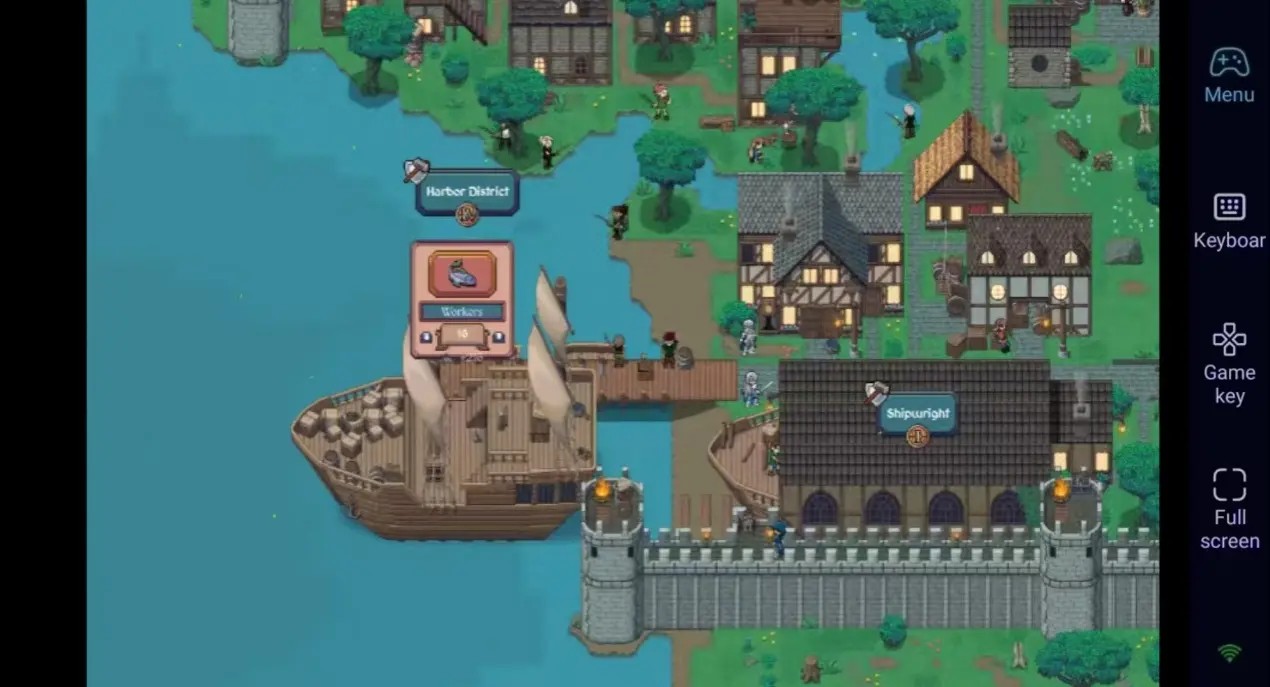
3. Seamless Progression–Saves Stored Locally
All game save data is stored locally on your PC. Whether you are playing remotely via your phone or directly on your computer, your progress syncs perfectly across devices. You can continue your town's development from exactly where you left off, no matter where you are playing.
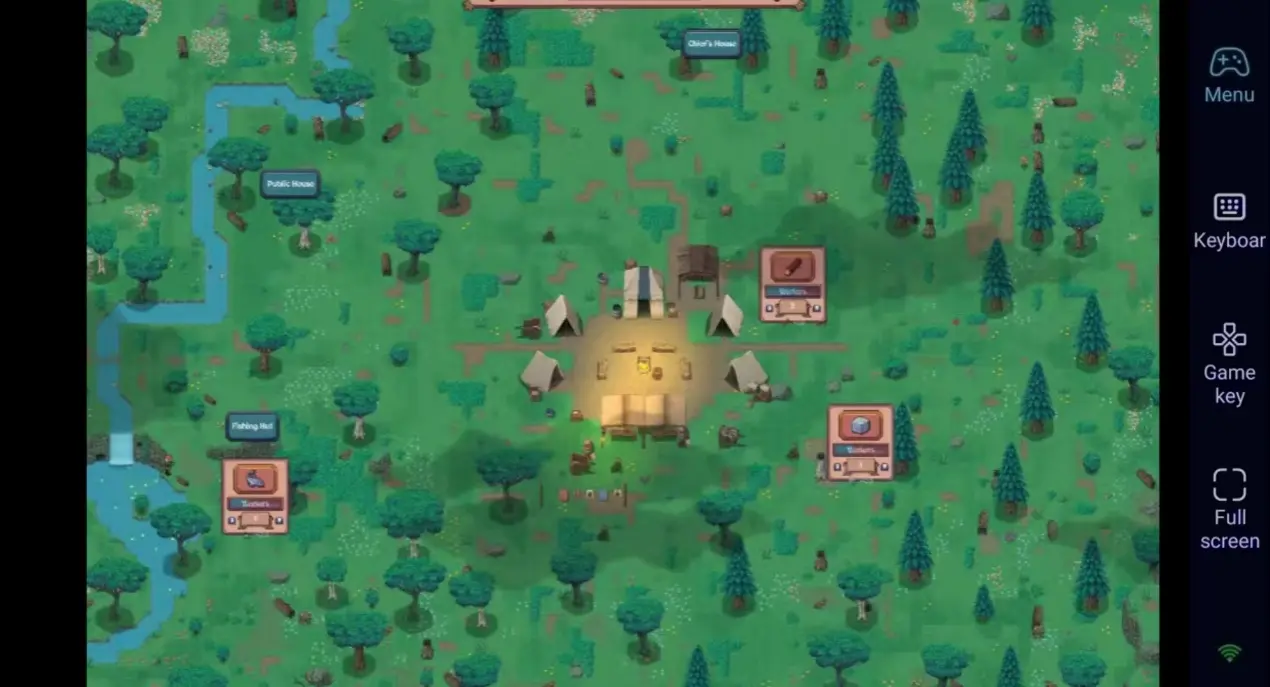
FAQ
Q1: What's the release date of Hearth and Hamlet?
A1: Hearth and Hamlet is currently online on August 20th. It is a pure PC-exclusive title with no official mobile version.
Q2: Can I play Hearth and Hamlet directly on my iOS or Android phone?
A2: No. This is a PC-exclusive game. However, with OSLink's remote streaming feature, you can easily connect your phone to your PC and play it anytime, anywhere.
Q3: Will the controls feel awkward on a phone screen?
A3: Not at all. OSLink allows you to customize every virtual button, mapping mouse movements and clicks perfectly to your screen, making management and selections intuitive and smooth.
Conclusion
If you want to ensure you never have to pause your town's development just because you're away from your desk, OSLink is the perfect solution. Keep your PC running, connect your phone remotely via OSLink, and start your journey. Use those spare moments in your day to gradually grow your hamlet and guide it to prosperity.
 Download