English
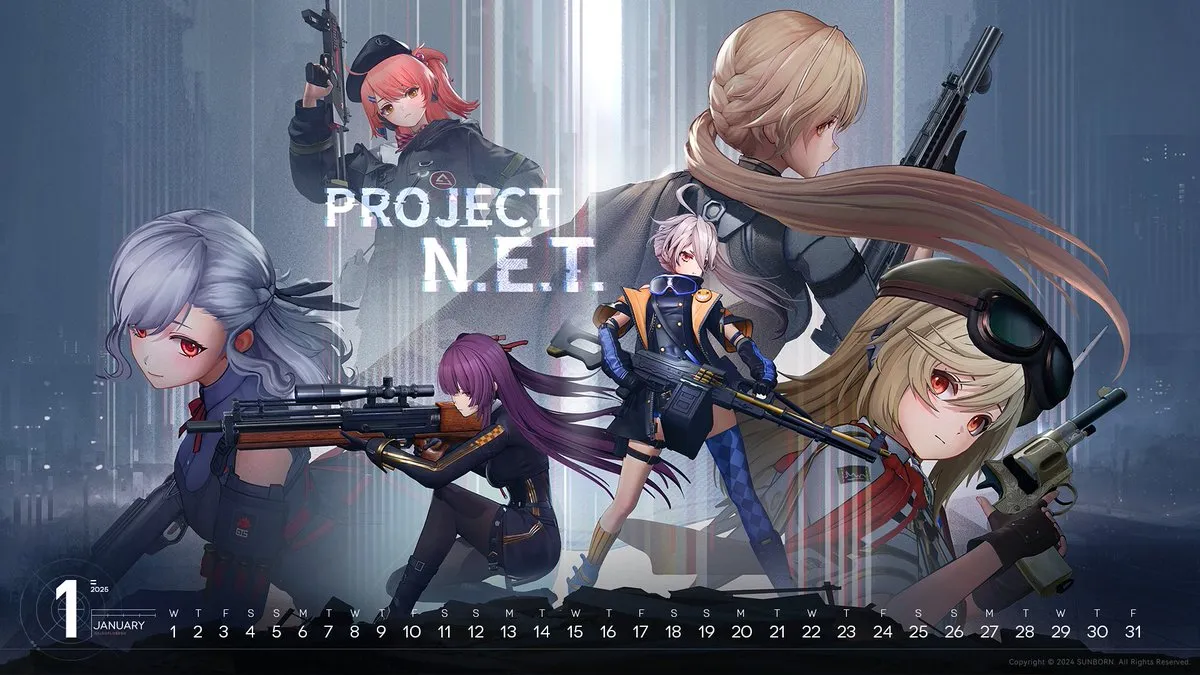
 Struggling to play Girls' Frontline: Fire Control on your phone? Small touch controls, limited screen space, and fast-paced engagements can make precise targeting difficult, especially during hectic firefights.
With OSLink, you can instantly shift the entire game to your PC and use your keyboard, mouse, or even a gamepad for sharper aim, smoother movement, and a far more comfortable gameplay setup. Below is a complete, easy-to-follow walkthrough to help you get started.
How to Play Resident Evil: Survival Unit on PC
1. Install the game on your phone
Open Google Play and search for Girls' Frontline: Fire Control.
If the game is unavailable in your region, download the APK from a trusted third-party source.
2. Install OSLink on both PC and phone
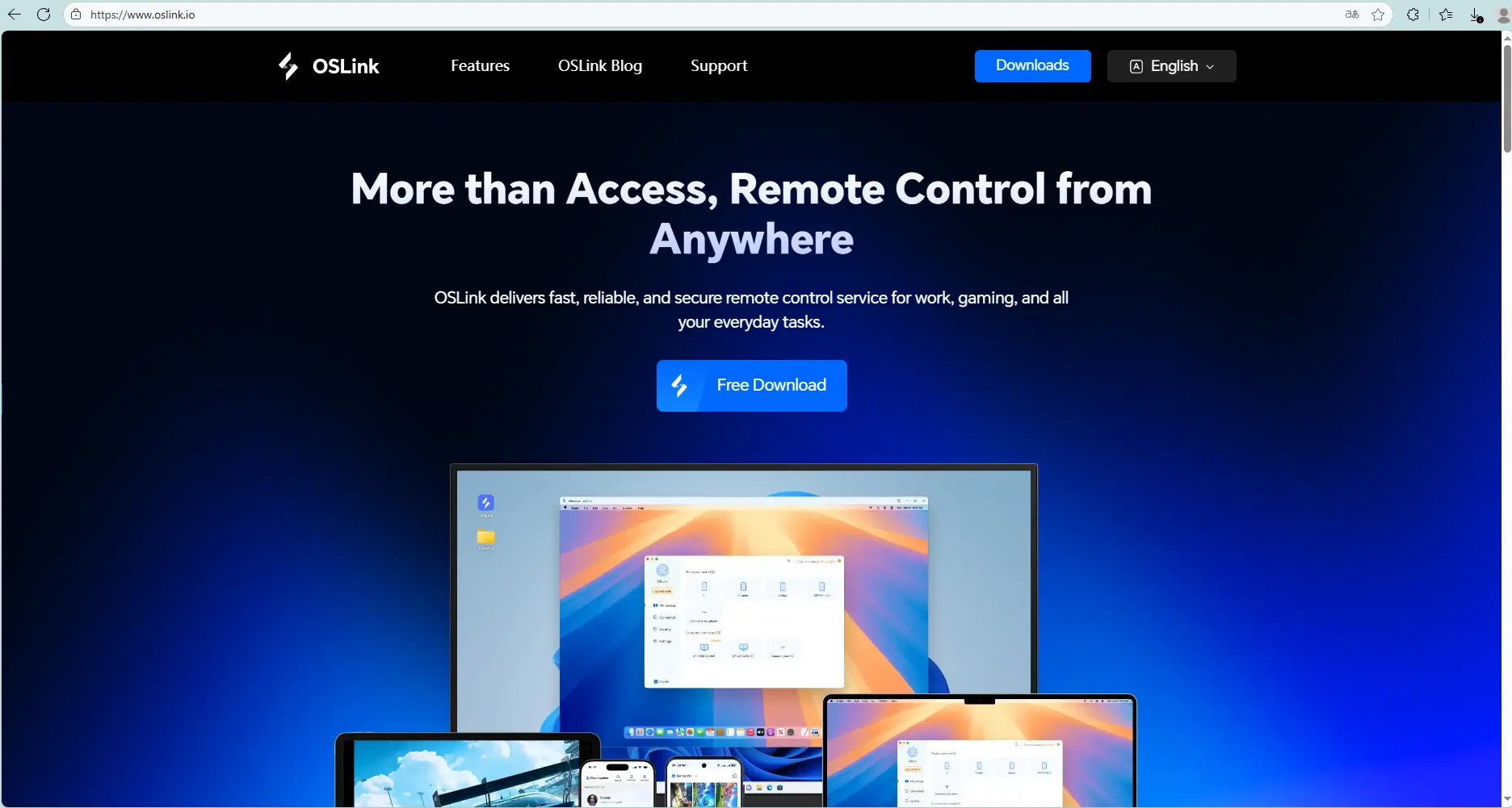
Visit the official OSLink website and download the app for PC and mobile.
3. Connect your phone to your PC
Launch OSLink on both devices, and log in using the same email.
Connect your phone to the PC using a USB cable.
Select your device in OSLink on your PC.
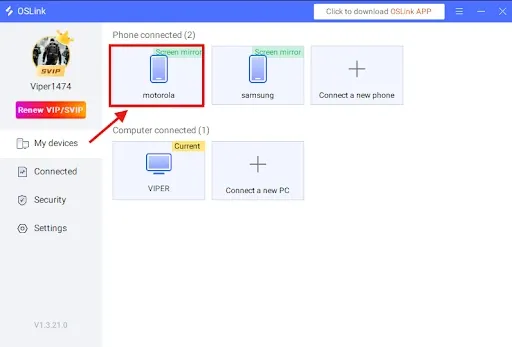
4. Select “Game Mode” for best performance
When prompted:
Choose Game Mode (USB required).
Tap Start Mirroring on your phone.
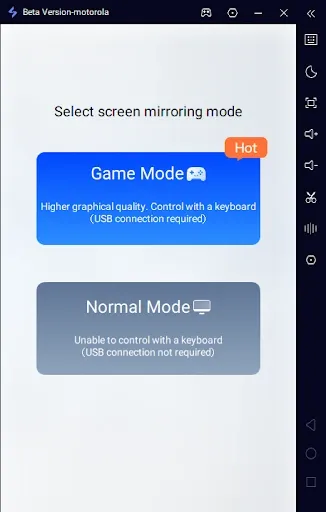
5. Enable Developer Options and USB Debugging
If it’s your first time:
In OSLink tap Enable Developer Mode, then follow the instructions:
Go to Settings → About Phone.
Tap Build Number 7 times until you become a developer.
Enter your device password if required.
Search for USB Debugging and enable it.
6. Start screen mirroring
Return to OSLink and confirm.
Your phone screen should now appear on your PC.
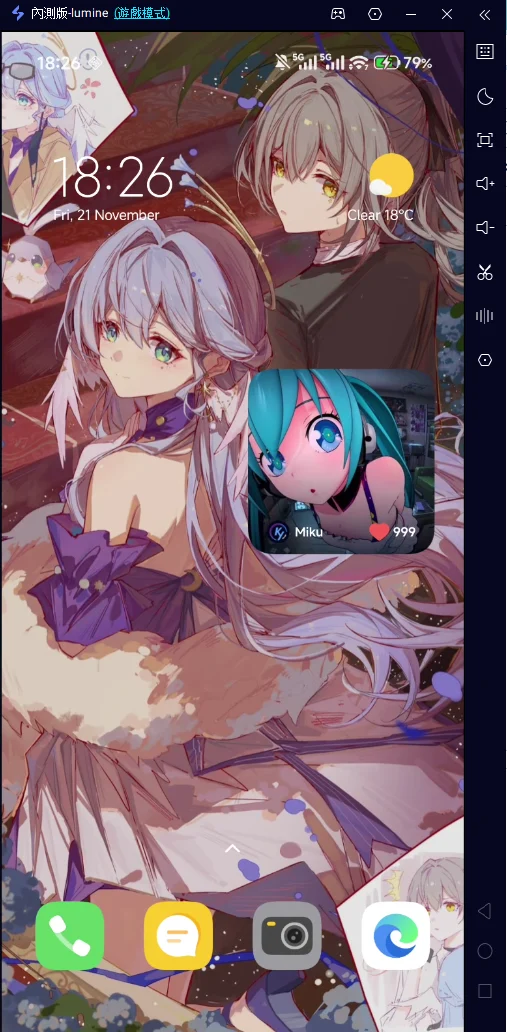
Keyboard & Mouse Setup for Girls' Frontline: Fire Control
After mirroring:
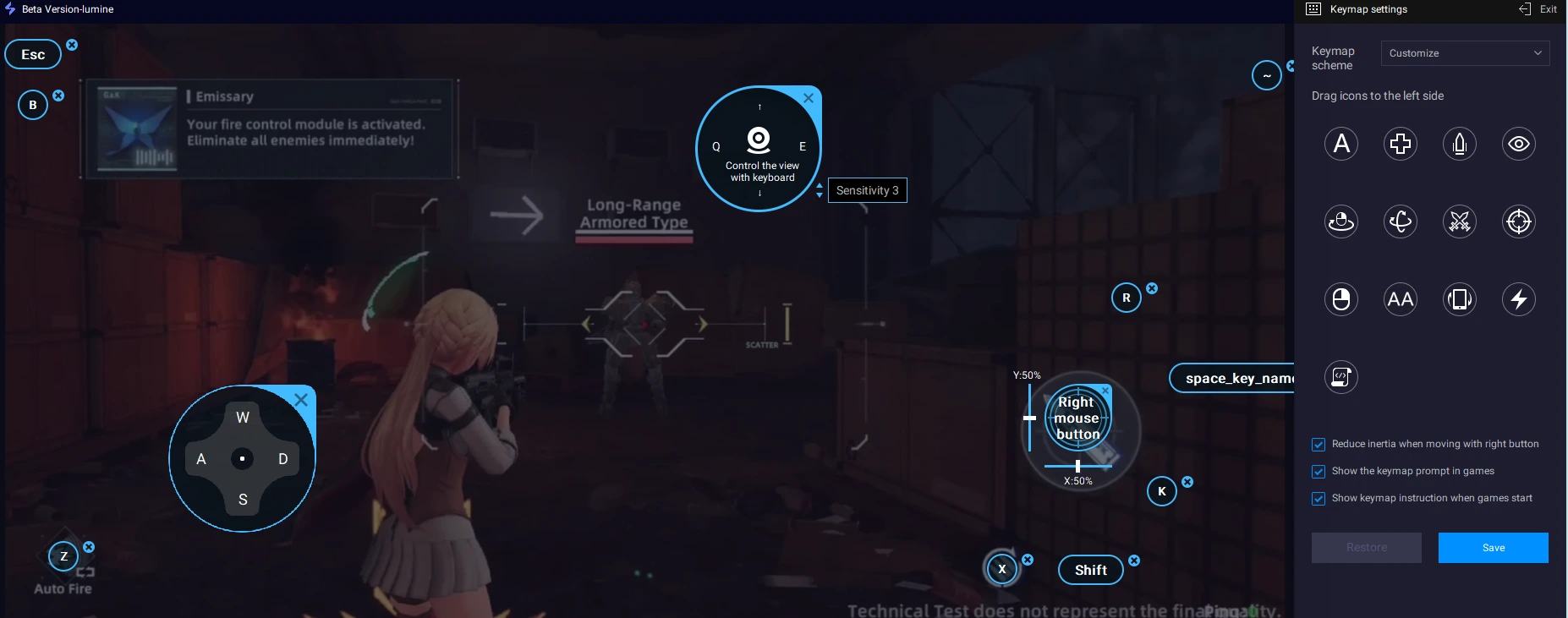
Click the keyboard icon on OSLink’s side toolbar.
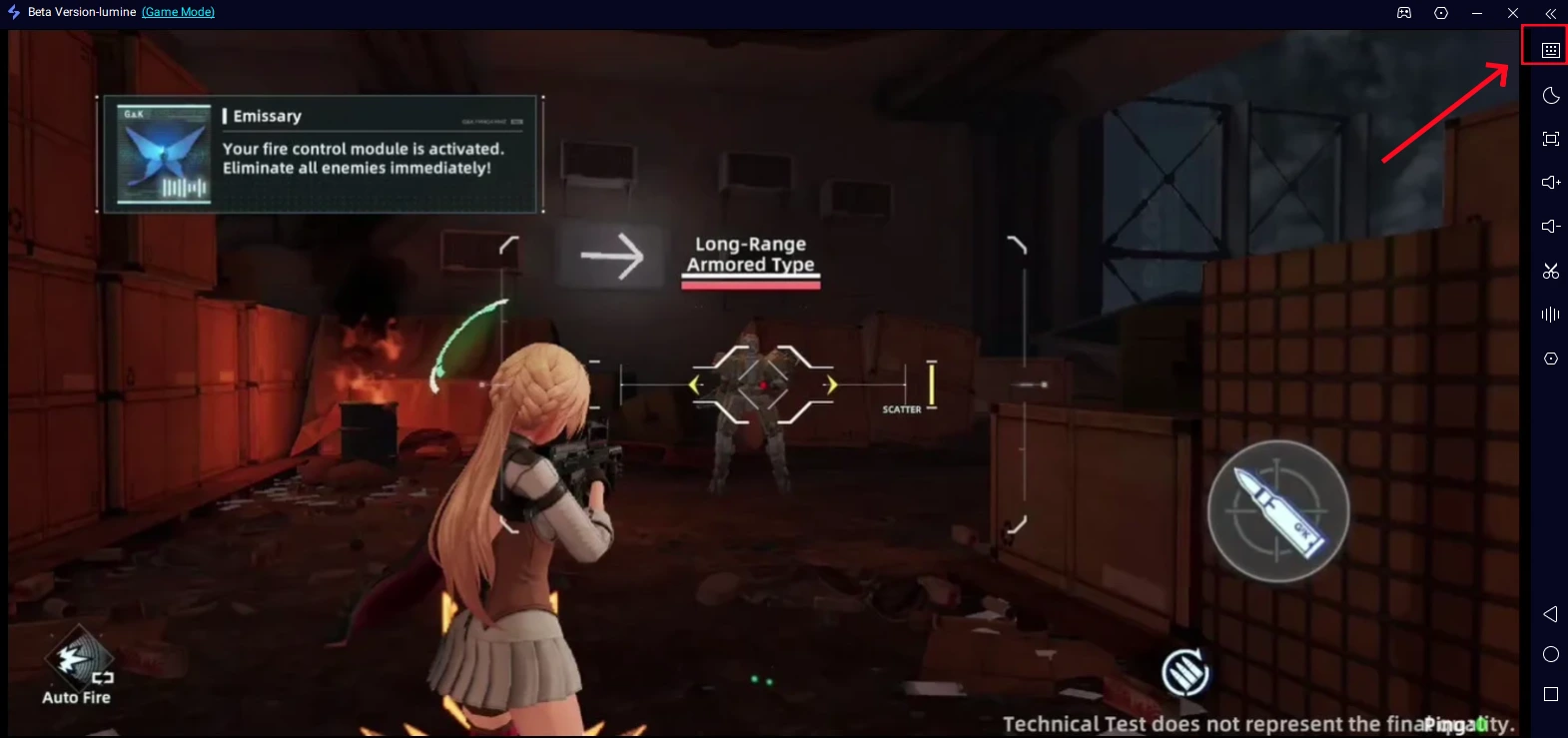
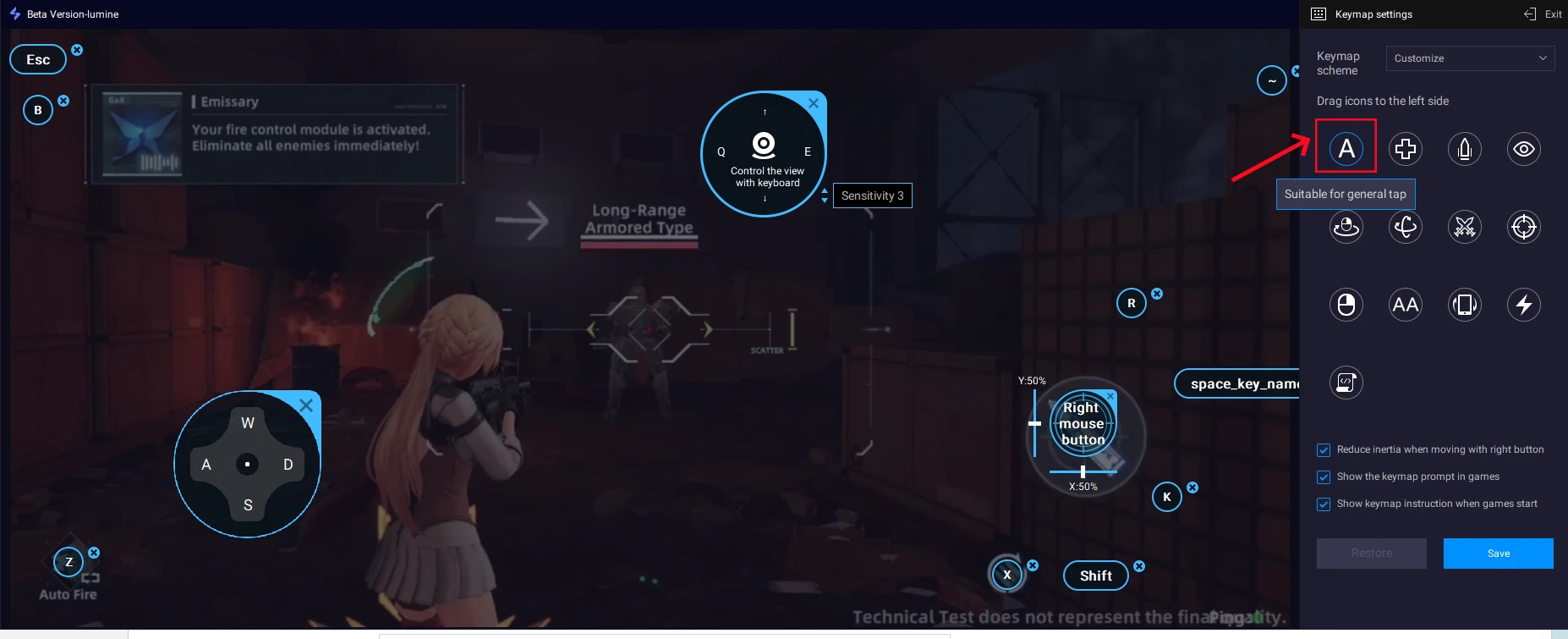
Open the key-mapping editor.Drag and align the virtual buttons to match the in-game controls.
Add new buttons from the panel if needed.
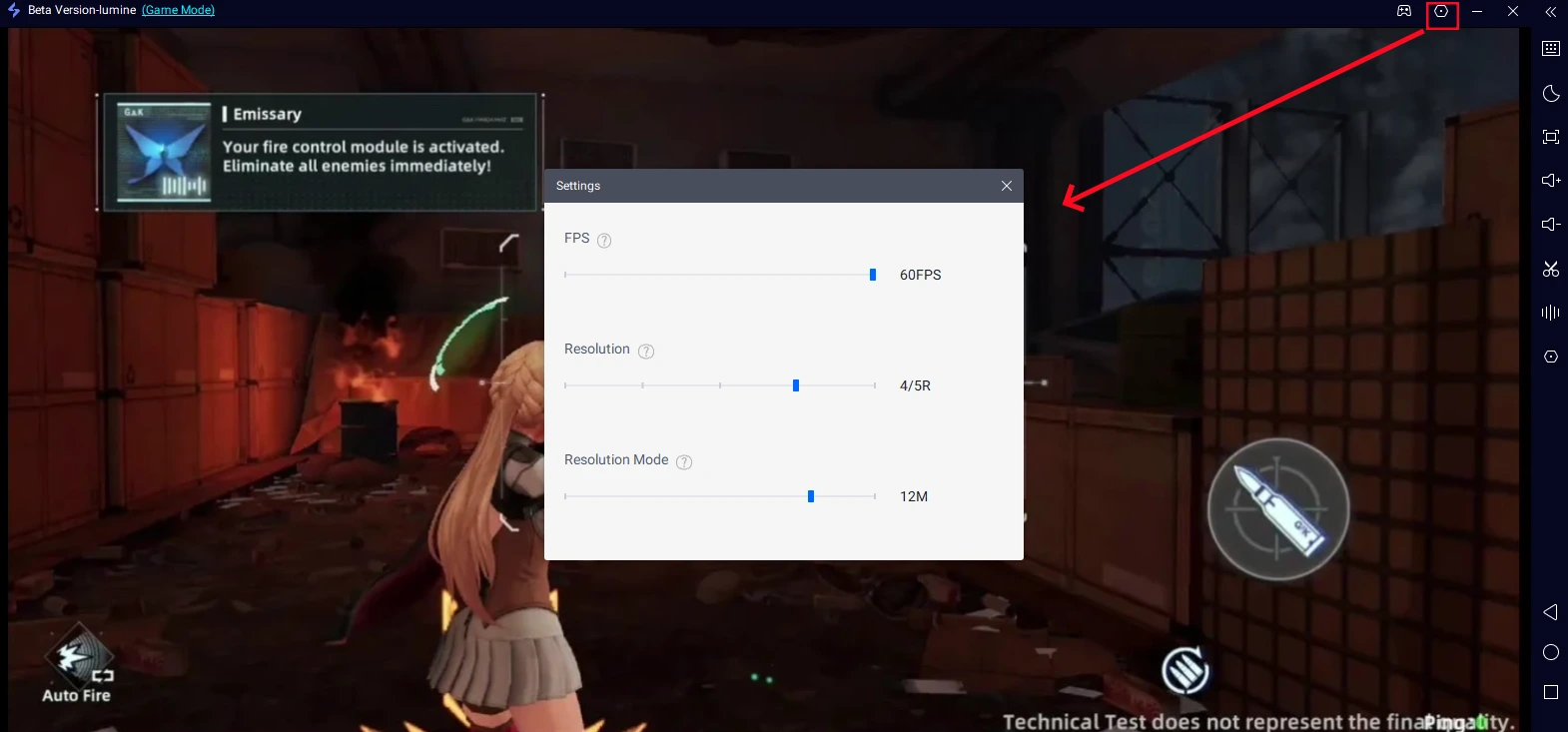
Also don't forget to adjust your FPS and resolution depending on your device.
Important Tips
For the smoothest experience:
Use a high-quality USB cable, ideally USB 3.0 or higher. Avoid cheap charging-only cables that may cause input delay.
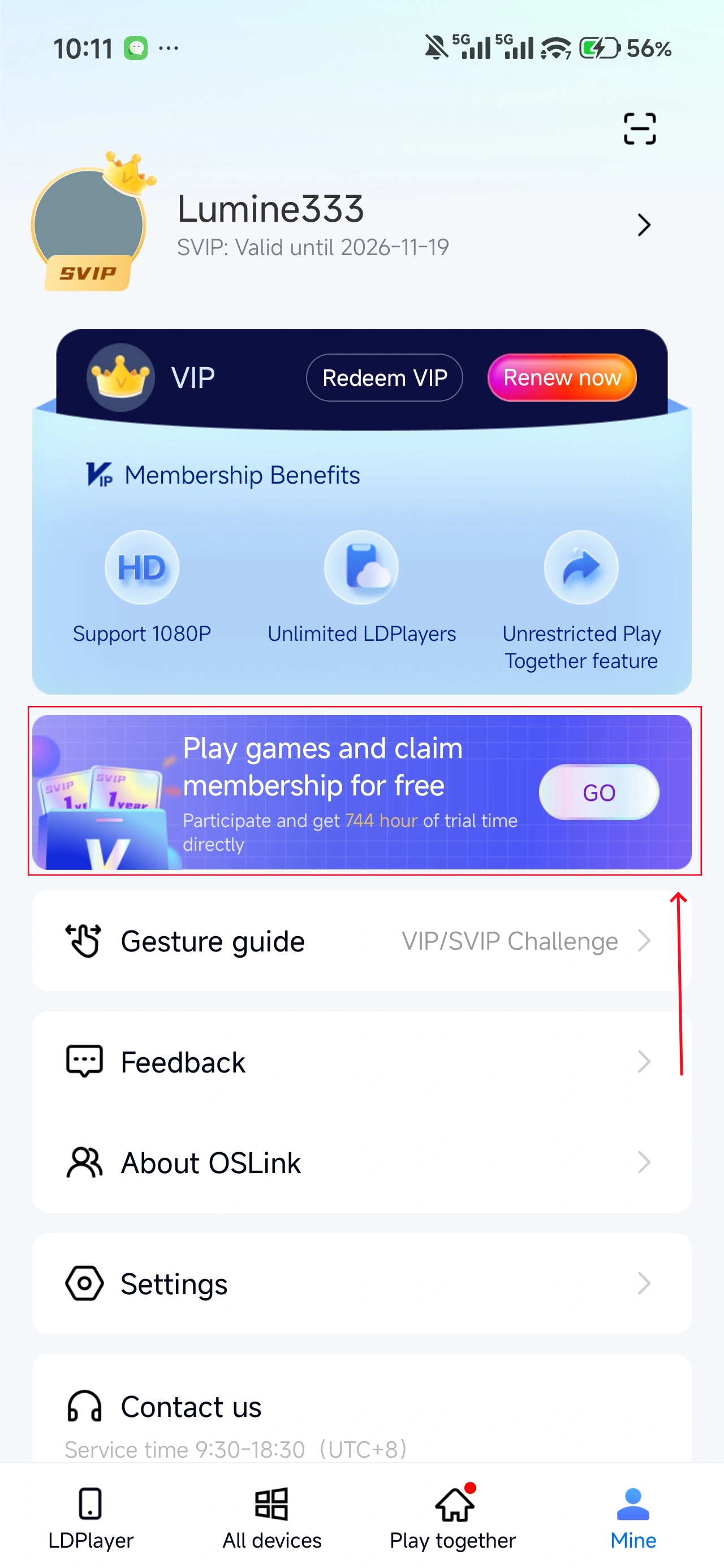
In OSLink (mobile) → Mine, you can earn free usage time by watching ads or completing tasks.
Conclusion
Using OSLink to run Girls' Frontline: Fire Control on your PC transforms the game by giving you:
A larger and clearer tactical view.
More precise shooting and unit control.
Fluid gameplay with no cramped touch controls.
A much more comfortable and immersive overall experience.
Whether you're coordinating rapid-fire attacks or navigating complex missions, OSLink lets you enjoy the game with full PC-level control and convenience.
Download OSLink now and elevate your Girls' Frontline: Fire Control experience!
 Download