English
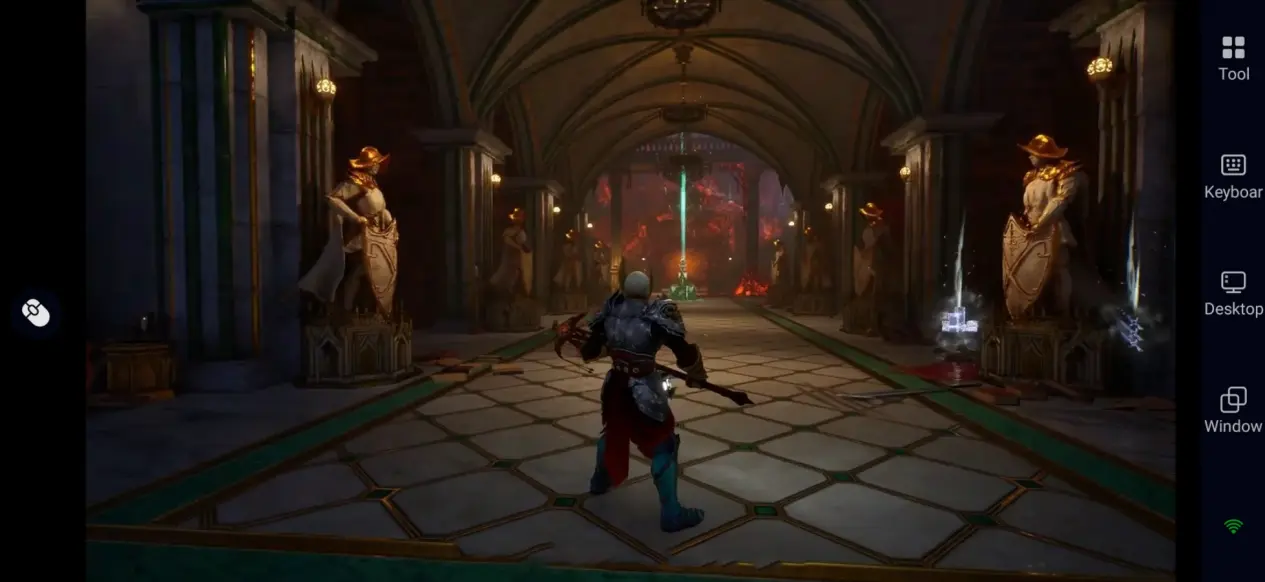
 Crimson Moon is an action-adventure RPG set in a dark Gothic world. Players take on the role of a Nephilim, a hybrid of human and angel, and battle demons, undead, vampires, and Hellgrowth creatures in the fallen city of Gildenarch. The game features fast-paced melee combat, supernatural abilities, angelic transformation, and repeatable combat challenges. It also supports both single-player and two-player online co-op.
Want to play Crimson Moon during your free time without staying in front of your computer? With OSLink, as long as the game is installed on your PC, you can connect to and control the PC version using your phone or tablet, allowing you to experience its dark, demon-filled battles from more locations.
Quick Setup Guide for Playing Crimson Moon on Mobile
Step 1: Download OSLink and Connect Your Devices
1. On PC:
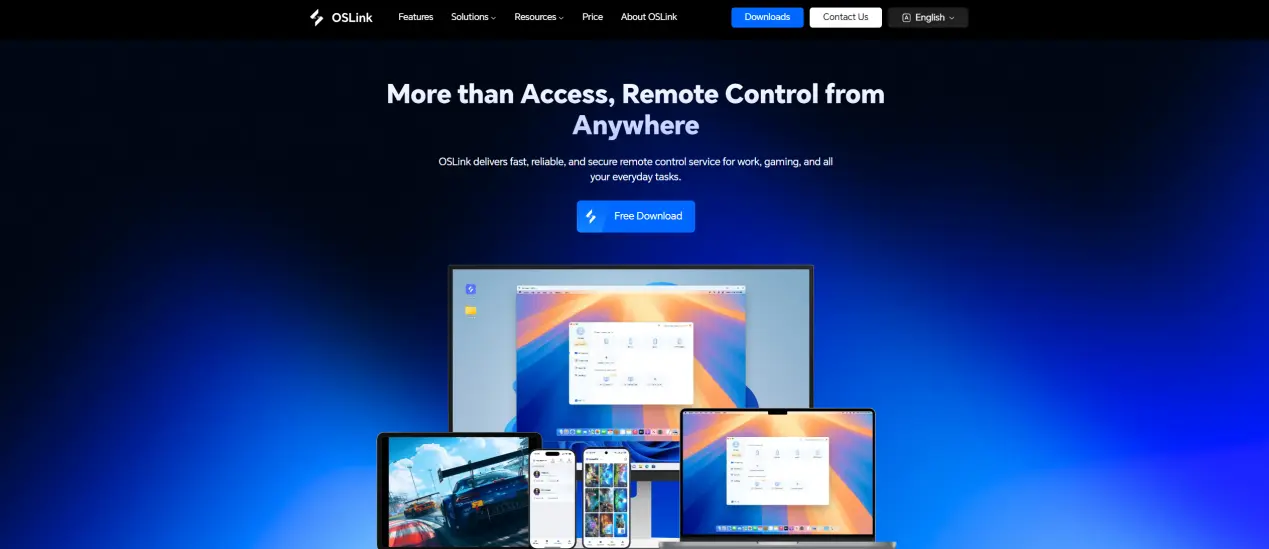
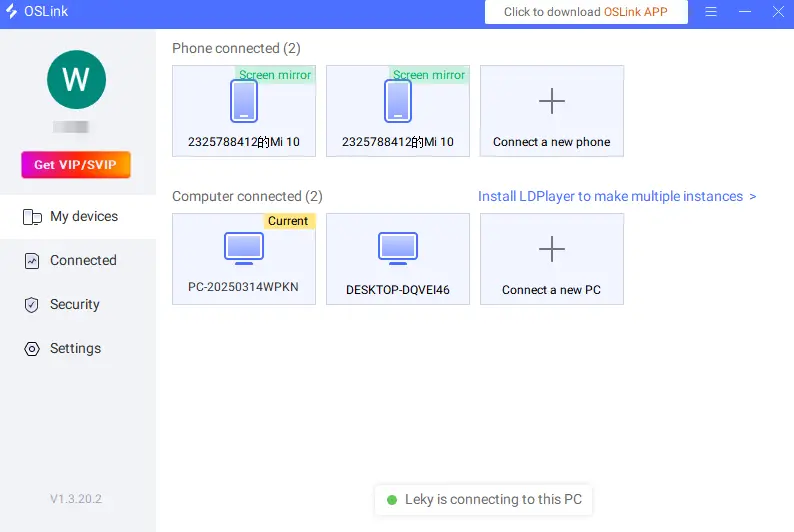
Visit the official OSLink website to download the desktop client. Install the program, sign in to your account, and make sure your computer has a stable network connection.
2. On Mobile:
Download the OSLink app from the App Store or Google Play. You can also obtain the appropriate version through the official website.
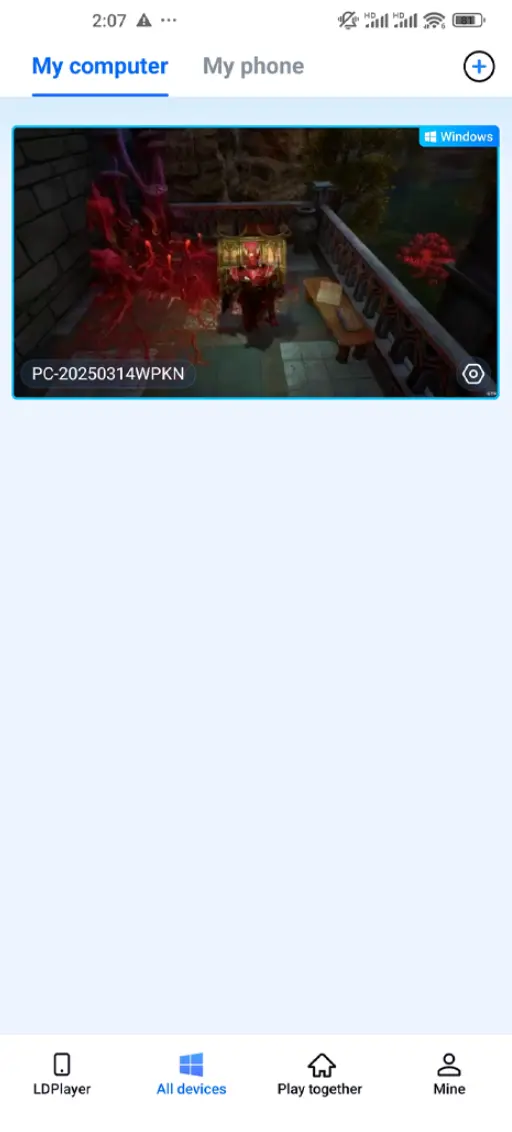
Sign in with the same account used on your PC. After pairing your devices, you can view and connect to your computer from your mobile device.
Step 2: Optimize Your Controls
1. Launch the Game:
First, launch Crimson Moon on your PC. After entering the main menu, connect to the corresponding computer through your mobile device to start remote play.
2. Control Mode:
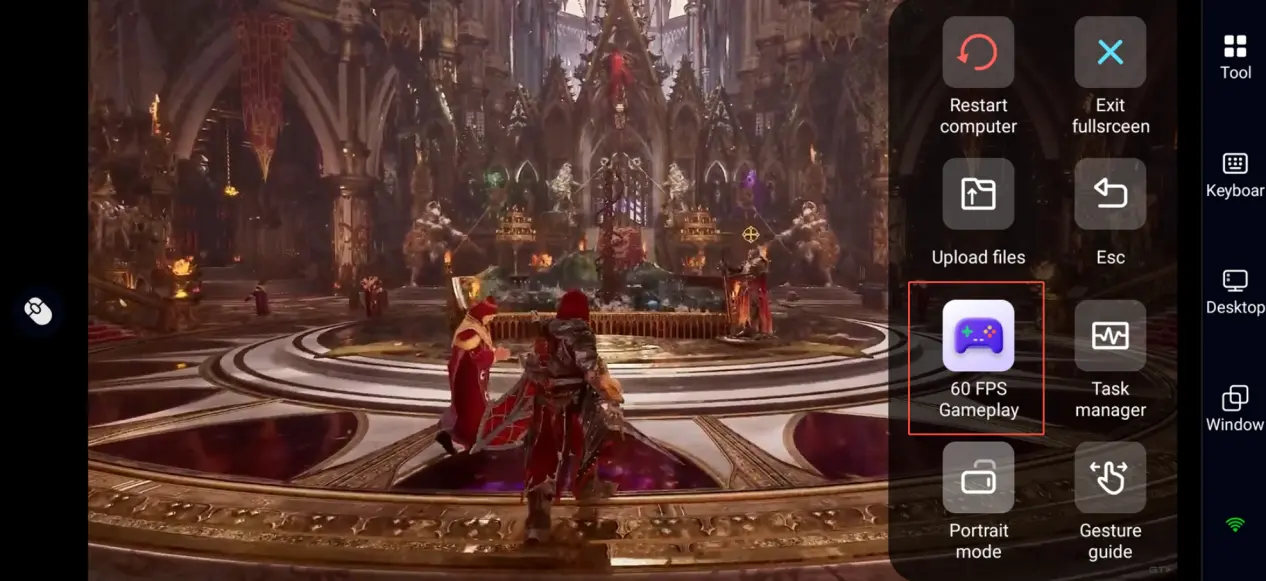
Click on the toolbar on the right side of the mobile phone to enter "60 FPS Gameplay", and choose the virtual control mode or connect an external controller according to your gaming preferences.
3. Customize the Controls:
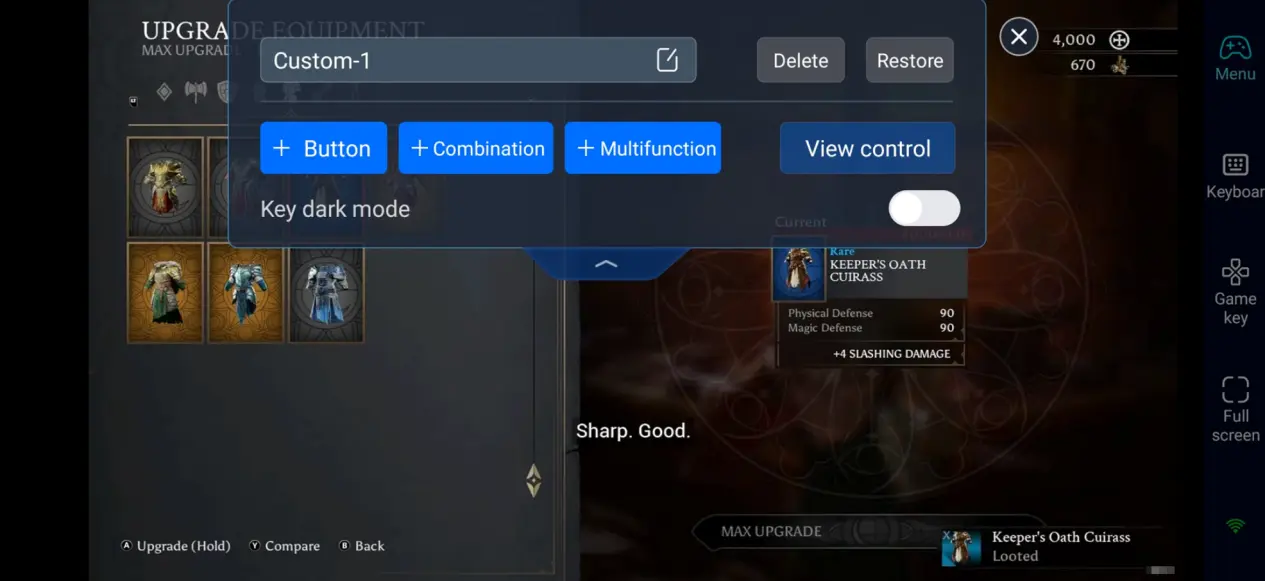
Because Crimson Moon features fast-paced combat, prioritize customizing the following controls:
- Character movement and camera control
- Light and heavy attacks
- Dodge and block
- Supernatural abilities and skills
- Angelic transformation
- Interaction, item pickup, and quest controls
Place frequently used combat buttons within easy reach of your thumbs to make touchscreen controls more comfortable and responsive.
4. Connect External Controllers:
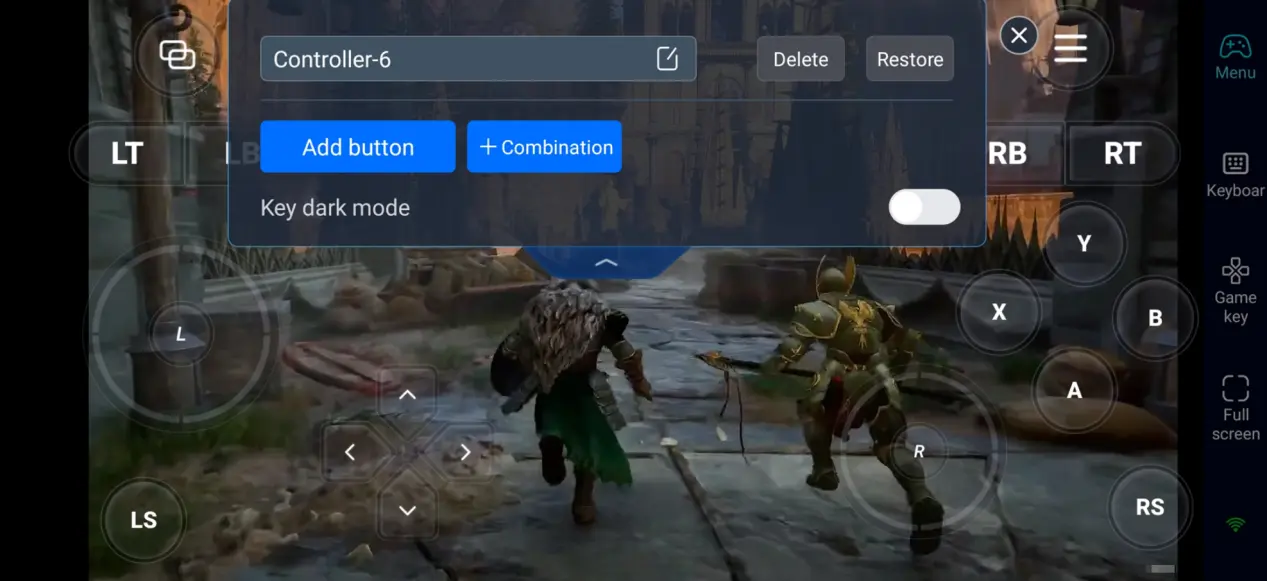
In addition to customizable virtual controls, you can also use external devices such as Bluetooth controllers. For players who are accustomed to console-style controls, a gamepad can make character movement, camera control, and melee attacks feel more natural.
Step 3: Start Your Crimson Moon Adventure Anytime
Once the setup is complete, your phone or tablet can become a portable gaming device. With OSLink, you can remotely enjoy Crimson Moon whenever you're away from your computer.
Combat Challenges: Use short periods of free time to complete combat encounters and become familiar with enemy attack patterns and your skill combinations.
Equipment Management: Organize weapons, armor, and accessories obtained during battles, and adjust your loadout according to different combat requirements. Crimson Moon features equipment collection and build customization, allowing players to experiment with different combinations.
Skill and Build Customization: Choose abilities and equipment that match your playstyle and create a character focused on melee damage, defense, or other combat styles.
Why Use OSLink to Play Crimson Moon?
1. Break Location Restrictions and Play PC Games on Mobile
You do not need to stay in front of your computer for long periods. As long as your PC remains powered on and connected to the internet, you can remotely access Crimson Moon from your phone and continue your adventure from anywhere in your home.
2. Enjoy High-Quality PC Graphics
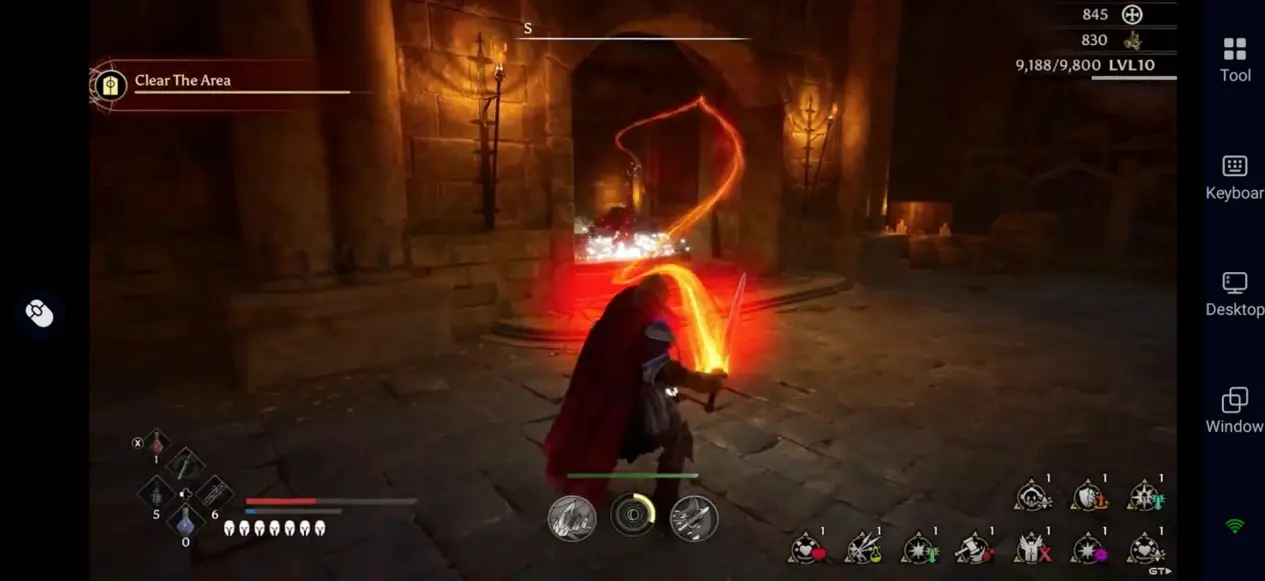
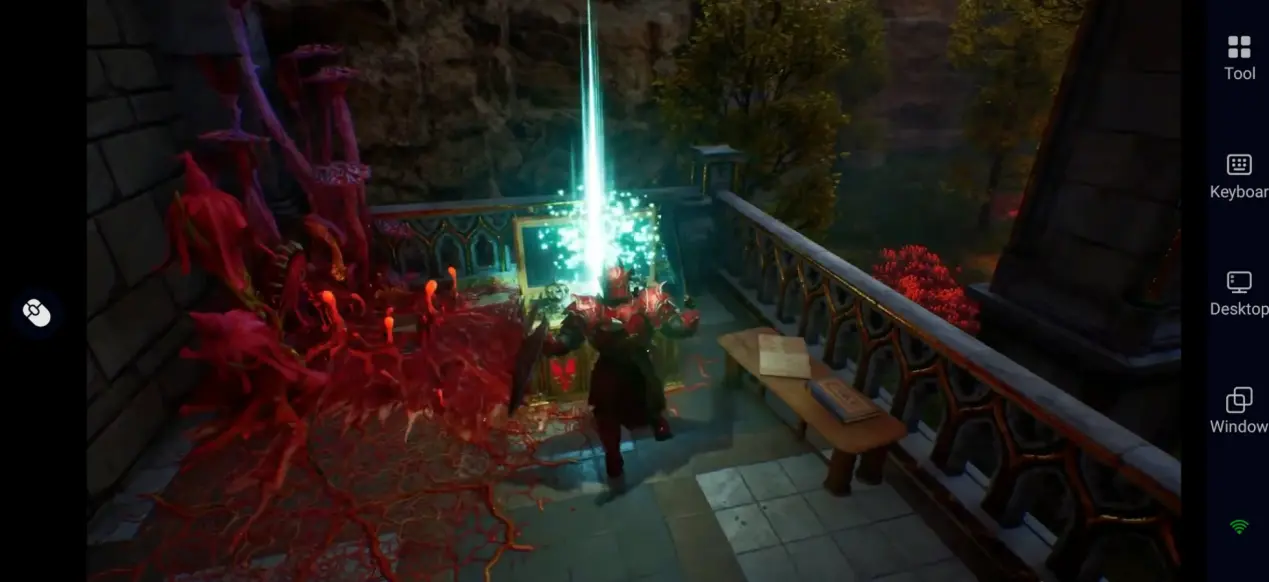
There is currently no official mobile version of Crimson Moon. With OSLink, you can stream the PC version to your mobile device while maintaining high visual quality. Since the game runs on your PC, you can enjoy its detailed graphics and visual effects on your phone without relying on mobile hardware to run the game itself.
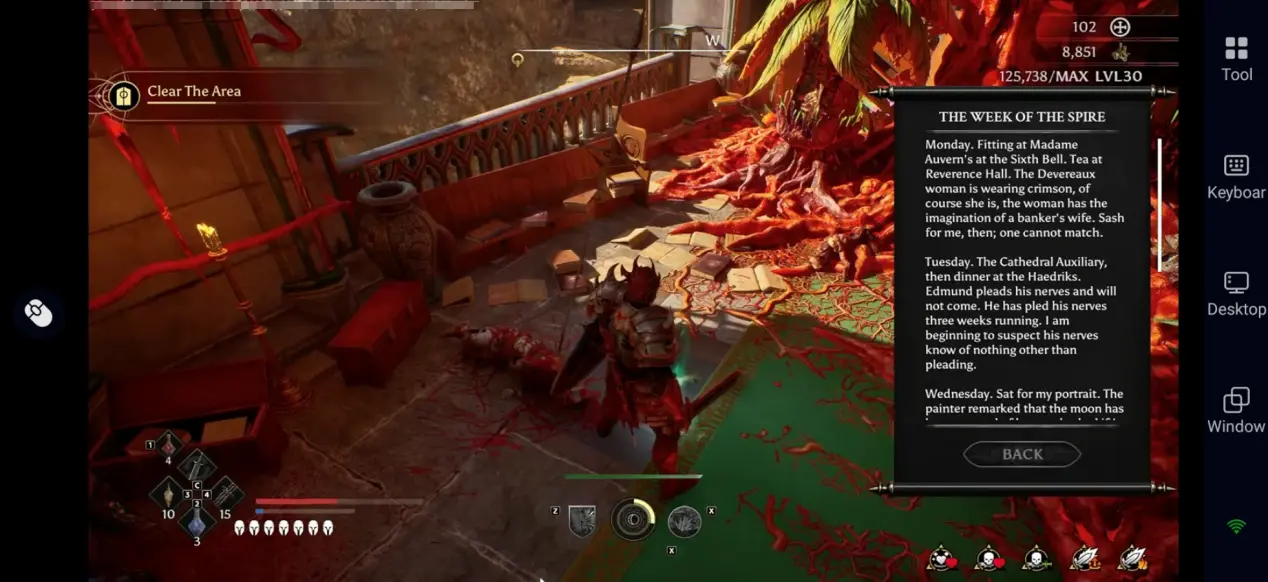
3. Customize Controls for a Better Melee Combat Experience
Crimson Moon features fast-paced melee combat that requires frequent movement, attacks, and defensive actions. With OSLink's customizable controls, you can rearrange button positions based on your phone's screen size and personal preferences. Combined with 60 FPS mode, remote controls can feel smoother and more responsive.
Frequently Asked Questions
Q: When was Crimson Moon released?
A: Crimson Moon officially launched on September 1, 2026. The PC version is available on platforms such as Steam, while the game is also available on PlayStation 5 and Xbox Series X|S.
Q: Does Crimson Moon require a high-end PC?
A: The minimum configuration listed in the source guide is:
- OS: Windows 11 64-bit
- CPU: Intel Core i5-8400 / AMD Ryzen 5 2600
- RAM: 16 GB
- GPU: NVIDIA GeForce GTX 1070 / AMD Radeon RX 5700
- Storage: Approximately 50 GB
Q: Can I play Crimson Moon directly on an Android phone?
A: The current official Steam information lists PC and console versions, with no native Android version. If you want to play the PC version on your phone, you can use OSLink to remotely connect to your computer.
Q: Can I play Crimson Moon on an iPhone or iPad?
A: The current official store information does not list a native iOS version. Players can use OSLink to stream the PC game to an iPhone or iPad, then control the game using touchscreen controls or an external controller.
Conclusion
With OSLink, your phone or tablet can become a portable gaming device for Crimson Moon. From battling demons to managing equipment, remote play removes many of the location limitations of traditional PC gaming. For players who want to experience the PC version of Crimson Moon on mobile, setting up customized controls and an external controller in advance can provide a more comfortable and responsive gaming experience.
 Download