English
 Corsair Cove features open-world island exploration as its core gameplay. Players regularly traverse maps to discover landmarks, gather supplies and unlock new zones, yet the game only released a PC version, pausing all exploration without access to your desktop. OSLink breaks location limits: keep your PC powered on, and remotely connect from your phone to jump back into the island world and resume collecting materials.
Step 1: Download OSLink and Pair Your Devices
1. PC Side
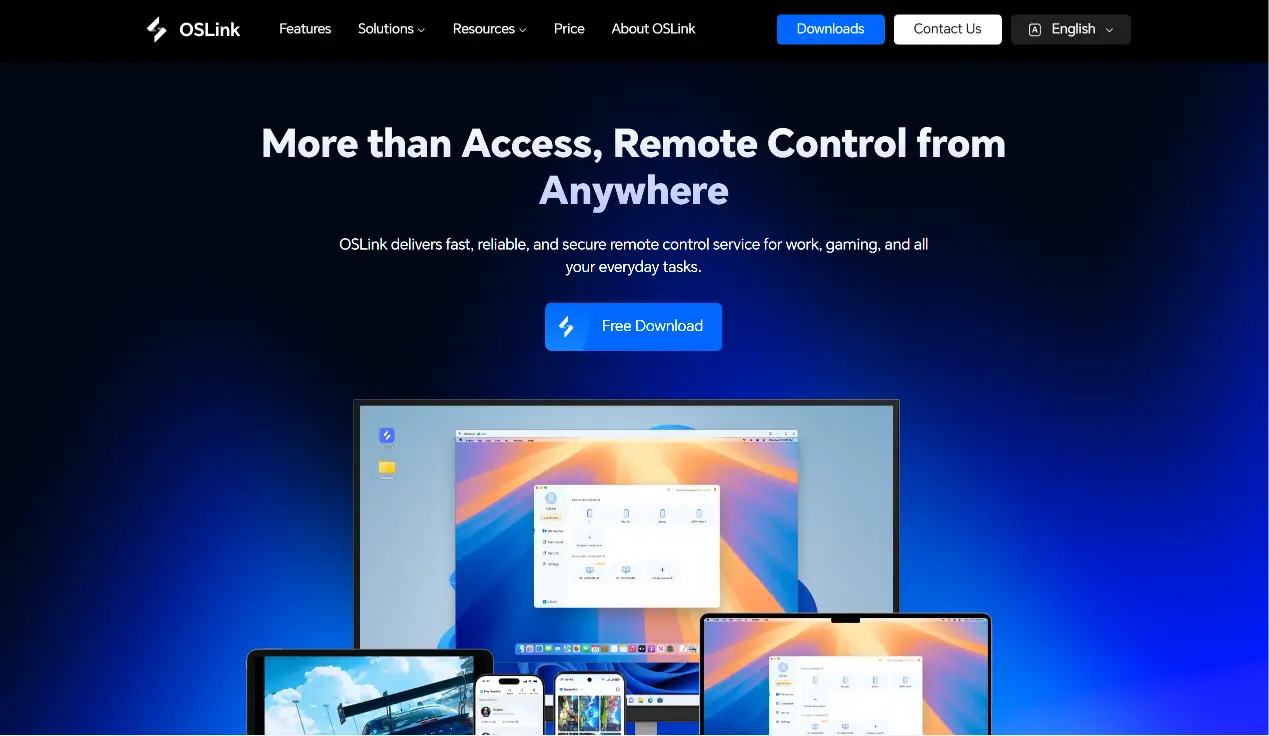
Visit the official OSLink website (https://www.oslink.io) to download and install the PC client, then log into your account. We recommend turning off automatic system sleep to avoid remote disconnections mid-exploration.
2. Mobile Side
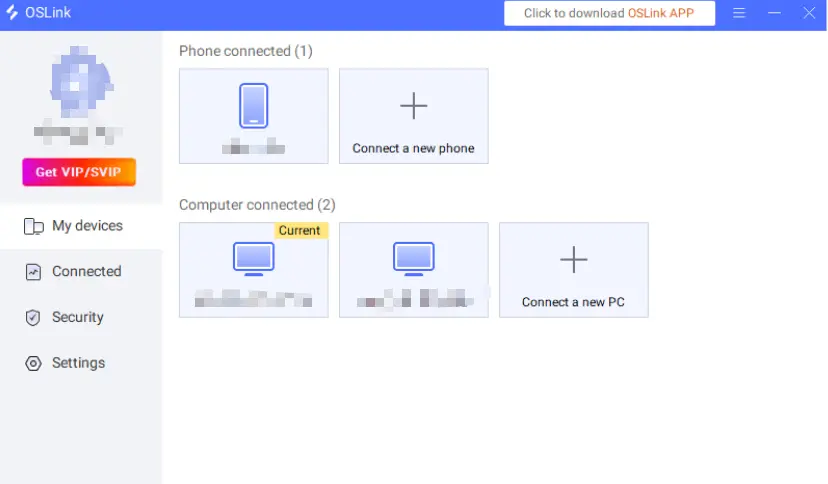
Download the OSLink mobile app from the App Store or Google Play; installation packages are also hosted on the official site. Log in using the same account as your PC, and devices will auto-pair to establish a remote connection.
Step 2: Control Optimization Settings
1. Launch the Game
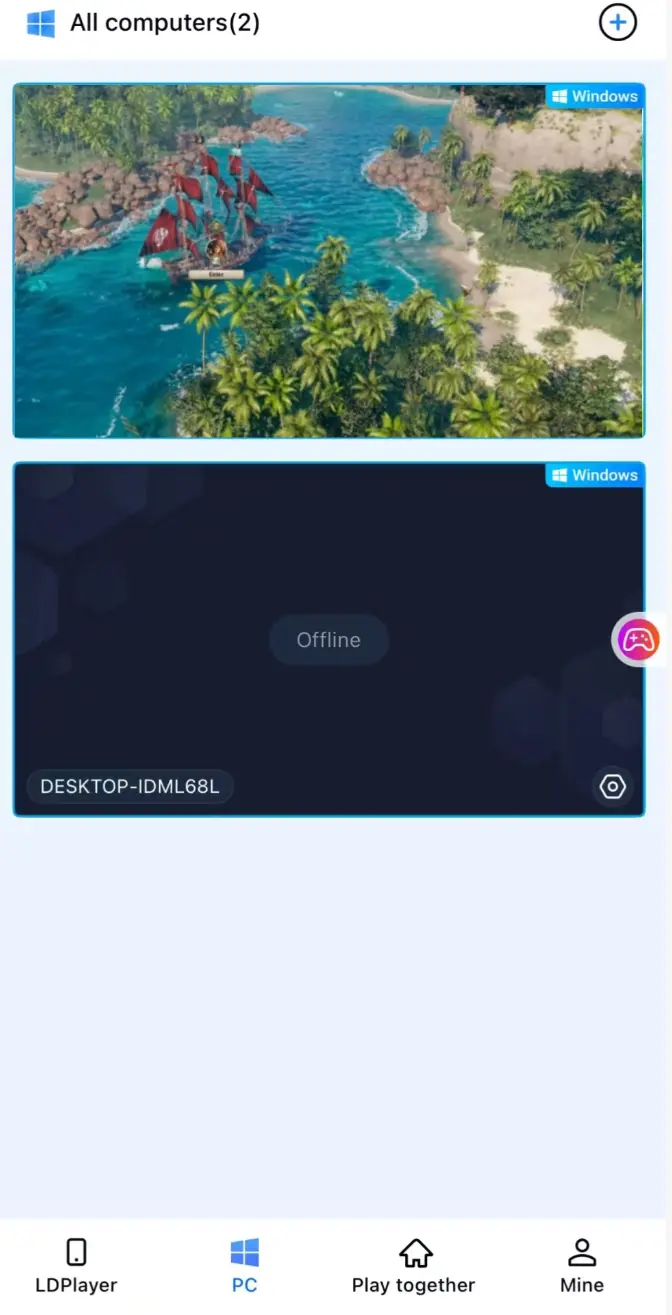
You may start Corsair Cove on your PC in advance. If the game is closed, tap the game shortcut inside mobile OSLink to launch it remotely with one click.
2. Activate 60FPS PC Gaming Mode
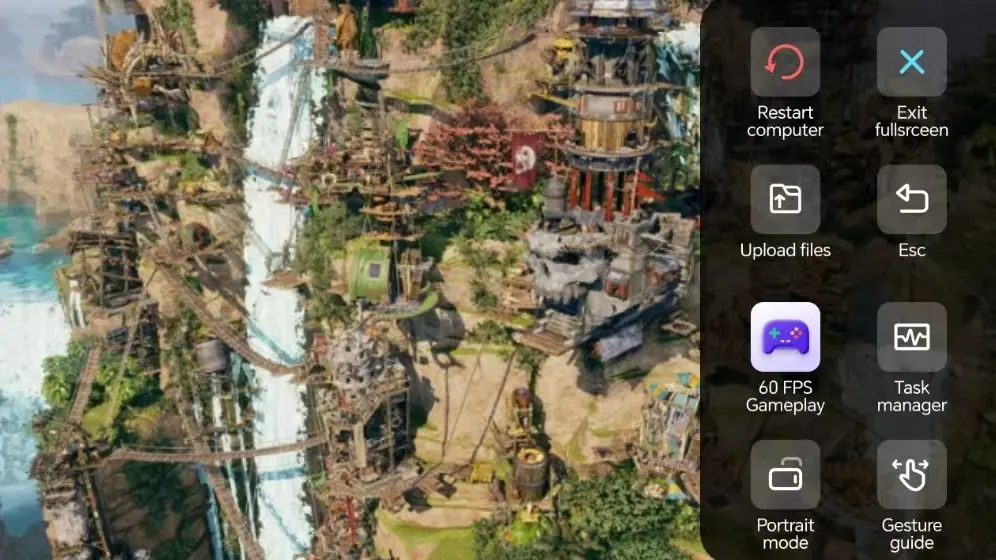
Once PC screen streaming loads, open the right toolbar and turn on "60FPS PC Game Mode". The game supports virtual touchscreen controls, or you can pair a Bluetooth gamepad for a better traversal experience.
3. Customize Exploration-Oriented Key Layouts
Adjust buttons for movement, camera rotation, interaction and item pickup to suit open-world traversal. Modify button size and transparency as desired, and use 3D camera controls for smoother island navigation and scene transitions.
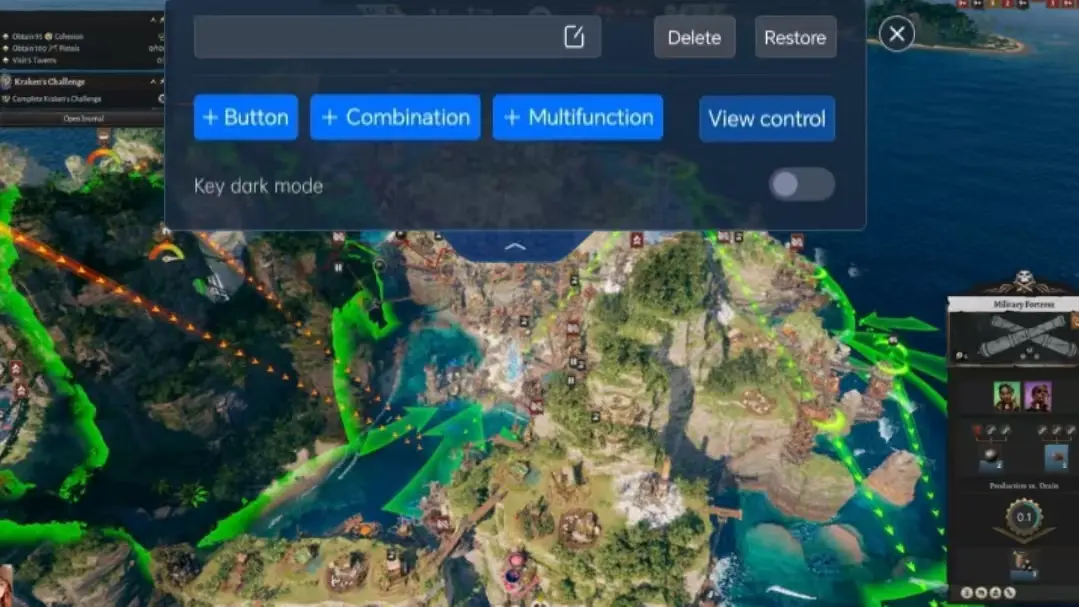
4. Connect an External Gamepad
OSLink supports Bluetooth game controllers. Pairing a gamepad recreates native PC traversal controls perfectly, ideal for long sessions of map exploration and resource farming.
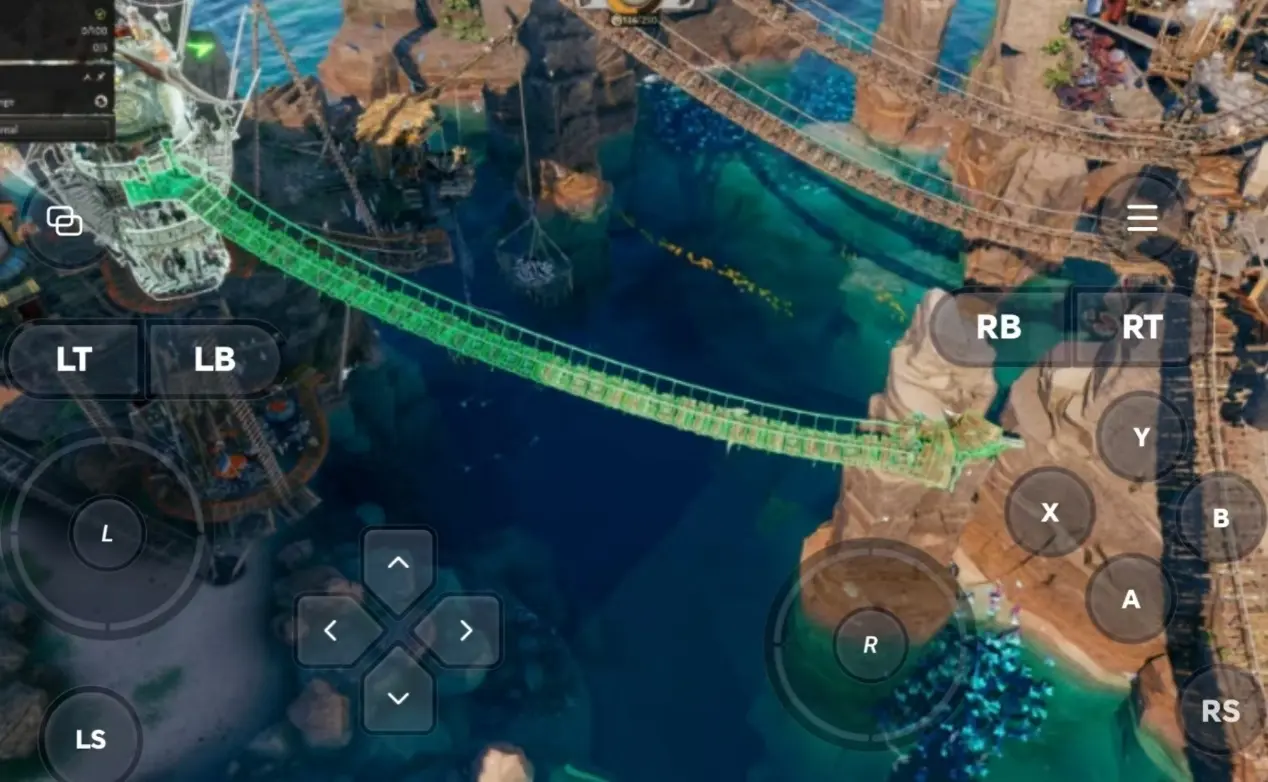
Step 3: Explore Anytime to Build Up Your Adventure Progress
Once all settings are finalized, phones and tablets work as fully functional remote controllers. As long as your PC stays powered on, connect through OSLink at any time. Use spare minutes to discover new areas and gather supplies, or fill in unopened island locations during downtime.
Why Choose OSLink for Corsair Cove?
Break Free From Location Limits – Explore Islands Anywhere
Log in remotely during spare time outside home to run around maps and farm resources, then switch seamlessly to your PC for in-depth exploration upon returning. Local network streaming has low latency, which fully accommodates long-distance traversal across the open world.
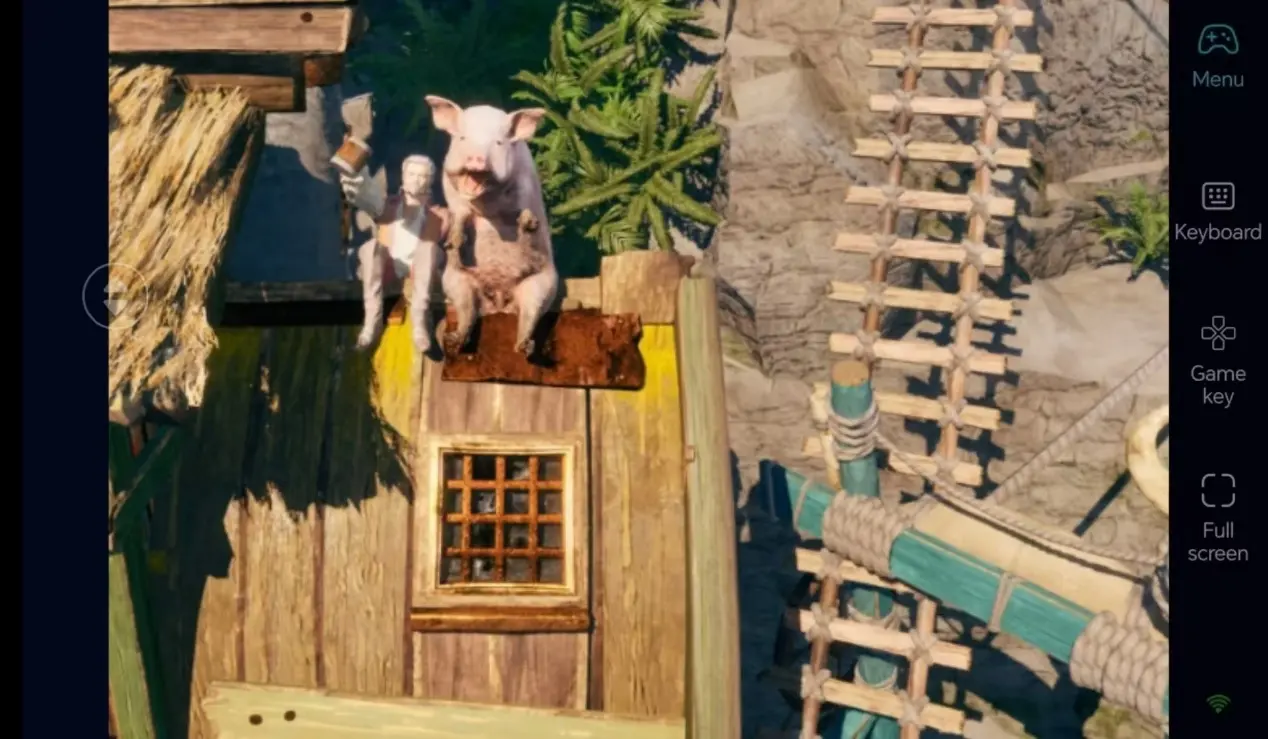
Stable 60FPS Streaming to Restore Beautiful Island Scenery
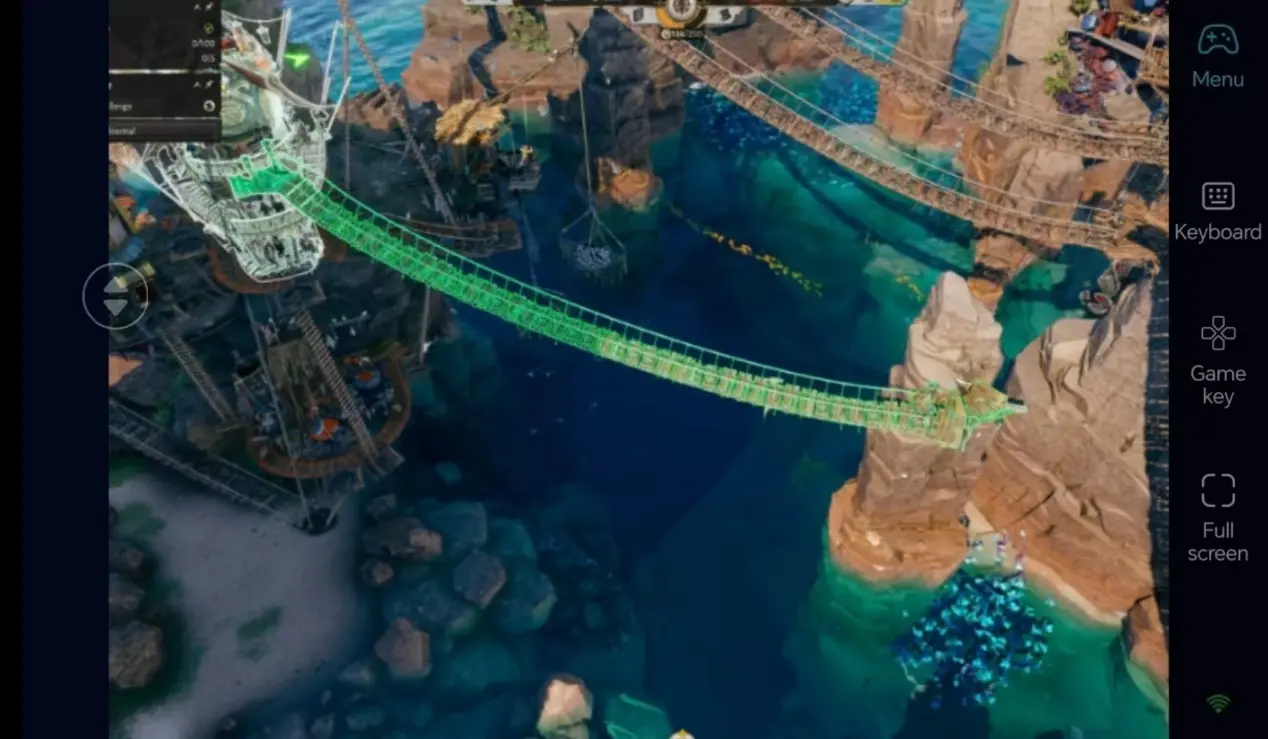
60FPS high-fidelity streaming completely renders island landscapes and natural environmental details. Customized touch buttons make item pickup and camera adjustment accurate, letting you fully enjoy open-world adventure fun.
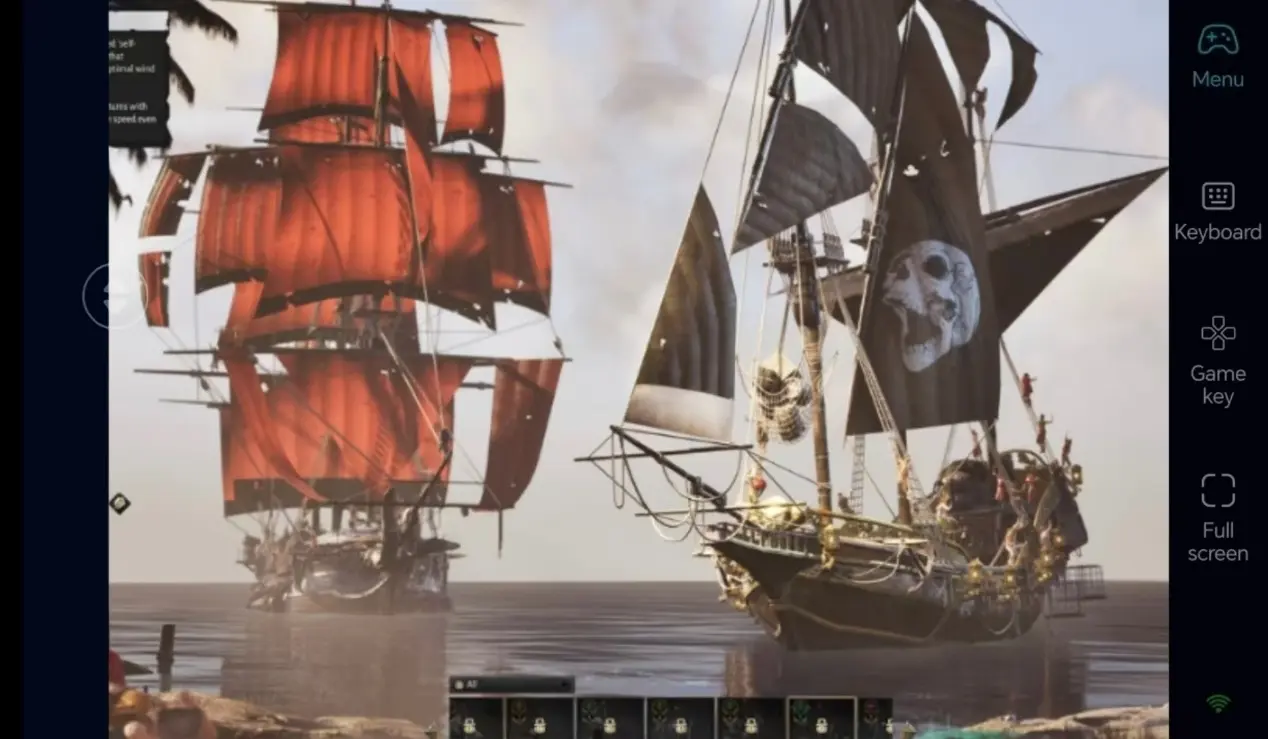
Local Save Storage for Flawless Progress Handover
All game save files reside on your PC locally. Game data from mobile remote sessions and direct PC play synchronizes completely. Whether you unlock new cove viewpoints or stockpile exploration materials, you can continue your adventure exactly where you left off at any moment.
FAQ
Q: When did Corsair Cove launch?
A: The game officially launched on PC on July 31, 2026. It’s available on platforms including Steam and Epic Games Store, with no official mobile version released so far.
Q: Does OSLink maintain a stable remote connection if I pause the game on PC?
A: Yes. Pausing the game does not interrupt OSLink streaming, and you can still navigate all in-game menus from your mobile device.
Q: Can I adjust the PC game’s graphic settings remotely via my phone on OSLink?
A: Absolutely. OSLink mirrors your full PC screen, allowing you to tweak all in-game options including graphics and audio settings directly from your mobile.
Q: Can I play Corsair Cove on iOS and Android?
A: There is no native mobile build for iOS or Android. However, you can use OSLink to remotely connect to your PC and play the game on both iOS and Android devices.
summary
If you do not want to suspend your island exploration trips while going out, OSLink remote streaming is an excellent fit. Keep your PC powered on, remotely connect to it with your phone, launch Corsair Cove to explore and gather resources, and steadily push forward your open-world adventure progress using fragmented free time.
 Download