English
The new ARPG Beast of Reincarnation has drawn plenty of attention with its post-apocalyptic world and unique combat system that pairs players with a loyal beast companion. At launch, however, the game is only available on PC and consoles, meaning you'll need one of those platforms to experience its progression system, precision parry combat, and expansive open-world exploration. Remote streaming offers a practical way around this limitation. By connecting your phone to your gaming PC, you can continue your adventure almost anywhere without sacrificing your existing save data. This guide walks through the entire process, from getting the game and installing the streaming software to connecting your devices and improving streaming quality. Even if you've never used remote streaming before, you'll be able to get everything running in just a few steps.
OSLink is a lightweight remote streaming solution designed to handle demanding PC titles like Beast of Reincarnation. Your computer performs all rendering and game processing while your mobile device simply receives the video stream and sends back your control inputs. The setup process is straightforward, with no complicated pairing procedures, making it easy to jump into the game wherever you are.
1. How to Get Beast of Reincarnation
Official Download Platforms
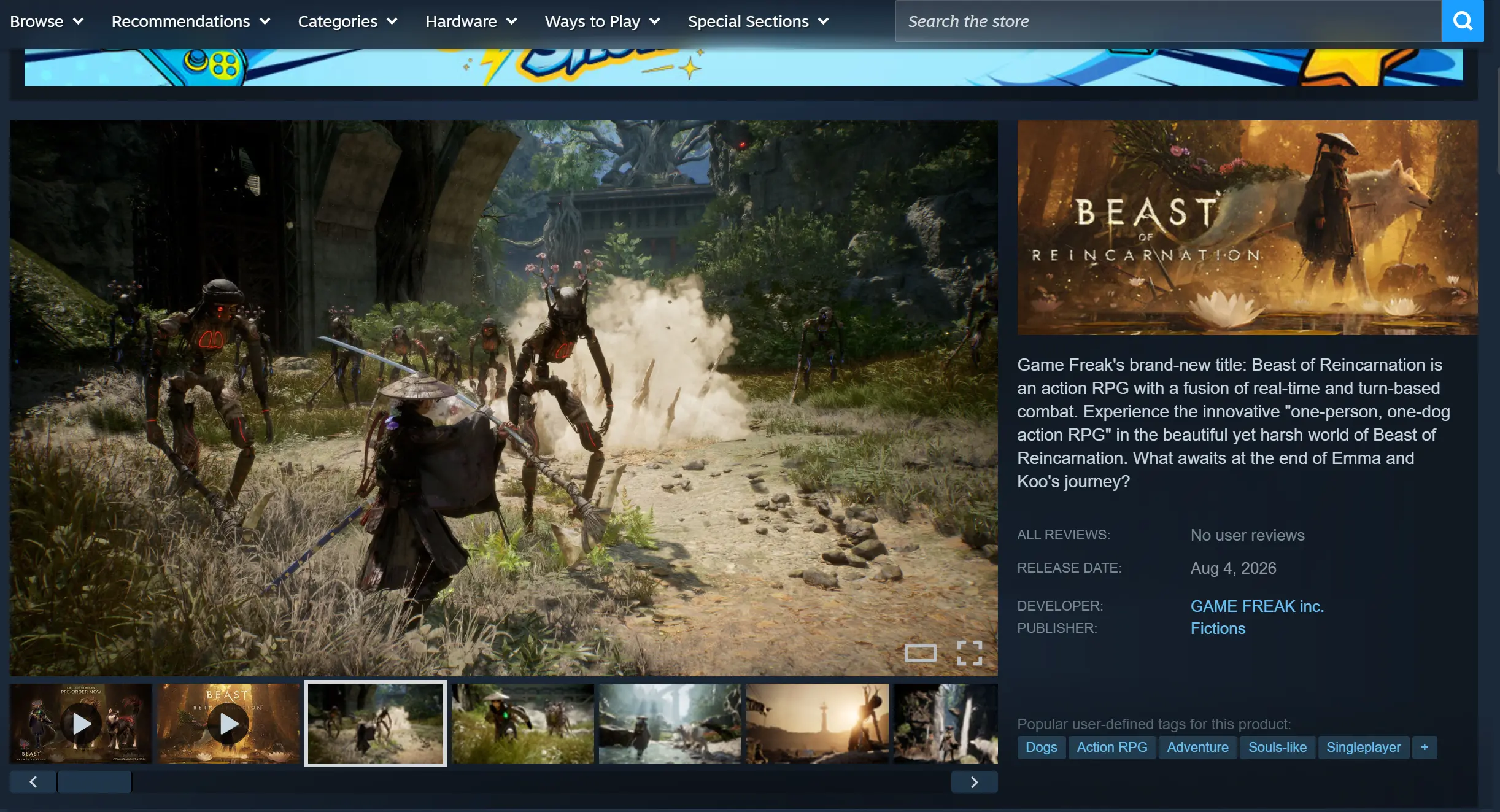
The PC version of Beast of Reincarnation is officially available only through Steam and the Microsoft Store. Steam is the recommended platform for purchasing and downloading the game.
Launch the Steam client, search for Beast of Reincarnation in the Store, choose either the Standard Edition or the Deluxe Edition, complete your purchase, and the game will automatically appear in your library. From there, simply begin the download to install the full game.
2. Installing OSLink on Your PC and Mobile Device
Installing the Windows Version
Visit the official OSLink website and download the installer that matches your version of Windows. Run the installation package, follow the setup wizard to complete the basic configuration, then register and sign in with your own OSLink account.
Installing the Mobile App
Android users can install OSLink directly from the Google Play Store or download the installation package provided on the official website. iPhone and iPad users can simply search for OSLink in the App Store and install it.
After installation, sign in using the exact same account you used on your PC. The app will automatically detect online computers connected to your account on the local network. Even when using mobile data over the internet, there's no need to manually enter a device ID—the matching process is completed automatically.
3. Launching Beast of Reincarnation Through OSLink
Start Steam on your PC and launch Beast of Reincarnation. Leave the game running at the main menu and keep the game window active instead of minimizing it or leaving it running in the background.
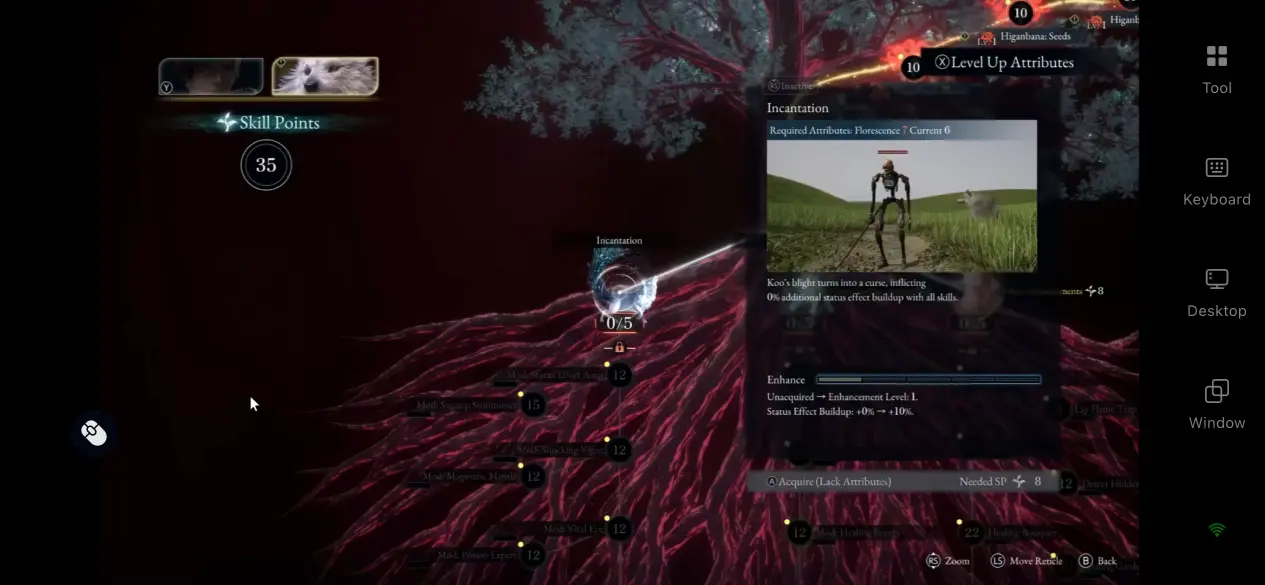
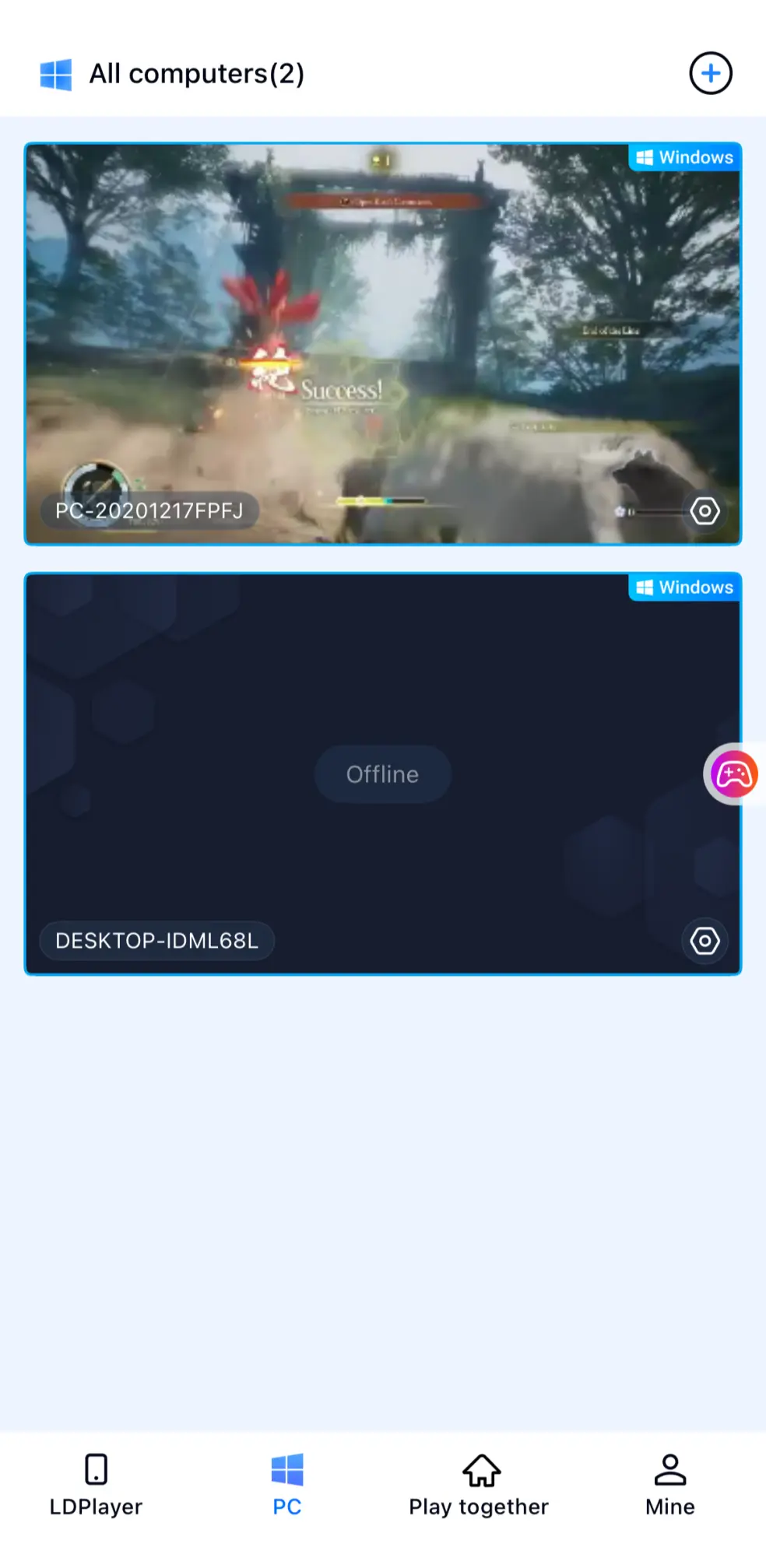
Next, open the OSLink app on your phone. The home screen will display every powered-on computer signed in with the same account. Tap your PC to establish a remote connection, and the current game screen will immediately appear on your mobile device.
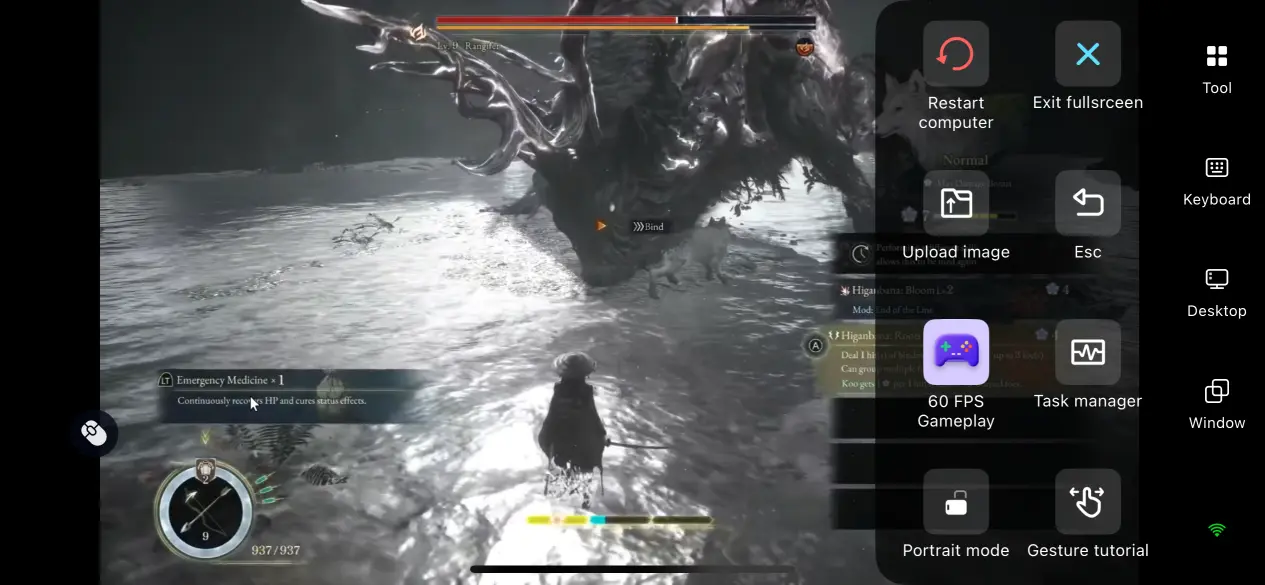
First-time OSLink users can enable the dedicated 60 FPS Action Game Mode from the toolbar on the right side of the streaming interface. You can also switch to full-screen mode with a single tap, allowing the display to better fit your phone's screen.
4. Why Play Beast of Reincarnation Remotely on Your Phone?
Start Playing Anywhere
As long as your PC stays powered on and connected to the internet, you can access it from your phone using either mobile data or a public Wi-Fi network. Whether you're commuting, waiting for an appointment, or simply away from home, you can jump back into the game whenever you have a few spare minutes. Take on side quests, gather upgrade materials, challenge regional bosses, or continue exploring the wasteland without being tied to your desk. It's an easy way to make the most of short gaming sessions wherever you are.
No Mobile Storage Required
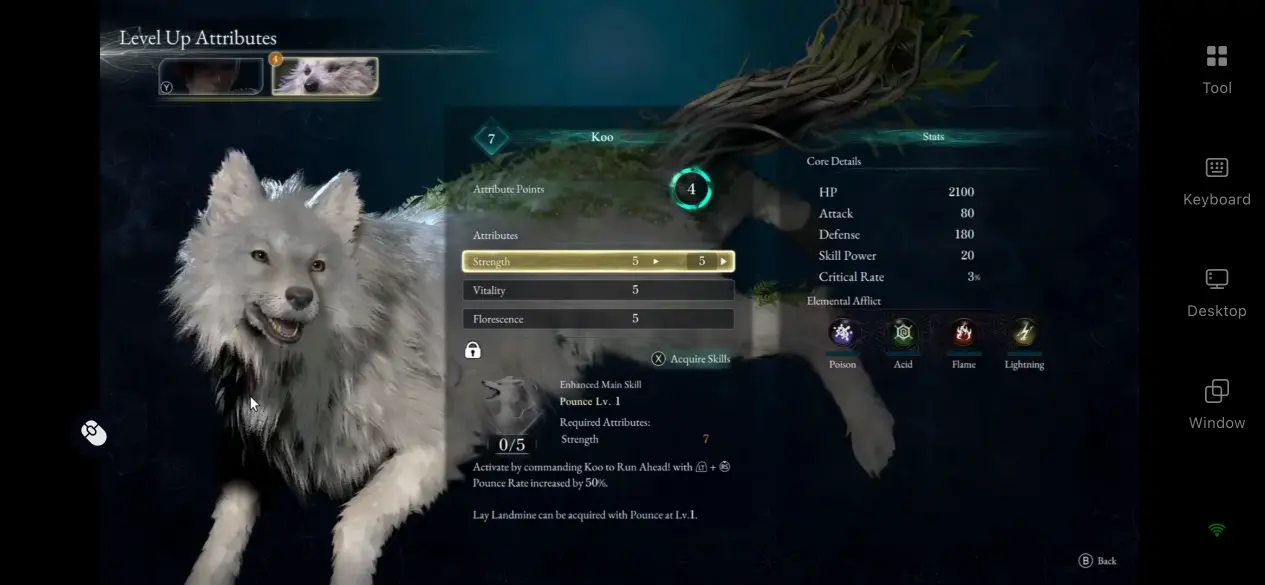
The game's nearly 30GB of high-resolution assets, save files, and world data all remain stored on your PC. Your phone only receives the live video stream and sends your control inputs back to the computer. Since nothing needs to be installed locally, you won't have to free up storage space for the game. Even older smartphones with limited hardware can stream Beast of Reincarnation smoothly without worrying about massive installation packages or running out of available storage.
Full Support for Gaming Peripherals
OSLink works with wired and Bluetooth keyboards, mice, and game controllers. Once connected, supported peripherals automatically map to the game's control layout, making actions such as parrying, combo attacks, companion skills, and menu navigation feel far more natural.
With minimal input delay during command transmission, combat feels noticeably more responsive than relying on touch controls alone, delivering an experience that's much closer to playing directly on your PC.
5. Improving Your Experience with OSLink
60 FPS Low-Latency Action Mode
For fast-paced combat in Beast of Reincarnation, OSLink includes a dedicated streaming mode optimized for rapid parries, large environments, and high-speed movement. Its encoding optimization helps reduce motion blur during quick camera turns or crowded battles while shortening the delay between controller input and on-screen response. Even during extended boss encounters with continuous attack patterns, controls remain responsive enough to keep pace with the game's demanding combat.
Custom Virtual Control Layout
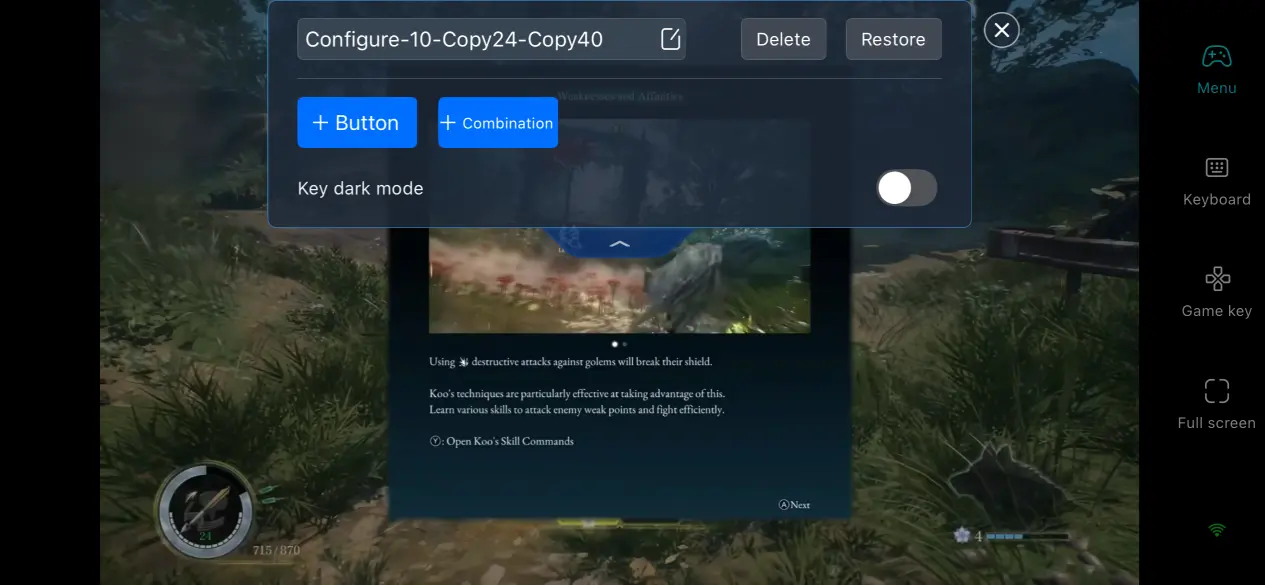
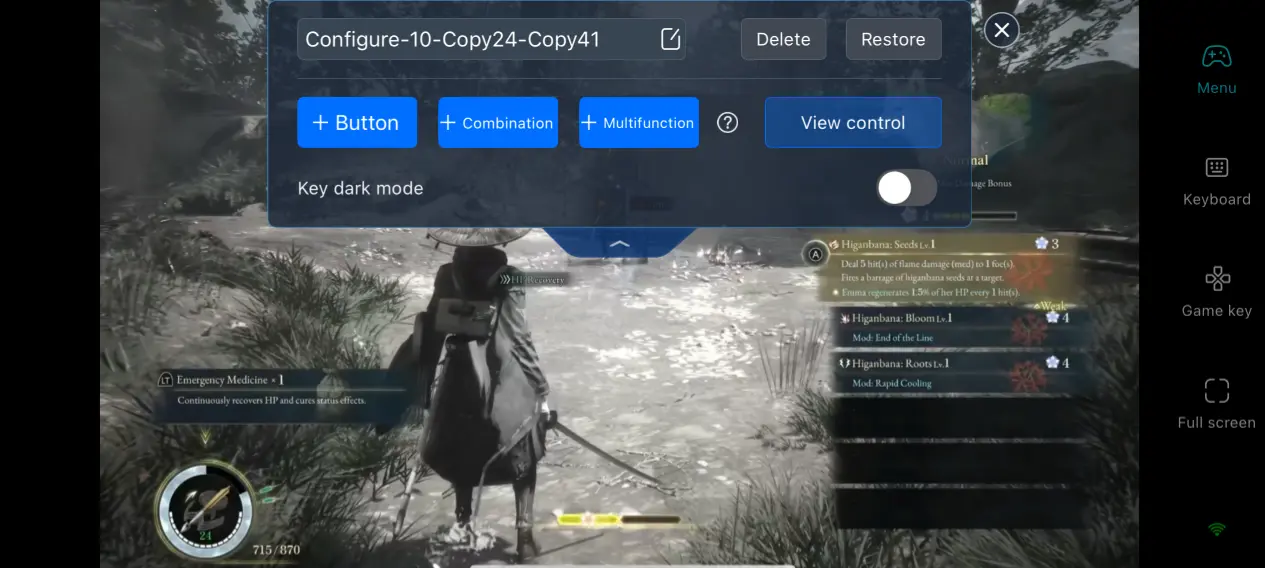
Players can freely add, remove, or rearrange on-screen buttons for actions such as guarding, dodging, switching items, or activating companion abilities. Each button's size, transparency, and position can be adjusted independently, and multiple control layouts can be saved for different situations. For example, you can create one layout for exploration and another for boss battles, then switch between them instantly without rebuilding your controls each time.
Adaptive Streaming Bitrate
The streaming bitrate can be adjusted manually to suit your network conditions. When connected to a stable local network, increasing the bitrate preserves more texture detail throughout the game's post-apocalyptic environments. If you're playing over mobile data or an unstable connection, lowering the bitrate helps reduce image stuttering, dropped frames, and visual artifacts. You can also enable automatic network detection, allowing OSLink to adjust image quality in real time based on your current connection speed to maintain a balanced mix of visual clarity and smooth gameplay.
Login Activity History
OSLink includes a built-in activity log that records every remote connection made through your account. You can review information such as connected device models, login times, session duration, and the network used for each connection. If an unfamiliar device ever accesses your computer, you can quickly identify the suspicious login, disconnect the device, and change your account password to better protect both your PC and your game data.
6. Frequently Asked Questions
Q: When will Beast of Reincarnation officially launch?
A: Beast of Reincarnation will launch globally on August 4, 2026. The PC version will be released simultaneously on Steam and the Microsoft Store, while the console version will be available on PlayStation 5 and Xbox Series X|S on the same day. There are currently no plans for a Nintendo Switch release. Both the Standard Edition and the Deluxe Edition will be available as digital purchases at launch. Players who purchase the game through the Microsoft Store will also receive Xbox Game Pass day-one access. There are no preorder-exclusive gameplay rewards or hidden content, and the complete post-apocalyptic open-world adventure will be available for download immediately on release day.
Q: What are the PC system requirements for Beast of Reincarnation?
A: Minimum Specifications
Operating System: 64-bit Windows 10
Processor: Intel Core i5-9400F
Memory: 8 GB RAM
Graphics Card: NVIDIA GeForce GTX 1660
Storage: 30 GB available SSD space
Recommended Specifications
Operating System: Windows 10 or Windows 11
Processor: Intel Core i7-9700F
Memory: 16 GB dual-channel RAM
Graphics Card: NVIDIA GeForce RTX 3060
Installing the game on a mechanical hard drive may result in slow map loading and delayed texture streaming, so an SSD is strongly recommended. The hardware requirements are identical whether you purchase the game through Steam or the Microsoft Store, with no platform-specific differences.
Q: Can I use OSLink to play Beast of Reincarnation on iPhone or iPad?
A: Yes. The iOS version of OSLink supports the full set of remote streaming features and shares the same account system as the Android version. As long as you sign in with the same OSLink account, both iPhone and iPad can connect to the same computer and remotely launch Beast of Reincarnation installed through either Steam or the Microsoft Store. All game saves remain stored on your PC, so switching to another Apple device will not affect your progress, companion development, or collected equipment.
Conclusion
As a post-apocalyptic action RPG released on both major PC platforms, Beast of Reincarnation stands out with its precise parry-based combat and expansive wasteland exploration. With OSLink, all rendering and processing stay on your computer while your phone becomes a convenient way to continue your adventure from virtually anywhere.
Whether you're taming beast companions, upgrading equipment, progressing through side quests, or taking on challenging encounters, all you need is a powered-on PC with an internet connection to enjoy the complete Beast of Reincarnation experience on your mobile device.
 Download