English
ArcheAge Chronicles is an open-world action MMORPG developed by XLGAMES, set in the rich universe of the ArcheAge series. You will journey across the vast continent of Auroria with flexible weapon-based combat, free gathering, crafting, housing construction, dungeons and open-world PvP. There are no rigid class locks, and you can build your playstyle around combat, farming, trading and many life professions.
This MMO contains tons of daily tasks, dungeon runs, resource farming and guild activities that usually keep you tied to your desktop PC. OSLink lets you remotely connect your phone to your Windows computer. The game runs fully on your PC, while your mobile device acts as the screen and controller. This guide covers pairing, stream tuning, touch button setup and external controller configuration.
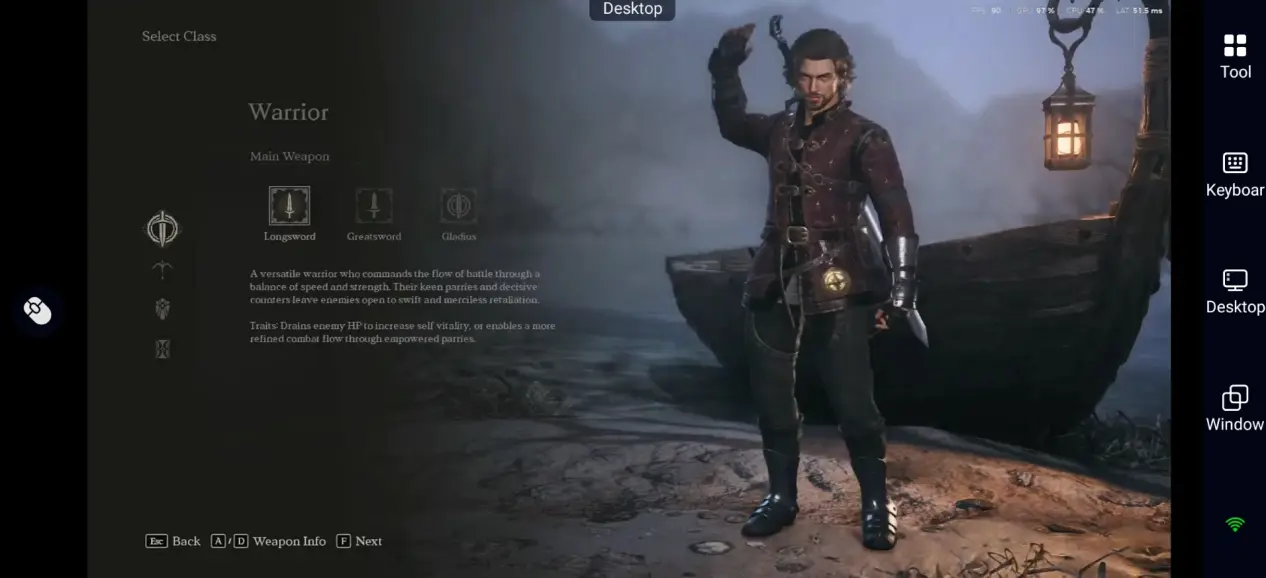
Quick Setup Guide for Playing ArcheAge Chronicles on Mobile
Step 1: Install OSLink and Pair Your Devices
On PC:
Go to the official OSLink website (https://www.oslink.io) to download and install the desktop client. Keep your PC powered on and connected to a stable internet connection.
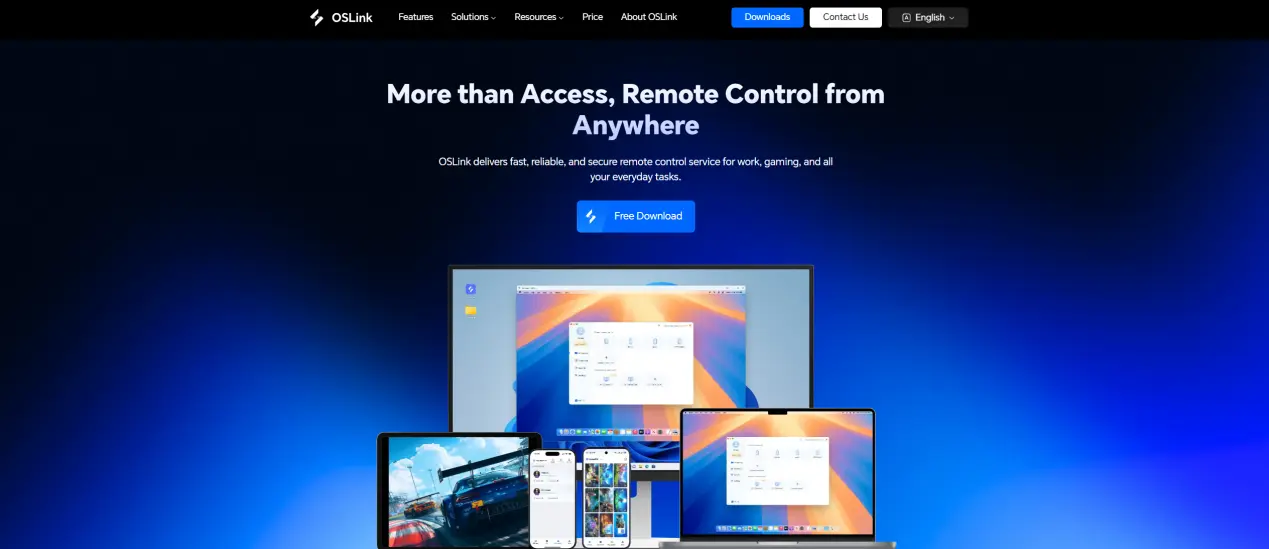
On Mobile:
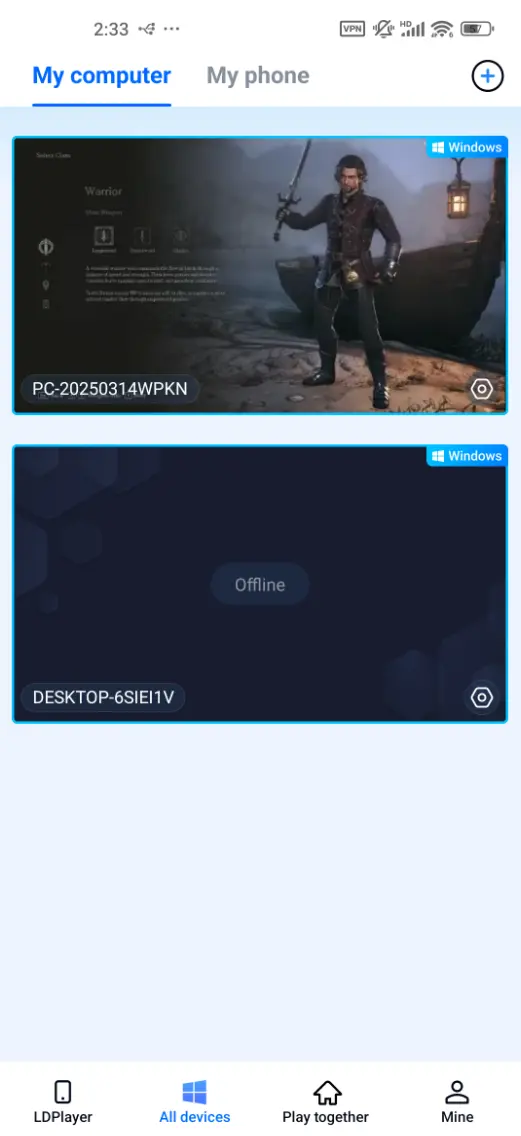
Download the OSLink app from the App Store or Google Play Store. Android users may also grab the APK package on the official site. Sign in using the same account as your PC client. Once paired, your PC will appear in the device list, allowing you to connect with a single tap.
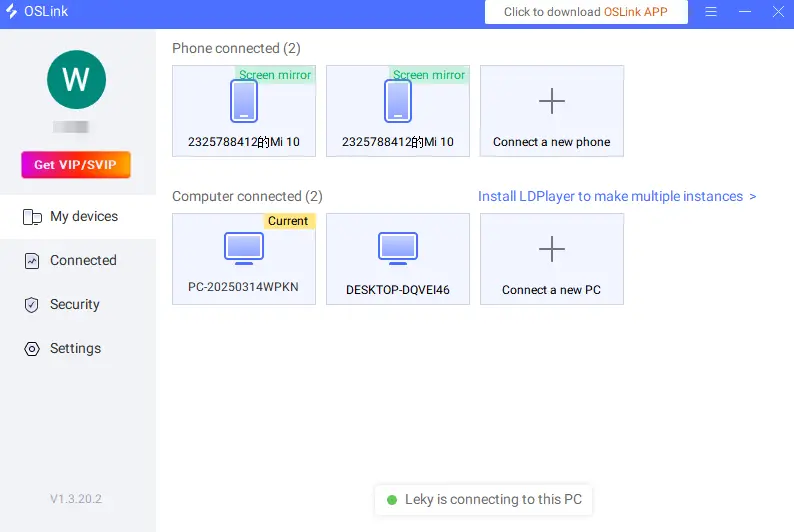
Step 2: Optimize Streaming and Controls
1. Launch the Game:
Start ArcheAge Chronicles on your PC and wait until you reach the character selection or main game screen. Leave OSLink running in the background. Open OSLink on your phone, select your paired PC and start streaming. You will see your PC game feed and can switch into the game window to play.
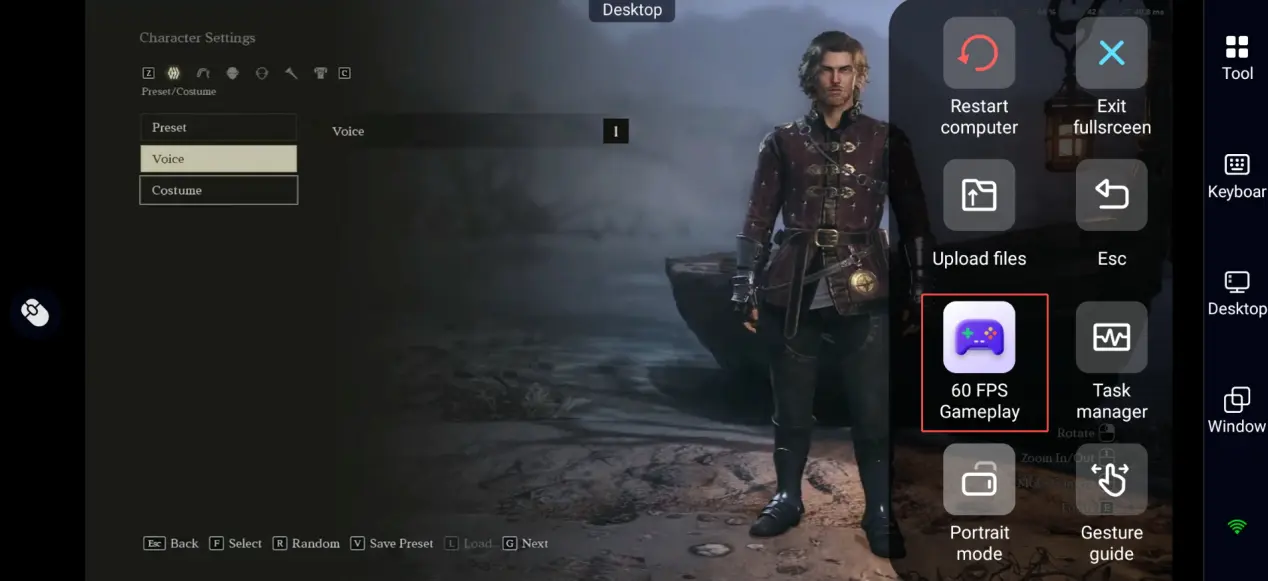
2. Turn on 60 FPS Game Mode:
Smooth movement matters for open-world traveling, dungeon mechanics and PvP fights. Bring up the OSLink toolbar during remote play and enable "60 FPS Gameplay" for more responsive camera turning and skill casting. Streaming quality depends on your PC specs, upload bandwidth, and mobile network conditions.
3. Customize Virtual Touch Buttons:
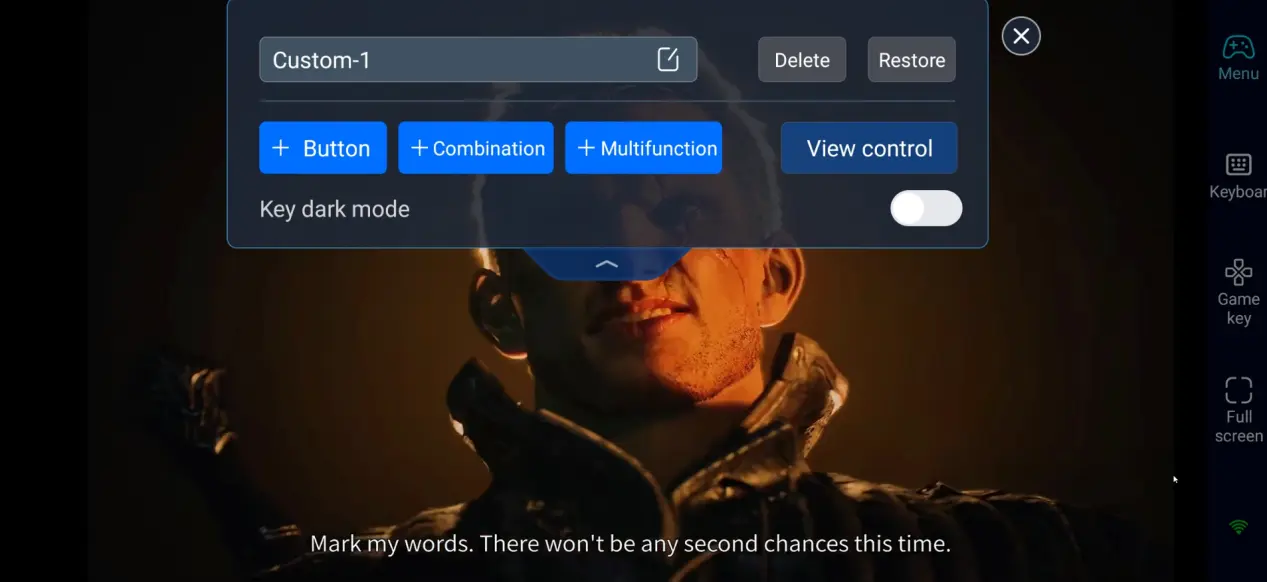
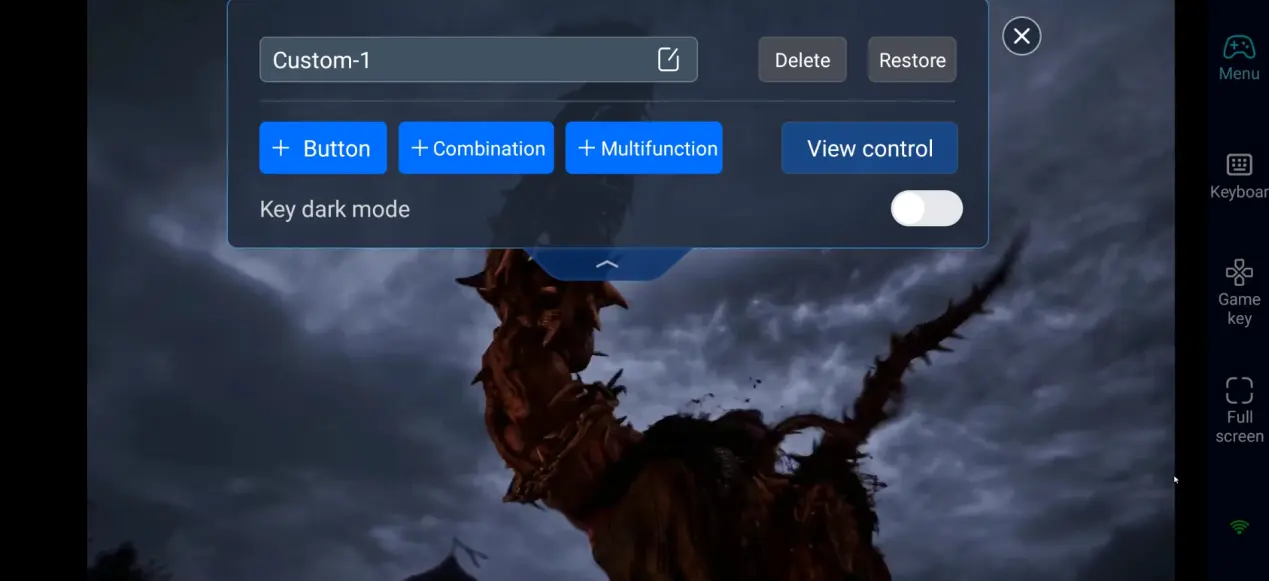
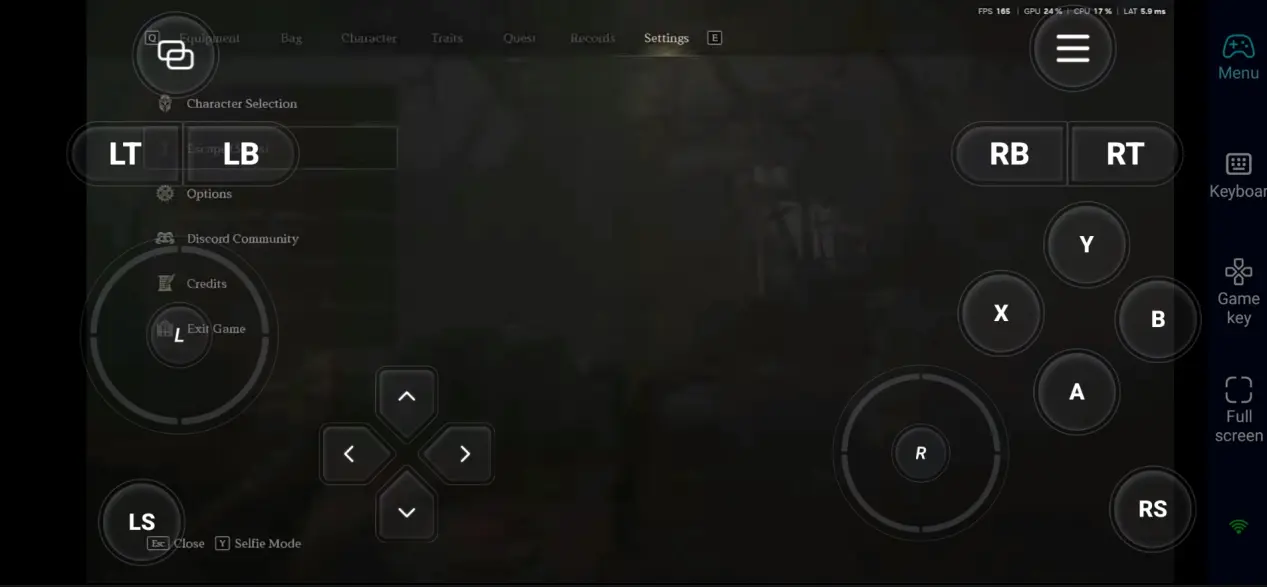
For touchscreen play, place your movement joystick on the left side. Map basic attacks, dodging, skills, and weapon switching to buttons on the right side. Place less frequently used shortcuts, such as the map, inventory, gathering, mount summoning, and interaction buttons, along the edge of the screen to avoid blocking your view. You can save multiple control profiles for farming, raiding and trading.
4. Connect an External Controller:
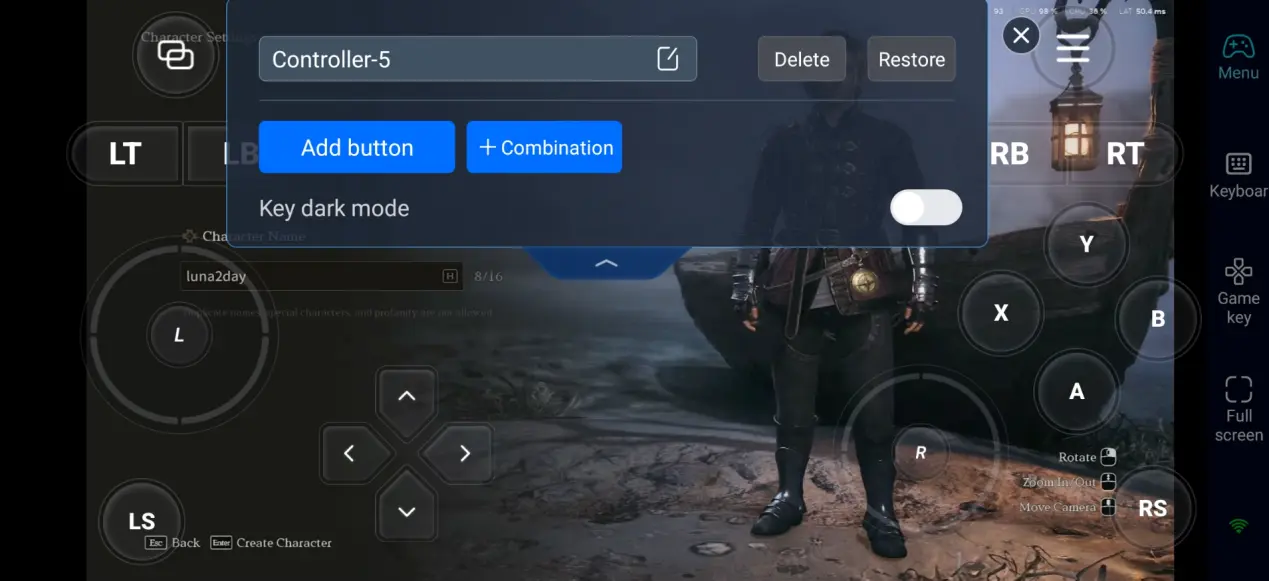
For long dungeon runs, group fights and PvP matches, pair a Bluetooth gamepad or keyboard and mouse supported by OSLink. Physical controls make skill rotations and dodging boss mechanics much easier while reducing accidental taps. It is recommended to test your layout in a safe town before entering combat.
Step 3: Explore Auroria Anytime, Anywhere
After setup, your phone or tablet works as a portable screen for your gaming PC. With OSLink, you can log in whenever you cannot stay beside your desktop:
- Daily Tasks: Finish dailies and gather materials on short breaks without wasting playtime.
- Dungeon Runs: Join parties, practice boss mechanics and farm gear whenever you are free.
- Life Content: Tend your farm, craft goods and manage your house or trade routes.
- Open World Exploration: Uncover hidden side quests, mark resource nodes and roam the large map freely.
Why Stream ArcheAge Chronicles via OSLink?
1. Stay logged in and manage your character outside home
You do not need to sit in front of your PC all day. As long as your computer stays online, you can remote in to collect crops, turn in quests or meet guildmates. Competitive large-scale PvP is better played on a stable connection.
2. Adjustable controls built for diverse MMORPG gameplay
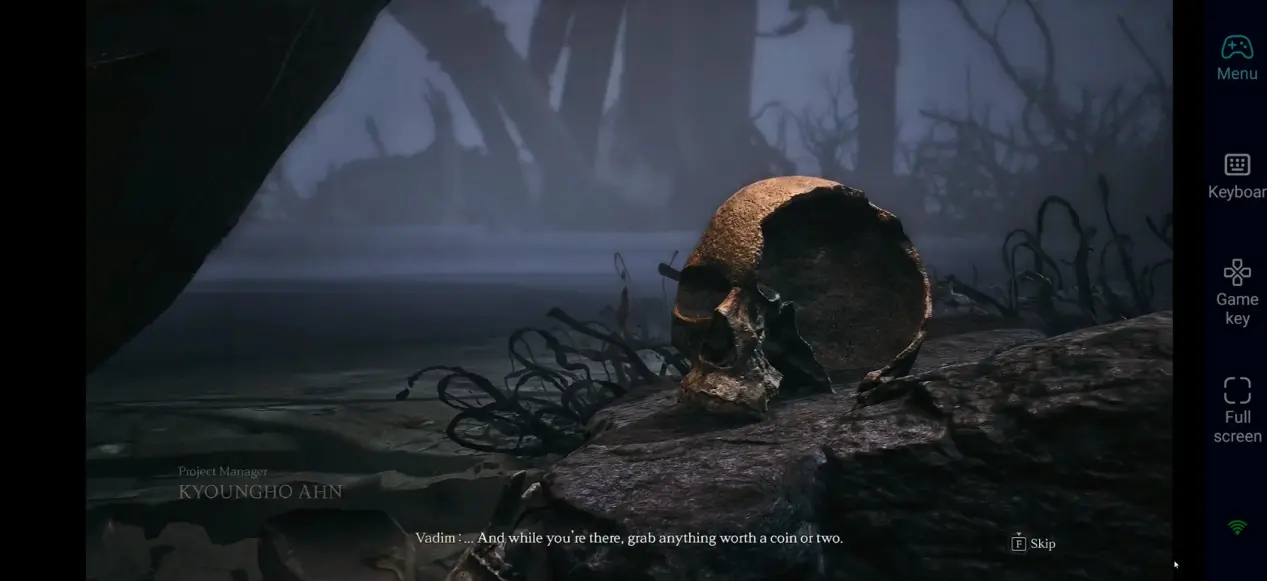
ArcheAge Chronicles mixes fast combat, gathering, building and trading. OSLink allows you to resize and reposition overlay buttons. Combined with the 60 FPS stream mode, remote play stays responsive for different playstyles.
3. Controller support for cleaner raiding and PvP
When you face busy boss mechanics or group combat, a Bluetooth gamepad removes the clutter of on-screen touch buttons and gives you more precise movement and skill control.
Frequently Asked Questions
Q: What is ArcheAge Chronicles' release time?
A: ArcheAge Chronicles' release date is November 4, 2026. It launches in Early Access on Steam, Epic, PS5 and Xbox Series. There is no native mobile version at launch.
Q: What PC specs do I need to run ArcheAge Chronicles?
Listed minimum requirements:
- OS: Windows 10 64-bit
- CPU: Intel Core i5-10400 / AMD Ryzen 5 3600
- RAM: 16GB
- GPU: NVIDIA GeForce RTX 2060 SUPER / AMD Radeon RX 6600 8GB
- Storage: SSD required, 100 GB free space
- DirectX: DirectX 12
Q: Can I play ArcheAge Chronicles directly on Android?
A: There is no official native Android version of ArcheAge Chronicles. Android users can use OSLink to remotely stream the PC build to their mobile device.
Q: Can I play ArcheAge Chronicles directly on iOS?
A: ArcheAge Chronicles does not have an official native iOS release. iPhone and iPad players can stream the PC game via OSLink, using touch overlays or a paired Bluetooth controller.
Conclusion
OSLink lets you stream ArcheAge Chronicles remotely to your phone or tablet while the game runs locally on your PC. Whether you are clearing dailies, running dungeons, farming resources or exploring Auroria, remote play frees you from your desk. Tweak your stream settings, save custom button layouts or connect a controller to get the best experience.
 Download