English
 BLUE REFLECTION Quartet centers on beautiful girl character growth and story exploration. Players need to spend time leveling up characters, gathering materials and unlocking side content, yet the game is only available on PC, making it difficult to continue your progress once you leave your desktop. OSLink solves this location limitation. As long as your PC stays powered on, you can remotely connect via your phone to enter the game and complete daily cultivation tasks. Detailed steps are provided below.
Step 1: Download OSLink and Pair Your Devices
PC Side
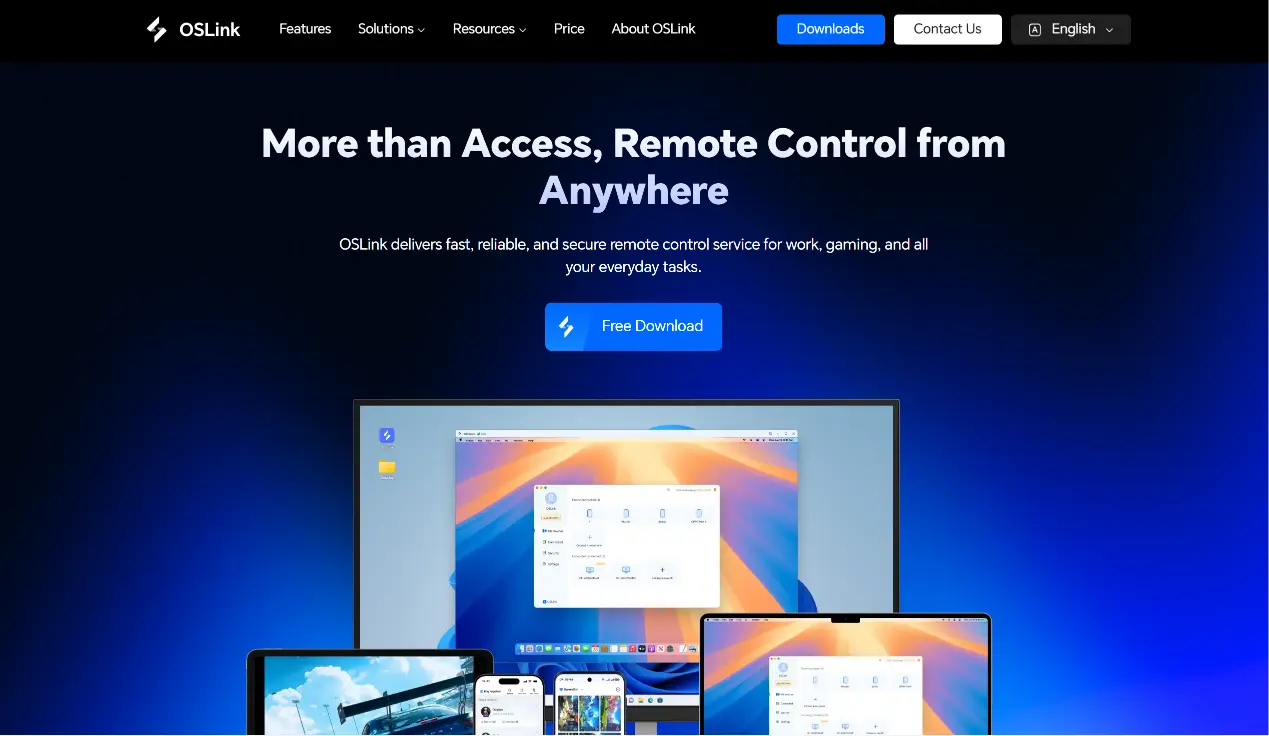
Visit the official OSLink website (https://www.oslink.io) to download and install the PC client, then log into your account. It is recommended to turn off automatic system sleep to avoid unexpected disconnections.
Mobile Side
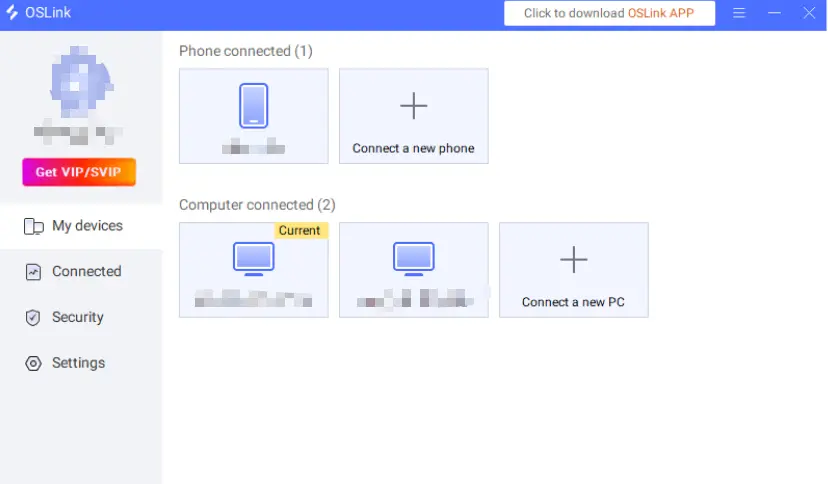
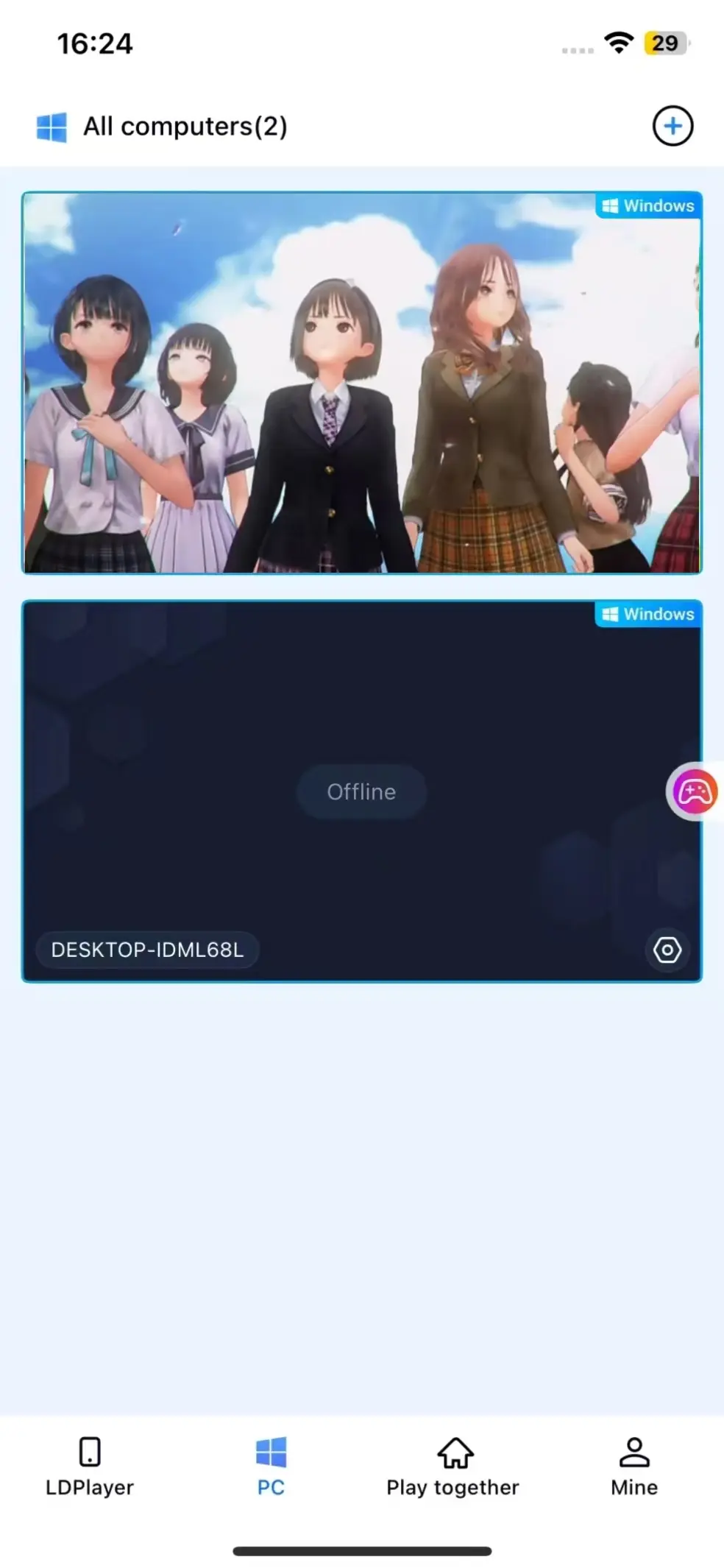
Download the OSLink mobile app from the App Store or Google Play; installation packages are also available on the official website. Log in with the same account used on your PC, and your devices will automatically pair to establish a stable remote connection.
Step 2: Control Optimization Settings
1. Launch the Game
Start BLUE REFLECTION Quartet on your PC in advance. If the game is closed, tap the game shortcut inside the mobile OSLink interface to launch it remotely with one click.
2. Activate 60FPS PC Gaming Mode
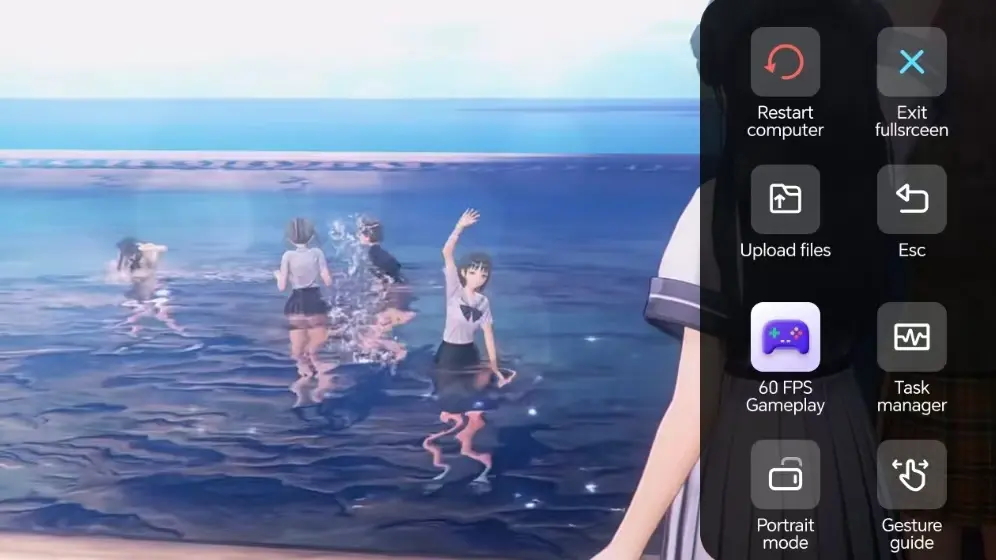
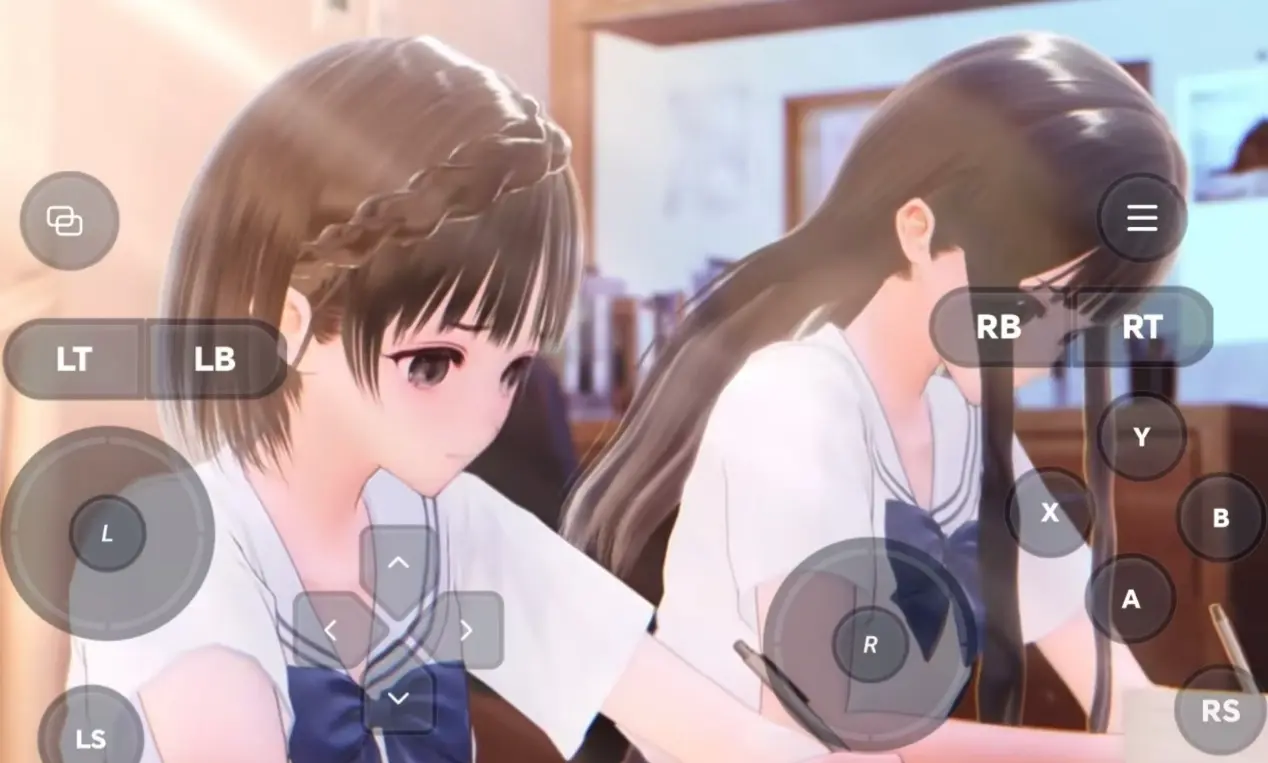
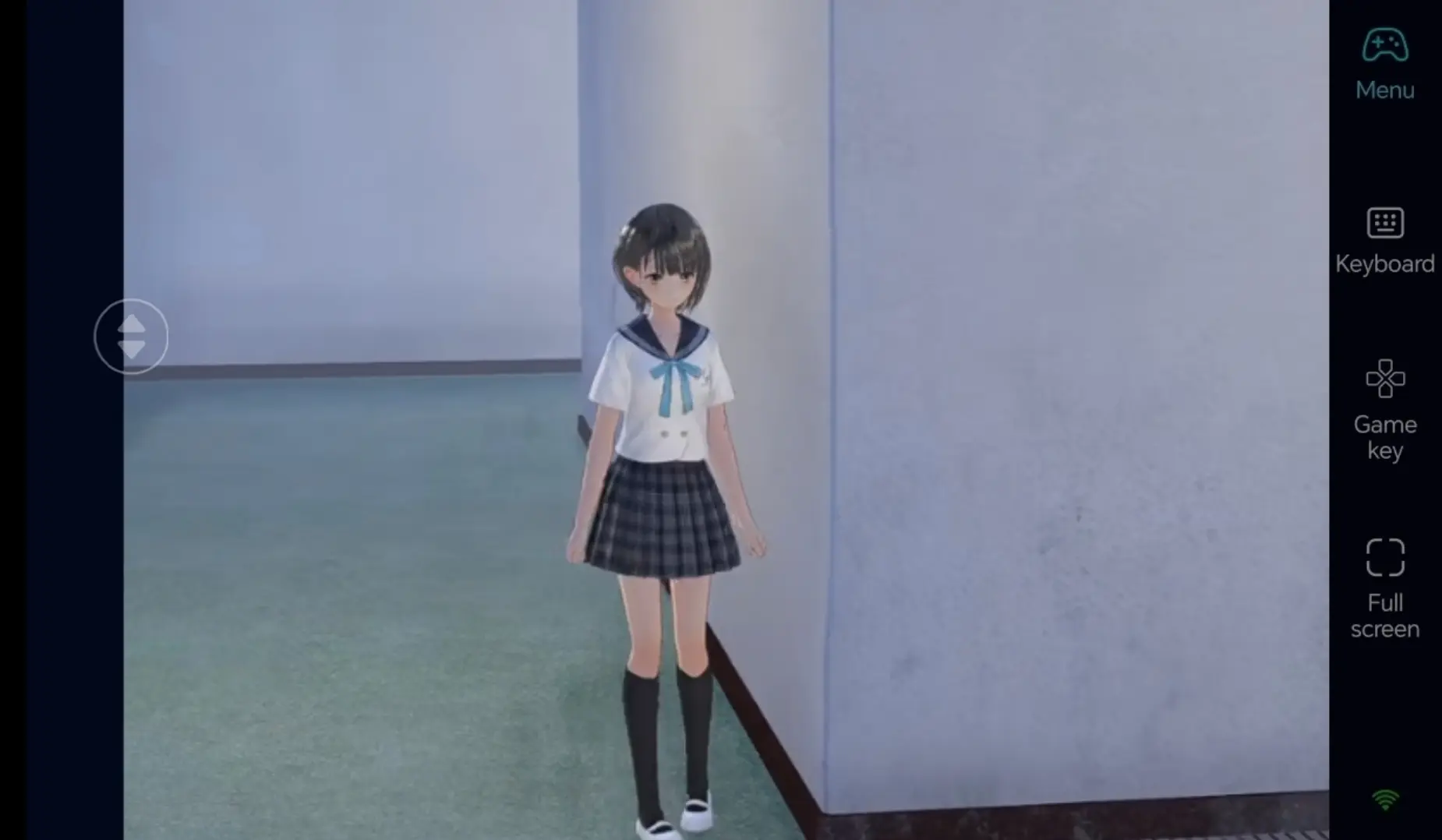
Once your PC screen is streamed successfully, open the sidebar toolbar and turn on "60FPS PC Game Mode". You can either use virtual touch buttons or pair a Bluetooth gamepad for smoother controls.
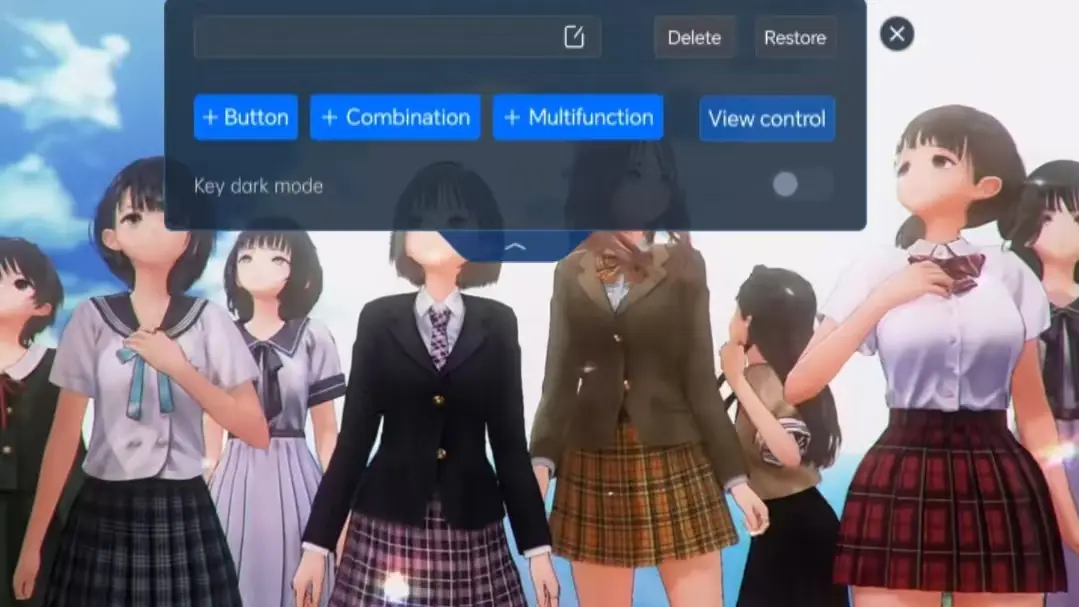
3. Customize Cultivation-Oriented Key Layouts
Adjust the positions of confirm, back, page-turn and interaction buttons based on the game’s menu layout. You can freely resize buttons and tweak transparency. Combined with 3D camera controls, switching scenes and accessing cultivation panels become far more fluid.
4. Connect an External Gamepad
OSLink supports Bluetooth game controllers. Pairing a gamepad delivers nearly identical gameplay feel to playing directly on PC, perfect for long sessions of character management.
Step 3: Continue Character Progress Anytime
Once all settings are configured, your phone or tablet acts as a remote controller. Keep your PC powered on and connect through OSLink at any moment. Use fragmented free time to collect daily materials and level up characters; you can also organize cultivation resources during idle downtime.
Why Choose OSLink for BLUE REFLECTION Quartet?
No Location Restrictions, Manage Character Progress On the Go
Use spare time outside home to log in remotely and finish daily quests. When you return home, seamlessly switch back to your PC to continue the main story. Local network streaming delivers low latency, fully sufficient for daily character raising and dialogue interactions.
60FPS Stable Streaming to Preserve Exquisite Visuals
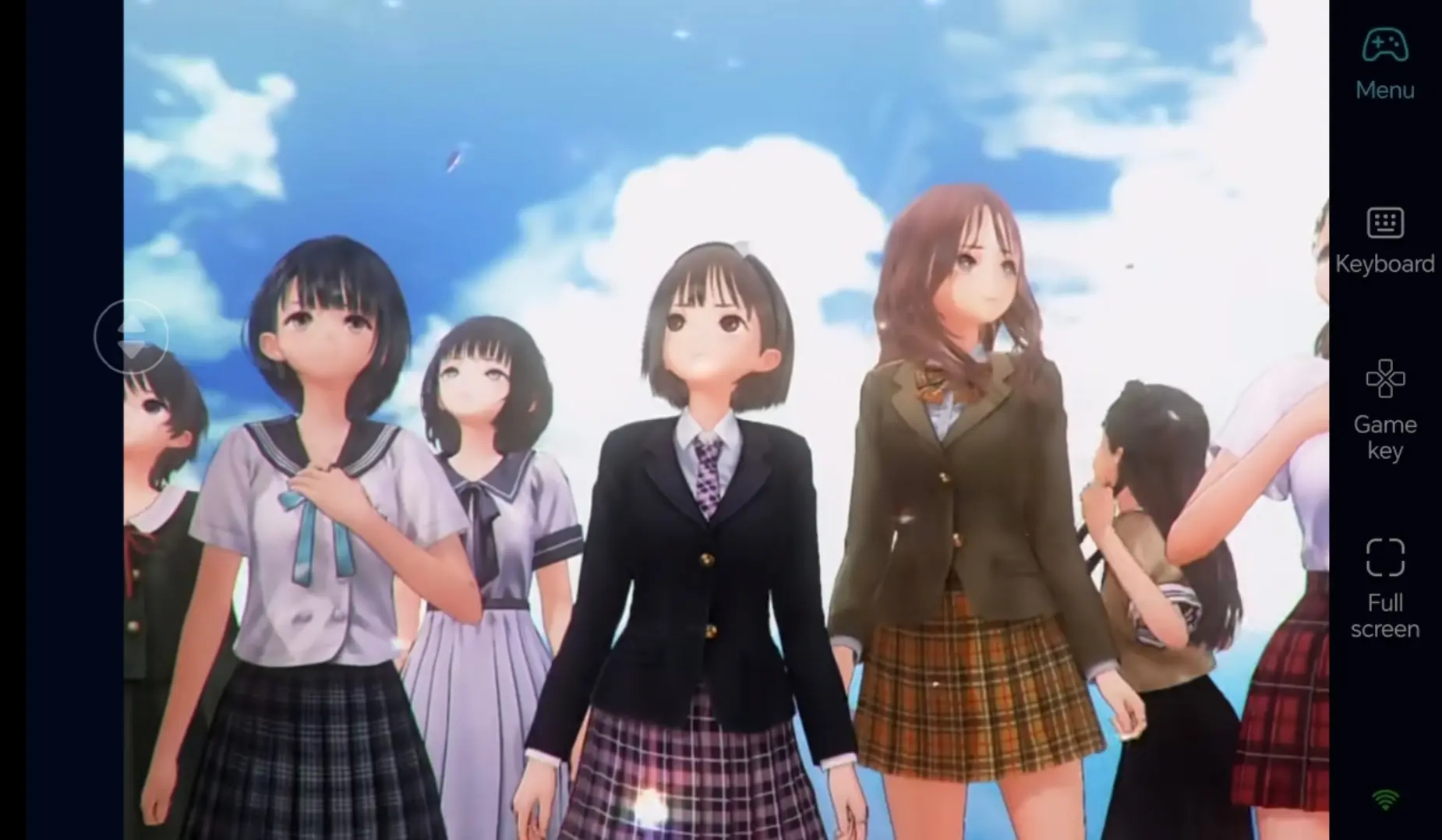
Smooth 60FPS streaming fully restores detailed character illustrations and scenic artwork. Custom virtual buttons enable precise menu navigation and interactions, letting you immerse yourself in the coming-of-age storyline.
Seamless Progress Sync with Local PC Saves
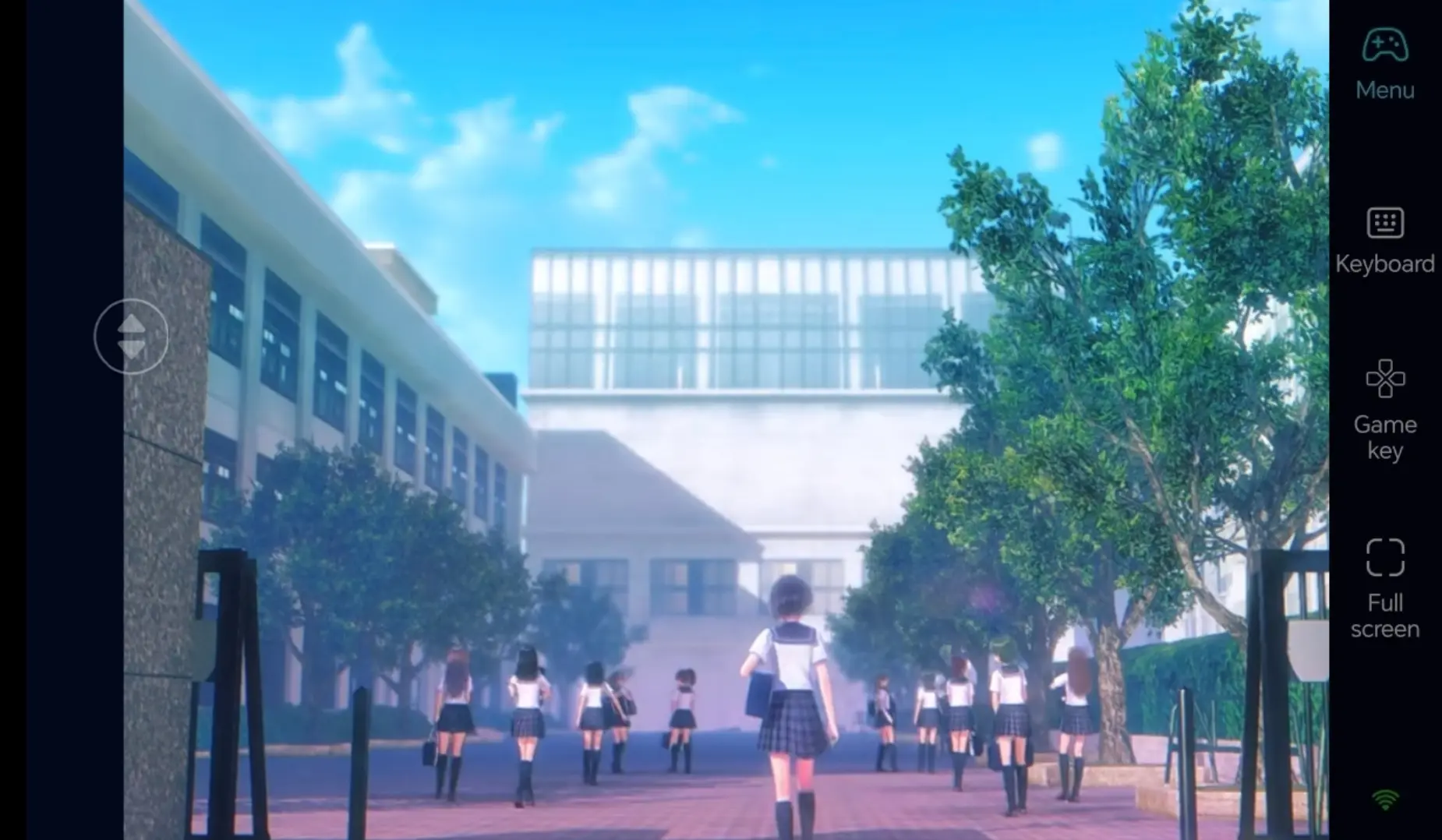
All game save files are stored locally on your computer. Progress from mobile remote play and direct PC gameplay stays 100% synchronized. Whether you are raising new characters or unlocking side plots, you can pick up exactly where you left off whenever you log in.
FAQ
Q: What is the launch date of BLUE REFLECTION Quartet’s PC version?
A: The Steam PC version went live officially on July 30, 2026.
Q: Can I restore my custom virtual key layouts after reinstalling the OSLink app?
A: Key configurations are saved to your account in the cloud. Log back into the same account, and all your preset layouts will be restored.
Q: Can I log into one OSLink account on multiple PCs at the same time?
A: The account supports multi-device login, but you can only establish a control connection to one PC at a time to avoid command conflicts.
Q: Can I play BLUE REFLECTION Quartet on iOS and Android?
A: This game only has a native PC Steam build, no standalone mobile version. You can use OSLink to remotely connect to your home PC from iOS or Android devices to play the game indirectly, instead of running it as a native mobile app.
summary
If you do not want to pause your character cultivation progress while out, OSLink remote streaming is the ideal solution. Keep your PC turned on, remotely access it from your phone, launch BLUE REFLECTION Quartet to handle daily character tasks, and keep advancing the storyline using your spare time.
 Download