English
 Halo: Campaign Evolved focuses on hardcore shooter campaign combat. Players frequently practice gunplay, complete story missions and master weapon handling, but only a PC client exists, cutting off all training progress without your desktop. OSLink removes geographic barriers: as long as your PC remains powered on, you can remotely connect via your phone to replay campaign missions and refine your shooting skills. Below are the detailed steps.
Step 1: Download OSLink and Pair Your Devices
1. PC Side
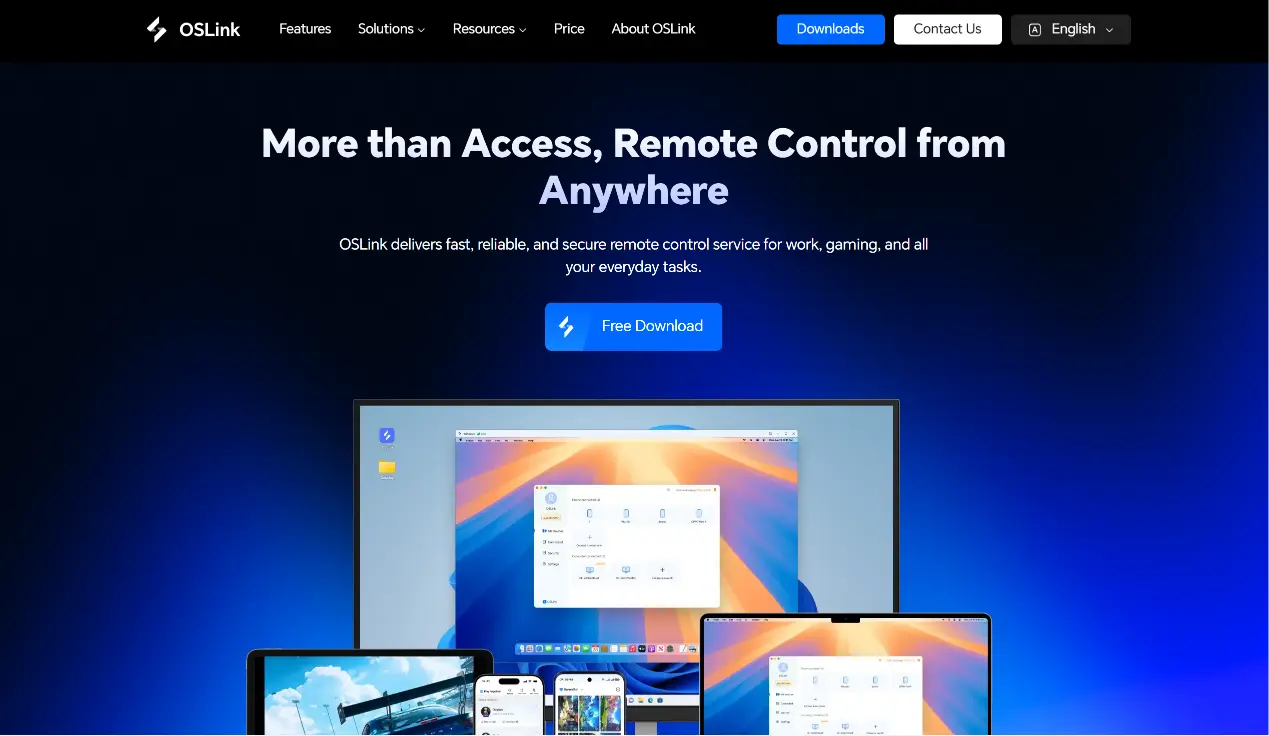
Visit the official OSLink website (https://www.oslink.io) to download and install the PC client, then log into your account. Disable automatic system sleep to prevent sudden remote connection drops.
2. Mobile Side
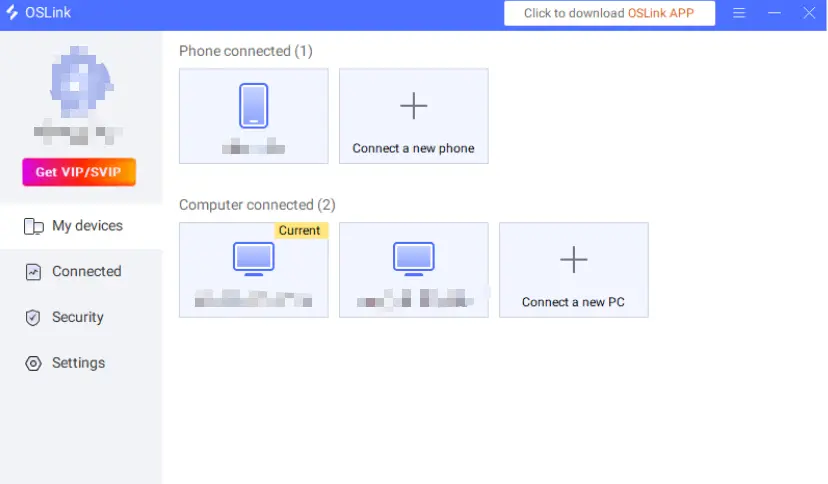
Install OSLink from the App Store or Google Play; installation files can also be acquired from the official website. Log in with the same account as your PC, and automatic device pairing will create a steady remote link.
Step 2: Control Optimization Settings
1. Launch the Game
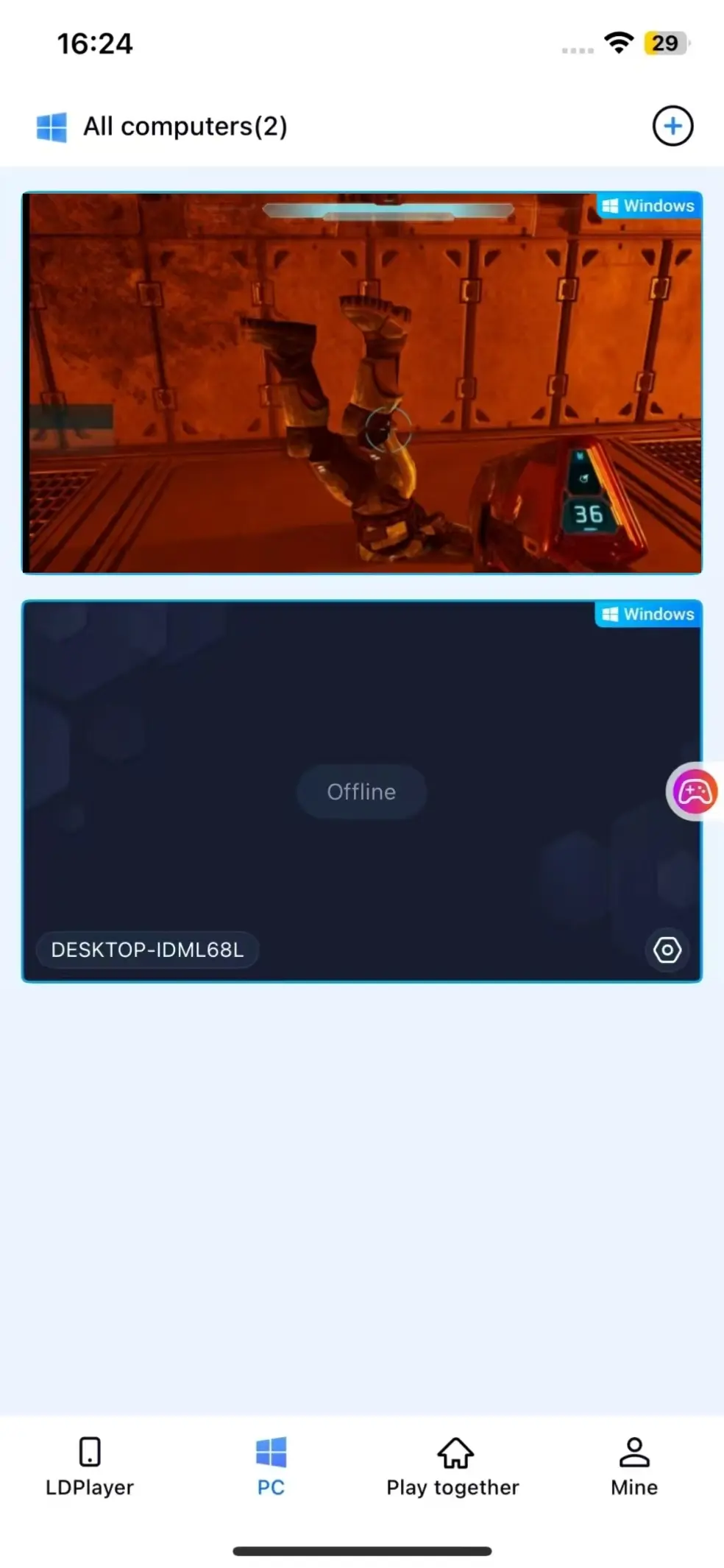
You can boot up Halo: Campaign Evolved on your PC ahead of time. If the game isn't running, tap the game shortcut within mobile OSLink to launch it remotely with one tap.
2. Activate 60FPS PC Gaming Mode
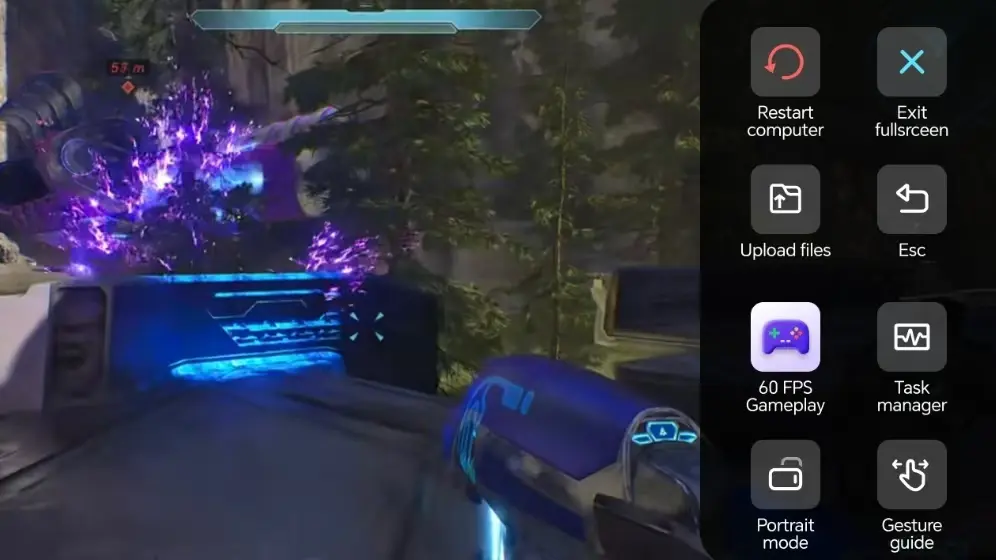
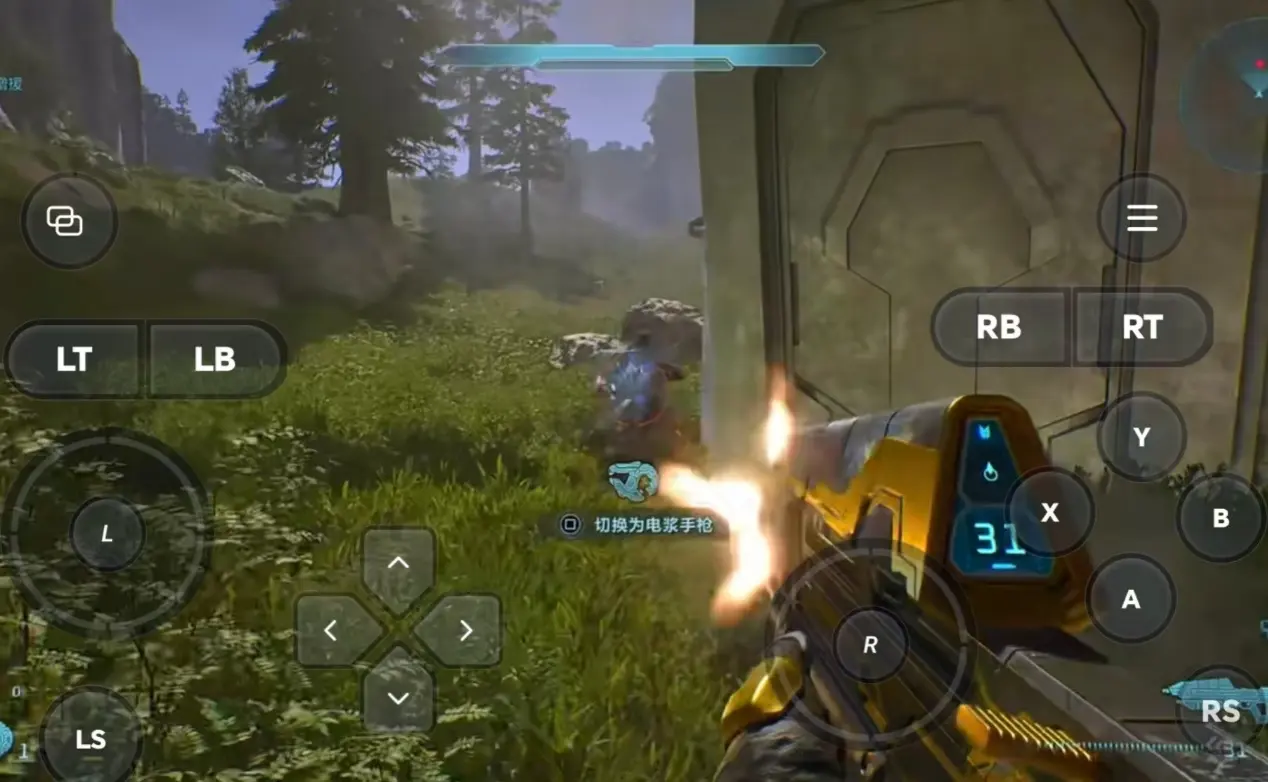
After the remote connection is established, open the right-hand toolbar and enable "60FPS PC Game Mode". You can operate via virtual touch buttons or connect a Bluetooth gamepad to replicate authentic shooting controls.
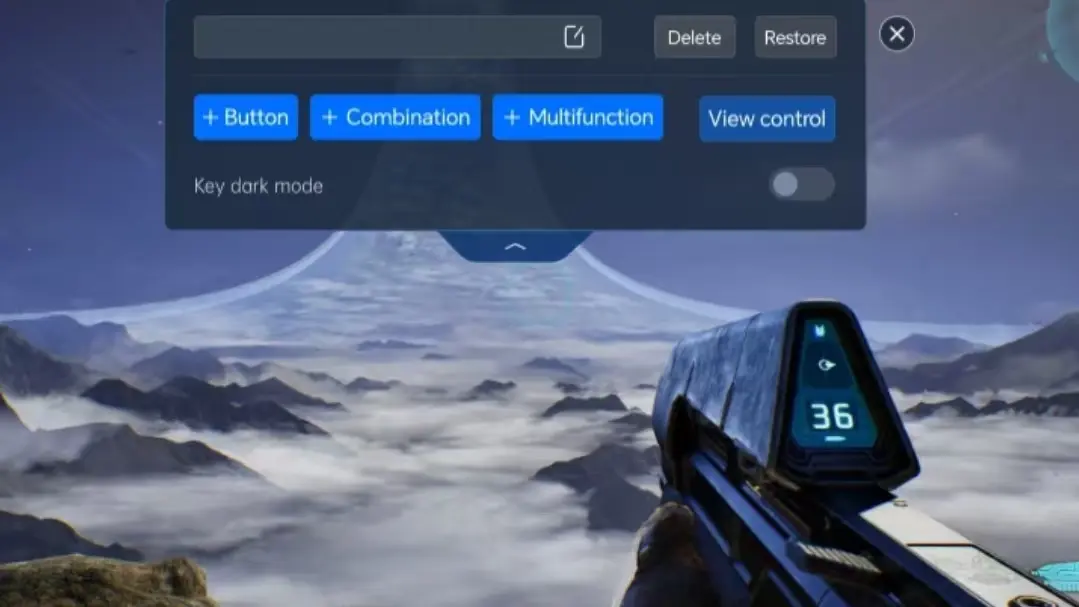
3. Customize Shooting-Focused Key Layouts
Adjust controls for movement, firing, aiming, reloading and grenade throwing to match your personal shooting habits. Resize buttons and adjust transparency freely, and use camera lock functionality for smoother aiming and tracking enemies.
4. Connect an External Gamepad
OSLink is compatible with Bluetooth game controllers. A paired gamepad mirrors PC control logic closely, drastically lowering the learning curve for remote shooting and delivering better comfort during long practice sessions.
Step 3: Launch Campaign Missions Anytime to Hone Shooting Skills
After finishing all parameter adjustments, any phone or tablet can serve as your remote control. Keep your PC powered on and connect via OSLink whenever you want. Use short free intervals to tackle campaign stages and practice recoil control, or finish unfinished story chapters during idle moments.
Why Choose OSLink for Halo: Campaign Evolved?
No Location Barriers–Practice Shooting & Complete Missions Anywhere
Use free time outside home to run campaign levels and practice aiming. Back at home, switch straight to your PC to continue the story. Local network streaming offers minimal latency, meeting the responsiveness demands of competitive shooting gameplay.
60FPS High-Definition Streaming to Restore Cinematic Campaign Visuals
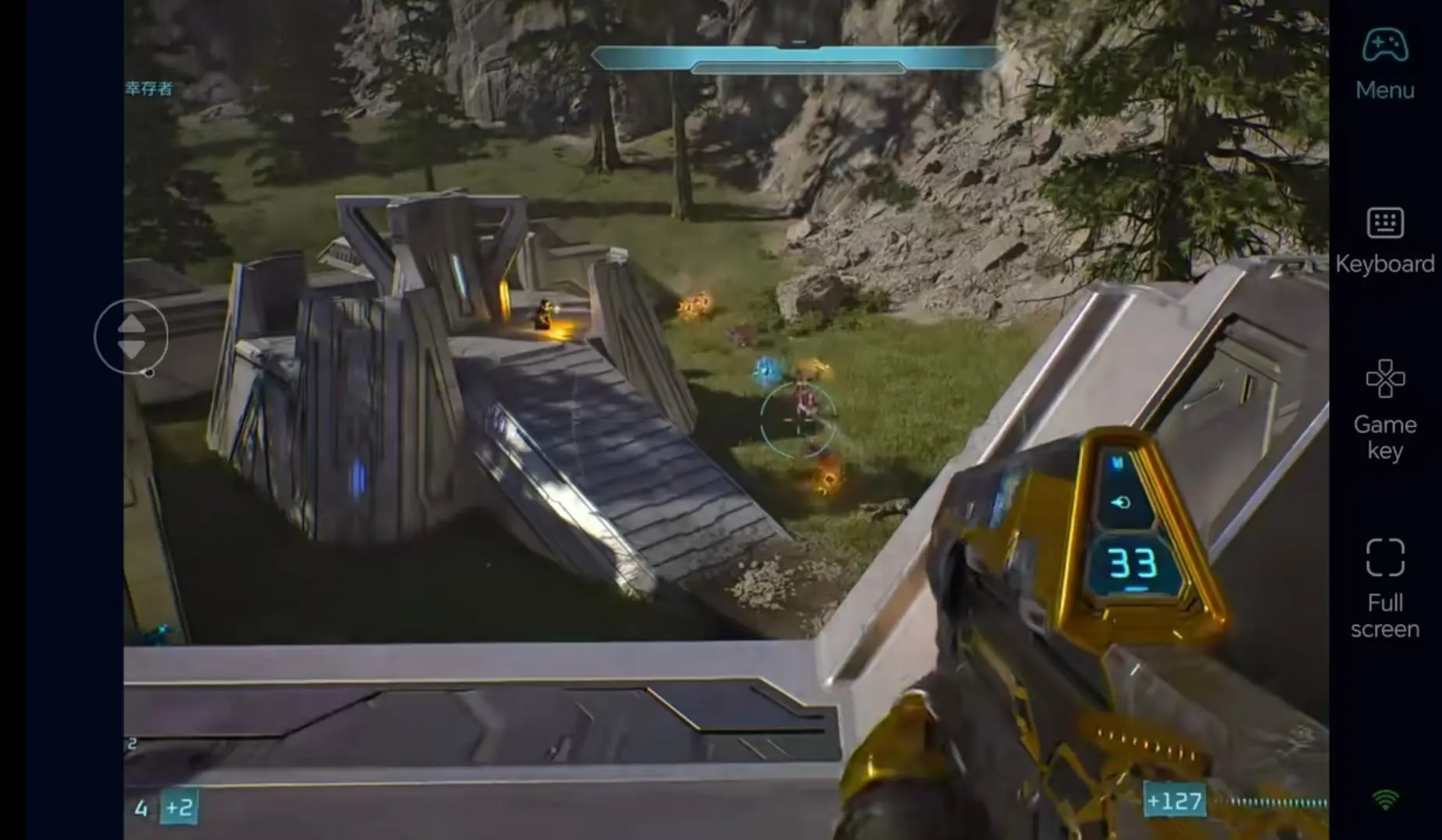
Consistent 60FPS output clearly renders battlefield environments and weapon visual effects. Custom key layouts deliver precise aiming and firing, fully immersing you in interstellar combat sequences.

Real-Time Progress Sync with Local PC Save Data
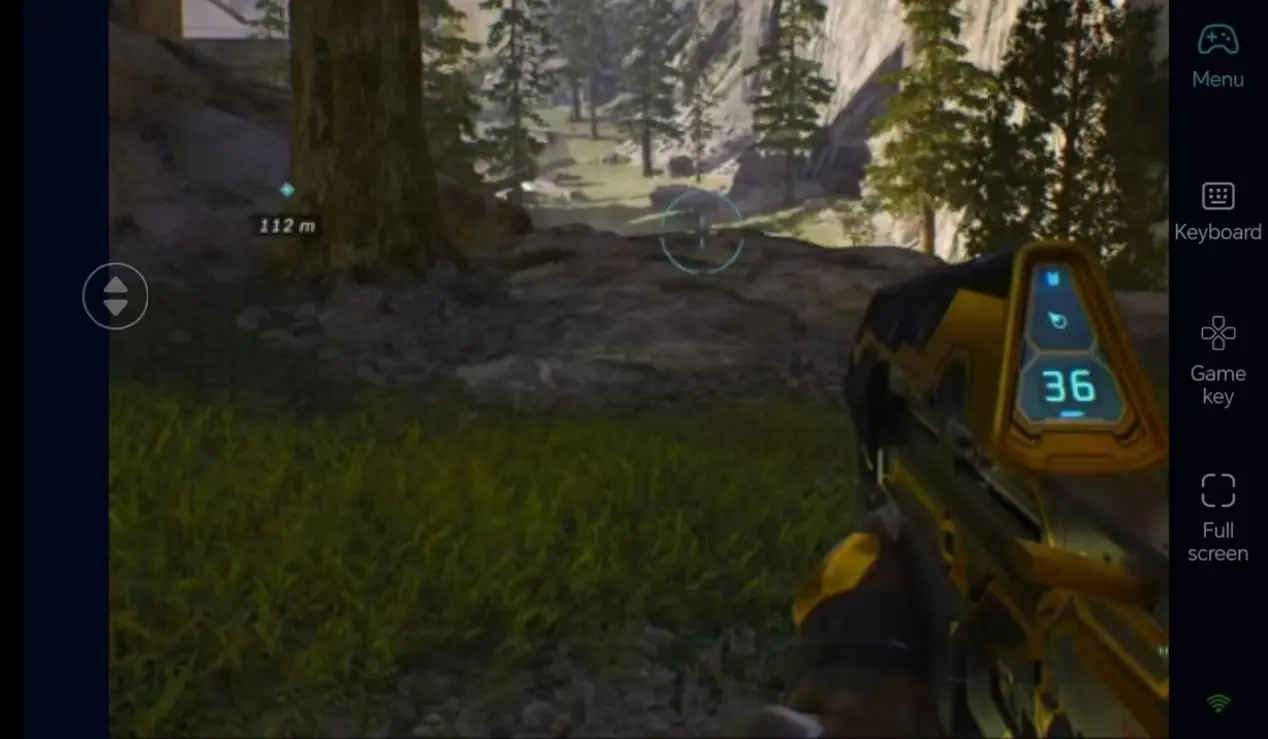
Game saves are stored locally on your computer. All gameplay data stays synchronized whether you play remotely on mobile or directly on PC. You can resume high-difficulty missions or weapon training at any time without lost progress.
FAQ
Q: When did the PC version of this game officially launch?
A: The PC edition launched officially on July 28, 2026. Premium edition owners got early access starting July 23.
Q :Will using OSLink trigger Xbox’s anti-cheat system?
A: No. OSLink only streams screen footage and transmits operation commands. It never modifies game files, so it will not trigger anti-cheat detection.
Q: Will the game shut down automatically on PC if I disconnect on my phone?
A: It won’t. Disconnecting only stops screen transmission on mobile, and the game will keep running in the background on your PC.
Q: Can I play this game on iOS and Android?
A: There is no native mobile build for iOS or Android. However, you can use OSLink to remotely connect to your PC and play the game on both iOS and Android devices.
summary
If you hate interrupting your campaign practice while away from home, OSLink remote streaming is the perfect pick. Keep your PC powered on, remotely connect from your phone, launch Halo: Campaign Evolved to practice shooting and clear missions, and steadily improve your marksmanship using fragmented spare time.
 Download